
One licence per installation, paid once for its term.
Broka Commercial is a term licence: you pay once for the term, and nothing renews on its own. One licence covers one installation and every commercial platform and feature. Community stays free.
The price is per installation — not per user, per broker or per message. Support is the same in both editions. Tax, where it applies, is added at checkout.
Loading the price list…
Thirty days to change your mind, no questions asked — except once an offline key has been issued, because an offline key cannot be taken back. The refund policy has the details.
Orchesta Labs is the brand of Ayhan Yavuz - Orchesta Technology, Istanbul, which publishes Broka and is the party to its licence agreement.
What Commercial adds
Platforms
- Redis, RabbitMQ, Apache Artemis and MemcachedRedisRabbitMQApache ArtemisMemcachedIn Community: Kafka
Kafka in depth
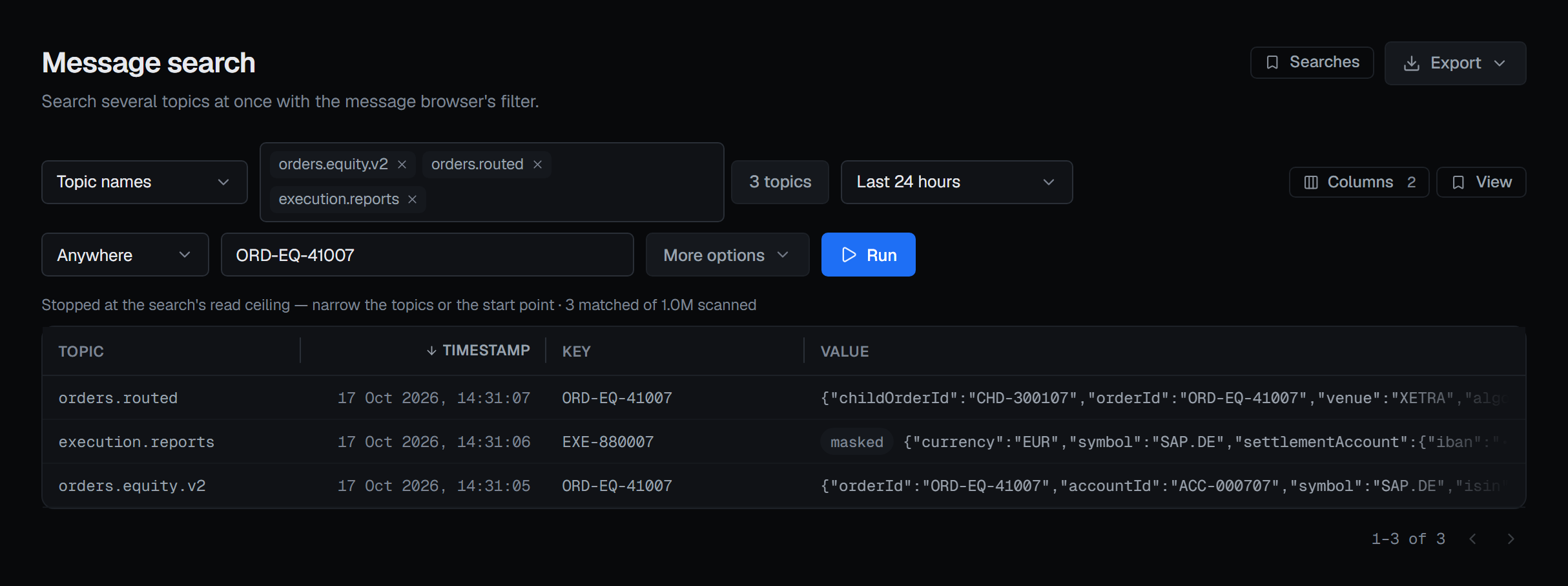
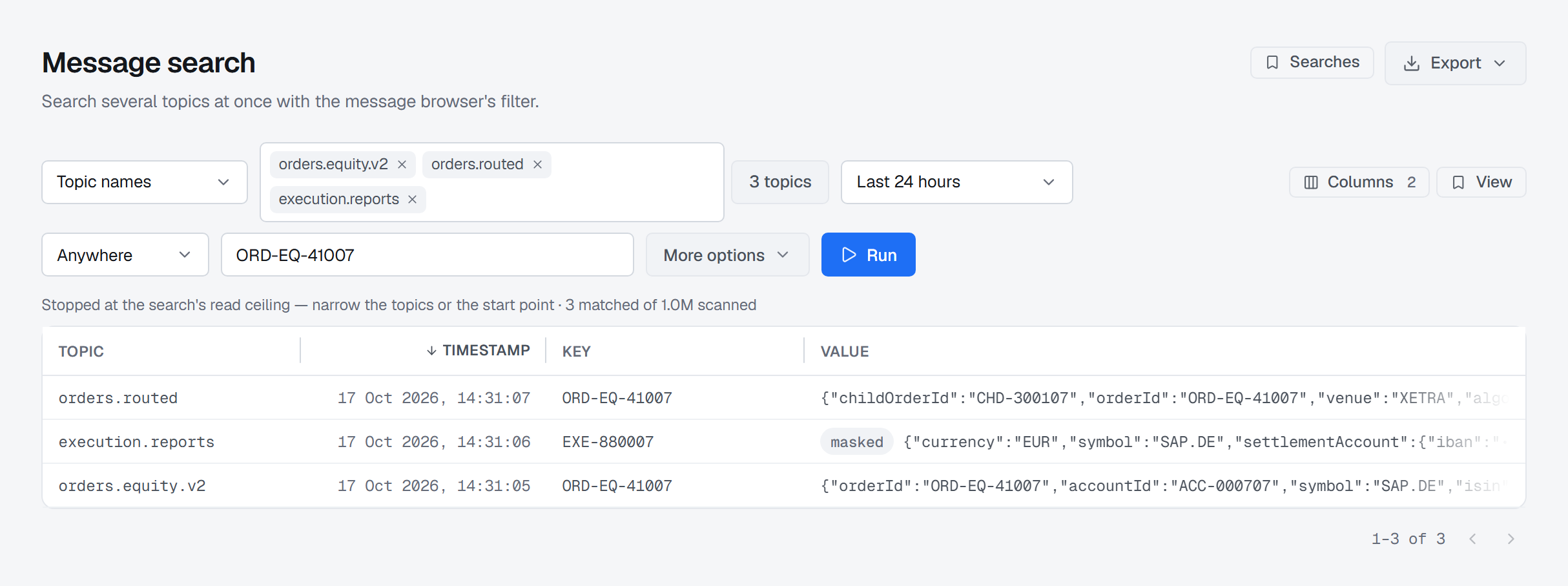
- Message SearchSeveral Kafka topics searched at once, with export and saved searchesIn Community: Browsing and filtering one topic
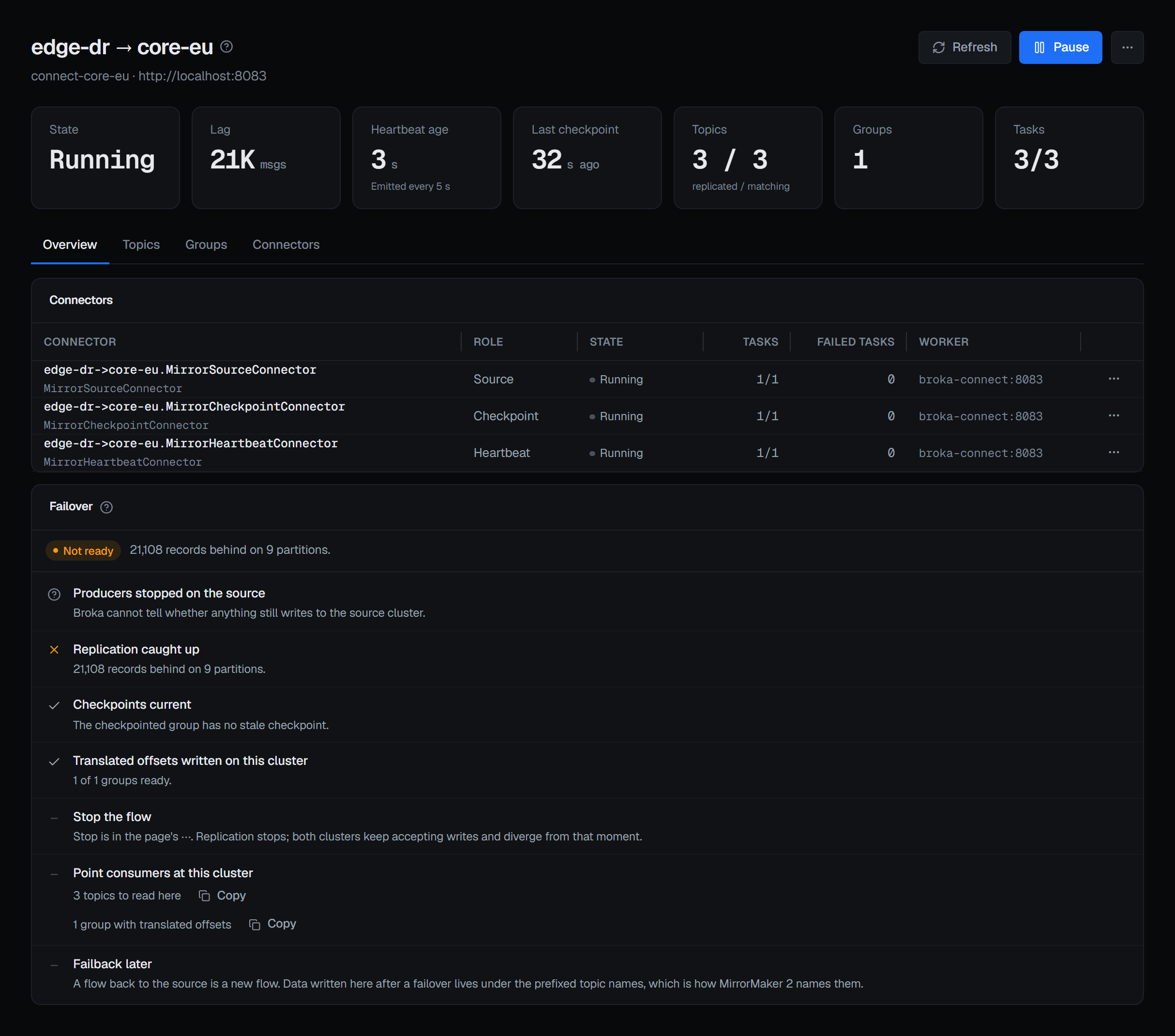
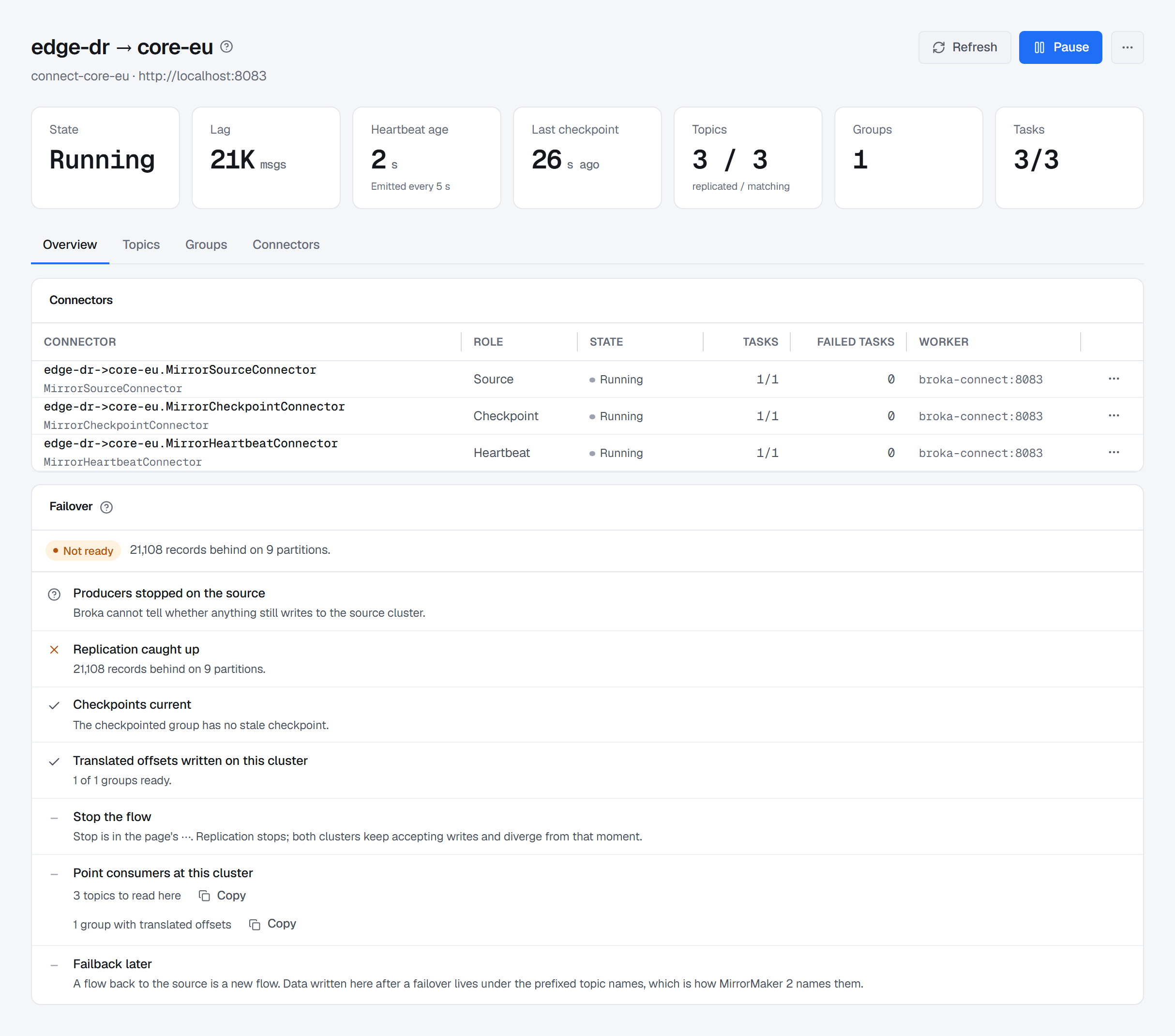
- MirrorMaker 2 replication flowsEach flow between two Kafka clusters seen and operated as one, with its lag and whether its consumer groups are ready to fail overIn Community: MirrorMaker’s own topics, recognised and readable
Access and security
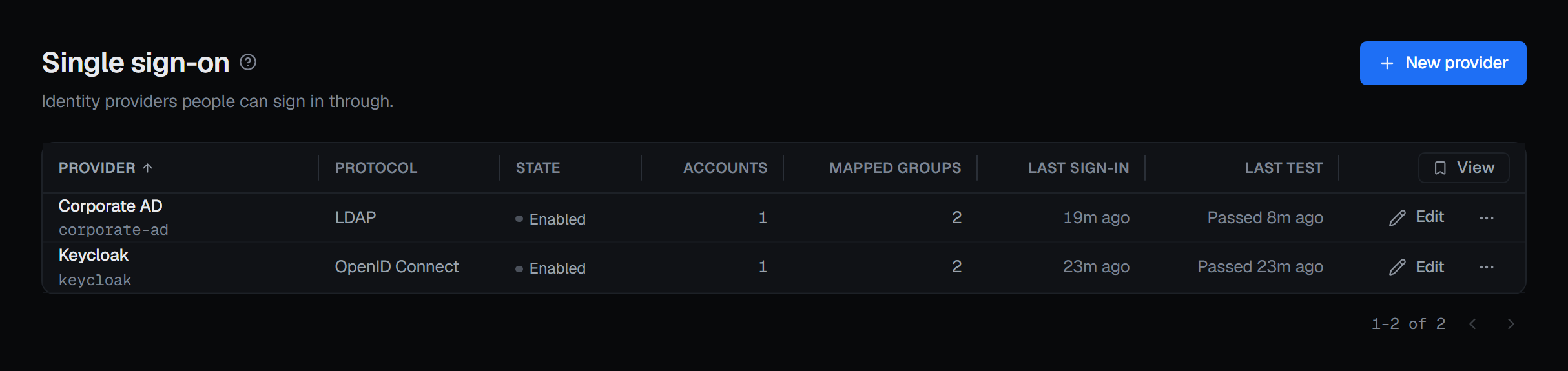
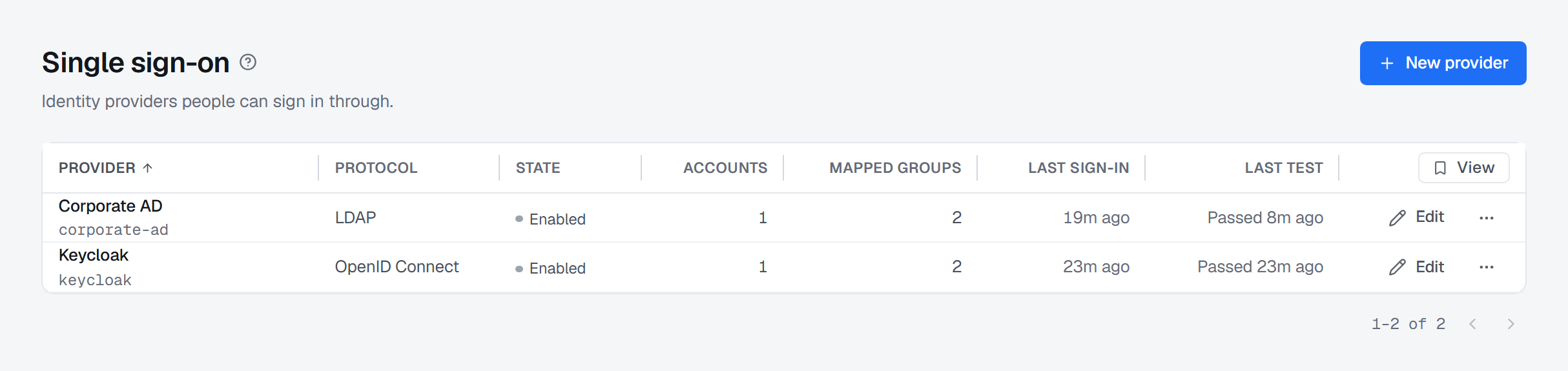
- Single sign-onThrough your identity provider, over OpenID Connect with a client secret or a private key, or over LDAP, with its groups mapped to teamsIn Community: Signing in with a password
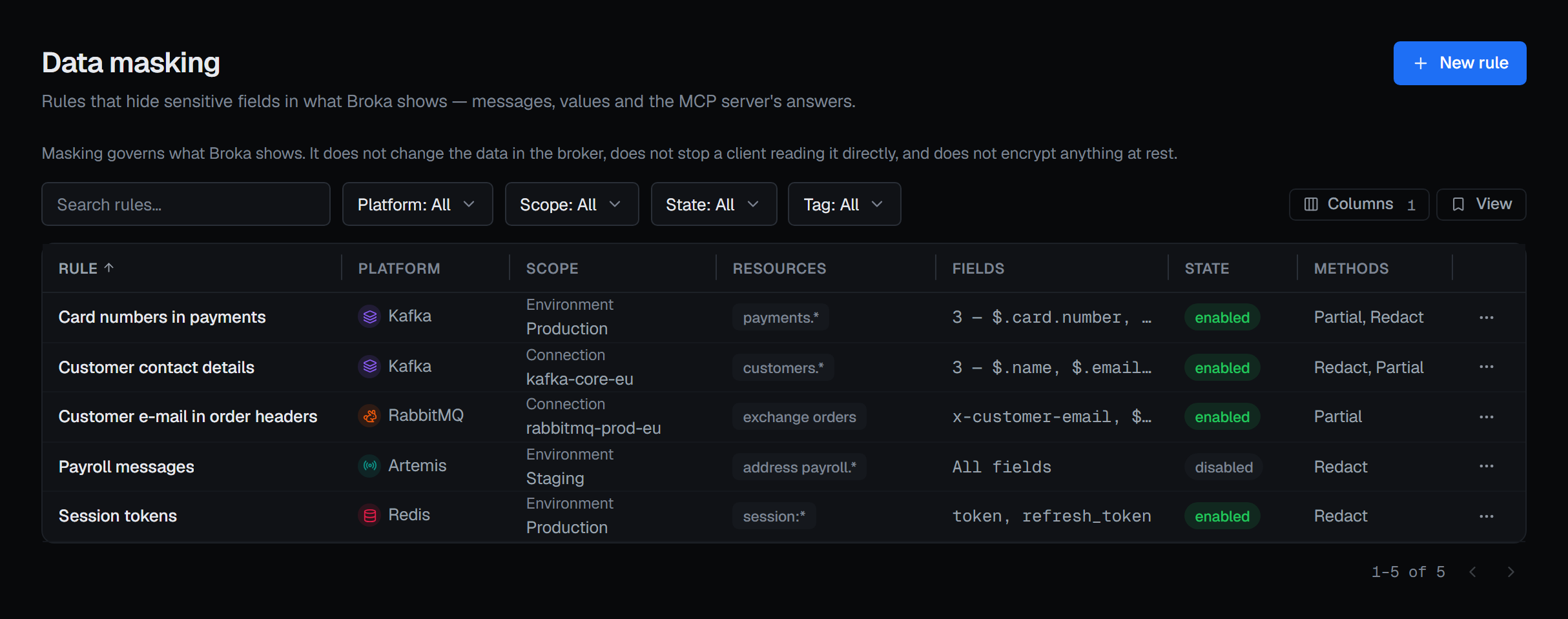
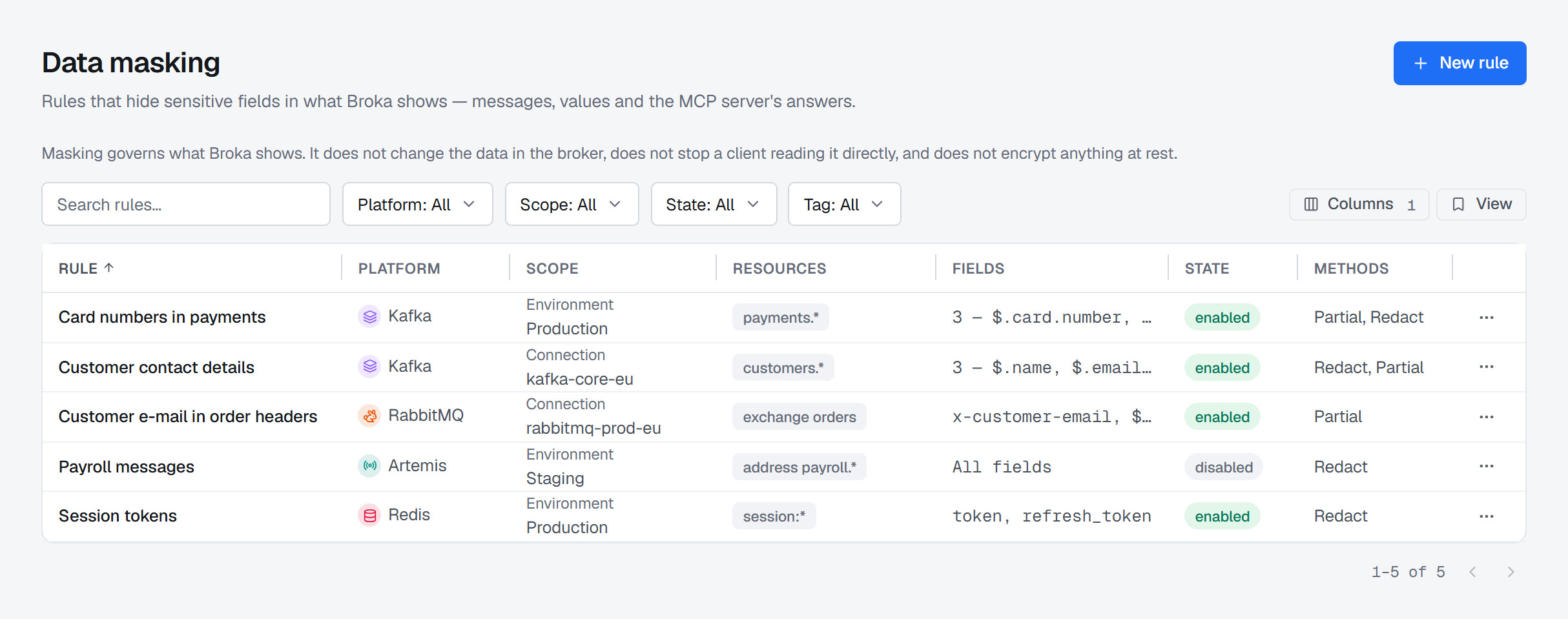
- Data maskingFields of messages and values hidden by rule, shown unmasked only to those allowedIn Community: Who may read contents at all
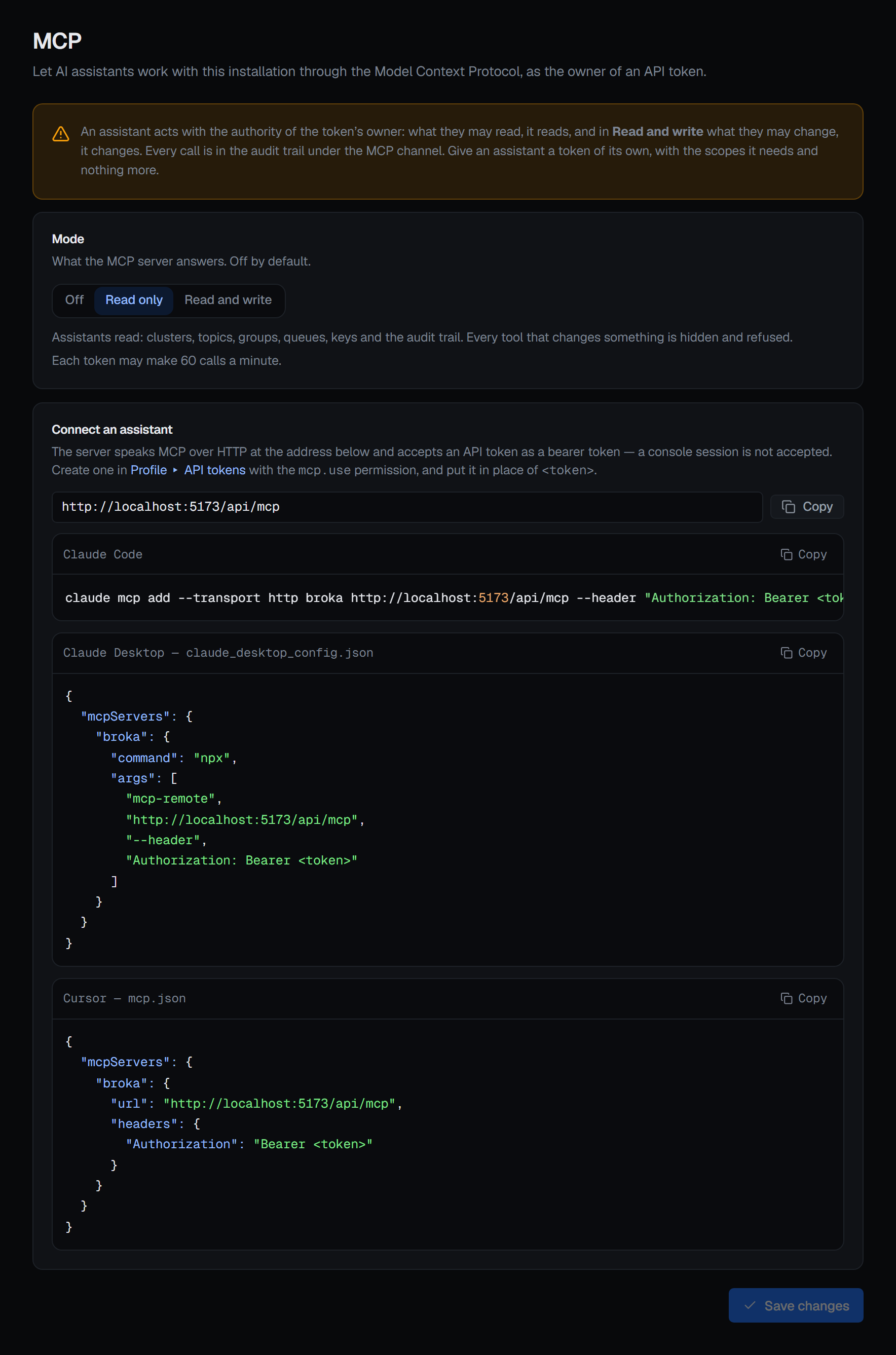
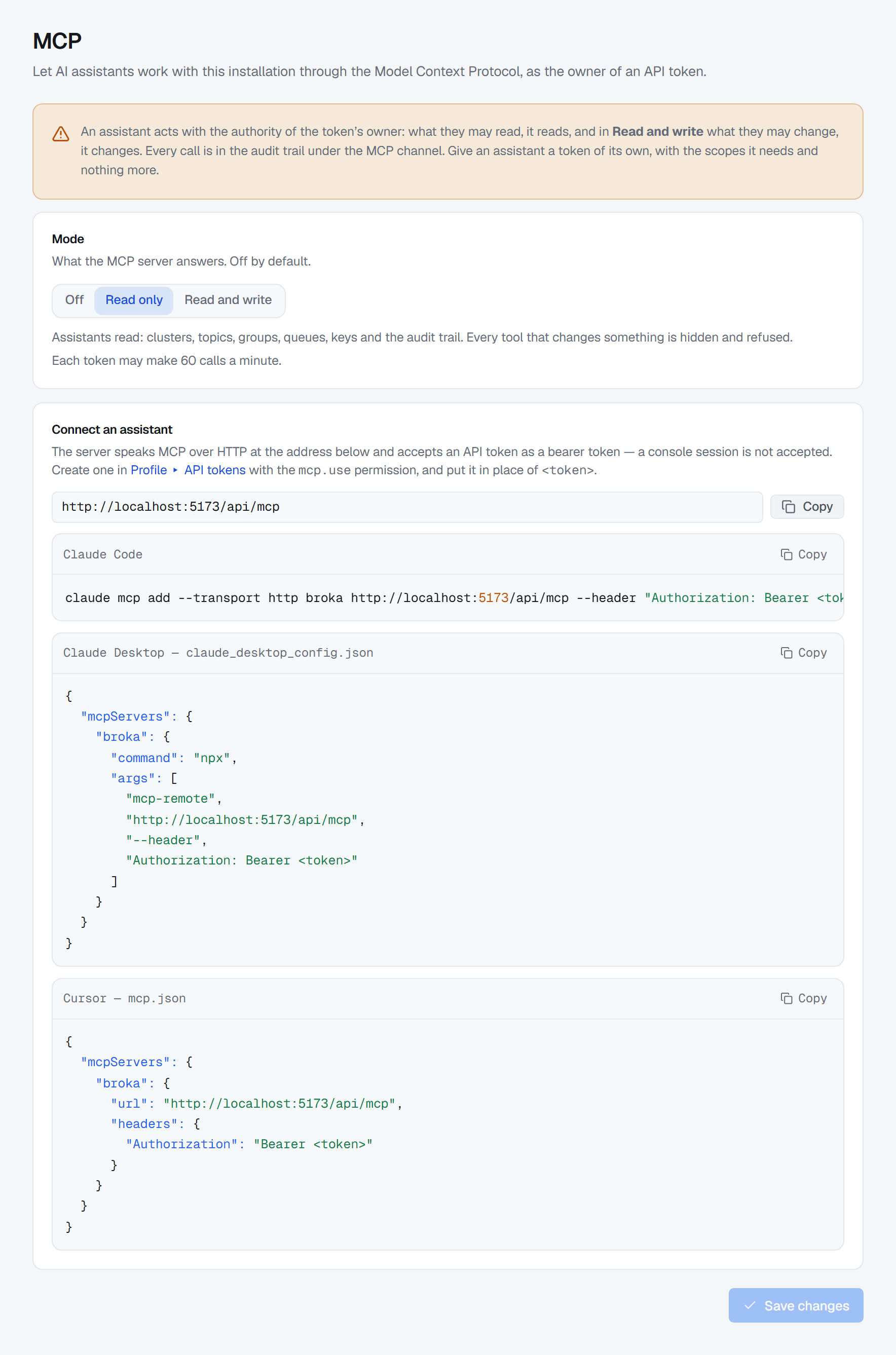
- An MCP serverAI assistants read and operate the estate under the same permissions, guardrails and audit trailIn Community: API tokens
Governance and audit
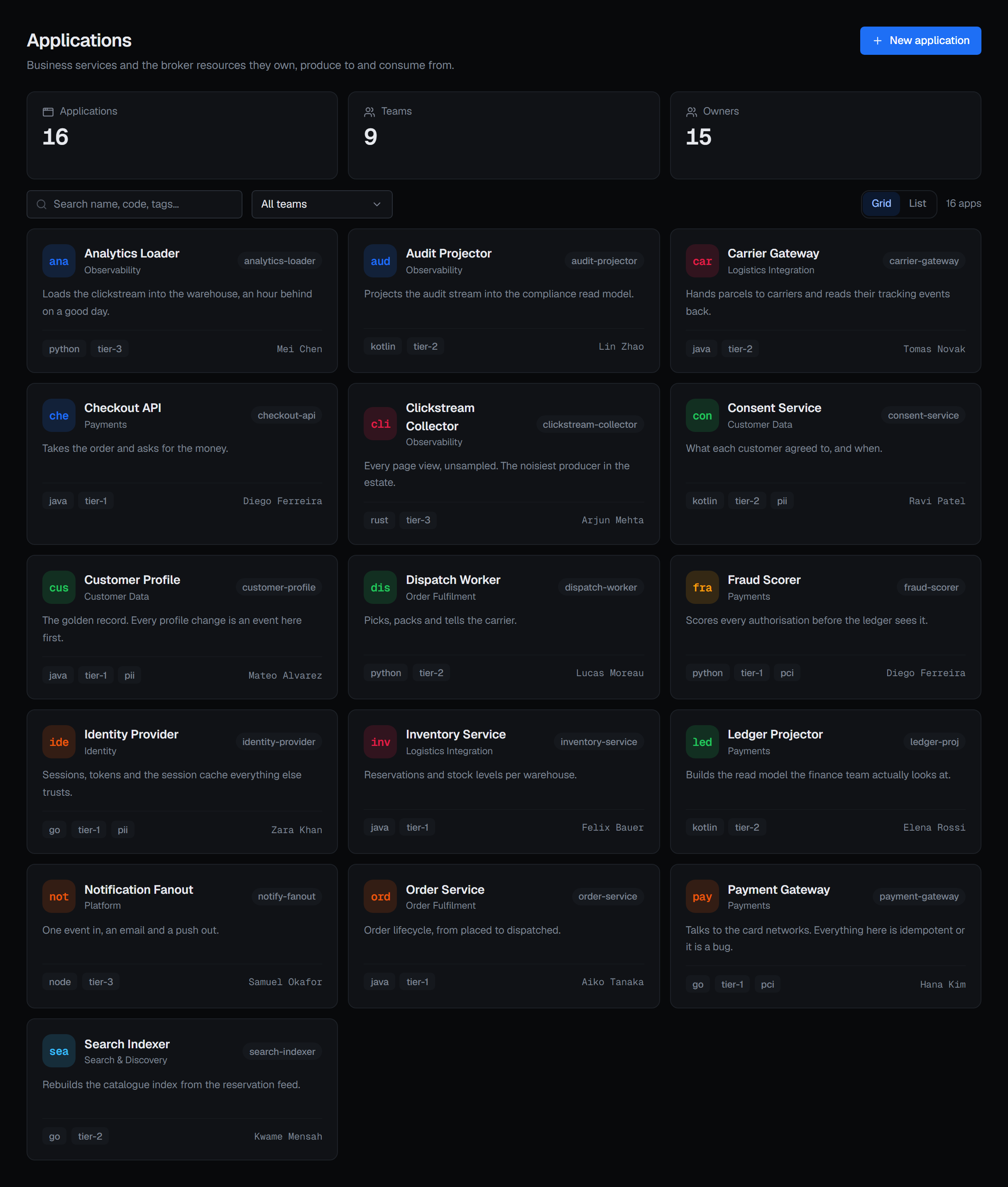
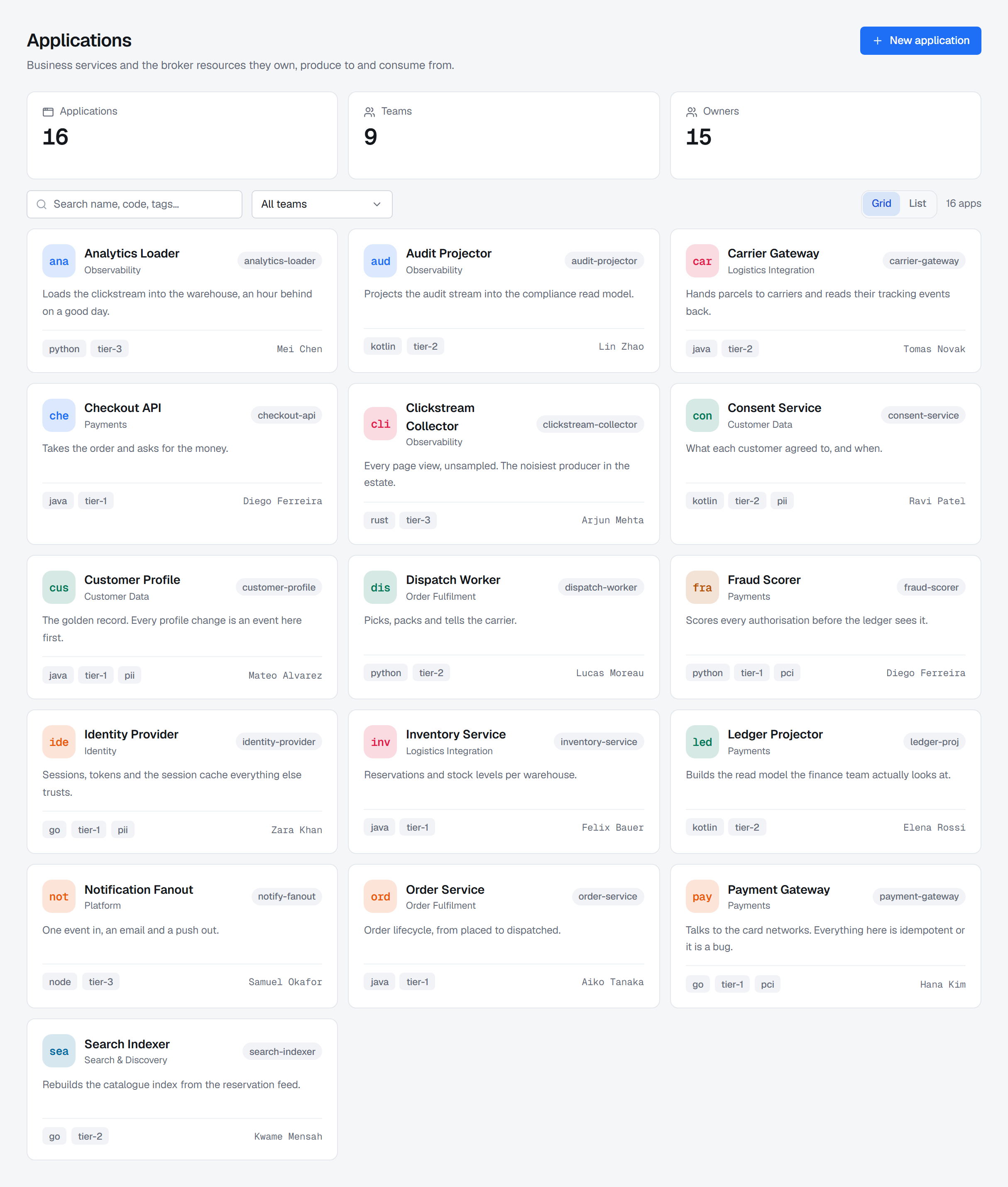
- ApplicationsThe catalogue of your services, their owners and the resources they use across clusters
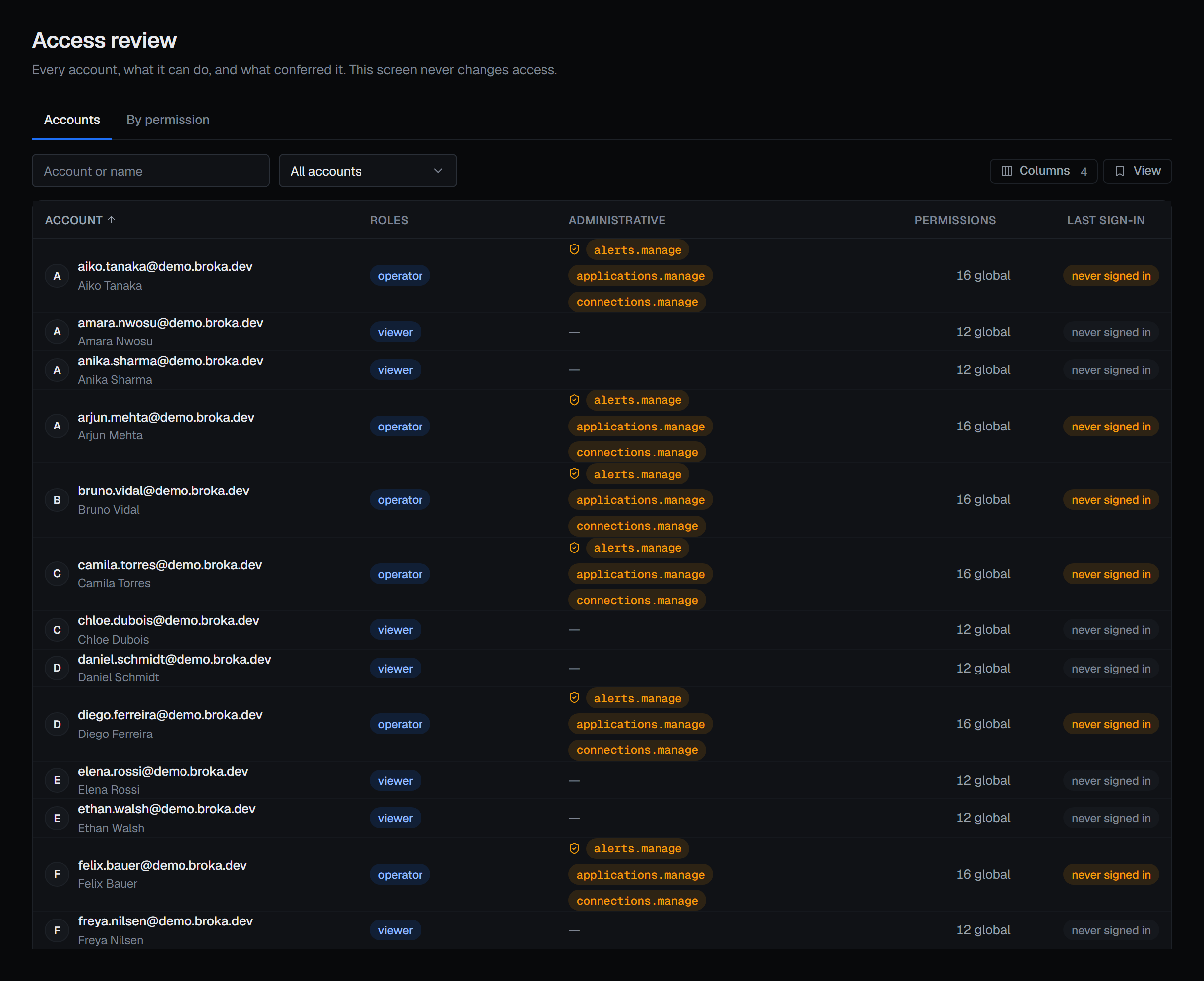
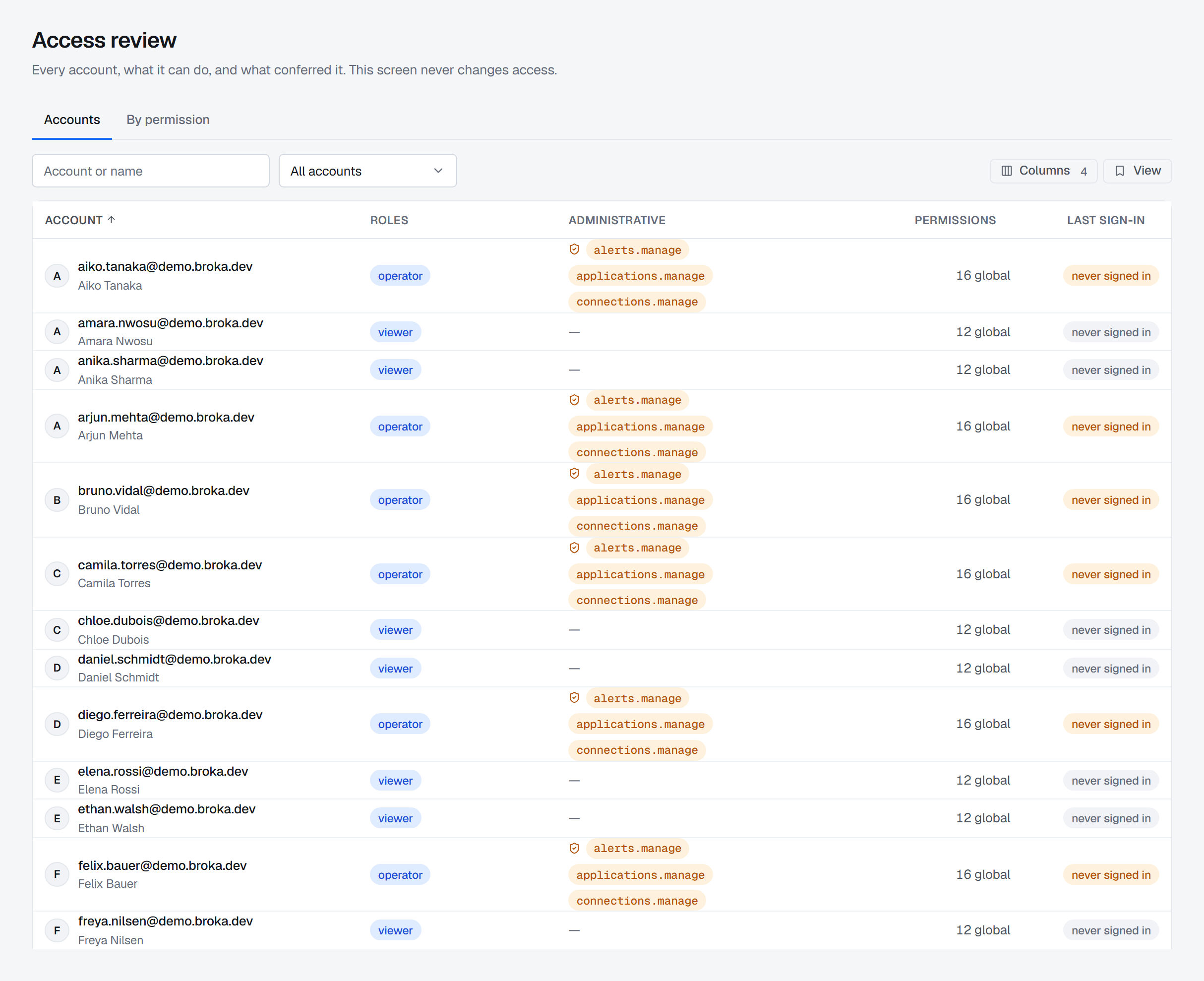
- Access ReviewWho holds which permission, where, and what conferred itIn Community: Roles and permissions
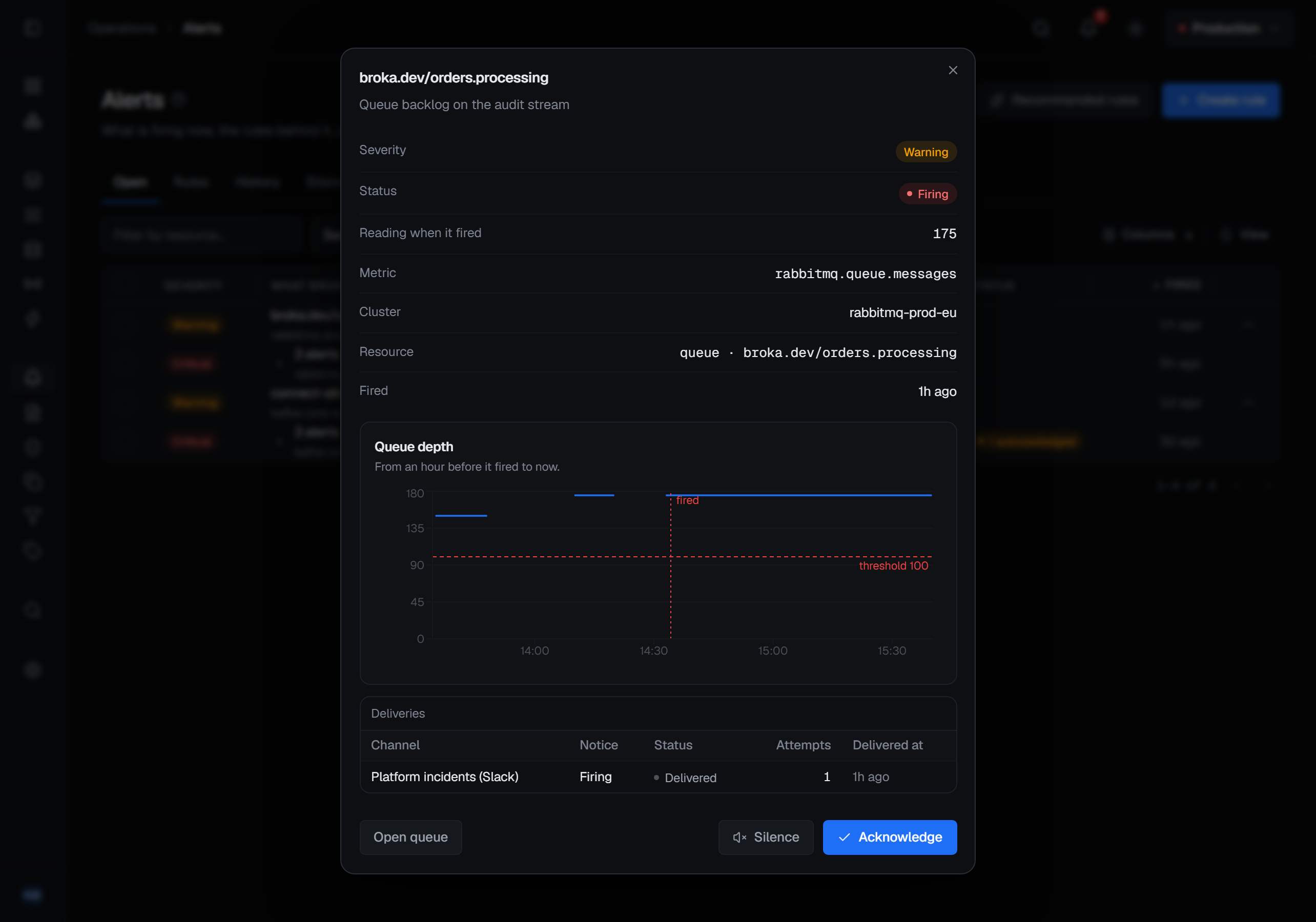
- Read recording in the audit trailIn Community: The trail of every write and every refusal
- Forwarding the audit trail to Kafka or RabbitMQIn Community: The trail itself, and forwarding it to a file or an HTTP endpoint
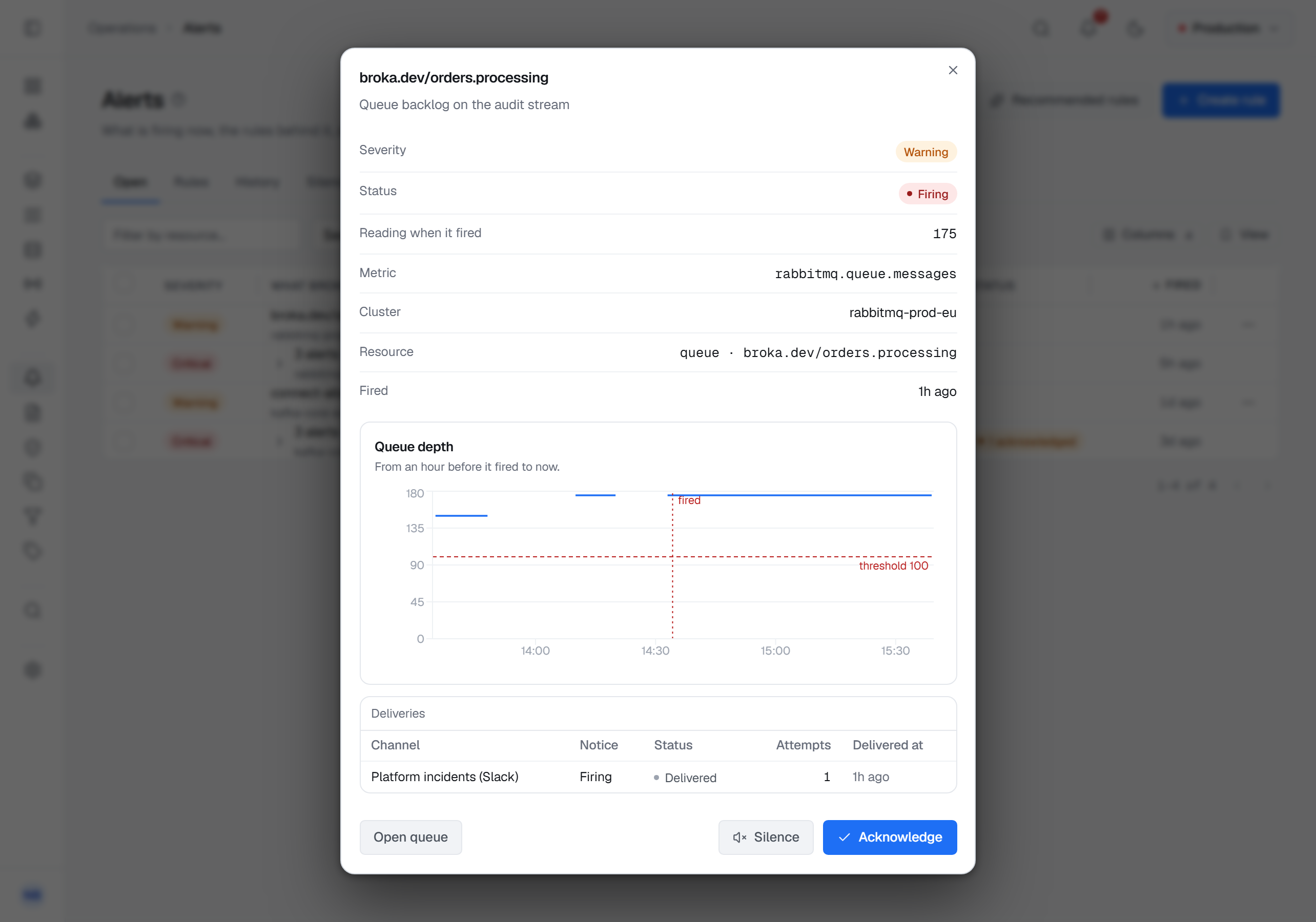
- Slack, Microsoft Teams and webhook alert channelsIn Community: Alert rules and e-mail delivery
Licence and delivery
- A licence bound to an installationOnline, or fully offline for an air-gapped network
- The container registryFor the commercial images
After you buy
- 01
Pay at the checkout
Paid once for the term; tax, where it applies, is added at checkout.
- 02
Read the e-mail
It carries your activation codes, the registry credential and the link to set your customer-portal password.
- 03
Install from the portal
The customer portal has the install guides for Docker Compose, the Helm chart and the Linux package. Images are linux/amd64 and linux/arm64; the Linux package is x86-64.
- 04
Activate the licence
In the console, online with an activation code, or offline for an air-gapped network.
Releases during the term, and when it ends
Every Commercial release published during your term can be pulled with the subscription’s registry credential, at no extra cost. The credential closes only when the subscription lapses.
- 01 · 30 days beforeThe product warns that the term is ending.
- 02 · 14 days of graceAfter the end, everything still writes.
- 03 · Then degradedWrites on the Commercial platforms are refused and pages still render. Kafka is not withheld, nothing is deleted, and the product always starts.
What is planned is listed on the roadmap.