

Apache Kafka
Fully supportedClusters, brokers, topics and partitions with consumer-group lag, offset visibility and message browsing.
Kafka on BROKATeams running more than one messaging technology end up maintaining a separate tool, permission model, convention and audit record for each one. The cost shows up during incidents, access reviews and onboarding.
A surface, an access review and an investigation path per broker
Clusters, brokers, topics and partitions with consumer-group lag, offset visibility and message browsing.
Kafka on BROKAInstances and clusters with keyspace exploration, data-type awareness and full Redis Streams operations.
Redis on BROKAClusters and virtual hosts with exchanges, queues, bindings and the routing relationships between them.
RabbitMQ on BROKABroker instances with addresses, queues and subscriptions, plus the producers, consumers and sessions attached to them.
Artemis on BROKAWhat a console for brokers is for, in the order an incident asks for it: see what is wrong, act on it, and keep the action from becoming the next incident. All three are in both editions; Commercial adds the application catalogue, Access Review, read recording, data masking, single sign-on, an MCP server for AI assistants, Slack, Microsoft Teams and webhook alerts, and forwarding the audit trail to Kafka or RabbitMQ.
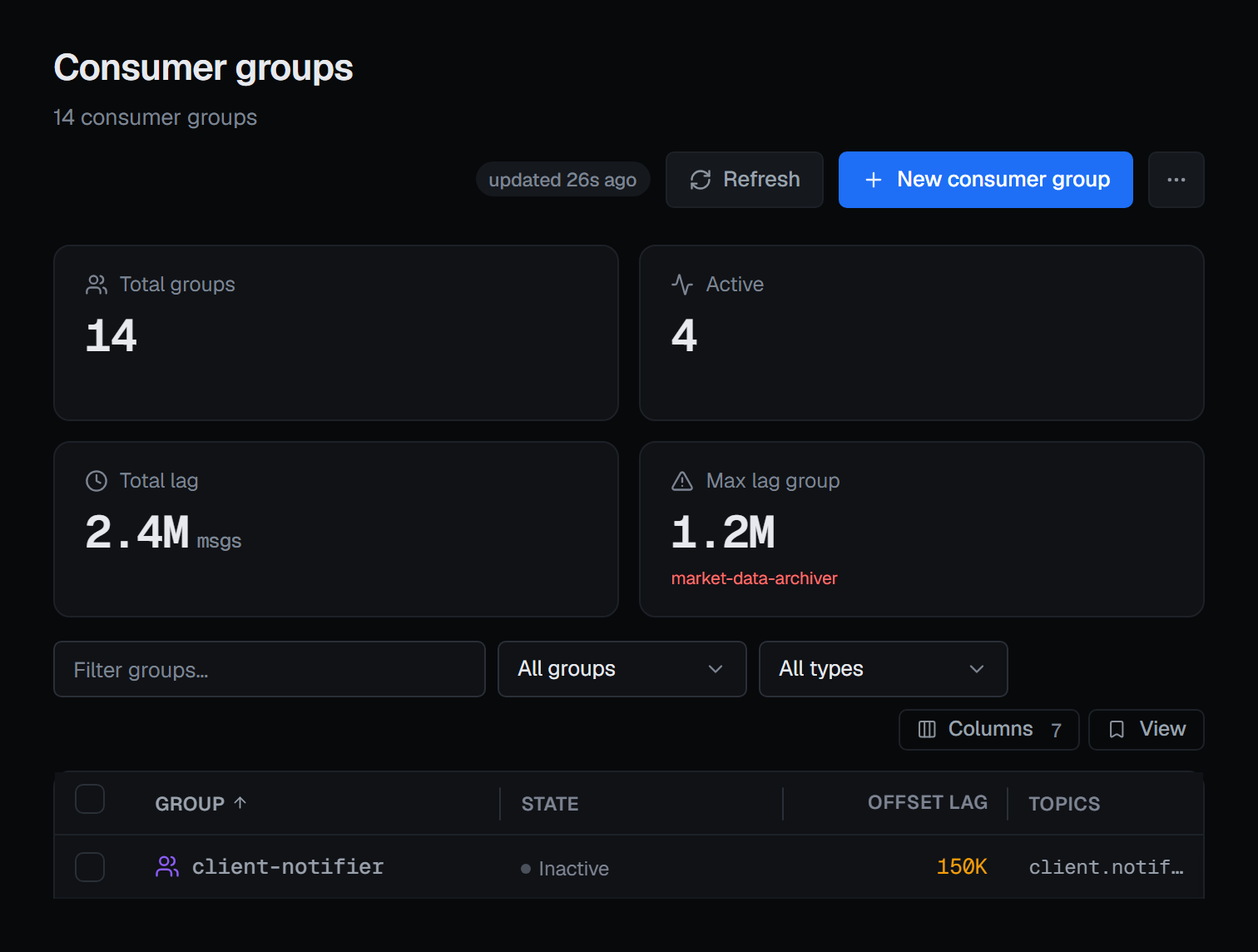
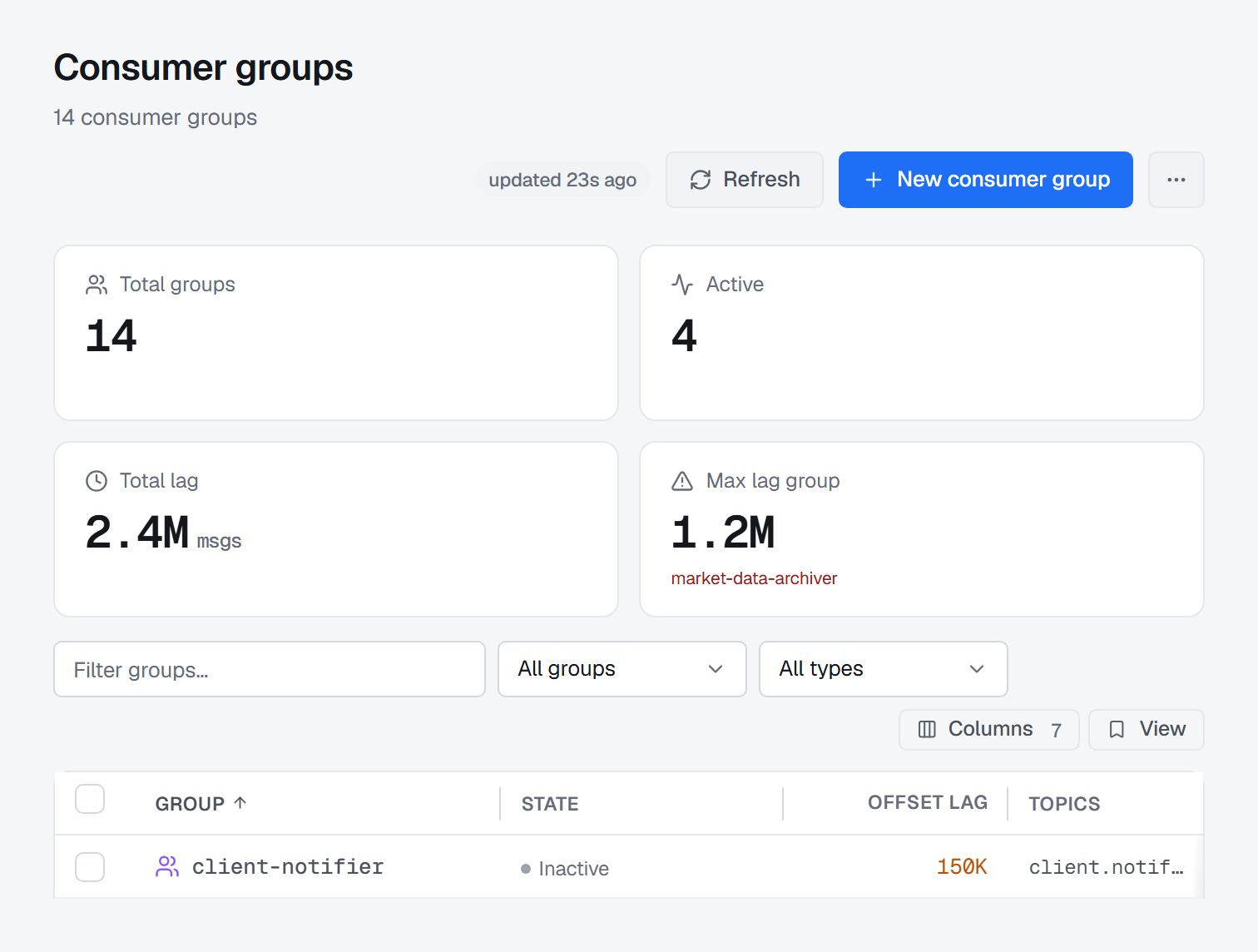
Lag, depth and state on every broker you connect, each on its own terms, read from the brokers themselves — and how fresh each number is.
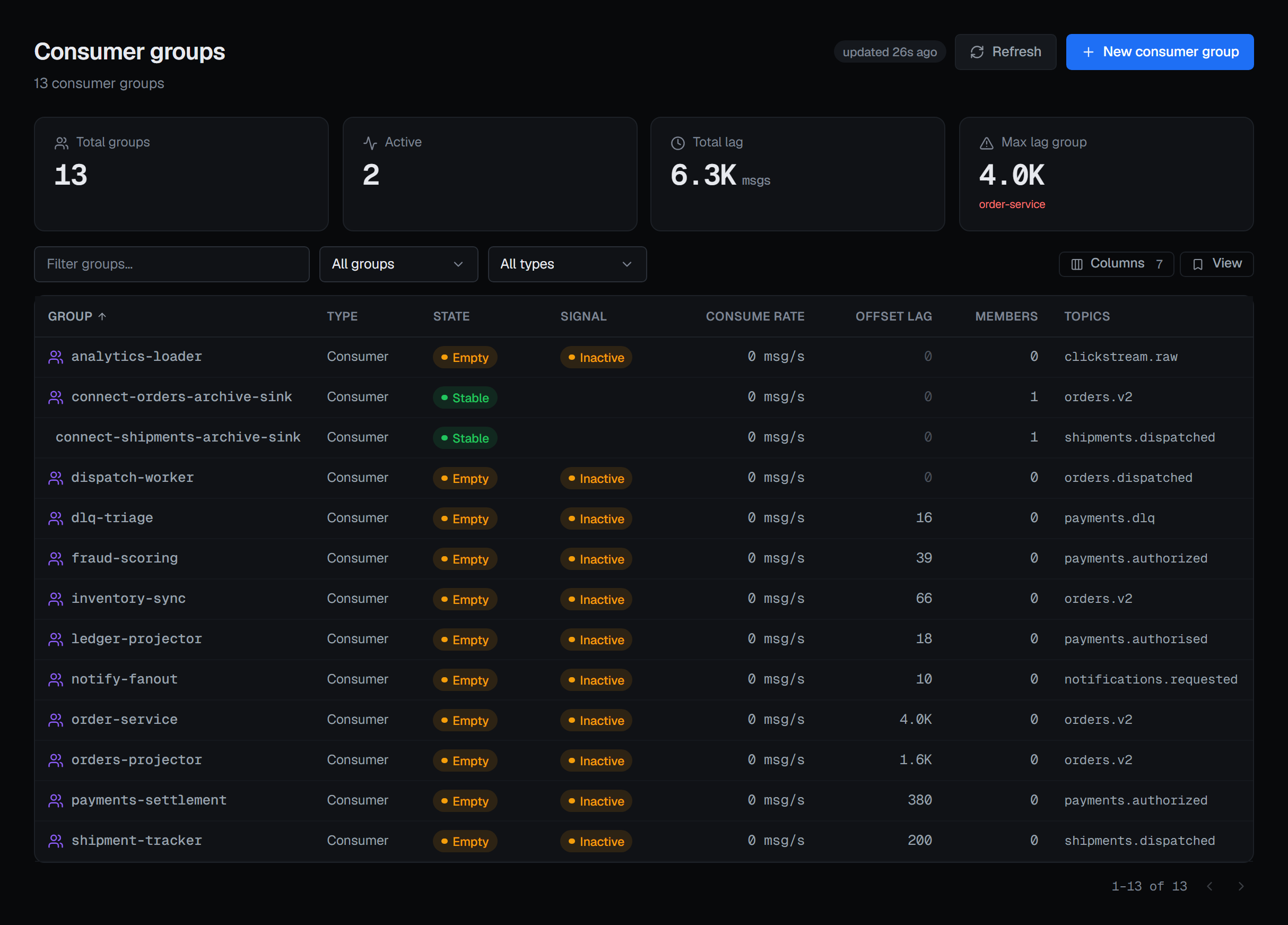
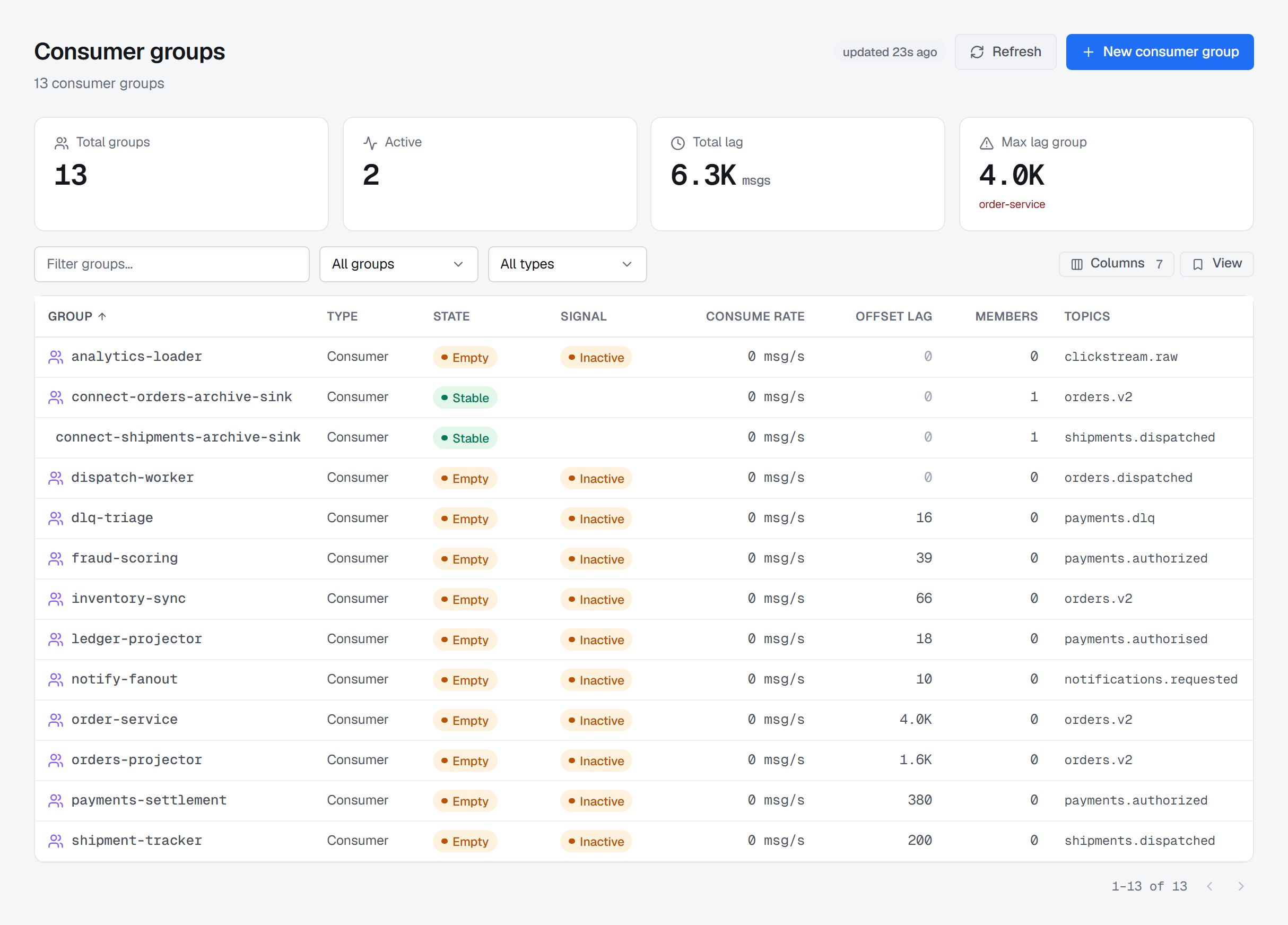
Environments, connections, resources, health, teams, roles, permissions, guardrails and audit are defined once and resolved the same way for Kafka, Redis, RabbitMQ and Apache Artemis. Select any part of the model to read what it covers.
A partition is not a queue, and a stream is not an exchange. BROKA models each platform on its own terms — and puts those models behind one navigation, one permission check and one audit record.
Ordered lanes per topic, a committed offset per consumer group, and the distance between them made explicit. Browse or produce messages within the limits your environment policy allows.
Environments carry a policy. Teams carry scoped roles. Write operations are checked against both before they reach a broker, and recorded afterwards. Toggle the production guard below to see the effect.
| Team | Dev | Stage | Prod |
|---|---|---|---|
| Trading Desk | Operate | Operate | Read |
| Settlement & Clearing | Operate | Read | Read |
| Messaging admins | Admin | Admin | Admin |
| Security review | Read | Read | Read |
Administrative and write actions become append-only entries — actor, environment, broker, resource and outcome — stored in your own database.
BROKA is installed and operated inside your environment. Broker credentials, configurations, messages, metadata and audit records stay within the boundary you control — your team decides where it runs and who can reach it. Nothing about your brokers ever crosses it. What does: image downloads, a daily check for a new release that sends the installation's id, version, edition and registration, any alert channel you configure yourself, and, on a Commercial installation, activating and refreshing your licence — which activating offline removes.
BROKA connects to brokers you already operate. Normal production traffic keeps flowing through them, not through BROKA.
Documented network posture and security hardening guidance.
Security hardening in the docsRequest the Security and Deployment Overview: architecture boundaries, credential handling, permission model, audit coverage and upgrade process.
Request the overviewCommunity is Apache Kafka in full depth — plus any Kafka-protocol-compatible broker — self-hosted, with no licence key, and with guardrails, scoped roles and a sealed audit trail of every write. Commercial adds the Redis, RabbitMQ, Apache Artemis and Memcached modules, forwarding the audit trail to Kafka or RabbitMQ, data masking, Message Search across several Kafka topics at once, single sign-on through your identity provider, an MCP server for AI assistants, and the governance an organisation runs across teams: Applications, Access Review, read recording, and Slack, Microsoft Teams and webhook alerts. Everything else — environments, permissions, guardrails, the trail of every write and refusal, alert rules and e-mail — and support are the same in both.
| Capability | CommunityFree · self-hosted | CommercialEvery platform · per installation |
|---|---|---|
| Broker platforms | ||
| Apache Kafka — full depth, plus Kafka-protocol-compatible brokers | Included | Included |
| Redis, RabbitMQ and Apache Artemis (plus Memcached) | — | Included |
| Broker-specific modules and operations | Included | Included |
| Operations | ||
| Environments, connections and per-platform resource screens | Included | Included |
| Health, metrics and incident investigation | Included | Included |
| Kafka broker and controller health, request performance and JVM figures over JMX | Included | Included |
| Message browsing and controlled write operations | Included | Included |
| Message Search: several Kafka topics in one search, with export and saved searches | — | Included |
| Saved views, templates, resource metadata | Included | Included |
| Alerts delivered by e-mail | Included | Included |
| Alerts delivered to Slack, Microsoft Teams or a webhook | — | Included |
| An MCP server for AI assistants, under the same permissions and guardrails | — | Included |
| Governance | ||
| Users, teams and role-based access control | Included | Included |
| Single sign-on through your identity provider, over OpenID Connect or LDAP, with groups mapped to teams | — | Included |
| Scoped permissions per environment | Included | Included |
| Production guardrails and read-only environments | Included | Included |
| Applications: your services, their owners and the resources they use | — | Included |
| Access Review: who holds which permission, and what conferred it | — | Included |
| Audit timeline of every write and refusal, and export | Included | Included |
| Read recording in the audit trail | — | Included |
| Data masking: fields hidden by rule, shown unmasked only by permission | — | Included |
| Audit forwarding to a file or an HTTP endpoint | Included | Included |
| Audit forwarding to Kafka or RabbitMQ | — | Included |
| Commercial | ||
| Licences, activation codes and the image registry in the customer portal | — | Included |
| Support requests in the customer portal | Included | Included |
| Procurement questions: quotes, invoices, purchase orders | — | Contact sales |
Community also manages any Kafka-protocol-compatible broker (Redpanda, Amazon MSK, and others) through the standard Kafka connection — no extra module.
Community is available now, and the Commercial edition is on sale. Its price is on the pricing page: one licence per installation, and no per-message or per-user metering is applied to your brokers.
Download Community and connect your first broker today, or request a demo to talk through a commercial deployment and a security review.