

Every Kafka concept, modelled as itself.
Clusters and brokers
Connect one or many clusters per environment, over plaintext or TLS with SASL. Broker state, controller, the KRaft quorum and feature levels, partition distribution and under-replicated counts in one view. With JMX, every broker and controller adds what it measures about itself — an active controller, offline partitions, request time at p99, idle handlers, heap and file descriptors — read live and never stored; a managed service that exposes no JMX reads Needs JMX. Broker configuration changes while the brokers run — on one broker or as the cluster-wide default, previewed before it is applied — as do log levels, and partition reassignments are planned rack-aware.
Topics and partitions
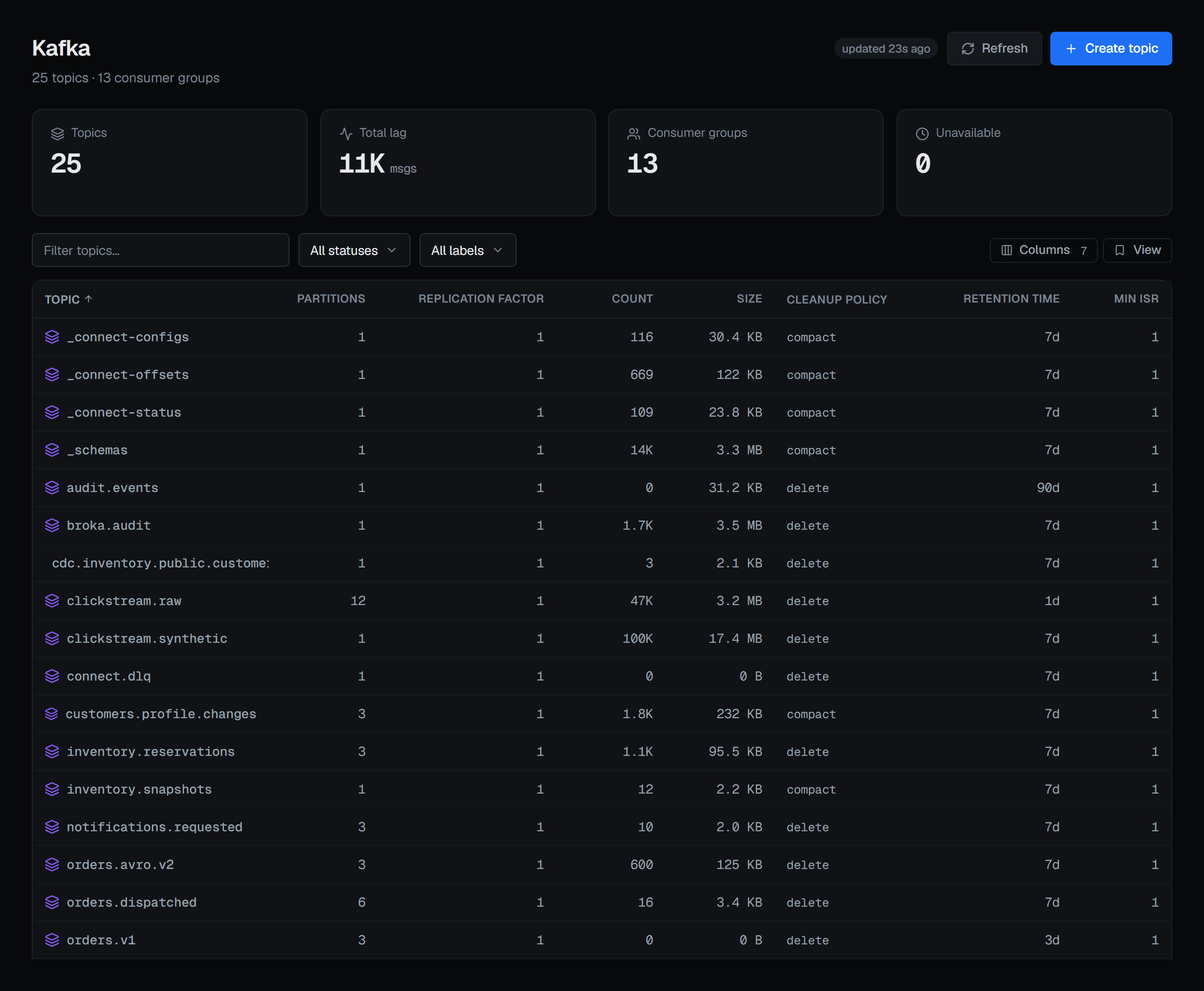
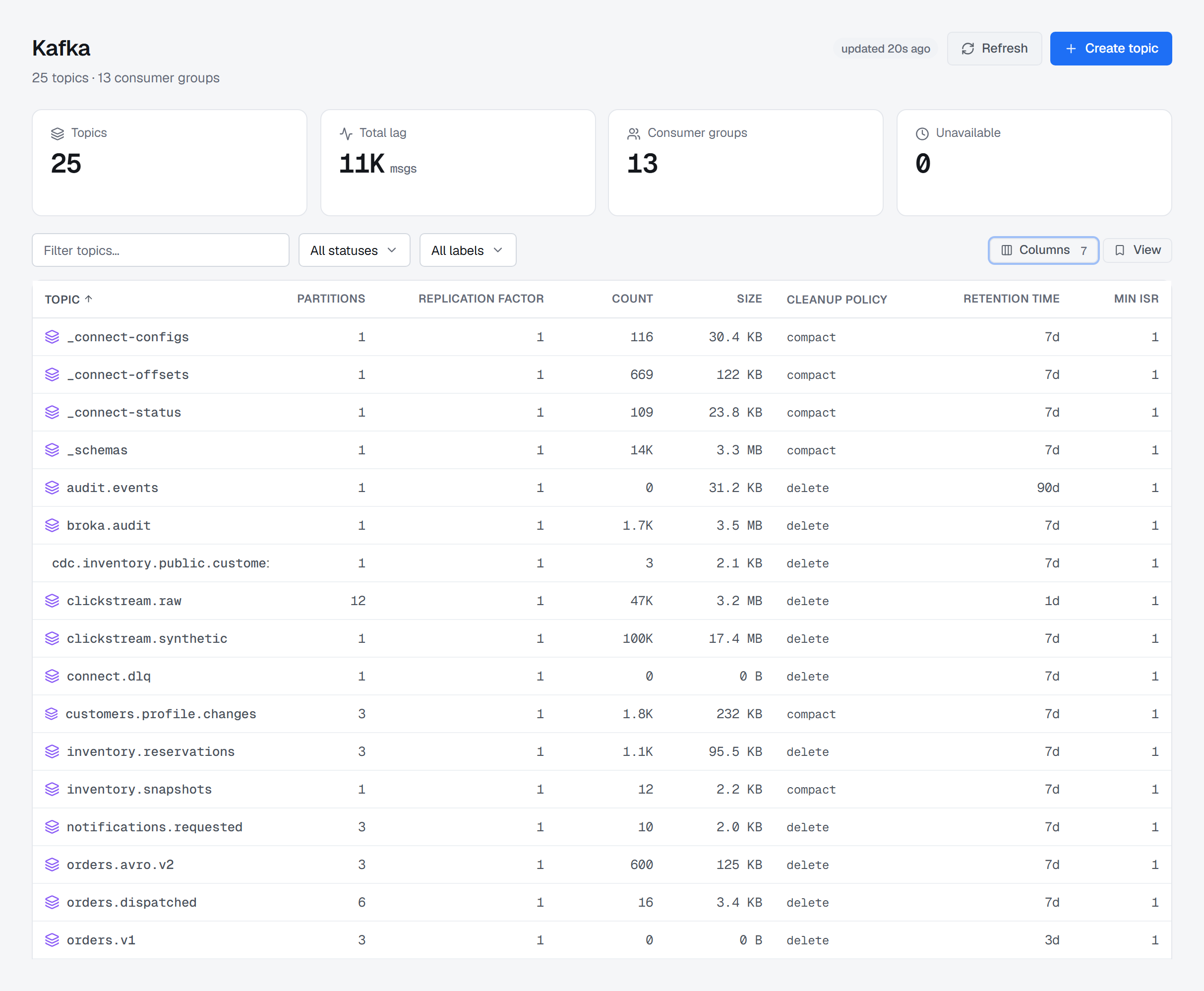
Topic list with partition count, replication, and the configuration that actually applies — inherited values shown alongside overrides, and a change previewed by the brokers before it is written. Each topic shows its id, its eligible leader replicas and its producers. A topic can be emptied — one partition or every partition — without deleting it.
Consumer groups
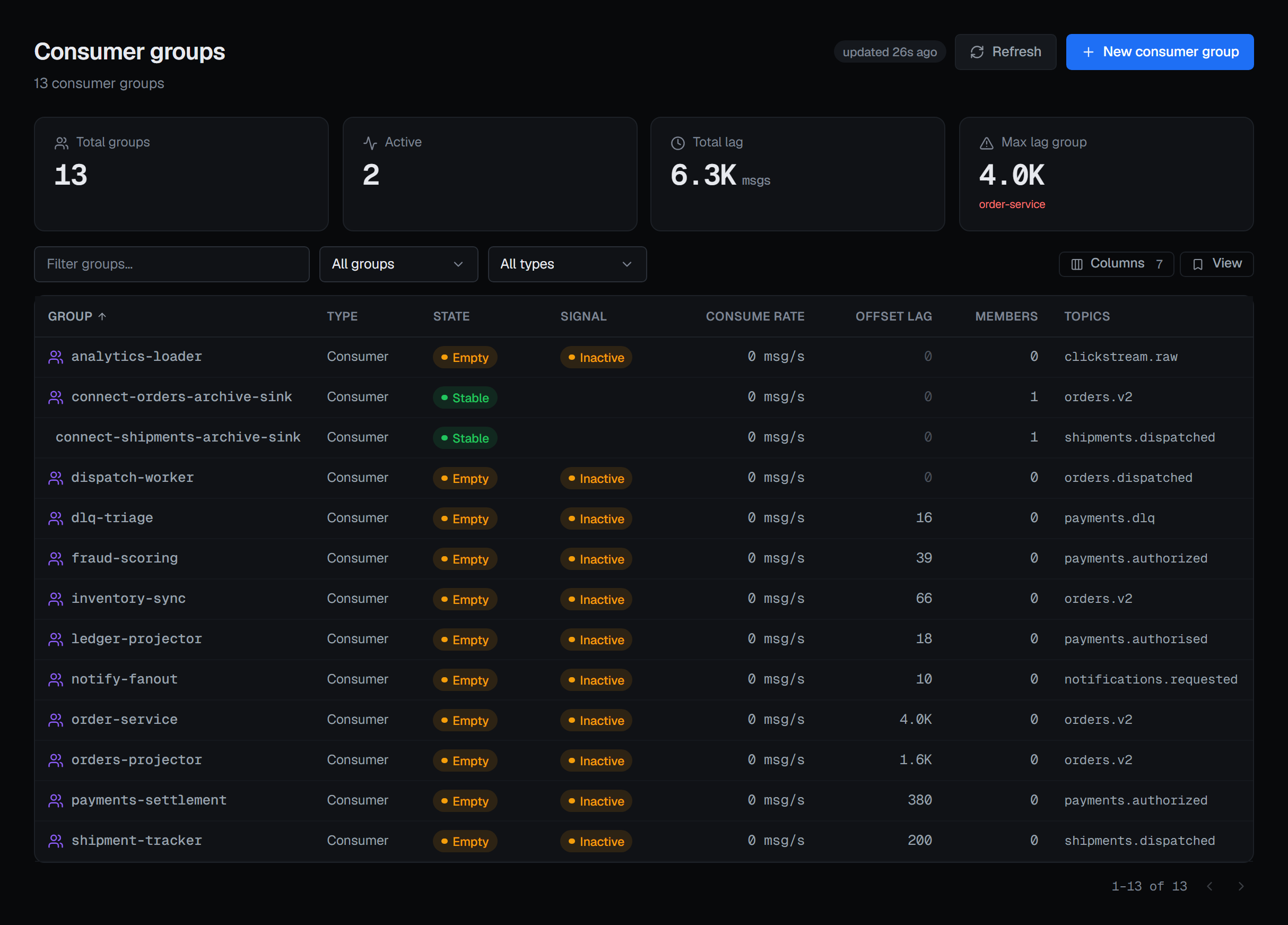
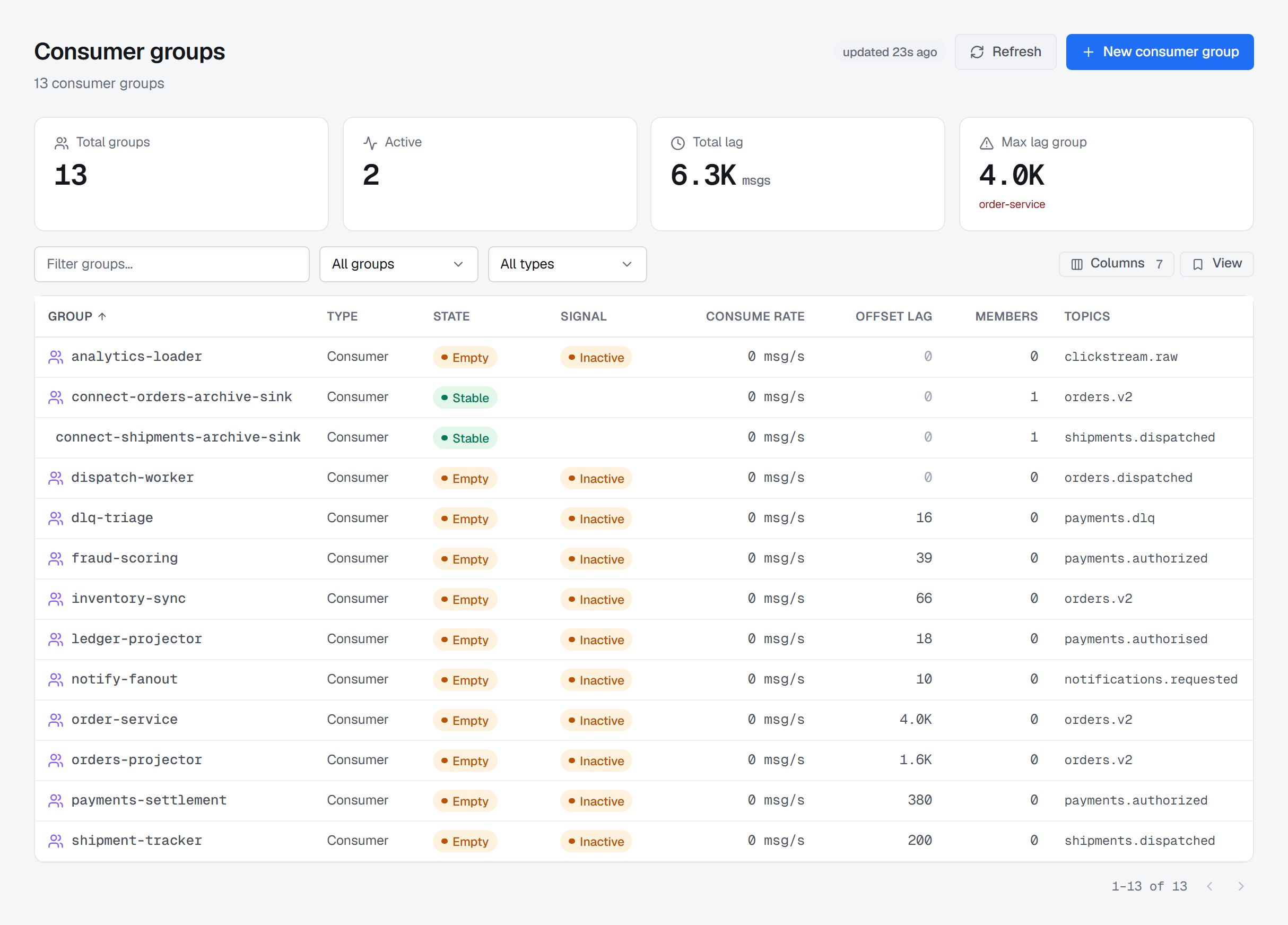
Group state, members, per-partition assignment and lag — in messages and in seconds — with guarded offset operations when a group needs correcting. Share groups are listed beside them, with their start offsets reset when they are empty, and streams groups are described.
Messages
Browse from an offset or a timestamp, inspect keys, headers and payloads, and produce test messages where the environment allows it. In Commercial, data masking hides the fields a rule covers — a card number, an address, a header — from anyone not allowed to read them unmasked, and every unmasked read is recorded.
Kafka Connect
Connector inventory, task state and configuration, with pause, resume, stop and restart treated as the operational actions they are.
Schema Registry
Subjects, versions and compatibility mode, with Avro, Protobuf and JSON Schema decoded in the message browser — including schemas that reference other schemas and ids carried in record headers — as JSON you can read: optional fields bare, timestamps as dates, decimals as numbers. The registry mode — read-write, READONLY or IMPORT — changes for the whole registry or one subject, versions show their metadata, subjects filter by context, and a produce picks the subject, the version and the Protobuf message.
Transactions
Every transactional id the coordinators hold, filtered by state, id pattern and how long it has run. A transaction that will not end is terminated, its producers fenced, or aborted on the partition it is holding back — each with a reason.
Client quotas and metrics
Quotas on users, client ids and addresses, set and removed from one list or from a service account. Client-metrics subscriptions are created from a preview the brokers check first; the metrics go to your telemetry receiver, not to BROKA.
Credentials
SCRAM credentials stored for a user, the password never shown back or recorded. Delegation tokens issued, renewed and expired, the HMAC shown once and never kept.
Lag is a distance, so show the distance.
Committed offset against end of log, per partition, with the member holding each assignment. Uneven lag across partitions is a distribution problem; even lag across all of them is a throughput problem — the table makes the difference obvious.
| Group | State | Members | Total lag |
|---|---|---|---|
| fulfilment | Stable | 2 | 4,472 |
| analytics | Stable | 4 | 318 |
| archiver | PreparingRebalance | 1 | — |
| audit-sink | Empty | 0 | 12,940 |
The group must be stopped — Empty or Dead — the plan is previewed before anything moves, a reason is asked for in every environment, and where each partition was and where it went are written to the audit trail. In a read-only environment the action stays visible and says why it will not run.
Kafka Connect
Every field in the connector form comes from the plugin’s own configuration definition, so any connector your worker has installed is configurable — including its offsets, its worker log levels, and dead-letter triage from the message browser.
Schema Registry
A registered schema is binding: BROKA refuses a produce that violates it, and names every violation. If the registry is unreachable the gate opens rather than blocking your writes.
ACL management
Principals, resources and operations — topics, consumer groups, transactional IDs and the cluster — listed as a reviewable set rather than a command history, edited per principal, read live from the broker and never copied into our database.
Two checks before any write reaches the cluster.
BROKA's scoped permission is checked first, then whatever the connection's own Kafka principal is allowed to do. Keep an operator principal separate from application principals and both layers stay legible.
- 01Topic configuration changes require operate rights on the environment
- 02ACL edits are administrative: who made the change, on which principal, and what it now grants
- 03Producing a message to a read-only environment is refused, not silently dropped
- 04Deleting a topic asks for the topic name, typed, every time
- 05Emptying a topic asks for a reason in every environment, and cannot be undone
- 06Ending a transaction — terminating, fencing or aborting it — asks for a reason in every environment
actor      mert@northwind-bank.example
env        production
broker     kafka             cluster: kafka-core-eu
resource   topic orders.v2
action     alter-config      retention.ms 604800000 → 1209600000
outcome    accepted
Every entry names the actor, the environment, the broker, the resource and the outcome — in one trail shared with Redis, RabbitMQ and Apache Artemis (formerly ActiveMQ Artemis).
Audit and accountability →