

Group offsets and operations
Updated 29 September 2026 · applies to 1.0.0 · Community and Commercial
A consumer group's detail, under Kafka ▸ Consumer Groups, resets the group's committed offsets and duplicates, rebalances or deletes the group from its ⋯ menu. This page describes each of those writes: when it is offered, what it asks for before it runs, and what it records. What the list and its lag figures measure is described on Consumer groups and lag.
Moving a group's offsets
Resetting offsets is the most consequential thing you can do to a group, and it is built to be done deliberately. Reset Offset in the group's ⋯ menu opens Reset offsets for that group.
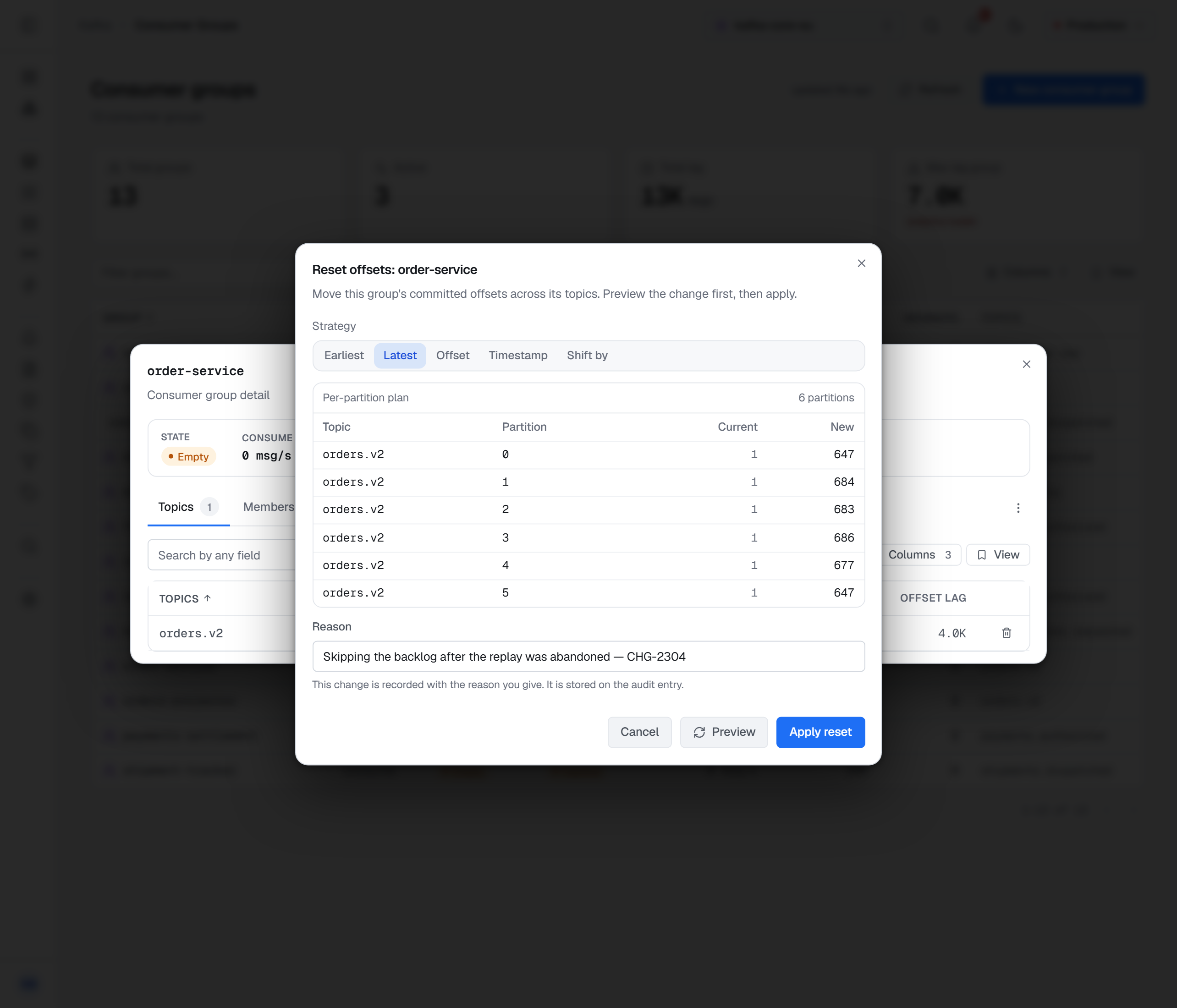
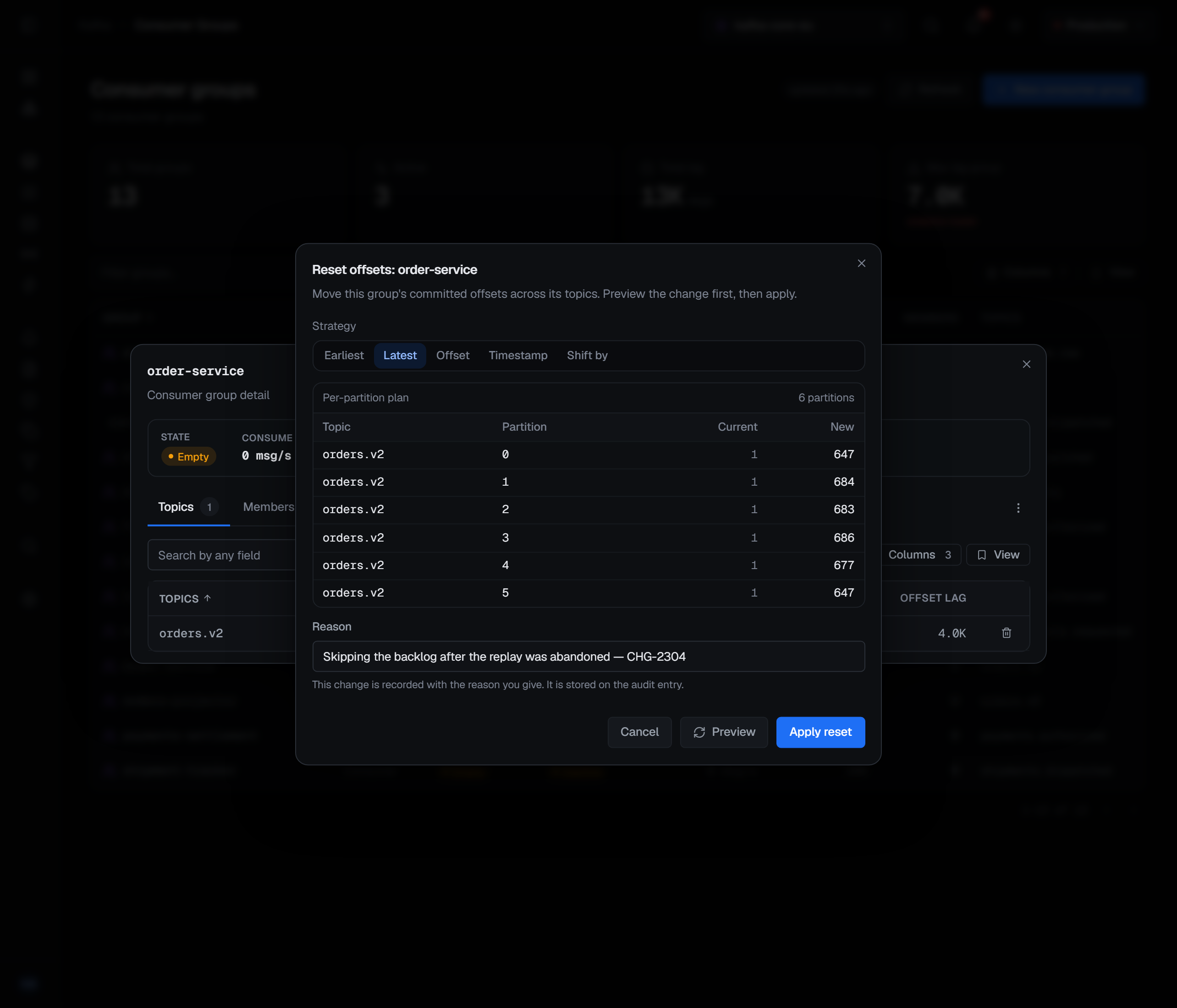
Five strategies: to the earliest available record, to the latest, to a specific offset, to a timestamp, or shifted by a number of records from where the group is now. Offset asks for a target offset of zero or more, Shift by for a positive or negative number of records, and Timestamp for a date and time, read in your browser's local time.
Each is applied per partition and clamped into that partition's own bounds, which is what makes them safe to use across a topic whose partitions are not aligned. Shifting back by a thousand on a partition that only holds two hundred records lands at the start of the log rather than failing. "Earliest" means the first record still retained, not offset zero — on a topic with retention those are different, and only one of them exists. A timestamp later than the last record lands at the end, because skipping forward past everything is what asking for that timestamp meant.
A target offset is a position in each partition, not in the topic. The dialog says so under the field: the number is applied to each partition separately and clamped into its range, so an offset of 4 on a topic whose partitions each hold two records lands every partition at its end.
Preview, then apply
Nothing is applied until you say so. Preview computes the plan against the cluster and shows where each partition would move, writing nothing: a Per-partition plan with each partition's Current and New offset, and the number of partitions it covers. A group with nothing committed has no plan, and the dialog says No committed offsets for this group. Changing the strategy or the value clears the plan, so the one on screen is always the one for the choice in front of you.
Apply reset moves the offsets. It asks for a reason first, in every environment, and the reason is recorded with the reset.
A reset opened from the group's detail covers every topic the group has committed to, and its plan then adds a Topic column, because partition 0 of two different topics would otherwise be two identical rows. A reset opened from a topic's own Consumers tab is scoped to that one topic, and the dialog names the topic under its title. That is usually the better place to act from: it is the one that keeps you from moving a group's position on five topics when you meant to move it on one.
Only on a stopped group
Resets and group deletion are offered only when a group is stopped — its state is Empty or Dead. Kafka refuses them while consumers are live, and the console says so on the disabled action, (must be stopped), instead of letting you discover it from a rejected request.
Deleting a group
Delete, in red at the bottom of the ⋯ menu, removes the group and all its committed offsets. Delete consumer group …? asks for a reason and says it cannot be undone; Delete group confirms. The same Delete is on the group's row in a topic's Consumers tab.
The other four operations
Delete offsets drops one topic from a group: its committed offsets on that topic are removed, so a consumer that reads the topic again starts where its reset policy says. It is on each topic row of the group's detail, and on the group's row in the topic's own Consumers tab. Kafka refuses it while the group is still consuming that topic, and the console shows Kafka's refusal rather than guessing from the group's state — so it is offered on a running group that has stopped reading this one topic. It cannot be undone, and it asks for a reason.
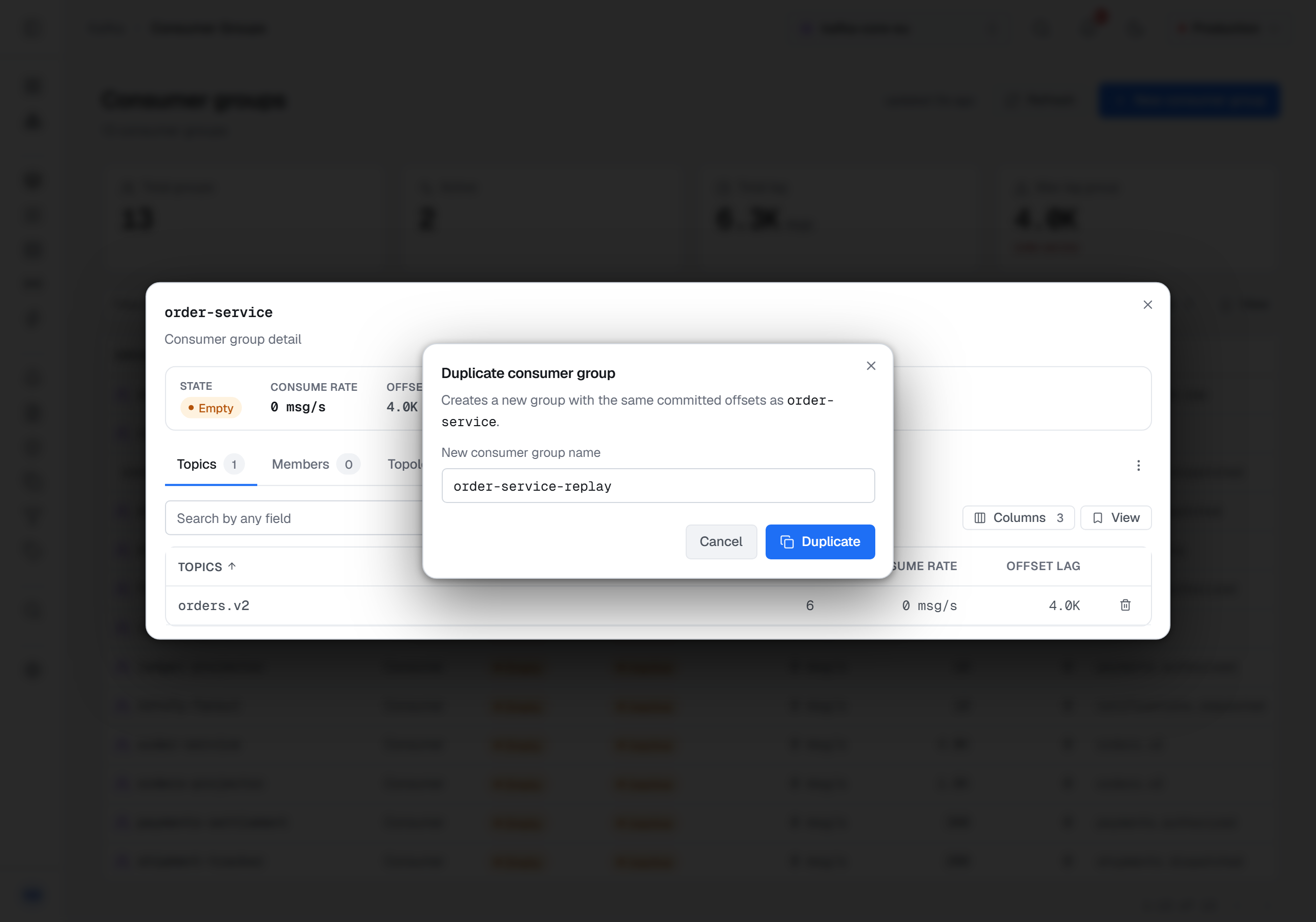
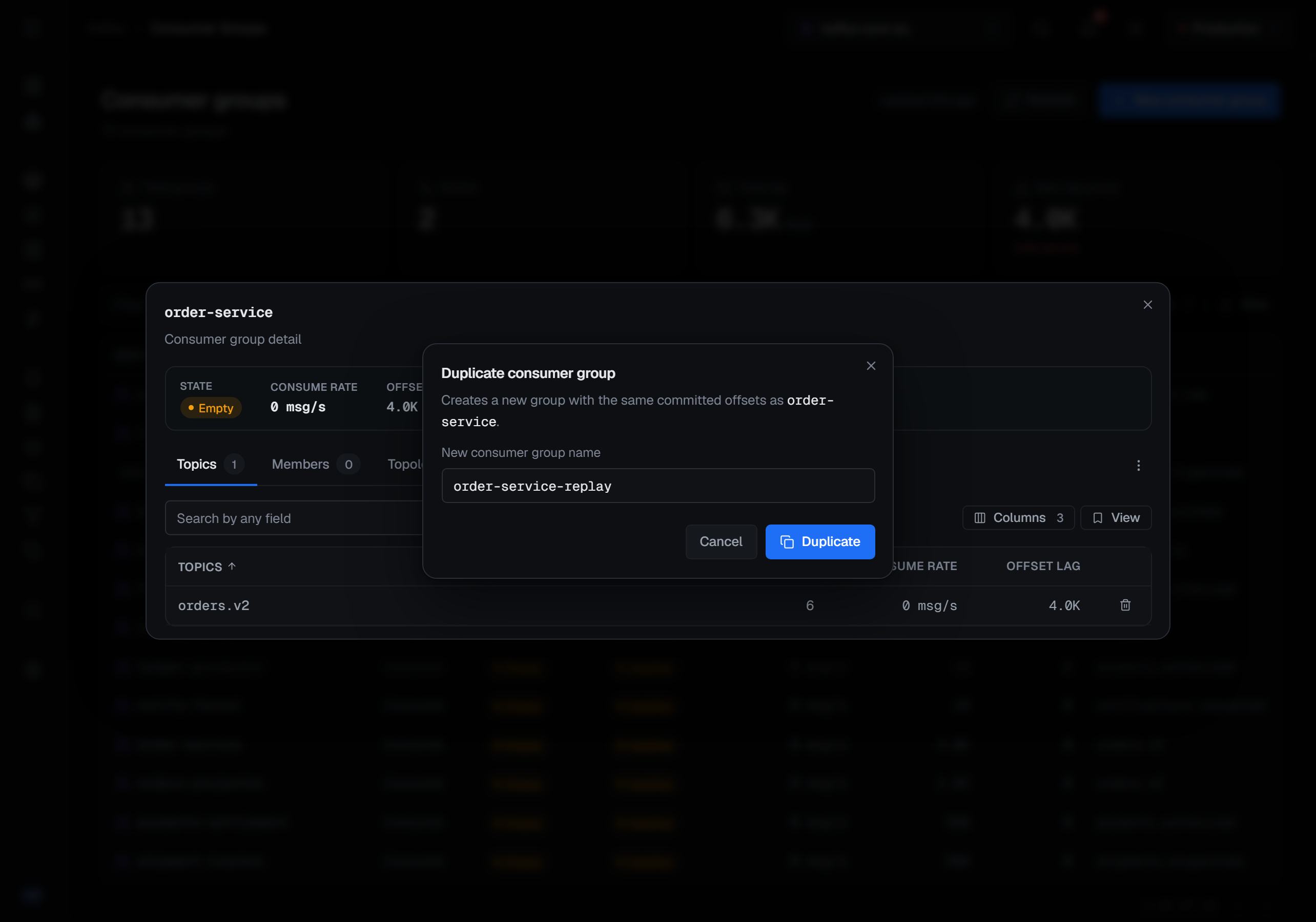
Duplicate copies a group's committed offsets onto a new group id — the safe way to try a new consumer against the same positions, or to keep a restore point before a reset. It asks for the new group's name, which must differ from the source's. It refuses to overwrite: the source must have offsets to copy, and the target must not already have any.
Rebalance removes a group's members so it re-forms its assignment, which is the standard treatment for an assignment that has gone lopsided. Live members re-join on their own, which also makes it the way to clear static members that are gone. It is offered only while the group has members — otherwise the menu shows it disabled, (no members). It asks for a reason, and the reason is passed to Kafka with the request: the group coordinator logs it as the reason the members left.
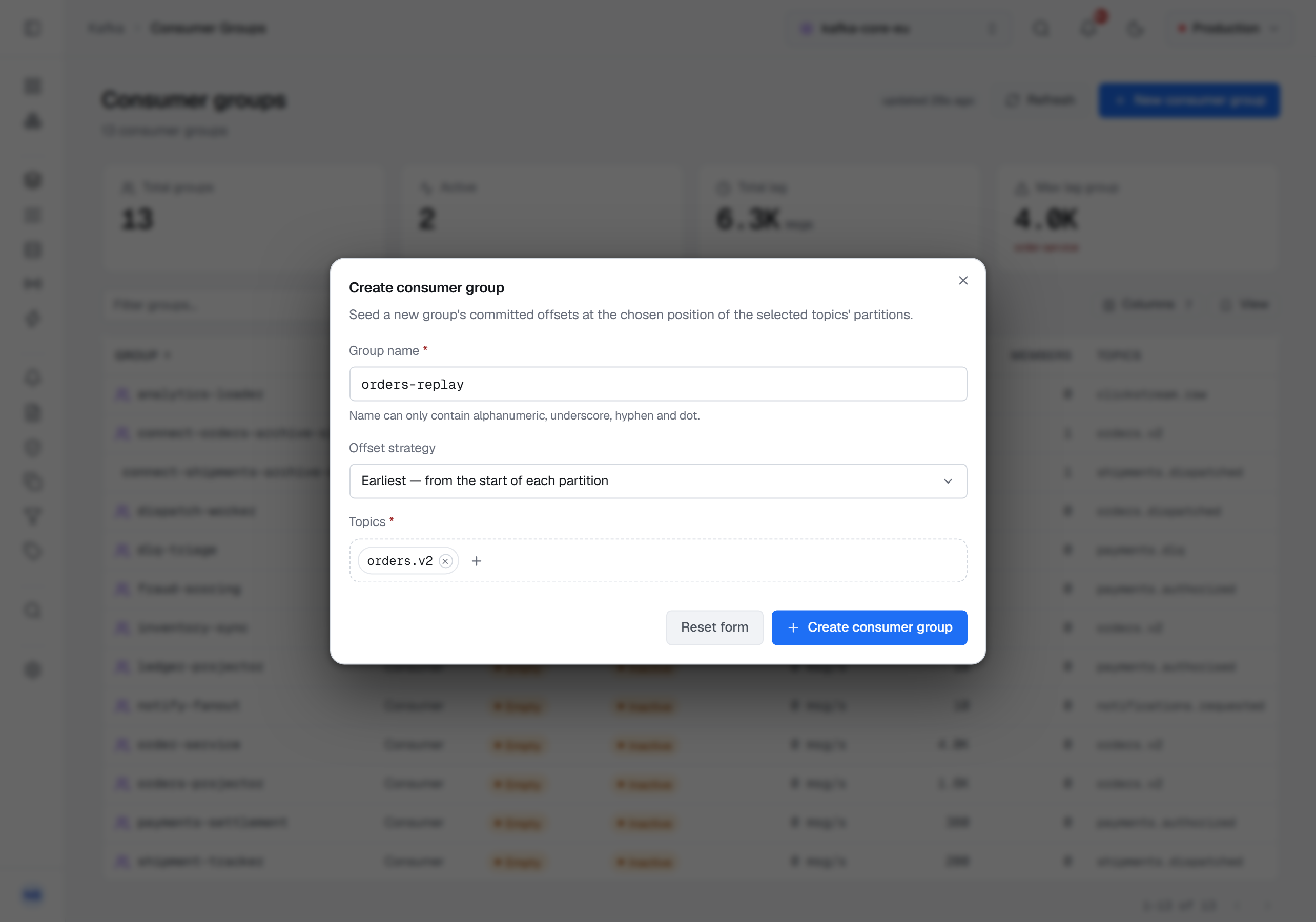
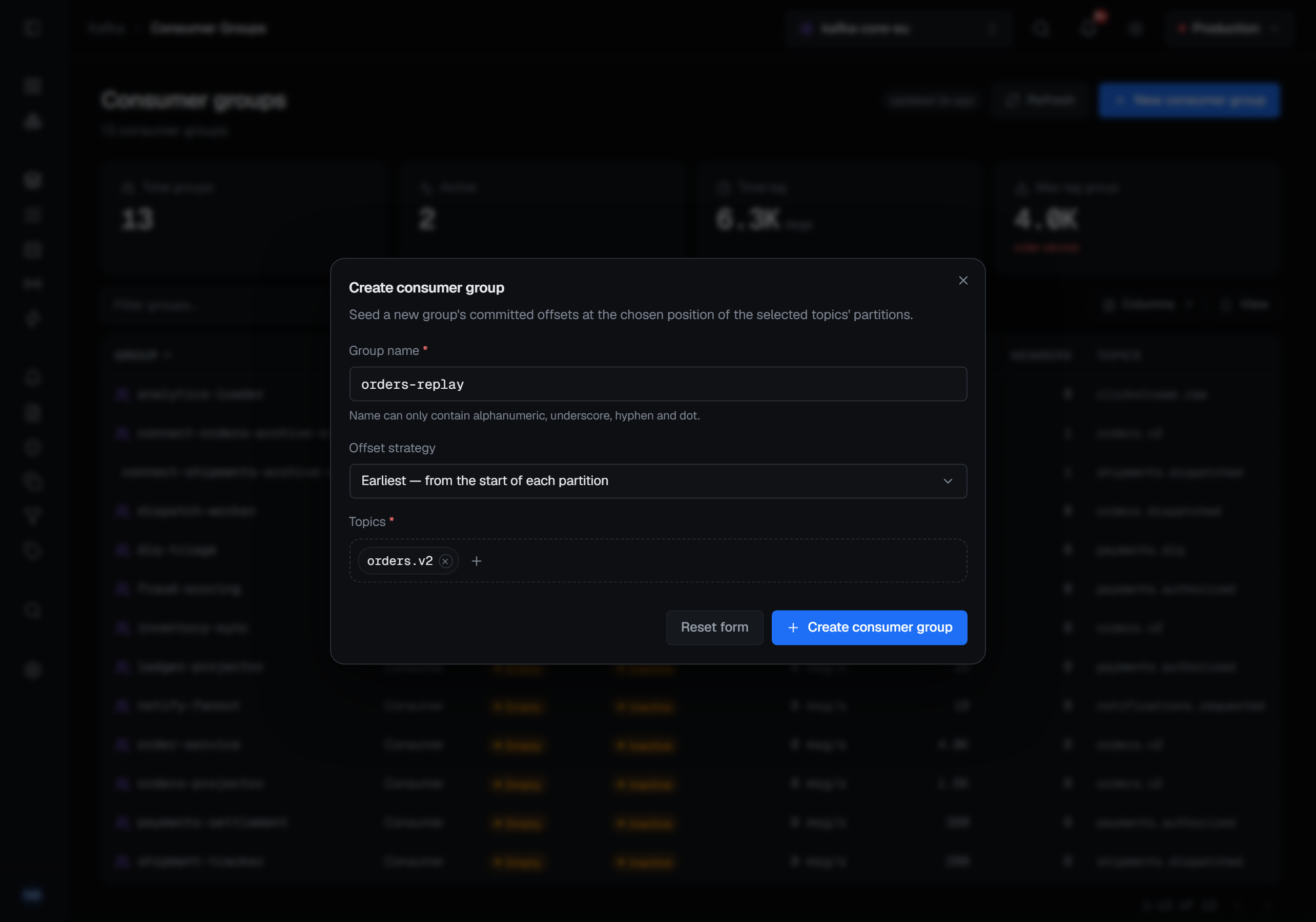
Create seeds a group's offsets at the earliest or latest position of the topics you choose, so a consumer starting later begins where you decided rather than wherever its default put it. It is New consumer group at the top of the Consumer Groups page. The name may contain letters, digits, underscores, hyphens and dots, and the offsets are seeded on every partition of each topic you pick.
Permissions, guards and reasons
Every operation on this page needs the permission to manage the cluster. Where you do not hold it, choosing the operation says Your role (…) is not permitted to perform this action. instead of opening it.
In a read-only environment every one of them is blocked, and choosing it says … is read-only — destructive actions are disabled. A connection marked read-only blocks them the same way, in any environment.
Reset Offset is the exception: it always opens, because its preview writes nothing. In a read-only environment, or on a connection marked read-only, you can still preview the plan; the dialog shows why the reset cannot be applied there, and Apply reset stays disabled. Without the permission, the dialog opens with that reason and Apply reset stays disabled the same way.
Reset, Delete, Delete offsets and Rebalance ask for a reason in every environment. Duplicate and Create ask for one only when the connection's environment is guarded.
What each write records
Applying a reset, deleting a group, deleting a topic's offsets, duplicating, rebalancing and creating a group are each audited with the group and what was done. A reset records where each partition was and where it went, with the strategy and target you chose; Delete offsets records the offset each deleted position held; a duplicate is recorded as the creation of the new group, with the group it was copied from beside it.
A preview is not — it changes nothing, and an audit trail that fills up with people looking is one nobody reads. The same writes on a share group are described on Share and streams groups.