

Partitions and leaders
Updated 29 September 2026 · applies to 1.0.0 · Community and Commercial
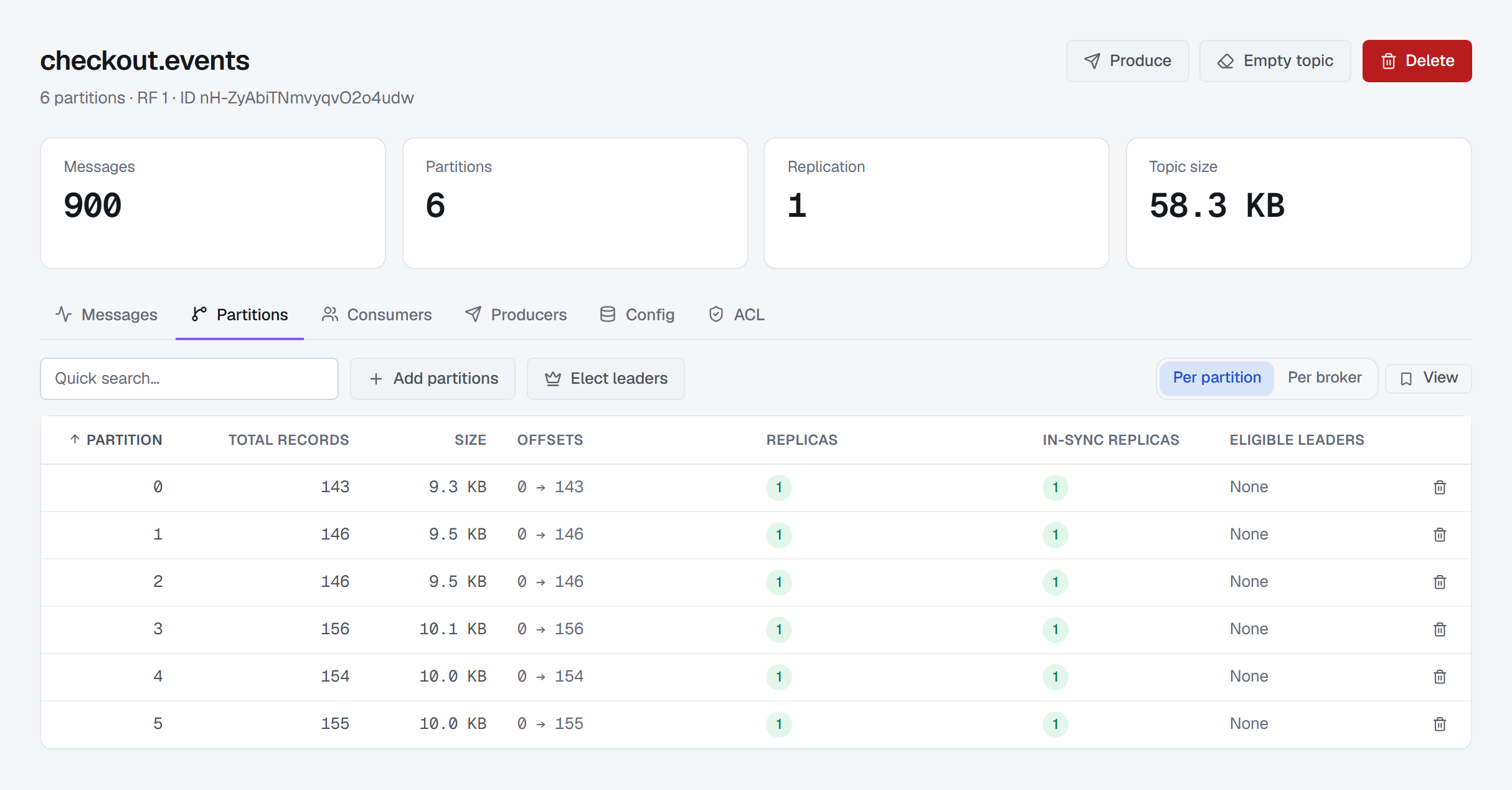
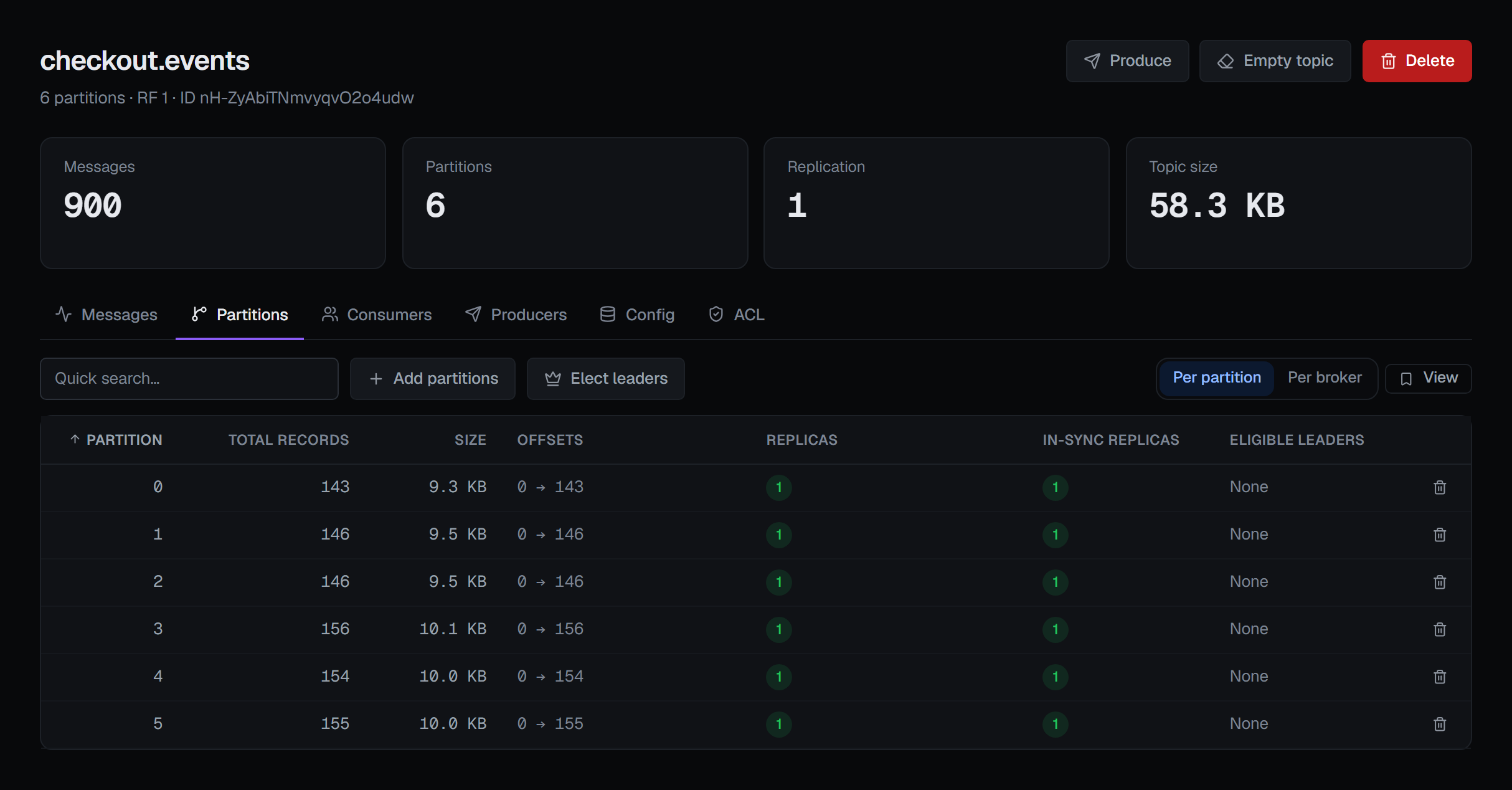
A topic's Partitions tab, one tab away on its page under Kafka ▸ Topics, lists every partition with its offsets, size, replicas, in-sync replicas and eligible leaders. It is also where you add partitions and hand leadership back to each partition's preferred replica, and the Consumers tab beside it shows who is reading the topic. The rest of a topic's page is described in Topics.
Every partition, one row
Each row is one partition. Total records is the distance between its earliest and latest offsets, which Offsets shows as a range — so on a compacted topic it counts the offsets of records compaction has removed, as the topic's message count does. An empty partition shows a dash rather than 0, and so does a size the brokers did not report. Replicas lists the brokers holding a copy of the partition, the leader's id highlighted among them. In-sync replicas lists the ones Kafka counts as caught up with the leader — its in-sync replica set — highlighted the same way, so a broker under Replicas but missing here holds a copy that has fallen behind.
Quick search narrows the rows to the partitions whose number you type (in the per-broker view below, to the brokers whose id you type). Each row also has Delete records, which empties that one partition; it is described with Empty topic under Changing a topic that already exists.
Per partition or per broker
Per broker turns the same rows into one per broker: how many of this topic's partitions it leads, and how many it follows — holds a replica of without leading. It answers the other question the tab is for: is this topic spread evenly, or is one broker leading most of it. Each view keeps its own column layout.
Eligible leaders
The Eligible leaders column lists, for each partition, the replicas that have left the in-sync replica set but can still become leader without losing data — Kafka's eligible leader replicas (KIP-966). It reads None where there are none, and the last known eligible replicas are on hover.
The column needs a cluster that keeps this list. On one that does not, every row shows a dash, with the reason on
hover. On Kafka 3.8 it reads This cluster's brokers do not keep eligible leader replicas. Requires Kafka 4.1.
Detected: Kafka 3.8. A cluster whose brokers support the list but have not enabled it says so instead, naming the
feature that turns it on, eligible.leader.replicas.version.
BROKA shows the reason there rather than None on purpose. A newer Kafka client describes an older cluster's partitions with an empty list, which would read as "no eligible leaders" on a cluster that keeps no such list at all.
Tiered storage offsets
On a topic with remote storage enabled (remote.storage.enable=true), two more columns appear. Local from is
the offset each partition's local log starts at: records below it are no longer on the brokers' disks and are read
from remote storage. Tiered to is the last offset copied to remote storage, or None yet before the first copy.
On any other topic the columns are not shown. If the brokers do not answer for these two offsets, the cells show a
dash and the rest of the tab loads as usual.
Adding partitions
Add partitions opens a dialog that shows the current count and asks for the new one. Kafka can only grow a topic's partitions, never shrink them, so the count cannot be set below where it is, and the dialog says what the topic will go from and to.
Adding partitions to a topic with keyed messages changes which partition a key lands on from that moment forward — ordering guarantees that held yesterday do not hold tomorrow. The dialog says so in a box you must tick: I understand that adding partitions changes how keyed messages are routed, so per-key ordering may no longer hold for records produced after this change. Add partitions stays disabled until you have, because this is the Kafka operation most often performed by someone who did not know that.
It needs the permission to manage the cluster. It cannot be undone, so BROKA asks for a reason before it sends the change, in every environment. The notification names the topic and its partition count before and after.
Electing preferred leaders
When the per-broker view shows one broker leading most of the topic, Elect leaders gives every partition of this topic whose leader is not its preferred replica — the first in its replica list — that replica back. The confirmation names the topic and says that no data moves and clients follow the new leaders; Elect leaders runs it.
The controller answers partition by partition. The notification counts the partitions moved to their preferred leader and those that already had it; if the controller refused some, it counts them and names the first with Kafka's reason, rather than failing the whole request because one partition could not move. The same action for the whole cluster is on the Brokers page, described in Reassignments and leader election.
It needs the permission to manage the cluster. It does not ask for a reason of its own, because leadership moves and
no data does; in a guarded environment it asks for one, like every write there.
Who is reading the topic
The Consumers tab lists the consumer groups that have committed offsets on this topic, with their state, overall lag, time lag and member count; each of those columns can be turned off. Time lag is how far behind the newest record the group's committed position is, in time — the largest across the topic's partitions.
From a group's row you can reset its offsets, delete the group, or delete its offsets on this topic — dropping this topic from the group while the group keeps its offsets everywhere else. Resetting and deleting the group are offered only when the group is stopped, because Kafka will refuse them while consumers are live — the menu marks them (must be stopped) rather than letting you find out from an error. Deleting a topic's offsets is offered on a running group too: Kafka refuses it only while the group is still consuming this topic, and the console passes that refusal on as Kafka worded it.
Each of the three needs the permission to manage the cluster and asks for a reason. Deleting the group and deleting its offsets cannot be undone. In a read-only environment, or on a connection marked read-only, Reset Offset still opens and previews its plan, and only its Apply is disabled, with the reason. Groups themselves, and resetting their offsets in full, are described in Consumer groups.
What gets recorded
Adding partitions is written to the audit trail with the topic and its new partition count. An election is recorded too, as partial when the controller refused some partitions and moved others. Deleting a group's offsets on this topic is recorded with each partition's offset as it was before; resetting a group's offsets and deleting a group are recorded as well. Adding partitions and deleting offsets are recorded in a way a disconnecting client cannot cancel: an irreversible change to your broker does not lose its only trace because a browser tab closed.