

Share and streams groups
Updated 3 November 2026 · applies to 1.4.0 · Community and Commercial
Share and streams groups are listed under Kafka ▸ Consumer Groups beside ordinary consumer groups, on a cluster that runs them, each with its own detail. This page says what each detail shows, which clusters have them, and what BROKA can do with them. Lag and the consumer-group operations are described on Consumer groups and lag and Group offsets and operations.
Which clusters have them
Kafka keeps all three kinds of group in one namespace, and the Type column of the Consumer Groups list says which each row is: Consumer, Share — Kafka's queue-like group, whose members share the records of a partition rather than each owning partitions of their own — or Streams, the group a Kafka Streams application forms on the streams protocol.
Share and streams groups exist only where the cluster has enabled them: the share.version and streams.version
feature levels must be 1 or higher. BROKA reads those levels from the cluster rather than inferring them from its
version, and asks for share or streams groups only where they are enabled.
Where they are not, the type is listed in the Type filter disabled, with the reason on hover. On a cluster whose brokers do not know the level — Kafka 3.8, for instance — the reason is Requires Kafka 4.2, the release that enables them by default. On a cluster whose brokers support them but which has not raised the level, it is This cluster's brokers support share groups, and the cluster has not enabled them (share.version). A type whose list could not be read is disabled the same way, with the error as its reason. On a ZooKeeper-mode cluster neither type is offered at all. The levels themselves are shown on the Brokers page's Features tab, described in Metadata quorum and features.
In the list, a share group and a streams group each report their state, lag, members and topics; measurements their protocol does not have are left as —.
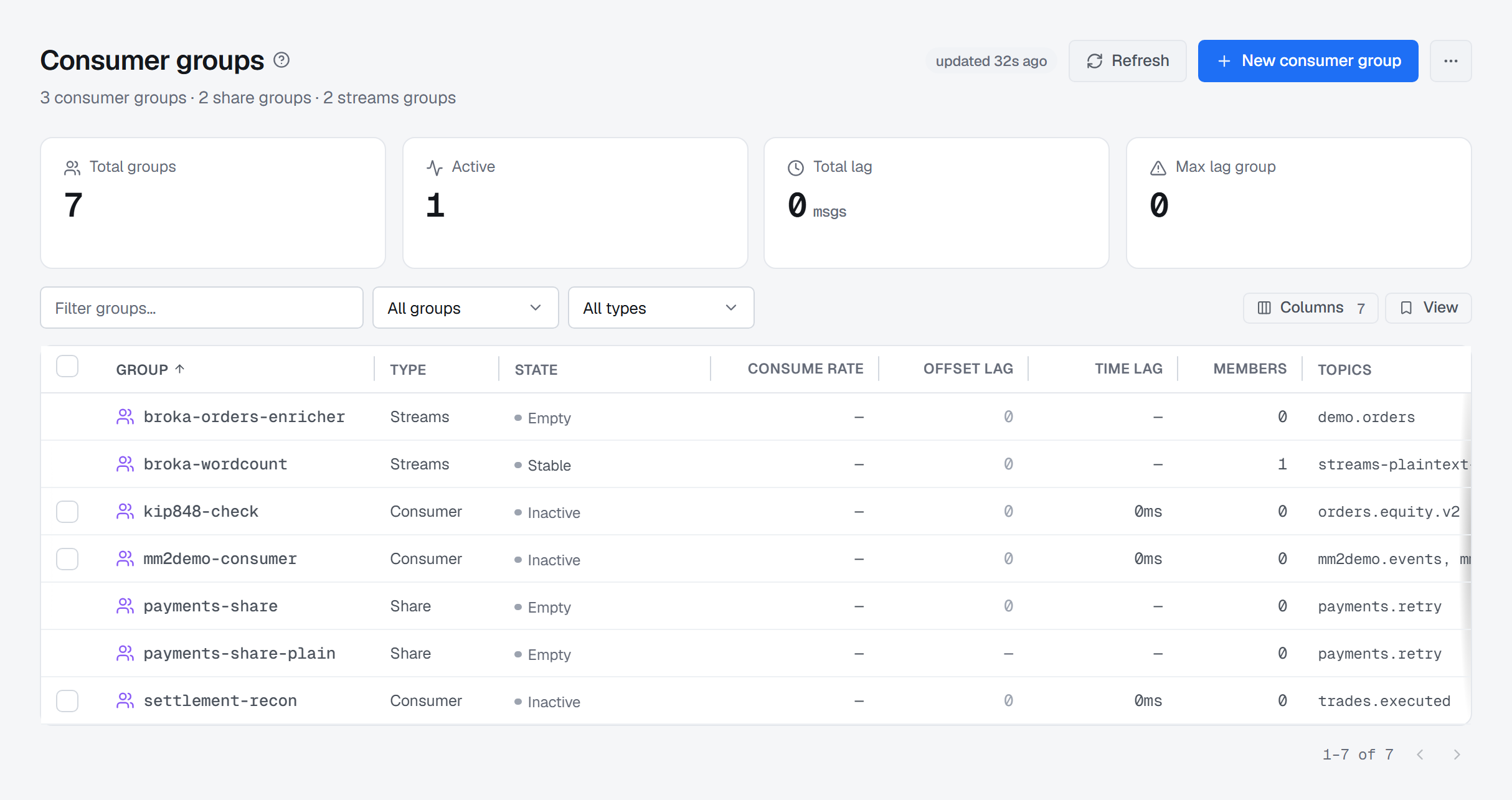
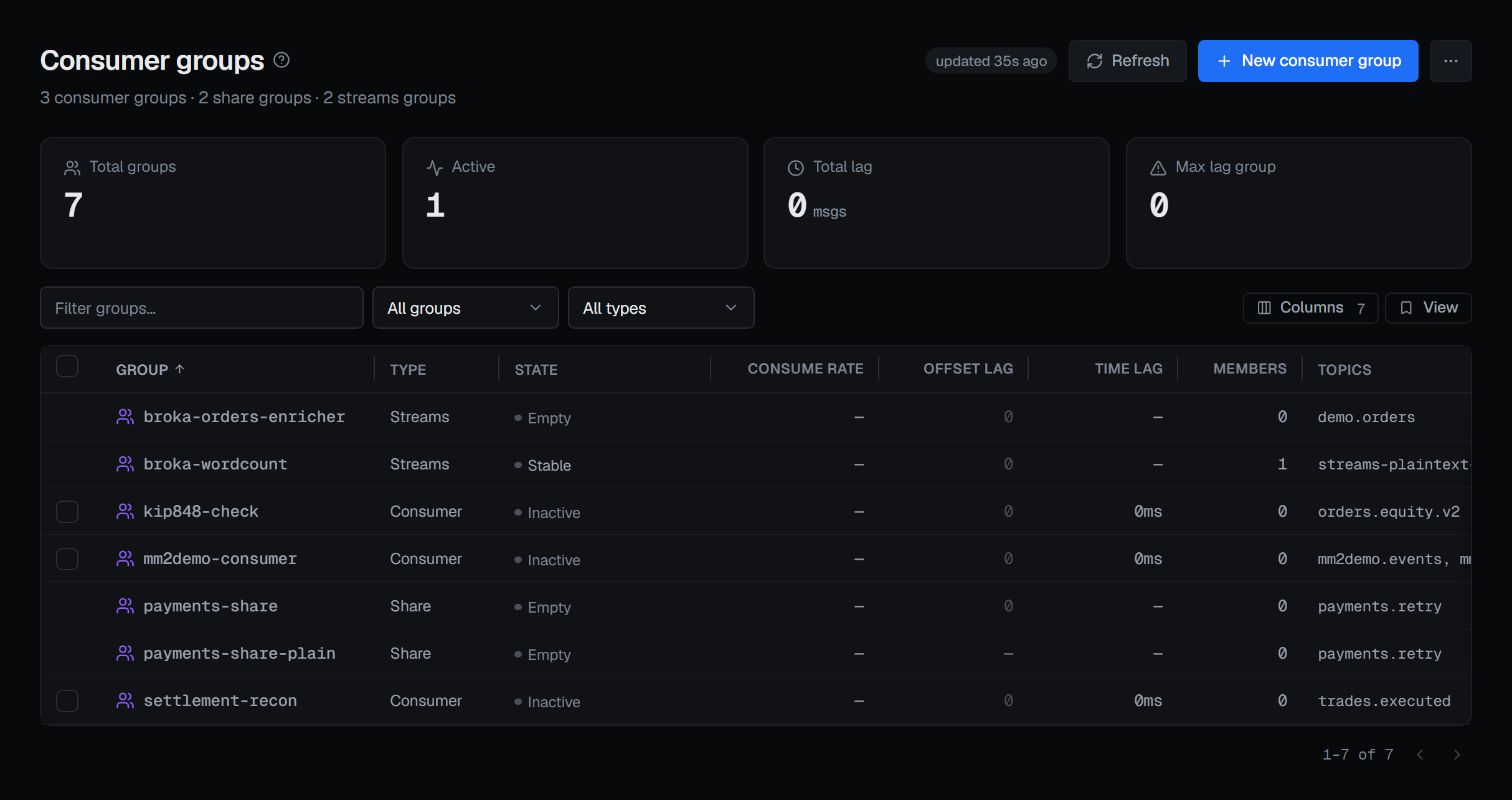
Share groups
Clicking a share group opens its own detail: its state, members and lag, then four tabs — Topics, Partitions, Members and Configuration. Its group epoch and target epoch are on the Members tab, above the members whose own epochs are read against them.
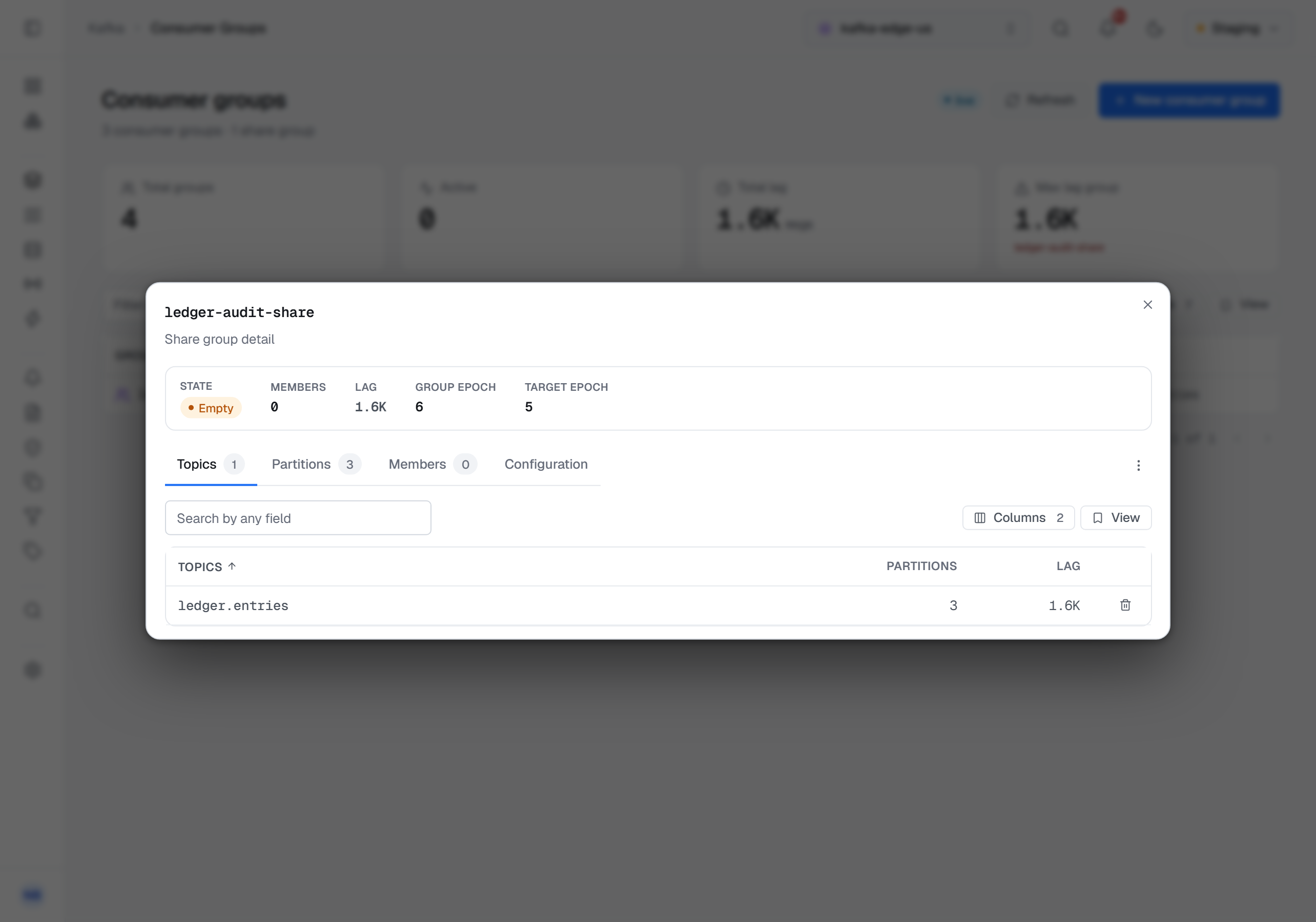
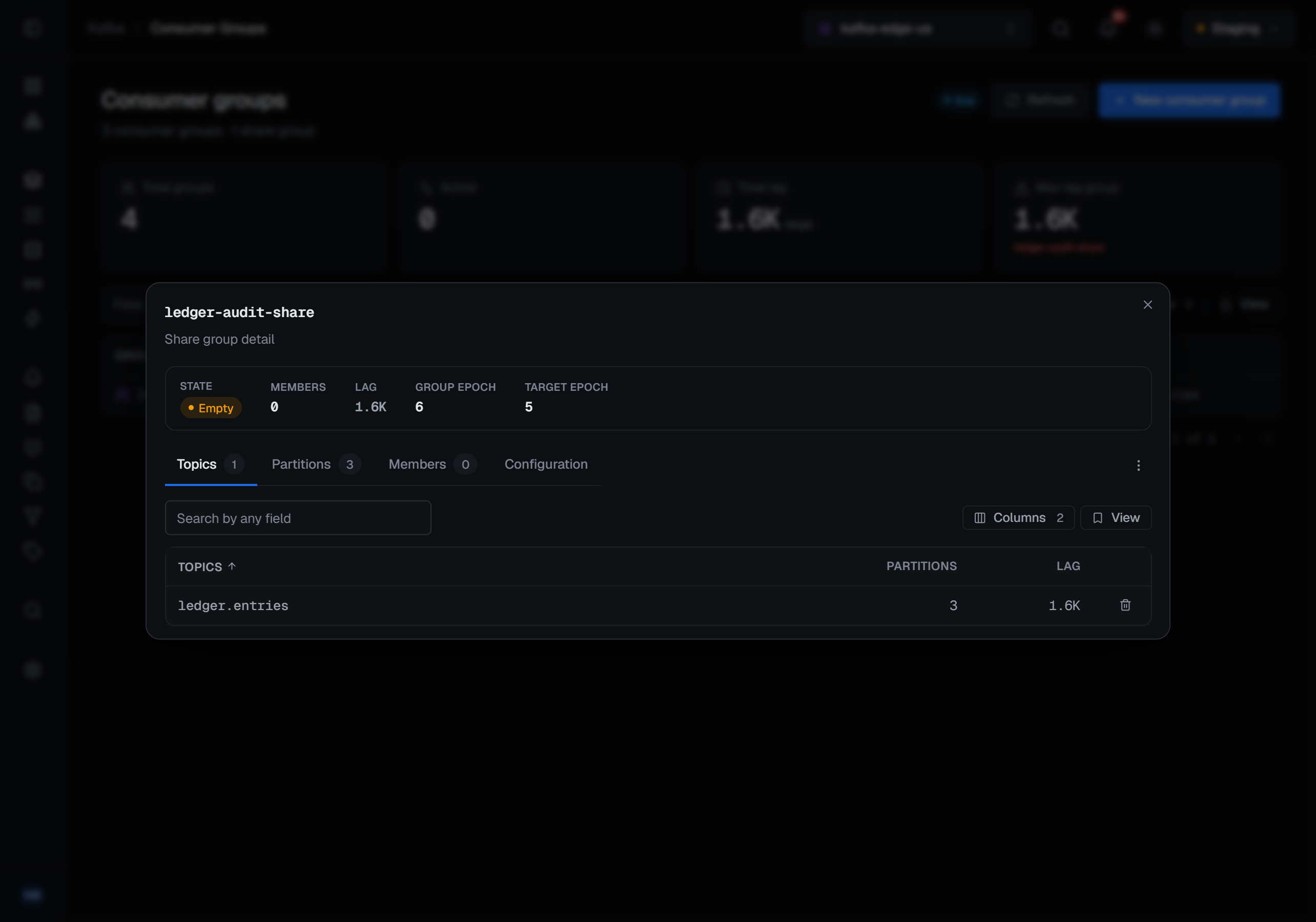
A share group has no committed position per member. Each partition it reads has a start offset — the earliest record the group is still delivering — and a lag behind it that the group coordinator computes. The group's lag is the sum over the partitions that report one, and reads —, not zero, when none does.
- Topics — each topic the group reads, with its number of partitions and its lag, and Delete offsets in the row's ⋯ menu.
- Partitions — each partition with its Start offset, Lag and Leader epoch.
- Members — each member with its Client id, Host, Rack, Epoch, Assigned partitions and Topics.
- Configuration — the group's
share.*settings, and on Kafka 4.4 its dead-letter settings, as the broker reports them, each marked Default or Overridden, with its source on hover. A sensitive value is masked, and a setting that cannot change carries a lock instead of a pencil.
Resetting and deleting a share group
The detail has two operations: Reset offsets at its top and Delete in the ⋯ menu beside it. Both are offered only while the group has no members — Kafka refuses them otherwise, and each is shown disabled with the reason.
- Reset offsets moves the group's start offsets to the Earliest record, the Latest, or a Timestamp — the first record at or after it, or the end of the log where there is none. Those three are all a share group has, because there is no member position to shift from, so there is no Offset or Shift by here. Only the partitions the group holds state on are planned. The plan shows where each partition would move as you choose, and writes nothing; Apply reset applies it and asks for a reason.
- Delete removes the share group and its start offsets. Delete share group …? asks for a reason and says it cannot be undone.
Delete offsets, in the ⋯ menu of each row of the Topics tab, drops that topic from the group: its start offsets on every partition of the topic are removed. It also needs the group to have no members, asks for a reason, and cannot be undone.
A setting's pencil in the Configuration tab opens the same panel a topic's configuration does: Update value, or Reset to default to go back to what the group inherits.
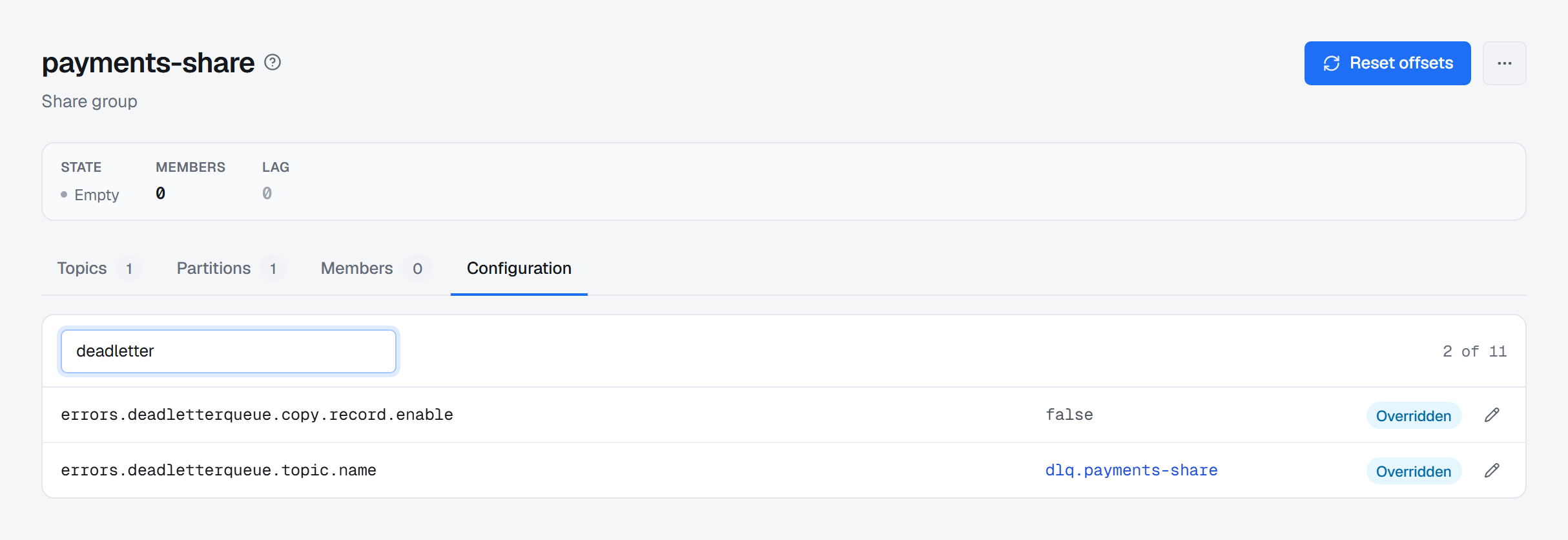
A dead-letter topic for a share group
On Kafka 4.4 a share group can send the records it gives up on — rejected by a consumer, or delivered as many times
as share.delivery.count.limit allows — to a dead-letter topic. Two of the group's settings decide it, and they are
on its Configuration tab beside the share.* ones:
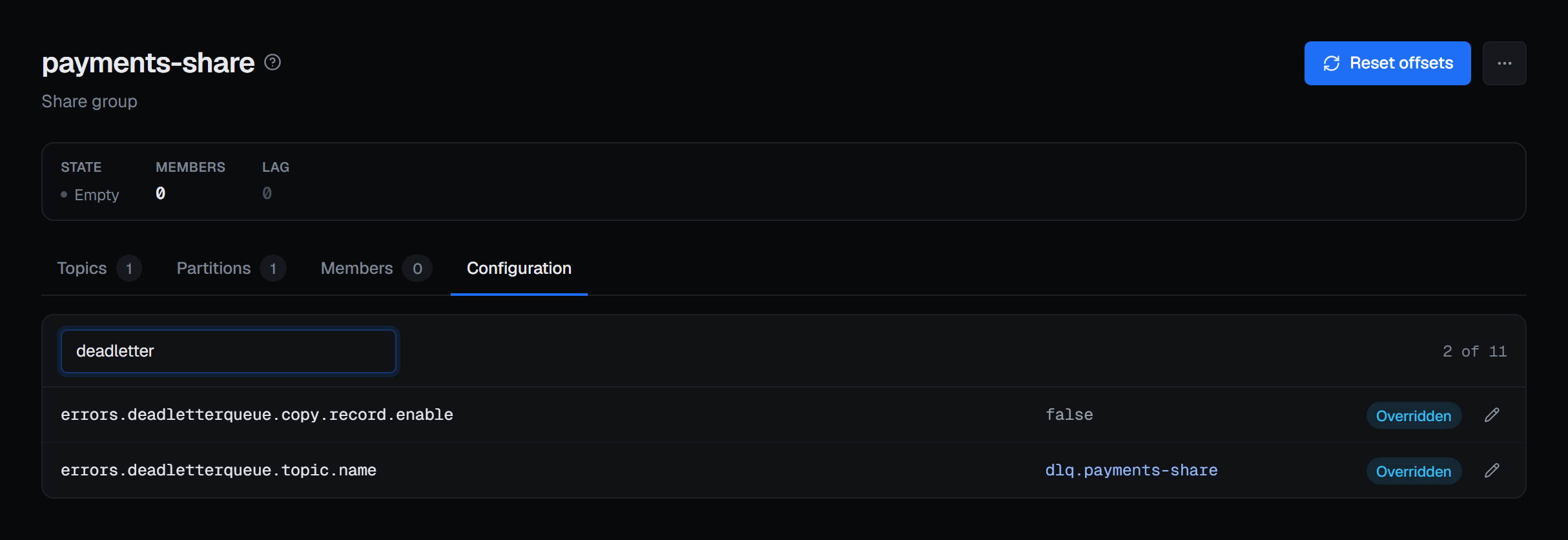
errors.deadletterqueue.topic.name— the topic the records go to. Its value links to the topic's page.errors.deadletterqueue.copy.record.enable— whether each record's key and value are copied there, as they were produced.
Each dead-lettered record carries headers that say where it came from — __dlq.errors.topic,
__dlq.errors.partition, __dlq.errors.offset, __dlq.errors.group and __dlq.errors.delivery.count, and
__dlq.errors.message where the broker has one. Kafka writes them as text, so the topic's message browser shows them
as they were written.
Kafka sets the rules for the topic: its name starts with the cluster's dead-letter prefix — dlq. unless the brokers
set another — and not with __, and the topic exists and accepts dead-lettered records, through its own setting
errors.deadletterqueue.group.enable=true, unless the brokers are set to create it. Kafka enforces them, in its own
words.
Dead-letter topics need the cluster's share.version at 2. A cluster upgraded to Kafka 4.4 in place may still run 1:
then the two settings are listed with their pencil disabled and the reason on hover, and the level is raised from
the Brokers page's Features tab, described in Metadata quorum and features. A
cluster older than 4.4 does not list them at all.
Turning the copy on, resetting it to its default, or setting or resetting the topic needs Read message contents on the connection, besides the permission to manage the cluster: with the copy on, whoever reads the dead-letter topic reads the contents of every topic the group reads. Turning the copy off asks nothing more. A change that needs the permission and lacks it is refused with the reason before Kafka is asked, and the refusal is recorded.
Commercial only: such a change also needs Read masked contents unmasked for the connection as a whole — on the connection, its environment or everywhere, not through a grant on some of its topics, because the dead-letter topic takes records from every topic the group reads. No built-in role holds that permission, so nobody can turn the copy on until it is granted on purpose, even where no masking rule exists.
Streams groups
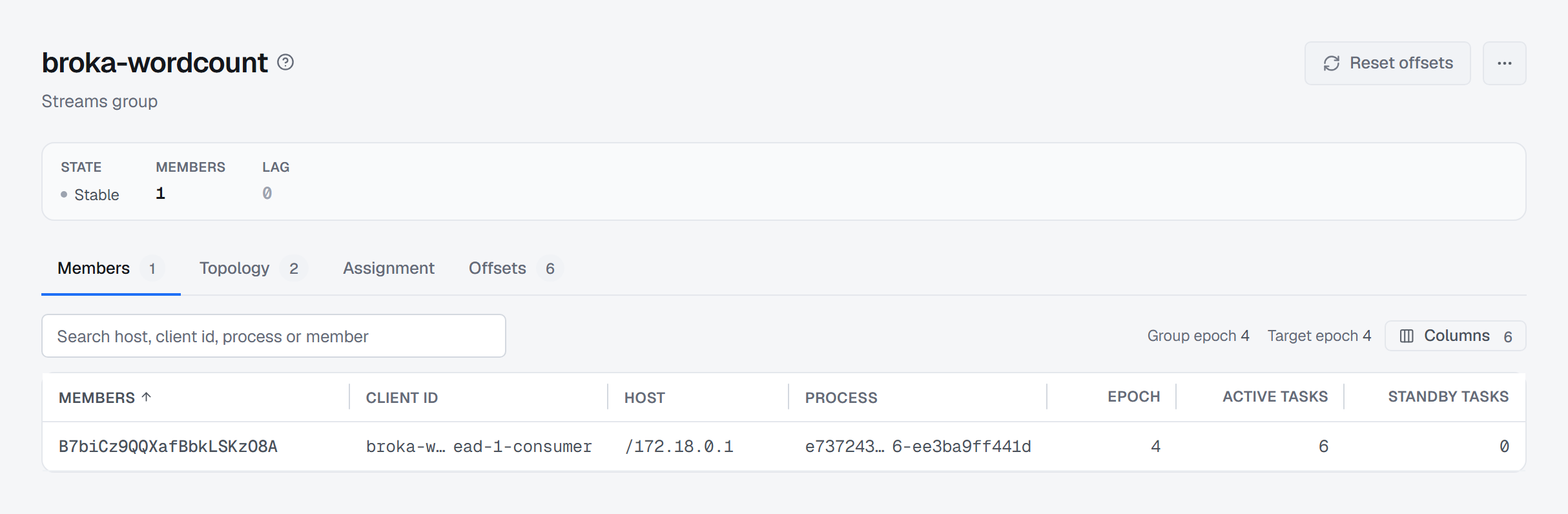
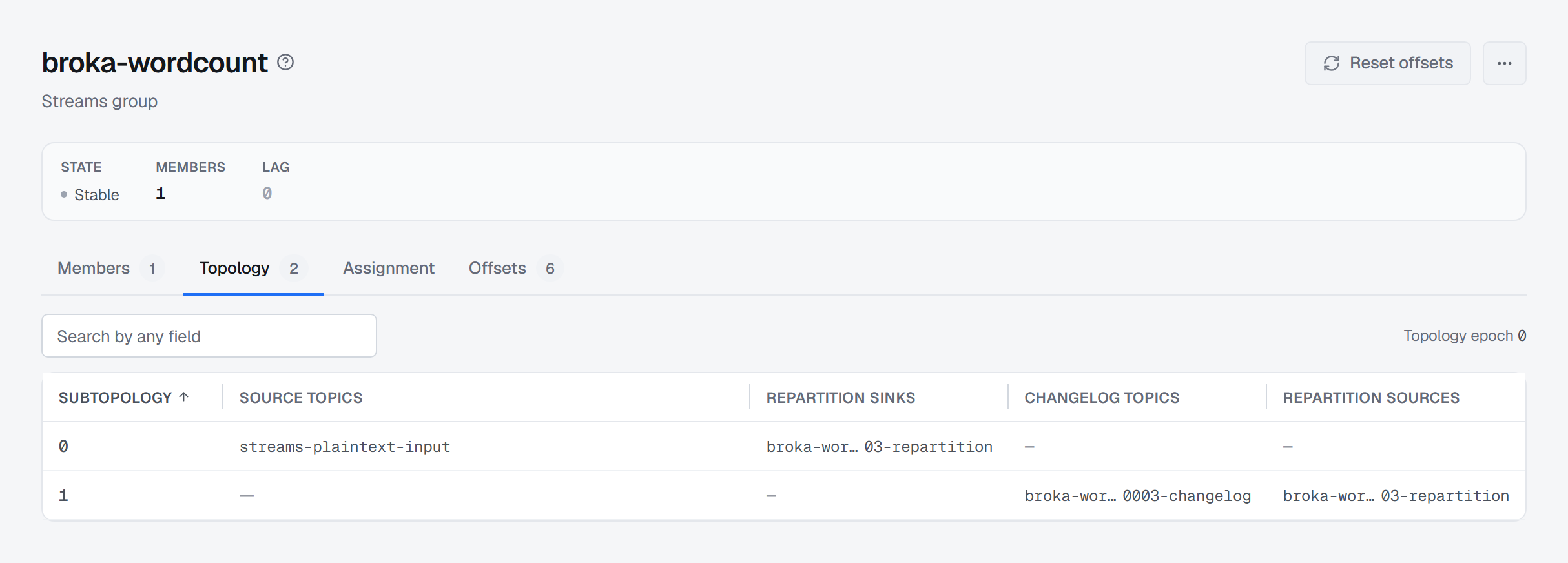
Clicking a streams group opens its own detail: its state, members and lag, then four tabs — Members, Topology, Assignment and Offsets. The group epoch and target epoch are on the Members tab and the topology epoch on the Topology tab:
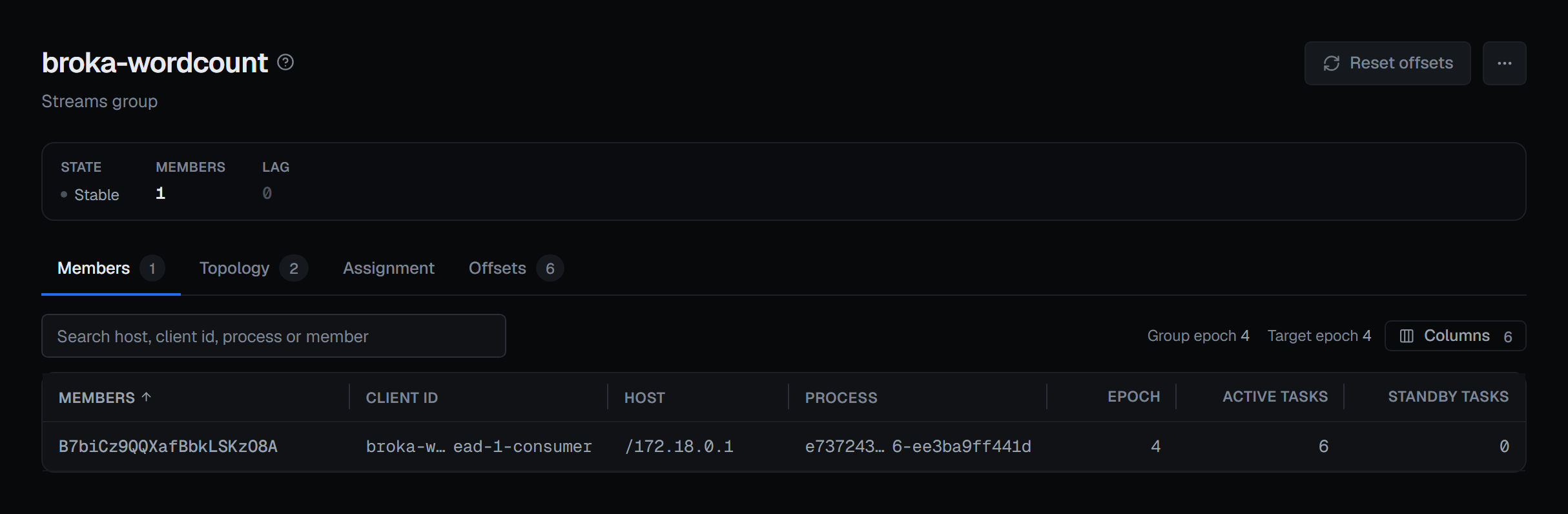
- Members — each member's client id, host, process, static id, epoch, topology epoch, its active, standby and warm-up tasks, and its endpoint.
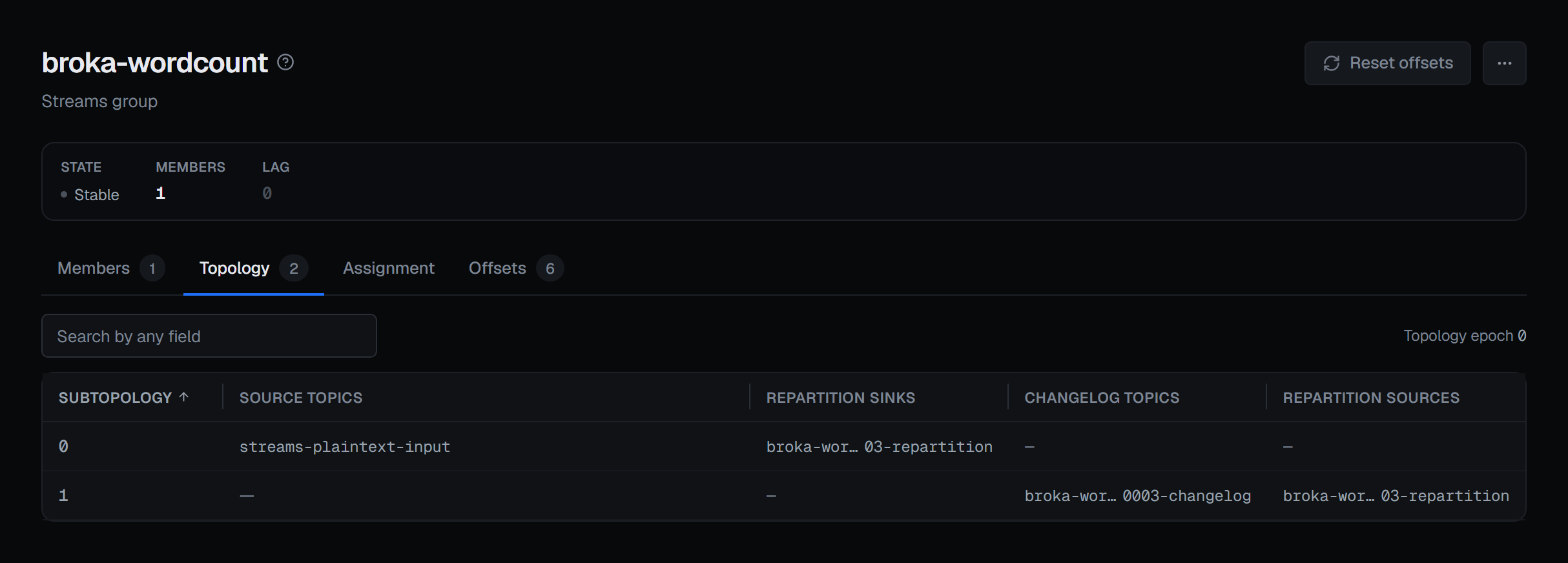
- Topology — each subtopology of the application with its source topics, repartition sinks, changelog topics and repartition sources. Where the brokers keep the application's own description of its topology, a subtopology's row opens its processing nodes (below).
- Assignment — one row per member and subtopology: its Active, Standby and Warmup tasks now beside the Target active, Target standby and Target warmup tasks the coordinator is steering it toward.
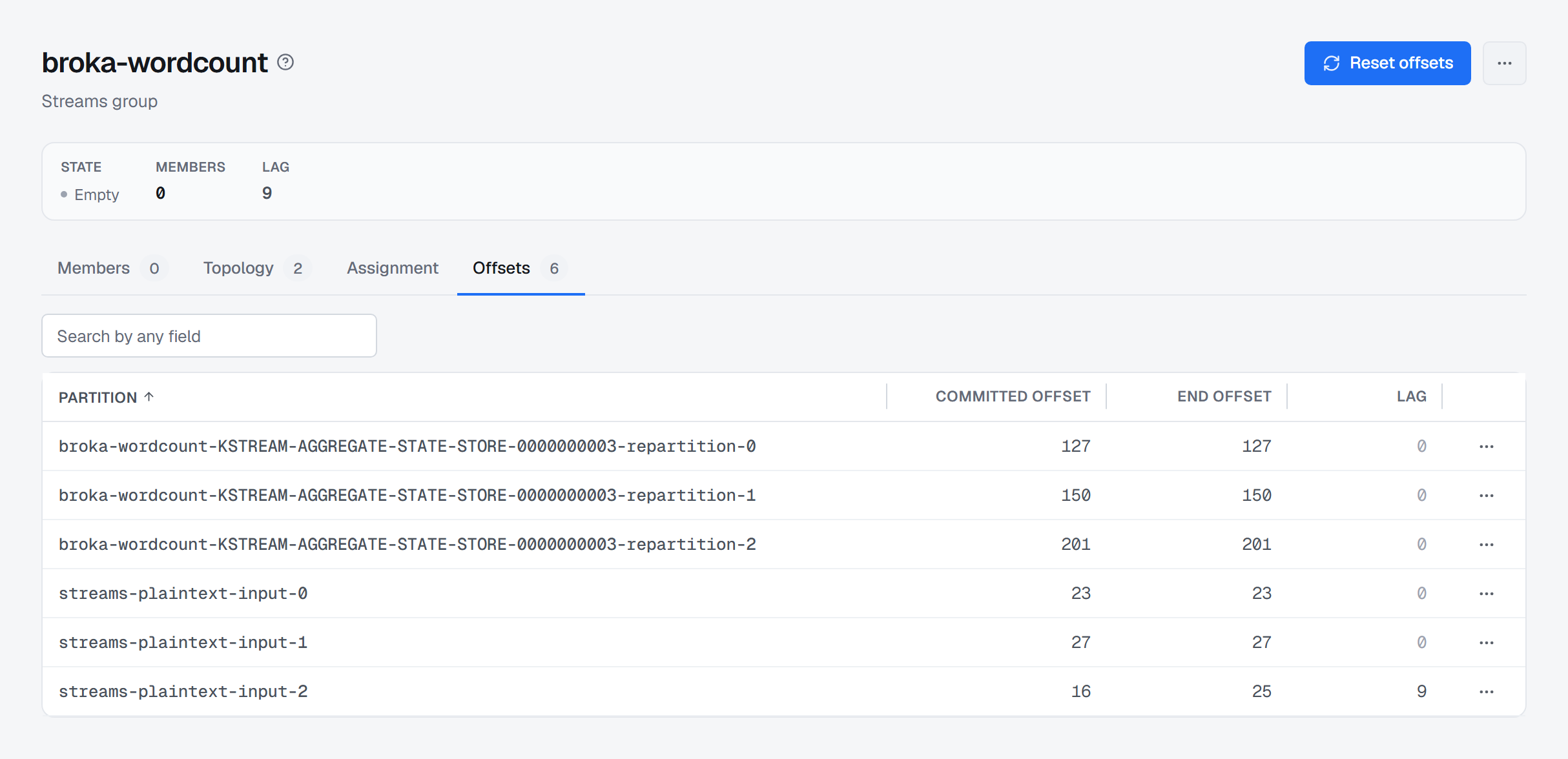
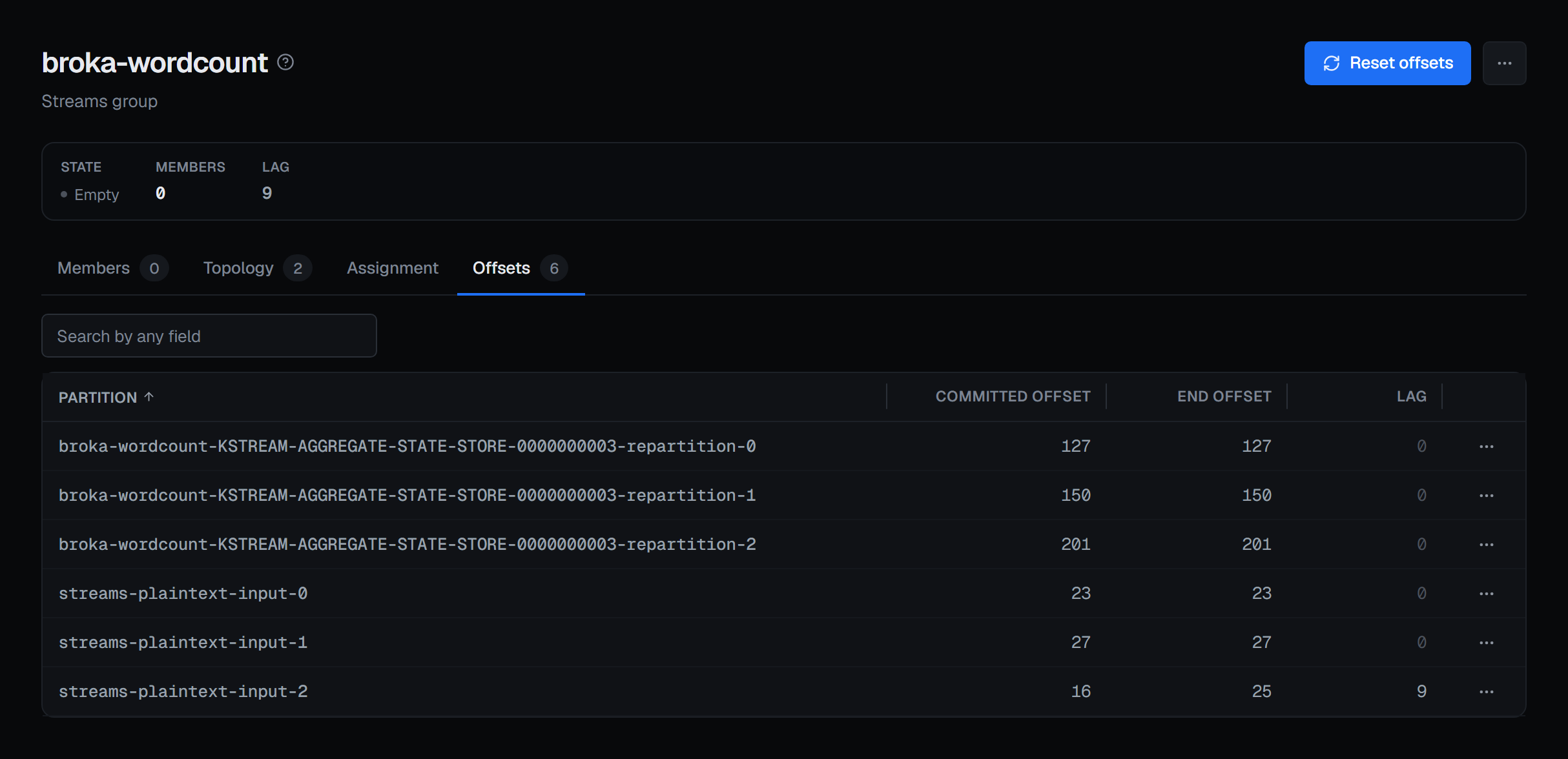
- Offsets — each partition the group has committed on, with its Committed offset, End offset and Lag, and in the row's ⋯ menu Delete offsets on the partition's topic.
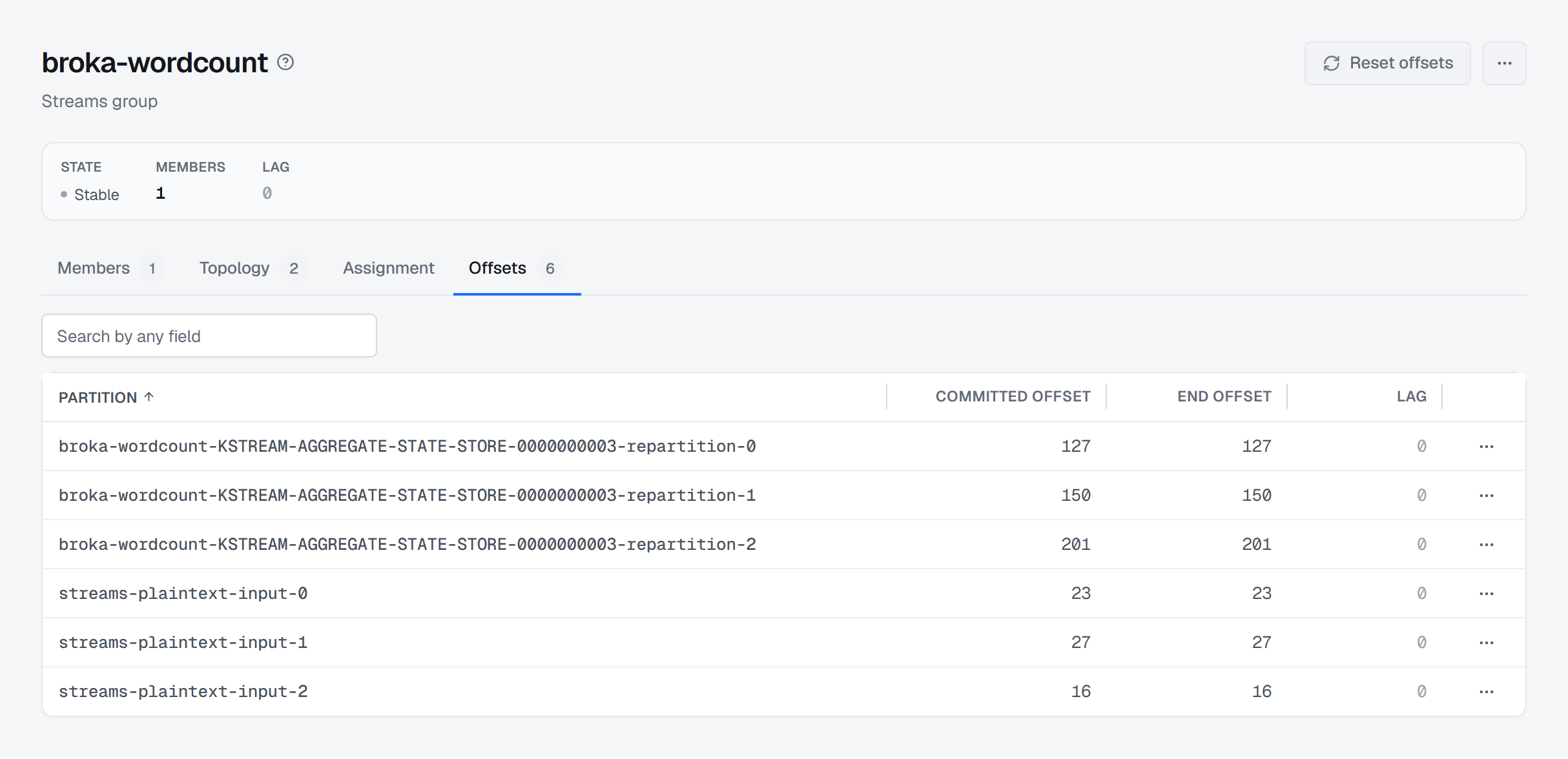
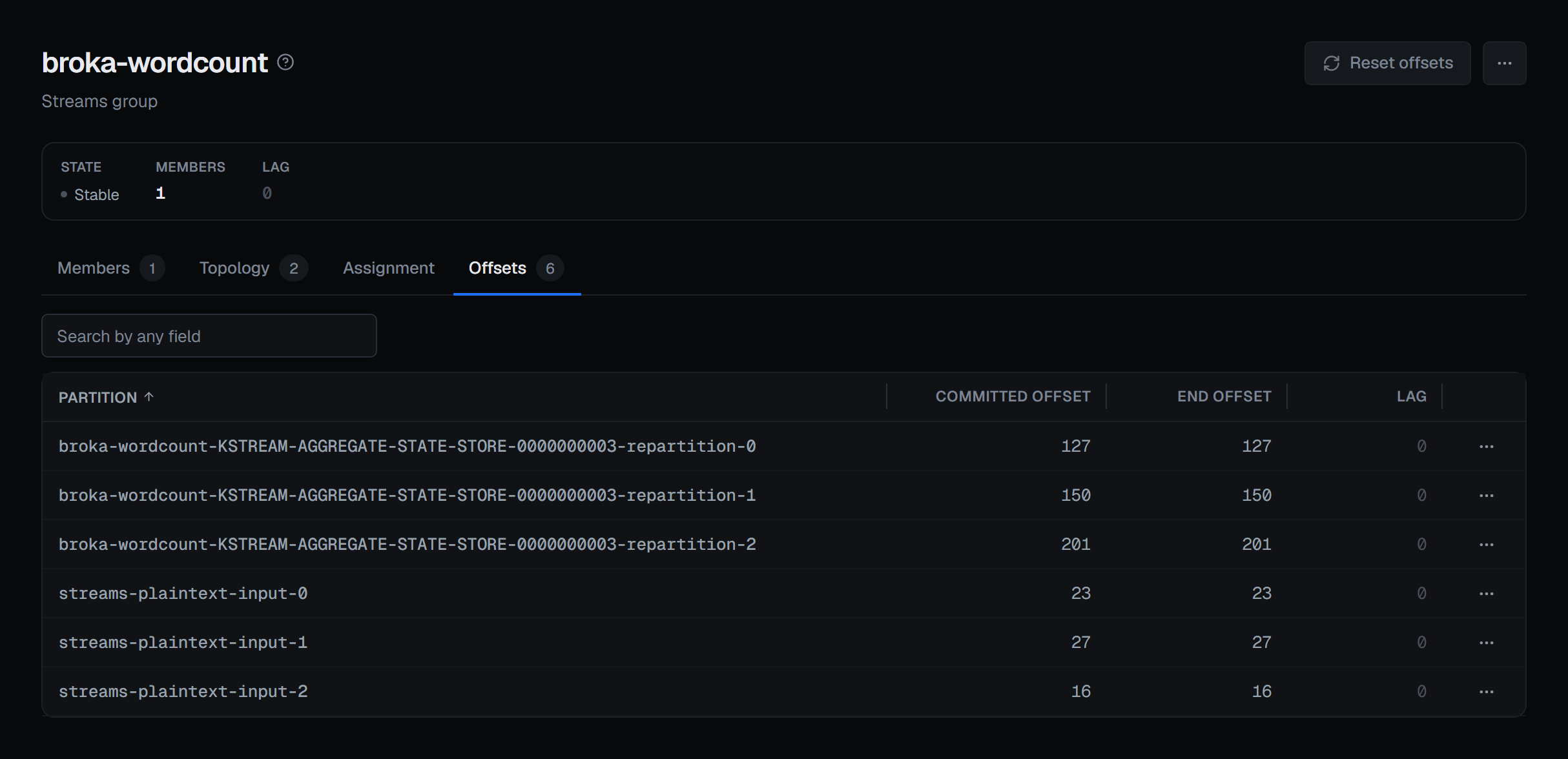
A streams group's lag is counted as a consumer group's offset lag is: the records between its committed offset and the end of each partition, summed over the partitions it has committed on — in the list, and per partition on the Offsets tab. It reads —, not zero, when the group has committed nothing or the end offsets could not be read.
A streams group's topology, as its application described it
On Kafka 4.4 a Kafka Streams application sends the brokers a description of its topology, and the brokers keep it
where a plugin is set to keep them, in the broker setting group.streams.topology.description.plugin.class. Where
they do, clicking a subtopology on the Topology tab opens its Processing nodes, in the order the brokers give
them — sources, then processors, then sinks:
- Node and Type — each node by name, as a Source, a Processor or a Sink.
- Topics — the topics a source reads or a sink writes.
- Stores — the state stores a processor uses.
- Predecessors and Successors — the nodes before and after it.
A topology with global state stores lists them under the table, in Global stores: each with the source that reads it, that source's topics, the processor that fills it and its stores.
Where there is no description, the Topology tab says why above the table, and still lists the subtopologies from the group's own description. On brokers older than Kafka 4.4 it says This cluster's brokers do not keep a streams group's topology description. and names Kafka 4.4. Where no plugin is set, it says This cluster's brokers keep no streams group's topology description: no plugin is set in group.streams.topology.description.plugin.class. Where the brokers hold none for this group, it says so — no plugin is set, or the application has not sent its description, which Kafka Streams does from 4.4. Where the brokers' plugin failed to answer, the reason says so, and that the broker's log says why.
Resetting and deleting a streams group
A streams group's detail has the writes a consumer group has: Reset offsets at its top, Delete in the ⋯ menu beside it, and Delete offsets on a topic in each row of the Offsets tab. Kafka refuses a reset or a deletion while the application runs — a running application would commit straight over a moved offset — so Reset offsets and Delete are offered only while the group is Empty or Dead, and are otherwise shown disabled with the reason: Stop the application first: Kafka refuses this while the group has members.
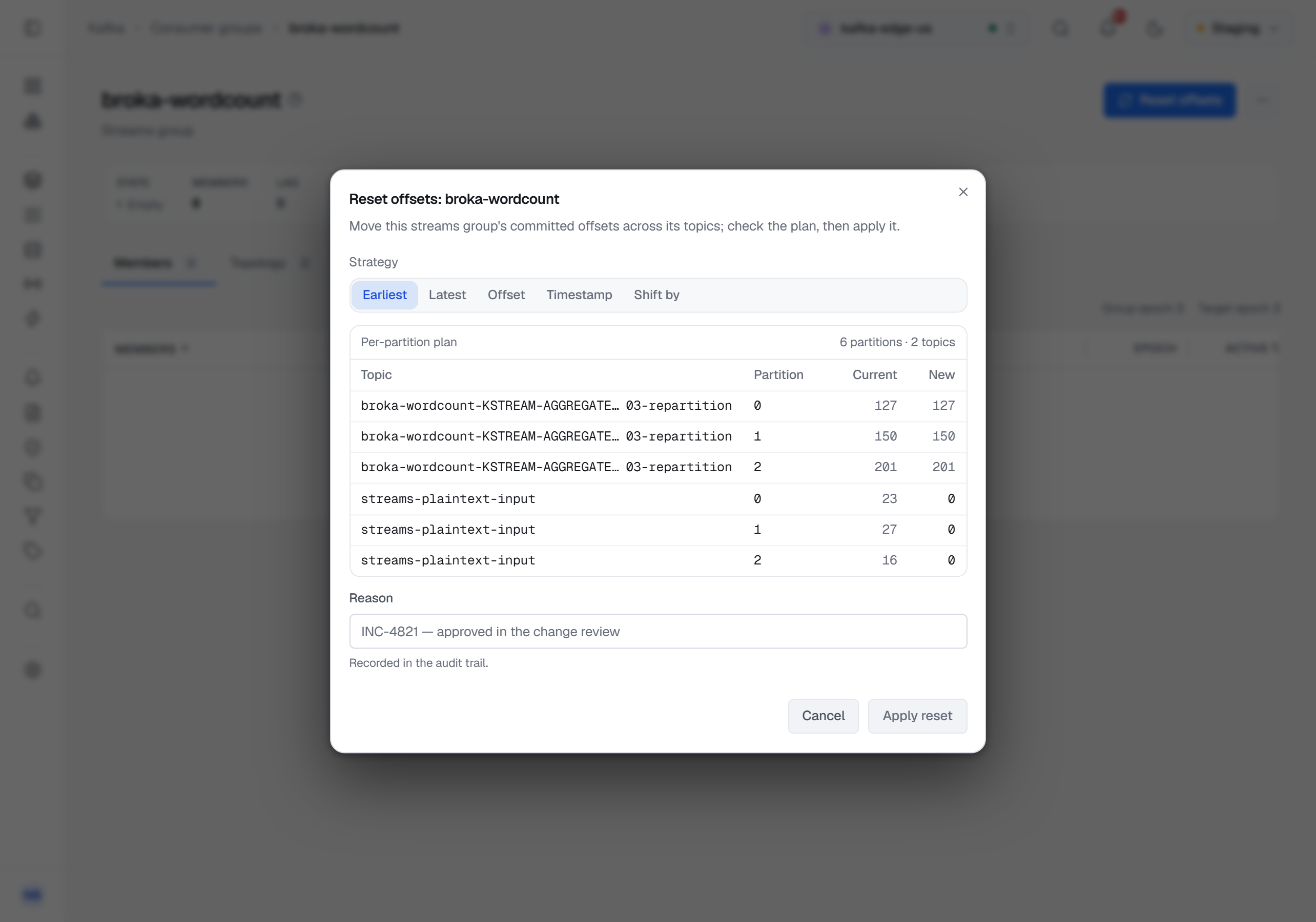
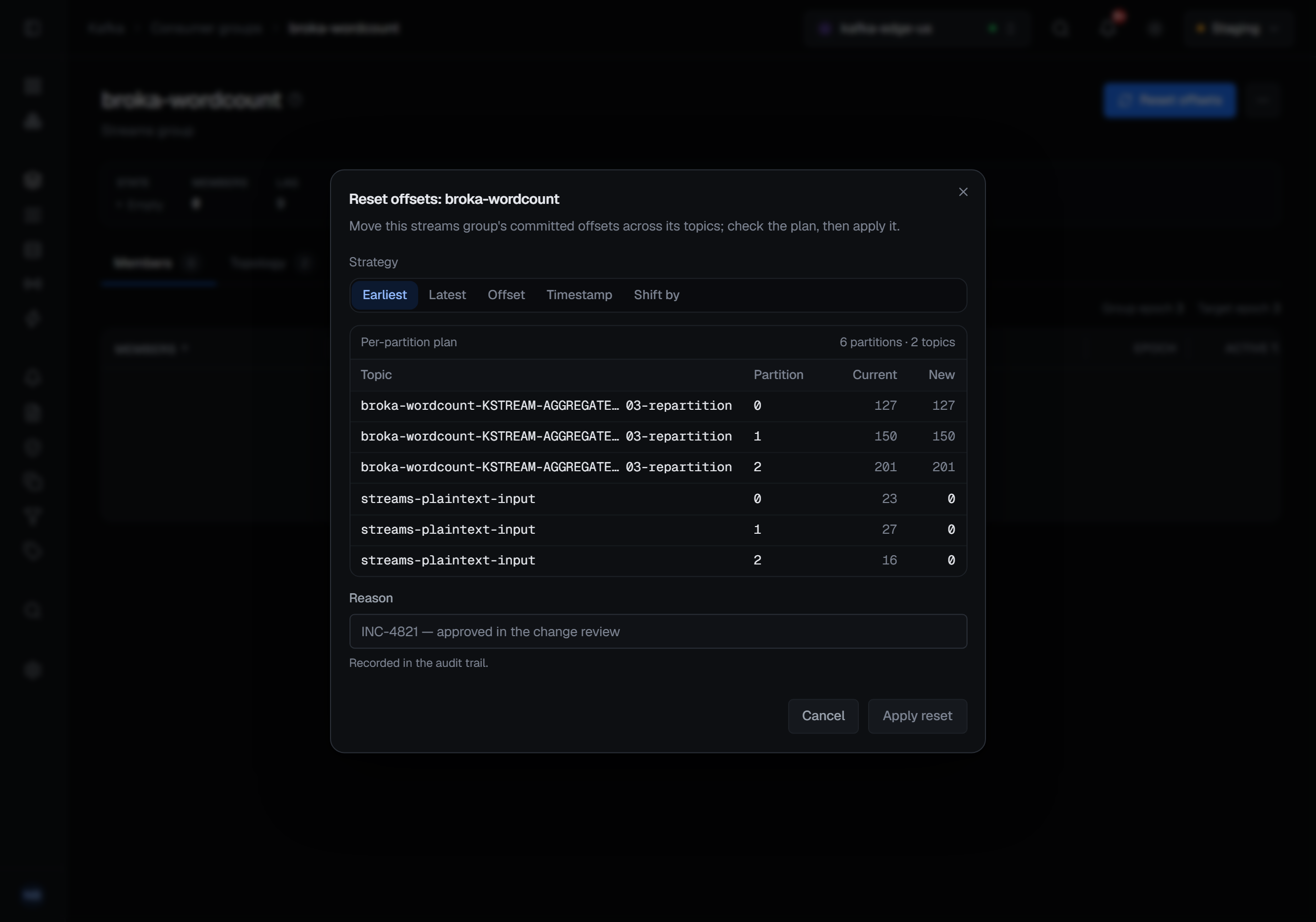
- Reset offsets moves the group's committed offsets across its topics, with the five strategies a consumer group's reset has — Earliest, Latest, Offset, Timestamp and Shift by — each applied per partition and clamped into its range, as described in Group offsets and operations. The Per-partition plan shows where each partition would move as you choose, and writes nothing; Apply reset applies it and asks for a reason.
- Delete removes the streams group and its committed offsets. Delete streams group …? asks for a reason and says it cannot be undone.
Delete offsets on a topic, in the ⋯ menu of each row of the Offsets tab, drops that topic from the group: its committed offsets on every partition of the topic are removed. It asks for a reason and cannot be undone. Kafka refuses it while the application still reads the topic, and the refusal says to stop the application first.
Permissions, reasons and the audit trail
Every share-group and streams-group write needs the permission to manage the cluster. In a read-only environment, or on a connection marked read-only, they are blocked with the reason, as a consumer group's are. As there too, Reset offsets still opens and shows its plan; only Apply reset is disabled, with the reason shown in the dialog.
Reset, Delete and Delete offsets ask for a reason in every environment. A share group's configuration change asks for one only when the connection's environment is guarded.
A share group's reset, deleted offsets, deletion and configuration changes are audited like a consumer group's, each marked as a share group's: a reset with each partition's start offset before and after, a deletion of offsets with the start offset each position held, a configuration change with each setting before and after. A streams group's reset, deleted offsets and deletion are audited the same way, each marked as a streams group's: a reset with each partition's committed offset before and after, and the strategy and target chosen, a deletion of offsets with the offset each position held. A reset's plan is not recorded.