

Both halves of Redis, at equal depth.
Instances and clusters
Standalone instances, Sentinel-monitored primaries and OSS Cluster shards connect the same way, with the topology stated rather than guessed.
Keyspace exploration
Cursor-based browsing that never blocks the server, in whichever logical database you switch to, a sampled analysis that groups the keyspace by your own key delimiter — and the query engine’s search indexes, with their schema, a query and its execution plan.
Key inspection
Every key opens as the type it actually is — string, hash, list, set, sorted set, stream, JSON where the deployment provides it — with TTL, memory and encoding beside it, and a new key of any of those types created with its first content and an optional TTL.
Redis Streams
Entries in range, the last generated id, and a live tail — all read without consuming anything a real client is waiting for.
Consumer groups and PEL
Group lag against the stream head, per-consumer assignment, and the pending entries list with idle time and delivery counts — claimed, acknowledged, or returned to the group unacknowledged.
Memory and health
Used and peak memory, fragmentation, eviction policy, hit rate, replication link state and persistence status in one read — beside the server’s own latency monitor and memory doctor, and on Redis 8.6 the keys that cost it the most CPU and network.
Live key activity
Pub/Sub channels and shard channels with their subscribers, counted apart, publish and sharded publish as separate actions, and keyspace notifications followed live.
ACL users and the security log
Users with command categories and key and channel patterns — and the security log naming who was refused, for which of Redis’s four reasons: a command, a key, a channel or a failed login.
Cluster, replication and tools
All 16,384 slots written out and the busiest ranked, every node’s own view of the cluster, coordinated failover, Sentinel’s groups with its quorum check — and slow log, clients, config and command activity beside them.
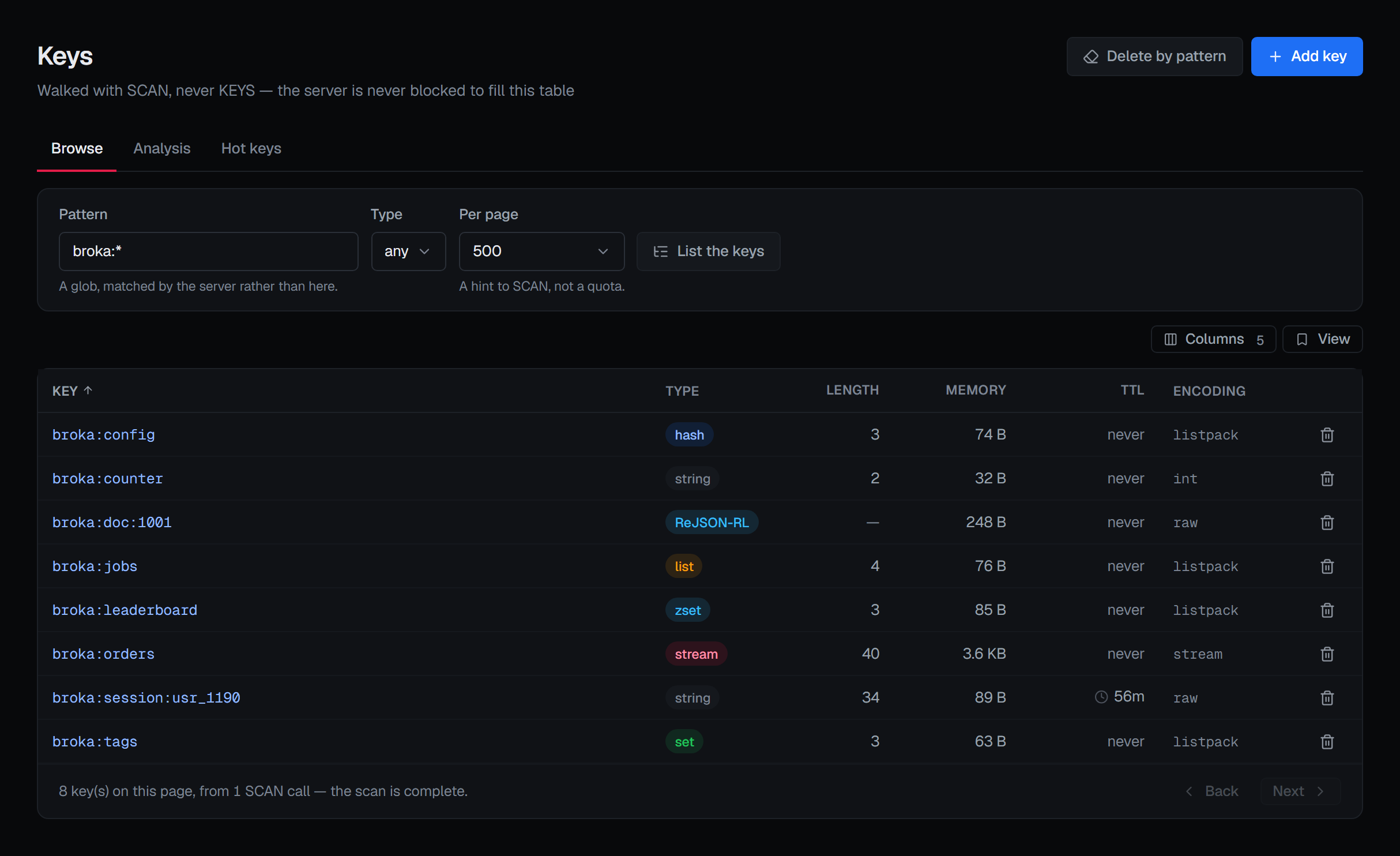
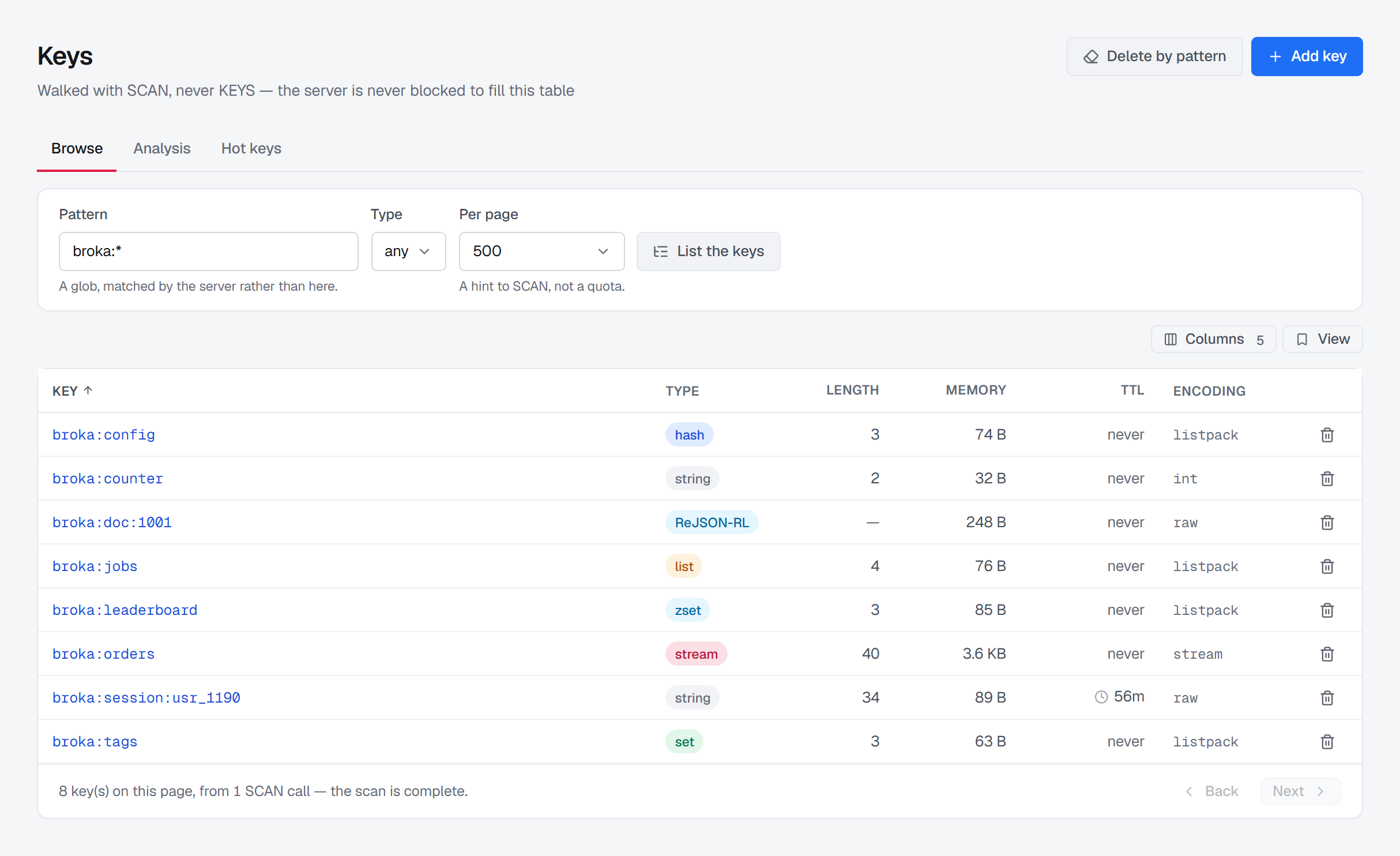
Types survive the trip to the screen.
A hash is not a string with commas in it. The explorer browses by cursor rather than blocking the server, keeps every key's real type, and puts TTL and memory footprint where you are already looking — so a keyspace problem and a memory problem stop looking alike.
| Key | Type | TTL | Memory |
|---|---|---|---|
| session:9f21c4 | hash | 28m | 512 B |
| catalogue:sku:88401 | string | — | 84 KiB |
| leaderboard:weekly | zset | — | 11 MiB |
| events:ingest | stream | — | 240 MiB |
Every listing is cursor-based, so opening the explorer on a production instance with a million keys does not block the server for anyone else. Delete-by-pattern offers a dry run — the match count before anything goes — and reports what it actually removed.
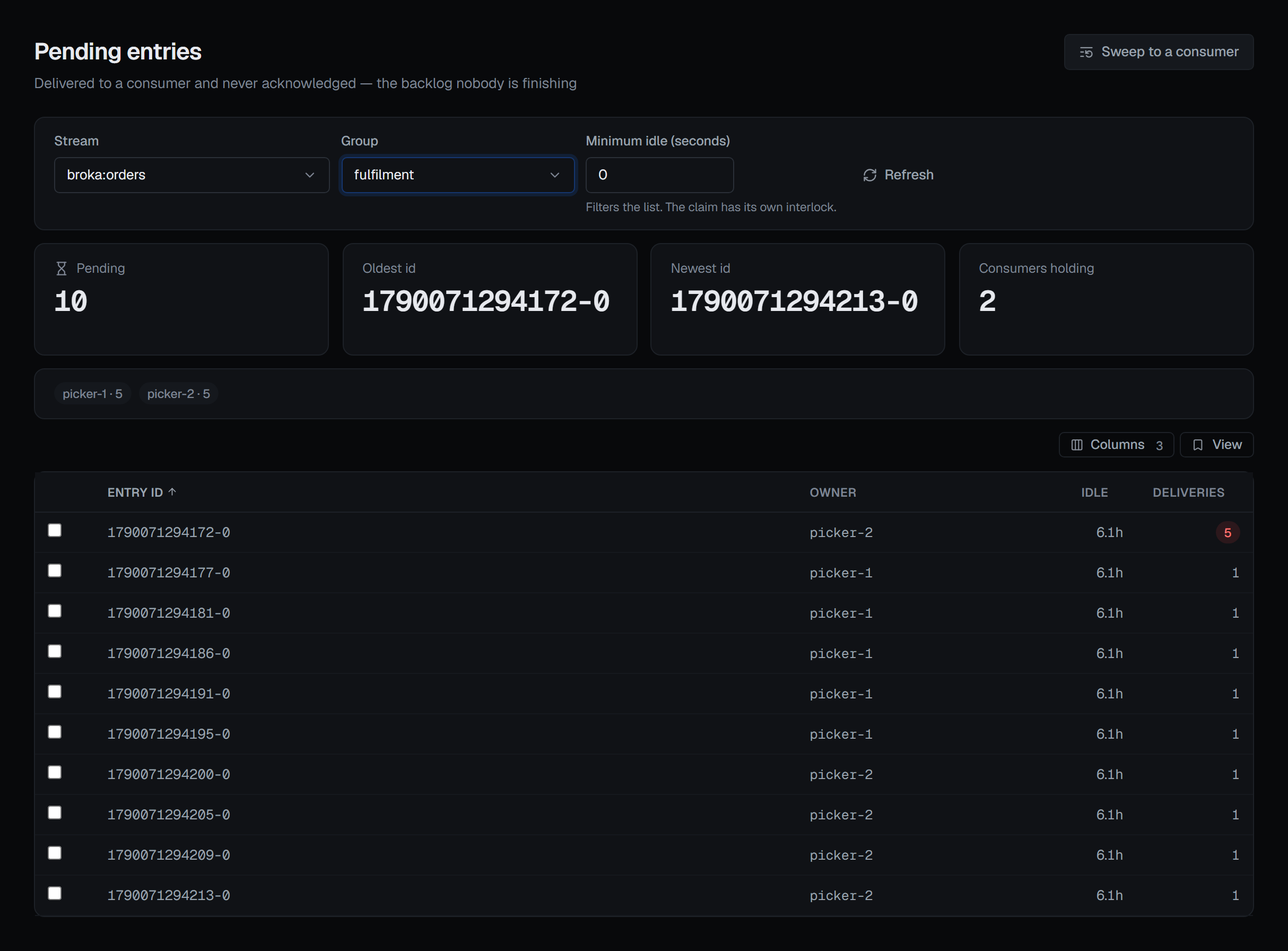
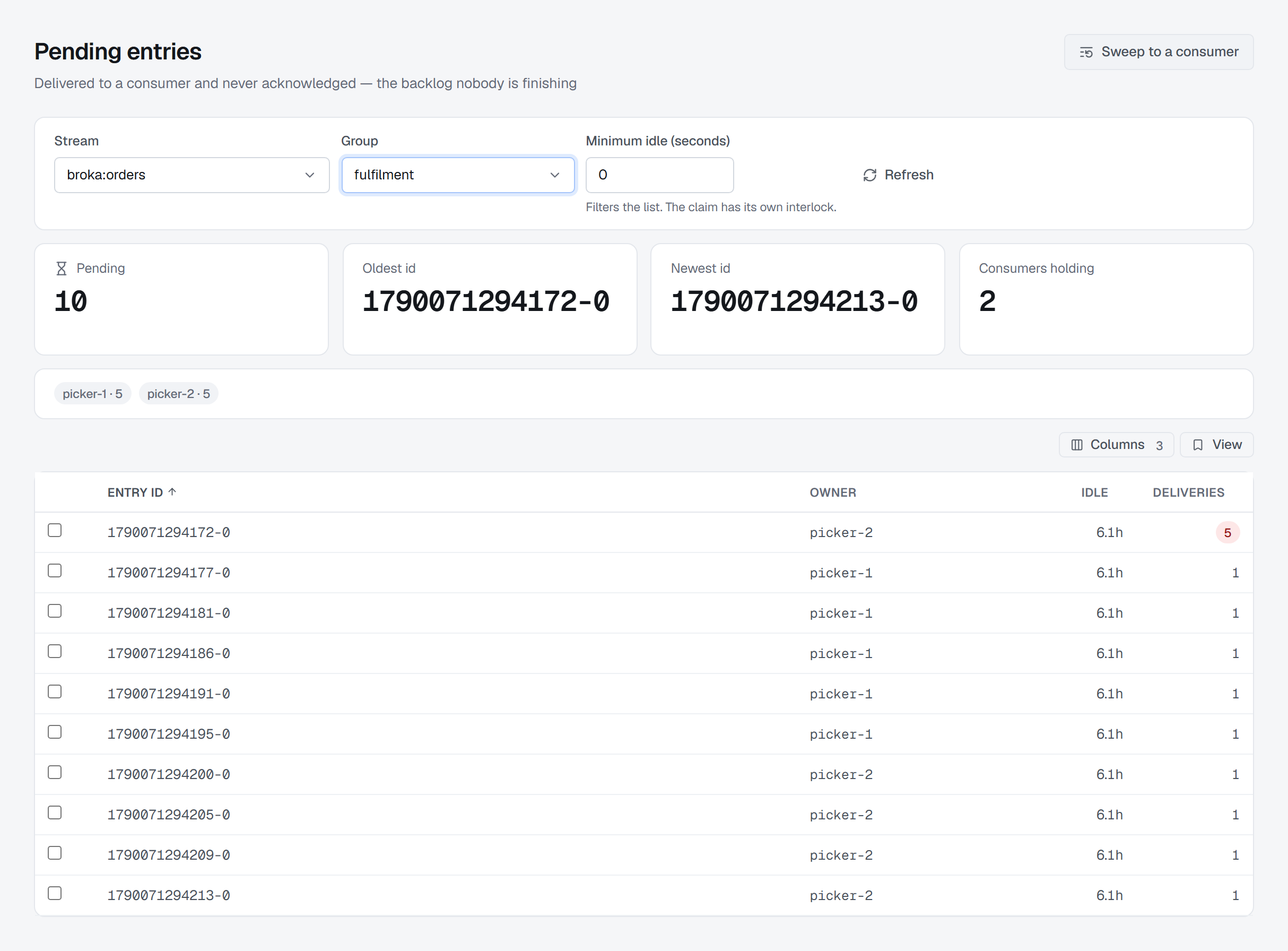
Delivered is not the same as acknowledged.
A Redis Stream keeps a pending entries list per consumer group: everything handed to a consumer that has not been acknowledged yet. It is the only place a stuck consumer becomes visible, so it gets its own view rather than a number on a dashboard.
| Consumer | Pending | Idle | Deliveries |
|---|---|---|---|
| c-1 | 0 | 2s | 1 |
| c-2 | 3,140 | 42m | 4 |
| c-3 | 0 | 1s | 1 |
Reassigning pending entries to another consumer changes who is responsible for work in flight. It needs operate rights on the environment, names the entries and the target consumer in the confirmation, and lands in the audit timeline — and its idle-time threshold is an interlock, not a filter: nothing recently touched moves.
The destructive commands are the ones worth gating.
Redis has no separate admin API — management is the data protocol, so the same connection that reads a key can delete it. And on a single-threaded server a read can be an outage, which is why the console itself never runs KEYS, ships no FLUSH route at all, and replaced live MONITOR with cumulative command activity. The two-layer check matters more here than anywhere else: BROKA's scoped permission first, then whatever the connection's own ACL user is permitted to run.
- 01Give the browsing connection an ACL user without FLUSHDB, FLUSHALL or KEYS
- 02Delete-by-pattern offers a dry run, and reports what it actually removed — not what the pattern was meant to cover
- 03Add key refuses a name that exists — it never overwrites, and the refusal names the key
- 04Dropping a search index asks for a reason, and deleting the documents it indexed is a separate box that starts unticked
- 05Claiming pending entries needs operate rights and names the target consumer
- 06CONFIG SET is administrative and records the previous value alongside the new one
- 07In Commercial, the parts of a value a data masking rule covers are masked wherever the console shows it, and every unmasked read is recorded
- 08TLS verifies the peer and the hostname as two separate switches, and certificate material never touches disk
actor      deniz@northwind-bank.example
session    b7e04f            ip: 10.20.6.18
env        staging
broker     redis             instance: cache-eu-01
resource   keys session:*    matched: 1,284
action     delete-by-pattern
outcome    accepted          after a dry-run preview
Redis keeps no history — once a key is gone, the audit entry is often the only surviving record that it held something else. Same entry shape as Kafka, RabbitMQ and Apache Artemis (formerly ActiveMQ Artemis): one trail across the estate, one export instead of one per broker.
Audit and accountability →