

Operating every broker with one permission model
A mixed messaging estate does not need an access model per broker. It needs one model that resolves cleanly onto each broker's own enforcement — and a habit of granting rights per environment rather than per person.
Estates rarely start mixed. A team runs Kafka, another picks RabbitMQ for a routing problem, Redis arrives with a cache and stays for Streams, and an older Artemis deployment — Apache Artemis, formerly ActiveMQ Artemis — keeps doing exactly what it was built for. Each arrives with its own console, its own notion of a user, and its own answer to "who can purge this".
The result is not usually a security incident. It is slower access reviews, inconsistent production safety, and a longer path from alert to root cause. Consolidating the operating model — not the brokers — is what shortens all three.
1 — Map teams before roles
Start from the teams that already exist operationally, not from the brokers. A team is the unit that owns resources, gets paged, and shows up in an access review. Once teams are right, roles are a short list.
| Team | Everywhere | Development | Staging | Production |
|---|---|---|---|---|
| Payments platform | Viewer | Operator | Operator | — |
| Checkout services | Viewer | Operator | — | — |
| Messaging administrators | Admin | — | — | — |
| Security review | Auditor | — | — | — |
Four teams, three environments, and no row that needed a person's name in it. That is the property to aim for: a grant that outlives the person who needed it is a grant nobody will remember to remove.
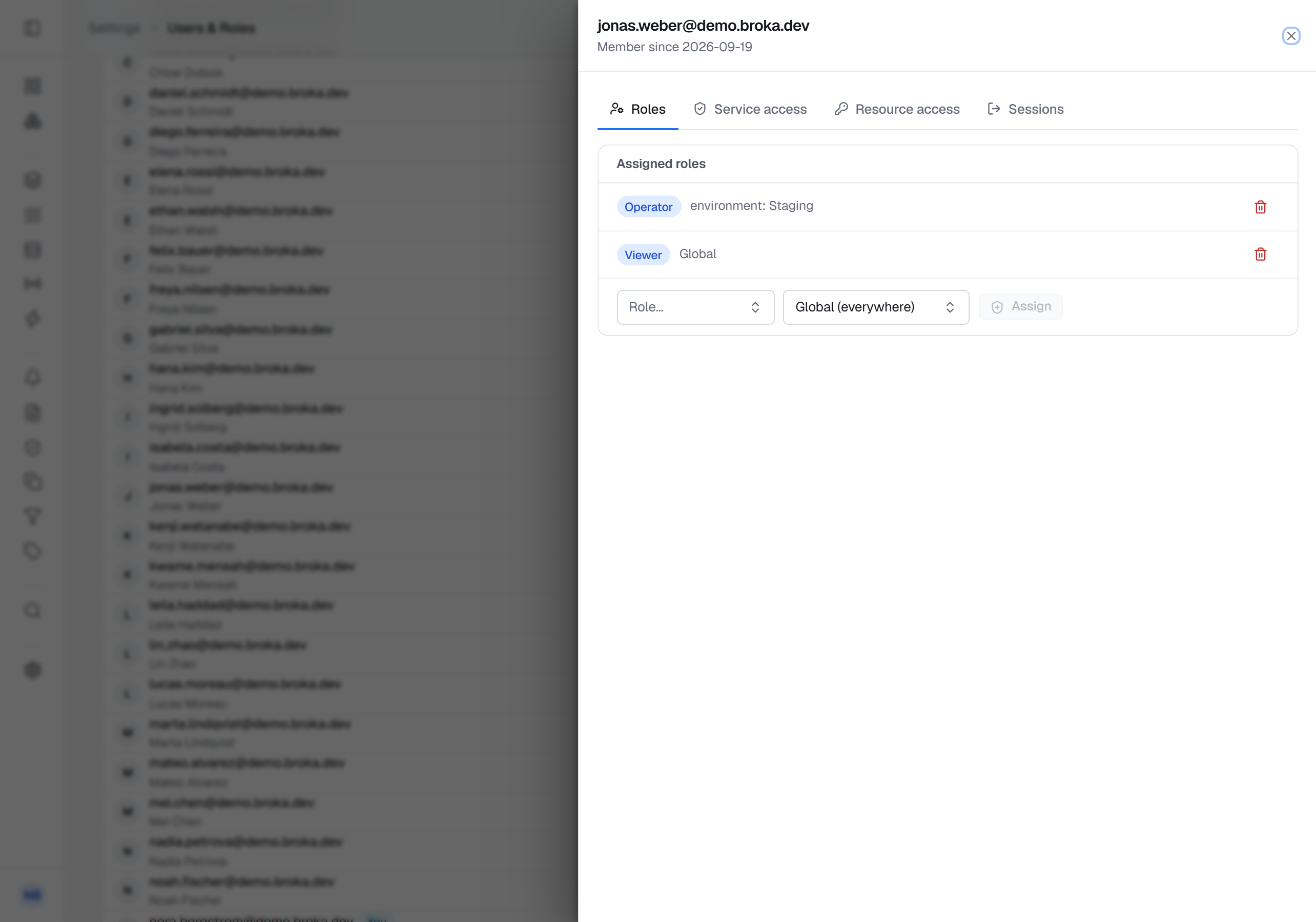
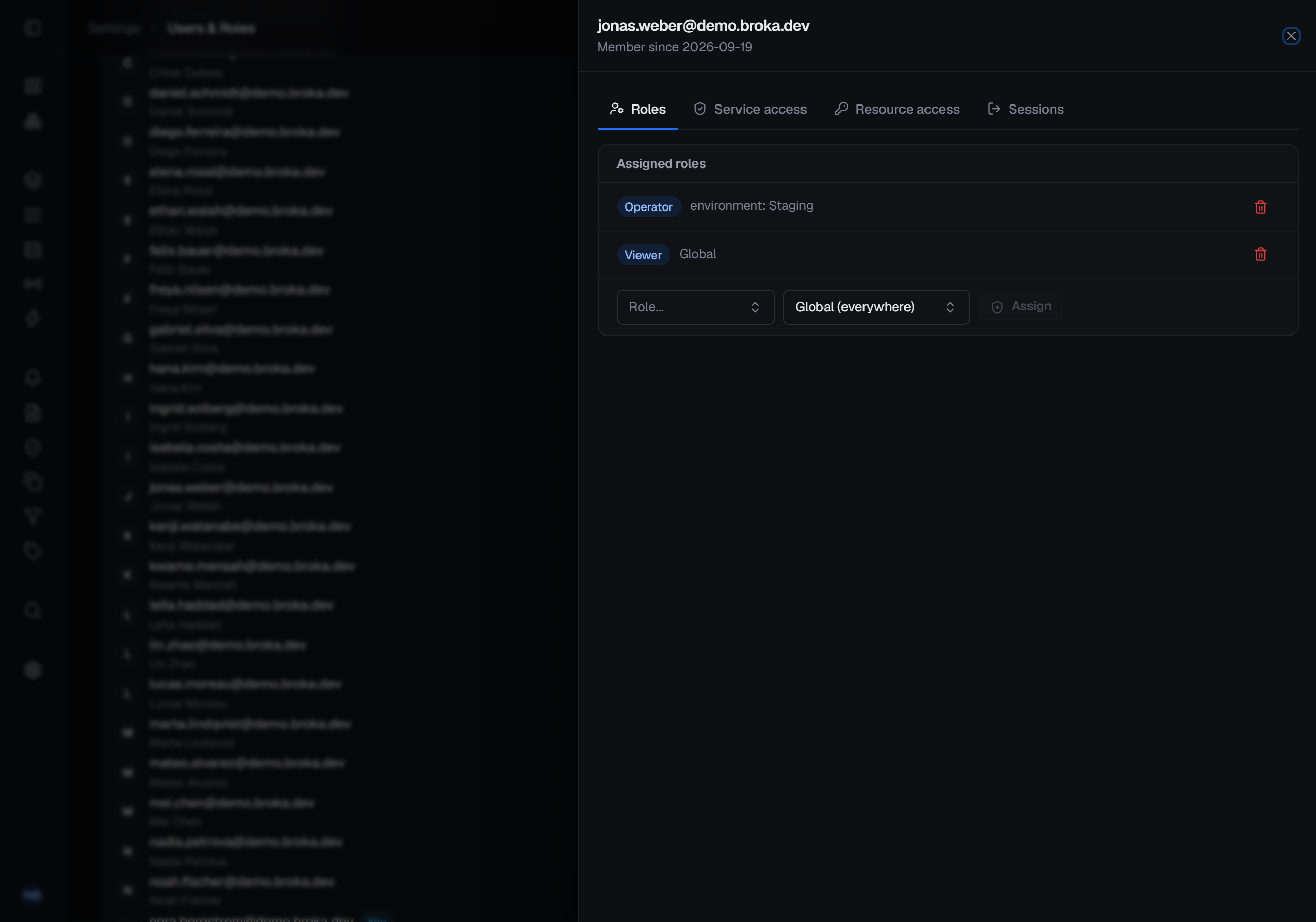
The first column is not decoration. A role assigned to one environment reaches the connections inside it and nothing else: the dashboard, alerts, applications and the audit trail, and every administrative permission, come only from an assignment made everywhere — and a role that administers the installation, such as Admin, cannot be assigned any narrower. So every team starts from a base role everywhere, and operating rights are added per environment on top of it; a dash means the base role is all the team has there.
2 — Make the environment carry the policy
A team with operate rights in staging should not silently gain them in production because a connection was added to the wrong place. Put the safety decision on the environment, where it is visible and reviewable, and let roles express capability rather than exception.
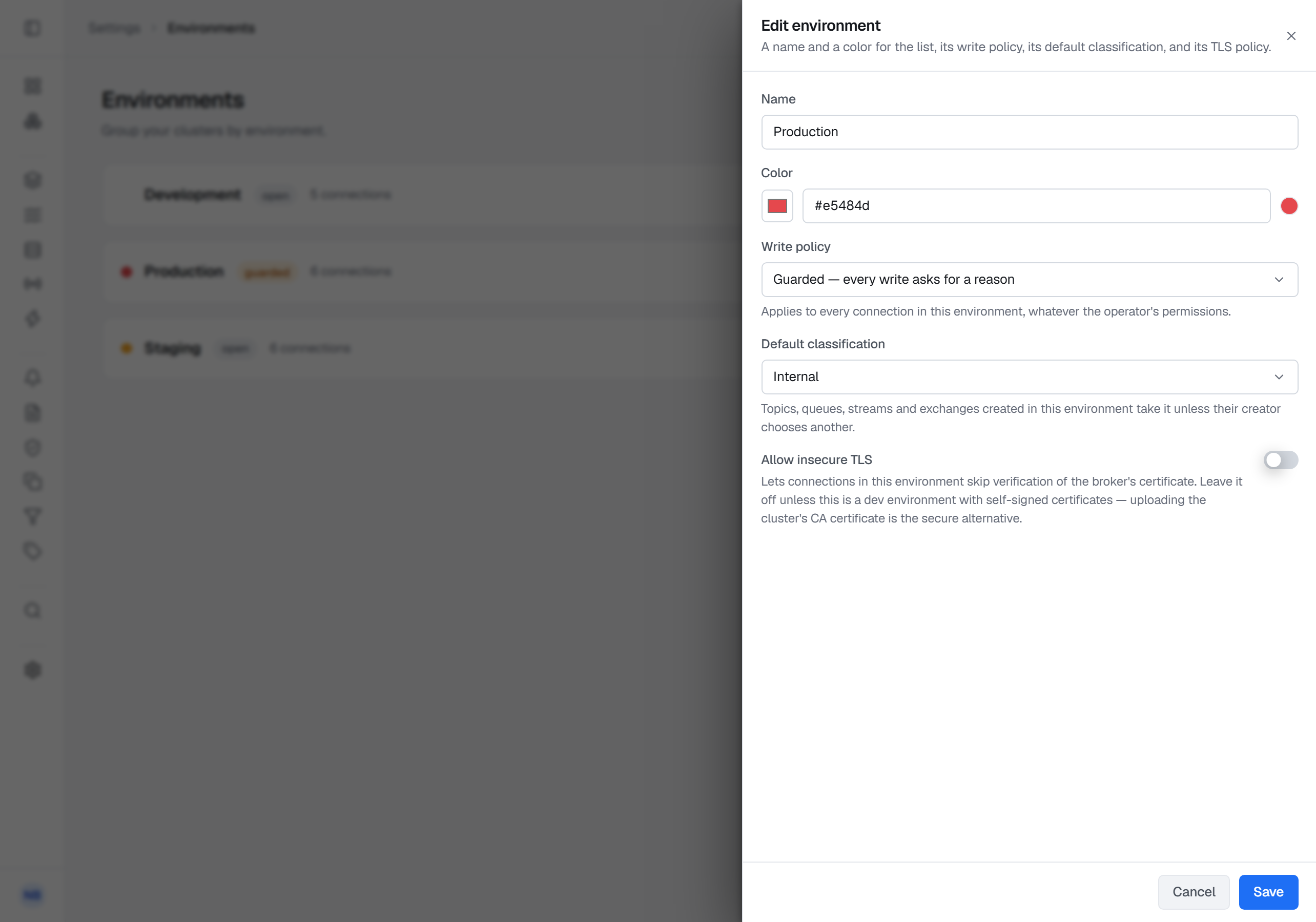
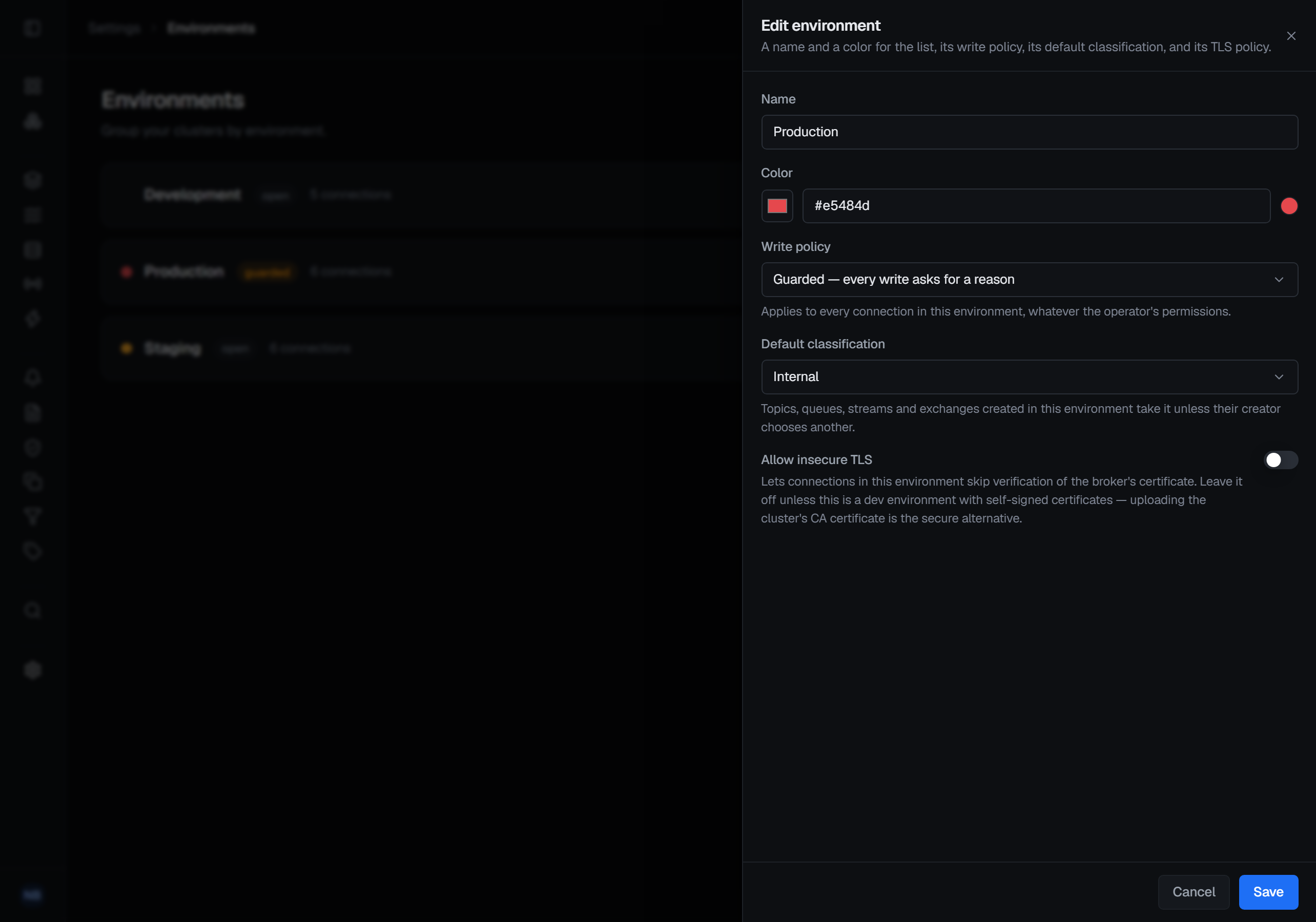
In practice: mark production read-only first. No role or grant overrides that policy, so a write there is a change to the environment — deliberate, and audited like any other. Teams keep full browsing and inspection; the operations that change state are the ones that need a conversation.
Where production has to stay writable, make it guarded instead. A destructive operation — a delete, a purge, an offset reset — asks for a reason in every environment; a guarded environment asks for one on every write, and the reason is stored on that write's audit entry. It is not an approval step: nobody else signs off, but nobody writes there without saying why.
3 — Respect what each broker enforces natively
A unified model sits above broker-native access control; it does not replace it. Past the environment's policy, two checks apply to every write: the console's scoped permission, and whatever the broker itself allows the connection's credentials to do.
| Broker | What it still enforces underneath |
|---|---|
| Kafka | Cluster ACLs on the connection's principal — keep an operator principal separate from application principals |
| Redis | ACL users: command, key and channel rules; deliberately withhold destructive commands from the connection used for browsing |
| RabbitMQ | Per-vhost configure, write and read permissions, and topic permissions on routing keys — a vhost boundary is often the cleanest mapping to an environment |
| Artemis | Address-based authorization: security settings over address expressions (send, consume, createDurableQueue). Treat dead-letter addresses and their queues as their own sensitive scope |
| Memcached | Nothing: the text protocol has no authentication, so the network boundary and the console's own permission are the only controls |
Each of those native layers is visible from the console on its own screen — Kafka's Service Accounts, Redis's ACL users, RabbitMQ's and Artemis's Users & Permissions — read from the broker and written back to it, never copied into BROKA's model. Changing one is a write like any other: it takes the right to change that connection, stops at a read-only environment, and is audited. Reading them is recorded too (Commercial), because who may do what on a broker is security configuration.
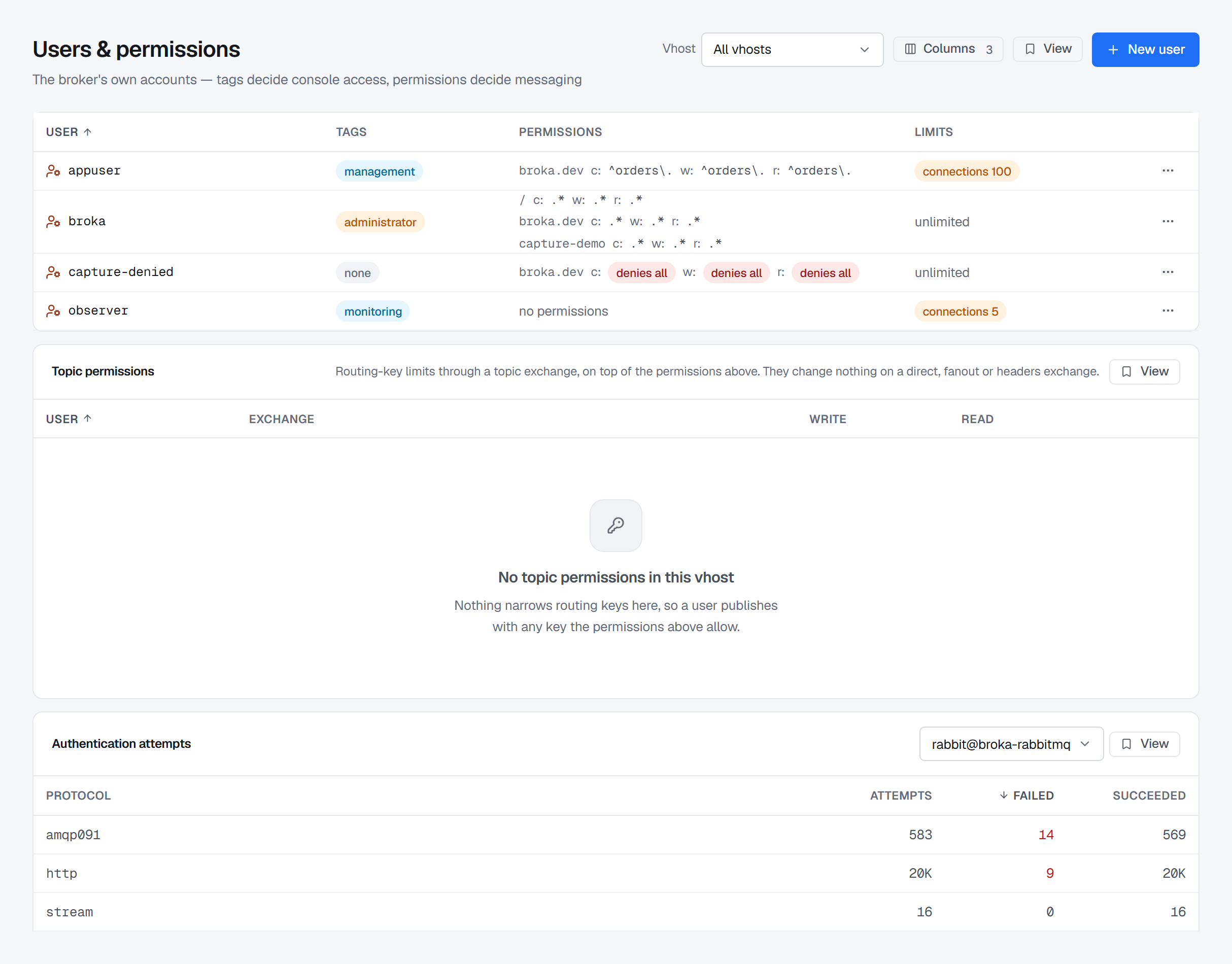
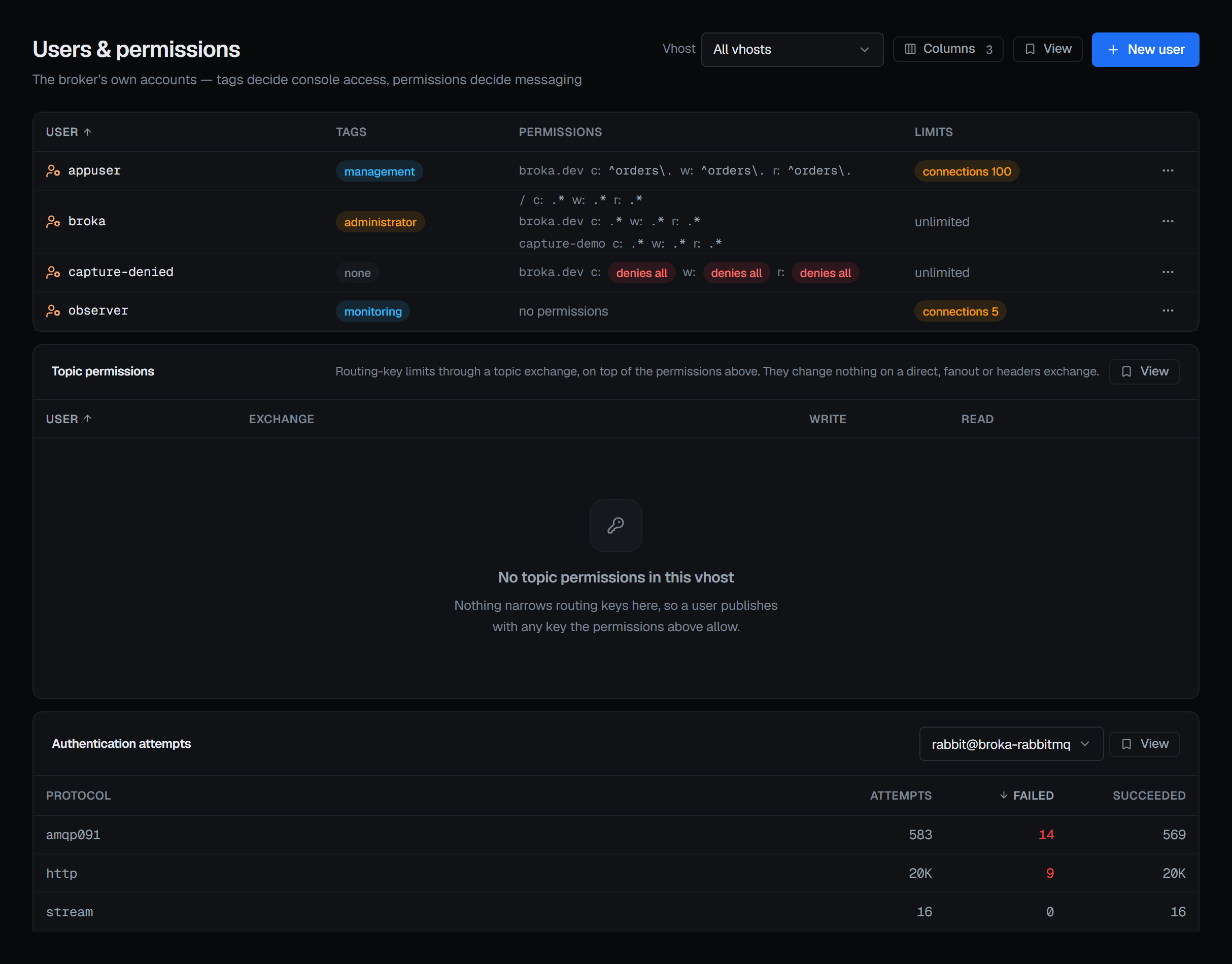
A person can be permitted by the console and refused by the broker, and the error they see is the broker's. That is the system working, not a misconfiguration — but only if somebody told them it would happen.
4 — One audit record, or none of this holds
If each broker keeps its own record, an access review becomes one export per broker and a spreadsheet. One trail — actor, environment, broker, resource, outcome — is what turns a permission model into something you can actually attest to.
actor      deniz@northwind-bank.example
env        production        policy: read-only
broker     rabbitmq          cluster: rmq-core-01
resource   queue q.pay.us
action     purge
outcome    blocked — write refused by read-only environment policy
Note what that entry records: an action that did not happen. A trail that only holds successes cannot answer the question an access review actually asks, which is what people tried to do.
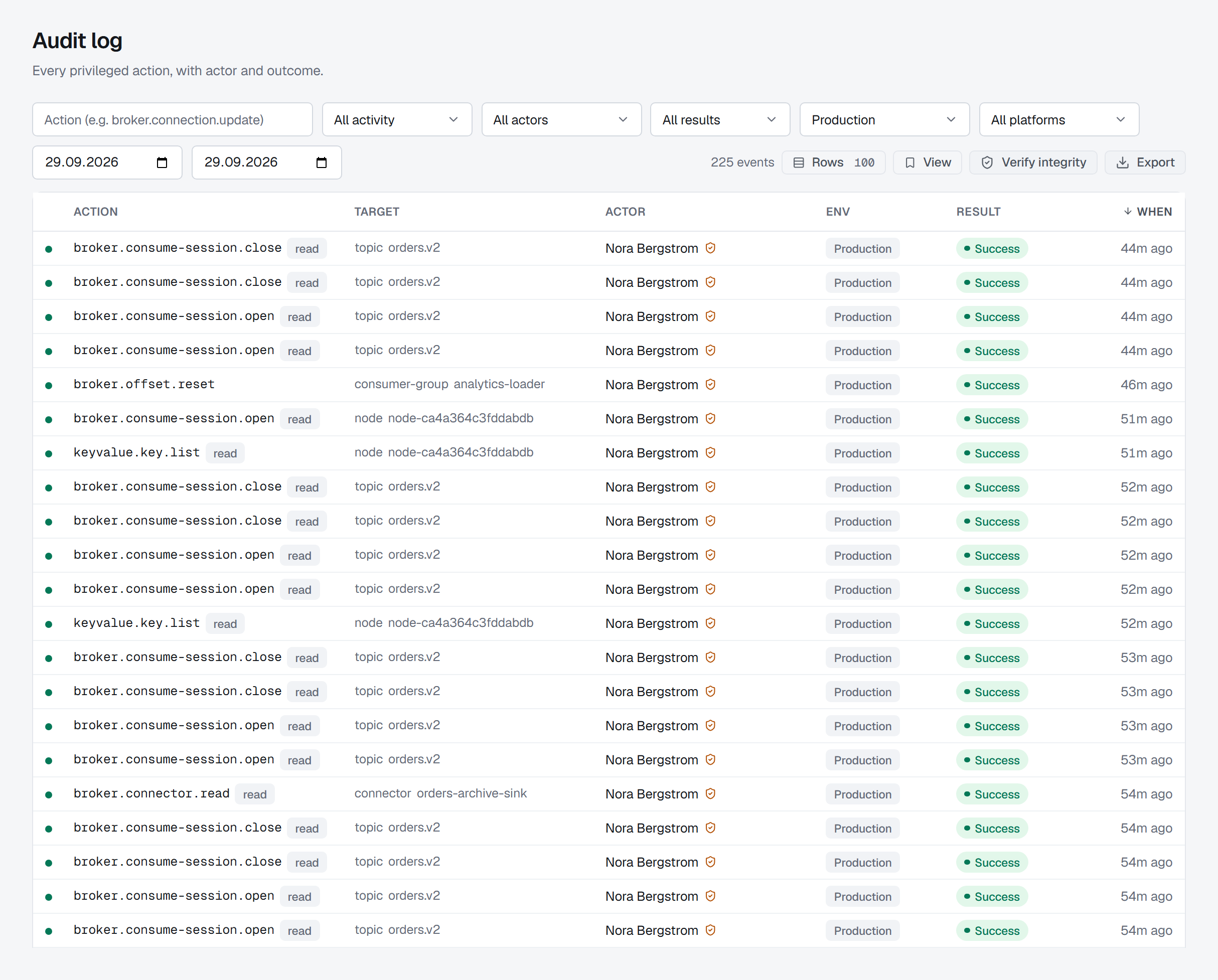
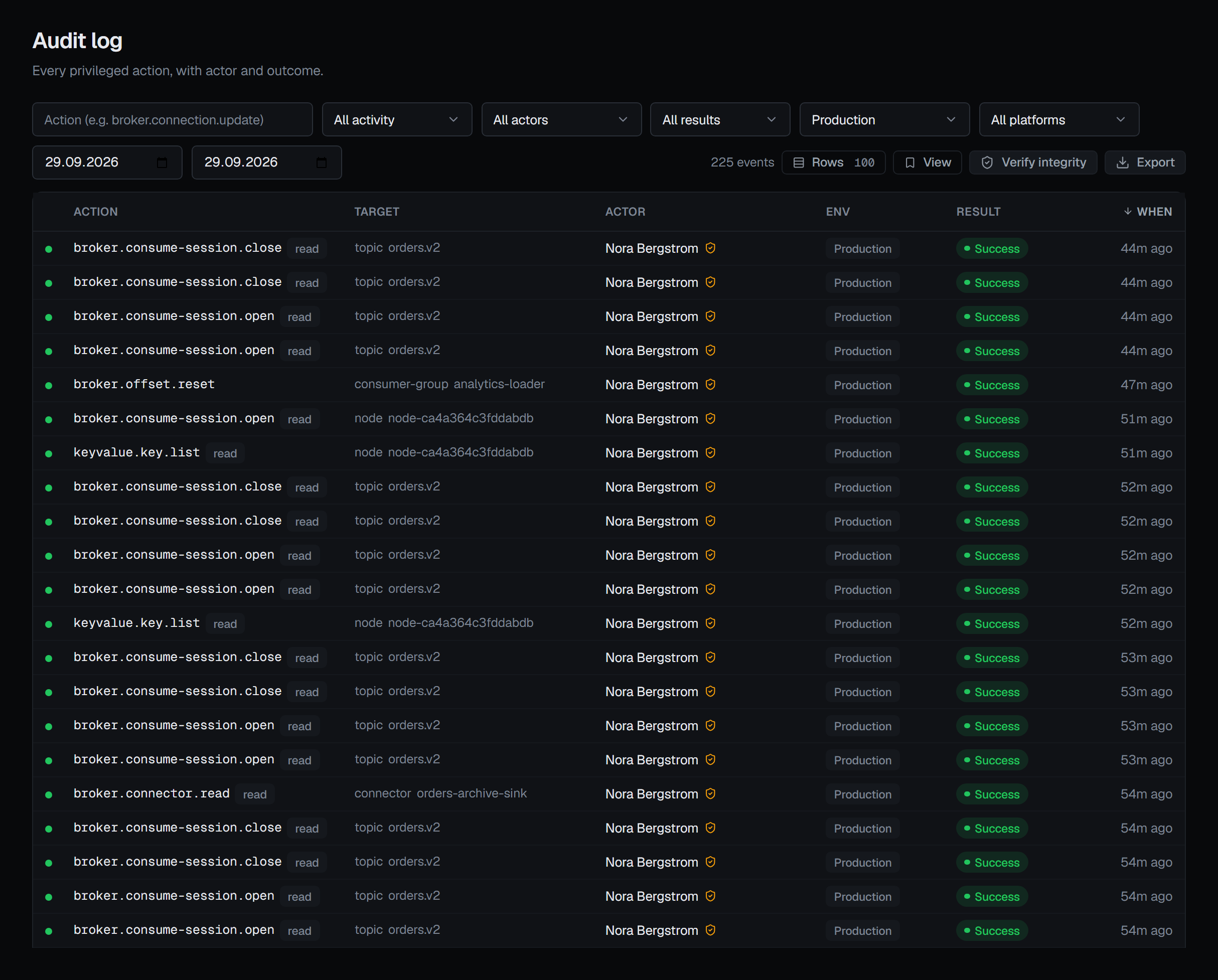
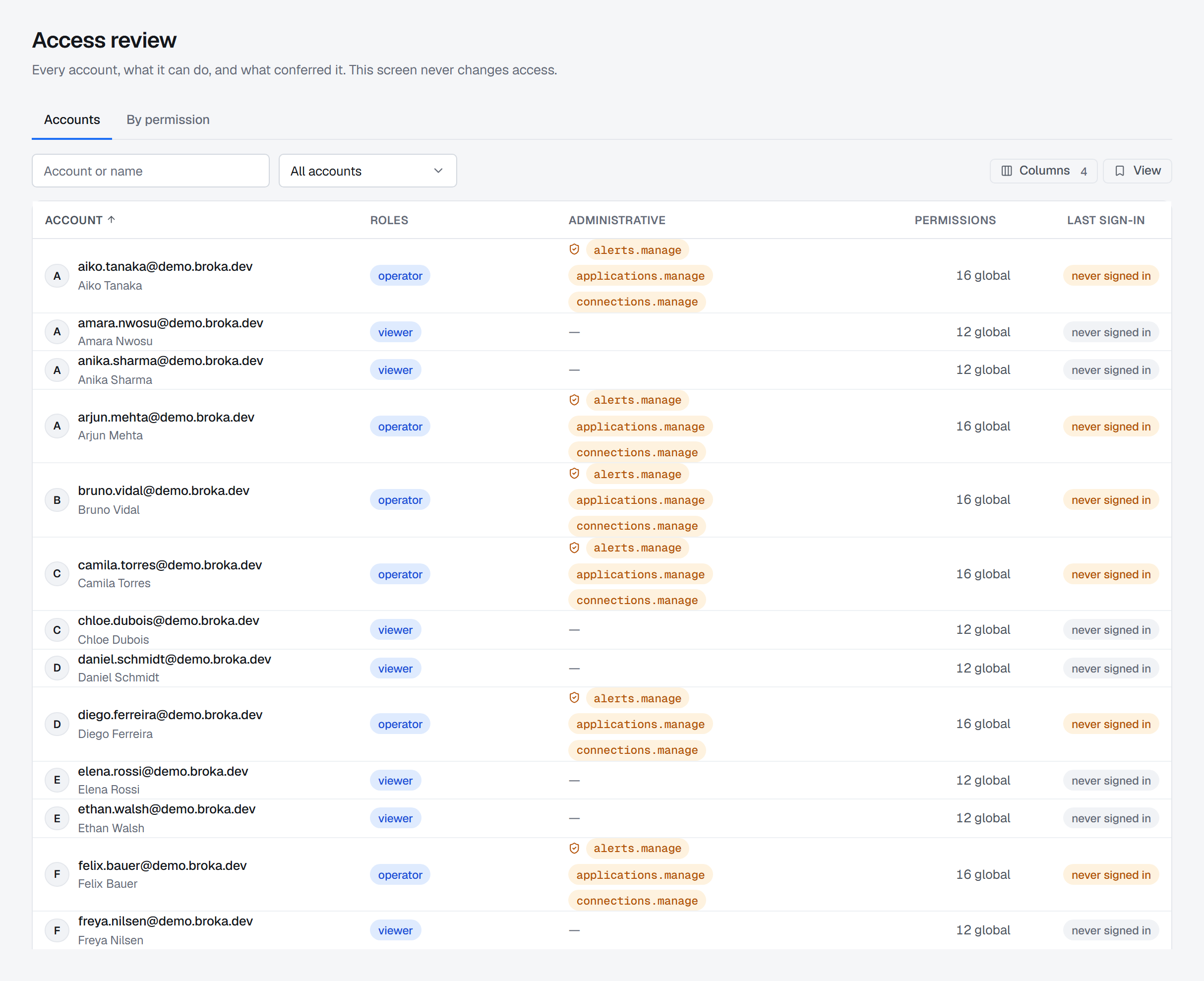
The trail answers what people did. The other half of a review — what they can do now — is Operations ▸ Access Review (Commercial): every account, resolved through its own roles and grants and its teams', with what conferred each permission, or everyone who holds one permission. It is gated on the audit permission rather than on managing users, so the reviewer can see access without being able to change it, and reading it is itself recorded.
Where teams get this wrong
- Roles per person. Grants outlive the reason they were made. Grant to teams; membership is the reversible part.
- One shared administrative credential per broker. The audit trail can then only say "someone with the key".
- Production defined by naming convention. If production is a prefix rather than an environment, nothing enforces it.
- Read-only meaning read-nothing. Browsing and inspection are how incidents get diagnosed; restrict writes, not visibility.
Try it yourself
The permission-model lab starts a Kafka broker with ACLs enforced and a RabbitMQ broker with three differently scoped users, and lists the BROKA settings that complete the model.