

Roles and permissions
Updated 6 October 2026 · applies to 1.0.1 · Community and Commercial
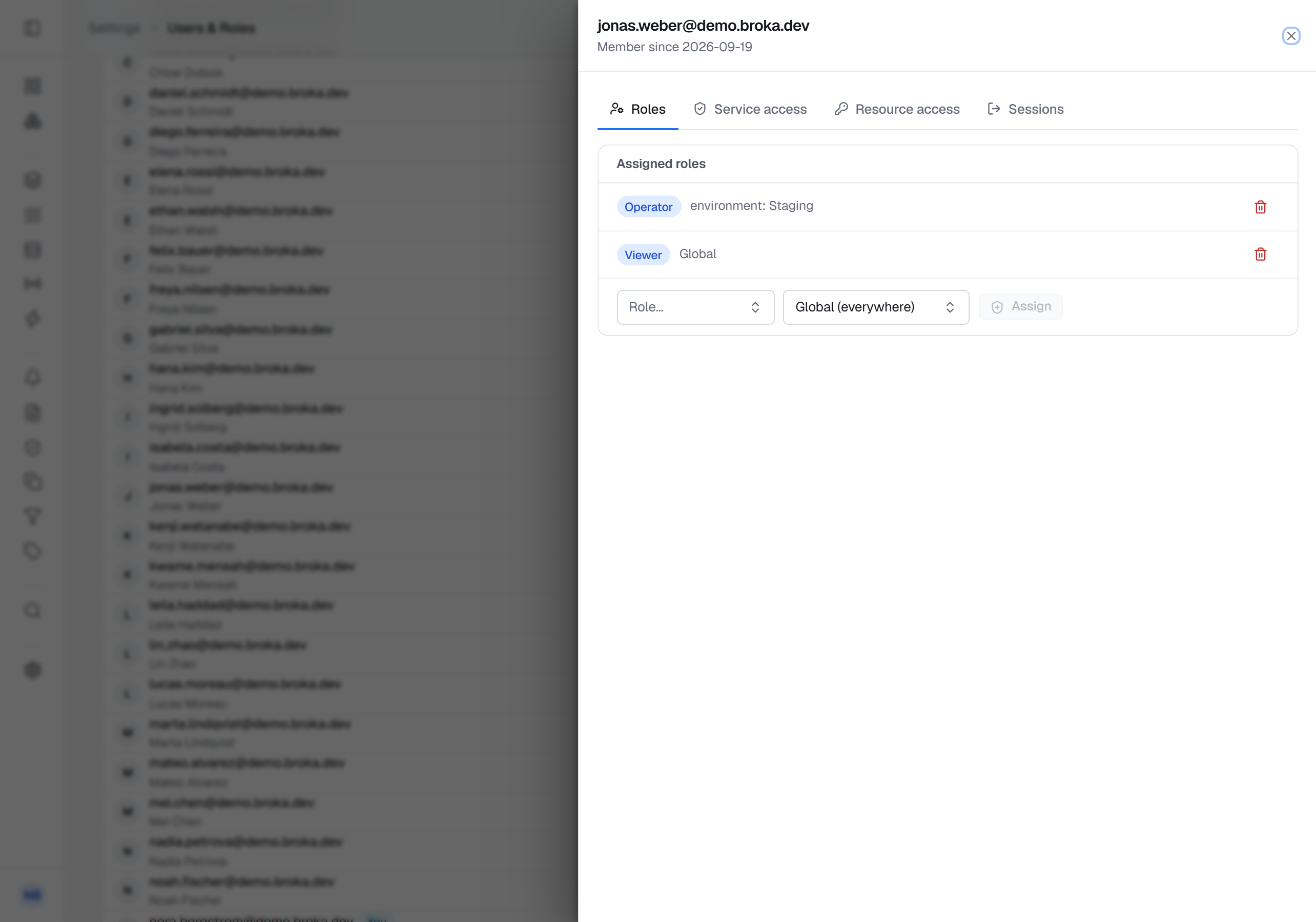
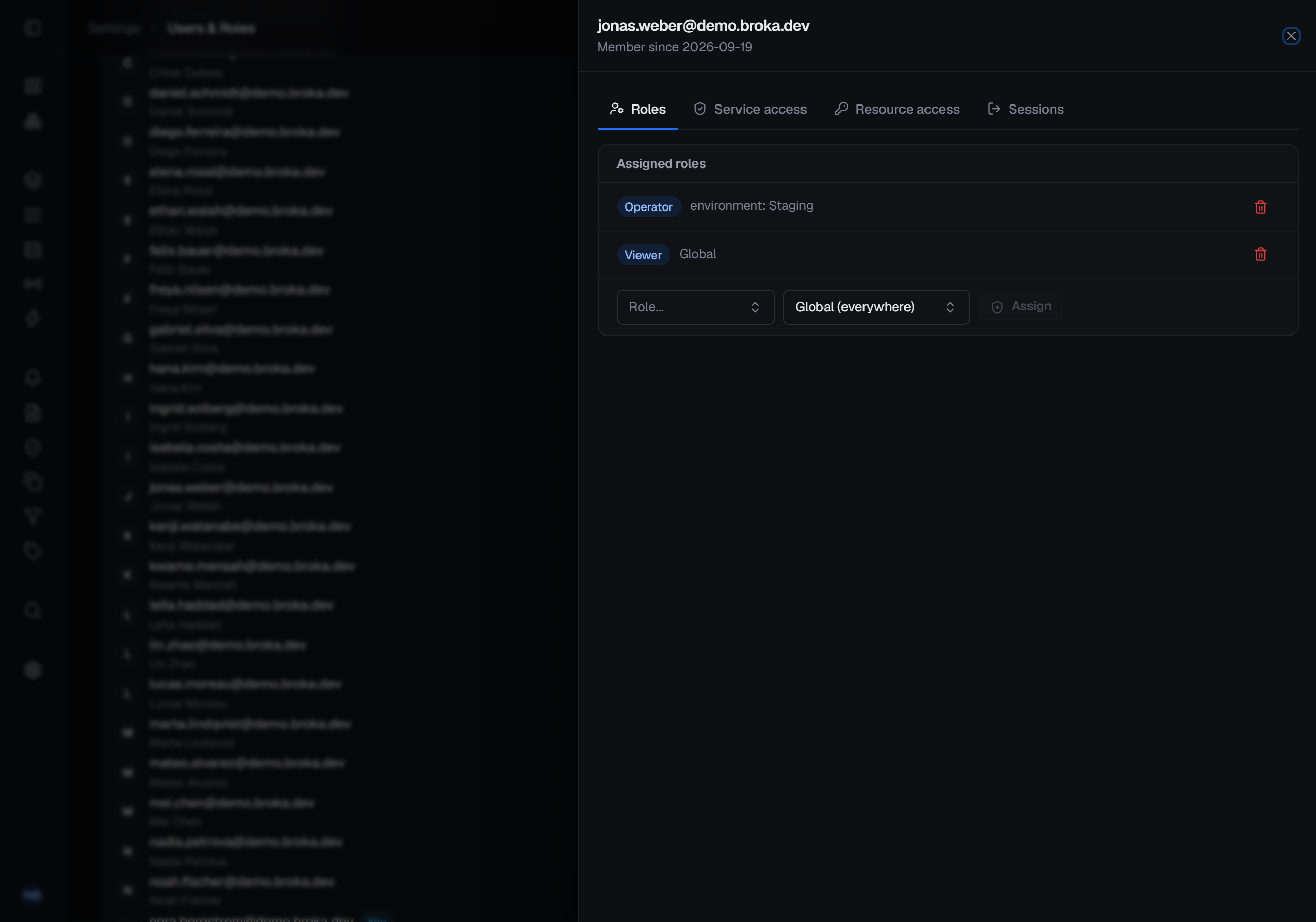
Access in BROKA is decided in two layers that answer two different questions. A role answers "what kind of work does this person do here?". A resource grant answers "and what may they do to this topic, on this cluster?".
Both are BROKA's own. Neither is written to your brokers: a grant decides what someone may do inside this console, and it is never turned into a Kafka ACL or a RabbitMQ permission. Your brokers keep enforcing their own authorisation underneath, exactly as they did before.
The four built-in roles
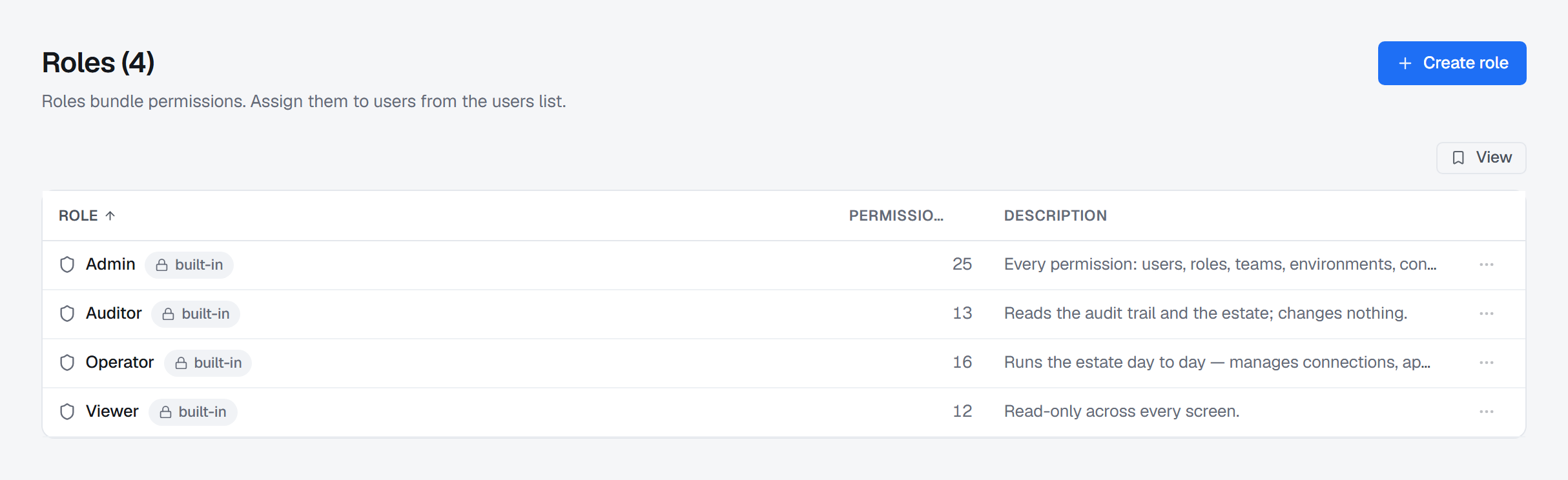
| Role | For |
|---|---|
| Admin | Runs the installation: users, roles, teams, environments, settings — and everything below |
| Operator | Does the work: manages connections, applications (Commercial) and alerts, and operates the brokers they can reach — but not users or roles |
| Viewer | Reads |
| Auditor | Reads the audit trail — and nothing else that Viewer cannot do |
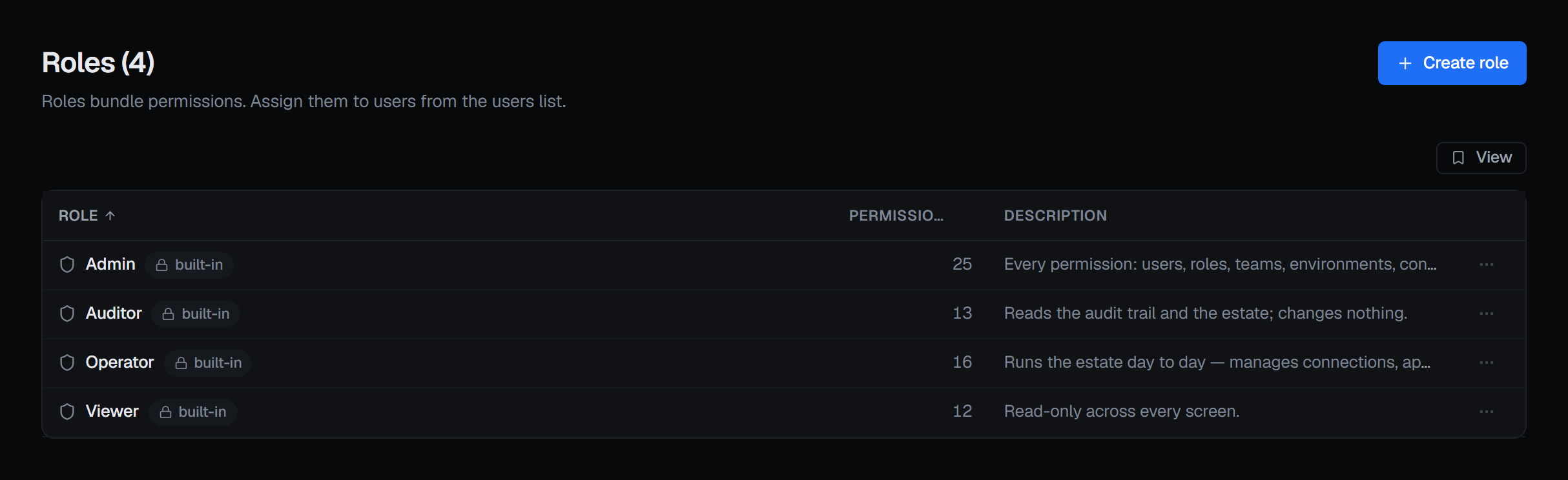
They cannot be edited or deleted; they are the vocabulary the product ships with. You can create additional roles with any subset of the permission catalogue when those four do not fit your organisation.
The Auditor is worth a sentence of its own, because it is the role most products do not have: it can read the trail, verify its integrity, produce an evidence pack and, in Commercial, run an access review, and it can change nothing at all. An access review run by someone who cannot alter access is a different artefact from one run by an administrator.
How permissions are named
Every permission is area.verb, and almost all use one of two verbs with two very different
characters (the exceptions are alerts.respond, acknowledging and resolving alerts without changing the
rules, messages.read and messages.read.unmasked, below, and mcp.use):
.view— a visibility gate. Every built-in role has these, exceptaudit.view, which only Admin and Auditor carry; you remove one to hide an area from someone, rather than granting it to reveal one..manage— a privilege. It arrives only through a role or a direct grant, and holding any.managepermission is what marks an actor as privileged in the audit trail.
They are grouped in the console under Overview, Clusters & connections, Platforms, Applications, Operations, and Settings & governance.
Three are worth pointing out because their names undersell them:
connections.viewis not merely "see the list" — it is what unlocks broker reads across every platform: topic detail, RabbitMQ queues, Redis streams and their groups. Listing Redis keys takesconnections.manage, as listing Memcached keys does.messages.read— Read message contents — is what reading what a message or a stored value contains takes, beside the platform: consuming a topic, a RabbitMQ get or stream read, a Redis key's value or a stream's entries, a Memcached value, an Apache Artemis browse. Without it a person still sees topics, queues, keys and streams, their counts, offsets and lag, and the console shows the contents as not permitted. Every built-in role carries it; taking it out of a role, or denying it to a person or a team on one environment or connection, keeps payloads from someone who still operates the broker.messages.read.unmasked— Read masked contents unmasked, Commercial — lifts the data masking rules for the person who holds it, on the environment, connection or resources it is granted for. It is in no built-in role: it is granted deliberately, and every read it allows is recorded. Without it,messages.readshows the contents with the fields a rule covers masked. See Data masking.mcp.use— Use the MCP server, Commercial — is what lets an API token reach the MCP server at all. It is in the built-in Admin role and no other; anyone else is granted it explicitly, installation-wide. See MCP server.audit.viewunlocks more than one surface: the audit log, export, integrity verification, the evidence pack and, in Commercial, the effective-access report.
Settings is deliberately split, so a person can be trusted with one part of it and not another:
system settings (which include the MCP server's mode), feature flags, security, environments, integrations and,
in Commercial, data masking rules (masking.manage) are separate permissions, as are users, roles and teams.
Resource grants — the finer layer
A grant gives one person — or a team, reaching everyone in it — a specific operation on resources whose name matches a pattern, on one cluster or across all of them:
- Topics — 9 operations · Consumer groups — 3 · Kafka connectors — 7 · Schema subjects — 3 · Clusters — 9 · Queues (RabbitMQ, Apache Artemis) — 1 · Keys (Redis, Memcached) — 1. The one operation on queues and keys, and the ninth on topics, is reading masked contents unmasked (Commercial): granted on a pattern, it lifts the masking rules on those resources only.
- Patterns are literal or prefix:
payments.*matches everything startingpayments.; a name without*matches exactly. - Presets exist for the common shapes — Viewer, Producer, Editor.
Redis, RabbitMQ, Artemis and Memcached are granted at the cluster level, not per key, queue or address: a grant on one of those connections covers that whole connection, reads and writes alike, and a deny on it refuses them. The finer types are Kafka-shaped because that is where resource-level access was first needed. Administering the server itself — its configuration, its client sessions, a failover, a key's rename or restore, a stream's trim, an Artemis acceptor, a Memcached slab move — is the cluster operation Administer the broker, so it can be granted or denied on one connection like any other; the Editor preset includes it.
The two rules that decide everything
Grants are additive. A matching grant alone is enough on a broker operation, even when the
person does not hold the broad permission that operation would otherwise need. A Viewer with a
delete grant on sandbox.* can delete those topics without being able to manage connections. This
is the point of the layer: give narrow power without giving broad power.
Deny always wins. An explicit deny beats a role, beats an allow-grant, beats everything — including for an Admin. The order is: any deny ⇒ refused; otherwise any allow ⇒ permitted; otherwise refused.
Two consequences of that follow for whoever manages access. Lifting a deny is a grant: removing one hands back what the person's roles confer, so it is checked like any grant — you can lift a deny only on permissions you hold yourself. And only an administrator can place a deny on an administrator, or take access away from one by any other route; see Users.
Where it is enforced
The console disables or hides what it knows you cannot do, and that is convenience only. Every decision is made
again on the server, which refuses with 403 — and refusals are recorded. If the two ever disagree,
the server is right.