

Connections
Updated 6 October 2026 · applies to 1.0.1 · Community and Commercial
A connection is how BROKA reaches one cluster: where it is, who it authenticates as, which environment it belongs to, and whether it may be written to. Everything else in the console — health, permissions, audit, metadata — hangs off it.
Registering a connection happens per platform, because the things you type are different: Kafka ▸ Clusters, Redis ▸ Instances, RabbitMQ ▸ Clusters, Artemis ▸ Brokers, Memcached ▸ Instances.
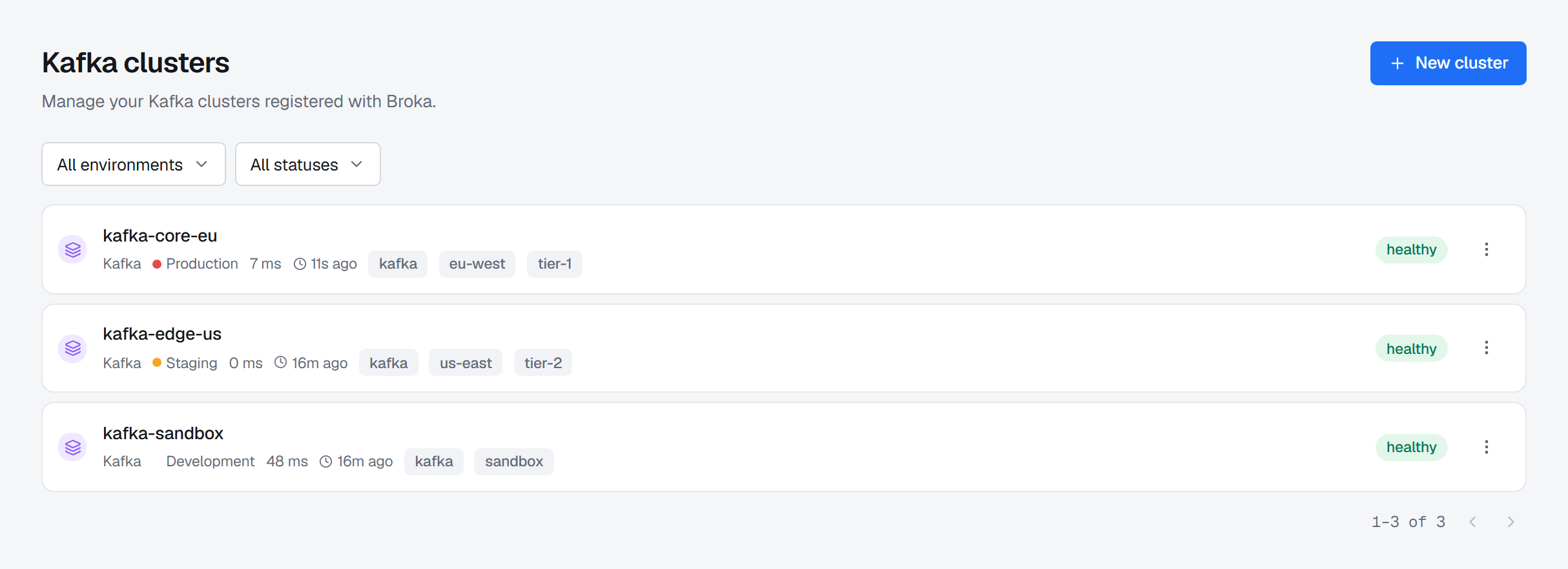
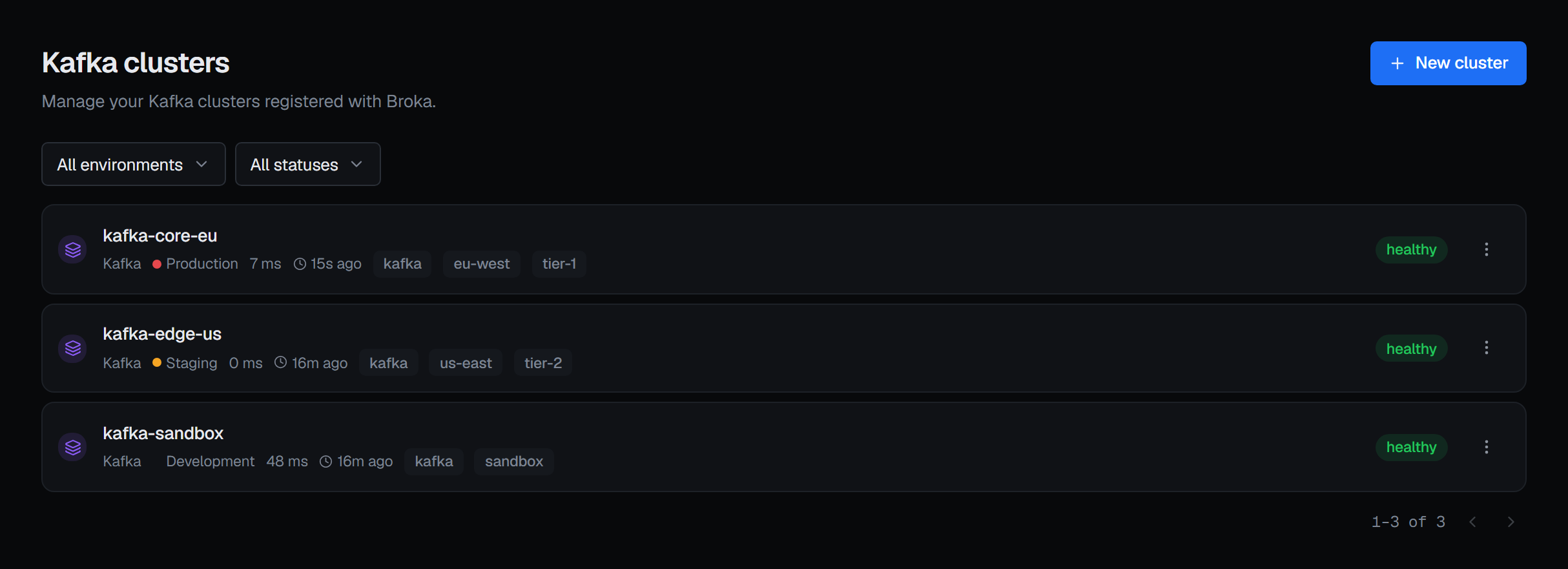
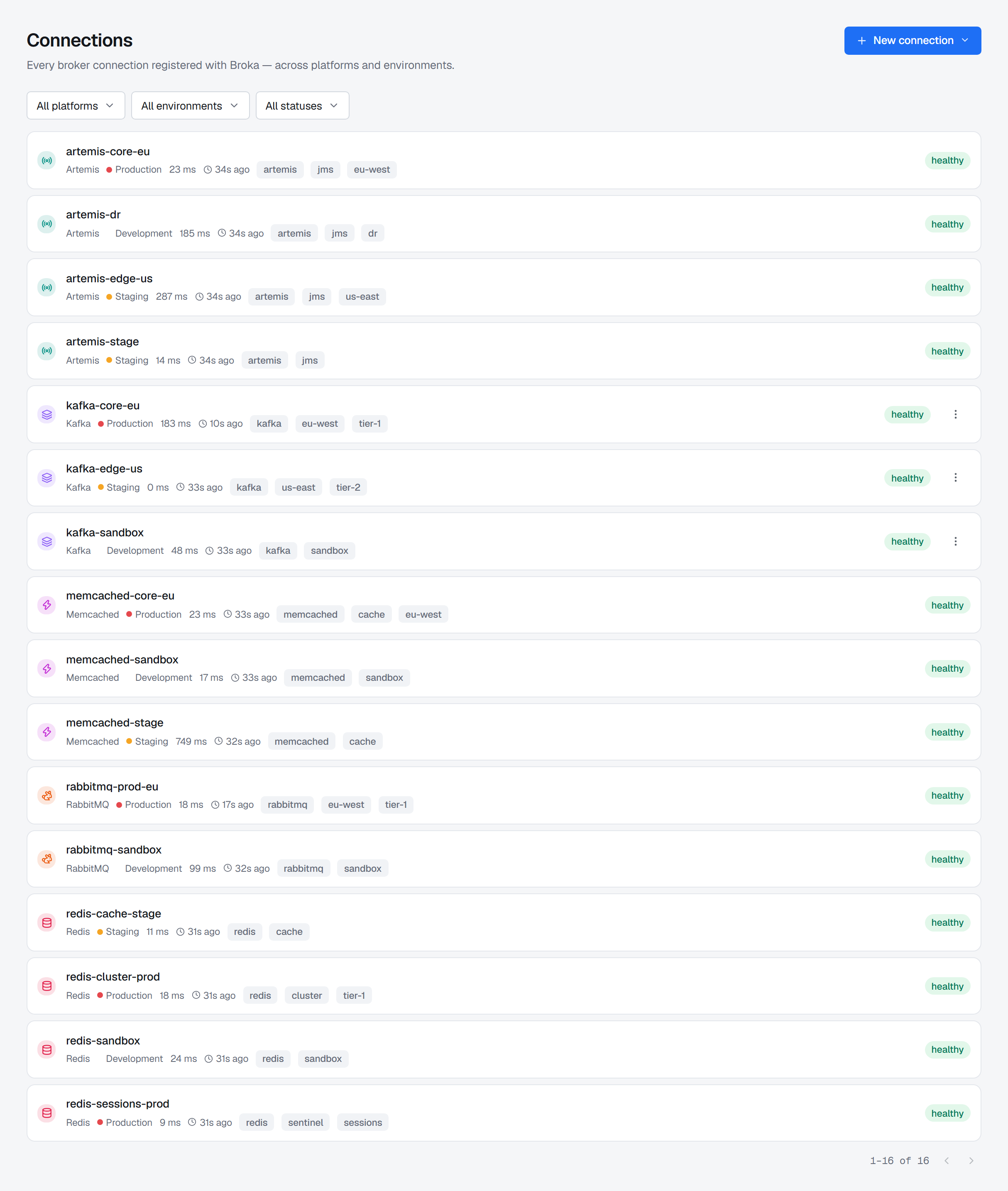
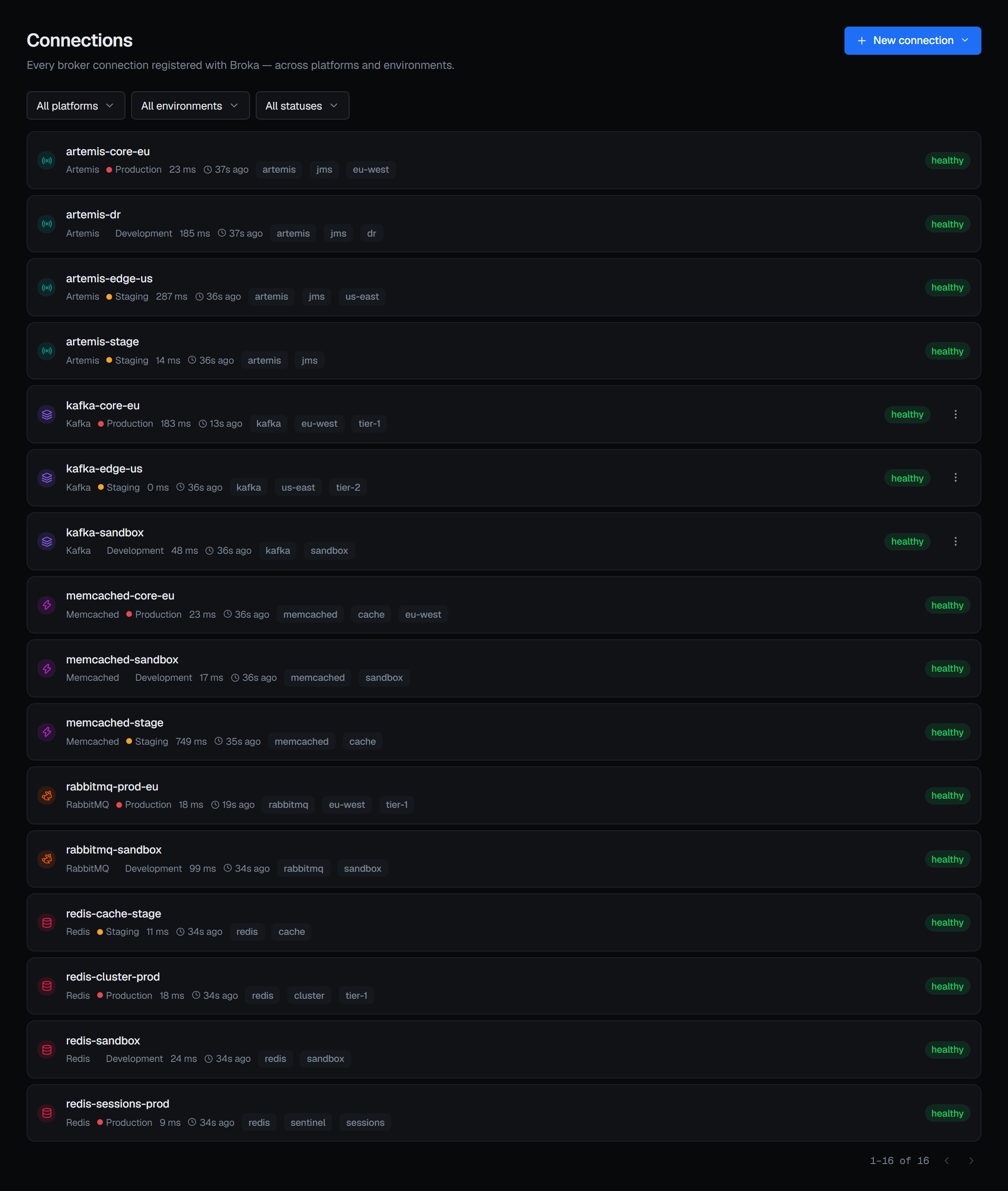
Reading them happens in one place. Settings ▸ Connections lists every connection on the installation — every platform, every environment — filterable by platform, environment and status, which is where "what is registered across this estate" is answered without visiting each platform in turn. It is a register, not a second form: its New connection menu and each of its rows open the platform's own form, where creating, editing and testing happen because that form knows what it is asking for.
What a connection holds
| Name | What operators see everywhere — in the switcher, in health, in every audit entry |
| Environment | Exactly one. The environment's policy then decides whether writes are accepted |
| Platform configuration | Only what that platform needs: bootstrap servers and a security protocol for Kafka; a topology, a node list and the logical database it opens on for Redis (ignored on a cluster); for RabbitMQ a management URL, an optional AMQP host, port and virtual host, an authentication method — a password or OAuth 2.0 client credentials — and transport security: TLS, certificate verification, a CA and a client certificate |
| Secrets | Held apart, encrypted, and never shown back — see below |
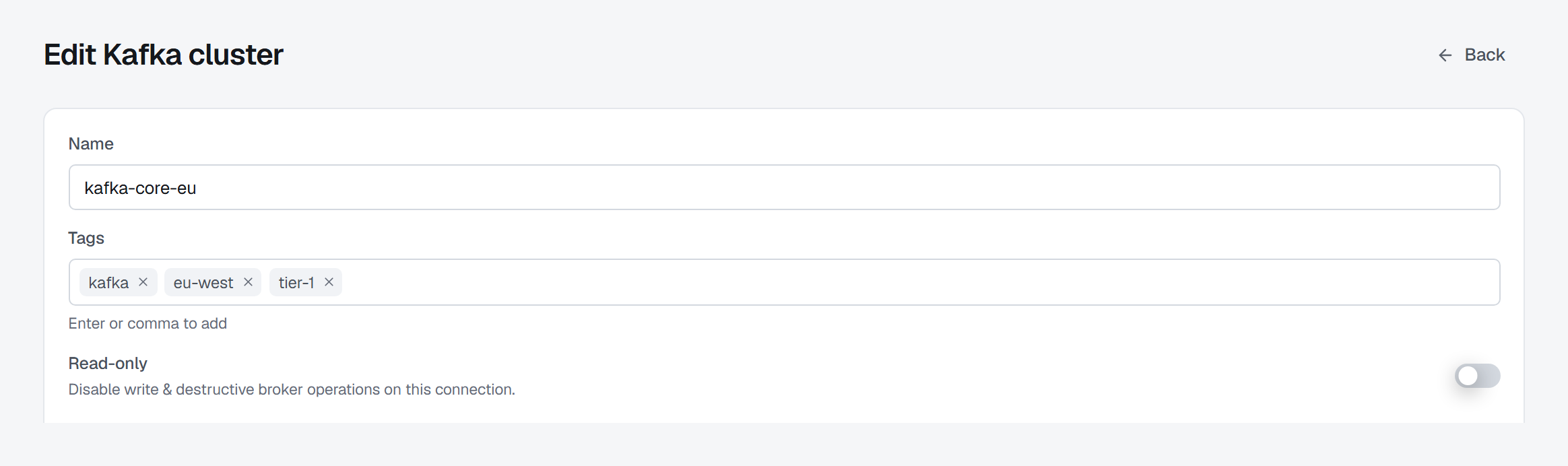
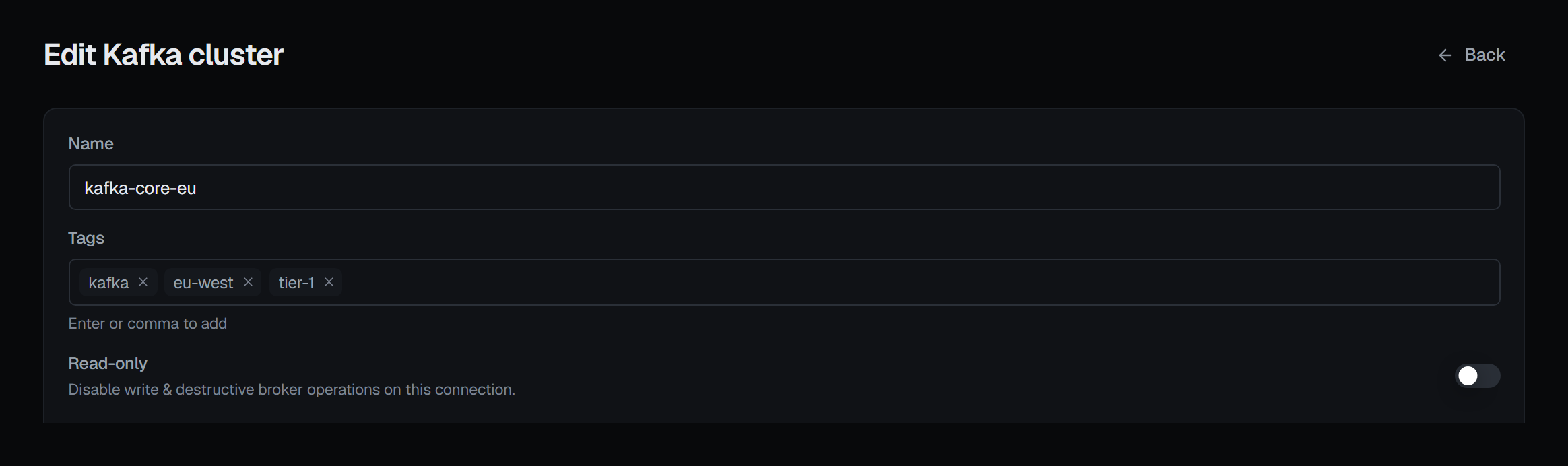
| Read-only | A switch that freezes this one connection, even in an open environment |
| Tags | Free-form labels for your own grouping, printed under the name in every list. The form's Tags field adds one each time you press Enter or type a comma; blanks and repeats are dropped |
Configuration and secrets are separated at the API, not by convention: a configuration document
containing a property that looks like a credential — password, apiKey, privateKey and their
relatives, at any depth — is rejected, with a message telling you to use the secrets channel
instead. It is not possible to accidentally store a password in the part of the record that gets
returned in a response.
How secrets are stored, and why you can never read one back
Every secret is encrypted with its own freshly generated key, and that key is itself wrapped by the installation's key-encryption key, which comes from the environment and is never written to the database. The stored row holds ciphertext, a wrapped key, the id of the key that wrapped it, and the algorithm. Nothing else.
Reading a connection back tells you which secrets exist, never what they are: each kind that has
a stored value is reported as set, and a kind that is absent has none. There is no endpoint that
returns a secret to a browser — the only place a secret becomes plaintext is inside the service that
is about to use it, and a decryption made to serve a request is recorded on that request's audit
entry, naming the connection and the kind of secret, never the value. One the service makes for its
own work — a list snapshot, an alert check — is recorded as an entry of its own, once an hour per
secret, with the service as the actor.
Because secrets are never echoed back, editing a connection uses a small convention worth knowing:
- Leave a secret field empty — the stored value is kept.
- Type a new value — it replaces the old one.
- Clear it explicitly — the secret is removed.
- Rotate key — re-encrypts the stored value under a freshly generated key. The value itself does not change, so nothing that uses it needs reconfiguring.
Unless the save sends it somewhere new. A password or client secret left empty is cleared rather than kept when the edit widens where it would go: a bootstrap host or Redis node added, a management, Jolokia or token-endpoint URL moved to another scheme, host or port, the AMQP endpoint moved, TLS turned off or a certificate check turned off. That way a stored credential is never sent to an address it was not typed for. The form says so beside each field it applies to — cleared on save because the address changed — and a required one has to be typed again before you can save. Removing or reordering hosts, or changing only a path, keeps them. Private keys, the passwords that open them and certificates are always kept: a TLS handshake proves a key without sending it anywhere.
Saving, deleting and rotating need connections.manage on the connection or its environment. Anyone who
can view a connection can open its form, but without that permission those buttons are disabled and say
why.
Deleting a connection removes its secrets in the same transaction, so a deleted connection never leaves decryptable credentials behind. Delete asks for a reason, in every environment, and is refused while an application still has resources bound to the connection — the refusal names the applications, so you know where to unbind them first — or while an alert rule or a maintenance window that has not ended is scoped to it, which the refusal names the same way.
Test before you save
The form tests a connection before it exists. What a test proves differs by platform, and the console reports what it actually learned rather than a green tick:
- Kafka — describes the cluster and lists its brokers. With OAUTHBEARER, a sign-in that failed at your token endpoint — the client credentials refused, or the endpoint unreachable — is reported as that, rather than as a cluster that could not be reached.
- RabbitMQ — reads the management overview and the node list, and distinguishes bad credentials from an under-privileged user, from the management plugin being disabled or the port being wrong, from the host being unreachable. A test that passes then asks who the credentials sign in as and dials AMQP, and warns — beside the OK — when the account is not an administrator, naming its tags, or when AMQP did not accept the connection, since publishing, purging and stream reads go that way. Each failure it can report, and its cause, is listed on Connecting and authentication.
- Redis — pings, then runs
INFO. The second step matters: it proves the identity can actually be used, and if it cannot, the console says which surfaces will be unavailable rather than showing you empty screens later.
When you edit a connection, Test checks what is on the form, not what was saved. Stored secrets are
never sent back to the browser, so an edit that changes the address or settings while leaving a stored
password field empty cannot be tested until you type the password again; the button says so. Testing a
form that differs from the saved connection, and the address check as you type a Kafka bootstrap list,
need connections.manage; anyone who can view the connection can still test it as saved.
BROKA's API never connects to your cluster itself. Every test is delegated to the broker service, which is the only component that speaks a broker protocol at all.
What the server supports
Servers of one platform do not all offer the same things. A Kafka 3.8 cluster cannot report fenced brokers the way 4.x does, a Redis without the JSON module cannot hold a JSON document, a RabbitMQ without the shovel plugin cannot move messages, and an identity the server restricts may not be allowed to run a command the console would like to use. BROKA does not guess which case you are in from the connection's type or a version table: it asks each server — its feature levels, the commands it knows, its plugins and modules, the operations it exposes, its settings — and keeps the answer per connection. A version number is used to explain an answer, not to decide it; the one exception is a handful of Schema Registry subject settings, which the registry has no way to report without a write, so there the version the registry states about itself decides.
What the console does with the answer:
- What the server cannot do is shown greyed out, with the reason — a navigation entry, a tab, a button or an option in a list alike. Hovering it says why: an older version (requires Kafka 4.0, with the version found), a plugin or module that is not installed, a command this connection's identity may not run, or a setting the server was started without.
- Only what can never apply to this kind of connection is hidden — a database switcher on a Redis Cluster, for example. Everything else stays where it is, so the console's menus do not change shape as you switch between clusters; an entry changes state and says why.
- A server BROKA cannot reach is not reported as lacking features. The screens stay as they are and each one says it could not reach the server; nothing is greyed out for being unreachable.
- A connection of several servers answers for all of them. On a Memcached connection a feature is offered only where every node offers it, and the reason names the node that does not.
This is about the server, not about you. Whether you may do something is still decided by your BROKA role and grants, as described in Roles and permissions. What your edition includes is a third matter: in Community, the features only Broka Commercial has are shown disabled with the edition named — see Settings and Applications.
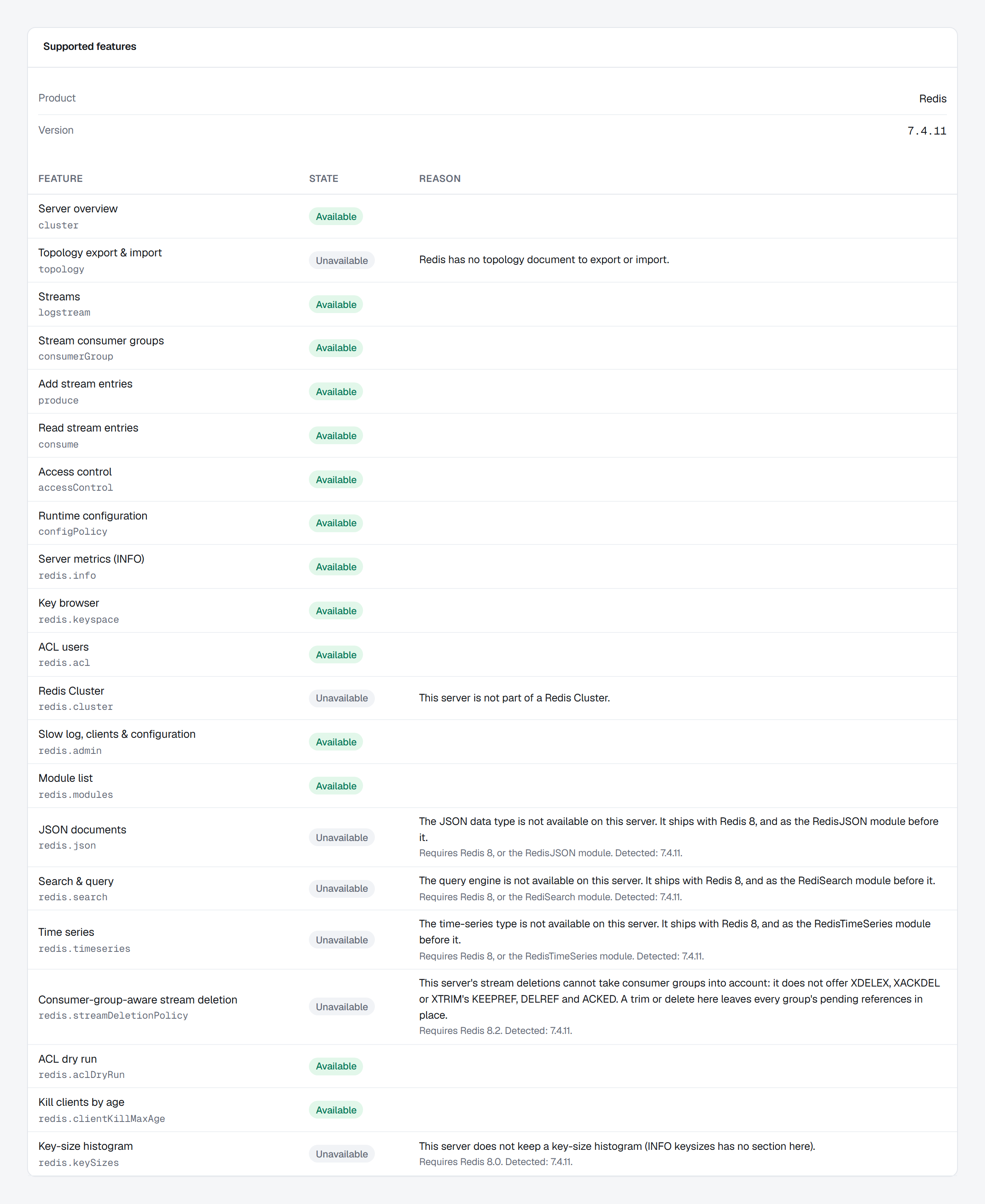
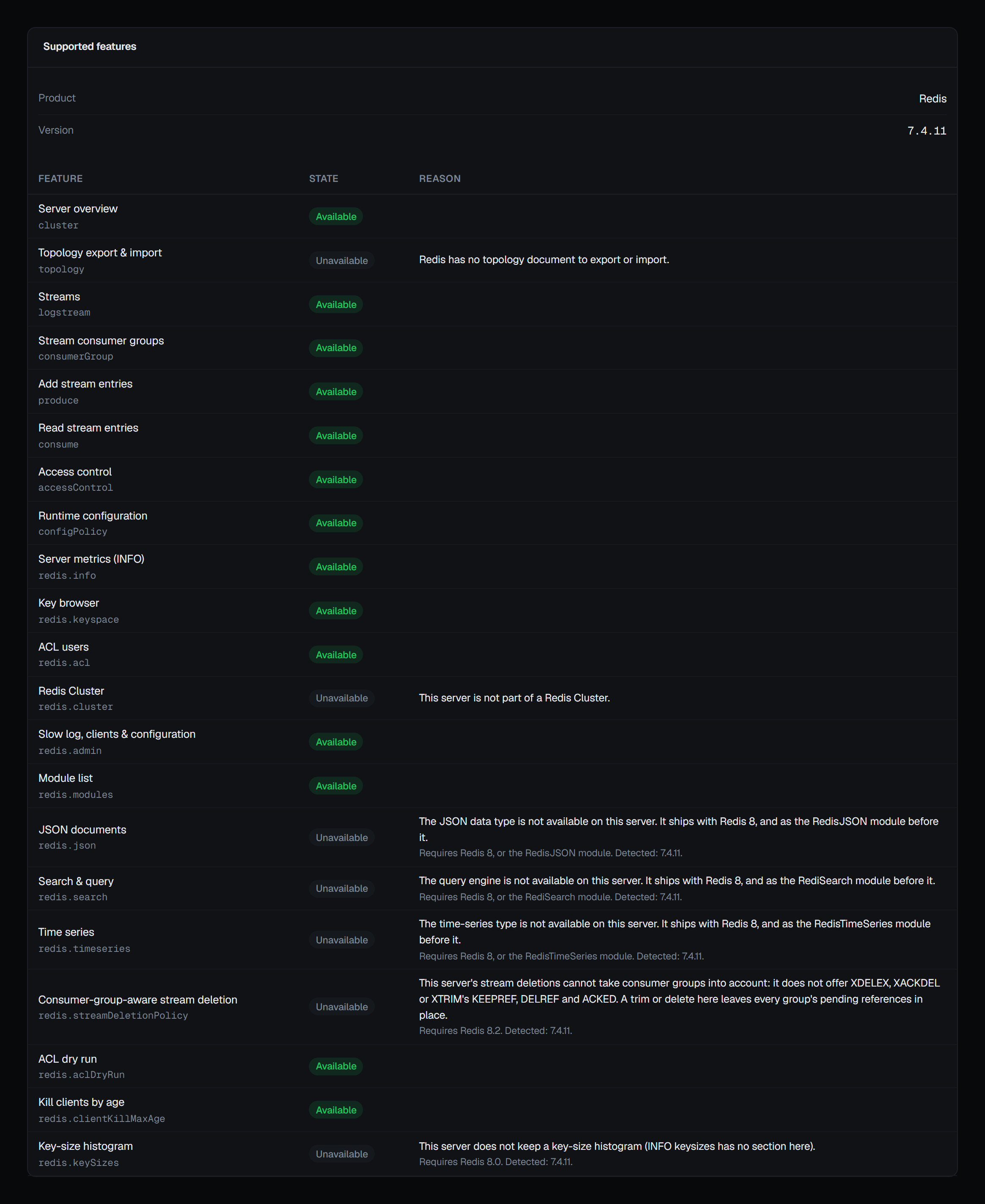
Supported features. A saved connection's own page — the form you edit it in — ends with a Supported features panel: the product and version BROKA detected, then every feature it asked about, each Available or Unavailable with the reason, and where it helps what it requires and what was detected — Requires Redis 8.2 · Detected 7.4.11. It is the same answer the sidebar and the screens act on, in one place, for you and for anyone you ask for help. The list grows with the features that depend on the server — on RabbitMQ, virtual host deletion protection; on Apache Artemis, lock coordinators and starting and stopping them — and each row is named after the control it governs. On Kafka, JMX metrics is available once JMX is set up and the last reading reached at least one node's agent; without settings it reads JMX is not set up for this connection, and when the last reading reached no node it says so and points to the JMX settings' Test, which names the cause for each node. Until a first reading has run the row is not there, rather than unavailable. A connection that has not been saved yet has no panel, because there is nothing for BROKA to ask until it exists.
Health
Each connection carries its last known health — healthy, down or unknown, when that was recorded, and how long the round trip took. It is recorded by a test run by someone who may edit the connection, and by the screens' own calls to the broker as people use them; a connection nobody has tested or opened stays unknown. That is what the dashboard's health list and each row's latency and "11s ago" are reading. Nothing polls your brokers in the background.
Only a call that reached the broker counts. A Kafka cluster's topic and consumer-group lists are read from the snapshot the console keeps, and a snapshot still answers after the cluster has stopped — so those lists leave the health as it was, rather than reporting a cluster that is down as healthy.
Read-only connections
The switch on a connection is enforced by the API, not the browser: a write to a read-only
connection is refused with 403 CONNECTION_READ_ONLY and the attempt is recorded in the audit
trail. It is independent of the environment's policy — either one is enough to stop a write, and
the environment's is reported first when both apply.