

Production deployment checklist
Four containers, one published port, one volume and one key you cannot regenerate. The list is short because the deployment is; the items on it are the ones that cannot be fixed after the first start.
BROKA runs as four containers described by one compose file, with every secret in a .env beside it.
Most of what goes wrong in production is decided before docker compose up -d — which values were
generated, which port is reachable, where the key lives — and cannot be corrected by restarting. This
is the list, in the order the decisions have to be made. The files come from the
download page, byte for byte with their checksums.
Before the first start
1 — Know what runs, and what is reachable. Four services: the console (ui), the API
(orchestrator), the broker service (broker) and PostgreSQL. Only the console publishes a host port
— BROKA_HTTP_PORT, default 3000, onto 8080 inside. The orchestrator and the broker service talk
to each other by service name, and PostgreSQL is not published at all. There is no message broker in
this stack: BROKA is a console for brokers, and you point it at your own after it is running.
The edition is decided by which images you run — not by a setting: the Community broker carries Kafka, and the Commercial one adds Redis, RabbitMQ, Apache Artemis (formerly ActiveMQ Artemis) and Memcached, while only the Commercial orchestrator and console carry the licence screen. Commercial is installed from the customer portal, with its own guide.
2 — Generate the secrets once. The images ship no defaults for them: an unset value stops the start and names the variable — Compose refuses before creating a container, and an image started another way exits naming it — rather than booting on a publicly known key.
| Variable | What it is | Generate with |
|---|---|---|
POSTGRES_PASSWORD |
The database password, used by all three services | openssl rand -base64 24 |
BROKA_JWT_SECRET |
Signs access tokens; at least 32 bytes | openssl rand -base64 48 |
BROKA_KEK |
Encrypts every broker credential you save; exactly 32 bytes, base64 | openssl rand -base64 32 |
BROKA_SERVICE_TOKEN |
Authorises the internal call from the API to the broker service | openssl rand -hex 32 |
BROKA_KEK_ID is a label for the active key, not a secret. BROKA_KEK, BROKA_KEK_ID and
BROKA_SERVICE_TOKEN are read by both the orchestrator and the broker service and must be
byte-identical in both; a mismatch is not a startup error — it surfaces later as broker calls that
return 401, or a stored credential that cannot be decrypted.
3 — Treat BROKA_KEK as unrecoverable.
Every broker connection secret you save is encrypted with it and stored that way in PostgreSQL. Replace it on an installation that already has connections and those secrets become permanently unrecoverable — no error at startup, no warning in the console, and no database backup helps, because the database is not what was lost. Generate it once. Back up
.envas carefully as you back up the database, and keep the two together.
Rotating the key deliberately is supported and does not mean editing this value alone. The current
key and its BROKA_KEK_ID move to BROKA_KEK_PREVIOUS and BROKA_KEK_PREVIOUS_ID, the new key goes in
with a new label, both services are restarted, and Rotate key-encryption key in Settings ▸
Security, which asks for a reason, re-wraps what is stored before the previous pair is cleared.
4 — Pin the version. BROKA_VERSION=1.0.0. Tracking latest makes an upgrade something that
happens to you; pinning makes it an edit you make on purpose, and a rollback a one-line revert.
5 — Check what arrived. The download page lists each file with its SHA-256, and
sha256sum -c SHA256SUMS checks them. Those sums prove the files arrived intact, not who published
them; the container images the recipe pulls are signed with BROKA's image-signing key, and the download
page shows how to check each against its published public half with cosign before you run it.
6 — Decide where TLS terminates. Not in the box: nginx inside the UI image listens on plain HTTP.
Put a reverse proxy in front and terminate there, with one upstream — the UI image already
proxies /api to the orchestrator, so do not route /api separately. The audit trail and the
sign-in rate limit both work from the client's address, and behind a proxy only the proxy knows it.
The console believes the proxy's X-Forwarded-For only from the peers in BROKA_TRUSTED_PROXIES.
The default covers a proxy on the same host; a proxy on another machine goes in that variable by its
address. Get this wrong and every user shares one address: one sign-in limit for everybody, and the
proxy's IP in every audit entry. While you are there, put the address people will actually type —
scheme, hostname and all — in BROKA_PUBLIC_URL. Nothing inside the stack can work it out, and it is
what the Open in Broka link on an alert notification points at; left empty, notifications carry no
link rather than a guessed one.
7 — Expect one replica. The orchestrator runs as a single replica by design: it is request-driven and applies its database migrations while it starts. Recovery is restart and continue, not a hot standby, and "highly available" is not a claim this stack makes. Compose starts the services in a fixed order — PostgreSQL, then the orchestrator, then the broker service and the console — each waiting for the one before it to report healthy, so the broker never starts against tables that do not exist yet.
The first start
docker compose up -d
docker compose logs -f orchestrator
When the orchestrator answers its health check, the migrations have run. Open http://localhost:3000
— or the address your proxy serves — and create the first administrator: until that is done every URL
redirects to the setup screen, and afterwards it is never shown again. The same screen asks for the
installation environment — what this installation of BROKA is, Production until you change it.
It is not one of the environments your brokers are grouped into: every audit record the installation
writes names it, so records from a production console and a staging one can be told apart. The
console does not sign you in automatically; the password is used once before it is relied on.
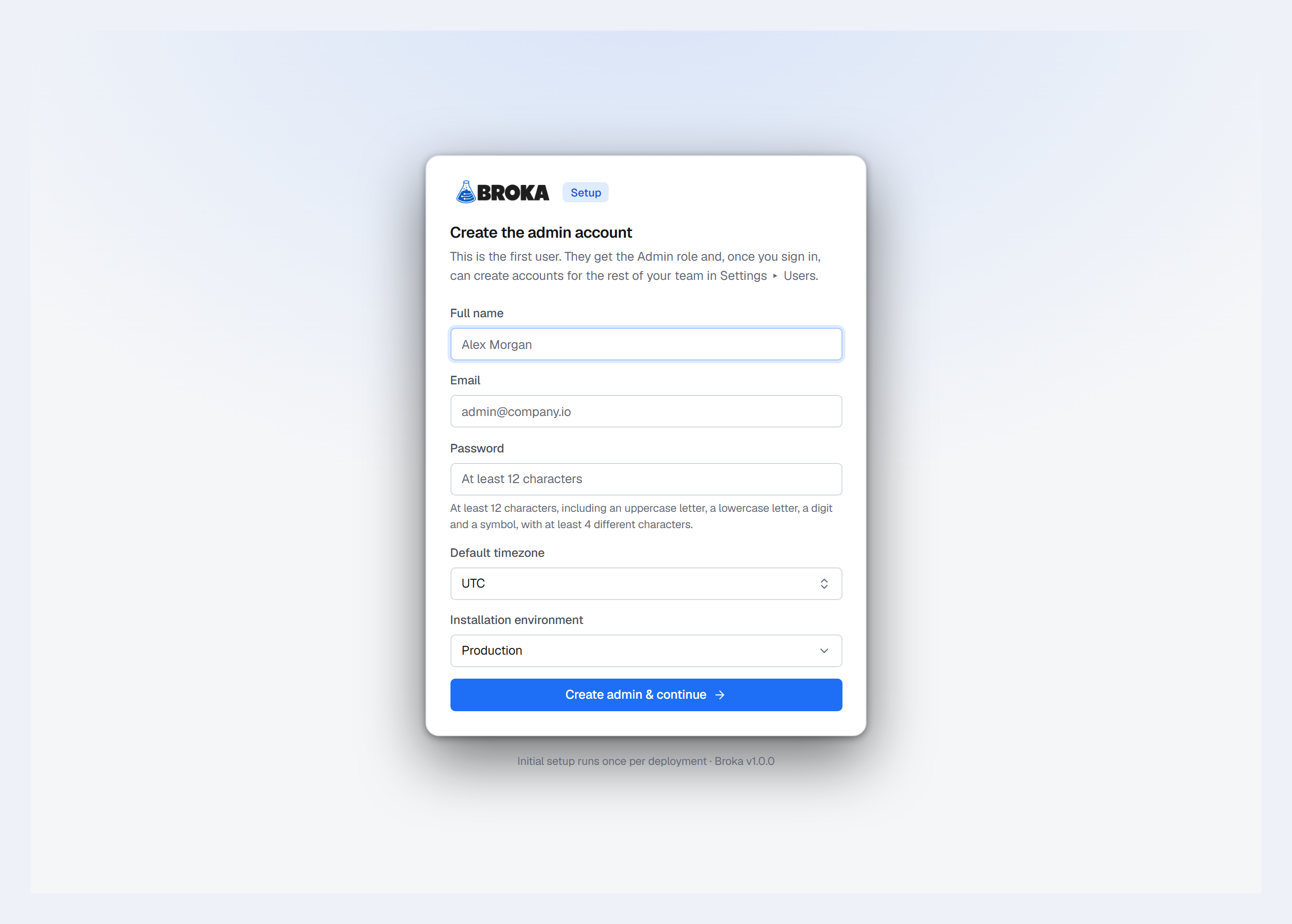
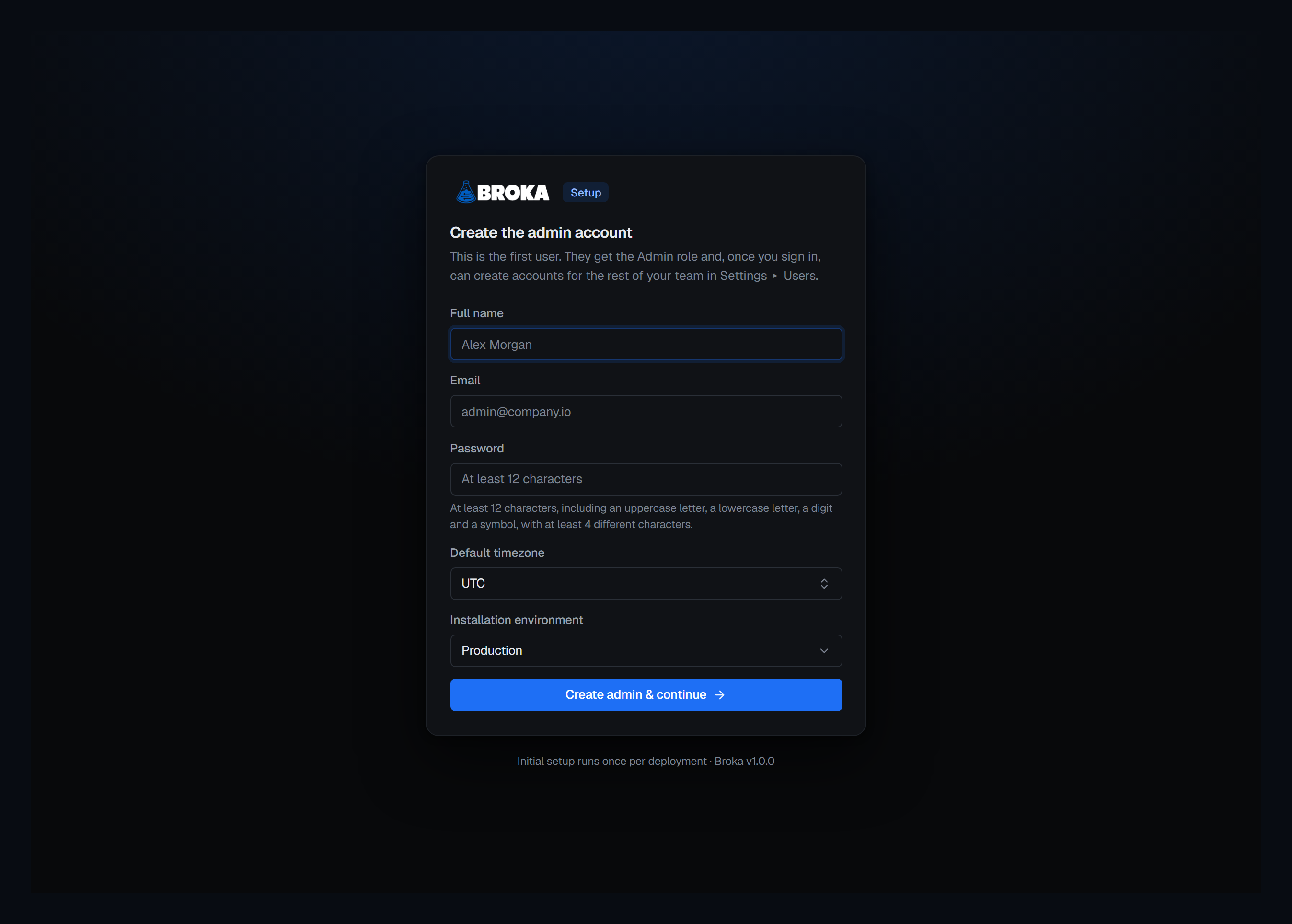
A Commercial installation is activated next, in Settings ▸ Licence: paste the activation code from the portal, or, on a host with no internet access, generate a request, e-mail it to BROKA support and paste the licence that comes back. Until then Kafka works fully and the commercial platforms are not offered at all.
Then, in this order: create the environments — one, Development, open, already exists — and mark production guarded before it holds a connection. Guarded means every write there has to carry a reason, saving a connection included; a read-only environment refuses new and changed connections outright, so a connection has to be in place before its environment goes read-only. Switch to the environment you mean and add a connection there, because a connection is created in the environment selected in the top bar; and test it before saving — the test says whether the broker could be reached and signed in to, and a pass can carry a caveat naming what the credentials leave out.
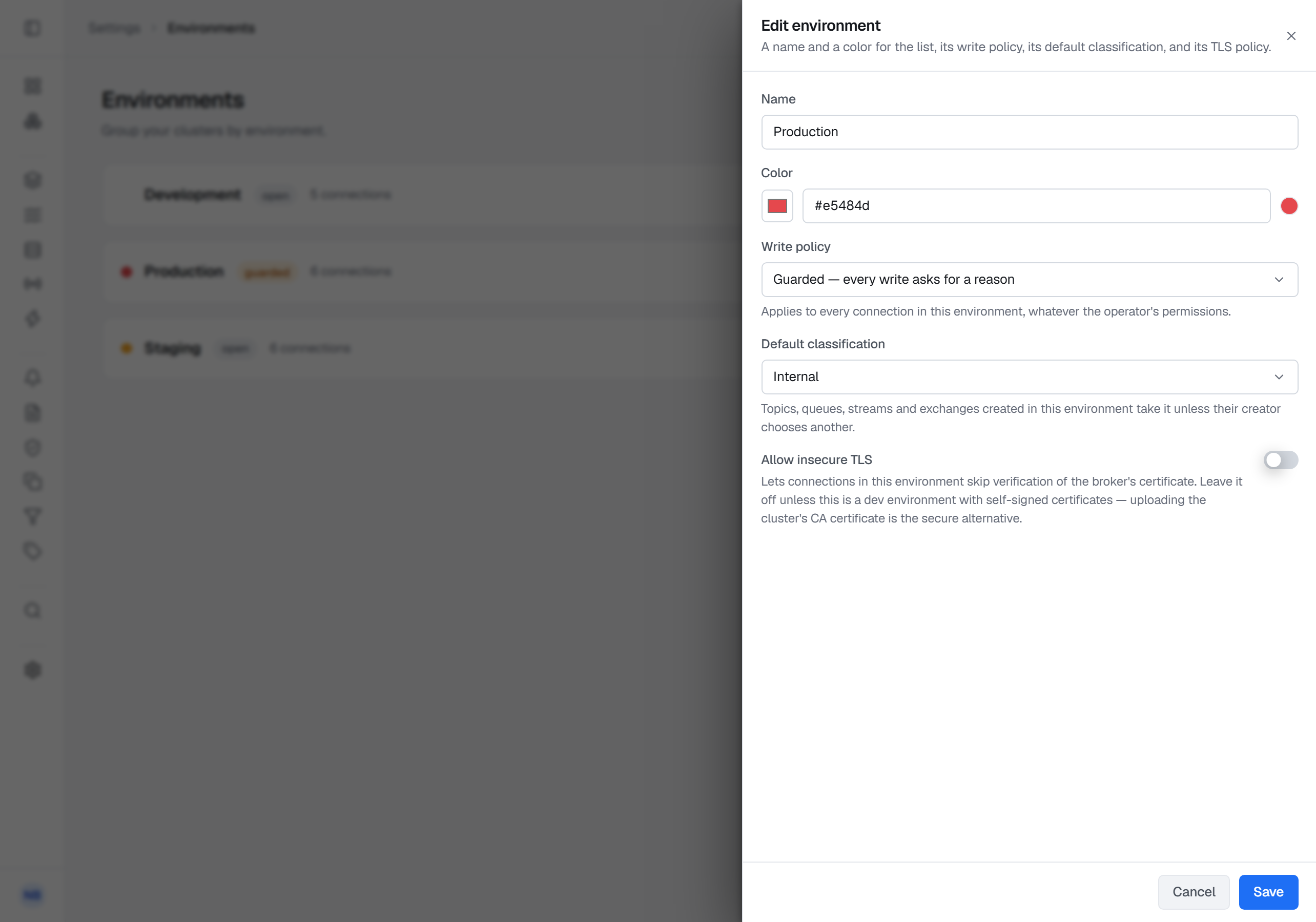
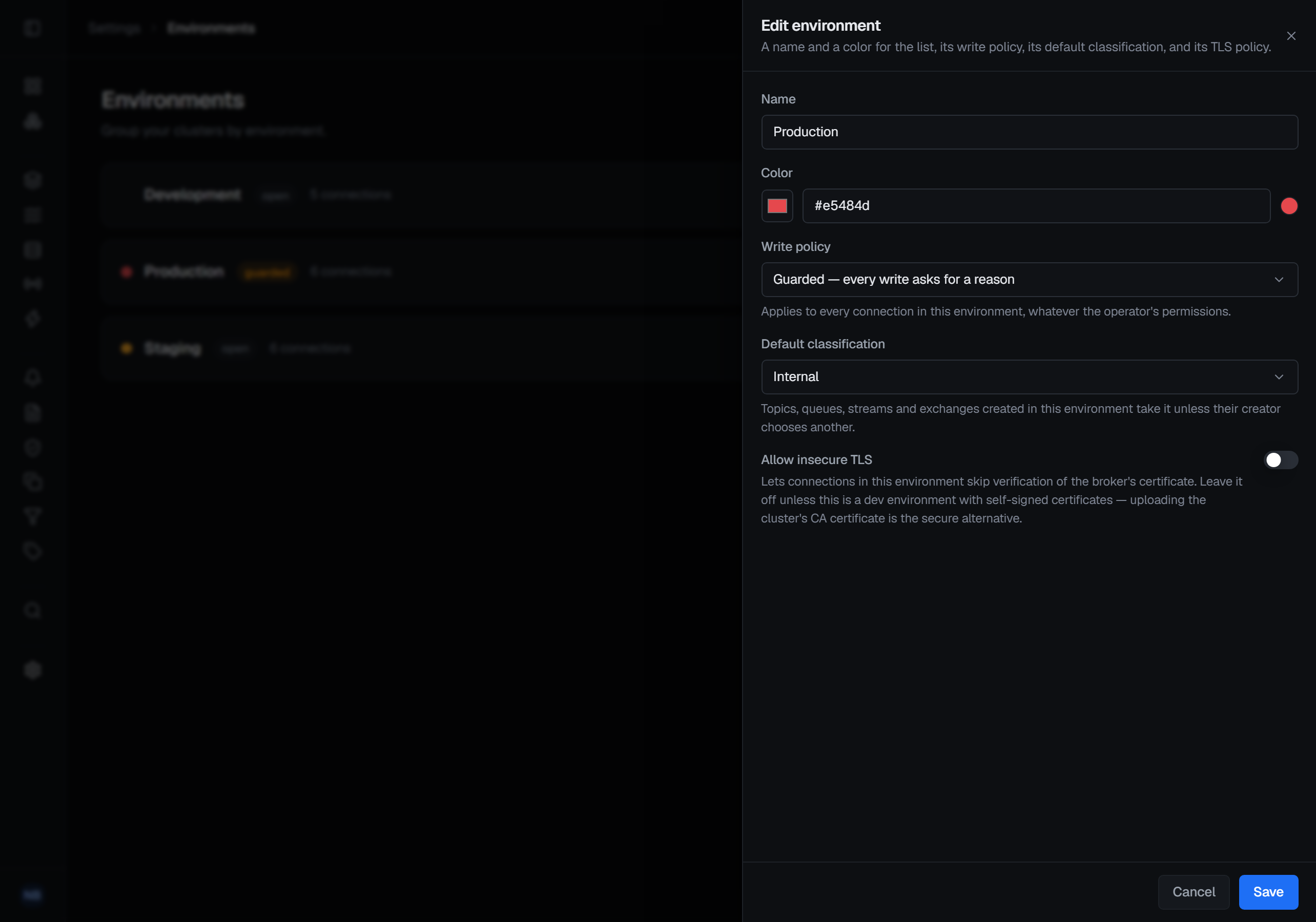
If it does not come up:
| What you see | What it means |
|---|---|
docker compose up refuses, saying a variable is missing a value, and nothing starts |
That variable is empty in .env. The images fail closed on purpose. |
| The orchestrator refuses to start, saying a key is the wrong length | BROKA_KEK must decode to exactly 32 bytes and BROKA_JWT_SECRET to at least 32. Regenerate; do not trim. |
| The console loads but every broker call fails | The orchestrator and the broker service disagree about BROKA_SERVICE_TOKEN or BROKA_KEK. |
A Redis, RabbitMQ, Apache Artemis or Memcached page fails with 404 NOT_FOUND — No handler for … |
That platform's module is not in the broker image you are running: you are running Community, which carries Kafka. The edition is decided by which images you pull. |
After it is running
Back up two things. PostgreSQL is the only state — the pgdata volume holds users, connections,
saved views, the audit trail and the encrypted key ring — and .env holds the key that reads it.
Restore by bringing the database back with the same-version images. The real test of a restore is not
that the console opens; it is that a stored broker credential still decrypts — run a connection test.
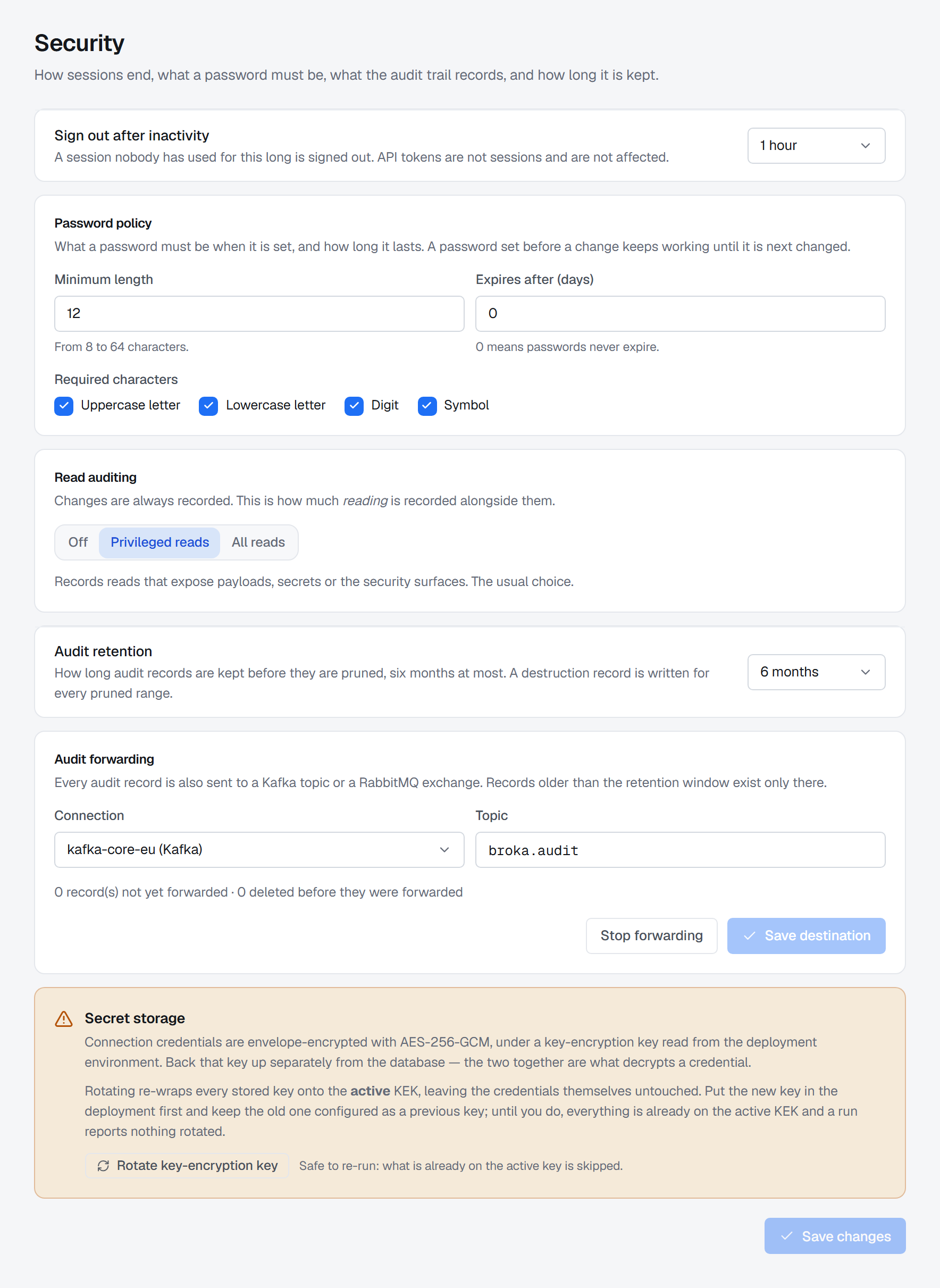
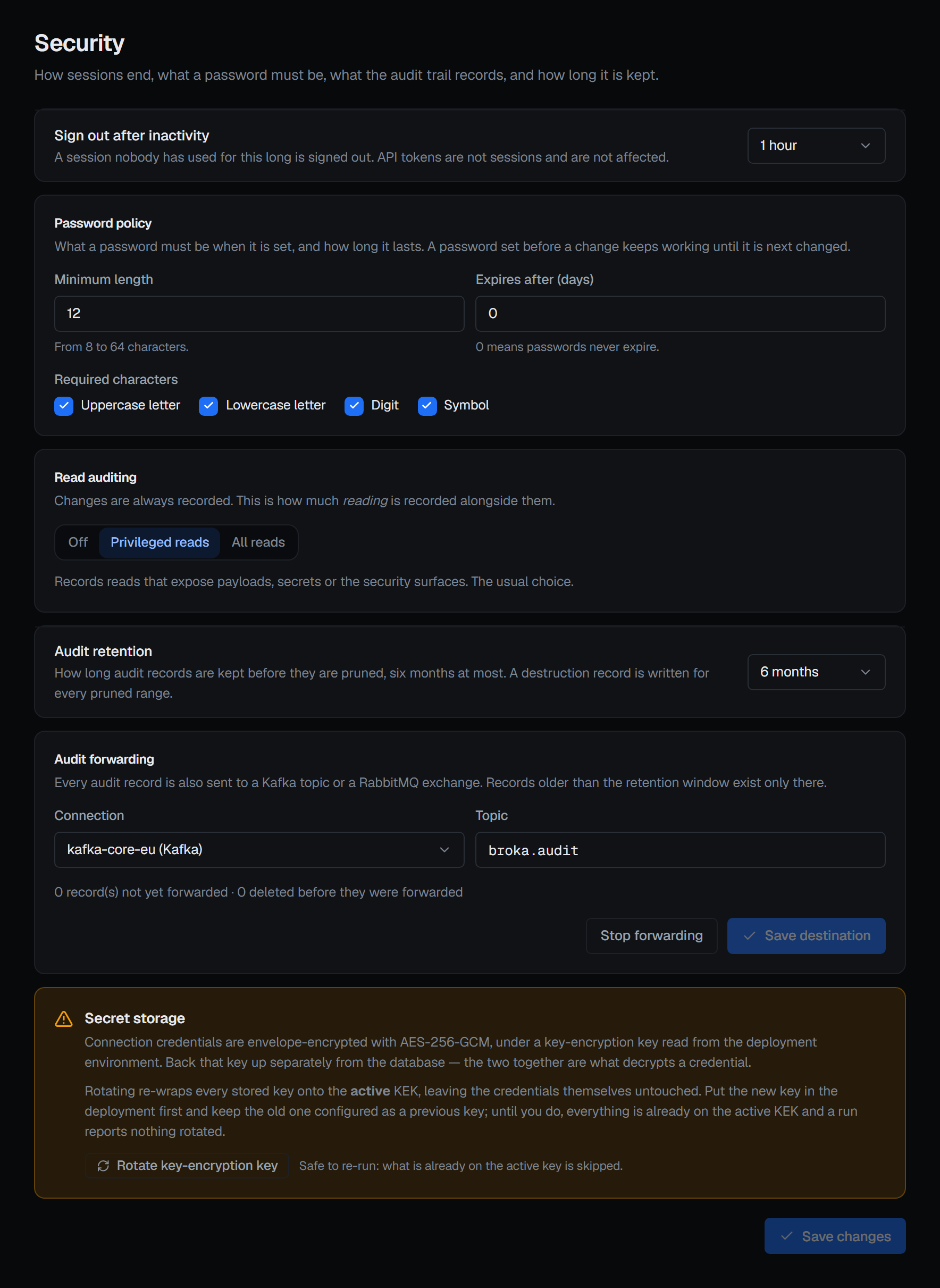
Decide how far back the audit trail has to reach. Retention always runs and keeps at most six
months — 180 days, the default; Settings ▸ Security can shorten it, with a reason, but not switch it
off. So the database, and every backup of it, holds half a year of trail at most. If your reviews
look further back, forward the trail as it is written: to a file or an HTTP endpoint in either
edition, through the orchestrator's AuditForwarding__* settings — the Compose recipe does not set
them, so they are lines you add to its environment — or, in Commercial, to a Kafka or RabbitMQ
connection already registered in BROKA, chosen in Settings ▸ Security. A record that was never
forwarded is still deleted at 180 days; BROKA warns seven days before.
Upgrade by editing, not by restarting. Each release publishes its recipe at
https://broka.dev/download/<version>/; if its compose.yml differs from yours — compare the checksums in its
SHA256SUMS — take the new file and add any variable its .env.example gained to your .env. Then change
BROKA_VERSION, and docker compose pull && docker compose up -d. Migrations run automatically as the orchestrator
starts, and they are backward-compatible, so skipping several versions is supported. Rolling the
application back is the same edit in reverse — the previous tag, with the database staying where it
is. Rolling the schema back is not supported; the way back from a bad migration is a restore.
Point monitoring at the probes the images carry. The console answers on /healthz; the
orchestrator on /health for liveness and /health/ready with a database check; the broker service
on /actuator/health, which reports the aggregate — so a sustained database outage can mark the
broker container unhealthy while the process itself is fine. For a Prometheus you already run,
BROKA_METRICS_PROMETHEUS=true serves the orchestrator's own metrics on port 9464 inside the Compose
network — off by default, never published, because the endpoint carries no login.
Know the outbound posture. A Community installation makes no outbound calls of its own and needs no activation. A Commercial installation activated online makes one HTTPS call to activate and refreshes about once a day; activated offline, it makes no outbound calls either. In both editions the alert channels and the mail relay you configure send outward, from the broker service, and an HTTP audit-forwarding endpoint receives the trail from the orchestrator — each only once you have set it up.
What this checklist does not cover
- Sizing. No figure is given here, because none has been measured. Size for concurrent operators, not for broker throughput.
- Other architectures. The images are built for
linux/amd64only. - Clustering. One orchestrator replica is the design, not a limit waiting to be lifted in configuration.
Try it yourself
The installation recipe is the Compose file and environment template this checklist walks through.
Applies to BROKA 1.0 · Community and Commercial.