

An AI assistant, under the same rules as a person
The quick way to let an assistant work on your brokers is to give it a broker credential. BROKA Commercial gives it a person instead — that person's permissions, the environment's guards, and the same audit trail as the console.
BROKA Commercial serves an MCP server from the console itself. An assistant connected to it acts as the owner of an API token: it reads what that person may read, changes what they may change, stops where the environment stops them, and every call lands on the audit trail. MCP is a way to call BROKA, never a way around it.
The usual alternative, a broker credential pasted into the assistant's configuration, works — and afterwards the broker sees a shared identity, no environment policy stood in the way, and the record says "someone with the key".
| The question | Where BROKA answers it |
|---|---|
| May assistants reach this installation at all? | Settings ▸ MCP — Off, Read only, or Read and write. Off by default |
| Who is the assistant? | The owner of the API token it sends |
| What may it touch? | That person's permissions, narrowed further by the token, and mcp.use to reach the server |
| May this change happen here? | The environment's write policy, exactly as for the console |
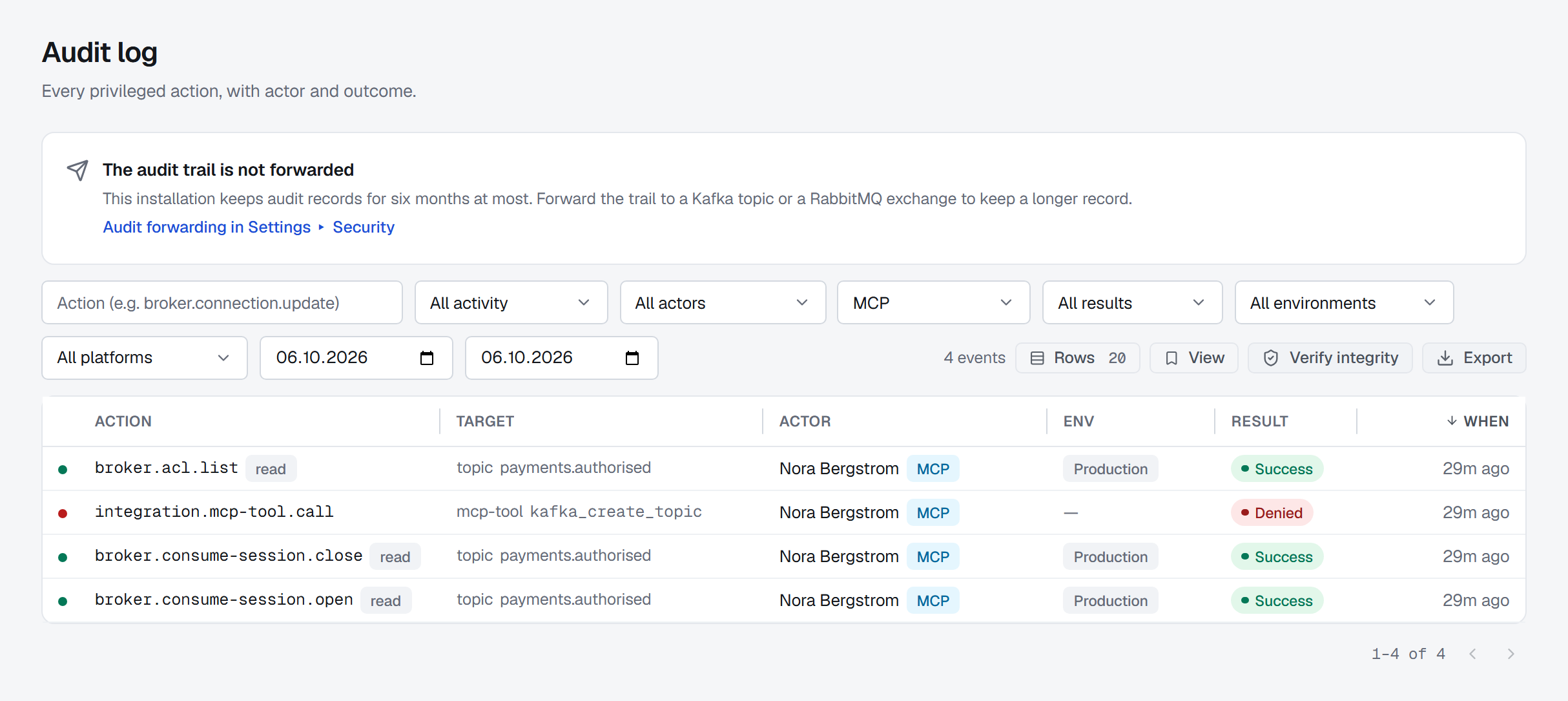
| What did it do? | The audit trail, each event marked with the MCP channel |
1 — Off until an administrator turns it on
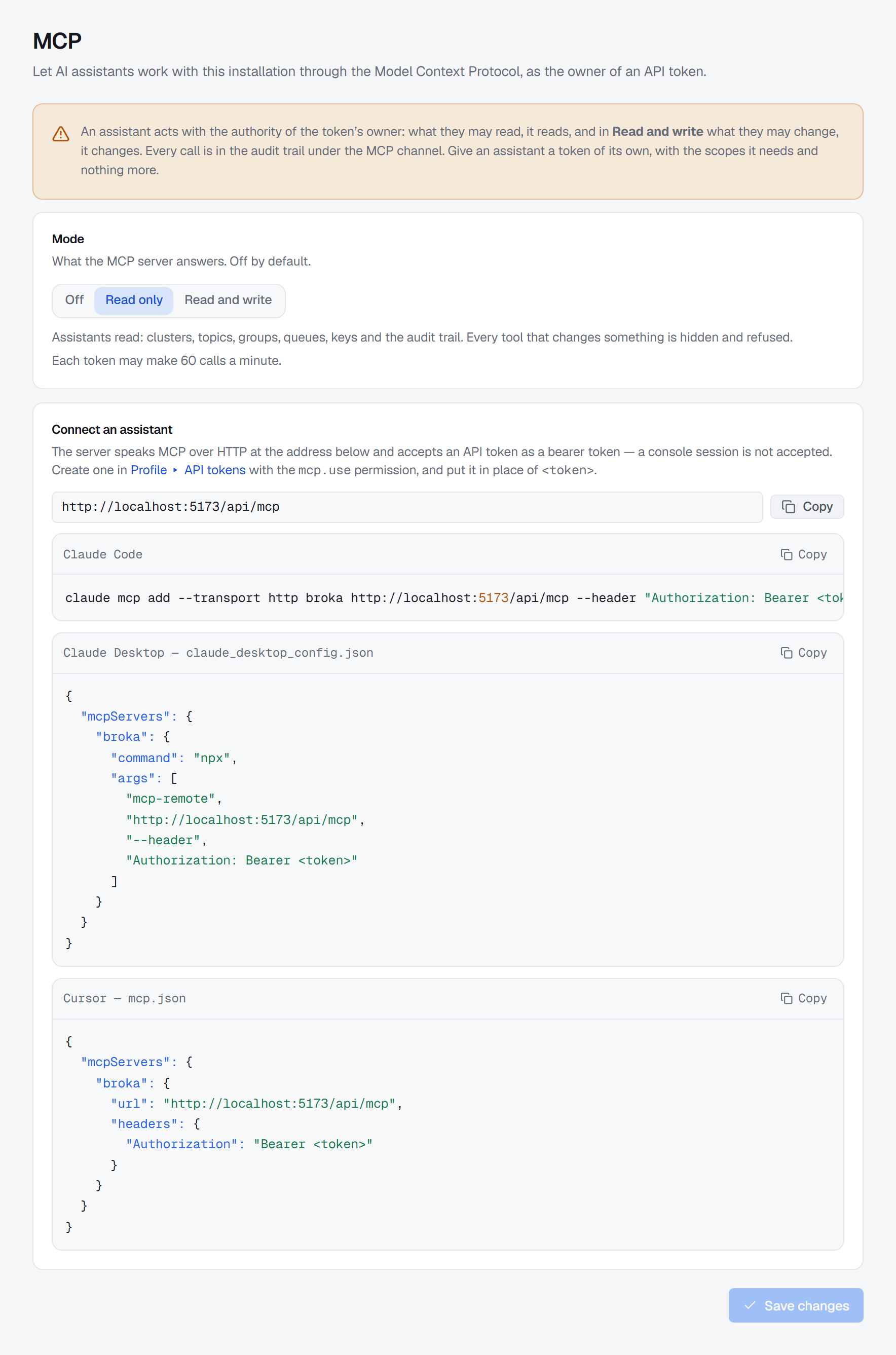
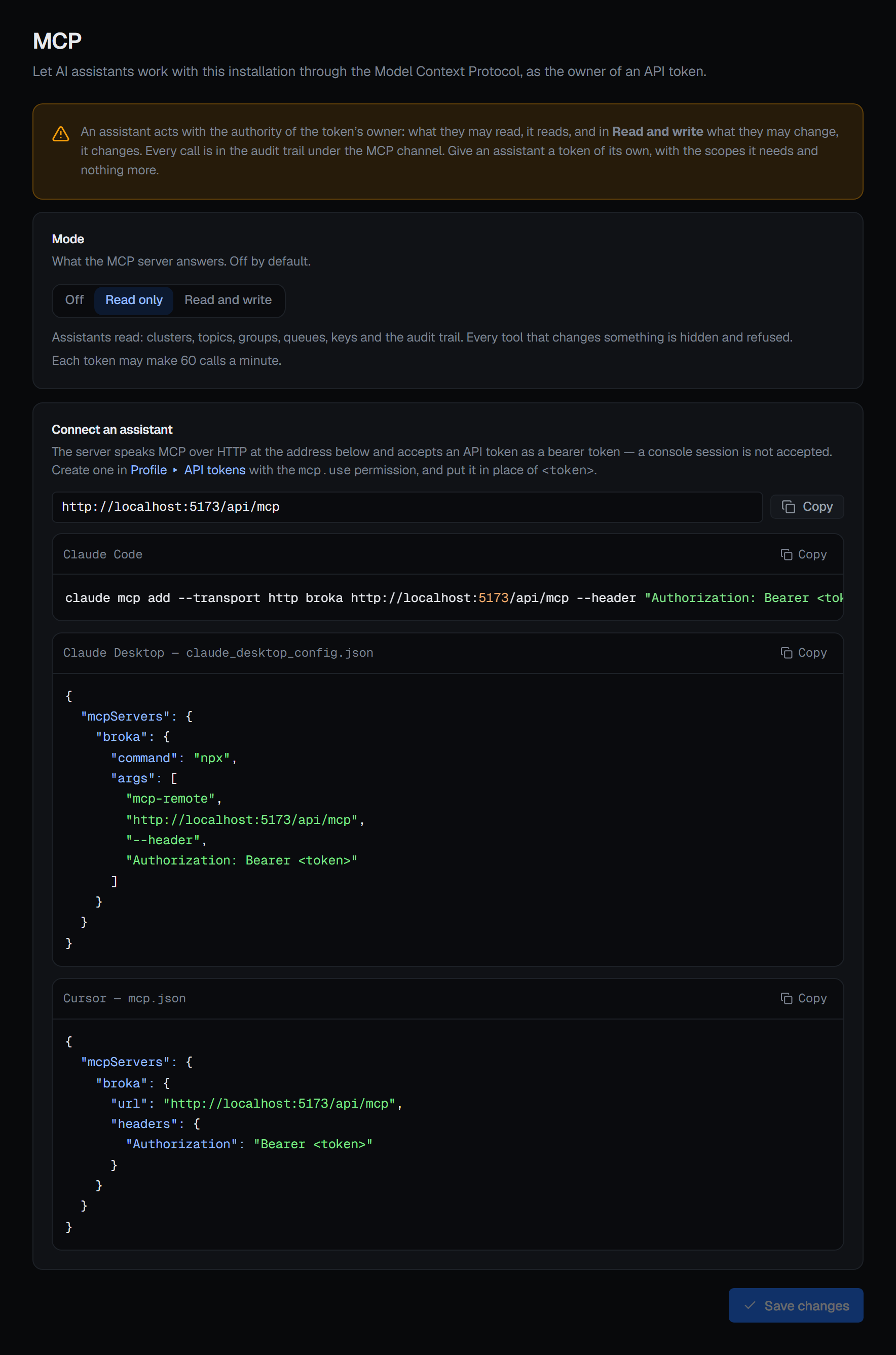
The server answers at /api/mcp, on the address and port the console is already published on — no separate
service, no extra port — over MCP's Streamable HTTP transport. Settings ▸ MCP has three modes:
- Off — the default.
/api/mcpanswers 404 to everybody, as if it were not there. - Read only — the tools that read, and the previews, are listed. Every tool that changes something is hidden, and refused if called.
- Read and write — every tool the token's owner could use is listed. Saving it asks for confirmation first: Let assistants make changes.
The page needs settings.manage, and every change of mode is recorded with the mode before and after. The screen
puts the consequence plainly: an assistant acts with the authority of the token's owner.
2 — The assistant is a person's token
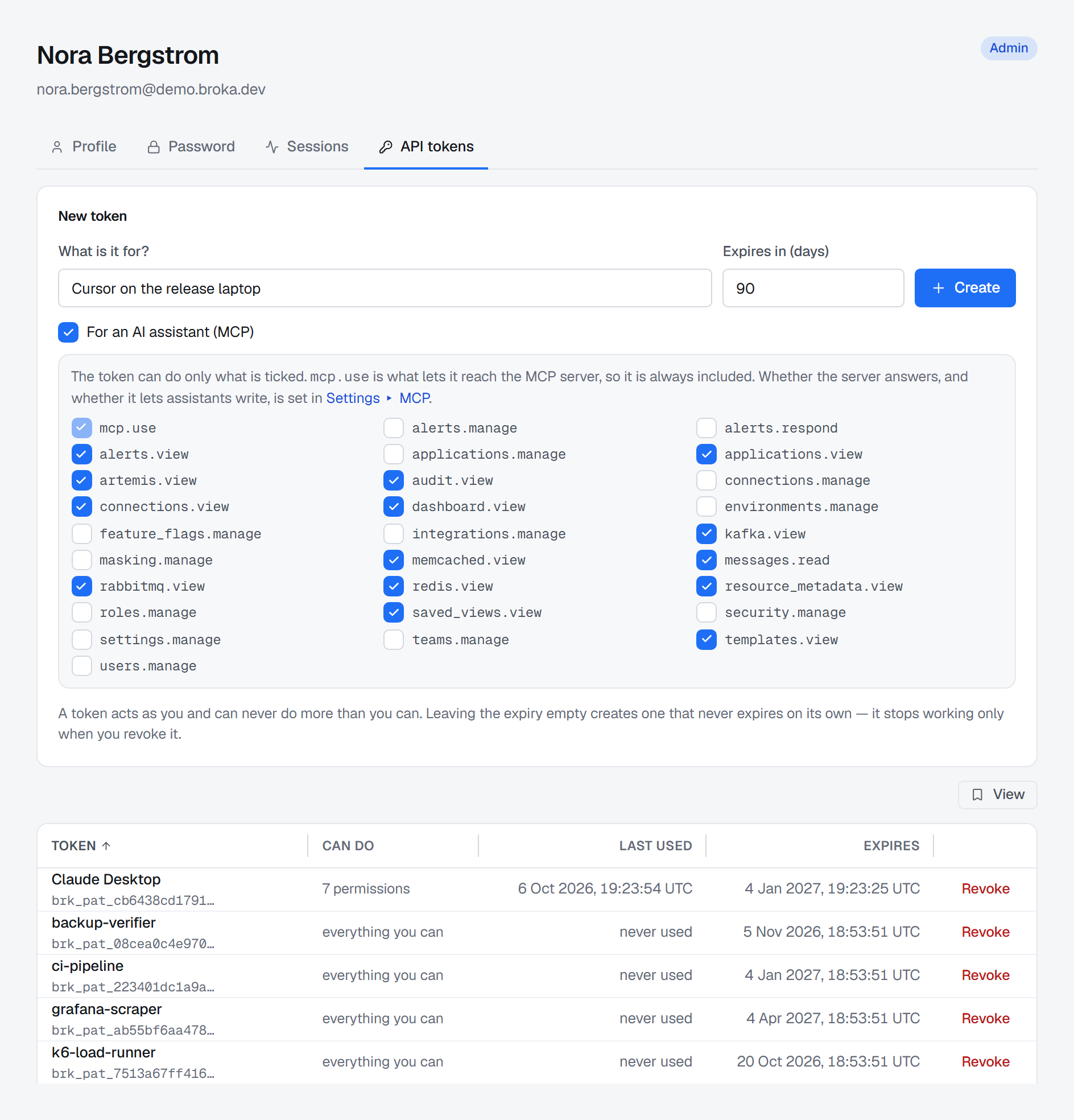
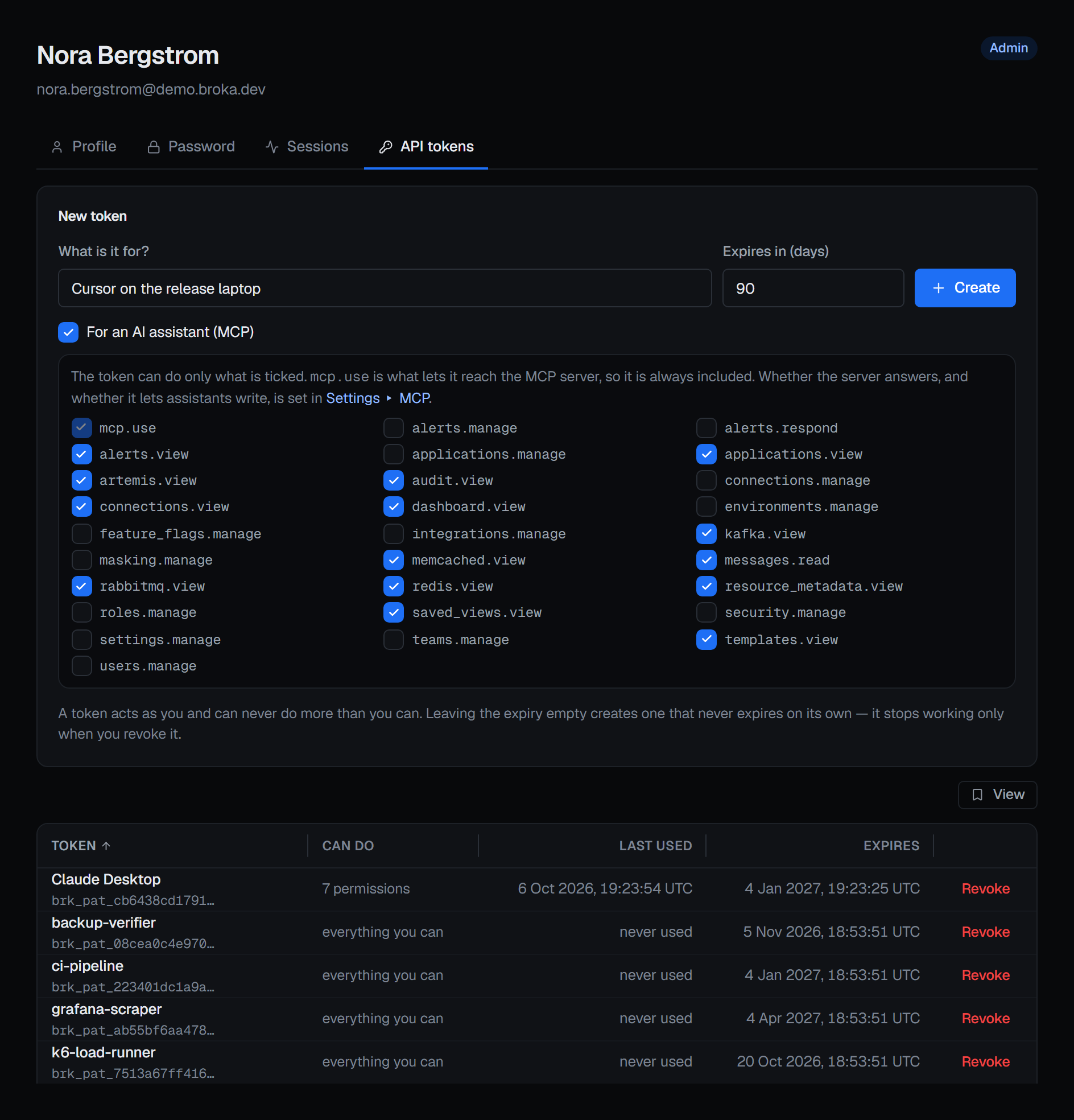
The server accepts an API token sent as a bearer token; a console session is not accepted. Under Profile ▸ API
tokens, someone who holds mcp.use sees an extra option, For an AI assistant (MCP). Ticking it makes a token
that can do only what is ticked beneath it: every permission you hold is offered, mcp.use is always included, and
you untick what the assistant does not need. Give an assistant a token of its own, with the scopes it needs and
nothing more.
The owner's roles and grants are resolved again on every request, so a removed role, a disabled account, or an expired or revoked token stops the very next call.
mcp.use — Use the MCP server in the roles editor — is in the built-in Admin role and no other. It must be
held installation-wide; a grant scoped to an environment or a connection does not open the server. And it confers
nothing else: each tool behind it needs the permission its console screen needs, and a tool the token cannot use is
not listed to it.
3 — Every guard the console has
Each tool calls the console's own routes with the caller's own token, so everything those routes check applies unchanged:
- A read-only environment refuses every change. A guarded one needs a reason on every change; each tool that
changes something takes a
reason, and BROKA sends it with the change. - Resource grants. A connection, topic or queue the owner cannot see does not exist for the assistant either.
messages.readfor message bodies, key values and payloads, as in the console.- Data masking. A masked field comes back masked, and an unmasked read is recorded whatever the read tier.
Some things only a person does, in the console, whatever the mode: users, teams, roles, grants and API tokens; the installation's settings, the MCP setting included; connections and environments; alerting; access on the brokers themselves, such as Kafka ACLs and RabbitMQ users; and operations on a whole cluster. An assistant acting on a token cannot widen its own reach.
4 — What it reads and what it changes
The tools cover the estate, Kafka with its Schema Registry and Kafka Connect, Redis, RabbitMQ, Apache Artemis,
Memcached, and the console's own operations — the audit trail, access review, applications and resource metadata.
Reads include message contents: kafka_read_messages, redis_get_key, artemis_browse_messages. Changes run from
kafka_create_topic and kafka_produce to rabbitmq_purge_queue and memcached_delete_key.
Every tool has one of five kinds — read, write, destructive, preview or apply — and tells the
client which through readOnlyHint, destructiveHint and idempotentHint, so a client that honours them can ask
you before a destructive call. Note that rabbitmq_peek_messages is destructive: a peek takes messages from the head
of the queue and puts them back marked redelivered.
5 — Preview, plan, apply
Where the console previews a change, MCP makes it two tools. The preview checks the change with the server, writes nothing, and returns what would change with a plan id. The apply tool takes only that plan id, so what is applied is exactly what was shown. A plan is good for ten minutes, is applied once, and belongs to the token that previewed it. The apply runs every check again: an environment that turned read-only in between refuses it.
Five changes work this way: a topic's configuration, a consumer group's offset reset, registering a schema, a connector's configuration, and deleting Redis keys by pattern.
Every destructive tool — a delete, a purge, an applied offset reset — requires a reason, in every environment. A call without one is refused before its
arguments are read, and the refusal is recorded.
6 — On the record
Every tool call produces the audit record its console route produces, with the token's owner as the actor, and names
the channel: MCP, the tool, the client's name and version, and the token's prefix. In Operations ▸ Audit Logs
such a row carries an MCP badge, and the Channel filter — All channels, Console, MCP — answers "what did the
assistant do on Tuesday?". Changes and refusals are always recorded; reads follow the installation's read tier. A
refusal the server makes itself — no mcp.use, a change in Read only mode, a missing reason, an expired plan — is
recorded as integration.mcp-tool.call.
A message body or a connector's stack trace was written by somebody else, and an assistant may read instructions
into it. BROKA returns such contents as data marked dataIsUntrusted, beside its own one-line summary. The
marking tells the assistant; it cannot make it listen — which is why every change is its own call, Read only exists,
and the token is the boundary that holds.
Connecting a client
Settings ▸ MCP shows the endpoint's address and ready configuration for Claude Code, Claude Desktop and Cursor. For Claude Code:
claude mcp add --transport http broka https://<host>/api/mcp --header "Authorization: Bearer <token>"
Any MCP client that can send that header connects the same way.
What this article does not cover
- Every tool, one by one. MCP tools lists them by area, with each one's kind.
- Limits, prompts and resources. They are on MCP server, with the configuration for each client. The MCP page describes the server from the product's side.
Applies to BROKA 1.0.1 and later · Commercial.