

Reading Kafka broker health over JMX
The Admin API tells you what a Kafka cluster holds, not how hard its brokers are working. The brokers measure that themselves and publish it over JMX. This is what BROKA reads there, where it shows, and the rules that watch it.
Set up JMX once on a cluster and BROKA reads a fixed list of figures from every broker and controller, in Community and Commercial alike: cluster health, request performance, saturation, disk and JVM. They appear on the screens you already use — the Brokers page, its Graphs and Quorum tabs, each broker's detail, a topic's page — and an alert rule can watch them. Each is read live when a screen or a rule asks, and a figure is kept only when an alert rule watches it.
The questions, and where they are answered
| The question | The figure | Where it shows |
|---|---|---|
| Is exactly one controller in charge? | Active controllers | Brokers ▸ under Controller, when it is not one |
| Can every partition be written and read? | Offline partitions | the Offline partitions tile |
Will acks=all writes be accepted? |
Partitions under their minimum in-sync replicas | the Under min ISR tile |
| Has a broker lost a disk, or stopped serving? | Offline log directories, the broker's state | the Offline log dirs and State columns |
| Are the brokers keeping up? | Request-handler and network-thread idle, the request and response queues | Graphs |
| How long do requests take? | Requests per second and their p99 time, by type | Graphs |
| Is a node's JVM healthy? | Heap, garbage collection, CPU, file descriptors, threads | a broker's Metrics tab, a controller's row on Quorum |
| What is this one topic doing? | Bytes in and out, messages in | the topic's own page |
1 — What the Admin API cannot see
Without JMX, BROKA reads a Kafka cluster through the Admin API: brokers, partitions and leaders, configuration, disks, consumer offsets, an under-replicated count. That is what the cluster holds. How hard each broker is working is a set of figures it keeps inside its own JVM and publishes as JMX beans, and reading them takes a JMX agent on each node and the address to reach it at.
2 — A fixed list, read from every node
BROKA reads these figures and no others:
- Health — whether the node is the active controller; offline partitions and leader and unclean elections, from the active controller; how far behind the cluster metadata the node is; partitions under and at their minimum in-sync replicas; ISR shrinks and expands; offline log directories; the broker's state.
- Requests — produce, consumer-fetch and follower-fetch requests per second and their mean and p99 time; failed produce and fetch requests; bytes rejected.
- Utilisation — how idle the request handlers and the network threads are; the request and response queues; the produce and fetch purgatories.
- Disk — log flushes per second and their 99th-percentile time.
- Throughput — bytes in and out and messages in per second.
- JVM and system — heap, garbage collection, CPU, open file descriptors against the limit, threads.
The list is fixed in the product rather than configurable: a JMX agent answers whatever it is asked, and a console that could be pointed at any bean could be pointed at one that does something. Rates are Kafka's own one-minute rates; idle figures are shown as percentages.
Controllers are read as nodes. On a KRaft cluster with separate controllers, each controller that is not a broker is asked for its own figures. A node that is both broker and controller is listed once, as its broker.
3 — Set it up once per cluster
On Kafka ▸ Clusters, open the cluster's ⋮ menu and choose JMX.
- JMX port — each broker's agent is asked at the broker's advertised host on this port.
- Broker addresses — one row per broker, and one per KRaft controller that is not a broker, listed after them as Controller N. Behind a load balancer, which does not forward JMX, give each broker the address its agent is reached at.
- Username and password — for an agent that asks for them. The password is stored encrypted and never shown again.
Test connection asks every node once and says, for each, whether it answered and, if not, why. An agent that
answers and then points to an address BROKA cannot reach needs its broker started with -Djava.rmi.server.hostname
set to the address BROKA should use. Saving the settings needs the permission to manage connections and is recorded
in the audit trail.
4 — Read the health tiles first
The Brokers page adds two figures to its own: Offline partitions, partitions with no leader, and Under min
ISR, partitions with fewer in-sync replicas than they require, which refuse acks=all writes. The count of active
controllers — exactly one is healthy, none or more than one is not — appears under Controller only when it is not
one. Each says it comes from JMX.
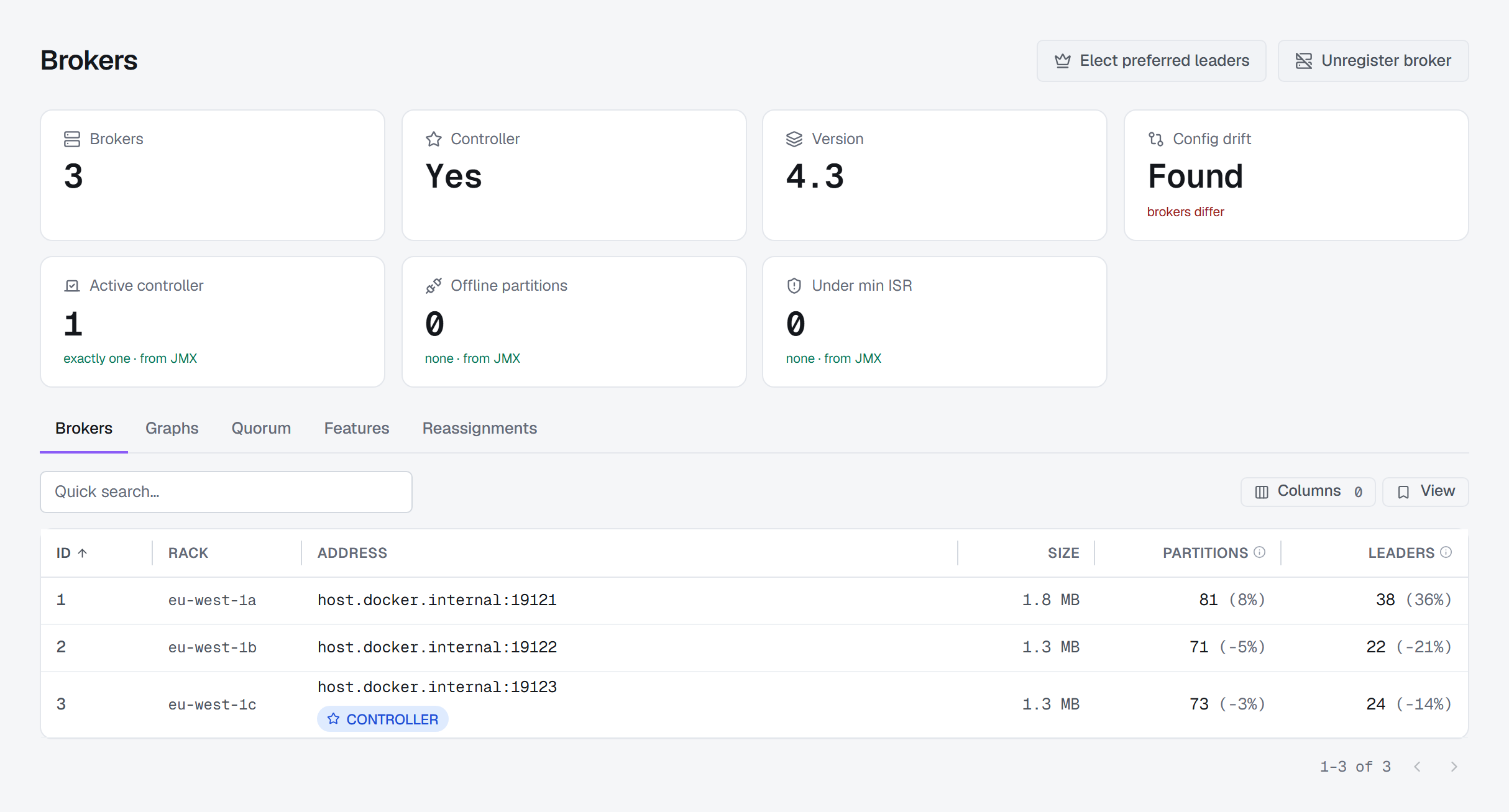
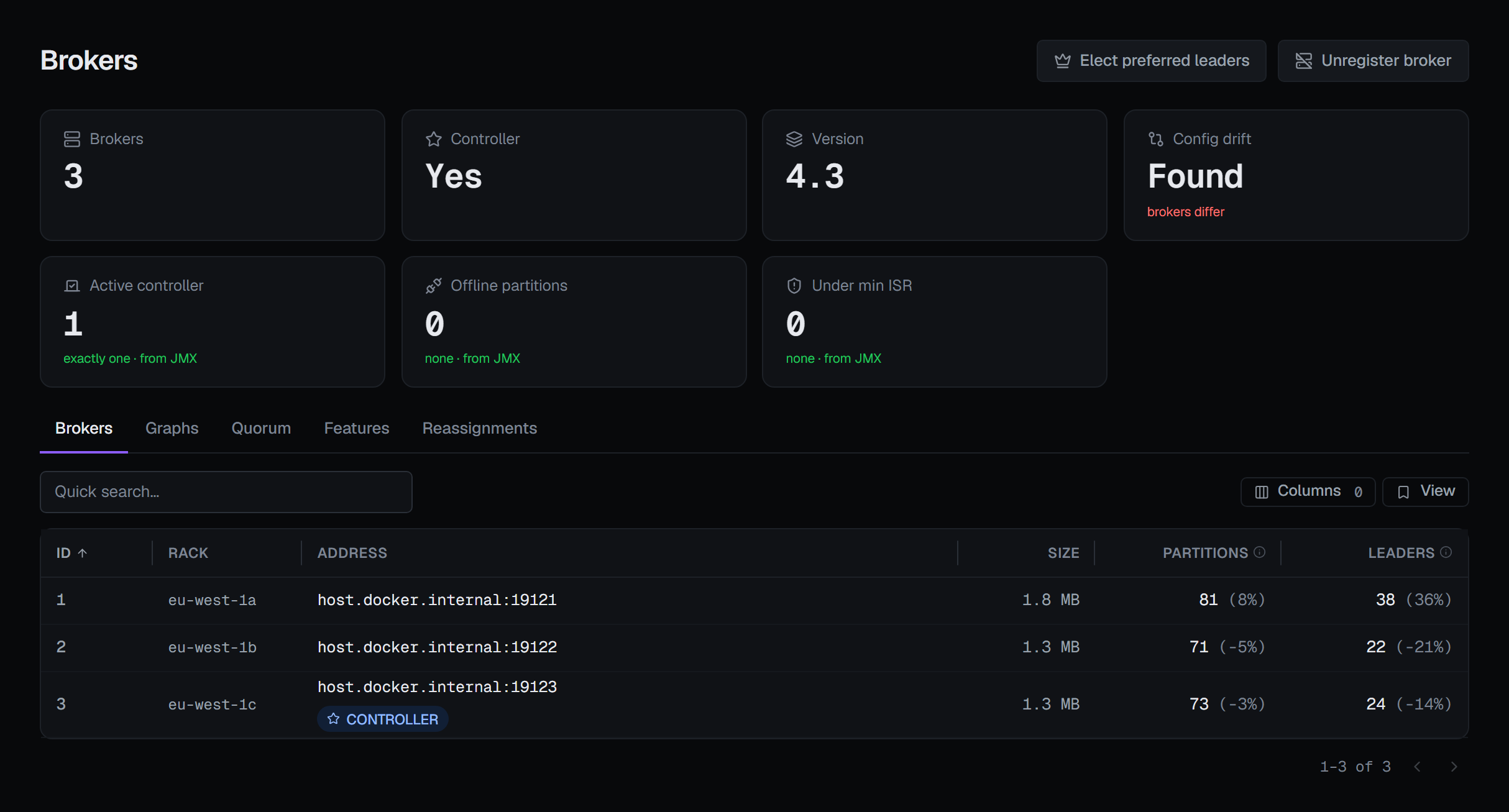
A figure about the whole cluster is shown only when every node it depends on answered: the active-controller count needs every controller, the under-min-ISR total every broker. When one did not answer, the tile reads a dash and says why, rather than adding up the part of the cluster that did. Without JMX each tile reads Needs JMX, and clicking it opens the JMX settings. A figure a node does not publish is a missing value, never 0.
5 — Then read how hard each broker works
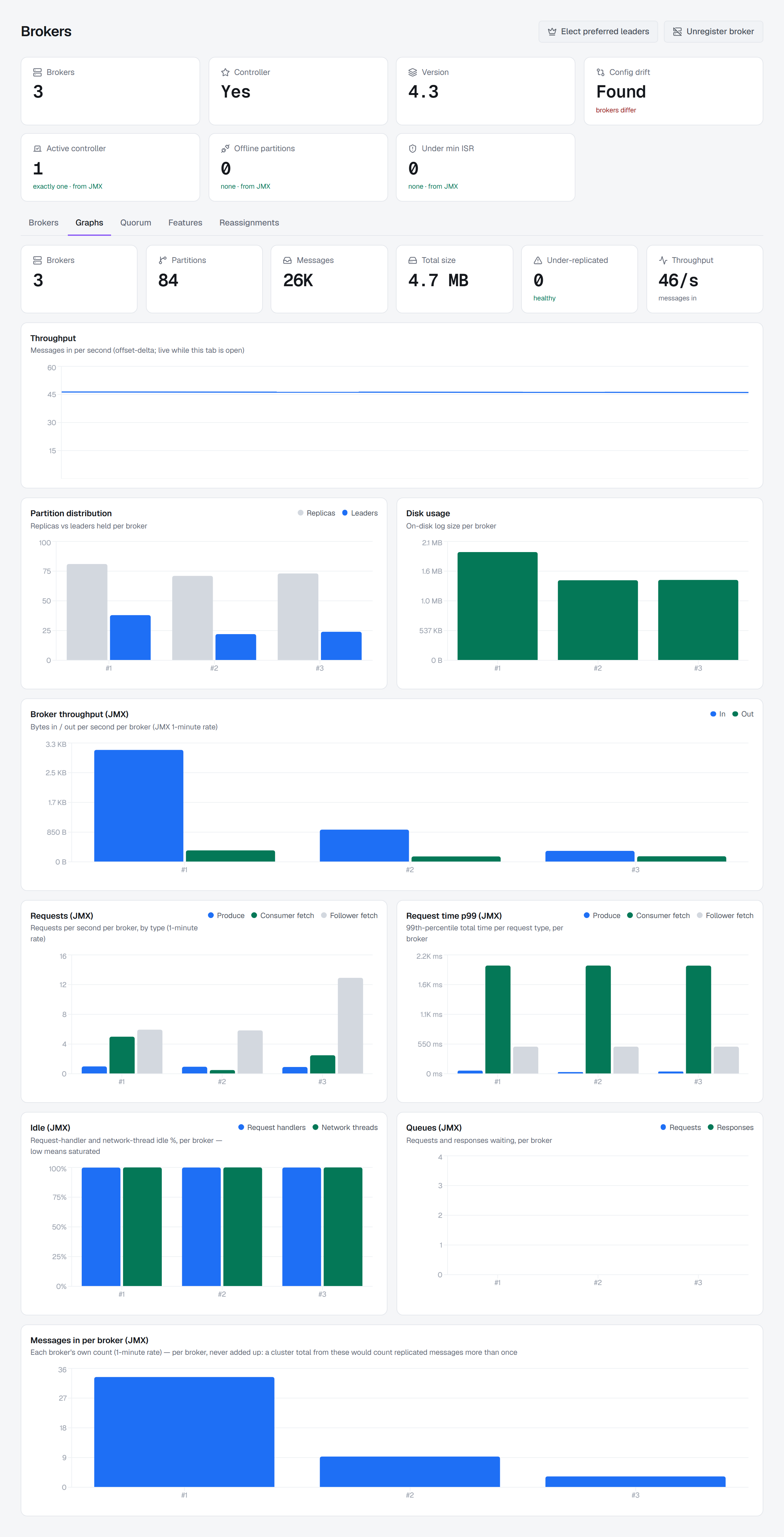
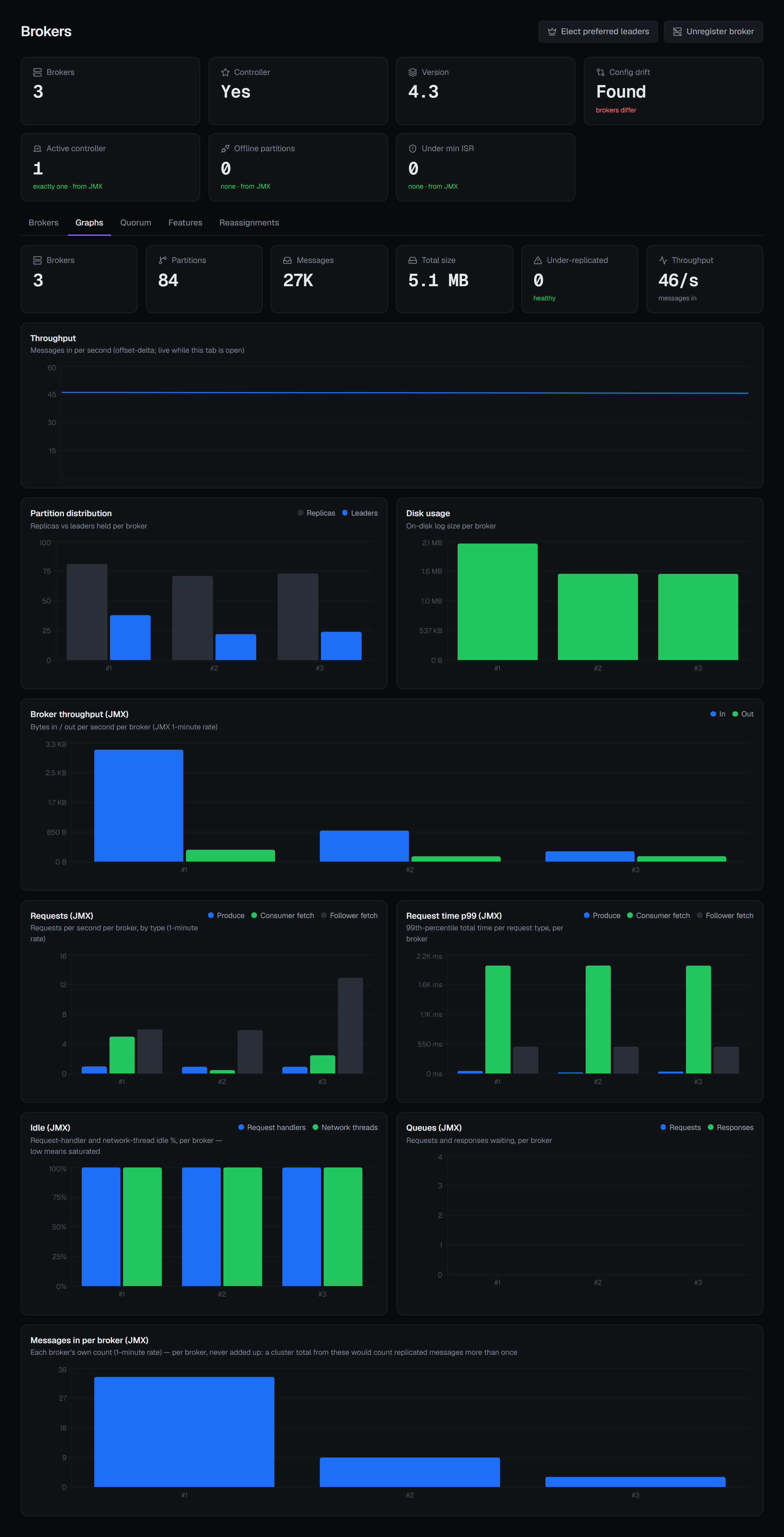
With JMX the Graphs tab adds, per broker: bytes in and out; requests per second by type and the p99 time of each; how idle the request handlers and network threads are; and the request and response queues. Low idle means saturated. Messages in is drawn per broker and never added up, because a total would count a message once for every replica that wrote it. The tab reads the cluster every 15 seconds while it is open.
6 — One node at a time
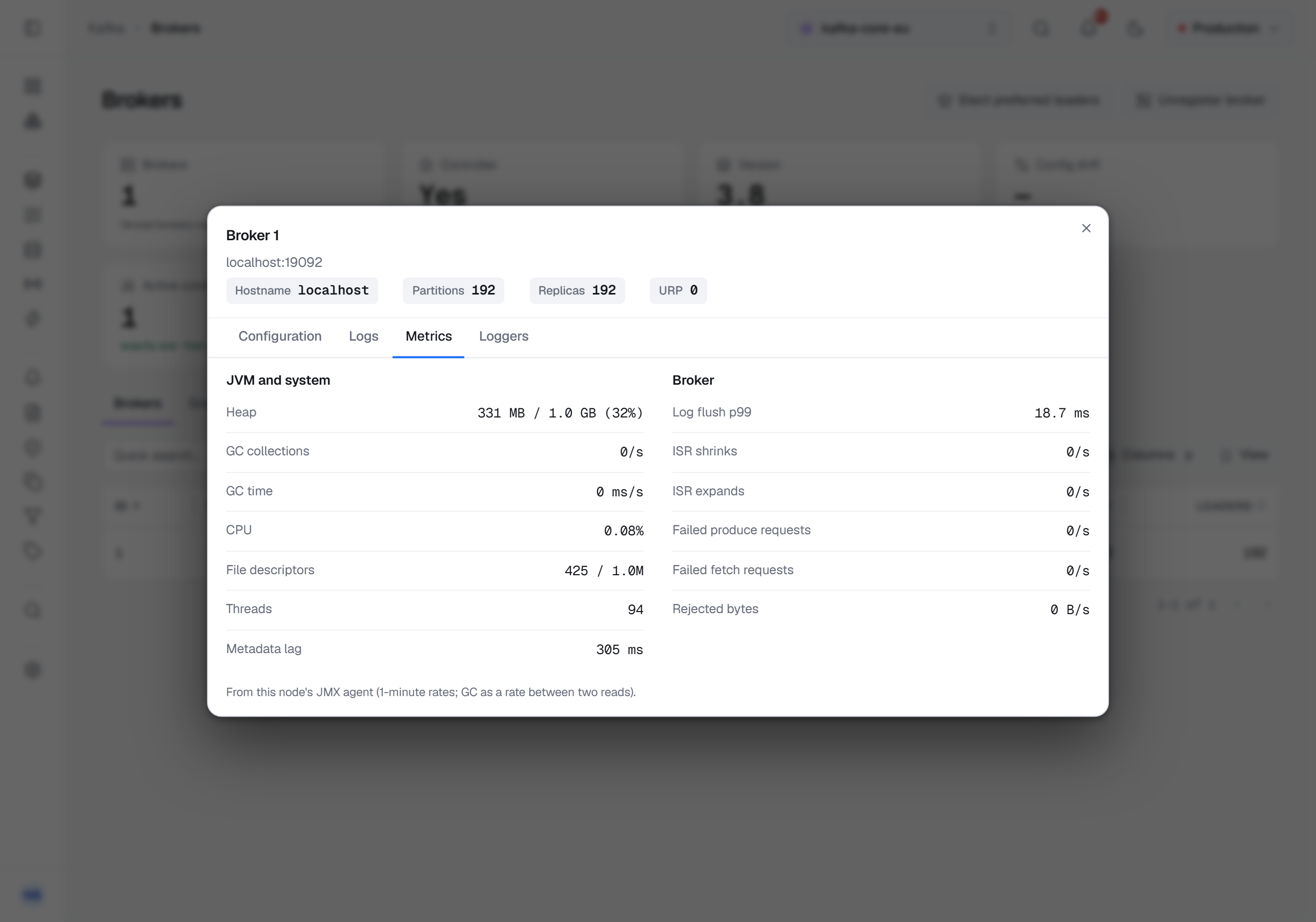
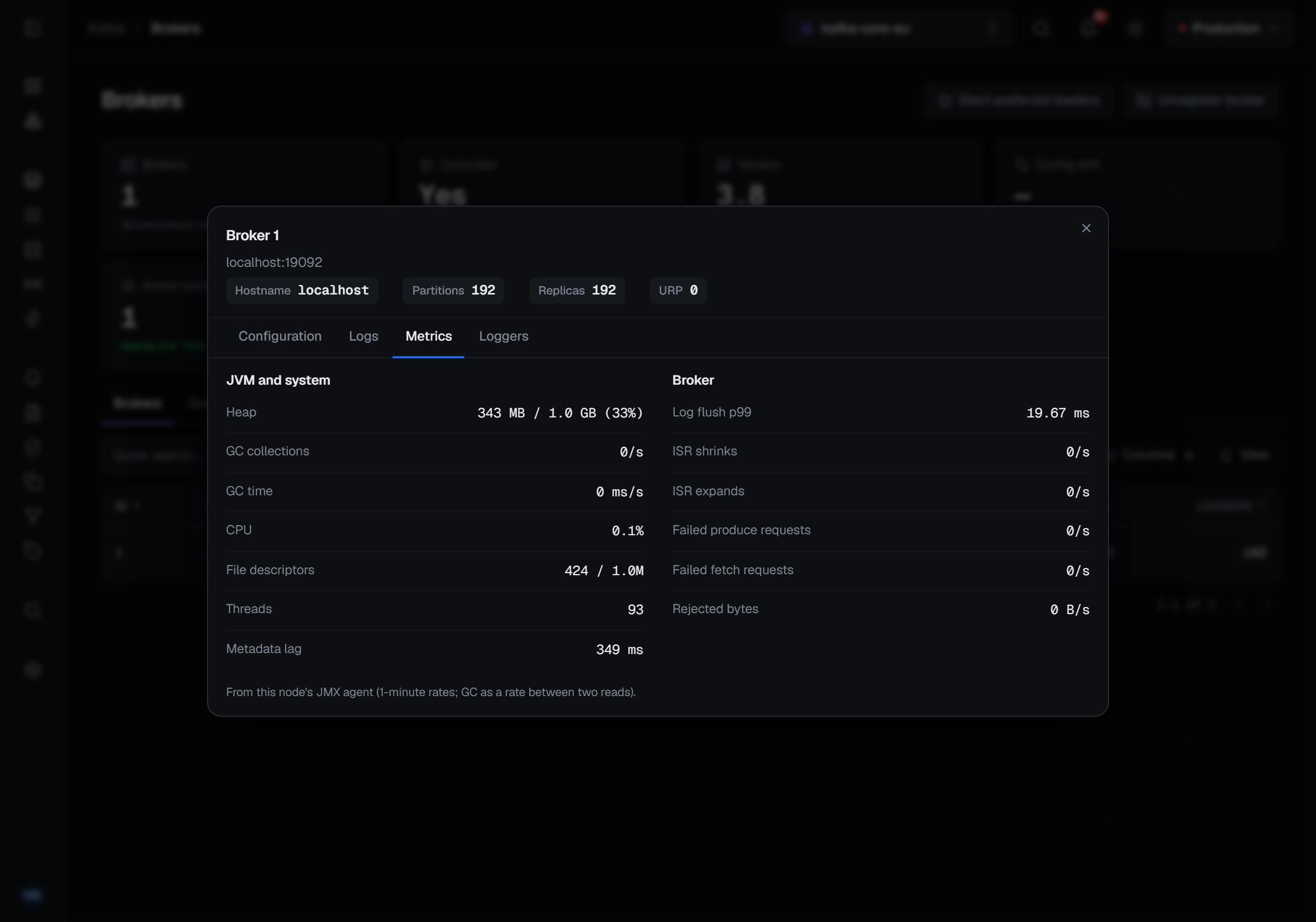
A broker's detail has a Metrics tab: JVM and system, with file descriptors flagged once they reach 80% of the limit, and Broker, with the log flush p99, ISR changes, failed requests and bytes rejected. A controller that is not a broker has no row in the list; its figures open from its row on the Quorum tab.
A topic's page shows the topic's own Bytes in, Bytes out and Messages in, from the brokers that lead its partitions, read while the page is open.
7 — Let a rule watch them
On Operations ▸ Alerts, Recommended rules offers suggestions for a cluster you choose, the JMX ones once that cluster has JMX set up. Nothing is ticked in advance; each shows its threshold and why, and Create n rules writes the ones you picked as ordinary rules scoped to the whole cluster.
| Rule | Fires when | Holds for | Severity |
|---|---|---|---|
| Not exactly one active controller | active controllers ≠ 1 | immediately | critical |
| Partitions are offline | offline partitions > 0 | immediately | critical |
| Partitions below min ISR | under-min-ISR partitions > 0, per broker | 1 minute | critical |
| A broker has an offline log directory | offline log directories > 0 | immediately | critical |
| A broker is not running | the broker reports a state other than running | 2 minutes | critical |
| Request handlers are saturated | request handlers idle < 20% | 5 minutes | warning |
| Produce latency is high | produce p99 > 1,000 ms | 5 minutes | warning |
| Produce requests are failing | failed produce requests > 0 per second | 5 minutes | warning |
| Heap is nearly full | heap used > 85% | 10 minutes | warning |
| File descriptors are running out | file descriptors used > 80% | 5 minutes | warning |
The thresholds are starting points, and each suggestion says what would move its own. Without JMX a rule on a JMX figure reads unevaluatable with that reason, never 0; a node whose agent did not answer is unevaluatable on its own while the others are measured.
What this article does not cover
- Figures over time. The screens here are live. A JMX figure an alert rule watches is kept in the metric history, and that rule can compare it with its own past; a rule's hold time is how a lasting breach is told apart from a spike.
- Beans outside the list. The JMX metrics page lists every figure; the alert metrics page lists the ones a rule can watch, and a topic's own rates are not among them.
The Kafka page describes the rest of the Kafka screens.
Applies to BROKA 1.0.1 and later · Kafka · Community and Commercial.