

Kafka Connect without guesswork
A connector that reads RUNNING can still be moving only part of its data. Connect reports the connector and each of its tasks as separate facts, and the answer to "is this pipeline working" comes from reading both, in order, before anything is restarted.
In Kafka Connect, a connector's state and its tasks' states are different facts. A connector can be
RUNNING while one of its tasks has FAILED, so the records that task owned stop moving while the
connector's own status still looks healthy. BROKA shows both. This is the order to read them in — the
worker, the connector, its tasks — then what to do, and how to make sure the next one finds you.
Where a stalled pipeline usually shows up
| What you see | What it usually is | Where to read it |
|---|---|---|
RUNNING, with Failed Tasks above zero |
One task stopped; the rest are moving | The connector's Overview tab, then Show error on the failed task |
FAILED |
The connector itself failed, and it does not restart itself | The connector's page, before Restart |
UNASSIGNED |
No worker runs it — usually a worker that left the group | The Worker column of its tasks, against the workers you expect |
PAUSED or STOPPED |
Somebody paused or stopped it, on purpose or not | The audit trail, which names who did it |
| A dash where the counts should be | The worker did not answer | The Kafka Connect dialog on the connection's row |
1 — Is the worker answering?
Every fact below comes from the Connect worker's own answer, so start there. A Connect cluster is registered on the Kafka connection whose cluster it works against, from that connection's row in the connections list under Kafka Connect, and a connection can have as many as you run. Until one is registered, the Connect entry in the navigation is greyed out and says so on hover: not registered with BROKA, which is not the same as absent from your estate.
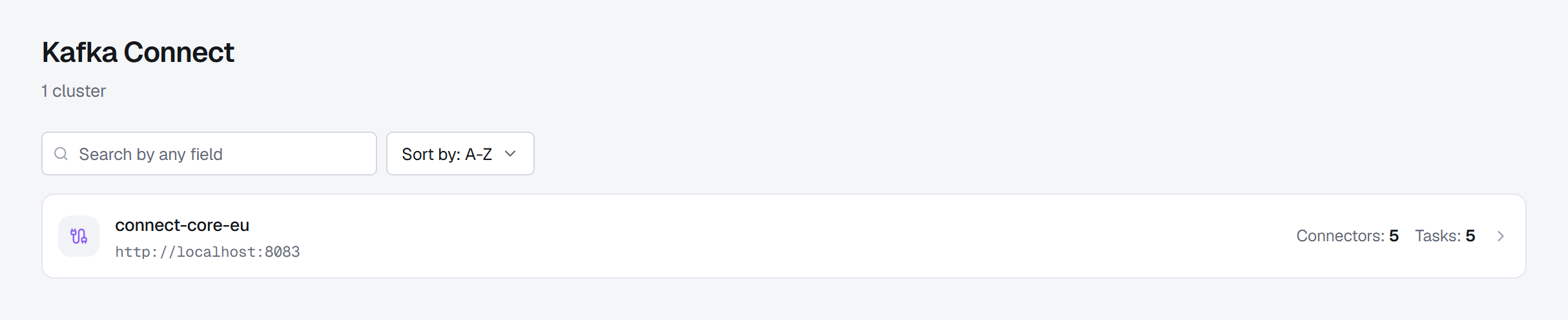
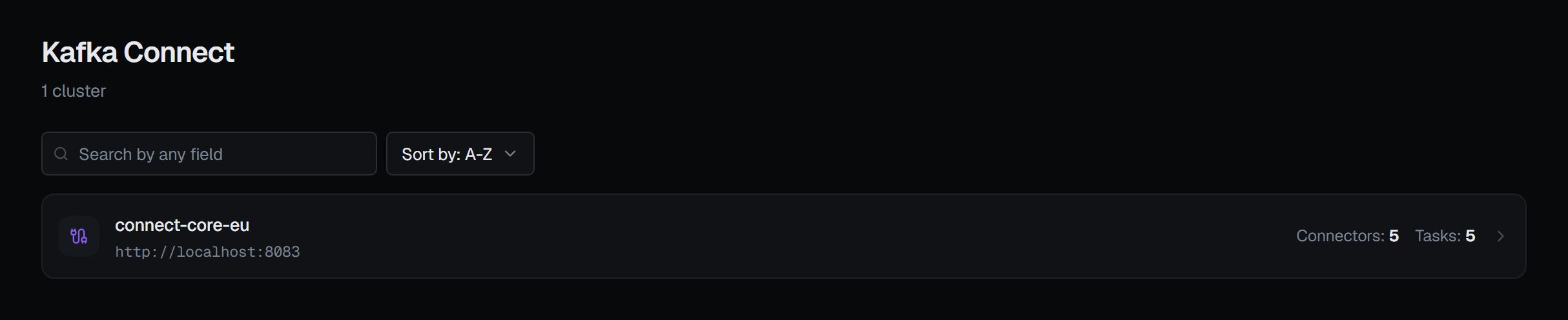
The Kafka Connect screen lists the registered clusters with their connector and task counts, read from the worker each time; a worker that did not answer shows a dash instead of a number. The Kafka Connect dialog on the connection's row tests each registered cluster for real and marks it Connected or Down. When the worker is down, nothing about its connectors can be known — and a connector you cannot see right now is not a connector that has been deleted.
2 — Read the connector's state
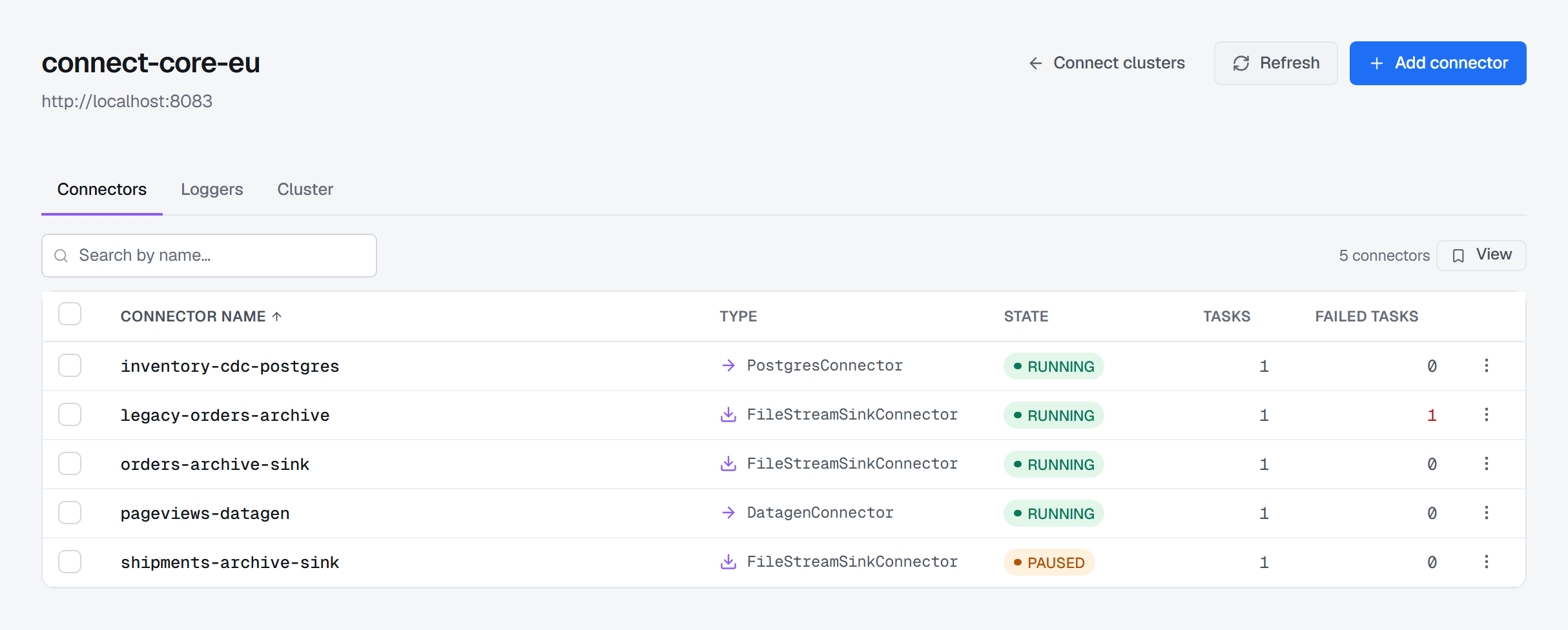
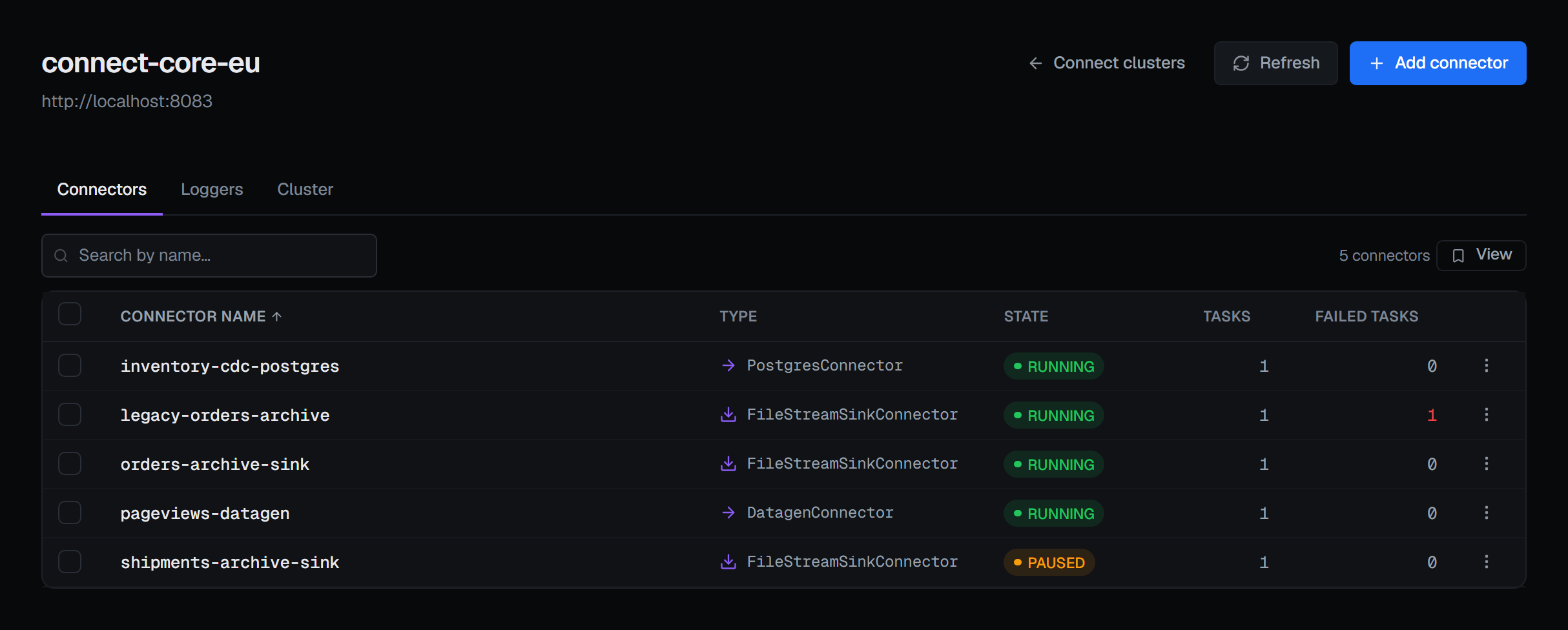
Open a Connect cluster and its Connectors tab lists every connector with its type, State, Tasks and Failed Tasks. It refreshes itself while you watch, and the search matches a name or a class. The states are Connect's own words:
RUNNING— the connector instance is running. On its own, that says nothing about its tasks.PAUSEDandSTOPPED— moving nothing. A stop also releases the connector's tasks.UNASSIGNED— no worker is running it.FAILED— the connector itself failed, and it stays failed until somebody acts.
3 — Then read the tasks
The tasks do the work. Each owns part of what the connector moves, and each has a state of its own.
That is why Failed Tasks is a column of its own, coloured only when it is not zero: a connector
Connect reports as RUNNING with one failed task is not a display error, and BROKA shows it as
Degraded. It is the classic Connect failure — part of the partitions moving, part of them not — and
the one Connect's own state hides.
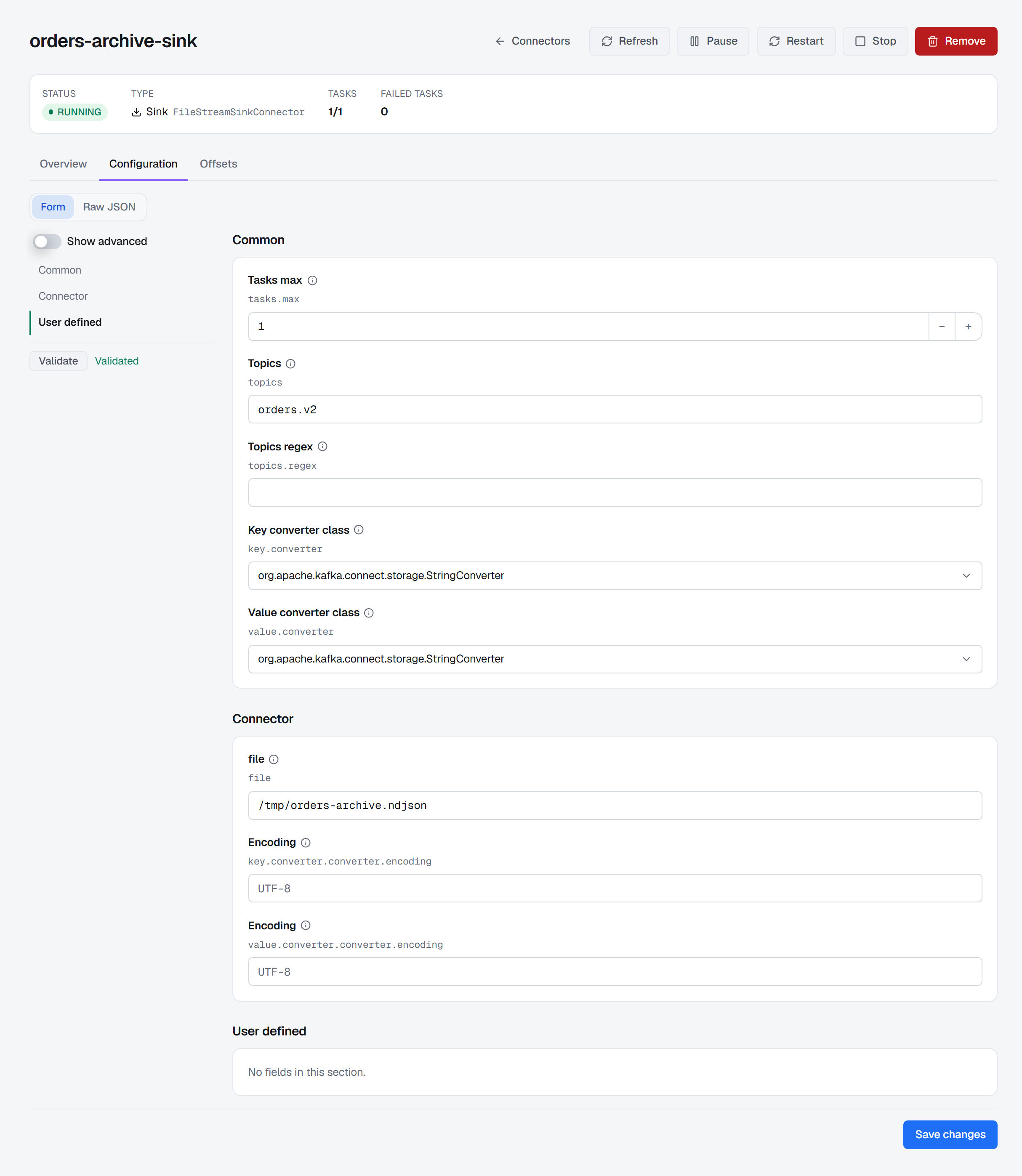
Open the connector. Its summary reads Status, Type, Tasks as running over all, and Failed tasks. The Overview tab lists each task with its Task ID, the Worker it runs on and its State, and a failed task that carries an error offers Show error, which opens the trace the worker recorded. Read it before restarting anything. If the trace names a cause that is still true — a credential, a destination, a setting — a restart brings the same failure back.
4 — Act as narrowly as the problem
- Restart task, the restart icon on a task's row, restarts that one task: the narrower fix when one task has failed and its siblings are fine.
- Restart restarts the connector and all of its tasks. It asks first wherever it is offered — on the connector's page, in a row's menu and as Restart selected — because in-flight records are re-delivered from the last committed offset, so a sink may see duplicates.
- Pause and Resume ask no confirmation; each is undone by the other. A row's menu offers Resume for a connector that is paused or stopped.
- Stop, on the connector's page, asks first: it releases the connector's tasks, so the group rebalances, and resuming re-creates them from the committed offsets. A stopped connector is also what the Offsets tab needs before offsets can be edited or reset.
- Remove deletes the connector from the Connect cluster, and the confirmation says it cannot be undone.
Pause, resume, restart and remove can also be applied to a selection at once.
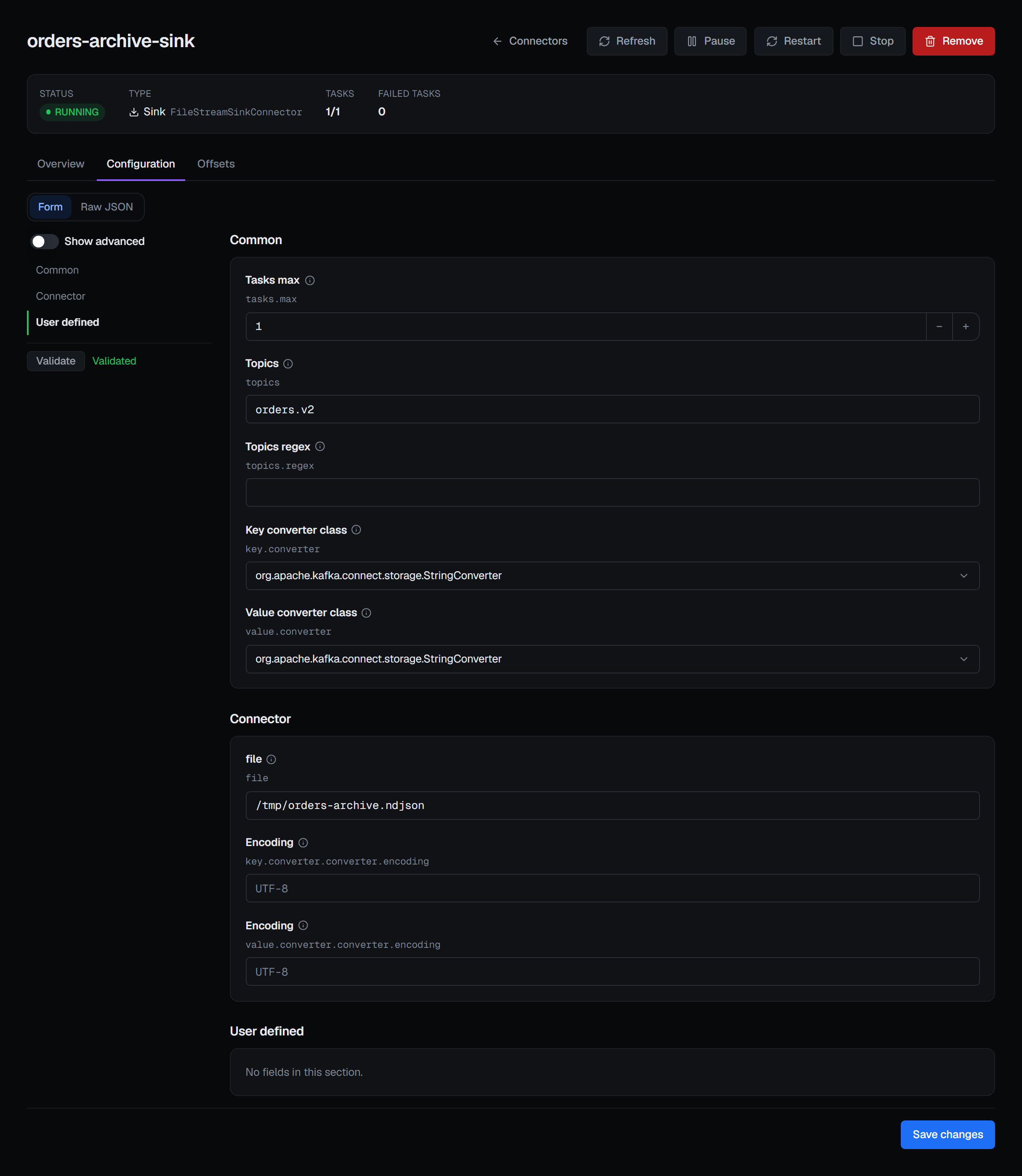
When the trace points at configuration, the Configuration tab is a form built from the connector's own plugin: its groups, field types, defaults and documentation. Validate runs the plugin's own validation, and Save changes writes to the worker directly. BROKA keeps no copy and no history of a connector; the worker remains the source of truth. Saved secrets arrive masked, and saving with the mask left in place keeps the stored value.
A new connector starts from Add connector: a three-step wizard — Type, Properties, Review — ending in Create connector. Type lists only the plugins installed on that worker, so a plugin you can pick is one the worker can run.
5 — Let the next one find you
A Connect cluster can be watched by an alert rule — whether its worker answers, how many of its connectors have failed and how many tasks — and so can a single connector: failed, paused or stopped, unassigned, its failed tasks and the share of its tasks running. On a connection with a Connect cluster, three starter rules are offered:
- A connector has failed — any connector in state
FAILED. - A connector has failed tasks — at least one task
FAILED, held for five minutes, which tells a task restarting from one that stays down. This is the rule that catches theRUNNINGconnector above; a rule on connector state alone never would. - A Kafka Connect cluster is not answering — a worker that does not answer reads reachable = 0, which a rule can fire on.
While the worker is down, the connector figures are unevaluatable rather than read as healthy, and the third rule is the one that says why. An incident on a connector links back to its page.
Who may act, and what is recorded
Every action here needs the permission to manage the connection, or a grant on that connector. So does reading a connector's configuration, because even with its secrets masked it names hosts, users and topics; a role without it still sees the list, with a lock beside each name that says why.
A read-only environment refuses every write, administrators included, and records the refusal as a blocked action; a connection frozen with its own read-only switch is refused even inside an open environment. Remove, Stop and the two offset writes ask for a reason in every environment, and a guarded environment asks for one on every write. The reason lands on the audit entry.
Creating, removing, pausing, resuming, stopping and restarting a connector, restarting a task, changing its configuration and altering or resetting its offsets are each audited, naming the Connect cluster by its name. A configuration change records how many properties changed, not their values. Production guardrails describes the environment policies in full, and the Kafka page shows Connect with the rest of the cluster.
What this article does not cover
- Installing plugins. What a worker can run is the worker's own; the Cluster tab lists every plugin installed on it, with its version.
- Worker logging and offsets in depth. Both are on the Kafka Connect page, with registration and credentials. Every Connect metric is listed in Alert metrics.
Applies to BROKA 1.0.1 and later · Kafka · Community and Commercial.