

Reading a routing problem from the bindings out
When a published message does not arrive, it was usually never in a queue. It matched no binding and was discarded at the exchange — unless an alternate exchange caught it. Read the exchange and its bindings before you read the queue, and read a publish result for what it says: the broker took it, returned it, or refused it — never that a consumer received it.
A producer says it published. A consumer says nothing came. The instinct is to open the queue, and the queue will show you nothing, because in RabbitMQ a message that matches no binding is not lost from a queue — it never reached one. The broker discarded it at the exchange, silently, the moment the routing key failed to match. This is the order that finds where the match broke.
1 — Start at the exchange: arriving, and leaving?
The Exchanges list shows each exchange with its type, its flags, its alternate exchange, and the rate of messages arriving at it and leaving it. If messages are arriving and none are being routed onward, the pair is marked: they match no binding. That is the shape of a misconfigured routing key or a binding somebody removed, and it is visible here before anyone notices the queue that stopped filling. The RabbitMQ Overview carries the same signal for the whole cluster: an Unroutable rate, counting both the messages discarded silently and those returned to a publisher that asked for them.
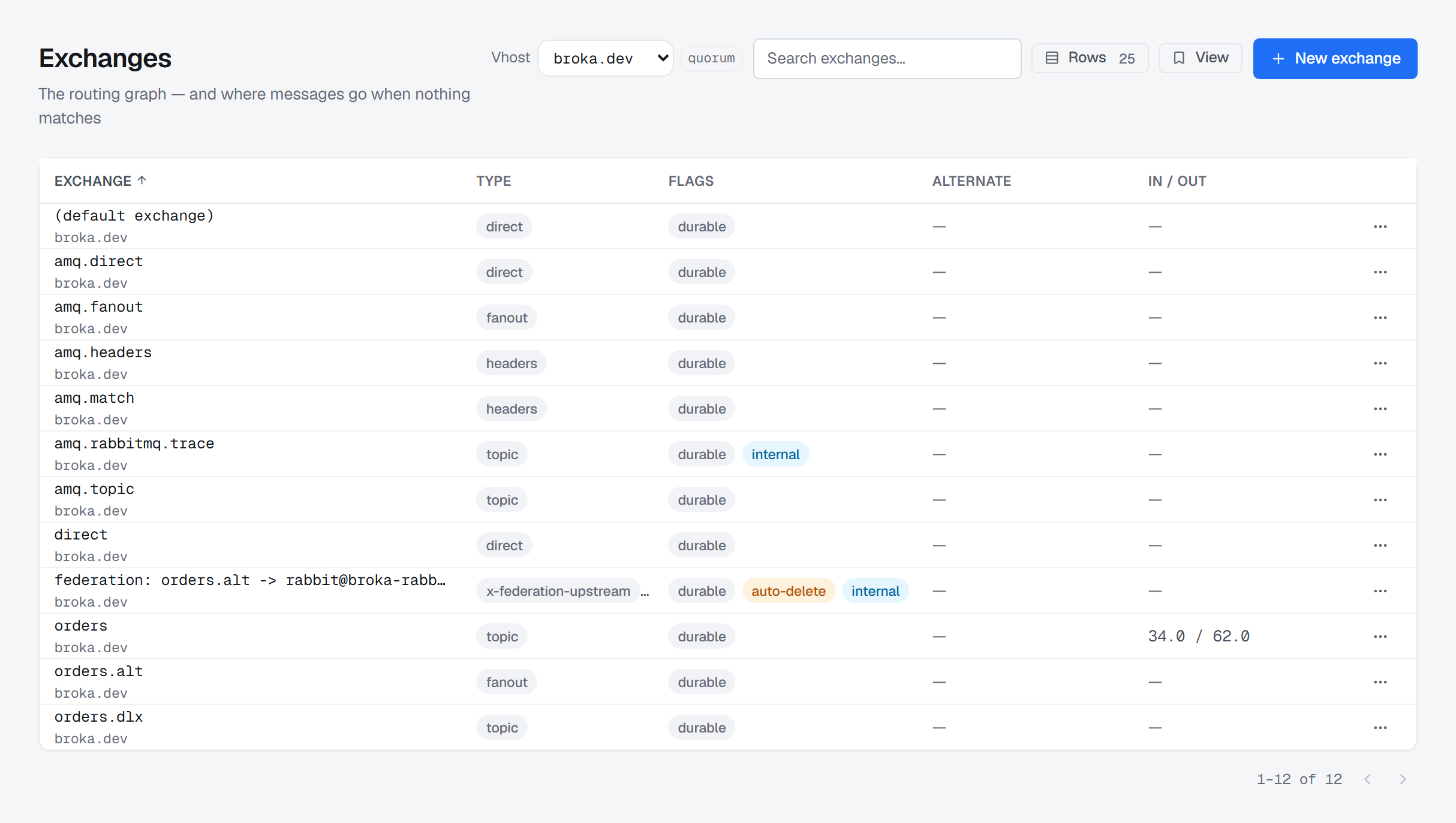
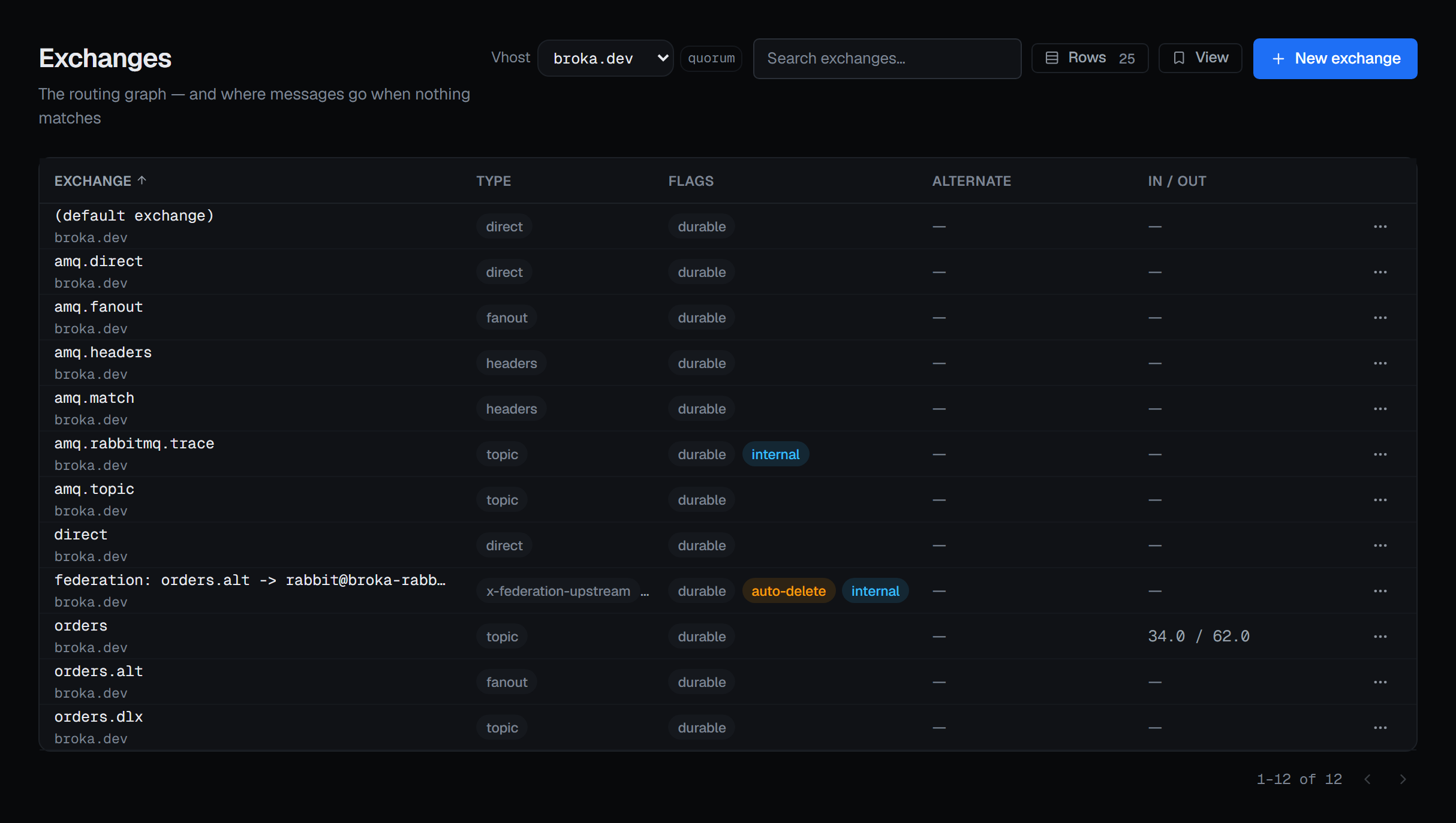
Two things on this list change the diagnosis. An internal exchange cannot be published to by a client at all — only other exchanges may route into it — so a producer aimed at one is refused by the broker, not misrouted; the console's own Publish dialog says so on such an exchange and will not send. And the type is shown as the broker reported it, plugin types included, because the type decides what the routing key even means.
2 — Draw the bindings
The Routing screen lays exchanges and queues out left to right, one curve per binding with the routing key written on it. Horizontal distance is hop count: every arrow runs left to right, and an object sits one column right of its furthest predecessor. An exchange-to-exchange hop is a shape rather than a detail to reconstruct — a message entering on the left and arriving two columns over has passed through something on the way.
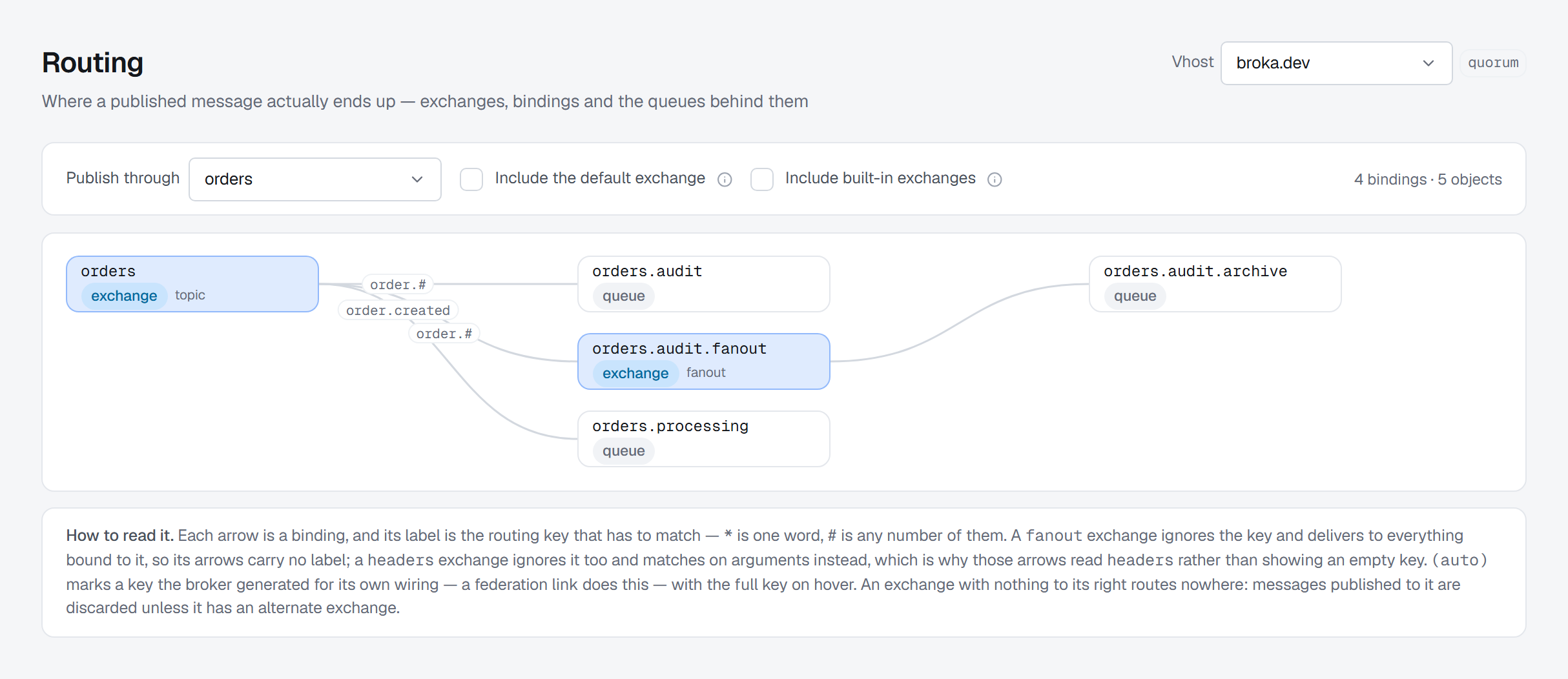
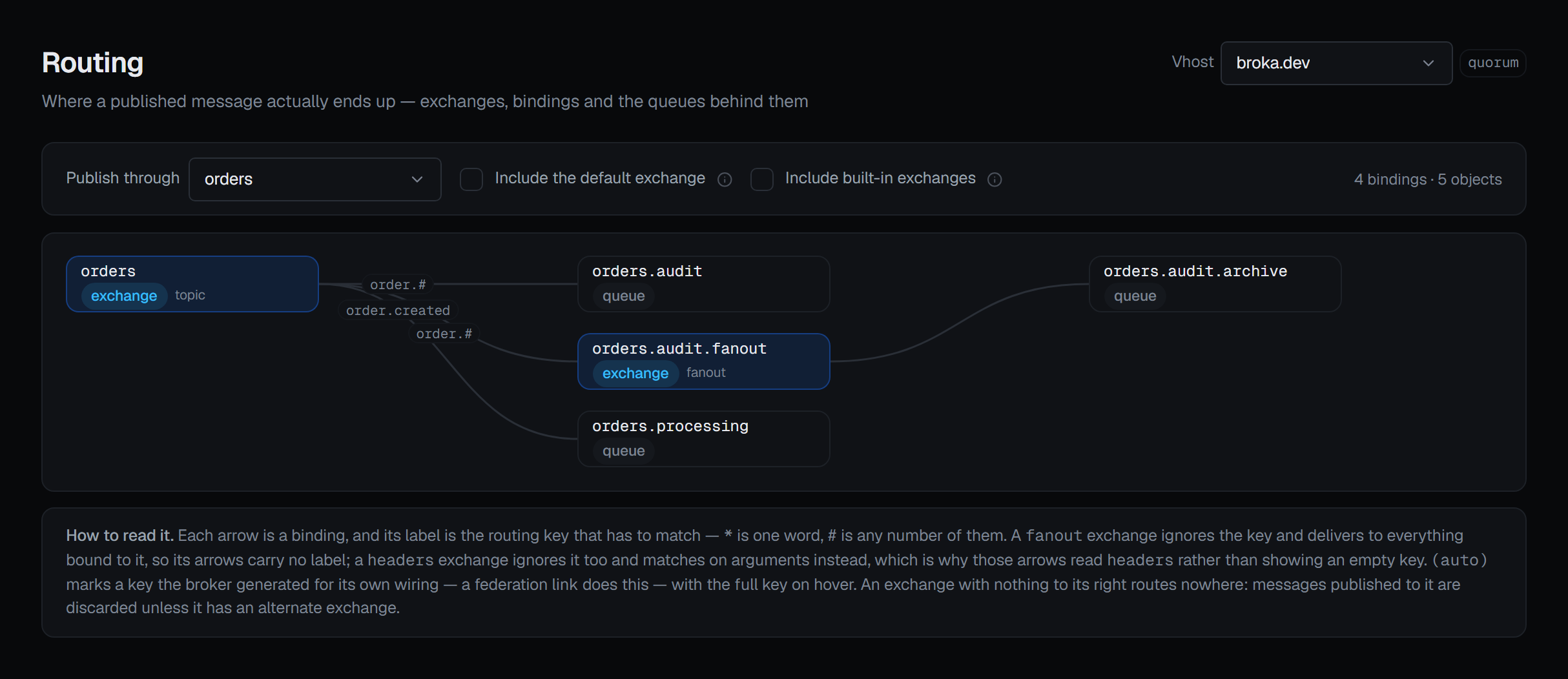
Three controls narrow it. Publish through takes one exchange and keeps everything reachable from it,
following exchange-to-exchange hops — the answer to "if I publish here, where can it end up".
Include the default exchange is off by default: the broker binds every queue to the default
exchange automatically under the queue's own name, and drawing those hides the routing somebody
configured. Include built-in exchanges is off as well: it leaves out the amq.* exchanges the
broker creates and the internal ones a federation link or a shovel declares for itself — though an
amq.* exchange somebody bound a queue to is drawn anyway. Routing is drawn per virtual host and the
screen refuses to combine them, because two vhosts can each hold an exchange called orders with
nothing in common.
3 — Check the key against the type
Follow the producer's routing key along the curves. What counts as a match depends on the exchange it
enters. On a direct exchange the key has to equal the binding key. On a topic exchange the
binding key is a pattern: * matches one word and # matches zero or more. A fanout exchange
ignores the key entirely, so its arrows carry no label. A headers exchange ignores it too and
matches on arguments instead, which is why those arrows read headers rather than showing an empty
key.
A key that is one word off — order.created published against a binding of orders.# — matches
nothing, and nothing on the producer side reports it.
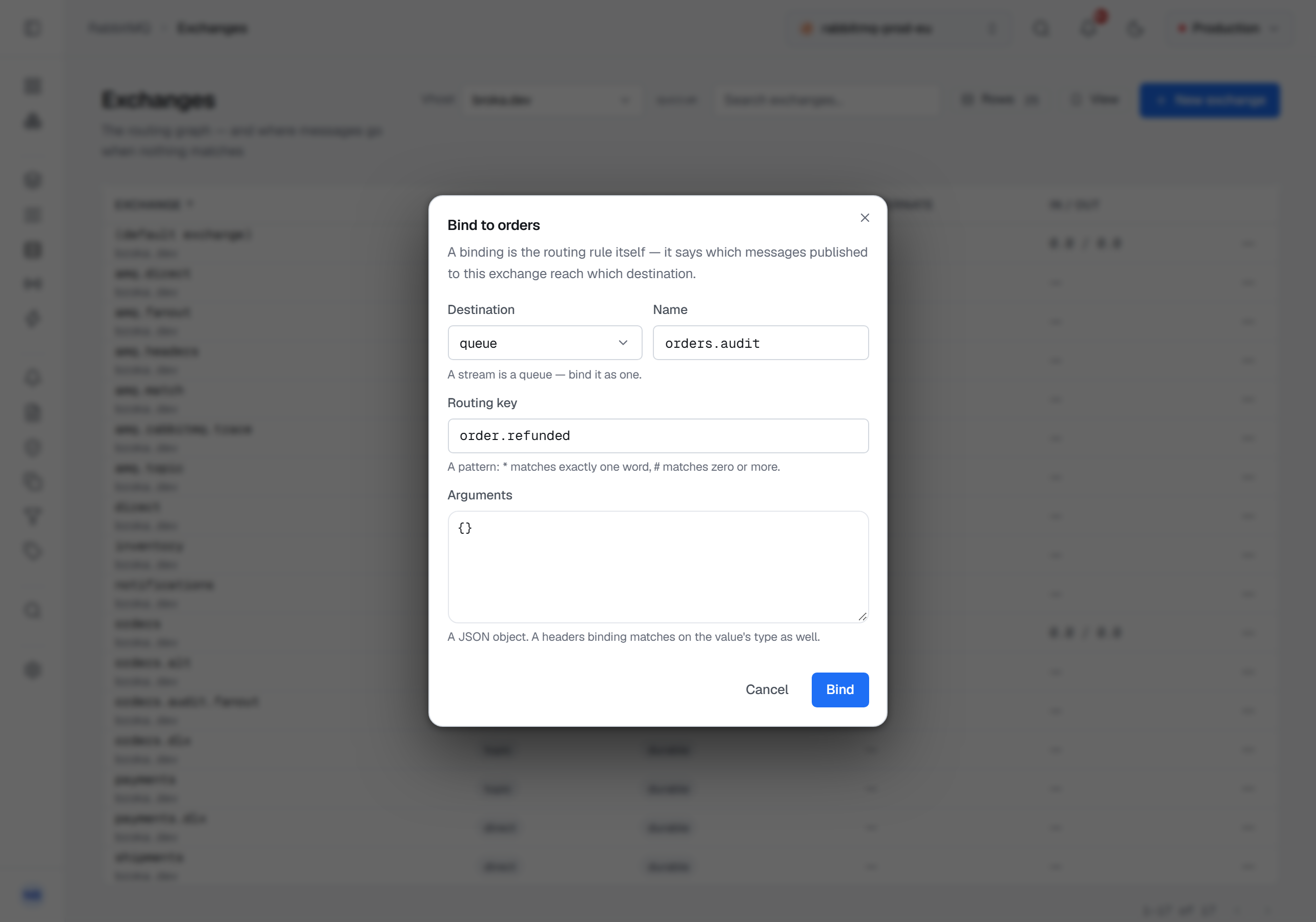
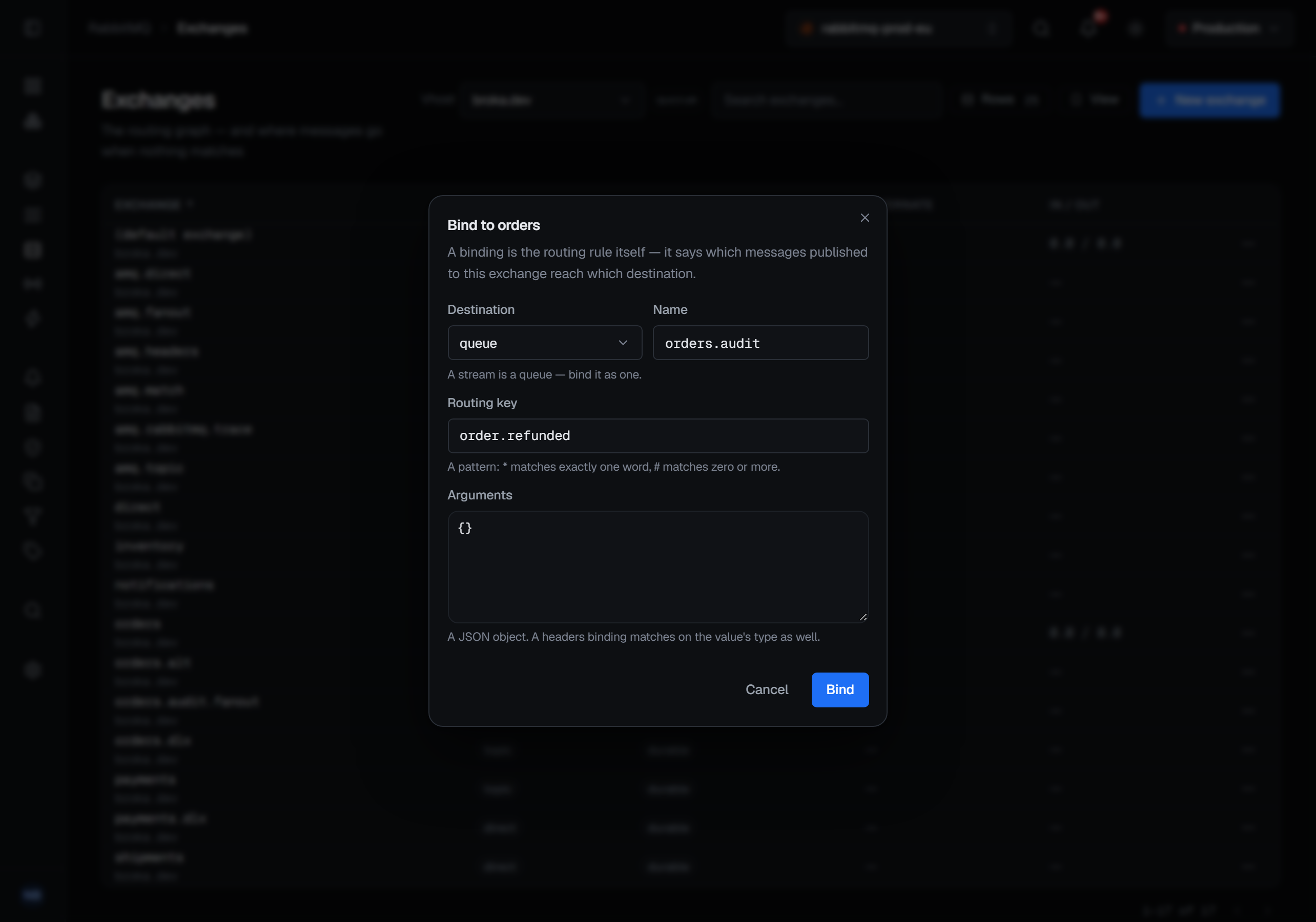
When the binding you need is missing, add it where the routing starts: Bindings in the exchange's row menu, then New binding. Choose a queue or another exchange as the destination — a stream is bound as a queue — and give the routing key; the hint beneath it says how this exchange's type reads the key. On a headers exchange you also choose x-match and give the arguments, and a headers binding left with nothing to match on routes every message, which the dialog warns about before you create it. Nothing can be bound to the default exchange, and the dialog says so.
4 — Unroutable is not dead-lettered
This is where an investigation goes to the wrong queue. Two different things happen to a message nobody wanted.
A message that matches no binding was never in a queue. It is discarded at the exchange — unless that exchange has an alternate exchange, which catches it. The Exchanges list shows the alternate whether it was declared on the exchange or set by a policy, and says which on hover. A message that is dead-lettered was in a queue and left it: rejected, expired, or dropped because the queue was full or a delivery limit was reached. It goes to the queue's dead-letter exchange.
Different mechanism, different configuration, different place to look. A dead-letter queue with nothing in it tells you nothing about a routing failure, because a routing failure never produces a dead letter. And the alternate exchange has a trap of its own: the broker accepts the name without checking that the exchange exists. If it does not, unroutable messages are still discarded — the exact outcome the setting was added to prevent, arrived at silently.
5 — Publish, and read the answer for what it is
The test is a publish, and the broker answers it. BROKA publishes over AMQP with publisher confirms and
the mandatory flag, so the answer is one of three: Confirmed — at least one queue took the message;
Returned — no binding matched it and no alternate exchange took it, shown with the broker's reply
code and text; or Refused (nacked) — a queue it reached would not take it, such as one at its length
limit that rejects publishes. A message an alternate exchange caught is confirmed, because a queue took
it there. None of the three says a consumer received the message.
Where you publish from decides what you are testing. Publishing to an exchange exercises your routing. Publishing from a queue's own page goes through the default exchange straight to that queue, which skips the exchange and the bindings your applications publish through — it exercises the consumer instead. The routing-key field explains itself per type: on the default exchange the key is a queue name; a fanout ignores it; a headers exchange matches on headers.
To test a headers exchange, give the message its headers in the same dialog, each with a type: a
binding on 3 is not matched by the string "3", and the dialog says so beside the rows. The
properties sit below them — persistence, and a content type that starts as text/plain and that the
broker does not check.
6 — Only then, the queue
A queue's own page answers the other direction — where its messages come from — listing each source
exchange and its routing key, with three renderings because an empty key means three different
things: the key itself, matched on headers where the binding carries arguments, and (no routing key) where it genuinely has none.
If you want to confirm the test message arrived, read the ready count. Reading the messages themselves is not a peek: the requeueing modes put them back at the head of the queue marked redelivered, and the other two remove them.
What is recorded, and what the environment allows
Publishing through the console is a write. It is refused in a read-only environment, for
administrators too, and on a connection frozen with its own read-only switch, and the refusal is
recorded. Removing a binding is a delete: it needs a Reason before it runs, in every environment
— a guarded environment asks for one on a publish as well — and its audit entry ends with the
consequence rather than the parameters: messages matching it are no longer routed there. Adding a
binding is a write like a publish. Deleting an exchange asks for a reason too, and its confirmation
carries Delete only if unused, ticked when it opens, so the broker itself refuses while the
exchange is still the source of a binding; clearing it is a deliberate act, recorded as such. The
default exchange and the amq.* exchanges cannot be deleted, and their Delete item says why. The
RabbitMQ page describes the rest of the
surface these screens belong to.
What this article does not cover
- A dry run. There is no routing-key tester; the publish is the test, and its answer is confirmed, returned or refused.
- Policies. A policy or an operator policy can set a queue's dead-letter target, and the queue's page says which one the broker uses. Which policy wins is its own subject.
- Delivery. Nothing on this path says a consumer received a message. Confirmed means a queue took it; what happened after is on the consumer's side.
Try it yourself
The rabbitmq-routing lab starts RabbitMQ with the exchange graph from this article, including an exchange-to-exchange hop, an alternate exchange and an exchange that routes nowhere, and keeps publishing so the unroutable path stays visible.
Applies to BROKA 1.0 · RabbitMQ · Commercial.