

What changed in BROKA from 1.1 to 1.2
1.2.0 is about seeing your estate over time: a history of what BROKA measures, charts drawn from it, and alert rules that compare a figure with its own past. This is what it adds, in one place — the release notes have every line.
The short version: BROKA now keeps what it measures, in your own database, and draws it — on the resources' own pages, in the alert rule you are writing and in the incident you are reading. Alert rules can hold several conditions and compare a figure with its past. And Redis keys are browsed as a tree, with values shown in the format they were stored in. Everything here is in both editions.
A metric history (1.2.0)
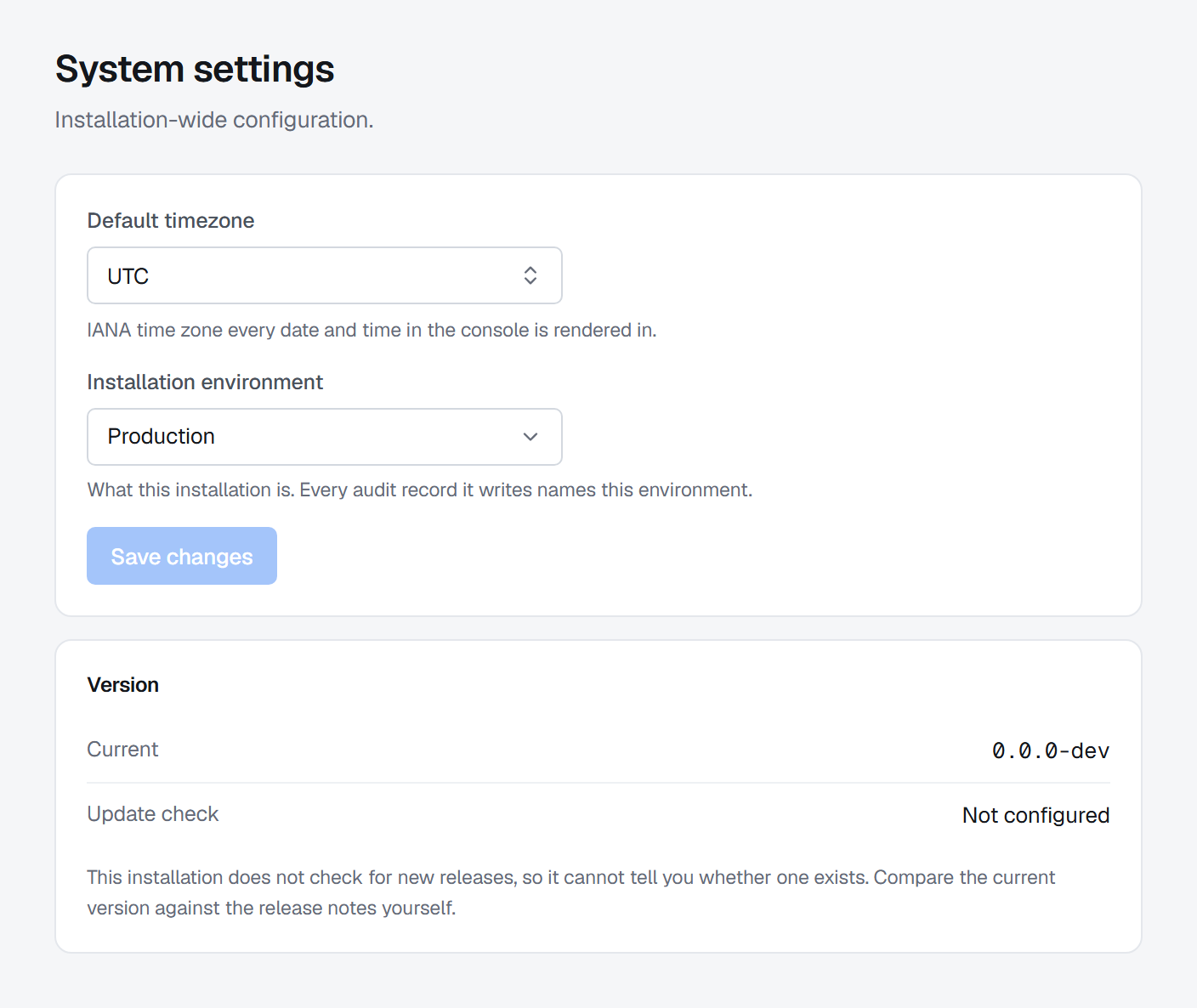
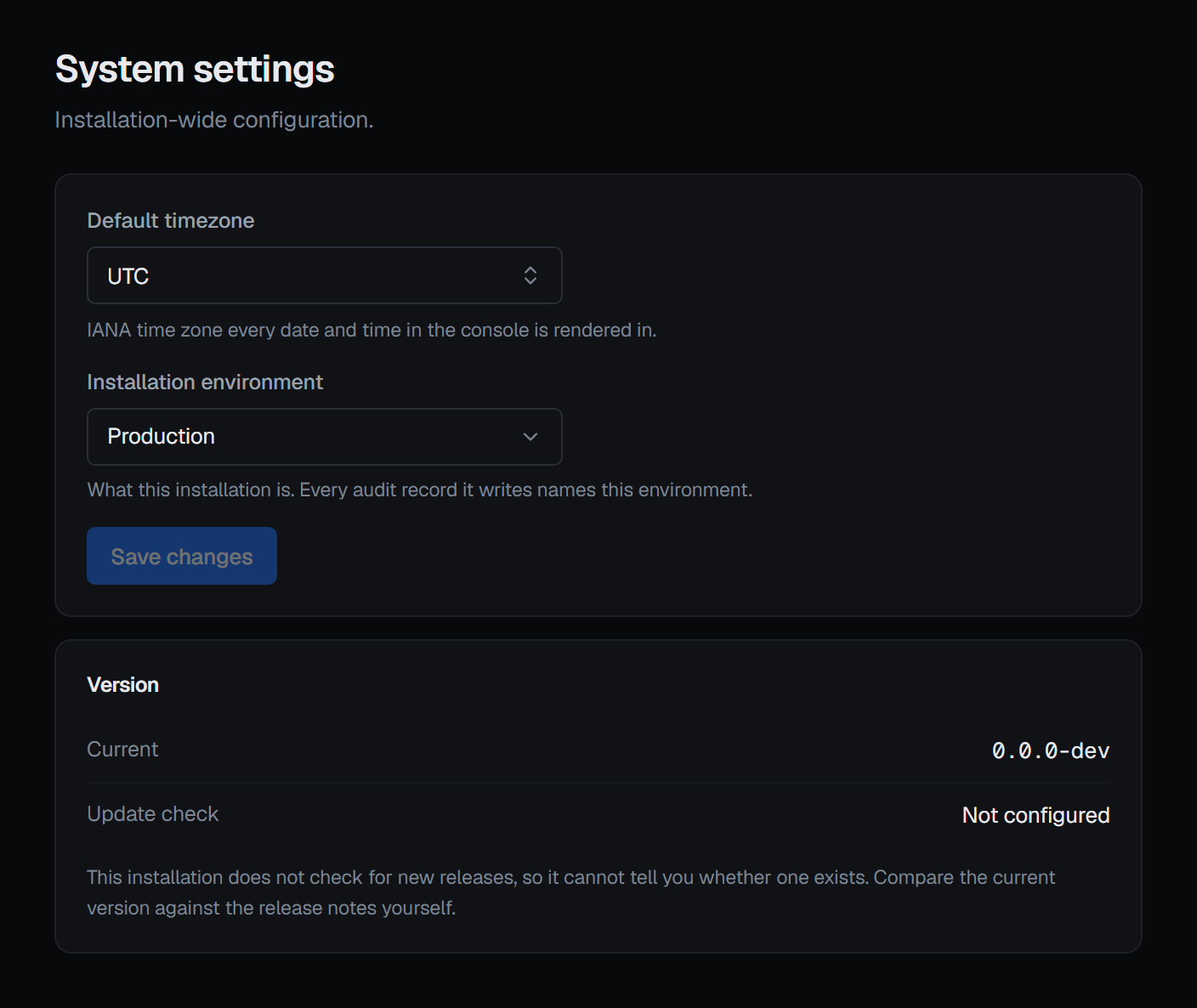
Once a minute, the alert evaluator keeps the figures it read: every metric an enabled rule watches, then a default set for every connection — throughput, lag, depth, memory, hit rates and the like — at most 1,000 series a connection. A reading is kept each minute for 48 hours, then each hour's mean, minimum and maximum for 7, 30, 45 or 90 days, chosen in Settings ▸ System. A reading that could not be taken is a gap, never a zero.
Charts where the figures live (1.2.0)
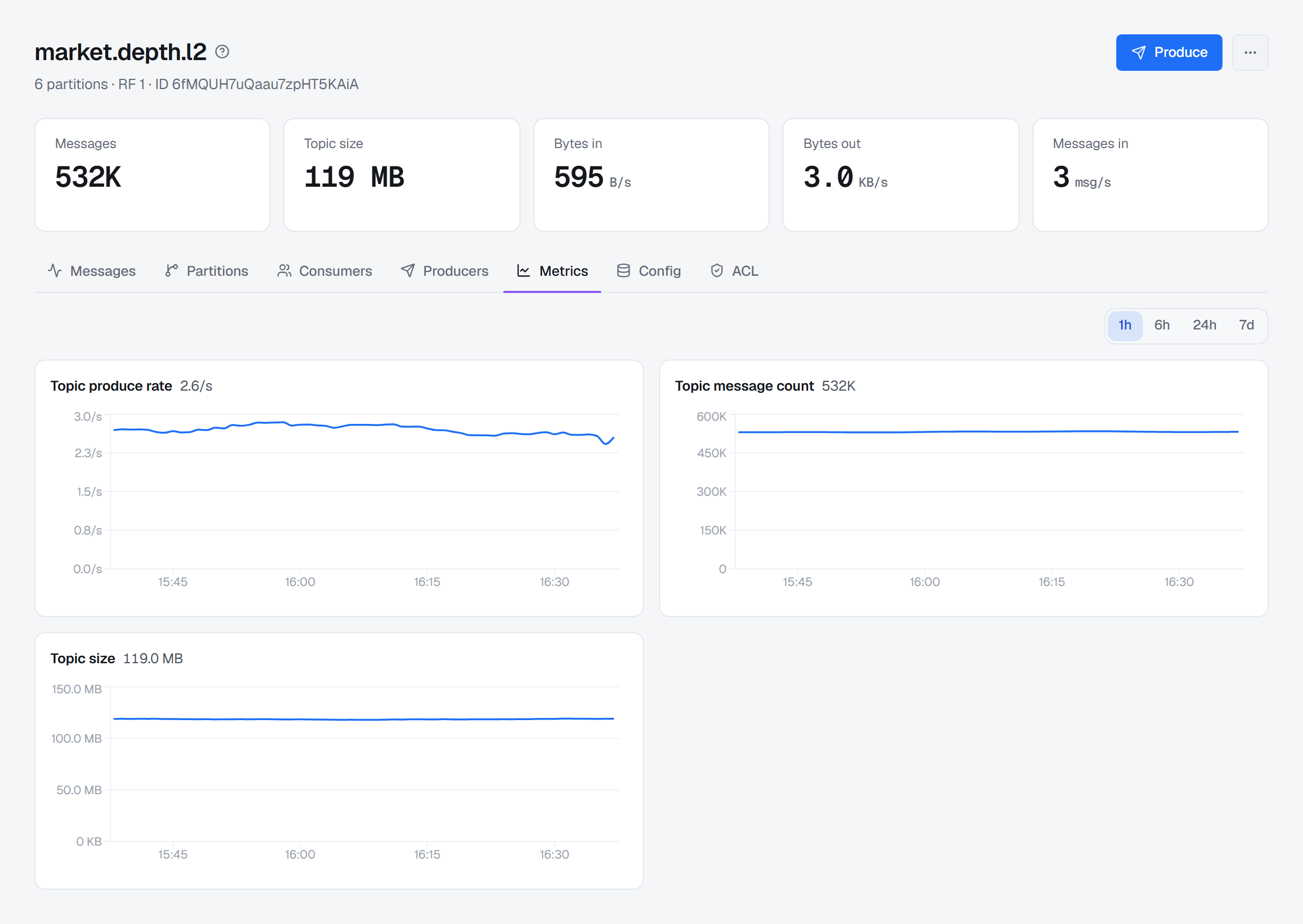
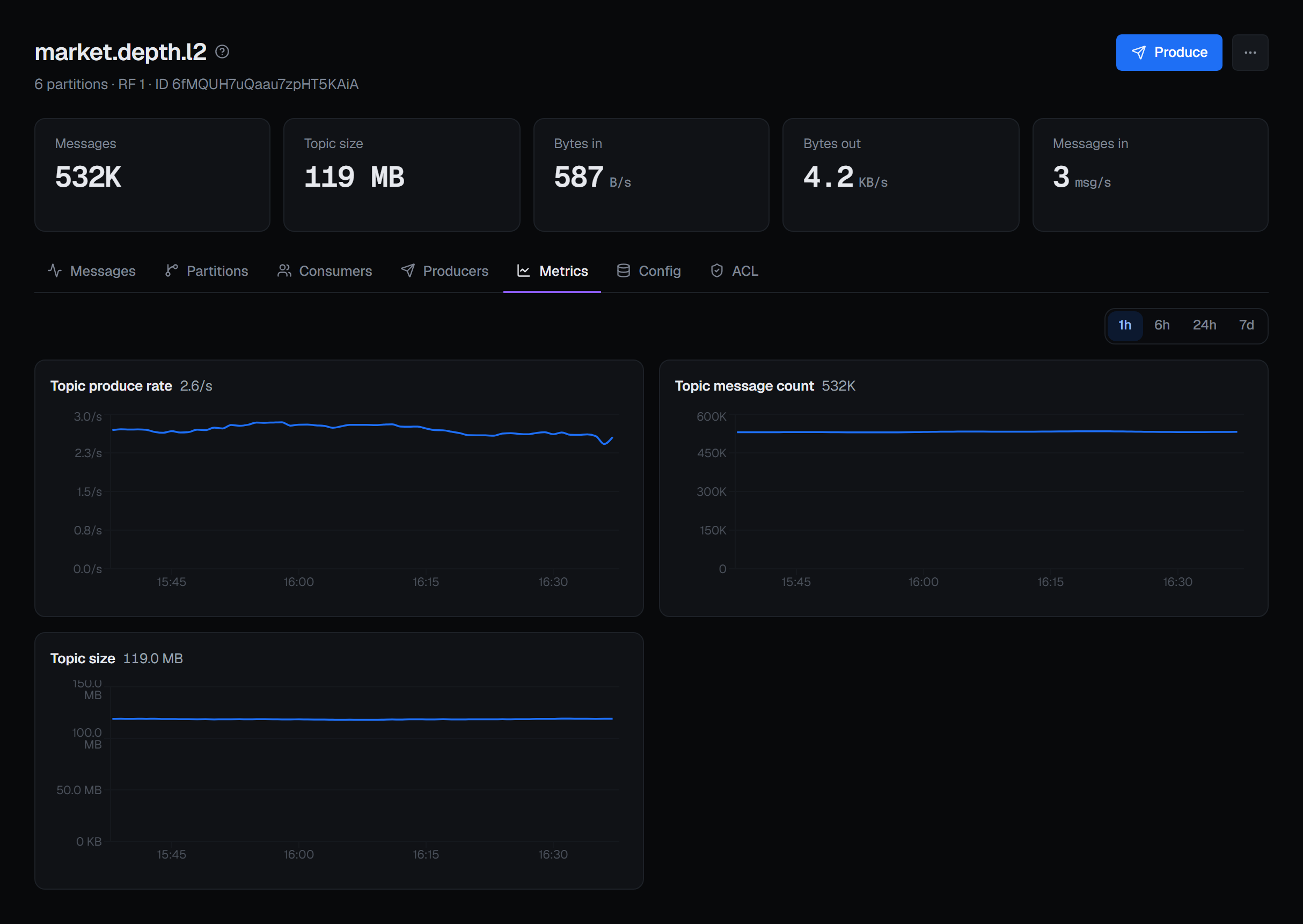
Topics, consumer groups, queues, streams and nodes have a Metrics tab, and the Kafka, Redis and RabbitMQ overviews and an Apache Artemis address a Metrics section: a chart for every figure kept, over 1 hour, 6 hours, 24 hours, 7 days or the retention. A chart follows the page's permissions — what you may not view has no chart for you.
Alert rules with conditions (1.2.0)
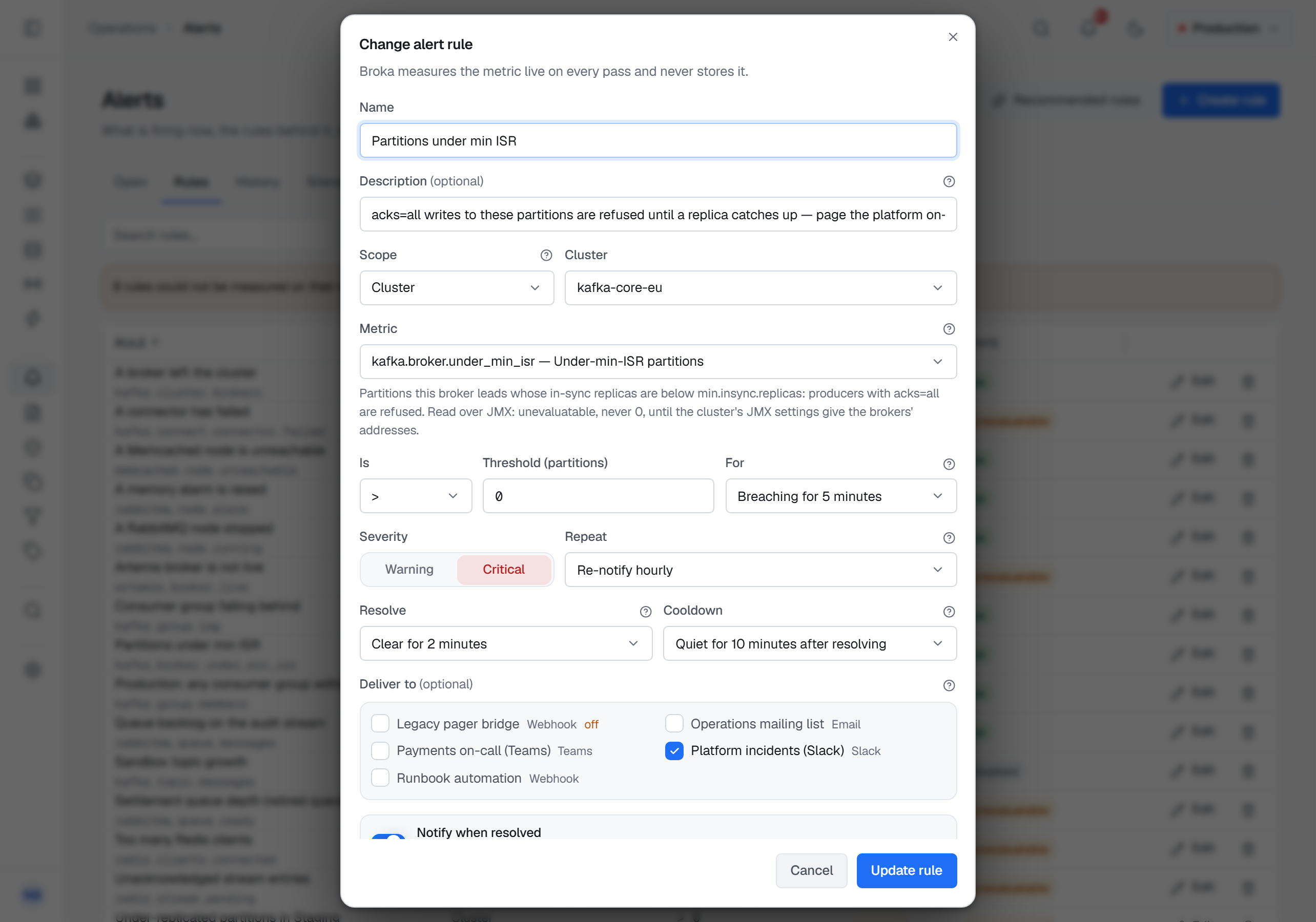
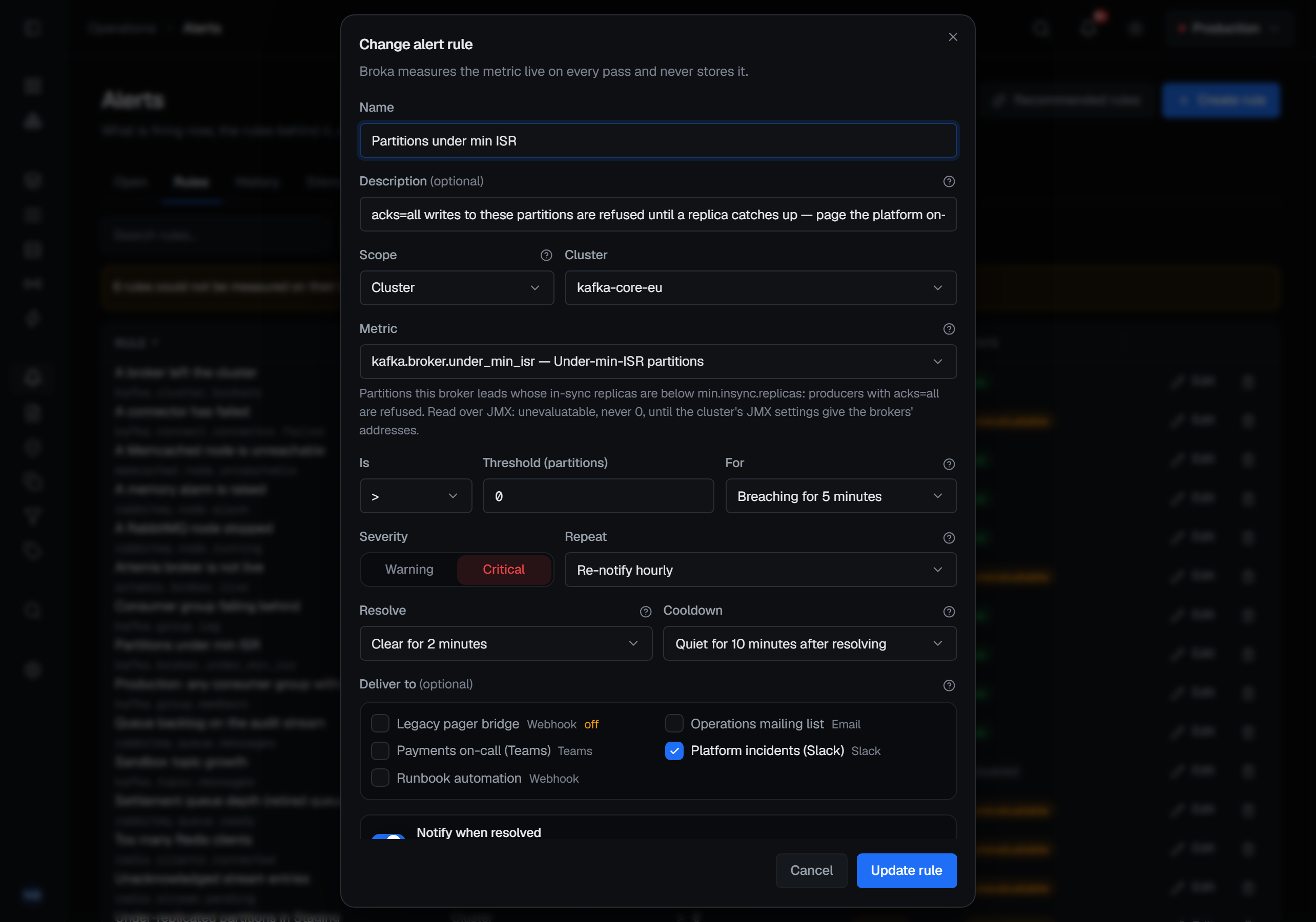
A rule can hold up to four conditions, all of which must hold on the same resource at the same time — depth above 1,000 and no consumers is one rule on one queue. Each condition can compare a figure with its own past:
- A change — how far it rose or fell over the last 5 minutes to 24 hours, in percent or in its own unit.
- Compared with the past — how far it is from the same minute yesterday or the same hour last week.
- Its usual band — whether it left the range of the same hour over the last seven days, once three days of that hour are kept.
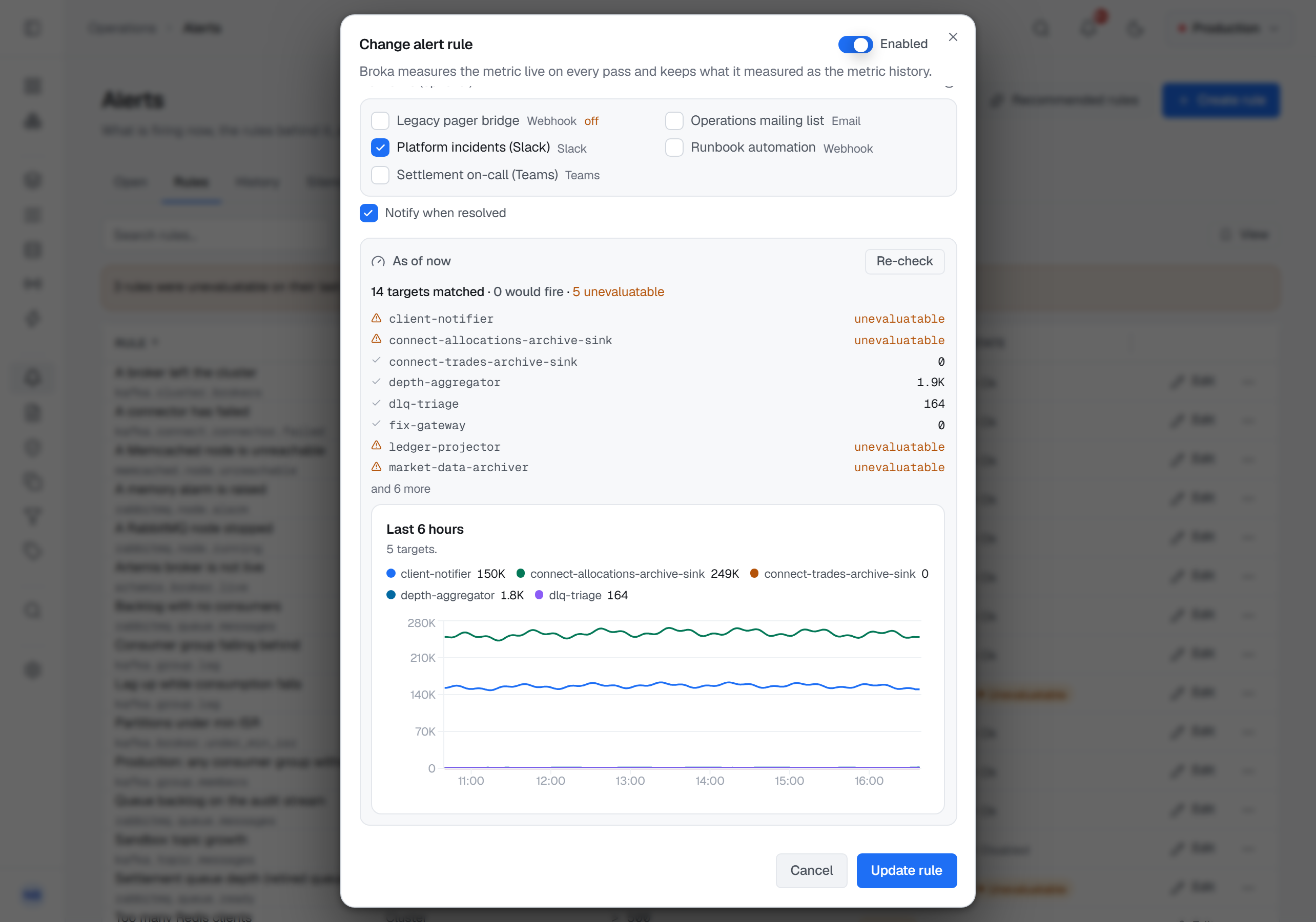
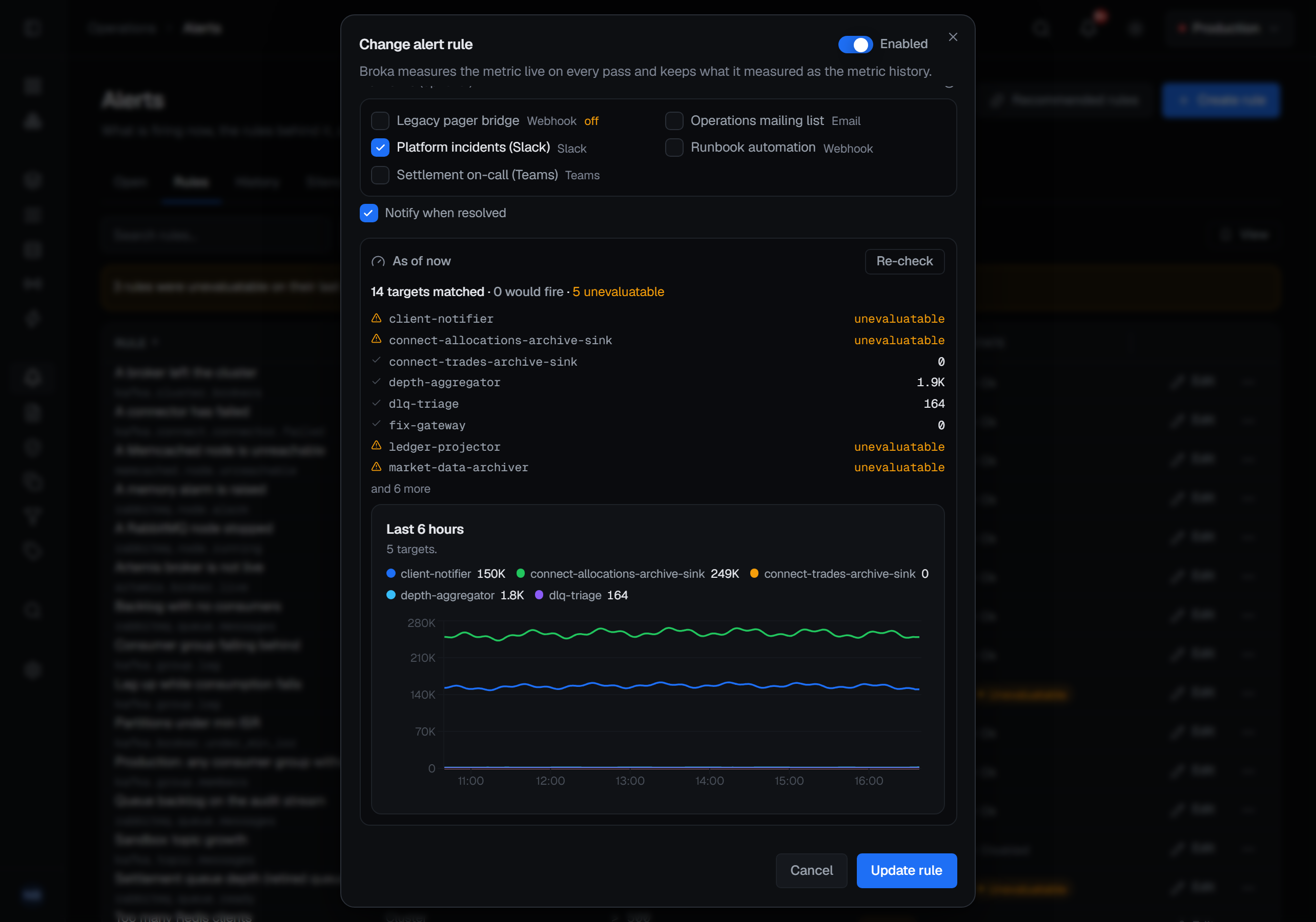
A condition whose past is not kept yet neither fires nor clears; the rule says why. Check decides a draft the way the evaluator will and draws the last six hours of what the rule would watch, and an incident shows its figure from before it fired to when it closed, with what each condition read.
A new Redis key browser (1.2.0)
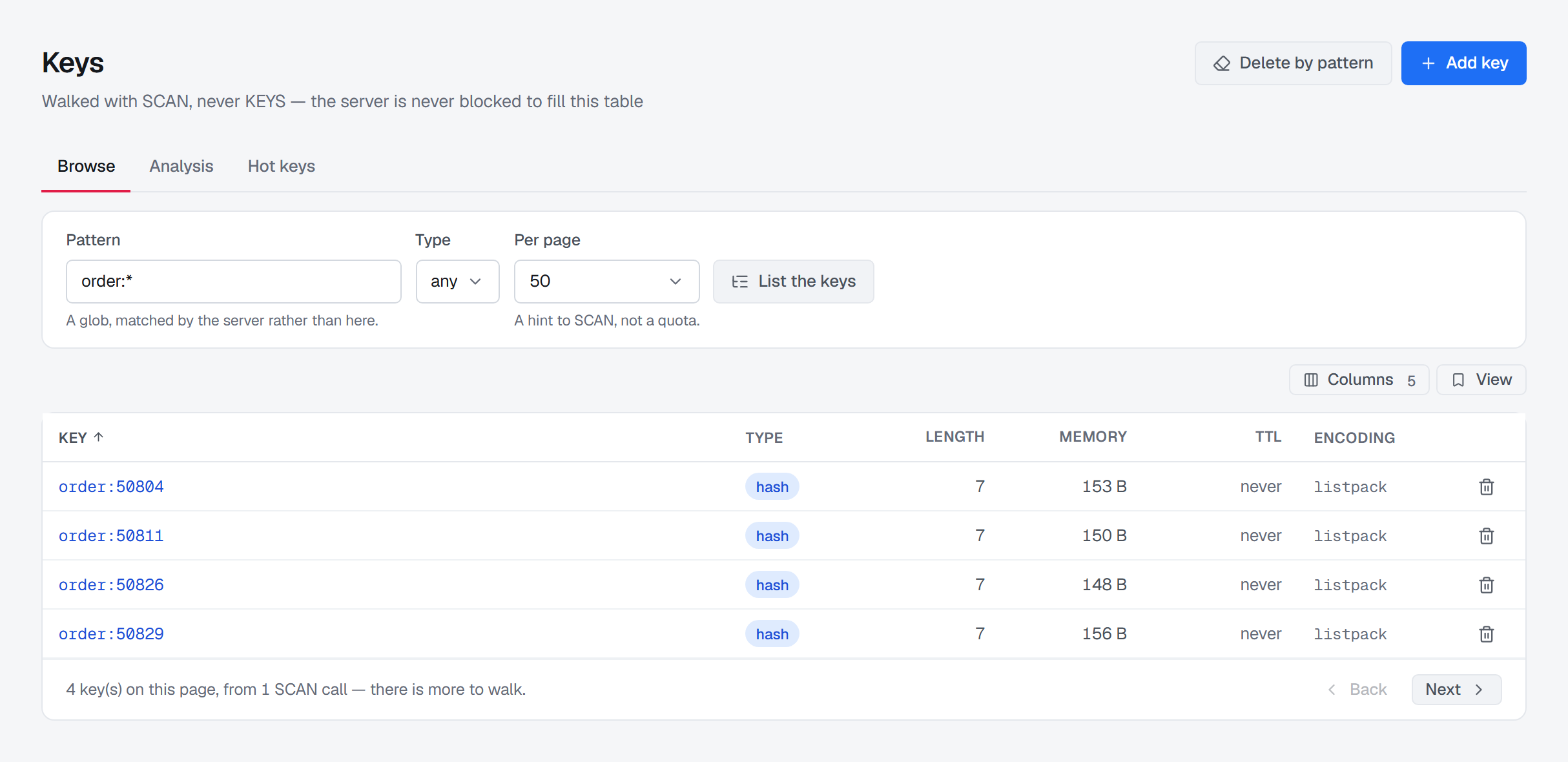
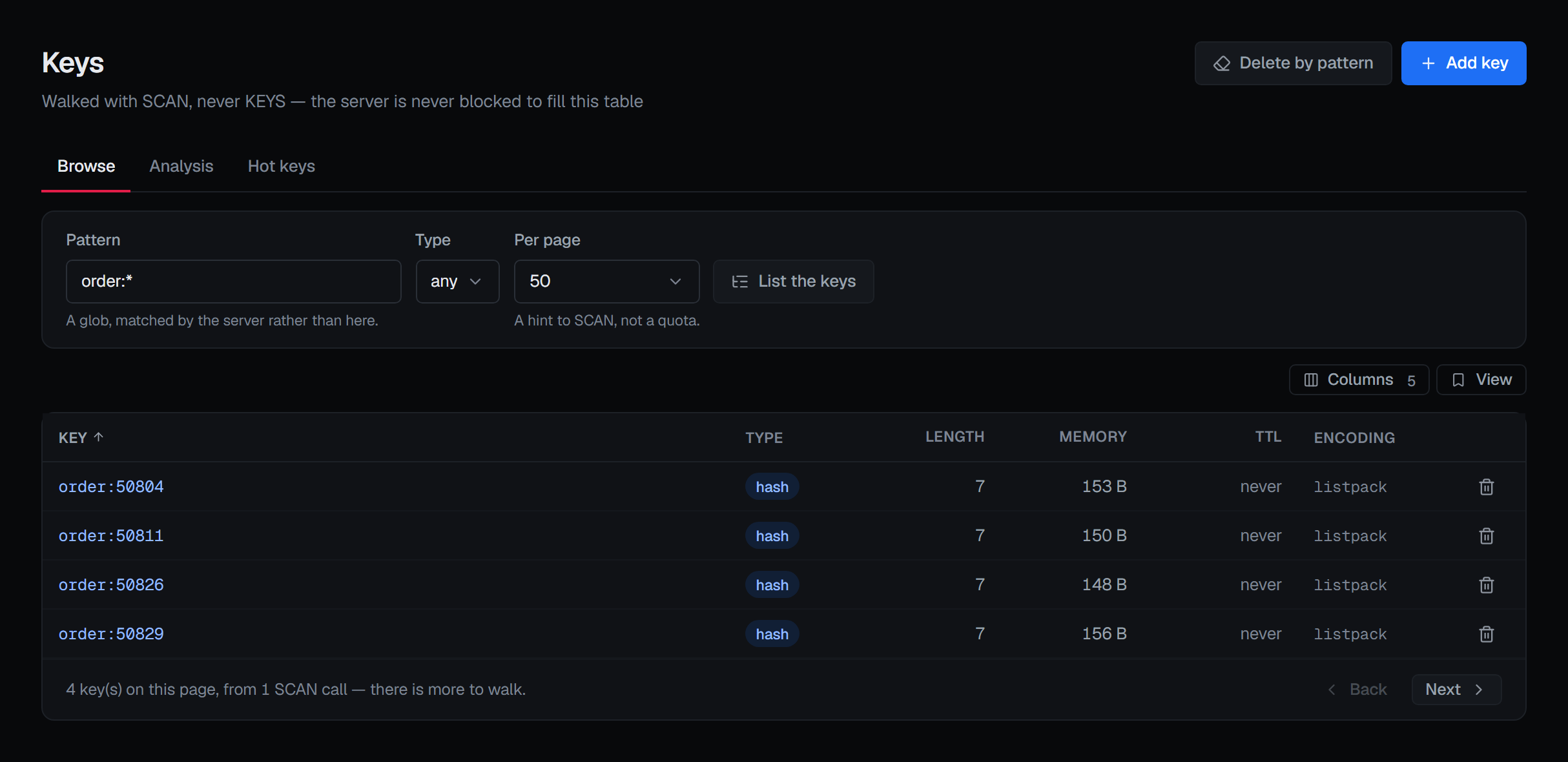
The loaded keys fold into a tree on a separator you choose, a search matches by part of a name, a glob or the exact name, and Load more adds to what is loaded, up to 50,000 keys. The open key sits beside the list. A value opens in the format it was stored in — Text, JSON, Hex, MessagePack, Gzip, Deflate or Brotli, edited and saved back as stored, or PHP, Java and Pickle shown — and a hash, set or sorted set can be filtered on the server. Listing keys no longer asks for a confirmation.
Security advisories in the console, and a scanner fix (1.2.1)
When a security advisory we have published affects the version an installation runs, the
release check's answer names it, and the Version card in Settings ▸ System lists it: its title, which opens the
advisory, then its identifier, its severity and the version that fixes it. The row is there only while an advisory
applies. 1.2.1 also gives each module of the broker service its own Maven coordinates, so image scanners stop taking one
of them for Kestra's io.kestra:core and reporting CVE-2026-73247 against the broker image; Broka contains no Kestra
code.
Upgrading
Set BROKA_VERSION in your .env to the new version, take the new compose.yml, pull and start; back up the database
and .env first. The migrations only add tables and columns, and your existing rules work as before. The history starts
empty, and a connection at its 1,000 series takes about 180 MB with seven days kept. The release notes list what each
version needs.
Where to read more
- Release notes — every change, known limitations and upgrade notes, per version. The Atom feed carries each release and each new guide as it is published.
- Alerts — conditions, the dry run and the metric history in full.
- Download Community — the Compose recipe for the current release.