

Nodes
Updated 3 October 2026 · applies to 1.0.0 · Commercial
On this platform the node list is the topology, so this screen sits closer to a broker page than to a cluster page: one row per server, and everything that acts on a server acts from here.
What a node can do is decided before it starts
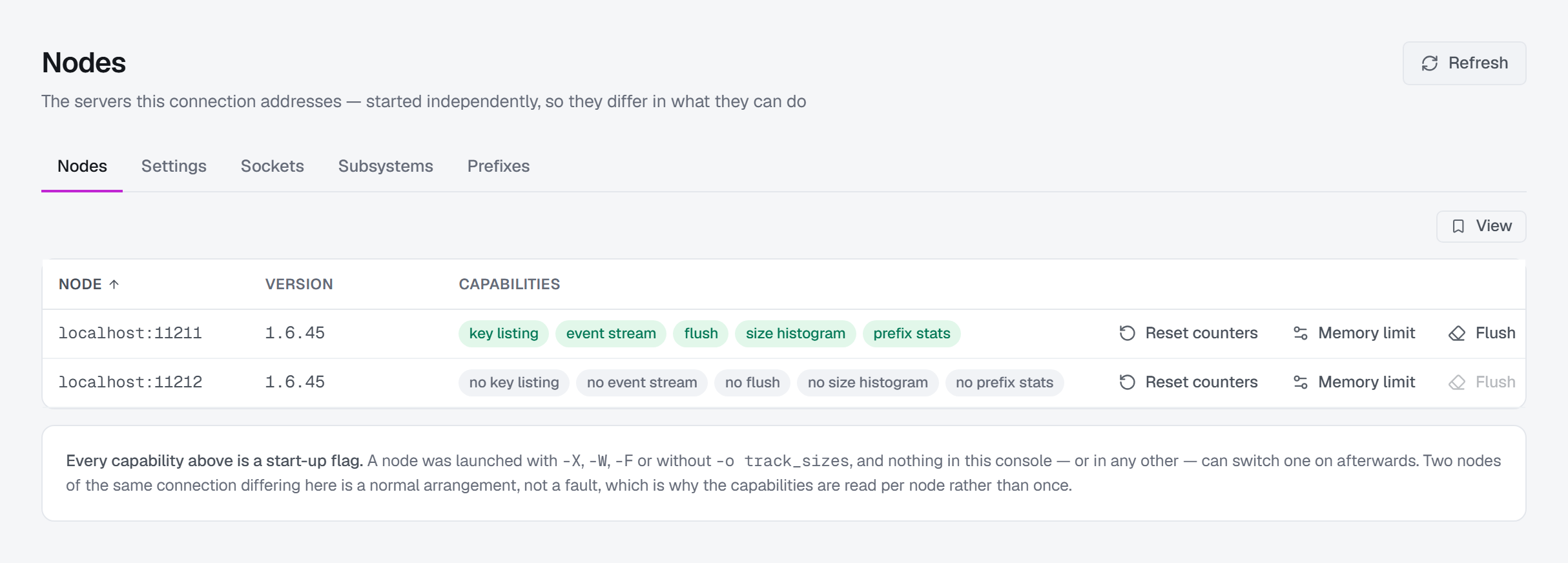
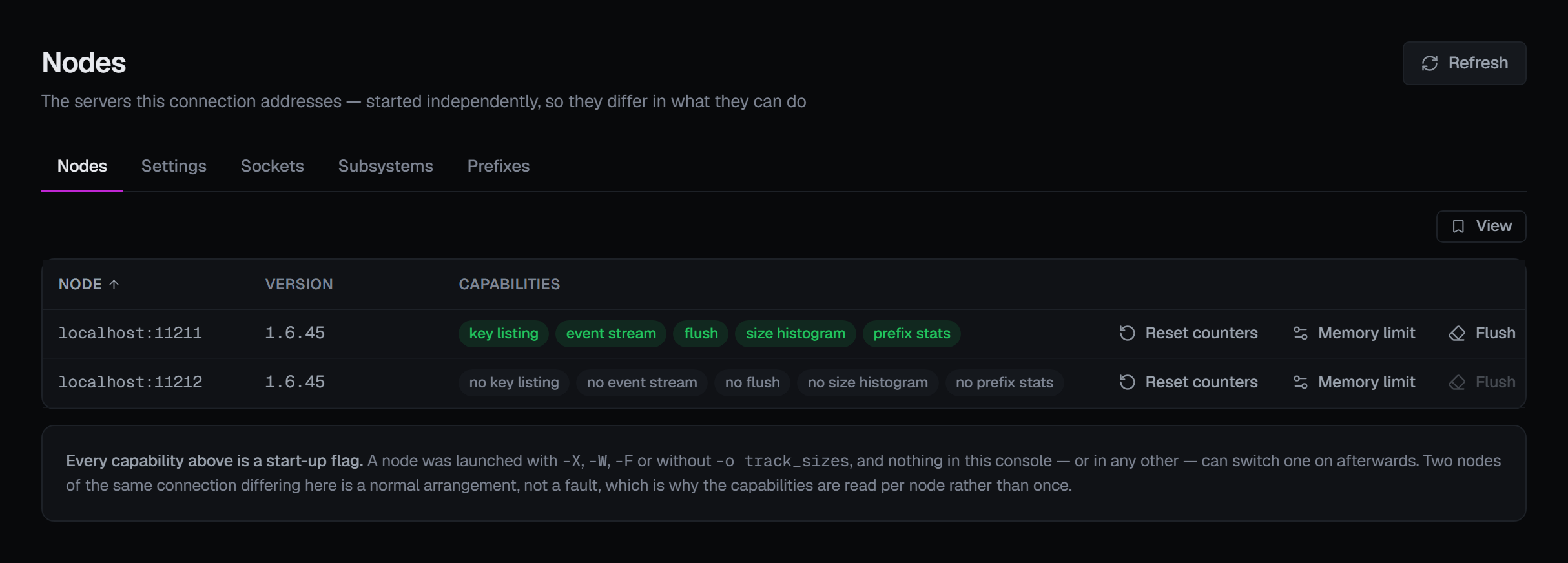
Every capability is a start-up flag. There is nothing to switch on from a console, or from anywhere else short of a restart — so the chips on each row name the flag rather than offering a retry:
| Chip | Absent when | What it costs you |
|---|---|---|
| key listing | started with -X |
Listing keys cannot enumerate this node. Its neighbours are unaffected. |
| event stream | started with -W |
Live events cannot subscribe to this node. |
| flush | started with -F |
This node refuses flush_all, including from here. |
| size histogram | started without -o track_sizes |
The item-size histogram on Memory and slabs is unavailable. The runtime toggles for it were removed upstream for crashing the server, so only a restart turns it on. |
| prefix stats | started with -X (since 1.6.37) |
The node refuses the per-prefix report on the Prefixes tab below — the same flag that takes key listing away. |
A node with an extstore tier carries its own chip: there is flash storage behind its memory.
The chips are drawn even when everything is available, because the absence of one has to read as a fact rather than as an oversight — and because two nodes of one connection differing here is the normal case.
The five tabs
Nodes is the list: address, version, whether it answered, its capabilities, and the row actions below.
Settings is what each node was started with, searchable by name or value. It is read-only, and that is the platform rather than a decision: almost every setting here is fixed at launch. The two that are not have their own controls — the memory ceiling below, and the page rebalancer on Memory and slabs.
Sockets groups a node's open connections into rows. A node that reports none at all is unusual — it has at least its own listeners — so an empty table there is a signal rather than a quiet answer.
Subsystems asks a node for one of three reports: external storage (the flash tier behind memory), the proxy, and TLS. These are build-dependent, and the two failures look different on purpose: a node built with extstore but not using it answers an empty block, while a node built without TLS refuses the report outright. Empty and refused are different facts and are shown as different facts.
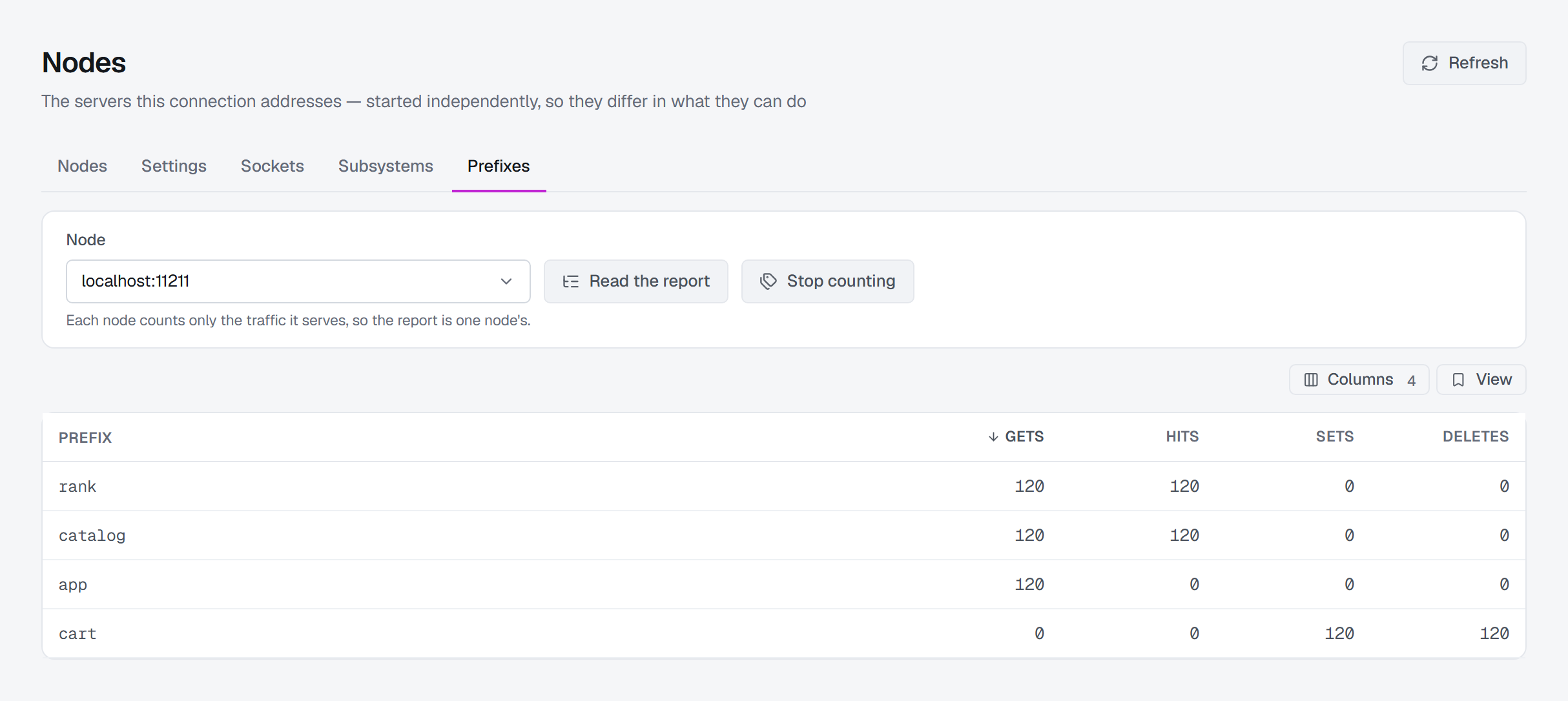
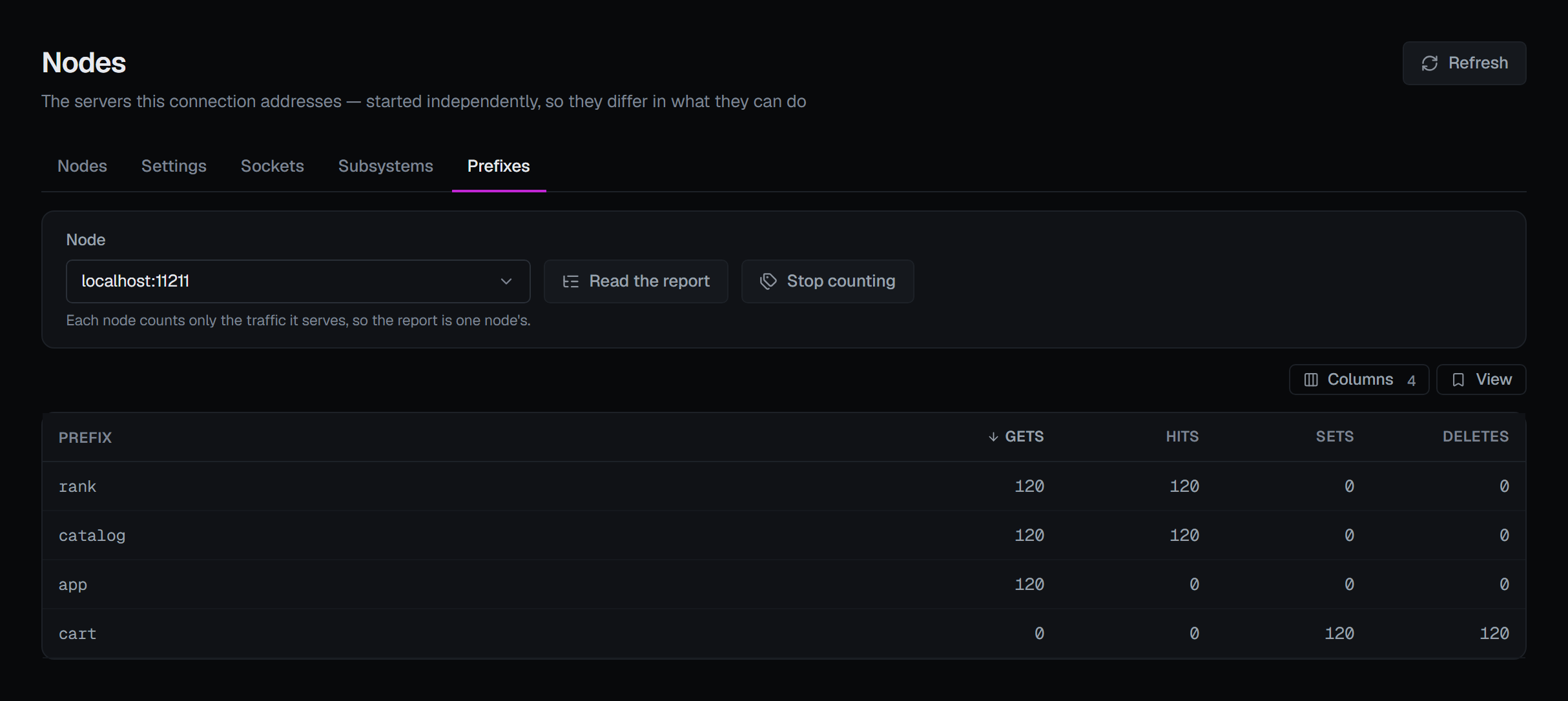
Prefixes is one node's per-prefix report: for each key prefix — the part of a key name before the delimiter the node is configured with — how many gets, hits, sets and deletes the node has counted. It is the closest a cache comes to saying which application is using it and how. It is one node's report because each node counts only the traffic it serves, so you pick the node first.
Two things decide what is in it:
- The node only counts while counting is on. Start counting switches it on for that node, and Stop counting switches it off; what was counted stays until the node's counters are reset. Counting has a cost the node pays on every classic get, store and delete — its global statistics lock — and each new prefix holds memory, so the confirmation says so, and the switch is one of the node-scoped changes below.
- Only classic get, set and delete commands on keys containing the delimiter are counted. Traffic on the meta protocol never reaches this report, so a node serving only meta-protocol clients reports nothing even while counting.
A prefix is the front of a key name, so the report discloses what your applications are caching in the
same sense a key listing does. Reading it is therefore an explicit act — you ask for it and confirm —
it needs the same access as listing keys, and it is recorded in the audit trail the same way:
how many prefixes were listed, not which. A node started with -X refuses the report, and the tab says
so with the flag rather than showing an empty table.
Four changes, and all four are node-scoped
There is no connection-wide form for any of them, and no "do this to every node" control anywhere in the section.
Reset the counters. Zeroes one node's statistics. The cached items are untouched — what restarts at zero is every rate the other screens derive: hit rate, eviction rate, everything averaged over uptime. It is audited as irreversible, because an operator reading a hit rate an hour later has no way to know it was reset unless the trail says so.
Start or stop counting per prefix. Switches the per-prefix report above on or off for one node. It is a configuration change and is recorded as one, with the setting before and after; stopping keeps what was already counted.
Change the memory ceiling. Applied at once, without restarting the node. Raising a ceiling takes effect as the cache grows. Lowering one frees nothing at once: the node keeps every page and item it already holds and only stops taking new pages above the new ceiling, so the writes that need room evict from then on. The dialog opens on that node's current ceiling, as the node reports it, warns when the number you typed is lower than that, and refuses anything under 8 MB: Memcached would accept it and evict almost everything the node holds.
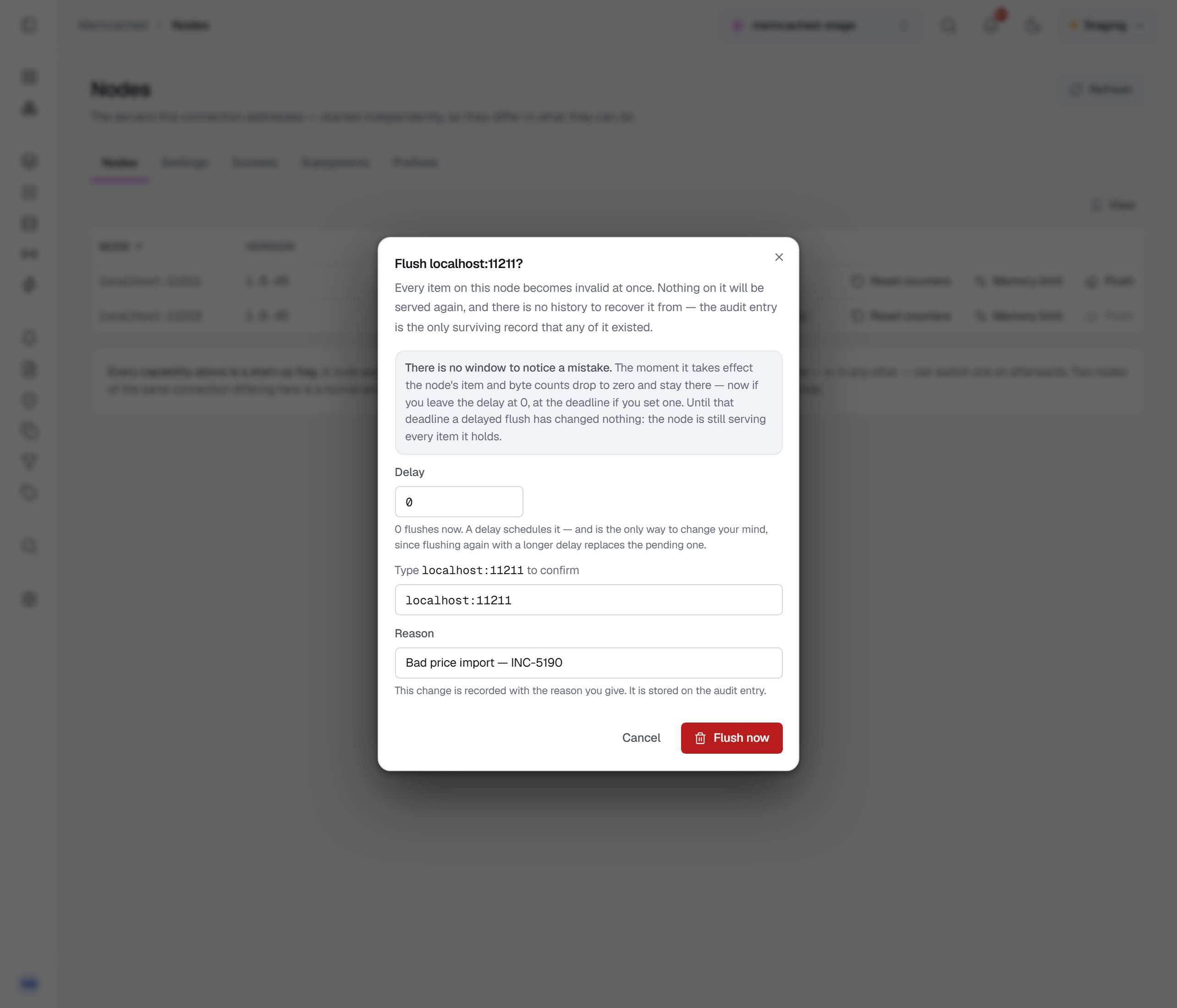
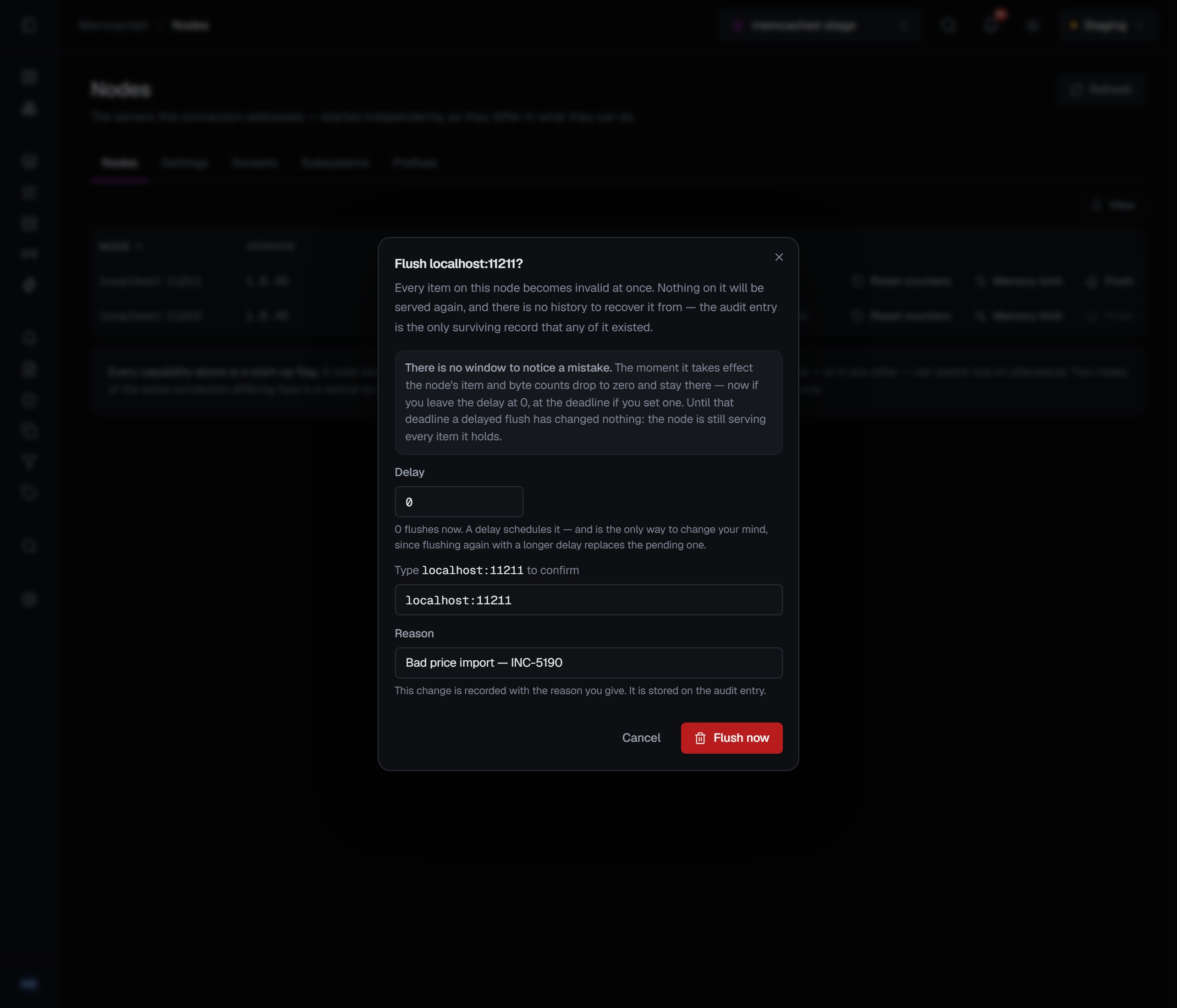
Flush the cache. Every item on the node becomes invalid at once, and you must type the node's address to confirm — this is the one command on the platform that discards everything a server holds. There is no history to recover any of it from, so the audit entry is the only surviving record that any of it existed.
What you will see afterwards. The node's item and byte counts go to zero and stay there. There is no lag and nothing to wait for, which is also why there is no window in which to notice a mistake.
The dialog also takes a delay. Zero flushes now; a delay schedules it — and scheduling is the only way to change your mind, since flushing again with a longer delay replaces the pending one. Until that deadline passes the node is untouched: it keeps serving every item it holds and its counts are unchanged.
There is deliberately no "flush every node"
One click away from wiping an estate's cache, with a cold cache on every node at once as the recovery. That is how a cache outage becomes a database outage. Whoever needs several nodes flushed does them one at a time and sees the result of each before starting the next.
What is recorded
All four writes are audited, naming the node and what was done. The flush entry is the only surviving record that the discarded items existed at all — there is no history to recover them from. Reading the per-prefix report is audited too, as a key listing is.
Each of the four needs write permission on the connection, and each is refused in a read-only environment or on a connection frozen with its own read-only switch. Without that permission, or where writes are refused, a node's row carries no actions and the Prefixes tab has no counting switch.
Resetting the counters, changing the memory ceiling and flushing each ask for a reason in every environment: the reset and the flush in their own confirmation, the memory ceiling in a reason window after Apply. Starting or stopping the per-prefix counting asks for one only in a guarded environment, where every write does.