

Product concepts
Updated 29 September 2026 · applies to 1.0.0 · Community and Commercial
BROKA has six ideas in it. Everything else is a screen that uses them.
Environment
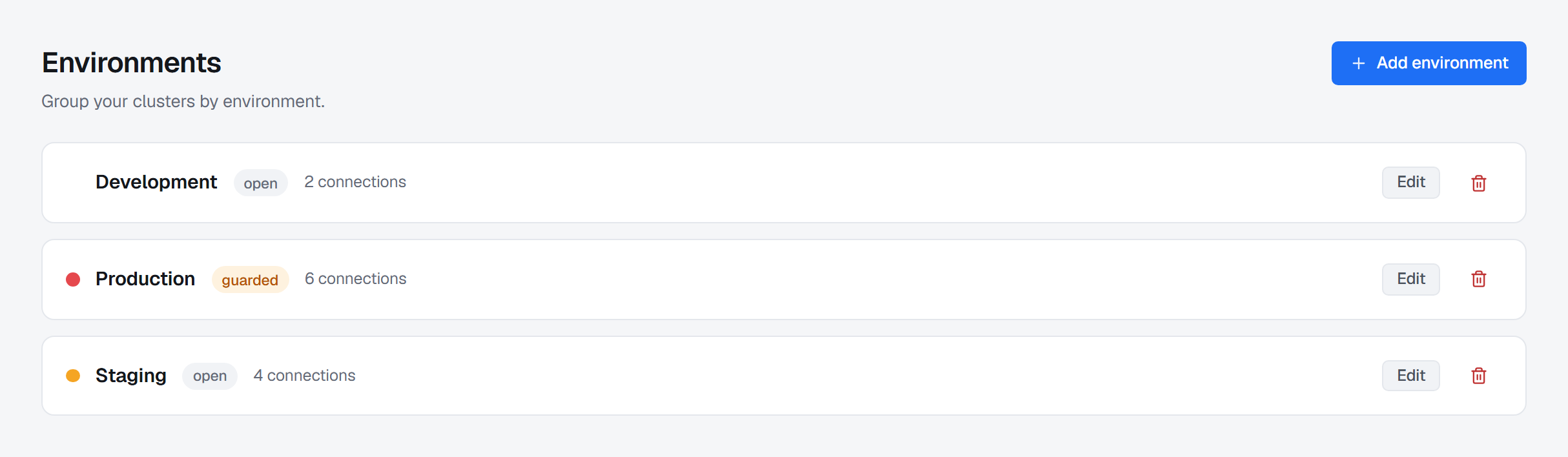
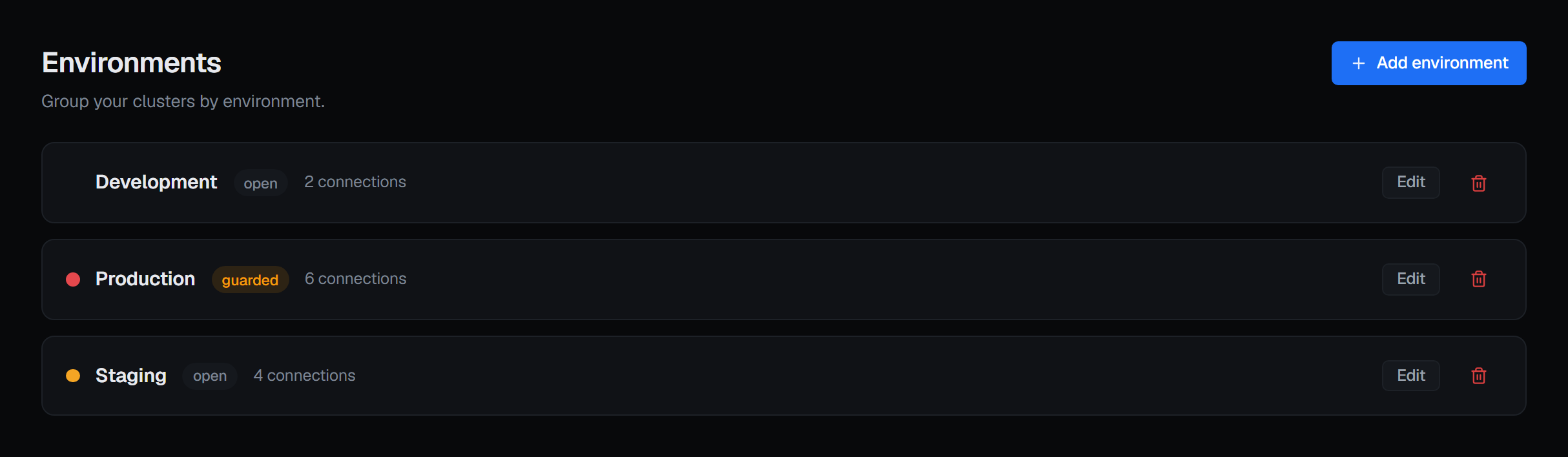
Where something runs: development, staging, production. Every connection belongs to exactly one, and an environment is not a label — it carries the policy that decides whether writes are accepted there at all. Marking one read-only refuses every write inside it, regardless of who asks.
Nothing about the name is special. A place behaves the way it does because of its policy, not because it is called production.
Connection
How BROKA reaches one cluster: where it is, who it authenticates as, and which environment it lives in. A connection is the cluster as far as the console is concerned — there is no separate "cluster" object to register, and no hierarchy to build above it.
Credentials attached to a connection are encrypted, never shown back, and only ever decrypted inside the service that is about to use them.
Resource
The things inside a cluster: topics and partitions, streams and keys, queues and exchanges. BROKA holds no copy of your data — messages are read on demand and never stored. Resource names are read from the broker; the two largest Kafka lists, topics and consumer groups, are kept in memory for as long as somebody is using them so searching and sorting stay fast, and each of those screens prints when it was last refreshed with a Refresh button beside it. Nothing about your resources is written to BROKA's database.
What it does keep beside them is the knowledge a broker has nowhere to put: who owns this, what is it for, is it sensitive.
Permission
Two layers, answering two questions. A role says what kind of work someone does here — Admin, Operator, Viewer, Auditor, or one you define. A resource grant says what they may do to resources matching a pattern, on one cluster or all of them.
Both are BROKA's own. Neither is written to your brokers: your broker's authorisation keeps working underneath, and BROKA never bypasses it.
Guardrail
The check that runs after the permission check and asks a different question — not "may this person do this?" but "should this happen here, right now?". A read-only environment, a frozen connection, a reason the operator has to give before a destructive change (and before any change at all in a guarded environment), a confirmation that names the queue and the number of messages it is about to discard.
Guardrails exist for the case the permission system cannot help with: the person is authorised, and the action is still a mistake.
Audit entry
What happened, who did it, where, and how it ended — including when it ended in a refusal. A change to BROKA's own data commits together with its record or not at all. A change on a broker cannot be rolled back, so its record is written when the broker answers; a write the broker never answered is recorded with its outcome marked unknown, because the broker may have carried it out. The trail is chained so alteration leaves a mark, and it lives in your database for at most six months; anything older exists only where you forward it.
How they fit together
A person holds a role, and possibly some grants. They pick a connection, which belongs to an environment. They act on a resource in that cluster. The role decides whether they may ask, the environment's guardrail decides whether it is accepted here, the broker's own authorisation decides whether it is accepted at all — and the audit entry records what came of it, whichever of the three said no.
What BROKA is not
- Not a broker. It manages the clusters you already run; it never becomes one.
- Not a copy of your data. Messages are read on demand and never stored. Nothing is mirrored, indexed for search, or shipped anywhere.
- Not a hosted service. It runs in your network, against your database, and no usage of any kind is reported out of it.