

Applications
Updated 6 October 2026 · applies to 1.0.0 · Commercial
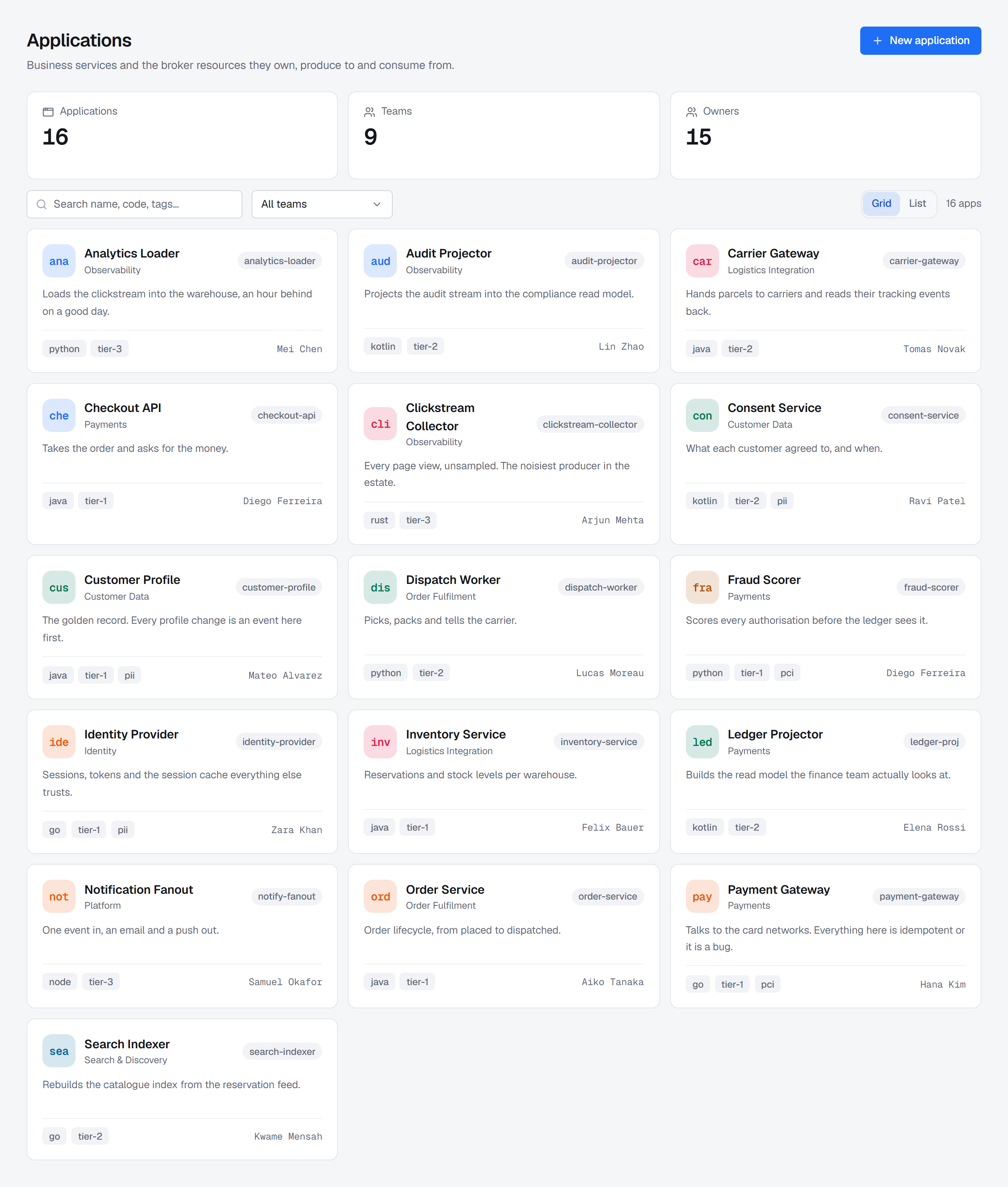
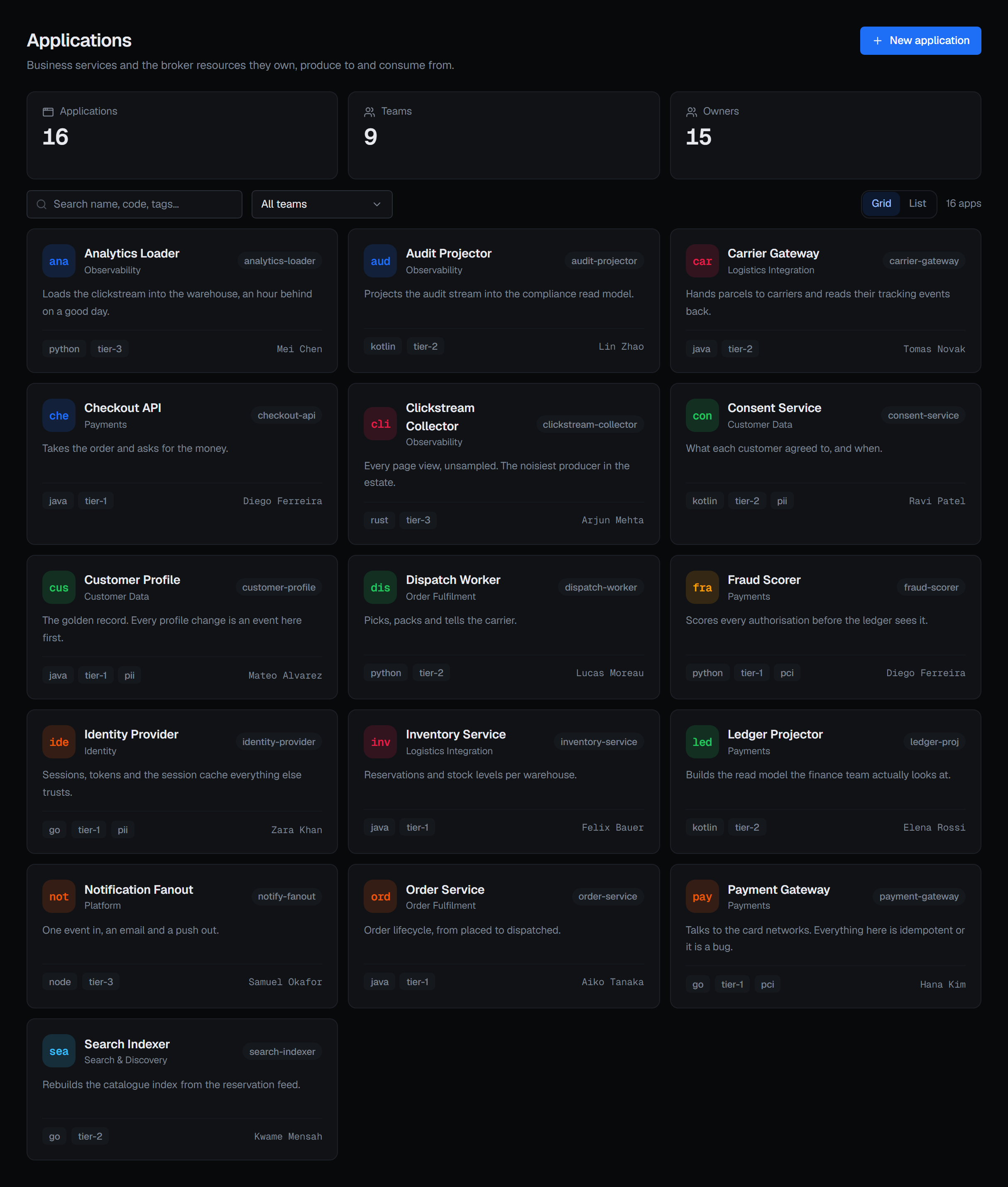
Brokers know about topics, queues and keys. They do not know that six of them belong to the payments service and that the team on call for it sits in a different building. The application catalogue is where that lives.
What an application is
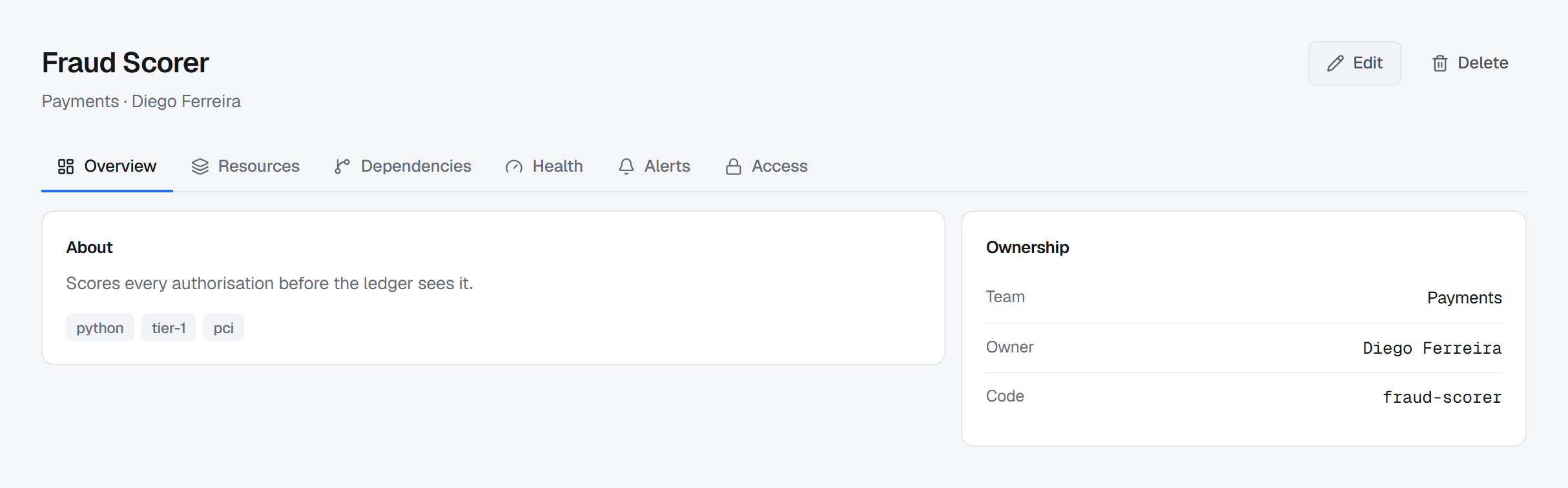
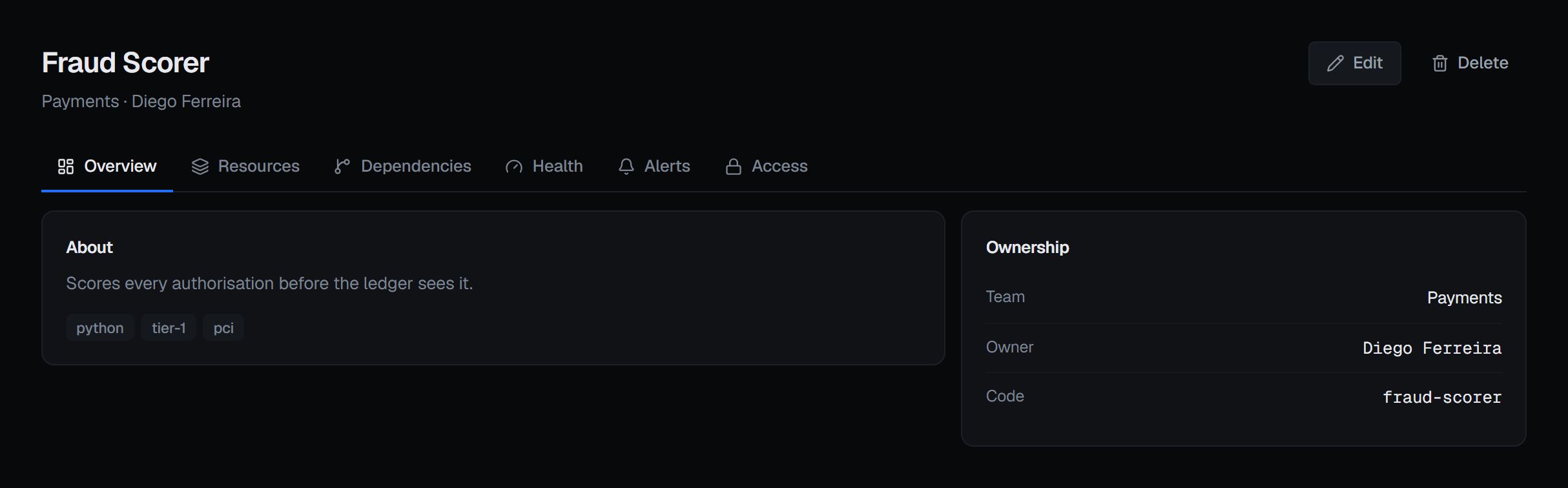
A record of one of your services: its name, a short code, who owns it, which team is responsible, what it is for, and tags you choose.
It is descriptive. Creating one grants nothing, gates nothing and changes nothing on any broker. Its value comes from what you attach to it.
The catalogue is Broka Commercial. In Community, Applications keeps its place in the navigation and opens a page that says what the catalogue is and which edition has it. An installation moved back from Commercial to Community keeps its applications in its database; they are not served there, and its application-scoped alert rules can no longer be created or changed.
An application's page has five tabs: Overview, Resources, Dependencies, Health and Alerts.
Binding resources to it
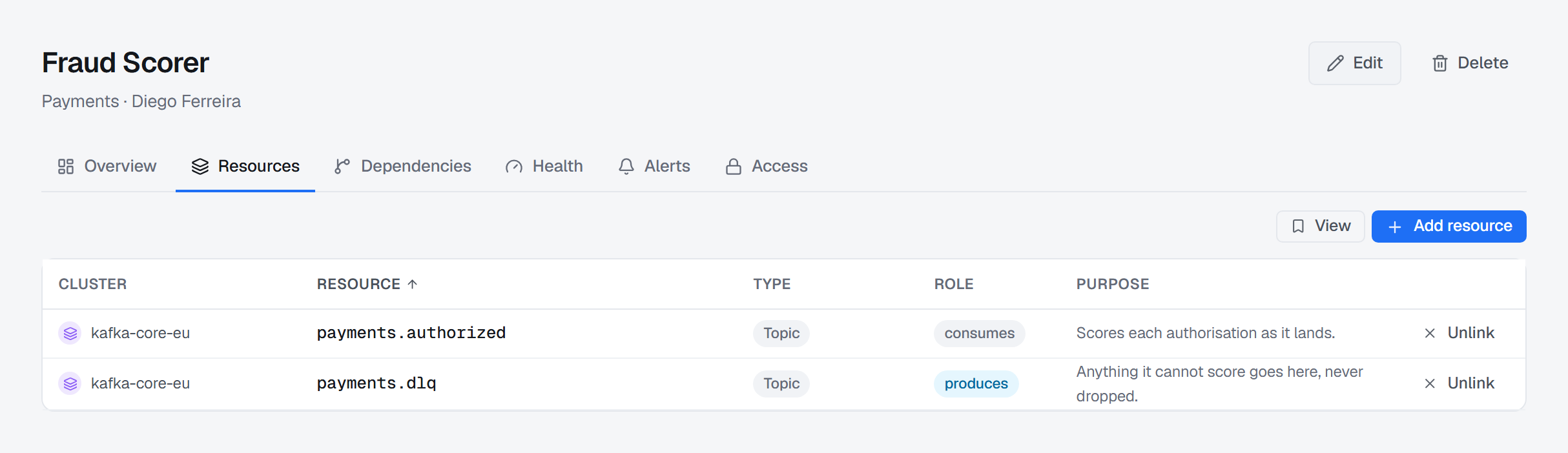
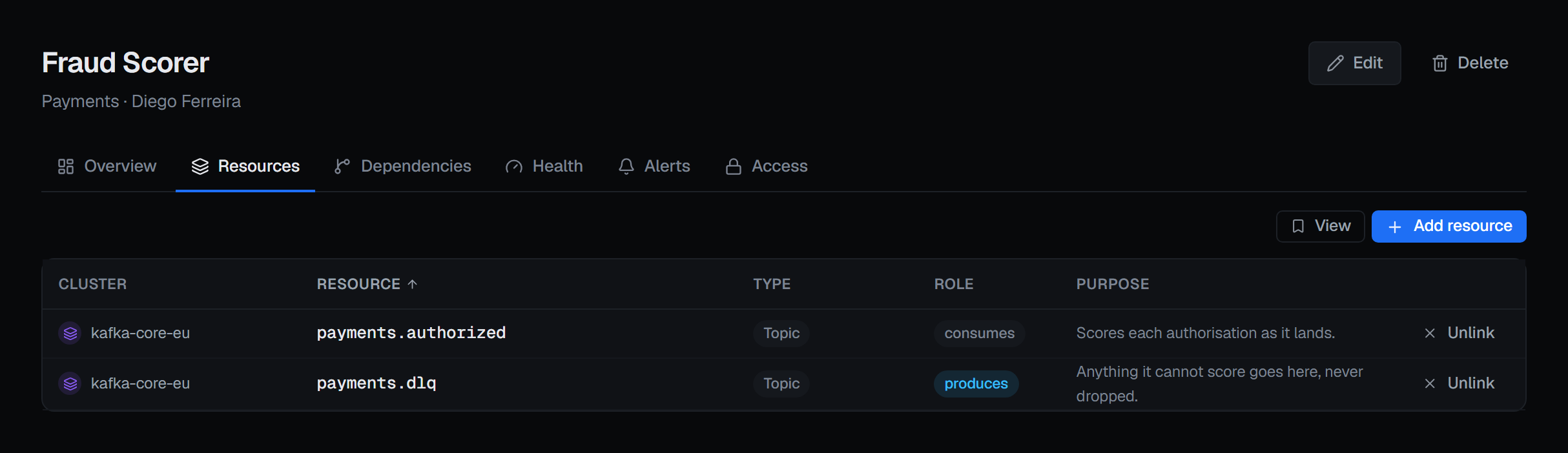
An application is bound to the resources it uses, and each binding says three things: which resource on which cluster, what the application does with it — owns it, produces to it, consumes from it — and why.
The role is the part that earns its place. "The payments service and the fulfilment service both touch
orders" is a fact; "payments owns orders, fulfilment consumes it" is an answer. It tells you who
to ask before a schema changes, and who to warn when it does.
Bindings are per cluster, not per name — so orders in production and orders in staging are two
bindings, and can belong to two different applications if that is how your estate really works.
Dependencies fall out of the bindings
Once applications are bound to what they use, the console can show you what depends on what: an application that consumes a resource another application owns or produces is downstream of it.
That graph is derived, never stored — there is no dependency table to keep in step and no second place for it to go stale. If the bindings are right, the graph is right; if the graph is wrong, the bindings are what to fix.
Health is an existence check, and says so
The health view asks one question per bound resource: is it still there? A resource that exists on its cluster is healthy. One that is bound and missing is the finding — a topic somebody deleted, a consumer group that never came back, a name that was wrong from the day it was typed.
A resource that cannot be checked is neither: when its connection cannot be reached, its kind has no check on that platform, or the broker's listing was too large to read whole, it is unknown, and the reason is shown beside it — so "the broker is down right now" and "this binding will never say anything" read differently.
The rollup follows the obvious rule: anything missing makes the application critical; everything present makes it healthy; anything else leaves it unknown.
It is not a performance check. It says nothing about lag, depth, throughput or whether anything is actually working — only whether what this application declares it uses is still present. That is a smaller claim than "health" usually implies, and it is deliberately the one BROKA can make from a single read.
Alerts that reach it
The Alerts tab is a second way into Operations ▸ Alerts, not a second set of alerts. It shows the incidents open on any rule that reaches this application, and the rules that watch it: its own, scoped to the application, and the ones it inherits from the clusters its resources sit on and from their environments — each row with its real scope, so an inherited rule is not mistaken for one the application owns. New rule writes one with the scope already set to this application.
An empty rule list is not an all-clear: it says nothing measures this application, which is not the same as nothing being wrong. Reading the tab needs the alerts view permission, and writing a rule the alerts management permission.
Who may change one
This is where the catalogue differs from the rest of the console, and the difference is the point.
An application can be edited by the person who owns it, by a member of the owning team, or by someone holding the application-management permission. You do not need to be an administrator to correct your own service's description or fix a binding that points at the wrong topic.
That is what the owner and team fields are for. They are not decoration — they are the authorisation.
An application belongs to no environment, so editing one is never frozen. A binding is: it names a cluster, and in a read-only environment it cannot be added or removed there, exactly as a write to that cluster could not.
What is recorded
An application that an alert rule or a maintenance window that has not ended is scoped to cannot be deleted; the refusal names the rules, so you can change their scope or delete them on Operations ▸ Alerts first.
Creating, changing and deleting an application, and binding or unbinding a resource, are each audited. A binding entry carries the connection and the resource name, so the trail answers "when did payments start consuming this" without anyone having to remember.