

Listing keys
Updated 29 September 2026 · applies to 1.0.0 · Commercial
List keys, the third tab of Memcached ▸ Keys, asks one node for the keys it holds — as an explicit act, never by default, and with an approximate answer. Reading, writing and deleting a single key you already know are on Keys; this page is about finding keys you do not, and acting on what you find.
Why a listing is something you ask for
Enumeration is not a browser: until you ask, the tab says No listing yet. The screen states four reasons with the result:
- It costs the node real work. The walk crosses live data structures while the cache keeps serving.
- It is approximate. An item that moves during the walk can be missed entirely, and one can appear twice. That is what walking a live cache costs, not a bug to work around.
- There is no next page. Memcached streams the whole thing or nothing — no cursor, no offset.
- A node started with
-Xwill not do it at all. On such a node the List the keys button is greyed out, and a card in place of the table names the node, says-Xcompiles the dump out entirely and that only a restart without the flag changes it. The other nodes of the connection are unaffected, because each one is started on its own.
The listing is one node's answer, like everything else on this screen. Switching to another node does not leave the previous node's keys on screen under the new one's name.
Every LRU or the hash table
Walk chooses how the node looks for its keys:
| Walk | What it does |
|---|---|
| Every LRU | Walks the node's LRU lists. The default. |
| Hash table | Walks the hash table instead — more likely to be complete, and costs the node more to produce. |
Where a walk returns nothing, the screen says The walk returned nothing: on an empty cache that is the whole truth, and on a busy one the hash-table walk is the next thing to try.
Stop after is not a page size
Stop after is where reading stops, not the size of a page — there is no next page to ask for. It starts at 500. The limit stops the read rather than paging it, and the result says whether it stopped early. However high you set it, the broker service stops at 50,000 keys, because a listing is held whole in memory.
If you need what lies beyond the limit, raise it and list again: the node walks from the start each time.
Running a listing
List the keys asks first. The confirmation says which walk the node will make and what it costs: the node streams what it finds while it keeps serving traffic, the result is approximate, and what comes back is a disclosure of what your applications are caching — so it is recorded in the audit trail.
Listing needs write permission on the connection, not only read, for that reason. It changes nothing on the node, so it is still allowed in a read-only environment and on a read-only connection.
Two answers are not a listing, and are shown as what they are:
- The node's crawler is already walking — a Reclaim expired items run, for one. The node refuses to start a second walk in words of its own, and the console reports that refusal with the node's answer rather than waiting it out and showing an empty cache.
- Too many listings at once. The broker service runs at most four listings at a time across every connection, and a fifth is refused.
A node that hangs up in the middle of a walk produces a listing marked as stopped early — never a short list that claims to be complete.
Reading the result
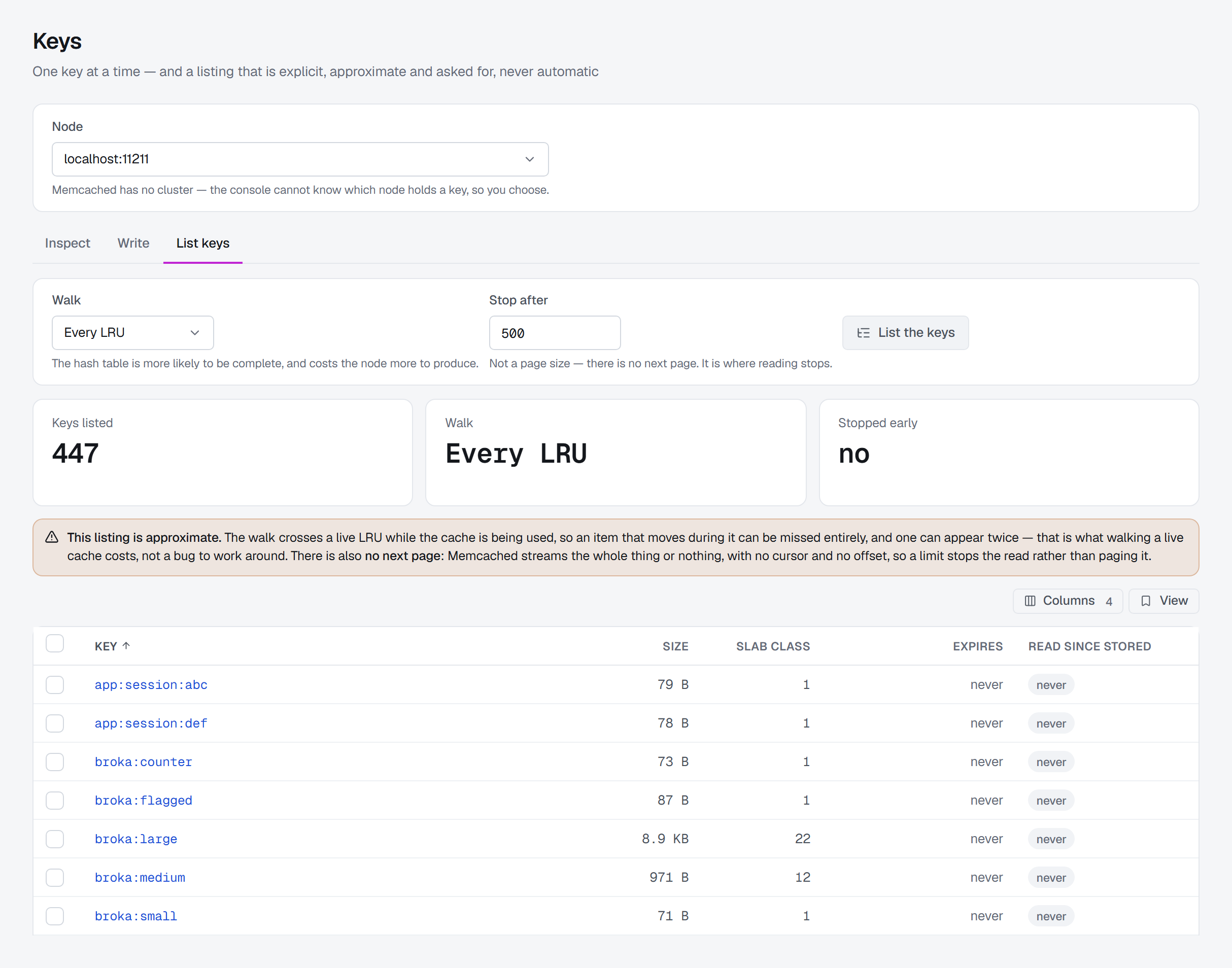
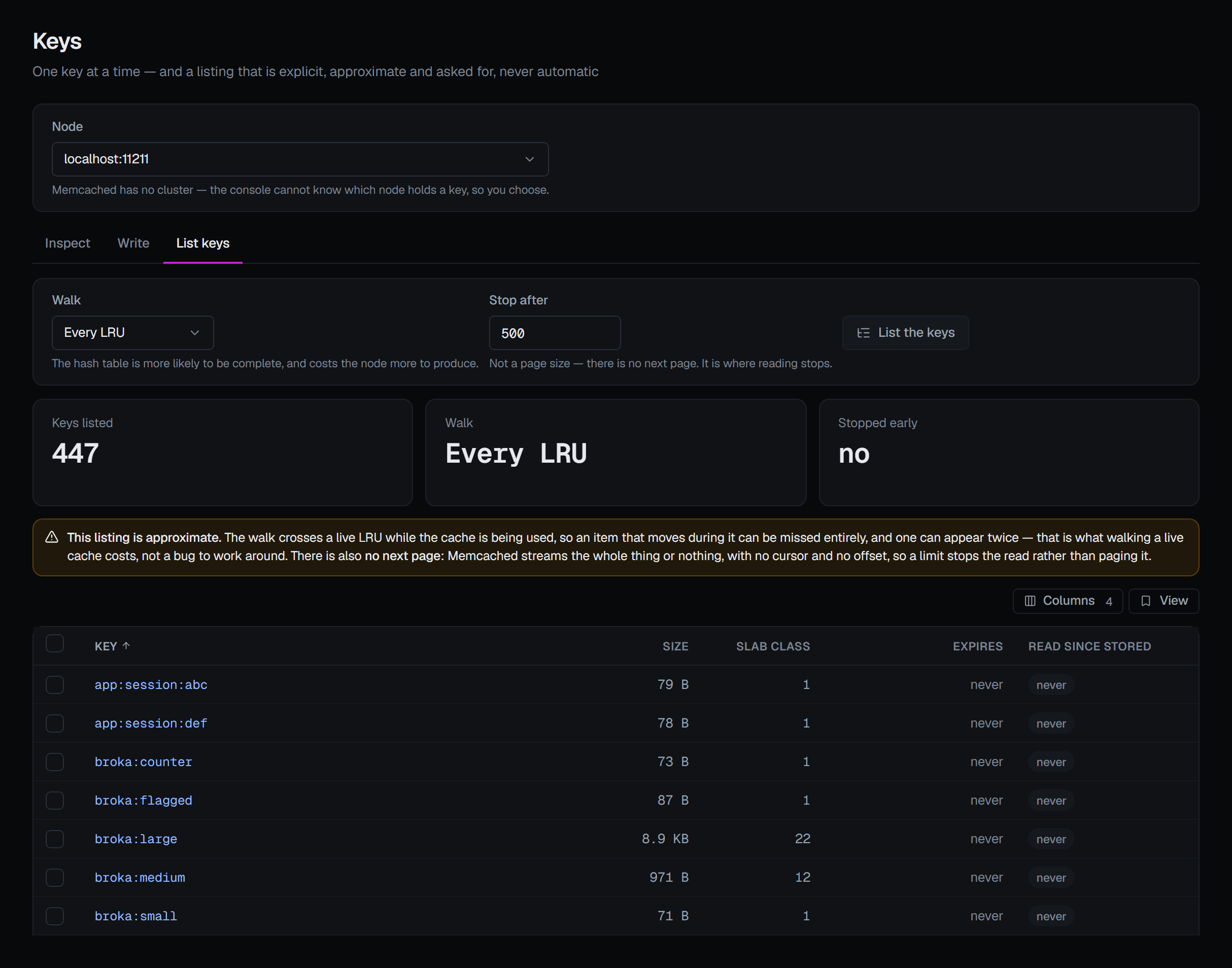
Three tiles head the result: Keys listed, the Walk it used, and Stopped early — yes means the read ended before the node had streamed everything it holds. Under them the warning that the listing is approximate stays with the result, and says it stopped at its limit when it did.
Each listed key has:
| Column | What it shows |
|---|---|
| Key | The key. Selecting it opens it on the Inspect tab, on the same node. |
| Size | The item's size. |
| Slab class | The slab class the item lives in — see Memory and slabs. |
| Expires | When it expires, in your display time zone, or never. |
| Read since stored | yes or never — whether any client has fetched it since it was stored. |
A value the node did not report shows as a dash rather than a zero.
Acting on what a listing found
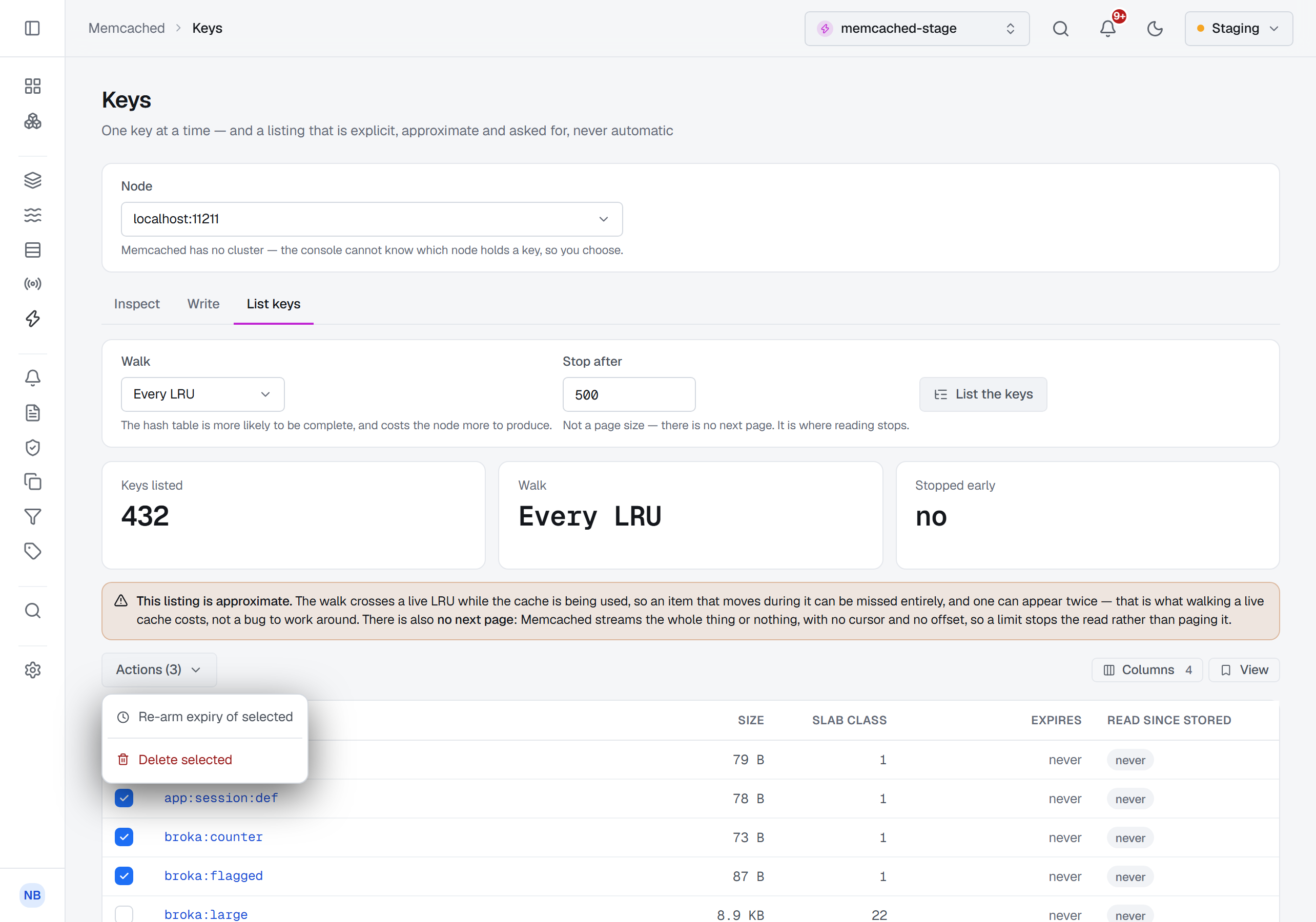
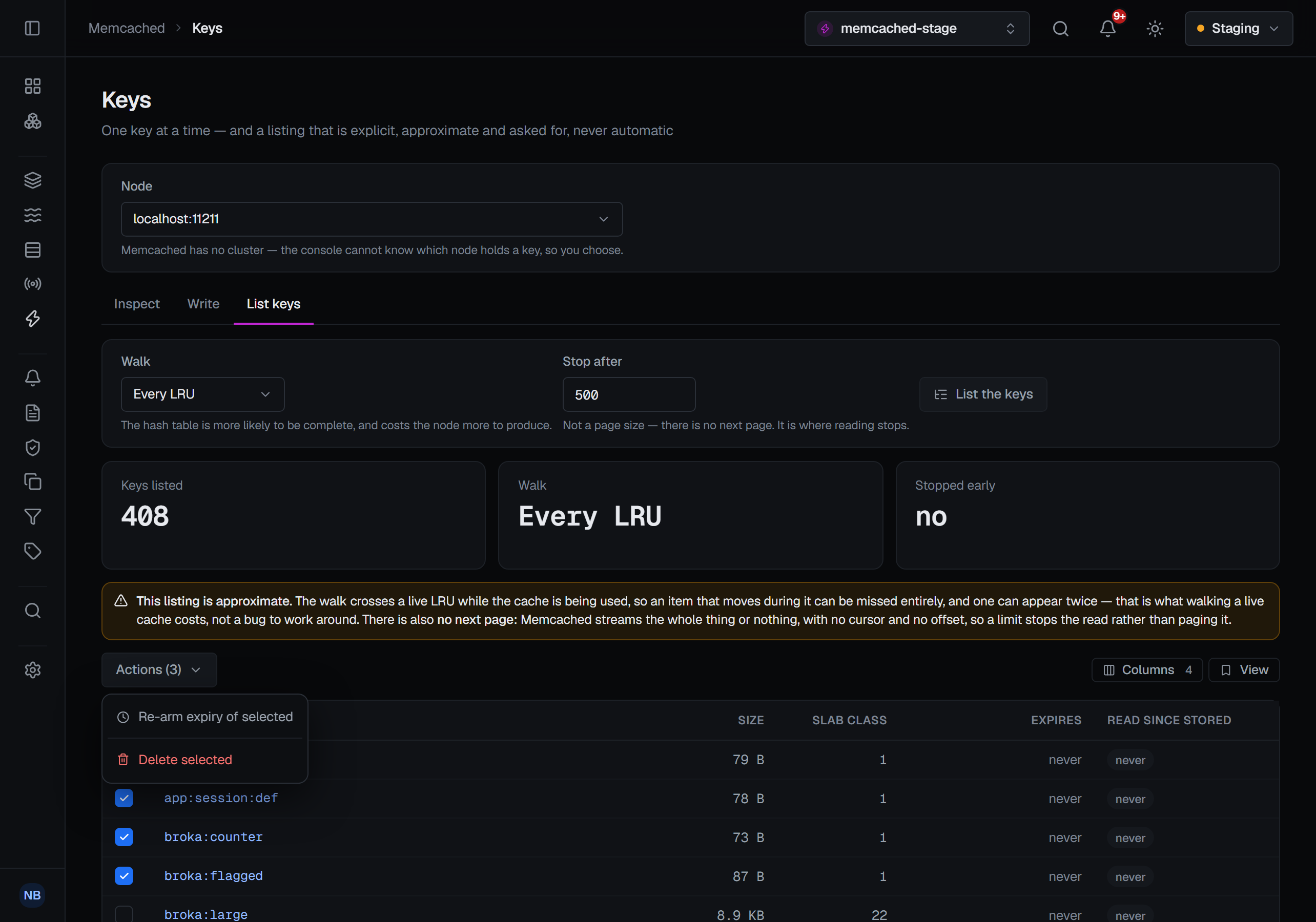
Each listed key has a box, and Select all in the header takes every key the listing returned. With keys selected, Actions (N) offers Re-arm expiry of selected and Delete selected. The menu appears only where you may change the connection: in a read-only environment, on a read-only connection or without the permission it is not offered. A new listing, or another node, starts the selection afresh.
Re-arm expiry of selected
Gives every selected key the same new time to live. The confirmation carries the same relative-duration field as everywhere else on Keys — 60 seconds to start with, and the hint changes when a value crosses the 30-day cliff. Setting an expiry asks for a reason in every environment, so once you confirm, a reason window asks for it before anything is sent. Like any re-arm it is also a read, so it moves each item.
Delete selected
Delete the items is a destructive action, so it asks for a reason, and it says what the single delete says: a cache keeps no history, so once these items are gone the audit entry is the only surviving record that they existed — and only on this node, because a client would have hashed each key to one and the console cannot know which.
One round trip, answered key by key
Either action goes to the node in one pipelined round trip, up to 1,000 keys, and the node answers key by key. The bound keeps every answer inside the connection's receive buffer, since nothing is read until the last command is sent.
Every key is checked before anything is sent: a key with a space or a newline in it refuses the whole request, because it would shift every later answer onto the wrong key. No CAS value is compared — the keys come from a listing, not from a card showing each item's version.
The result counts how many the node applied. When it did not apply them all, a card titled with the count — 2 of 3 deleted — the node did not apply these, for example — lists every key it did not, with the node's reason: a key already gone, or one the node refused. If the connection ends part-way, the keys whose answers never came are reported as not known rather than not applied, since their commands were sent.
What is recorded
A listing is audited, as a read: the entry names the node, how many keys were listed, the walk, the limit and whether the read stopped early — never the keys themselves.
A bulk delete or re-arm is one entry on the node, with how many keys were asked for, how many the node applied and how many it refused — never the keys. A re-arm also records the new time to live. A batch the node applied only in part is recorded as partial.