

Memcached evicts before it looks full
The node reports half its memory in use, and it is evicting anyway. Nothing is wrong with the arithmetic: Memcached commits memory to size classes a page at a time, and a committed page stays with its class until something moves it — so the free half can be in the wrong place. This is how to see where it is, one node at a time, and what each remedy costs.
A Memcached node evicts when the slab class an item belongs to has no free chunk and cannot get another page — however much memory the node as a whole appears to have. So the question "why is it evicting" is answered per node, per class: which class is evicting, how many pages it holds, and how much of each page is the items themselves.
What you see, and what it usually is
| What you see | What it usually is | Where to read it |
|---|---|---|
| Evictions climb while memory used sits well below the limit | The node's pages are committed to classes the workload no longer fills, and the class that needs room can only evict inside itself | Memory & slabs: pages and evictions per class |
| One class evicts heavily while others sit idle | The size of what applications store has shifted since the pages were committed | Item sizes, then Rebalance |
| Fewer items fit than the bytes suggest | Items are rounded up to their class's chunk size, and the rounding is spent | Efficiency and Chunk |
| Writes are missing, not evicted | The class refused the store outright — it could not even evict to make room | Out of memory |
| The connection's evictions are high but most nodes are fine | The totals add nodes up; one node is doing all of it | The node table on Overview |
| A low hit rate beside a large Expired, never read | Things are being cached that nothing reads | Overview tiles |
| Evictions began soon after someone changed a setting | A lowered memory ceiling: the node takes no new pages, so writes that need room evict | Nodes, and the audit trail |
1 — Read one node, not the connection
A Memcached connection in BROKA is a list of servers, not a cluster. The servers share no state and no view of each other, so the Overview's tiles are a sum over nodes: useful for the item count, and the hit rate is re-derived from the summed hits and misses rather than averaged. Evictions, though, are always one node's problem, and the node table under the tiles is where to find which.
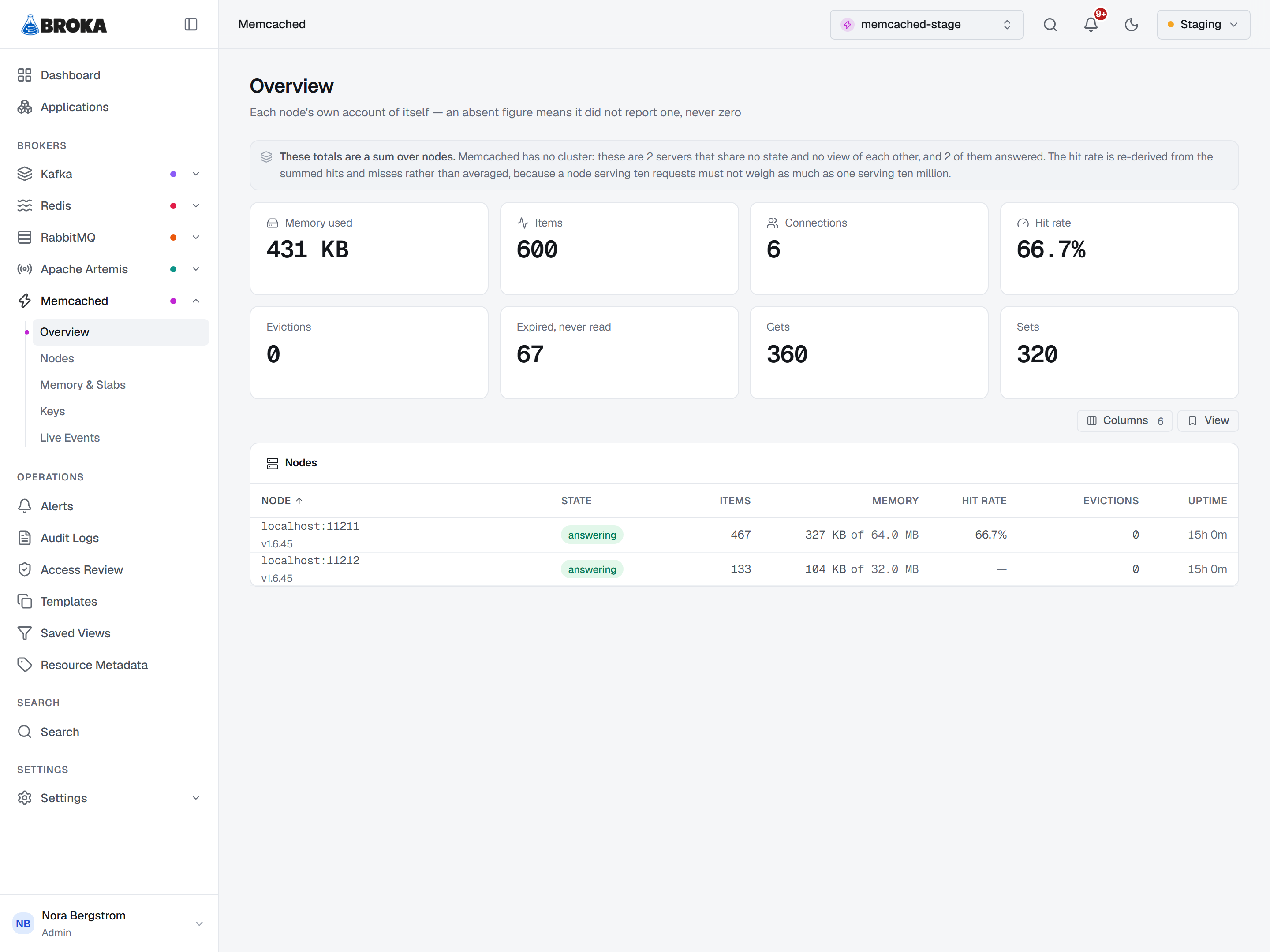
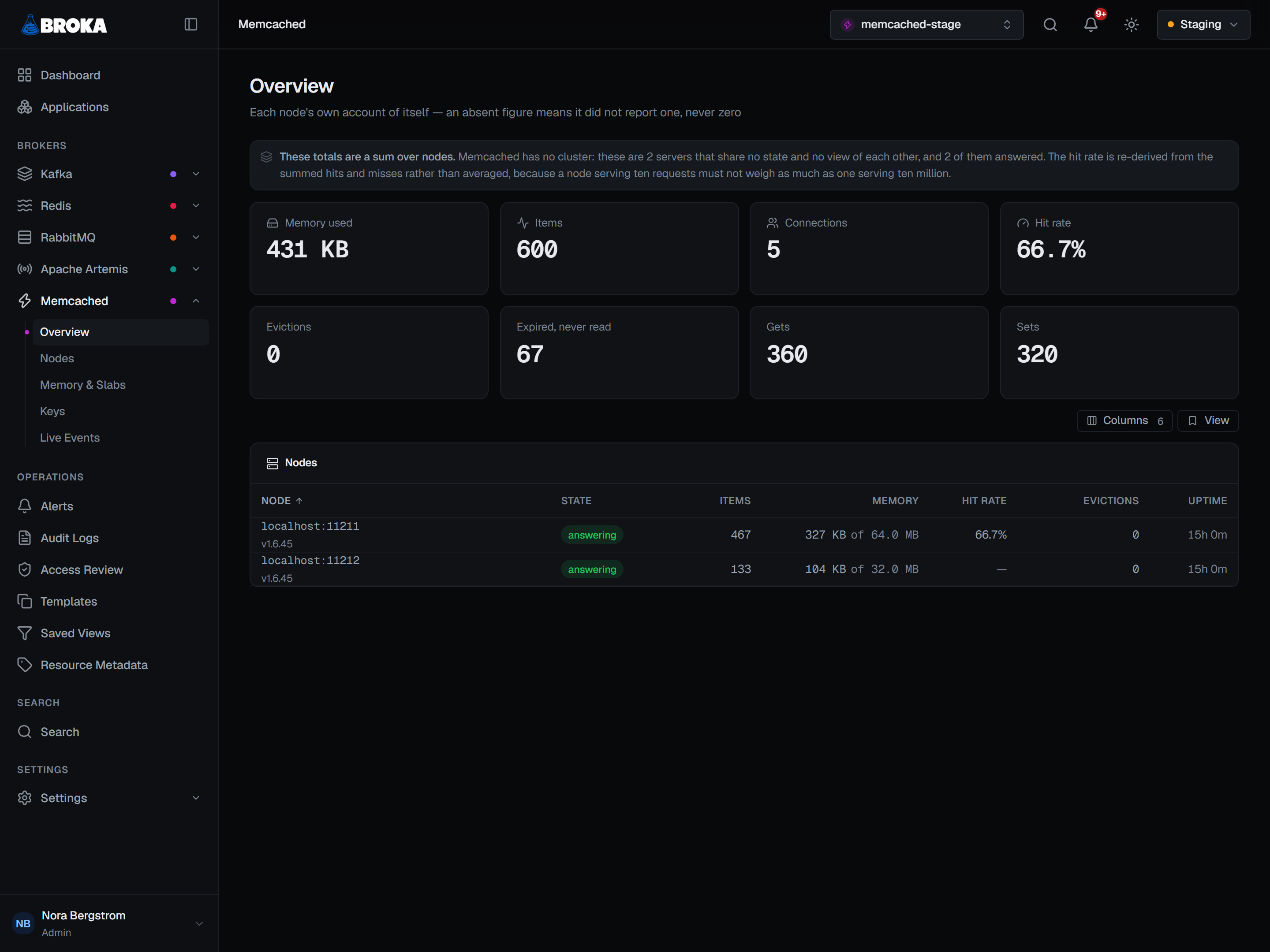
Two things about the figures on that table matter here:
- The eviction rate is averaged since the node started. Memcached keeps no history, so a shorter window would have to be invented. A node that evicted heavily for an hour last week still carries that in its rate today — to see whether it is evicting now, watch it (section 5).
- A dash is not a zero. An eviction tile reading
0is a measurement; a dash means the node did not report the counter.
Reset counters, on a node's row under Nodes, zeroes that node's statistics without touching an item — which restarts every rate derived from them. It is the way to start a clean window, and it is audited as irreversible, because whoever reads that hit rate an hour later has no other way to know.
2 — Why a node evicts before it is full
Three properties of Memcached's allocator produce the case:
- Memory is committed to a slab class a page at a time. Each class stores items of one size range.
- An item occupies a whole chunk of its class, whatever size it asked for.
- A page committed to one class is unavailable to every other class until it is moved — by you, or by the node's own page mover (section 4). It is not borrowed back as demand shifts.
So a node that filled up with small items last month, and now stores larger ones, has its pages in the small classes. The larger class gets few pages, fills them, and evicts — while the Overview's Memory used, which counts the bytes the stored items take, reads nowhere near the ceiling.
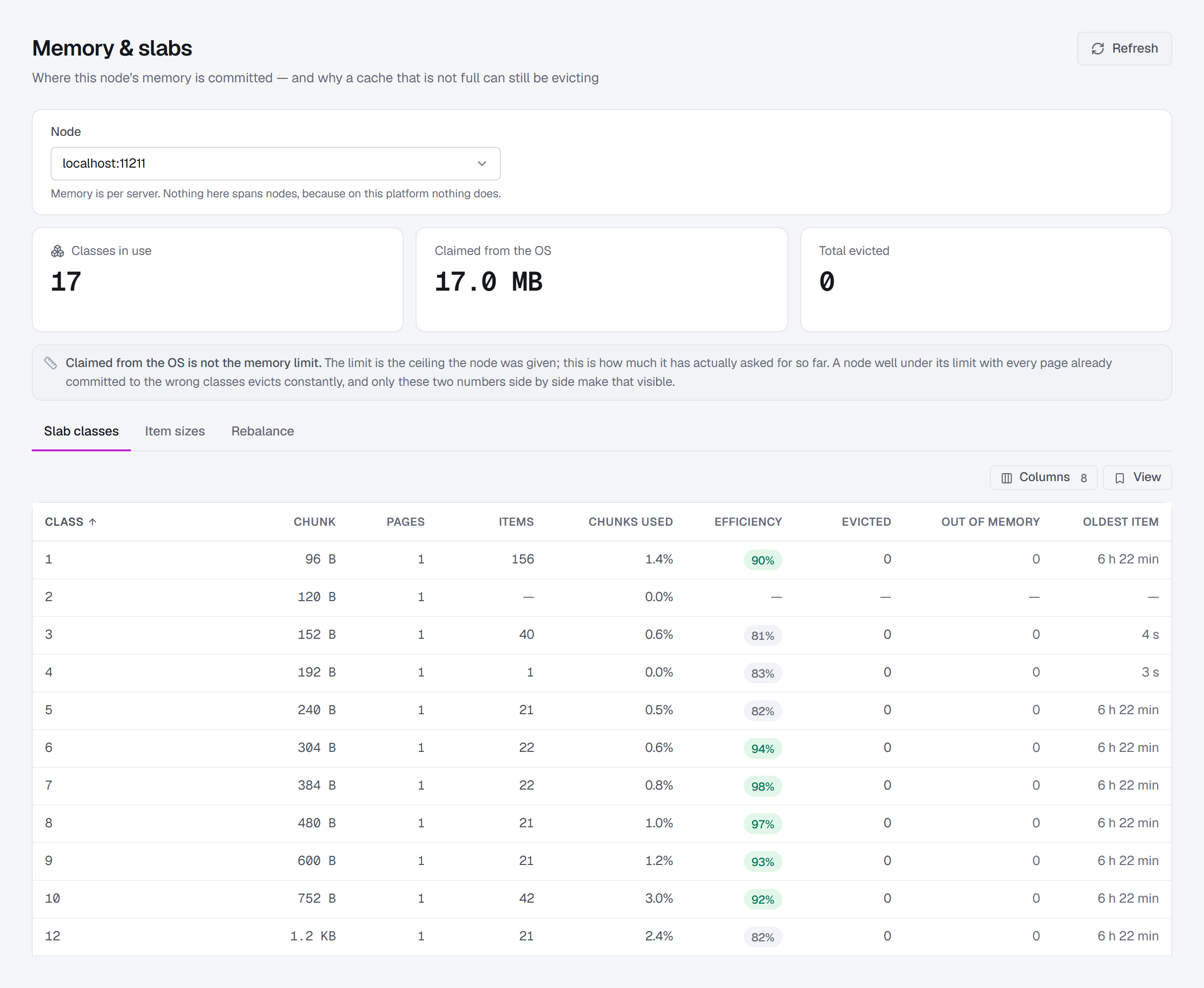
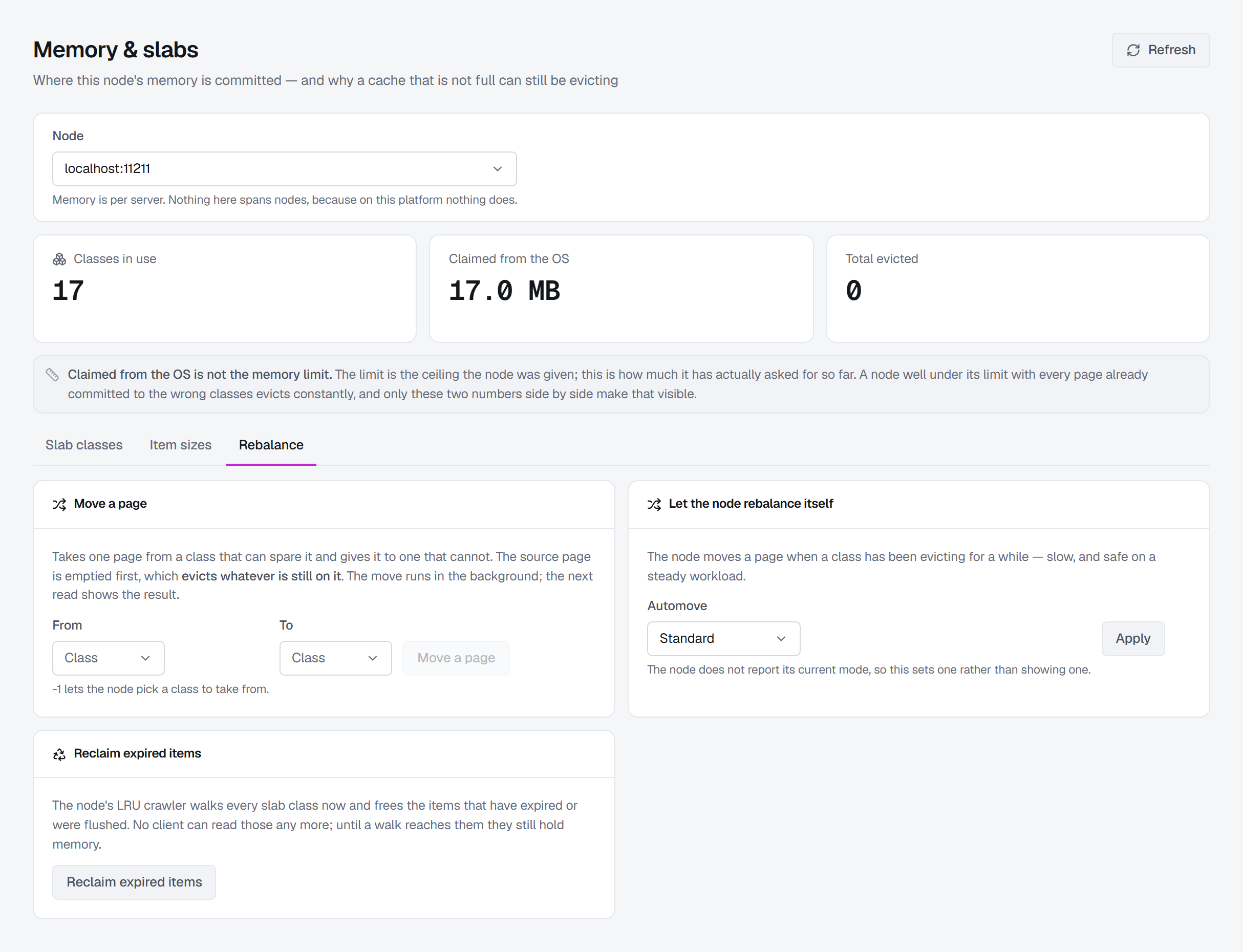
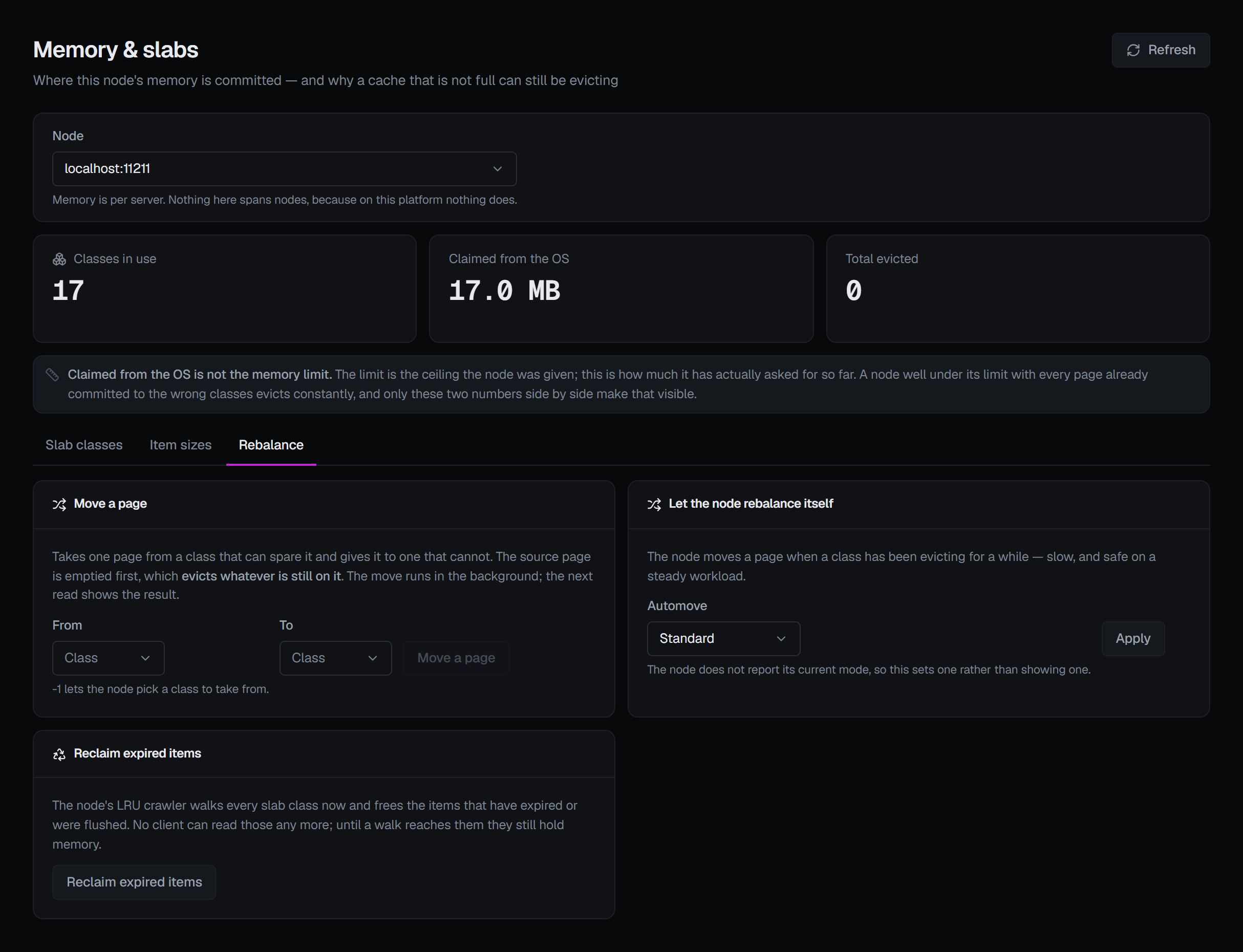
On Memory & slabs, the node is chosen at the top and everything below is that node's. Two figures sit side by side there, and confusing them is the usual reason a node looks inexplicable: the limit, the ceiling the node was given, and Claimed from the OS, how much it has actually asked the operating system for so far. A node well under its limit with every page already committed to the wrong classes evicts constantly; only those two numbers together make that visible.
3 — The slab-class table
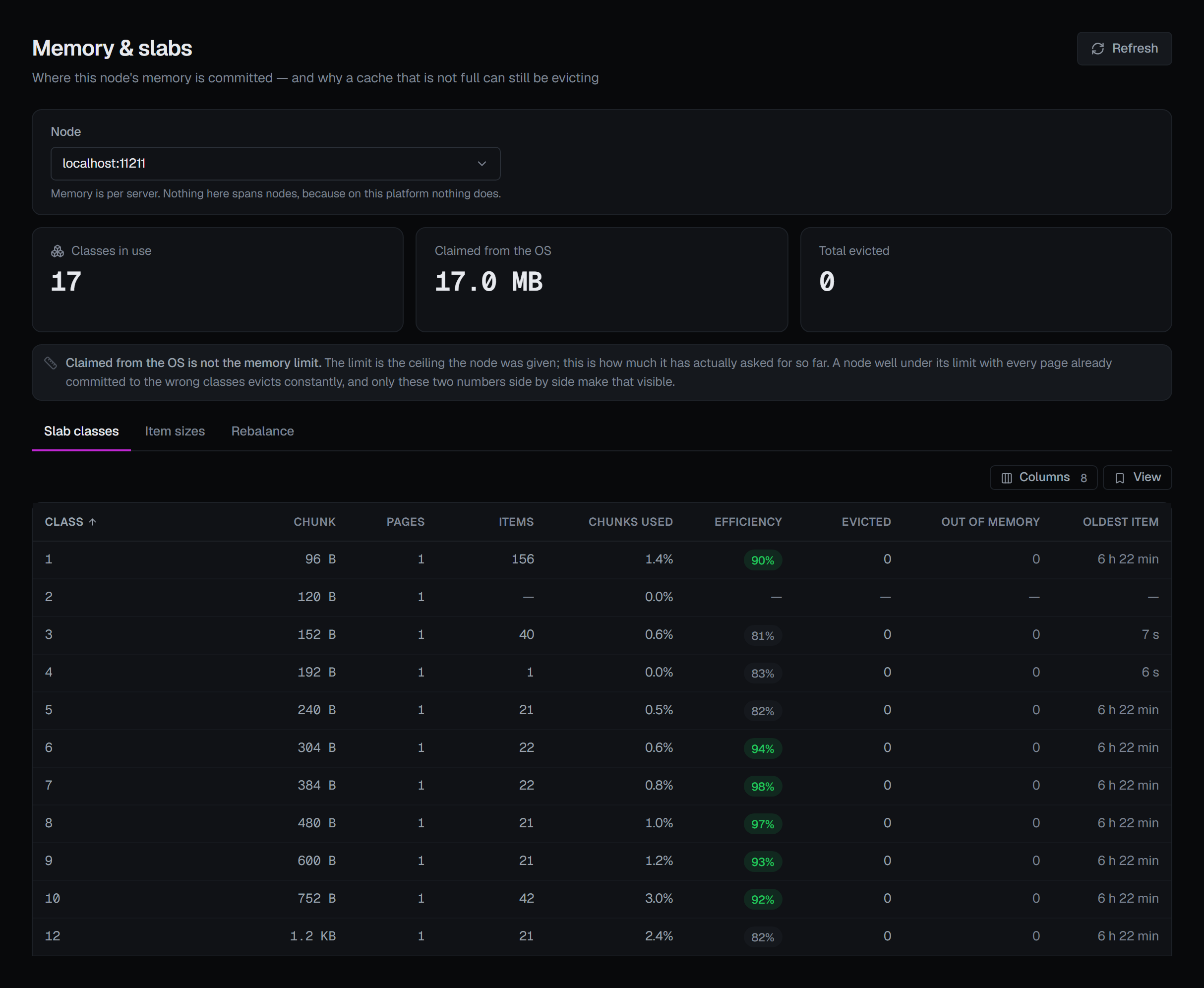
One row per class the node has allocated — an empty cache has no rows rather than a row of zeros. Read it in this order:
- Evicted — which classes are discarding items to make room. Usually one or two, not all.
- Pages — how many pages each of those classes holds, against the classes beside it that are not evicting. Committed is committed.
- Efficiency — how much of the occupied space is the items themselves rather than the rounding around them. Items that asked for 385 bytes in 480-byte chunks, the next size up with the default classes, leave the difference unusable by any class. A class with low efficiency fits far fewer items in its pages than its bytes would suggest.
- Out of memory — stores the class refused outright, because it could not even evict to make room. That is worse than an eviction: the write did not happen at all, and the column is coloured when it is not zero.
The other columns support those four: Chunk, the size every item in the class occupies; Items, with its hot, warm and cold split where the node reports one; Chunks used, how much of the class's space is occupied at all; and Oldest item.
4 — Check the sizes, then move memory
Before moving anything, look at what is actually stored. Item sizes, the screen's second tab, is a
histogram of the items on the node by size — the way to decide whether the class layout matches the
workload. It needs the node to have been started with -o track_sizes; without it the tab names the node
and the flag, and only a restart turns it on. A gap between buckets is a size range nothing occupies, not
missing data.
Rebalance, the third tab, holds three operations. None is a setting, and two of them evict.
Move a page takes one page from a source class and gives it to a destination. The source page is
emptied before it is handed over, so every item still on it is discarded. -1 as the source lets the
node choose which class to take from. The node answers with one word, and BROKA reports it as it came:
| Answer | What it means |
|---|---|
| OK | Accepted. The move runs in the background; the next read of the table shows it |
| BUSY | Another page move is already running on this node; Memcached moves one at a time |
| NOSPARE | The source class has no page it can give up |
| NOTFULL | The destination class is not full, so it does not need a page |
| UNSAFE | The source page cannot be freed safely right now; this usually clears on its own |
| BADCLASS | One of the two classes does not exist on this node |
| SAME | Source and destination are the same class |
Let the node rebalance itself sets the node's own page mover, automove: Off never moves a page; Standard moves a page when a class has been evicting for a while — slow, and safe on a steady workload; Aggressive moves one as soon as a class evicts, reclaiming memory quickly and evicting more while it does. The node does not report its current mode, so this control sets one rather than showing one.
Reclaim expired items asks the node's crawler to walk every class now and free items that have expired or were flushed. No client can read those any more, but until a walk reaches them they still hold memory. Nothing readable is lost; the cost is the walk itself, which takes each list's lock item by item while traffic competes for it, and a key listing on that node answers busy until it ends.
The other lever is the ceiling itself. Memory limit, on a node's row under Nodes, changes it at once without a restart. Raising it takes effect as the cache grows. Lowering it frees nothing at once: the node keeps every page and item it already holds, and only stops taking new pages above the new ceiling, so the writes that need room evict from then on. It is not a way to hand memory back. The dialog warns when the number is lower than the current ceiling, and refuses anything under 8 MB.
Flushing a node is not a remedy for evictions: it discards everything the node holds, and every client then misses at once.
5 — Watch it happen
A counter tells you a node has evicted; Live events tells you whether it is evicting now, and what. Subscribe to Evictions on one node and each eviction arrives as it happens — beside Deletions, which are items removed deliberately and a different event. That separates "the cache is losing things" from "an application is deleting them".
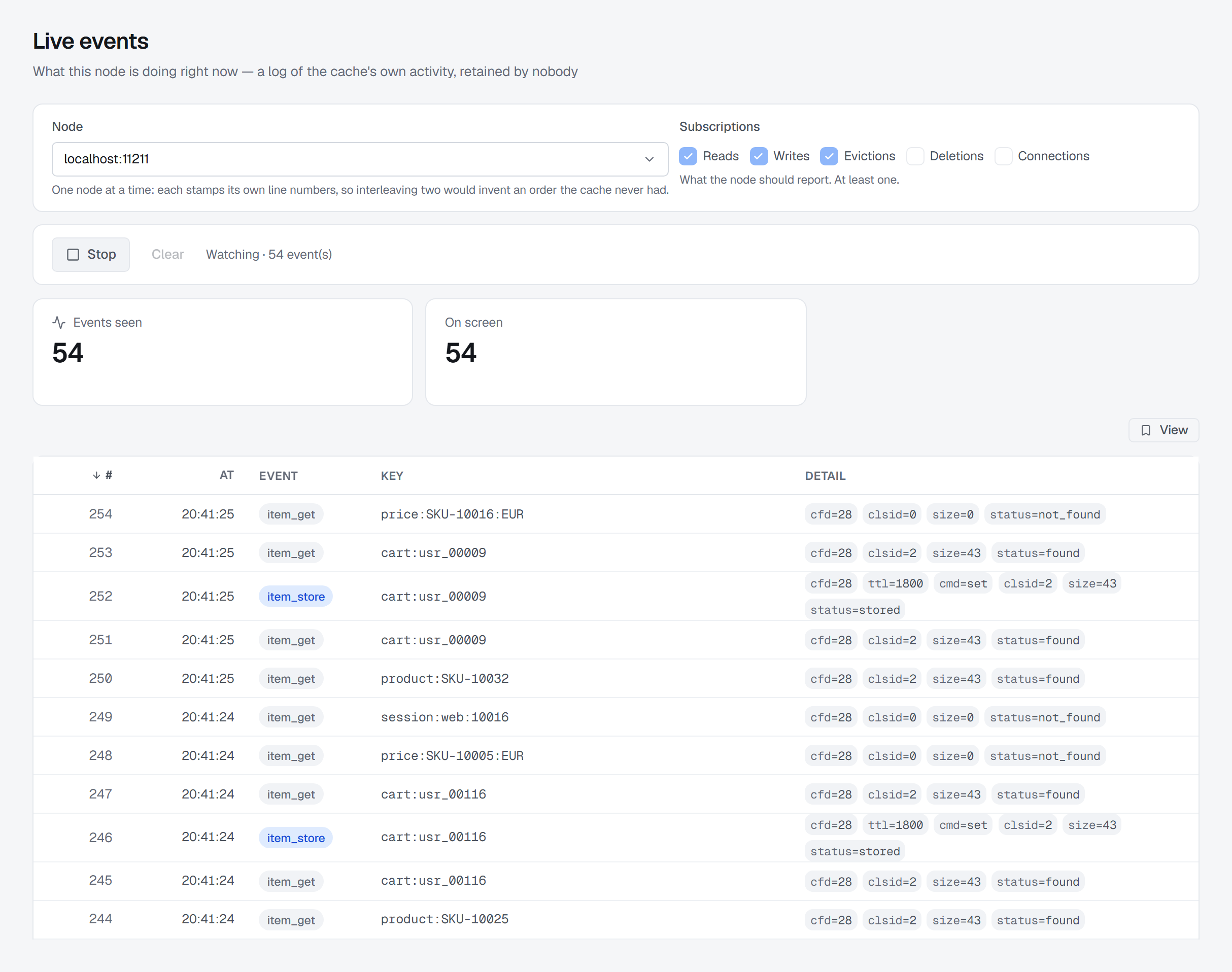
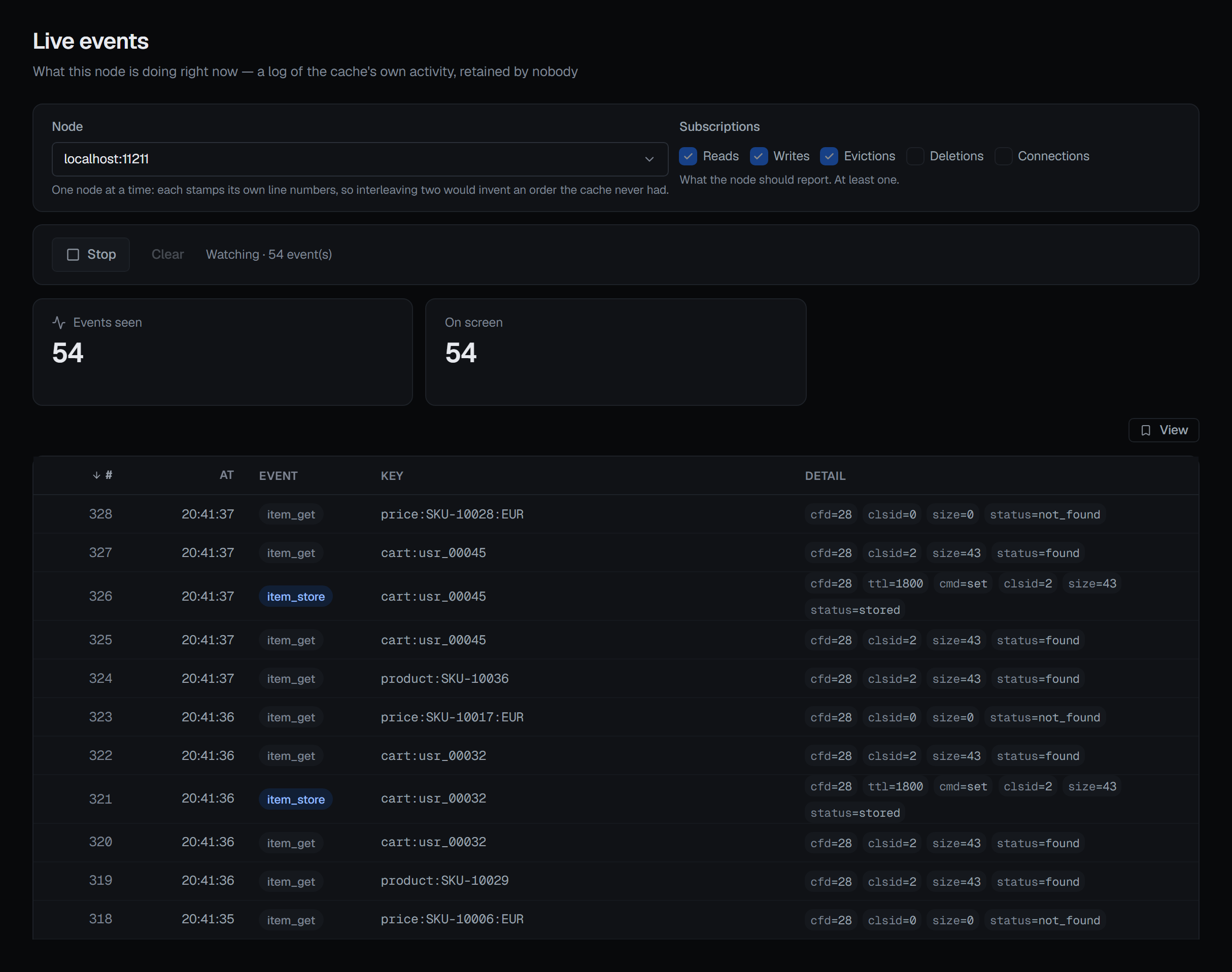
It is a log, not a queue. Nothing is retained, a stream ends after half an hour with nothing to report or 100,000 events, and when the watcher cannot keep up Memcached drops lines silently — the feed can be incomplete, and the screen says so rather than claiming a count it cannot know.
Who may change it, and what is recorded
Reading Memory & slabs and the item sizes needs only the permission to view the connection. Moving a page, setting automove, reclaiming, changing the ceiling and resetting counters need write permission on the connection, and each is refused in a read-only environment or on a read-only connection. Move a page, Reset counters and Memory limit ask for a reason in every environment; automove and reclaiming ask for one only in a guarded environment, where every write does. Watching live events needs the same access as listing keys — write permission — because it shows the keys applications are asking for; it changes nothing on the node.
A page move is recorded whether or not the node accepted it, with the node's answer word in the entry — a trail of only the successes could not say "somebody tried to rebalance this node and it said NOSPARE". A reclaim is recorded with the node's answer and, when the walk finished, how many items it freed; an automove change with the setting before and after. Opening a live-events stream is recorded too. The Memcached page describes the rest of the screens.
What this article does not cover
- Which node holds a key. A client chooses the node by hashing the key with its own library's algorithm; BROKA cannot reproduce that, so it never claims to know.
- Which automove mode to run. What each mode does is above; which is right depends on the workload.
- The chunk growth factor. The step between class sizes is fixed when the node starts; it is visible under Nodes ▸ Settings and cannot be changed from here.
- Listing keys. Enumerating a node's keys is an explicit, approximate and costly act, with its own page.
Try it yourself
The memcached-evictions lab starts two Memcached nodes, one with every page committed to small items while a workload of larger ones evicts with most of its memory apparently free, so the slab table, the page moves and the live evictions can be followed on a node under pressure.
Applies to BROKA 1.0 · Memcached · Commercial.