

Reading messages without the secrets in them
Developers need to open a topic or a queue to see why something broke. The messages carry account numbers, addresses and tokens they have no reason to see. Data masking lets them read the first without the second — and gives the few who need those fields as they are a permission of their own, recorded on every read.
In BROKA Commercial, a masking rule names the resources it covers and the fields it hides in them, and the broker service applies it before any message or value leaves it — so the console and the MCP server only ever receive the masked rendition, and a person who needs the original reads it under a permission that writes an audit entry every time.
That is the whole mechanism. The rest of this guide is how to scope a rule, what happens when a rule cannot read a value, who may see past it, and the one thing it does not do.
Which control answers which need
| What you need | What does it |
|---|---|
| Someone may not read message contents at all | Leave Read message contents out of their role |
| Someone may read contents, but not certain fields | A masking rule on the resources that carry them |
| Someone needs those fields as they are | Read masked contents unmasked, granted on purpose — every such read is recorded |
| An application must not read the data | The broker's own access control; masking governs what BROKA shows, not what a client reads |
1 — Where a rule applies
Every place BROKA hands out contents passes through the rules: a Kafka record's value, key and headers on a topic's Messages tab, decoded and raw; a RabbitMQ message read from a queue or a stream; an Apache Artemis message browsed on a queue, and those on its Scheduled and In flight tabs; a Redis key's value, a stream's entries and live tail, Pub/Sub messages and search index documents; a Memcached item's value; and the tools of the MCP server, which read through the same routes as the console.
Masking runs in the broker service, before contents leave it, so no screen, route or tool can forget to apply it. A value encoded through Schema Registry is decoded to JSON first and masked after, so a rule's JSON path reaches inside it. A change to a rule needs no restart: it applies from the next read, within half a minute everywhere, and a read that keeps going — a Kafka read that keeps listening, a stream's live tail — picks it up while it runs.
Names are never masked. A topic, queue, key or channel name, a field or header name, and a stream entry's id stay readable, because they are how something is found.
2 — Writing a rule
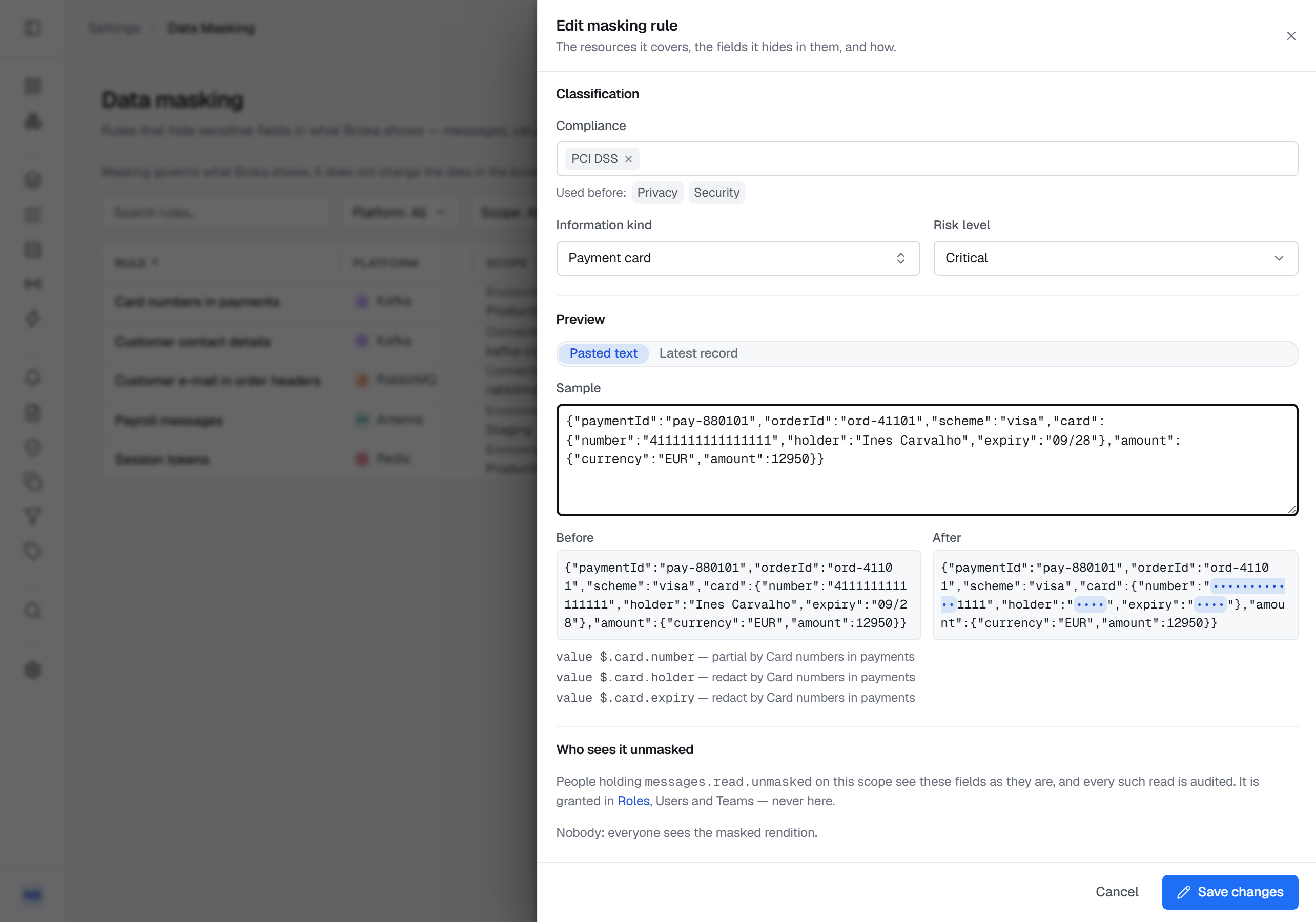
Settings ▸ Data masking holds the rules; New rule opens the sheet. Under Where, choose the Platform, the Scope — an Environment or one Connection — and one or more Resource patterns, globs over topics, queues, addresses or keys. The sheet shows what the patterns match now, read live from the brokers, and a pattern that matches nothing yet is allowed: the rule applies to what is created later.
Under What, add one row per field: a JSON path such as $.client.email or $.accounts[*].number, a
Header, a Kafka Record key, a Whole value, or on Redis a Hash or stream field — or switch on
Mask all fields. Each row has its own method:
- Redact hides the value and its length and keeps a JSON value's type: a string reads
••••, a number0, a booleanfalse. - Partial keeps the first and last characters you ask for — an account number's last four digits — and puts
•in place of the rest.
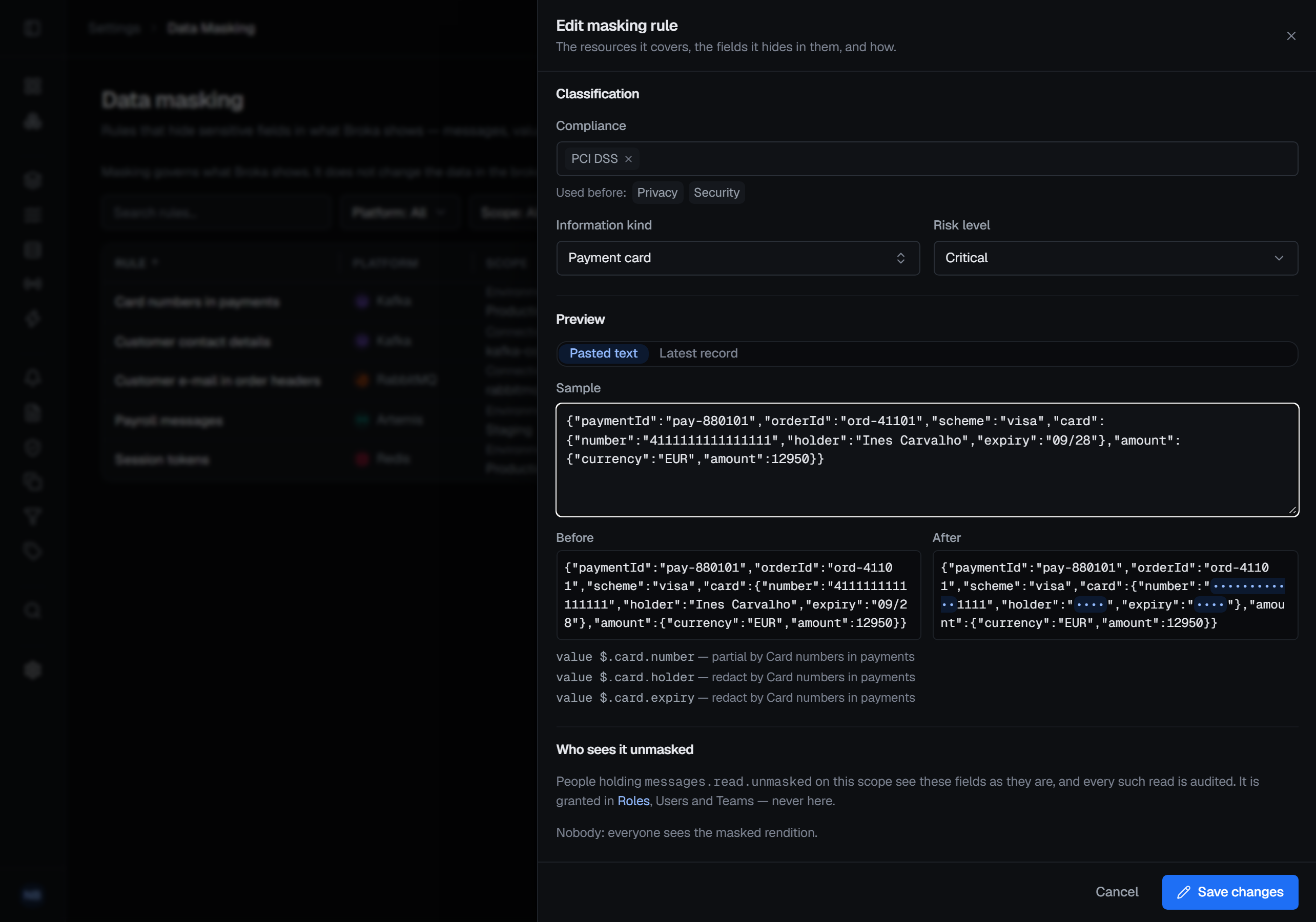
Where two rules cover the same field, the stricter method wins. Classification takes tags of your own, an information kind and a risk level; BROKA ships none, and they change nothing about what is masked — they filter the list and travel into the audit trail. Preview applies the rule as it stands, saved or not, to pasted text or to the latest record of a matching resource and shows the result as After — beside the record's Before when it was read from the broker.
3 — Fails closed
A value a rule covers that cannot be read the way the rule expects — not JSON for a rule that looks inside it, bytes rather than text, a schema-encoded record that could not be decoded — is masked whole, with the reason shown: masked: not JSON. A rule never lets content through because it could not find its field. Until the broker service has read the rules for the first time, every value it returns is masked whole, attributed to the masking rules, which could not be read.
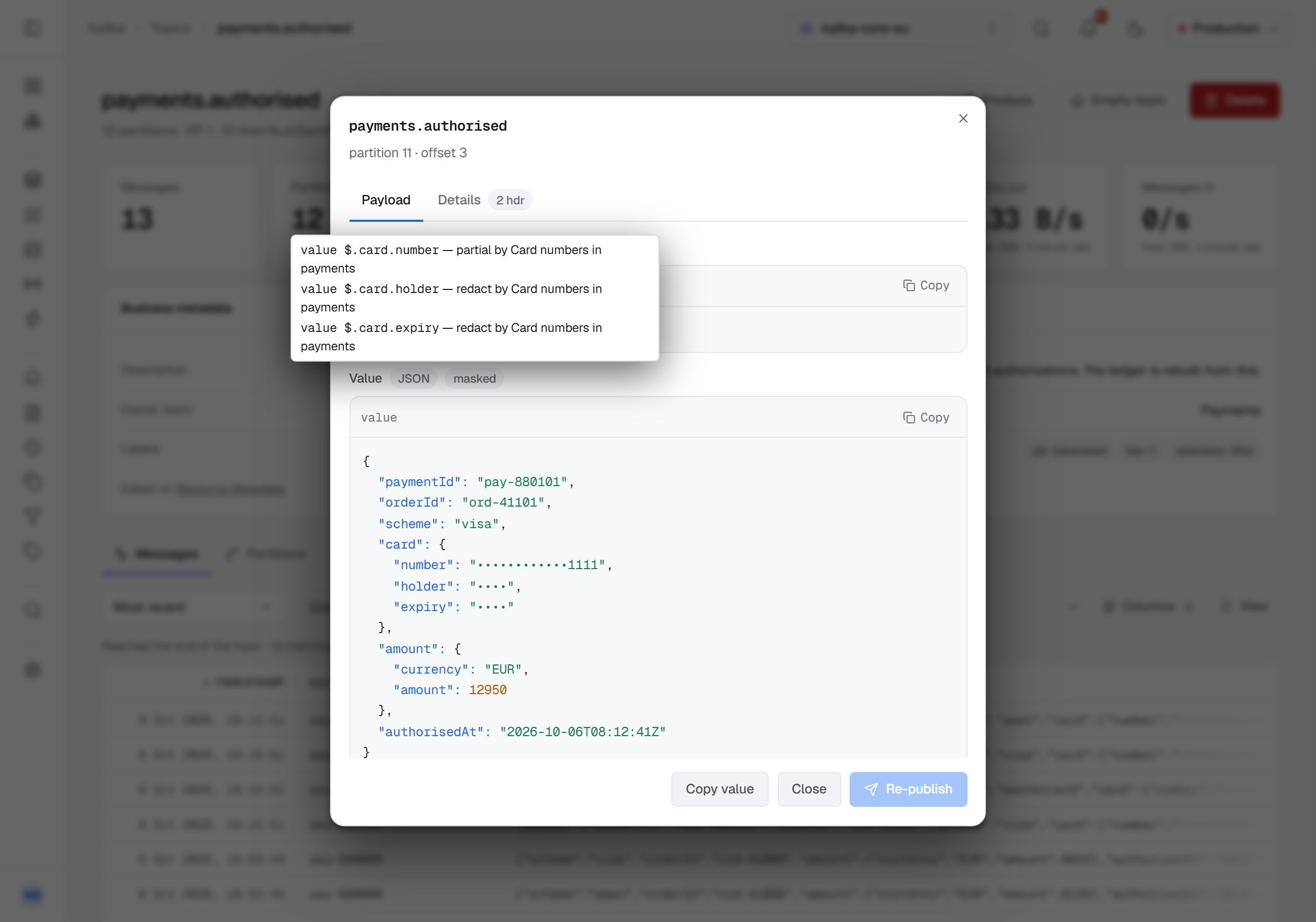
Nor can a masked field be reached sideways. For someone who may not read the resource unmasked, a Kafka JSONPath filter or condition that reaches a masked field is refused before anything is read, naming the rule; Contains, Regex and a Script run on the masked rendition. A masked item cannot be written back — Re-publish is disabled on a masked Kafka record, because writing it back would overwrite the hidden values with the masks — and its contents cannot be copied somewhere the rule does not reach.
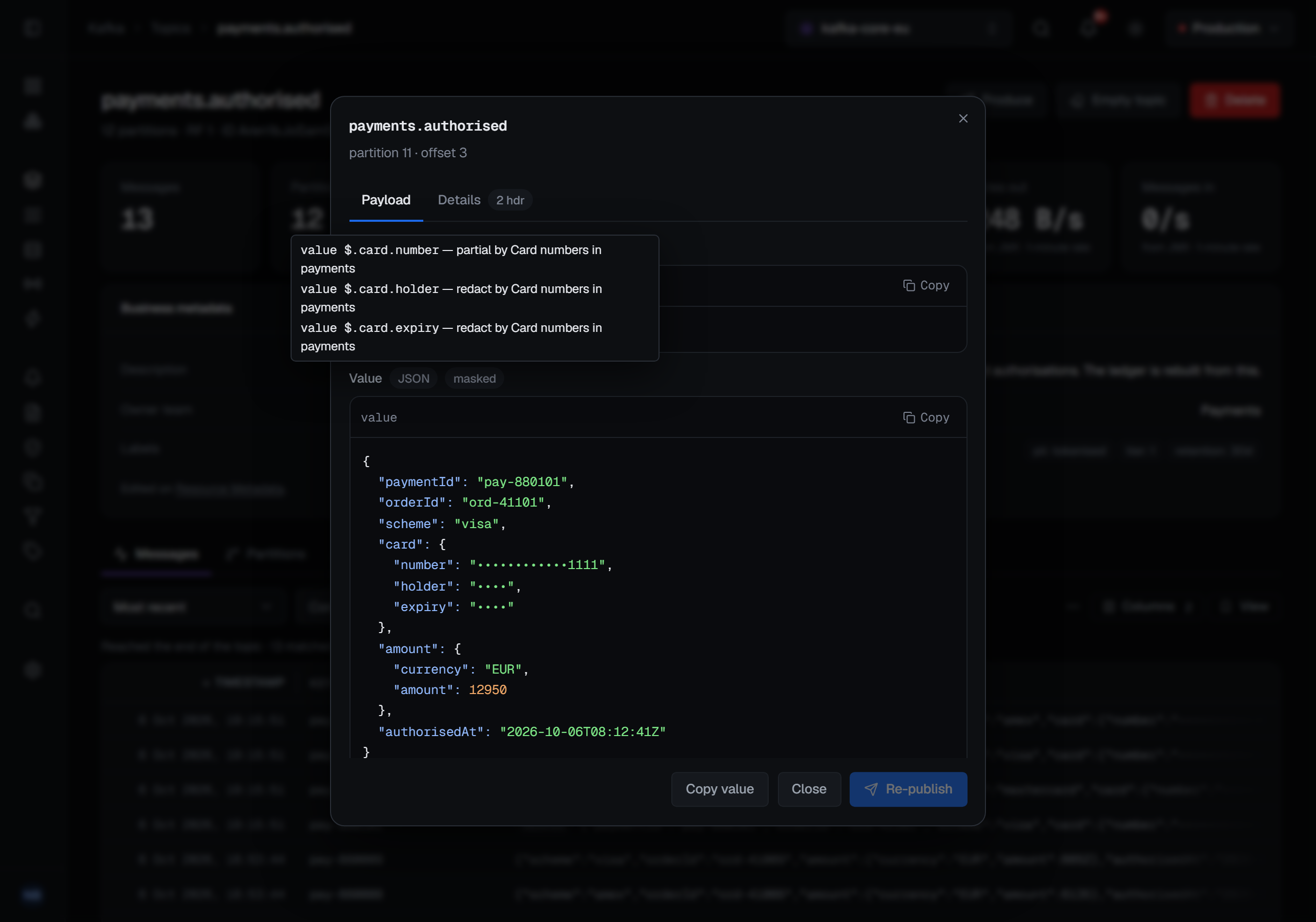
Every screen that shows contents says which case you are in: a masked badge whose hover names each masked field, its method and the rule, or shown unmasked for someone allowed to see past it.
4 — Reading unmasked, on the record
Read masked contents unmasked (messages.read.unmasked) shows the covered fields as they are. It is in no
built-in role, Admin included. It is granted deliberately — to a role, a team or a person, across the
installation, on an environment or a connection, or as a resource grant on a pattern of topics, queues or keys
that lifts the rules there and nowhere else. It sits beside Read message contents, never in place of it.
Every unmasked read is recorded, whatever the installation's setting for recording reads: one entry per
resource, broker.message.read-unmasked, naming the rules that were skipped and their tags — so who read
tagged data unmasked is one search of the audit trail. On a read that keeps going, unmasked
reading lapses after ten minutes and every rule applies again; starting the read again asks again.
Writing the rules takes Manage data masking (masking.manage), which the built-in Admin role holds.
Creating, changing and deleting a rule are each recorded, with the rule's tags.
5 — What masking is not
The settings screen says it under its header: Masking governs what Broka shows. It does not change the data in the broker, does not stop a client reading it directly, and does not encrypt anything at rest.
The broker keeps every message and value exactly as it was written. A client with its own credentials reads what the broker holds, and no rule changes that — the broker's own access control does. Masking is for people who need the contents, but not every field in them; to keep contents from someone altogether, leave Read message contents out of their role.
6 — When the licence lapses
An expired licence never turns masking off. Every rule stays applied, whatever the licence's state, because a protection that lapses with a payment is not one. Only changing the rules follows the licence: while it withholds Commercial changes, creating, changing or deleting a rule is refused with The licence withholds Commercial changes, so masking rules cannot be changed now. Every rule stays applied.
What this article does not cover
- Every rule kind and every refusal, platform by platform. The data masking page lists them, including the configuration that keeps copying — shovels, federation upstreams, diverts and connectors — refused on the same terms.
- Granting the permission. Roles, teams and resource grants are described under Roles and permissions.
Applies to BROKA 1.0.1 and later · Commercial. In Community, Settings ▸ Data Masking is shown tagged Commercial, and nothing is masked.