

Troubleshooting
Updated 6 October 2026 · applies to 1.0.0 · Community and Commercial
Symptoms first. Each row is something you would actually see, and what it usually means.
Starting up
| What you see | What it usually is |
|---|---|
docker compose up stops before creating any container, saying a variable is required |
That variable is missing or empty in .env. The Compose file requires it and ships no default on purpose, so a missing secret stops the start instead of booting it on a publicly known key |
| The orchestrator will not start and says the key is wrong length | BROKA_KEK must decode to exactly 32 bytes, and BROKA_JWT_SECRET must be at least 32. Regenerate, do not trim |
| The orchestrator starts, the console loads, and every broker call fails | The orchestrator and the broker service disagree about BROKA_SERVICE_TOKEN or BROKA_KEK. Both read the same .env values and both must see them byte-identical |
| A Redis, RabbitMQ, Apache Artemis or Memcached connection made before you moved to Community answers "… is not part of Broka Community, which operates Kafka" | Broka Community operates Kafka only. Its console offers only Kafka under New connection and in the sidebar, and creating, testing or opening a connection to any other platform is refused with that message (403, PLATFORM_NOT_IN_EDITION). A connection stored earlier is still listed under Settings ▸ Connections and can be removed — what is withheld is operating it. The other platforms are Broka Commercial |
Connecting to a broker
| What you see | What it usually is |
|---|---|
| A test says the host is unreachable | Reachability is from the broker service's network, not your laptop's. If it runs in Compose, the address must resolve there |
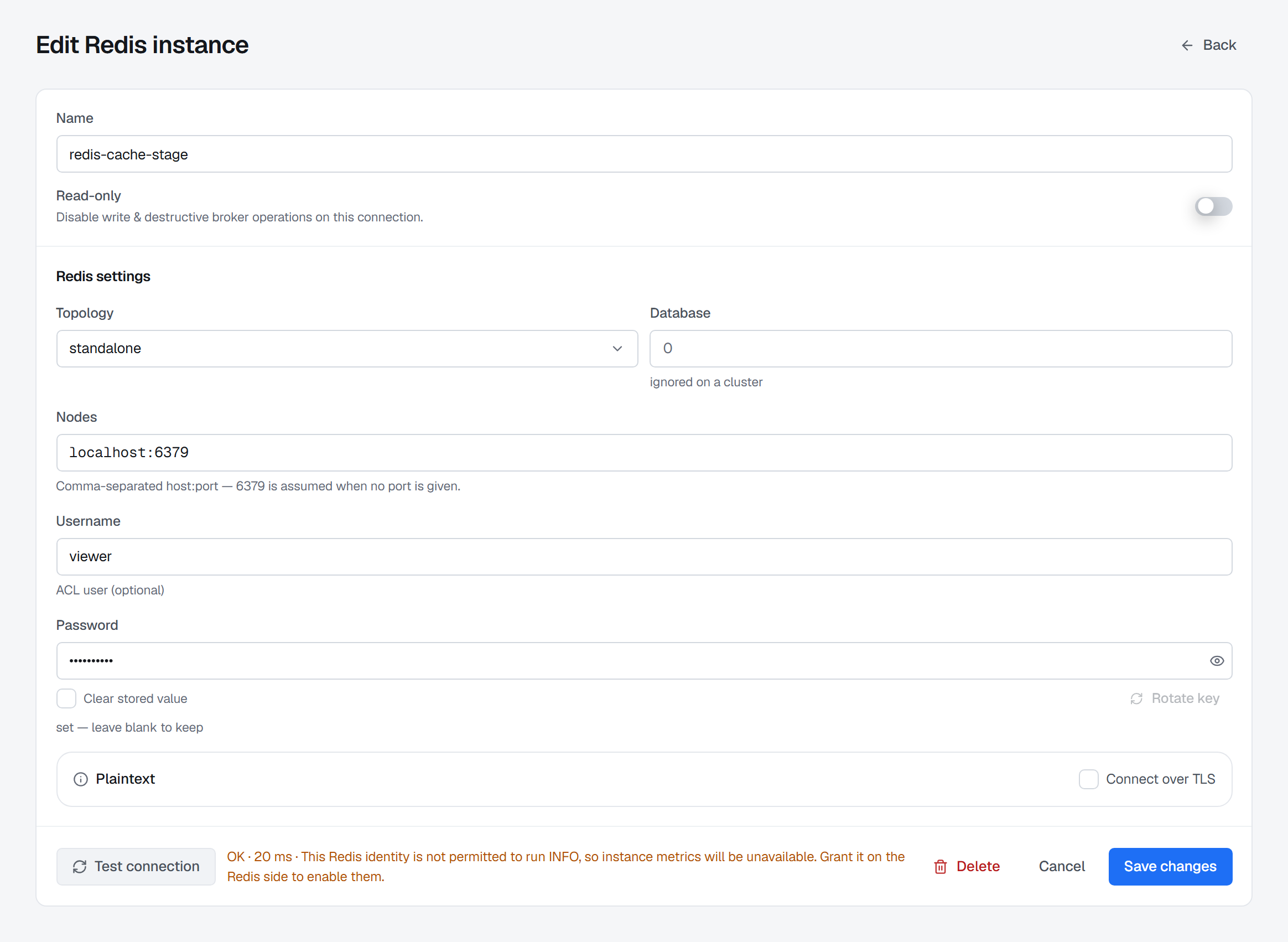
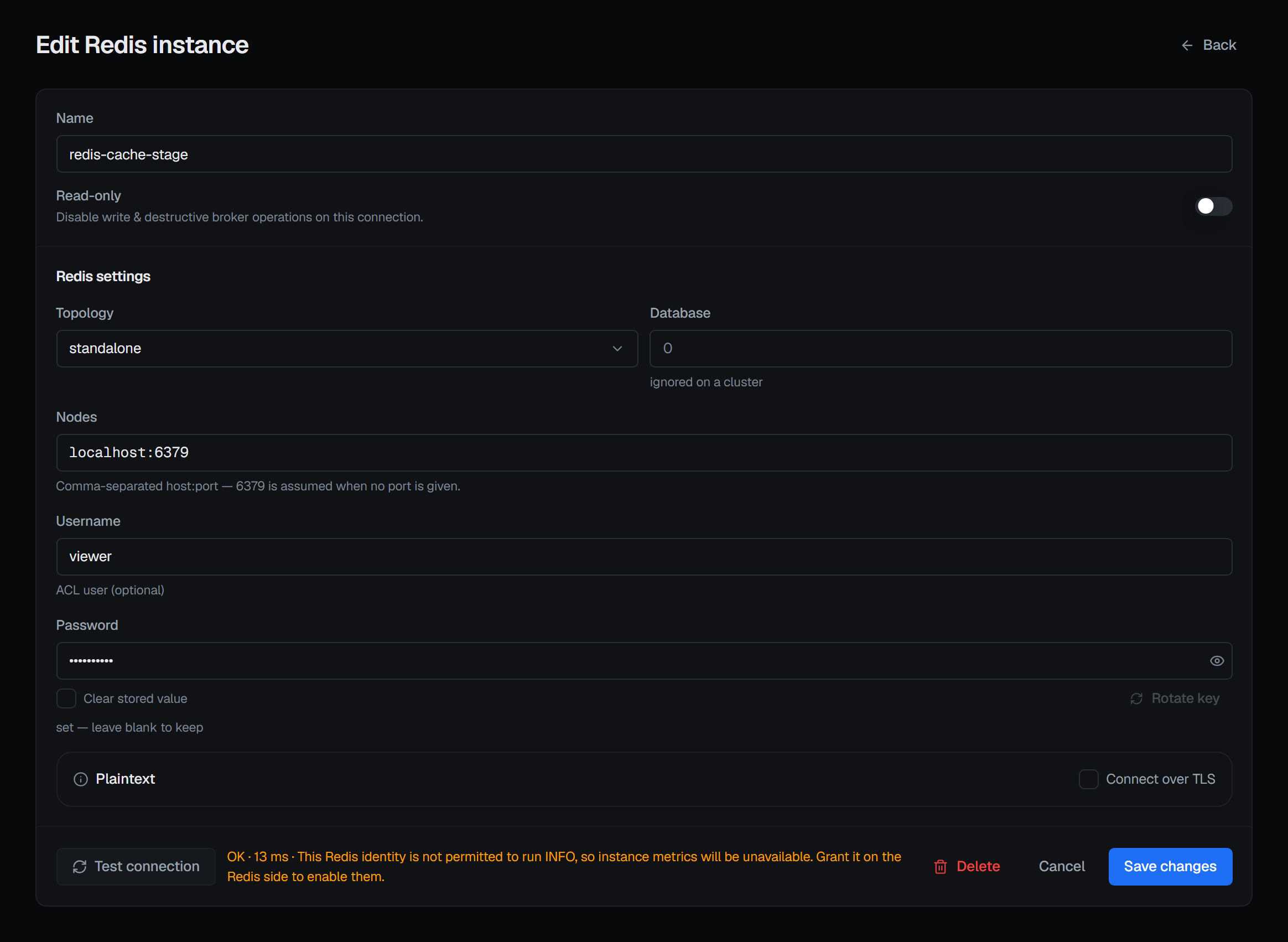
| A test authenticates but reports that some surfaces will be unavailable | The credentials work, but the identity is not permitted everything BROKA needs. Redis is the clearest case: without INFO the console cannot even tell whether it is talking to a cluster, so it says so up front rather than showing you empty screens |
| RabbitMQ: "the management plugin is disabled or the port is wrong" | BROKA talks to RabbitMQ over the management API (15672 by default), not AMQP alone. The plugin has to be enabled |
| A saved connection worked yesterday and fails today with no config change | Check the broker first, then whether the credential expired. Nothing in BROKA rewrites a stored secret on its own |
| A connection form refuses to save, saying a value belongs in the secrets channel | The configuration document contained something named like a credential. That is refused deliberately, at any depth — put it in the secret field instead |
Doing something and being refused
| What you see | What it usually is |
|---|---|
403 and "this environment is read-only" |
The environment's guard policy. It is not a permission — no role overrides it. Change the policy deliberately, in Settings ▸ Environments |
403 and "this connection is read-only" |
The connection's own switch, which applies even in an open environment |
| A button is greyed out and hovering it says Your role … is not permitted to perform this action, or a page is missing from the menu | Your BROKA permissions do not include it: the console disables what it knows the server will refuse, and leaves out pages you may not open. The permission is the thing to check — and the server is the authority, so if you believe you have the right, try it and look at the audit trail for the refusal |
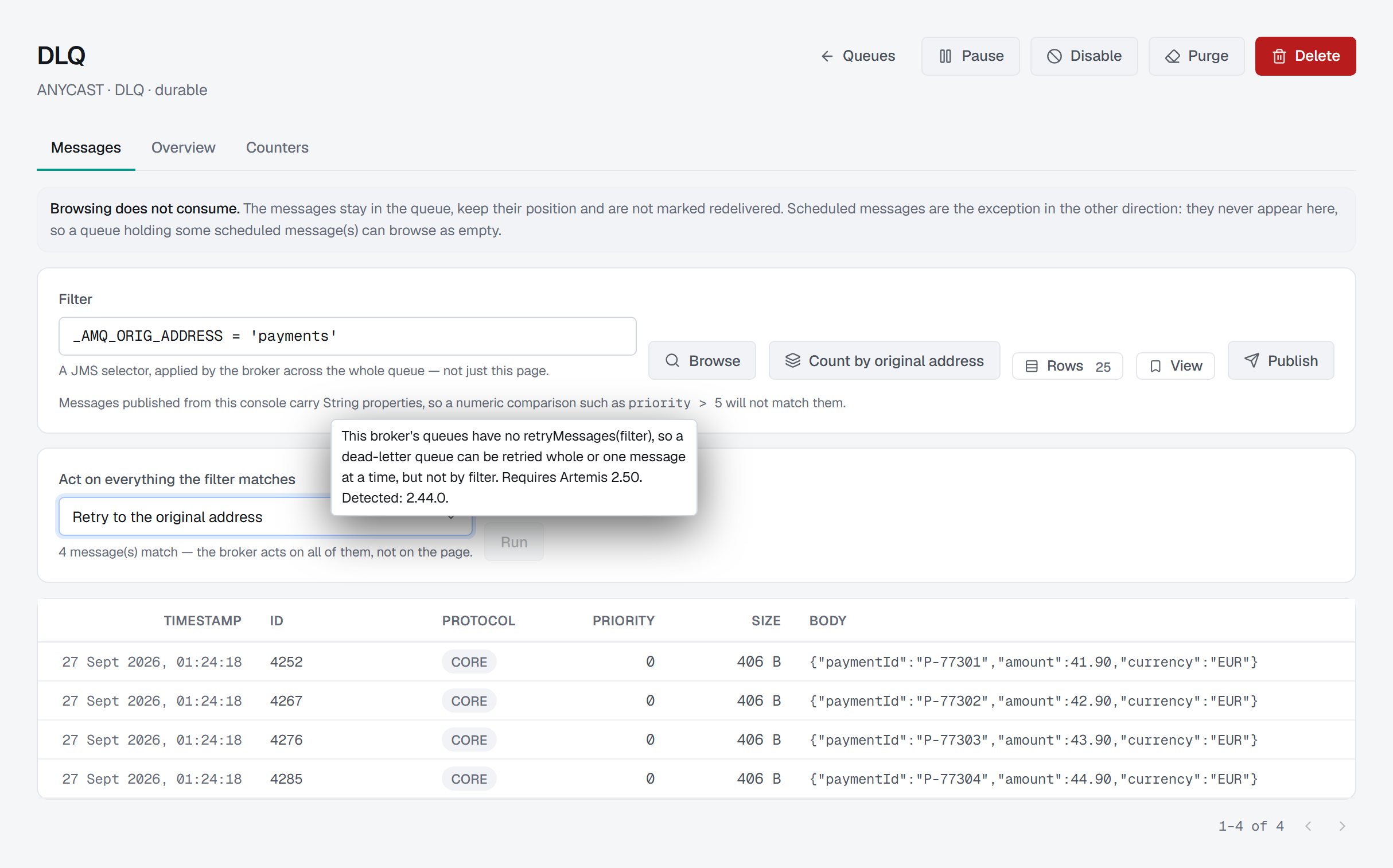
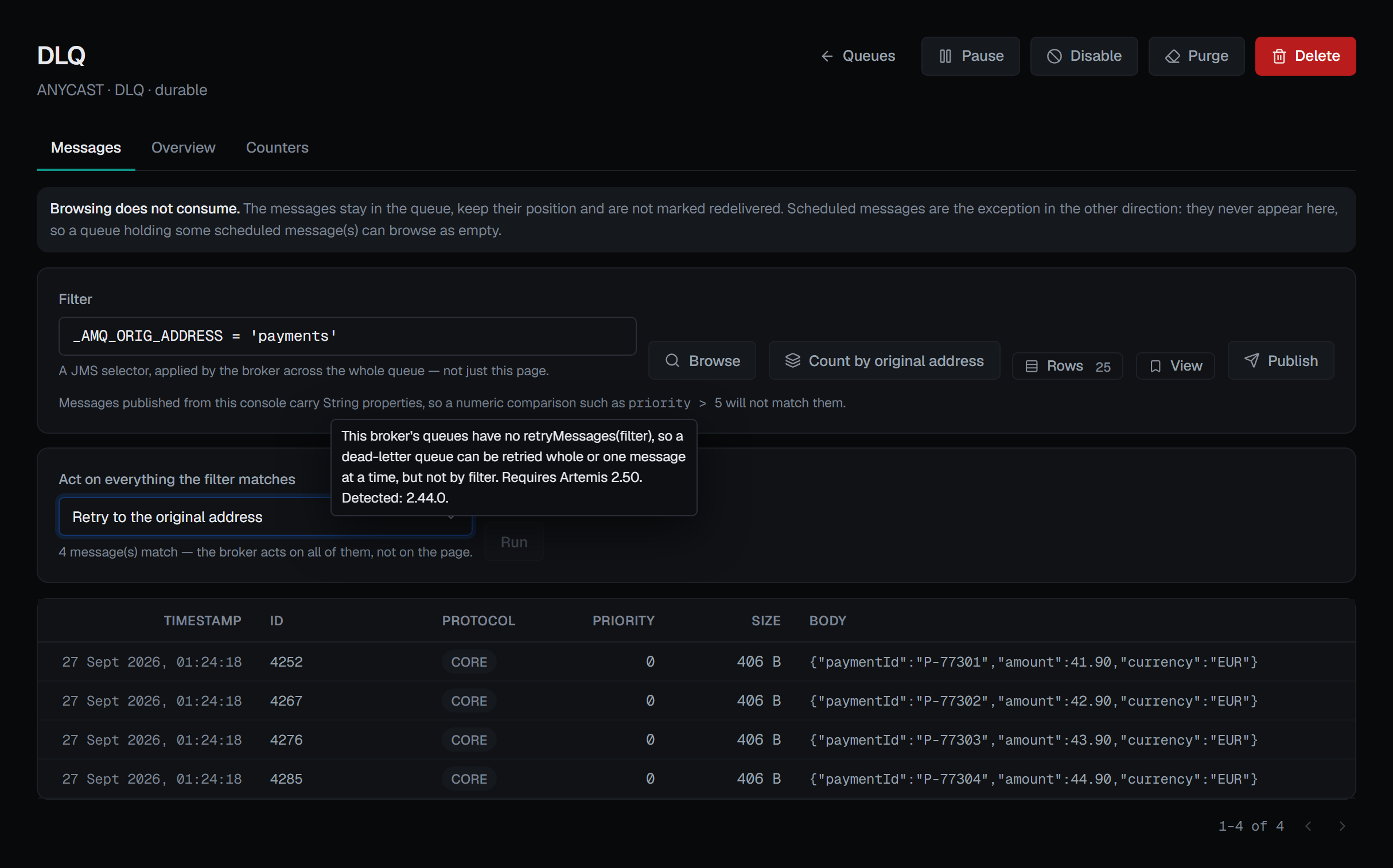
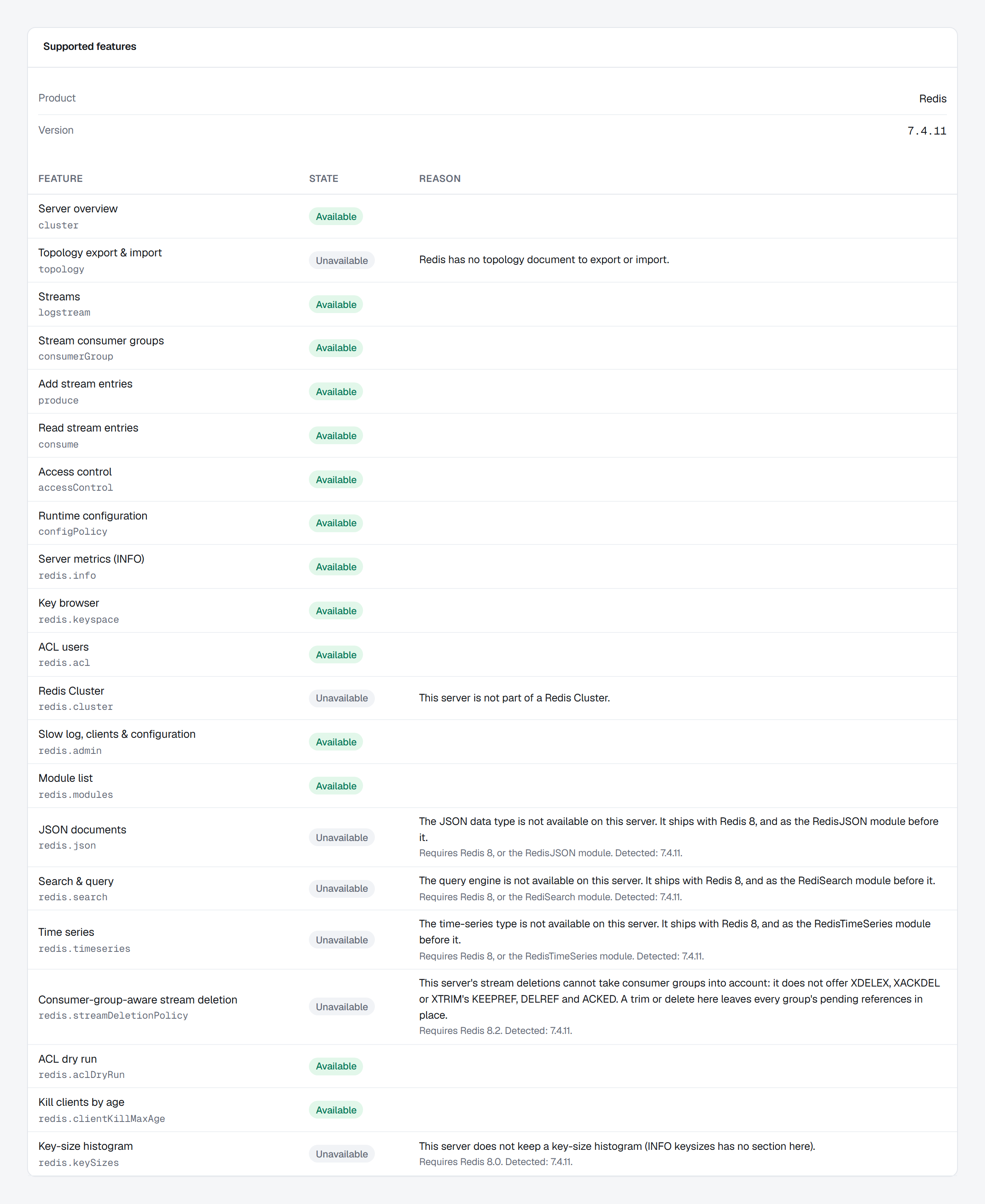
| An entry, tab or button is greyed out | The connected server cannot do it, and hovering it says why — an older version, a plugin or module that is not installed, a command the connection's own identity may not run, or a server setting. The connection's Supported features panel lists every such answer in one place; see Connections |
| You have a grant on a topic but the action is still refused | A deny wins over everything, including a grant and including an Admin's role. Look for a deny before looking for a missing allow |
Reading data
| What you see | What it usually is |
|---|---|
| A Redis value column is empty | Some managed Redis tiers block the command behind it. The console leaves it blank rather than printing a zero it did not measure |
A Redis consumer group shows lag as unknown |
Redis could not compute it — after a trim or an id reset. 0 would mean "caught up", which is why it is not shown |
| A RabbitMQ queue read shows a warning before you confirm | Reading a message off a RabbitMQ queue is not a peek: two of the four modes consume it permanently, and the other two requeue it and mark it redelivered |
| A stream read looks like it consumed nothing | Because it did not. Stream reads take nothing away — that is the difference between a stream and a queue, and the console says which one you are doing |
When the trail itself is the problem
| What you see | What it usually is |
|---|---|
| An action is refused with an audit-related error | A change to BROKA is fail-closed: if its record cannot be written, the change does not happen. This is deliberate, and the fix is the database, not the setting. A change on a broker has already happened by then — its record is written when the broker answers — so a failure there raises an alarm saying the change has no record |
| Integrity verification reports unchained rows | The newest records are chained by a periodic sweep, so the last few seconds are always unattested. It is a normal state, not a break |
| Integrity verification reports timestamps running backwards | Usually a clock correction, not tampering — which is why it is reported separately from the verdict |