

Address settings
Updated 3 October 2026 · applies to 1.0.0 · Commercial
Address settings are how an address gets behaviour different from the broker's defaults — its own
dead-letter address, its own delivery attempts, its own paging limits. They are held against a
match, which is an address or a wildcard: orders, orders.#, or # for the broker-wide
default.
This screen is shaped by one asymmetry in Artemis, and it is worth understanding before using it.
Reading is effective; writing replaces
Reading gives you what applies. Ask the broker for orders and it walks its match hierarchy and
returns the values in force for that address — wherever each one came from.
Writing rebuilds the match from what you send. It is not a patch. Save a match and whatever it held that is not in your form goes back to being inherited from the wildcard above it.
And nothing reports which is which. Artemis has no operation that says "this value is set here and that one is inherited". So the broker cannot tell you, and neither can this screen — the ? beside the screen's title says so rather than leaving you to find out.
Which is why the form does not open pre-filled
It would be the obvious thing to do, and it is a trap.
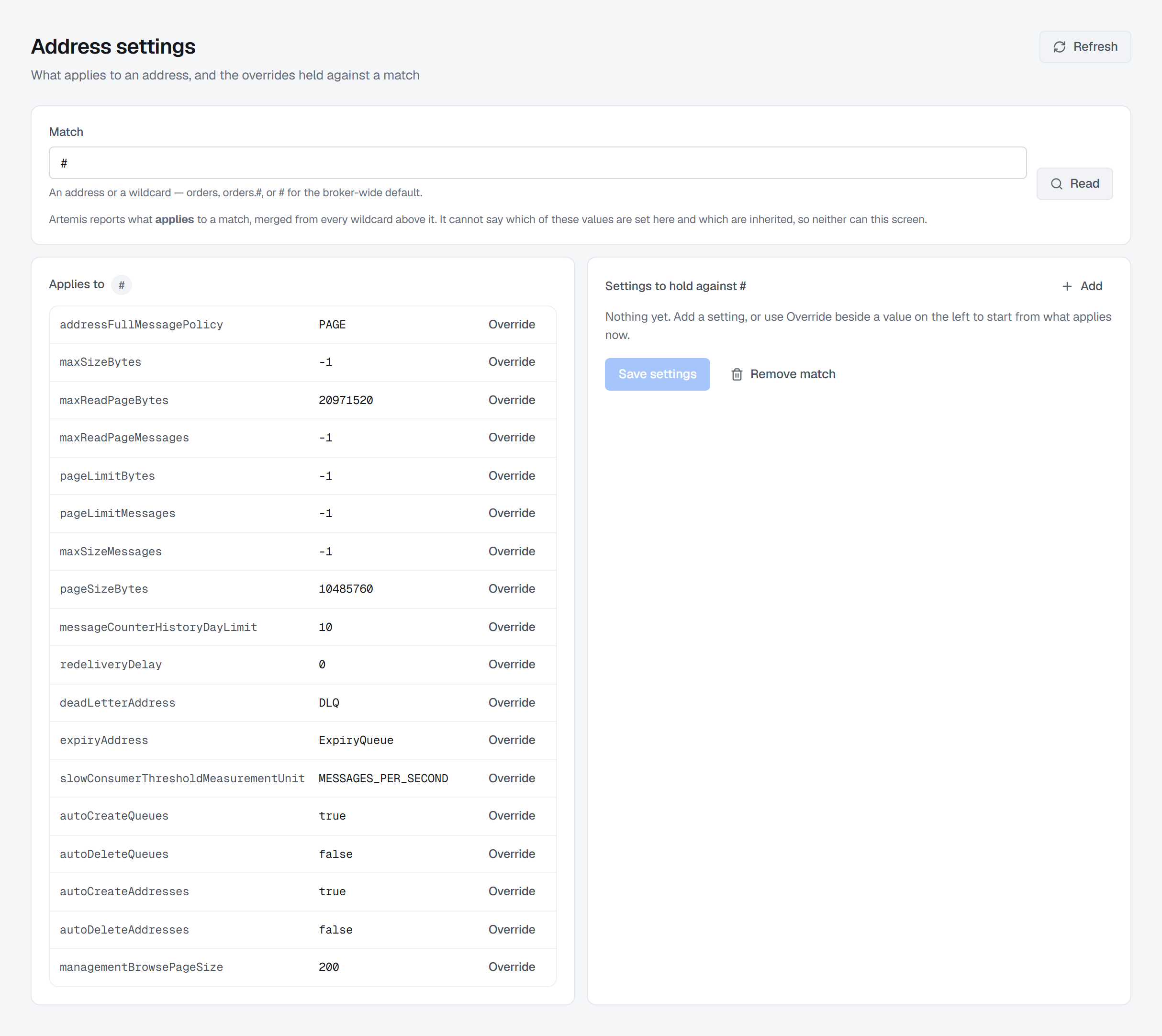
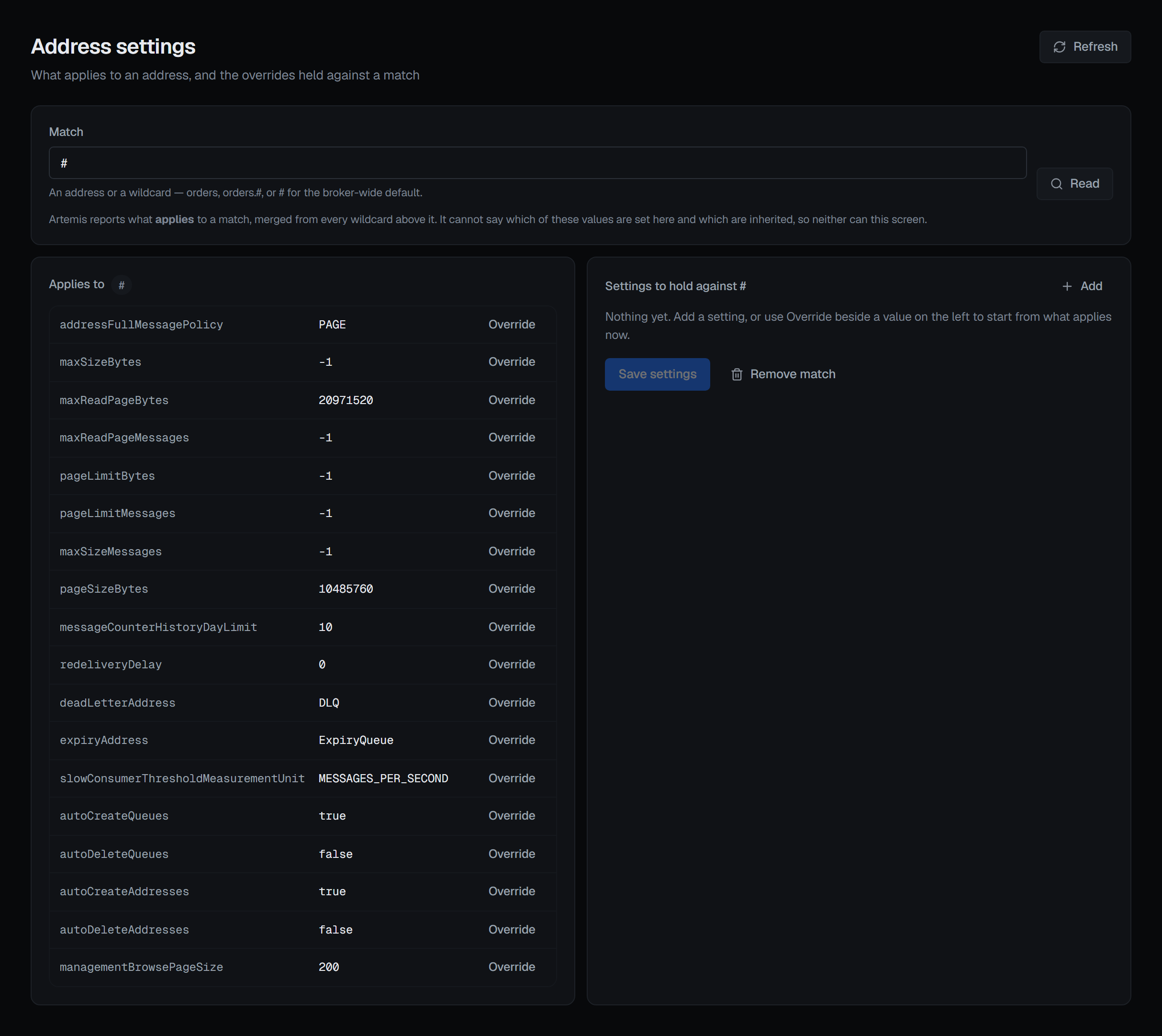
Loading the eighteen effective values into an editable form and saving them back pins every one of them to this address, silently detaching it from the wildcard above. In testing, that turned a stored match of three overrides into eighteen; the address stopped inheriting anything, and nothing on screen would have shown it.
So the two are kept apart:
- What applies now is displayed as exactly that — a reading, not a draft. Each setting is written
in words, in groups (memory and paging, dead letters and expiry, creating and deleting, queue
defaults, slow consumers, and the rest under Other — a group shows only when the broker reported a setting
for it), with its unit — 20 MiB, 5 seconds, Unlimited for a limit of
-1— and the broker's own key beneath it, because the key is what a save writes. - An override is something you add deliberately, one at a time — point at a setting and its Override button appears, so the key comes from what the broker reported rather than from memory. The row's value becomes an input, with its unit in words under a number. Add setting starts a blank one, and its name box suggests the keys the broker reported.
Pick a match — # or one of the broker's addresses — or type a wildcard such as orders.#, and what
applies to it is read at once; the screen opens on #.
Change the match and any overrides you were building are cleared, because an override belongs to the match it was written for and carrying it across would save one match's values onto another.
The security settings editor does the opposite, and is right to. It opens pre-filled, because its broker operation replaces the inherited roles outright — so sending them back is what preserves them. Two similar-looking forms, opposite correct behaviour, because the two operations differ. It is worth knowing which one you are on.
The confirmation states the thing no code can prevent
What you override waits in the Unsaved changes bar at the foot of the page: Discard forgets it, Save writes it. A save replaces the whole match, and the confirmation says so with your own numbers: this sets N values on the match and replaces whatever it held. Artemis rebuilds the match from what is sent and cannot report what was there before, so any setting held against it that is not in this list goes back to being inherited.
That last clause is why the dialog cannot be more precise. It is a property of the broker's operation, and no amount of care in the console can change it.
Remove match, in the header's ⋯ menu, deletes the match's settings entirely, and its confirmation asks for a reason. It is careful about what that does and does not mean: nothing is deleted and no address stops working — addresses matching it inherit from the wildcard above instead. What changes is that limits, dead-letter and expiry addresses set here stop applying, which changes where failed messages end up.
Override, Add setting and Remove match appear only for someone allowed to change this broker, and not in a read-only environment or on a read-only connection; there the page says why instead. Both writes are recorded in the audit trail, with the settings that apply read before and after the write; when one of those reads fails, the write is still reported done and recorded, and the side that could not be read is left out rather than filled in.
Reading the broker-wide defaults
# is the match to read for the broker's own defaults — the same dead-letter and expiry addresses
shown on the Overview. The delivery-attempt limit is there only if it has been
configured; otherwise the broker leaves it out, and neither screen prints Artemis's built-in default
in its place.