

Queues and subscriptions
Updated 29 September 2026 · applies to 1.0.0 · Commercial
Queues are bound under an address. Each row names the queue on top and the address it is bound under beneath it, because a queue name only means something inside that scope — unless the two are the same name, when the second line would only repeat the first and is left out.
Three columns that a depth cannot replace
The depth tells you how much is waiting. These tell you why, and they are in the default column set rather than behind a picker because without them the depth is unreadable.
- Delivering — dispatched to a consumer and not yet acknowledged. A depth that will not fall with zero consumers is a different problem from one with a hundred messages in flight, and only this column separates them. The queue's In flight tab lists those messages and the consumer holding each.
- Scheduled — held until a delivery time. Scheduled messages do not appear in a browse, so a queue can look empty while holding thousands of them. This column is the first sign; the queue's own Scheduled tab lists them, and can deliver them now — see Scheduled, in-flight and grouped messages.
- Filter — the queue takes only what matches. A queue holding less than its address routed is explained by this column or by the address's routing type, and by nothing else. Most queues have no filter, so this one starts hidden: add it from Columns when you are looking for one.
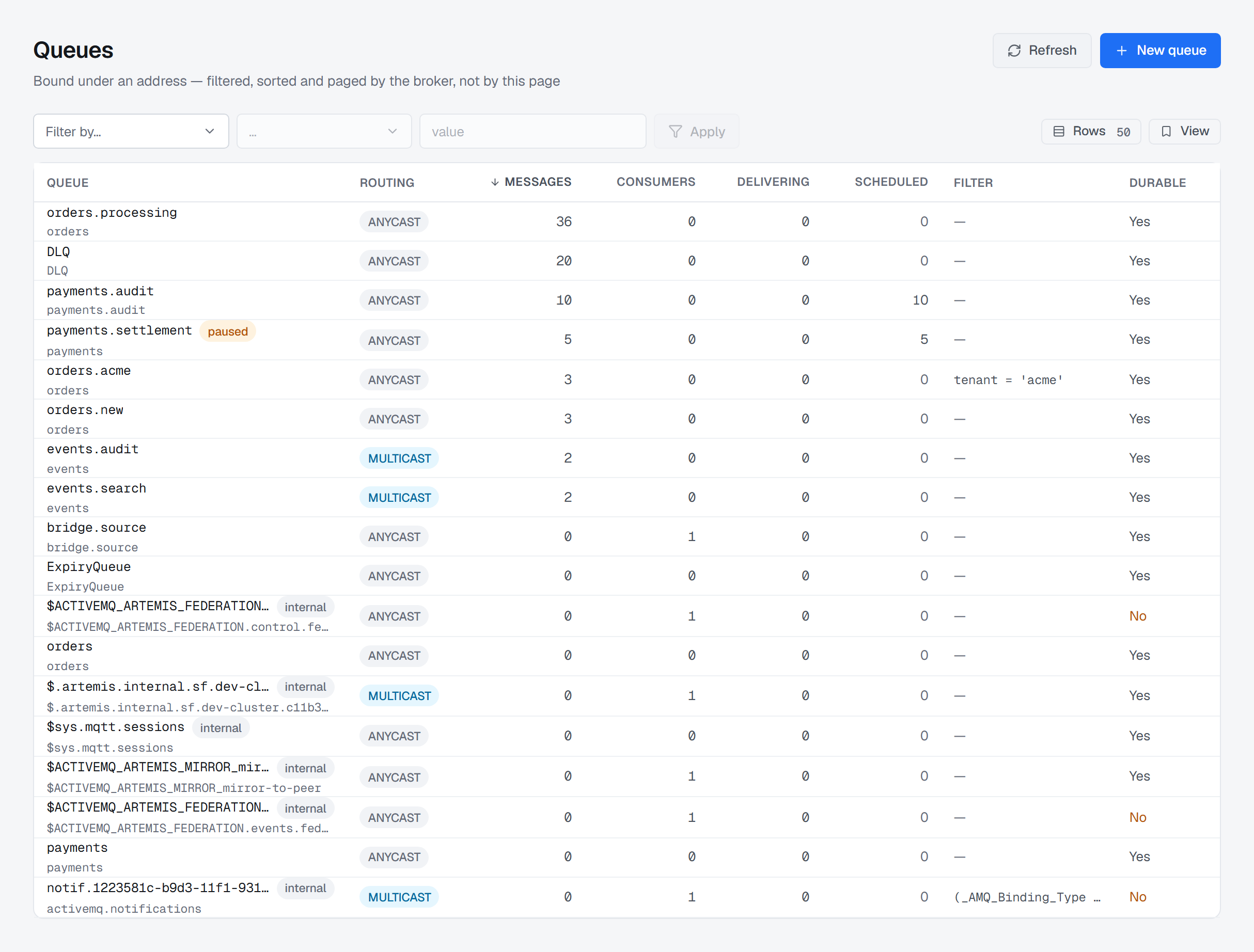
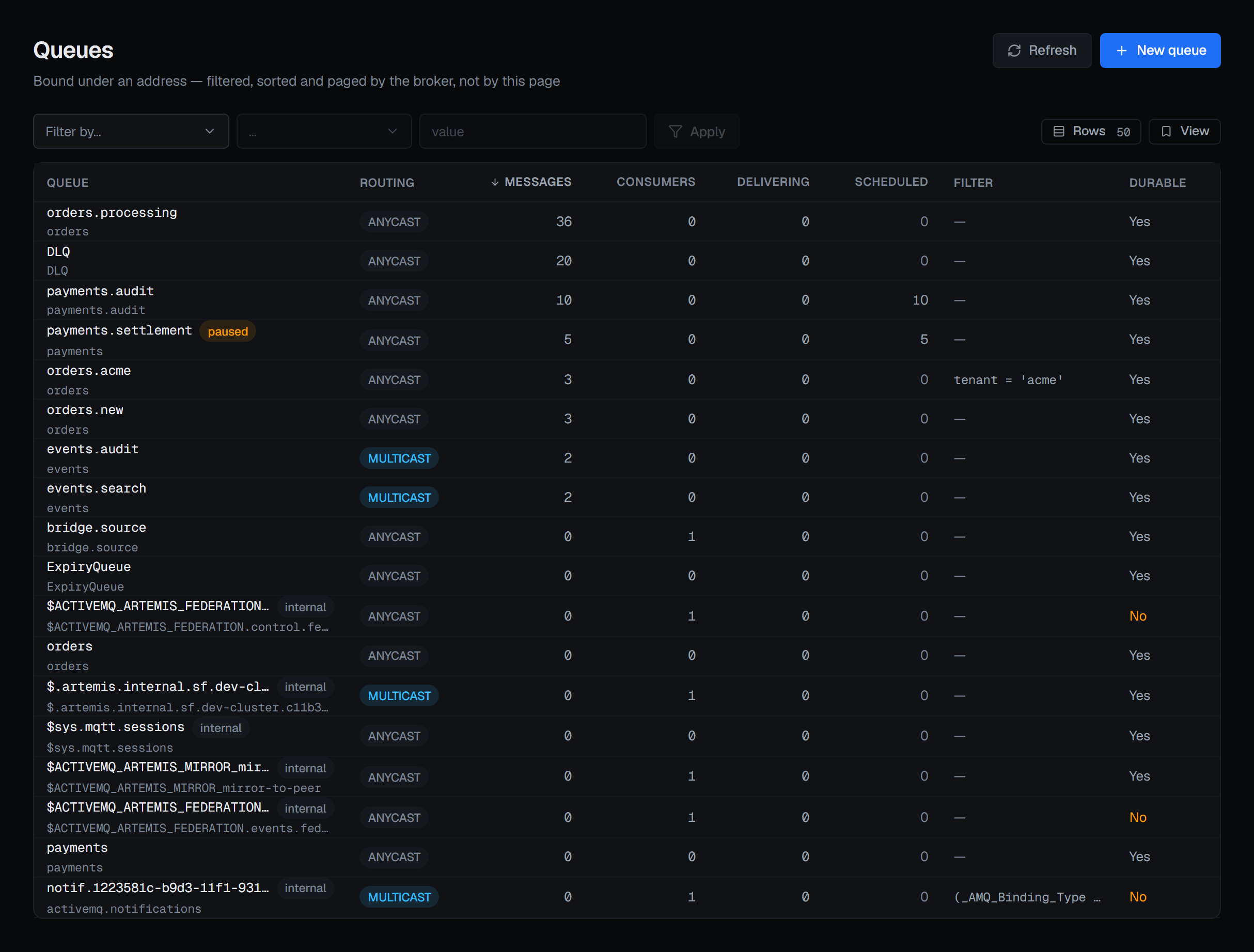
orders.equity.processing, orders.equity.new and orders.equity.acme read as one address's queues wherever the sort puts them. settlement.instructions.eod is marked Paused, and Scheduled shows 600 messages on it that a browse would not list.Badges that change what you should do
Paused — delivery is suspended. Messages keep arriving; nothing leaves until it is resumed. A paused queue with a rising depth is working exactly as configured.
Durable: No — this queue and its messages do not survive a broker restart. It is called out rather than left as a neutral value, because it changes what a restart costs.
Internal — created by the broker for its own use rather than by an application. The broker's own queues — its cluster and notification queues — are hidden by default on both Queues and Subscriptions: Show internal (n) in the filter row says how many there are and brings them back, and Hide internal puts them away again. They are left out by the broker service before paging, so every page is full and the pager counts what is listed.
The broker sorts and pages, not the table
The list is one page of what may be thousands of queues. Sorting the rows on screen would sort a slice and call it an order, so the sort is sent to Artemis and the table renders the order it was given.
Sortable columns: queue name, messages, consumers, delivering and scheduled. Filtering works the same way — a search box for the name, Add filter for any other field — and follows the same per-field operator rules described on Addresses.
Subscriptions are multicast queues — there is no other object
If you came looking for durable subscriptions, they are here.
Artemis has no subscription object. At 2.44.0 there is no topic control and no subscription operation anywhere in its management API: a subscription is a multicast queue, durable or not.
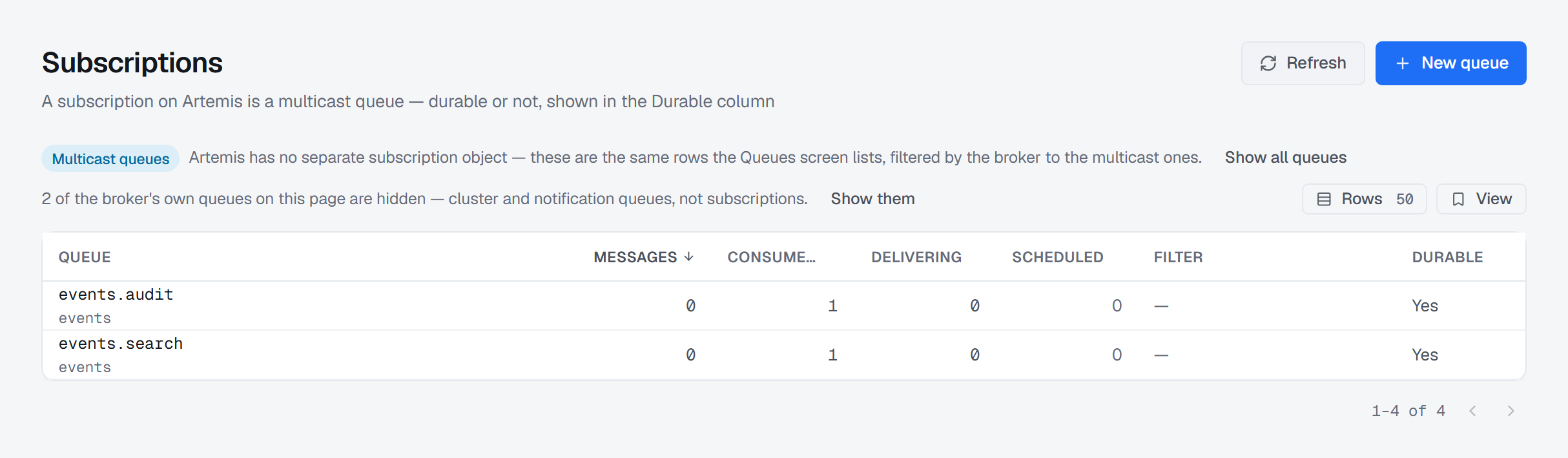
So the Subscriptions entry opens this same screen with the broker's own routingType = MULTICAST
filter applied. Every row it returns is a subscription, filtered by Artemis rather than sliced here.
The Routing column disappears — every cell would read the same word — and Durable becomes the
column that differentiates, because a non-durable subscription is still a subscription.
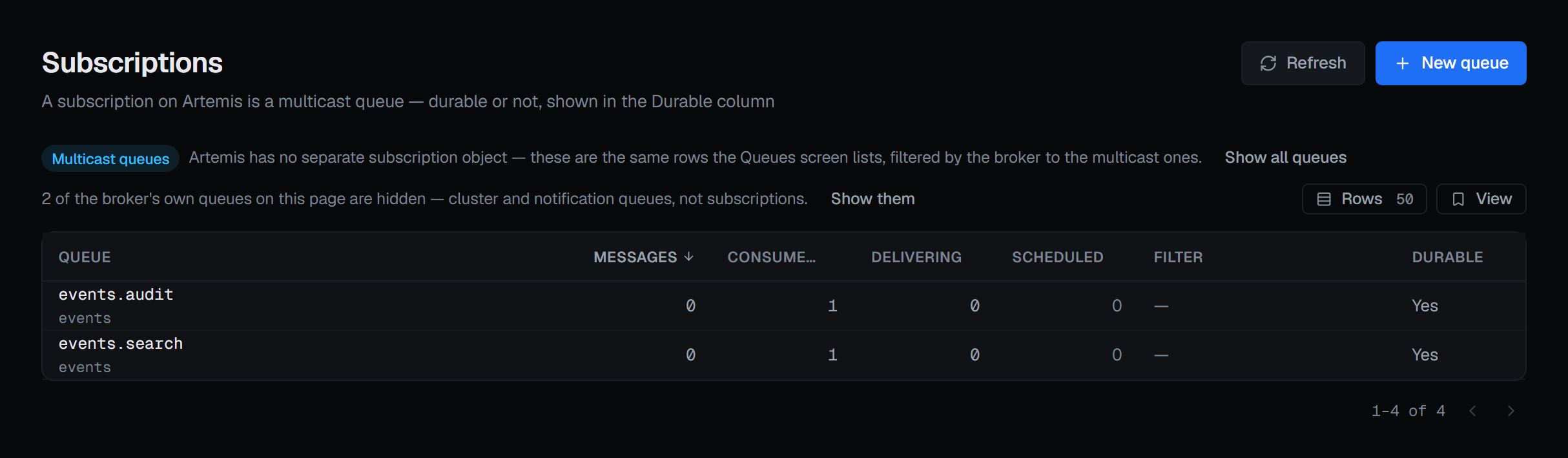
There is no filter control on that route. The one clause Artemis's query carries is already spent on the routing type, so a second control could only replace it and take the screen off its own subject. Its toolbar is one line: Multicast queues, and the broker's own multicast queues — its cluster and notification queues, which are not subscriptions — hidden by default behind the same Show internal (n). Queues in the navigation returns you to the unfiltered list.
New subscription opens the same dialog as New queue, titled for a subscription and with MULTICAST chosen.
Creating a queue
New queue takes the address it binds under, the routing type — which must be one the address
carries — a name that is unique across the broker, not just within the address, and an optional
JMS selector — messages published from this console carry String properties only, so a numeric
comparison such as priority > 5 will not match them, and the ? beside the filter says so. Classification is
recorded on the audit trail with the queue, pre-selected from the environment's default. Two
checkboxes follow: durable (the queue and its messages survive a broker
restart), and create the address too, if it does not exist yet.
The dialog opens by saying what cannot be undone: a queue is bound under an address with one routing type, and neither can be changed afterwards — changing either means deleting the queue and creating it again.
New queue appears only for someone allowed to change this broker, and not in a read-only environment or on a read-only connection. Creating a queue is a write and is recorded in the audit trail.
Opening a queue
A row opens the queue detail, which is where the depth becomes a list of actual messages and where the per-queue history lives.