

Investigating consumer lag without guesswork
Lag is a number about a group's committed positions, not a verdict on its health. Read the state beside it, the time lag under it and the member view behind it before you touch an offset — and when you do touch one, preview it first.
A consumer group is behind, and the screen says by how much. It does not say why. The readings that answer that sit next to the number — the group's state, its time lag, its consume rate and the per-member breakdown — and each has a precise meaning that is easy to read past. This is the order to read them in, and what each can and cannot tell you.
1 — Read offset lag for what it counts
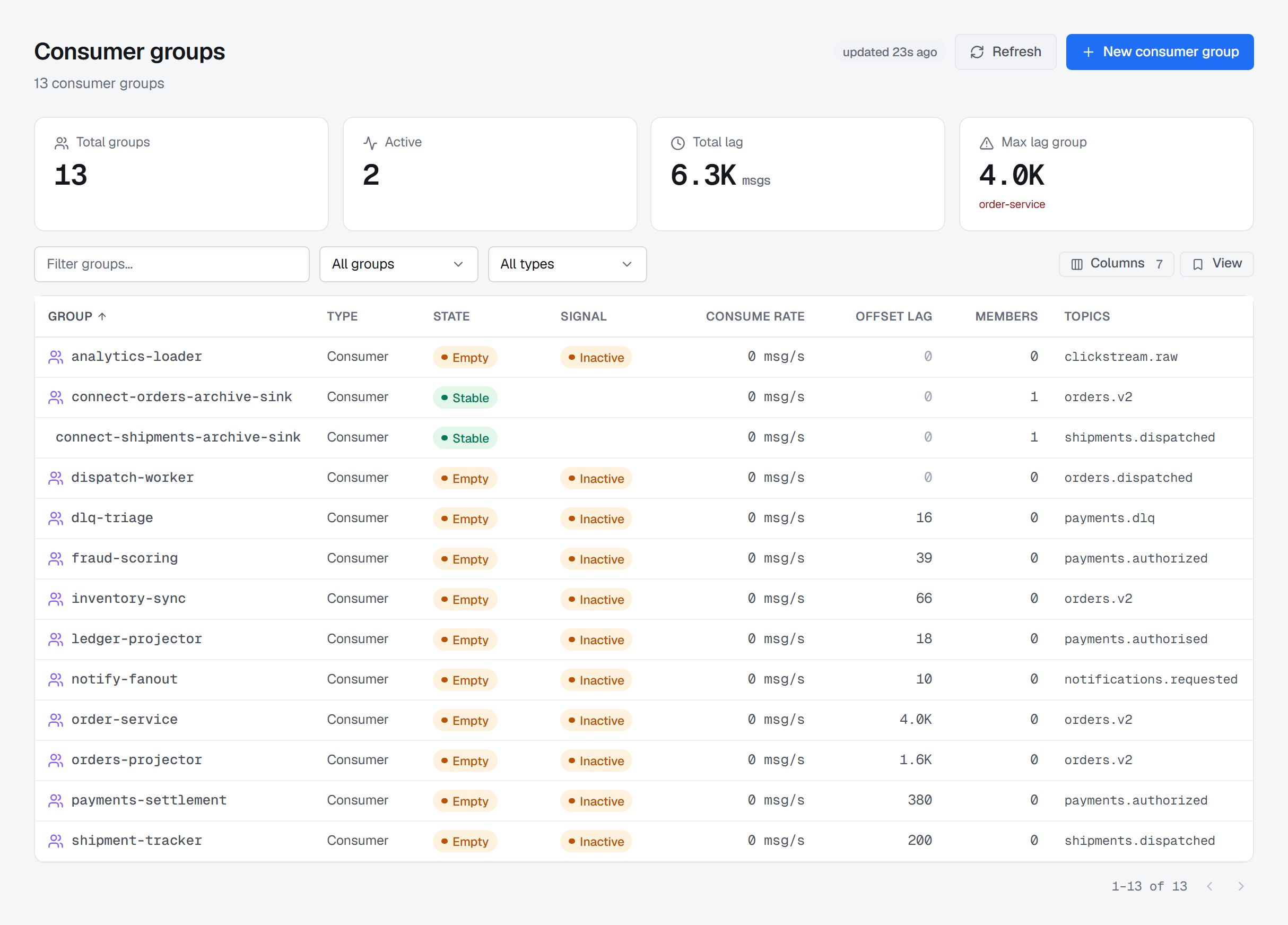
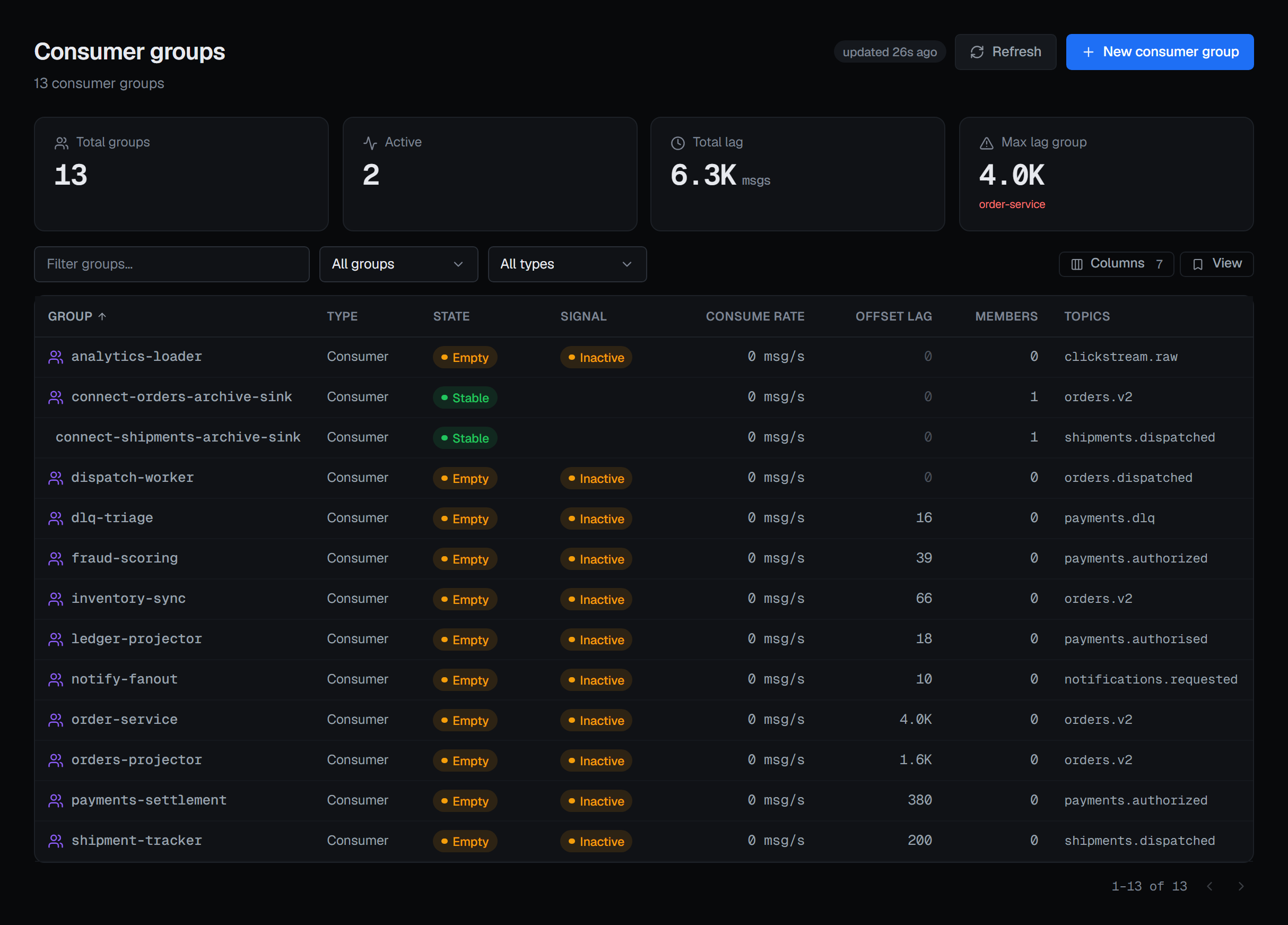
Offset lag is the sum, over the partitions the group has committed to, of how many records sit between its committed position and the end of the log. A partition the group has been assigned but never committed to contributes nothing; so does a partition of a subscribed topic that no member currently holds. Offset lag therefore reads as records behind the positions this group has recorded, not everything this group has left to read — the two agree on a steadily running consumer and diverge on one that has just started, just been reset, or lost a partition.
One consequence is worth carrying into every incident: a lag of zero on a group that has never committed anything is a zero about nothing. A brand-new group and a perfectly caught-up group report the same figure. The state column next to it is what tells them apart.
2 — Read the state before the number
The state is the broker's own word for the group, and it changes what the lag means. A Stable group
has members holding assignments; its lag is a backlog somebody is working on. An Empty group has
nobody consuming — its lag will not move until a consumer joins, however large or small it is. A group
on the classic protocol reports PreparingRebalance or CompletingRebalance mid-rebalance, a group on the
newer consumer protocol Assigning or Reconciling while its members take up a new assignment, and a lag read
during any of them is a snapshot of an assignment that is changing under it.
The list is served from a snapshot and says how old it is; Refresh reads the brokers directly when this second's answer matters.
3 — Time lag measures history, not silence
Time lag is the gap between two record timestamps — the newest record in the partition and the record sitting at the group's committed offset — taken as the worst across the group's partitions.
That is deliberately not "how long ago this consumer stopped". A group stopped for an hour on a topic that has received nothing for an hour has a small time lag, because the newest record is also an hour old. Time lag answers "how much history is between here and the end", which is what tells you whether catching up is a minute of work or a weekend of it.
It is measured on a budget, and a group the budget did not reach shows — rather than a guess — which is why the same group can show a time lag on one reading and not on the next. A dash is not a zero. Zero would mean caught up, and that is a claim BROKA only makes when it measured it.
The list leaves the Time lag column out until you add it from Columns; a group's detail always shows it beside the offset lag.
4 — Consume rate needs two readings
Consume rate is the difference between two readings of the group's committed positions, divided by the time between them. It needs two readings, so it is blank on the first, and blank if the two landed too close together to divide by.
Put the three together and the shape of the problem is usually visible from the list. A Stable group
with a positive rate and a falling lag is draining. A Stable group with members, a zero rate and a
growing lag is holding assignments and not committing. An Empty group with lag is waiting for a
consumer that is not there.
The Signal column does part of that reading for you. Stalled marks a group whose members are connected while its committed offset has not moved and records wait — established over several scans, not one reading, so it is not a momentary pause. Inactive marks a group that has committed offsets and no live members. Neither is by itself a fault: a finished batch job is inactive too, and only you know which it is.
5 — Open the group and find the member
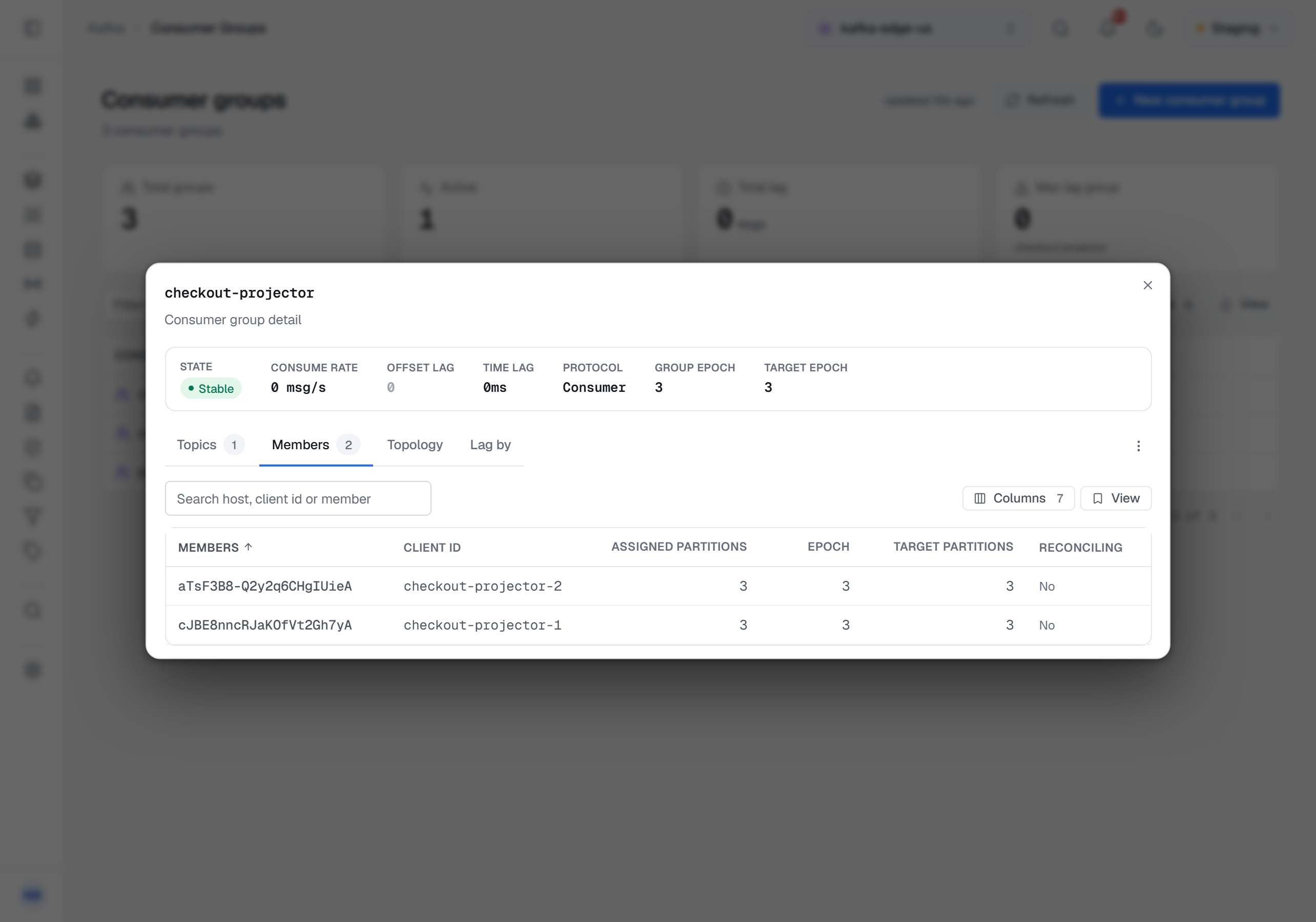
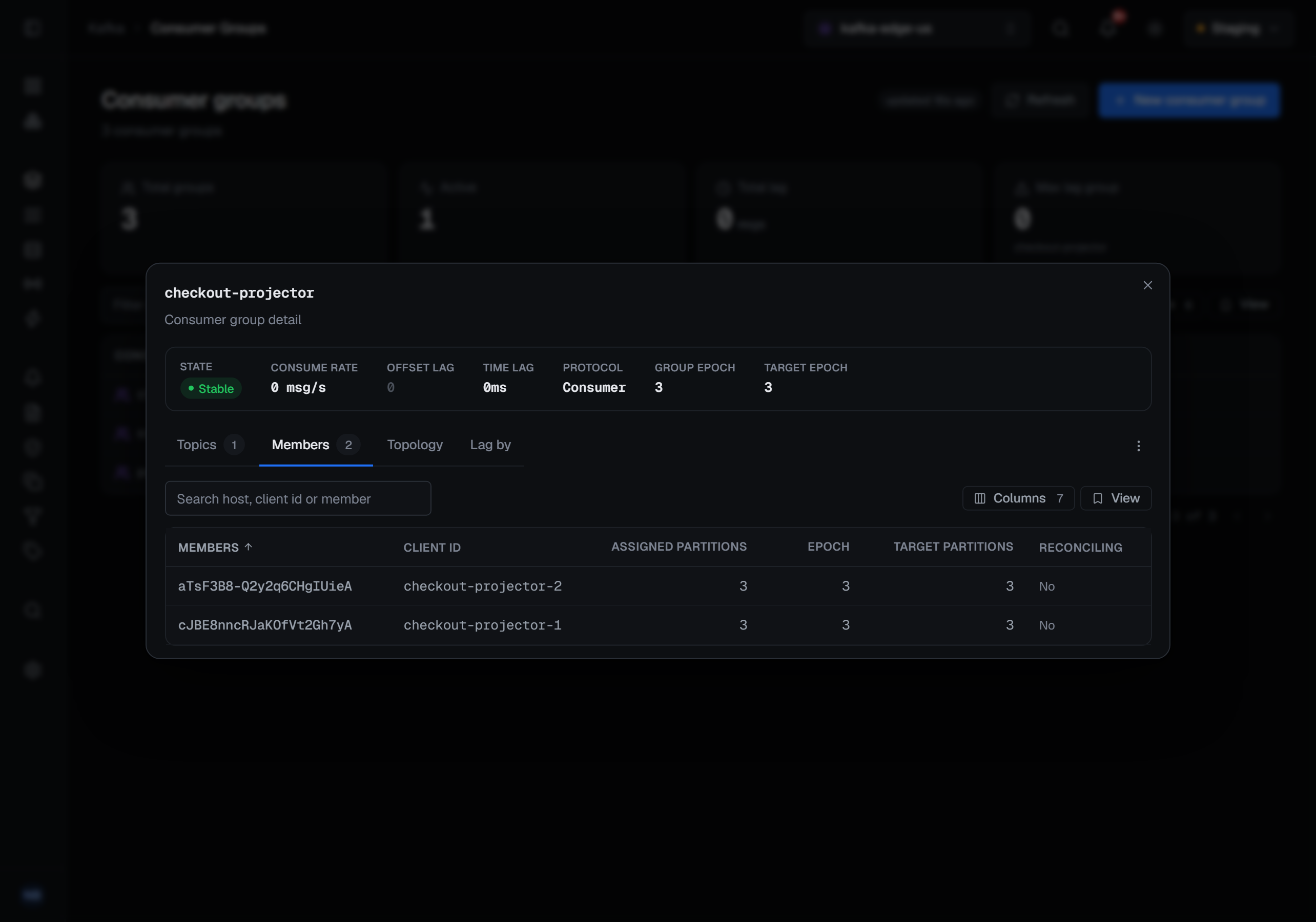
Clicking a group opens its detail. The state and the two lag figures at the top are the ones the list row showed; the tabs under them are read live rather than from the snapshot. Topics breaks the lag down by topic — partitions, lag and rate per topic — and Members by member, which is the view that finds the one consumer instance that is stuck while its siblings are fine. Topology draws each member with the partitions it holds, every partition carrying its own lag, plus a card for committed partitions no live member holds — the shape a half-finished rebalance leaves behind. Lag by sums the same lag by topic, by the broker leading each partition, or by member host, largest first — with the partitions no live member holds summed as Unassigned, so the breakdown still adds up.
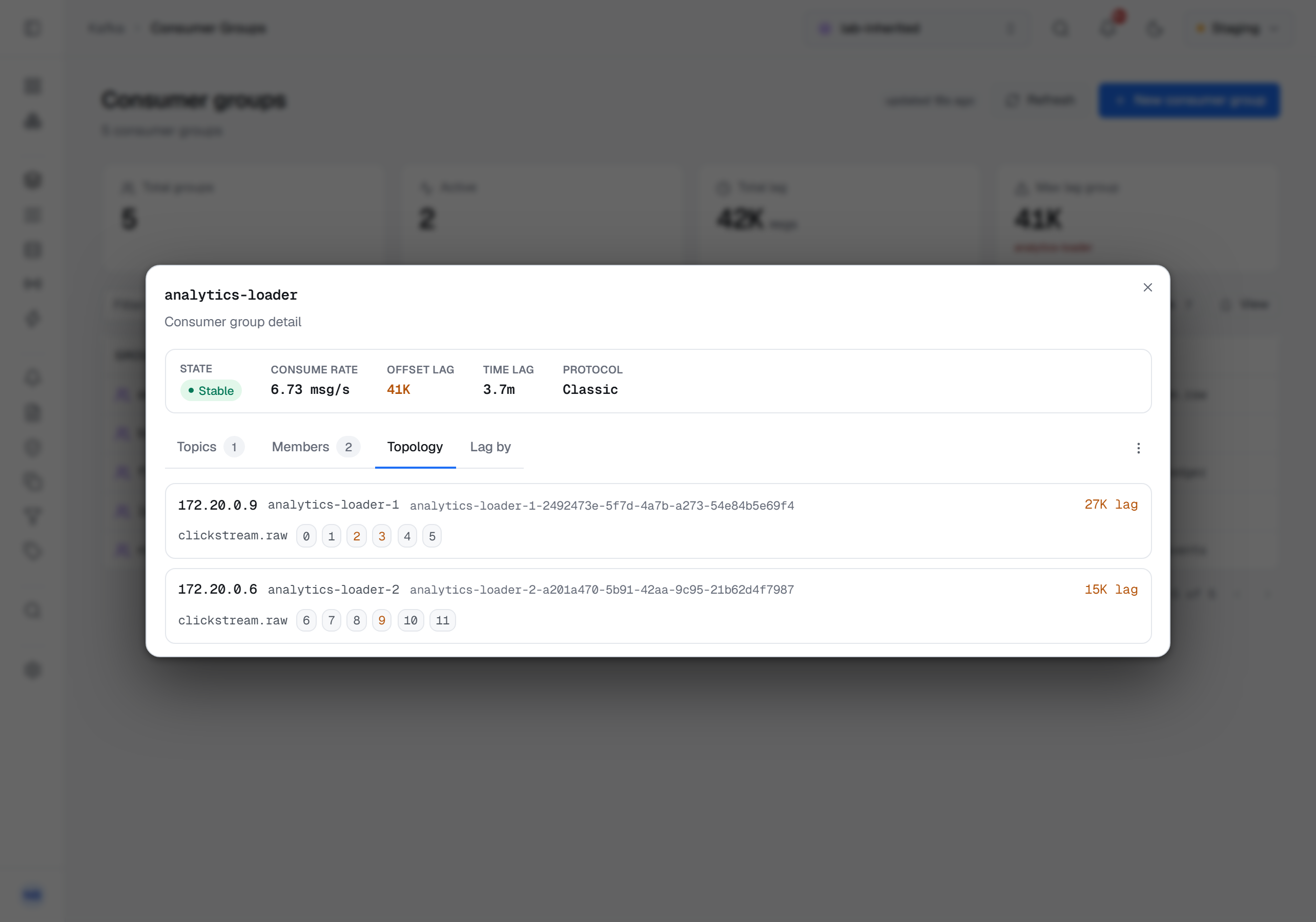
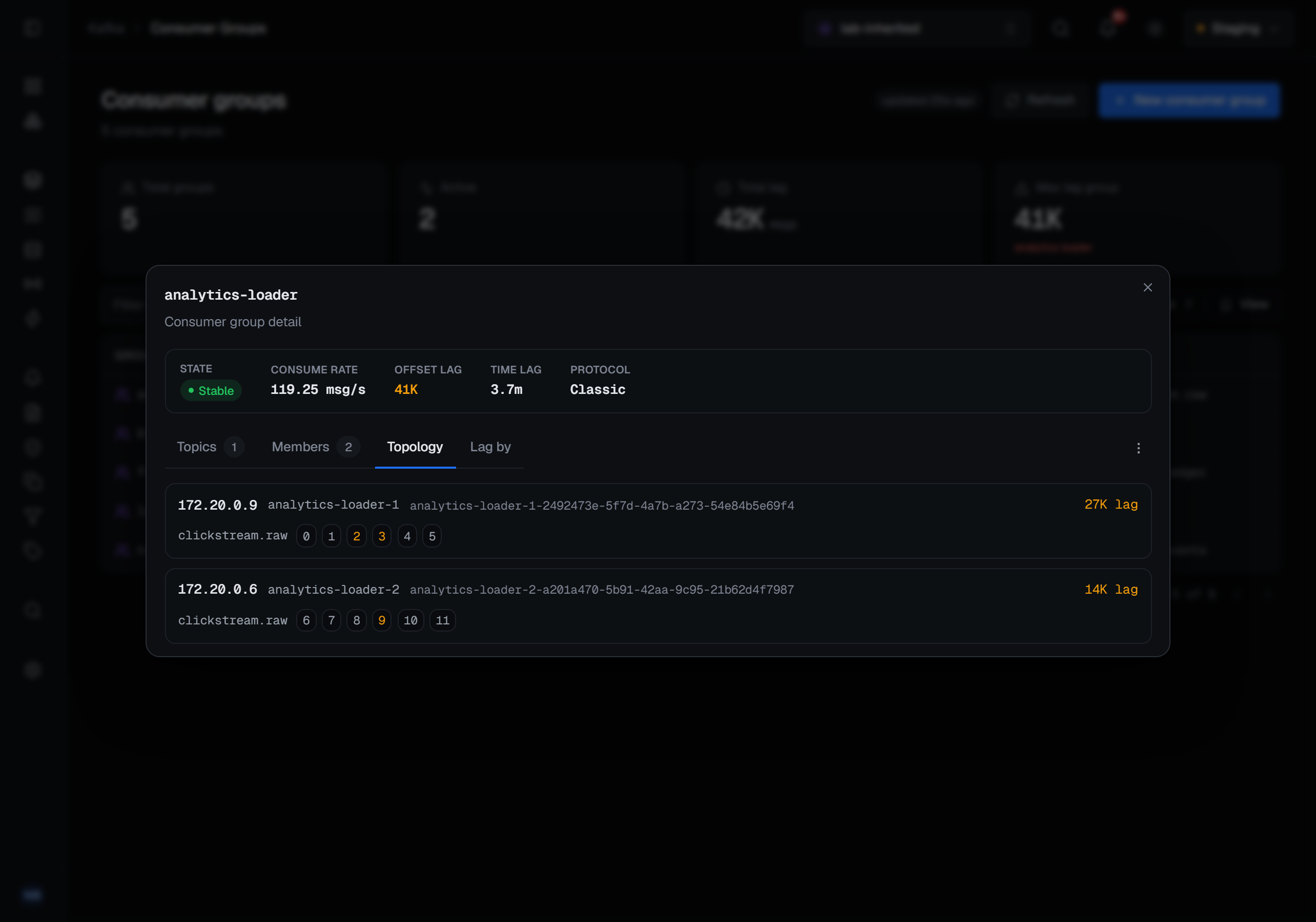
The members come from the broker's own member list, so a member holding partitions the group has never committed on is still listed; the lag on those partitions is unknown rather than zero, and it is left out. The topics and the lag are built from committed offsets, so a live group that has not yet committed anything shows its members but no topics. That is the same domain rule as the lag itself, not a display fault.
A group on the newer consumer protocol (KIP-848) does not stop the whole group to rebalance: the coordinator steers each member toward a target assignment one member at a time. Its detail adds the group epoch and the target epoch, and each member's row its own epoch, the partitions it is being steered toward, and whether it is still reconciling. A member that stays reconciling is the one holding the group's rebalance open — and while it does, the assignment you are reading lag against is not the one the group is heading for.
6 — Decide, then preview
By now the situation is one of three. The group is draining, and the right action is none. The group has stopped, and the fix is in the application — a member that is not committing is not repaired by moving its offset. Or the backlog itself is the problem, and the offsets have to move.
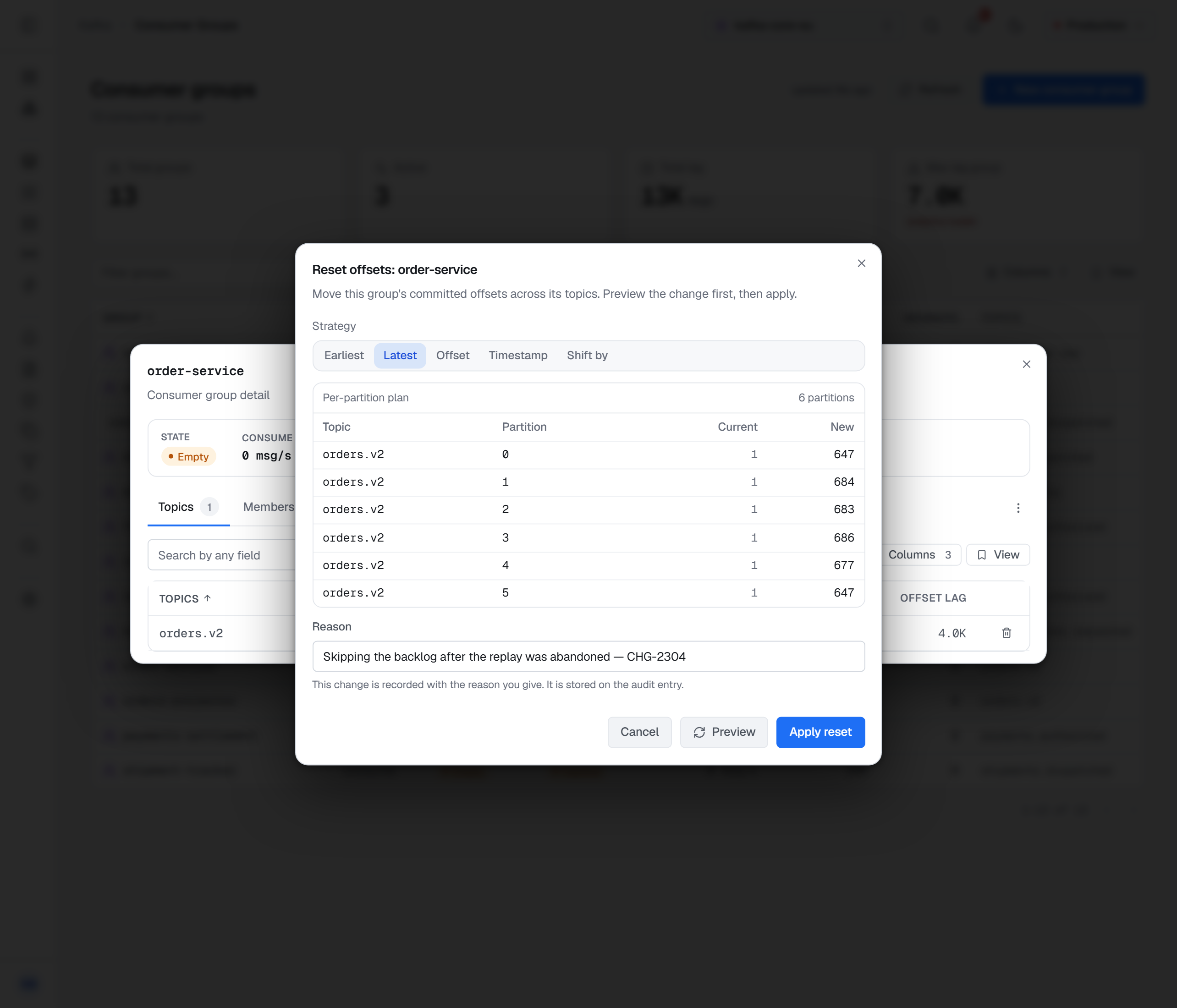
Resetting offsets is the one operation here that changes where an application resumes, and it is built to be done deliberately. Five strategies: to the earliest record still retained, to the latest, to a specific offset, to a timestamp, or shifted by a number of records from where the group is now. Each is applied per partition and clamped into that partition's own bounds; "earliest" is the first record still retained, not offset zero, and a timestamp later than the last record lands at the end.
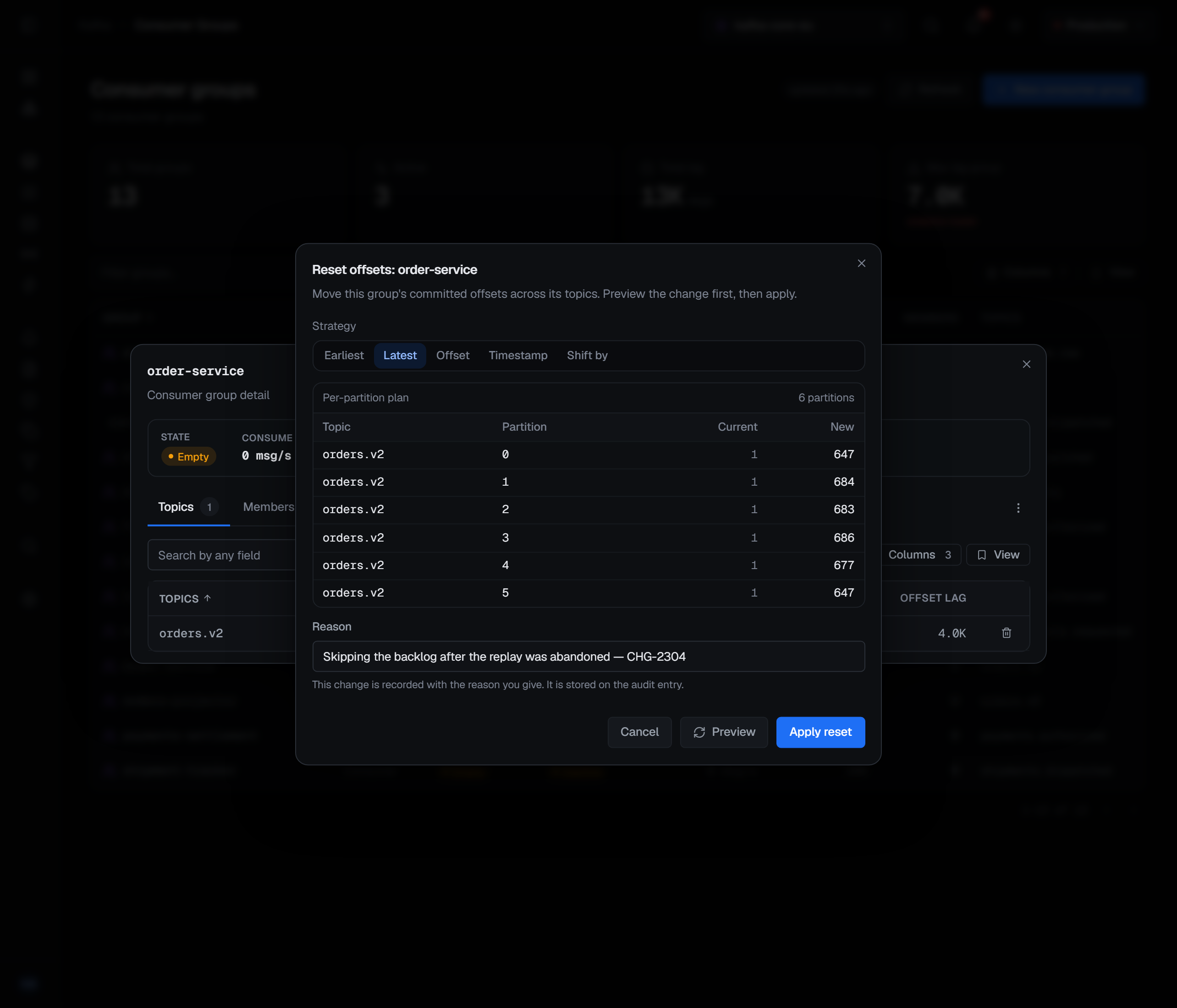
Nothing is applied until you say so. A reset is previewed first: BROKA computes the plan against the cluster and shows where each partition would move — a per-partition plan of Current and New offsets — writing nothing. Changing the strategy or the value clears the plan, so the one on screen is always the one for the choice in front of you. Read it for the partition you did not expect to move.
Resets and group deletion are offered only when a group is stopped — its state is Empty or Dead.
Kafka refuses them while consumers are live, and the console says so on the disabled action, (must be
stopped). When the group has simply stopped
reading one topic, Delete offsets on that topic's row drops it from the group without touching its
positions anywhere else; Kafka refuses it only while the group is still consuming that topic, and the
console shows Kafka's refusal. Before a reset you cannot easily undo,
Duplicate the group: it copies the committed offsets onto a new group id and refuses to overwrite
one that already has offsets, which makes it a restore point. And act from the right place: a topic's
own Consumers tab offers a reset scoped to that one topic, the way to avoid moving a group's position
on five topics when you meant one.
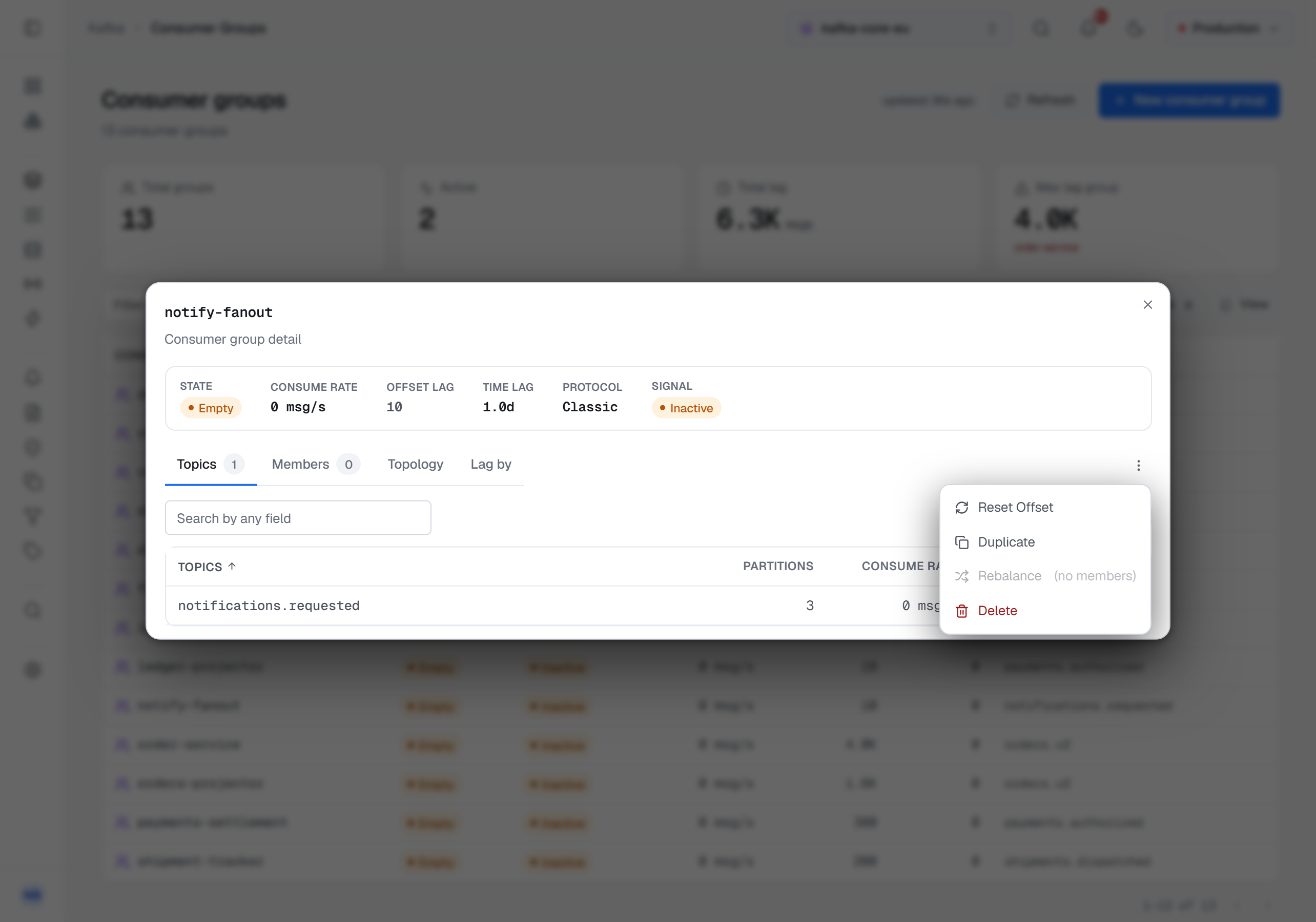
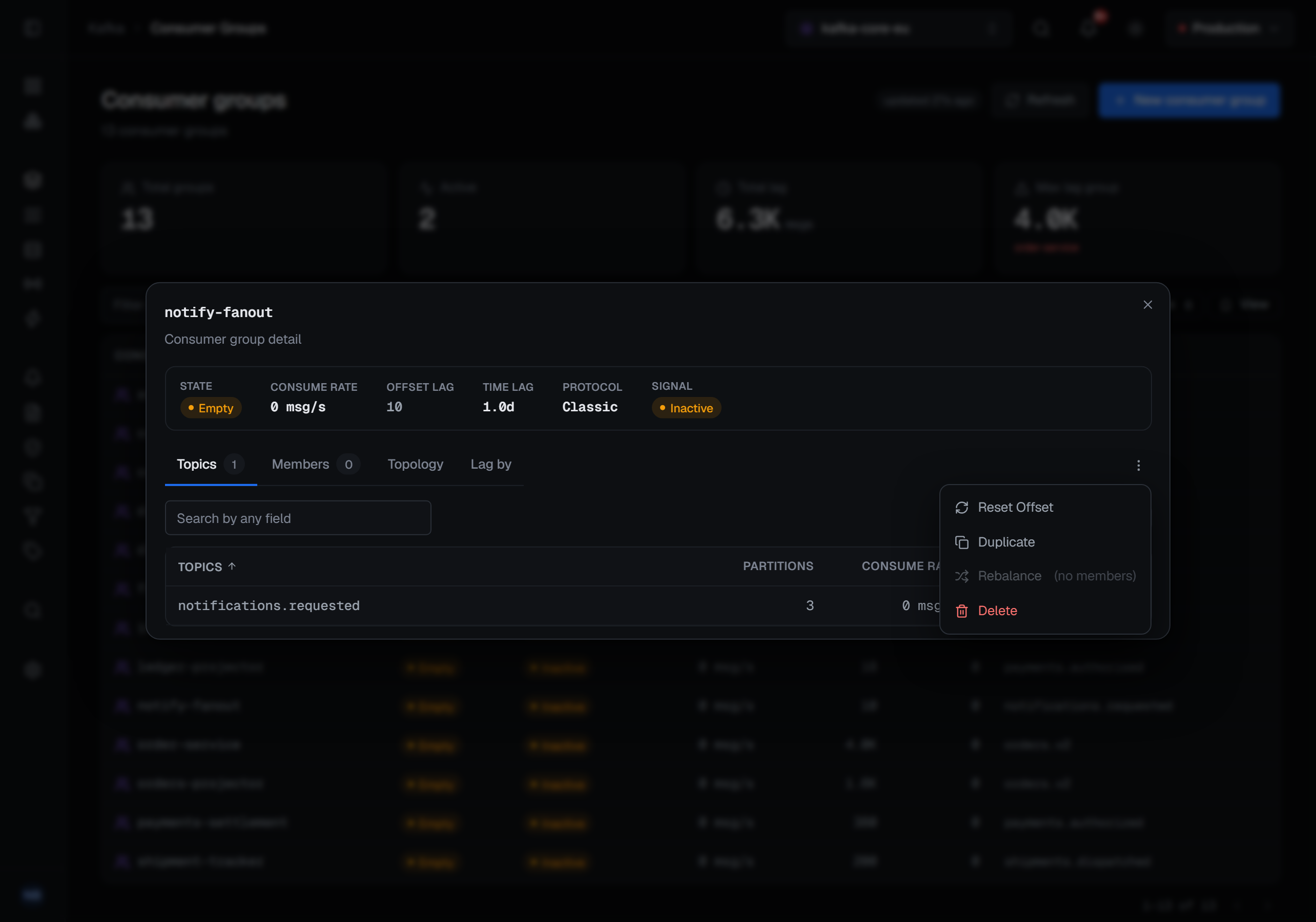
The zero about nothing from step 1 can also be avoided before it starts. New consumer group, at the top of the Consumer Groups page, seeds a group's offsets at the earliest or latest position of every partition of the topics you pick, so a consumer that starts later begins where you decided rather than wherever its default put it.
What is recorded, and what the environment allows
Applying a reset, deleting a group, deleting a topic's offsets, duplicating, rebalancing and creating a group are each audited with the group and what was done. A preview is not — it changes nothing.
A reset is a write. In a read-only environment it is refused for everyone, administrators included, and the refusal is recorded as a blocked action. On a connection frozen with its own read-only switch it is refused even inside an open environment. The dialog still opens in both, and its preview still works: only Apply reset is disabled, with the reason. It is a destructive operation, so its confirmation asks for a Reason in every environment, and the sentence you type lands on the audit entry. Deleting a group, deleting a topic's offsets and rebalancing ask the same way; duplicating and creating a group ask only when the connection's environment is guarded, which asks for a reason on every write.
Looking is different. Browsing the topic never joins a consumer group and never commits an offset, and a read-only environment does not block it — a frozen production environment is exactly where you need to be able to look. Reading messages describes that browse in full.
What this article does not cover
- History. Every number here is measured when you ask for it; nothing keeps a lag trend. Note the figures you are reasoning from, and when you read them.
- Why the consumer is stuck. The member view says which instance is behind. The reason is in that application's logs, not in the broker.
Try it yourself
The consumer-lag lab starts a Kafka broker with a consumer group falling steadily behind and a stopped group you can reset, so every step above can be followed against a live cluster.
Applies to BROKA 1.0 · Kafka · Community and Commercial.