

Hardening a self-hosted operations console
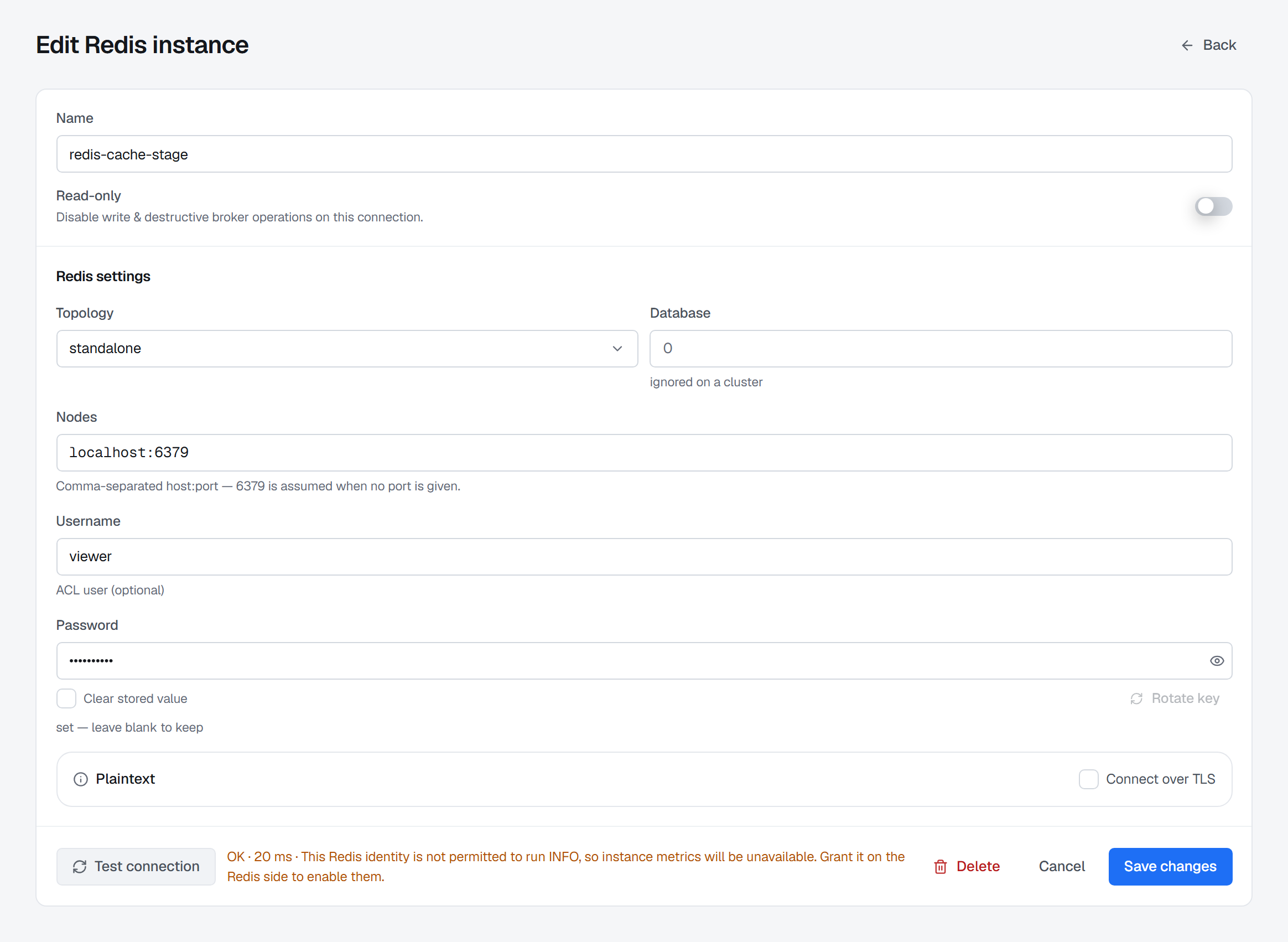
BROKA arrives closed: no default credentials, no start without its secrets, and every change it makes and every request it refuses recorded. What is left is a short list of decisions only you can make, and this is the order to make them in once the first administrator exists.
An operations console holds broker credentials and can write to production. Hardening it is a matter of deciding, in the right order, what the installation may do and who may make it do it; the defaults already refuse. Eight decisions, most of them a screen each. A reviewer who wants the same ground as a document can request the security and deployment overview.
1 — Give it the narrowest broker credentials that work
This is the decision BROKA cannot make for you, and it comes first because the other seven do not
survive getting it wrong. Everything BROKA does on a broker, it does as the identity you gave it. Its
guardrails stop a person; they are not enforced by your broker. So the credential in a connection
should be able to do what you intend to do through BROKA, and nothing more — a connection used for
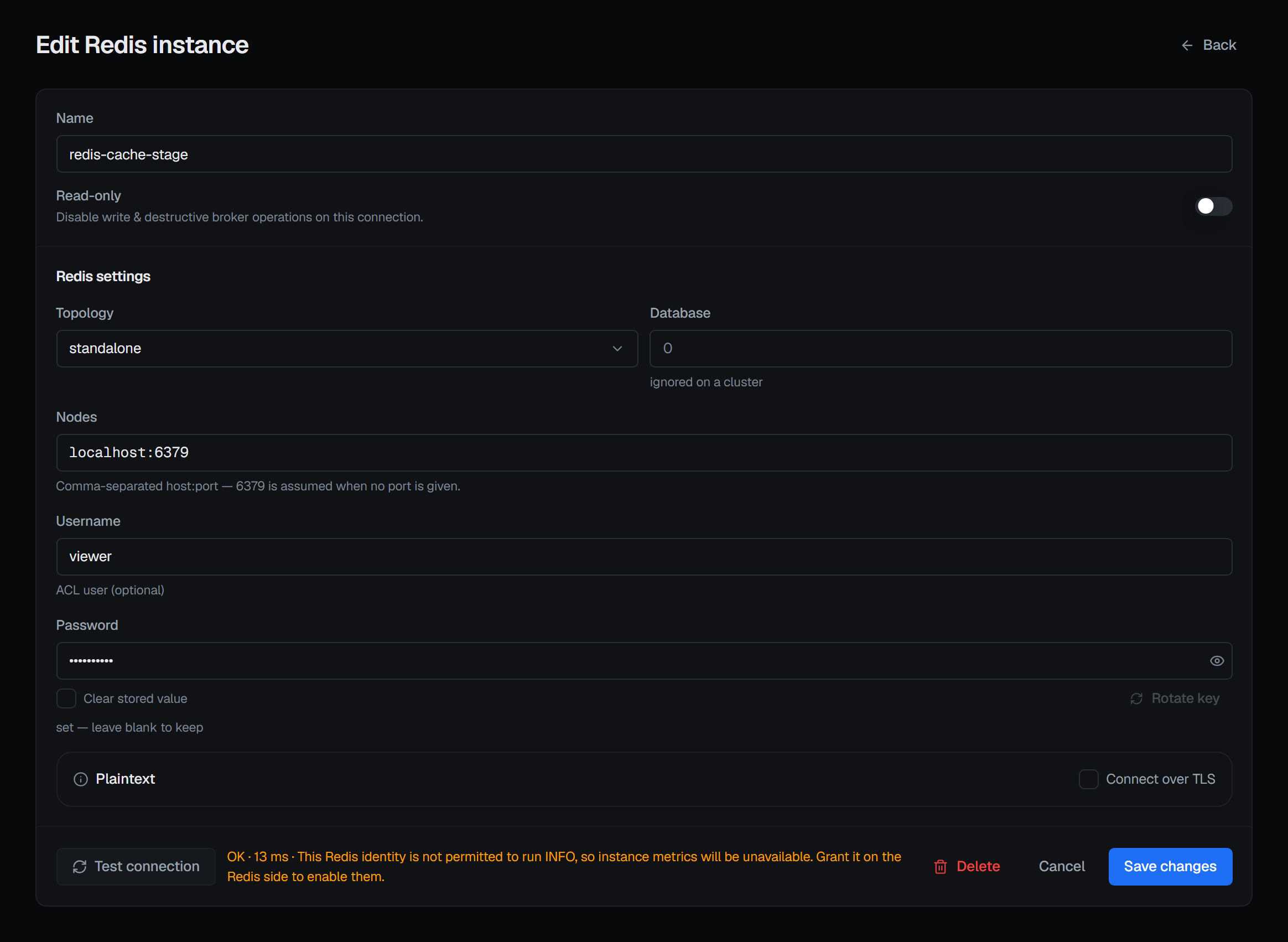
reading should authenticate as an identity that can only read. A connection test can pass with a
caveat naming what that identity leaves missing — a Redis identity not permitted to run INFO, for
instance, is told at the test that instance metrics will be unavailable.
2 — Set each environment's policy
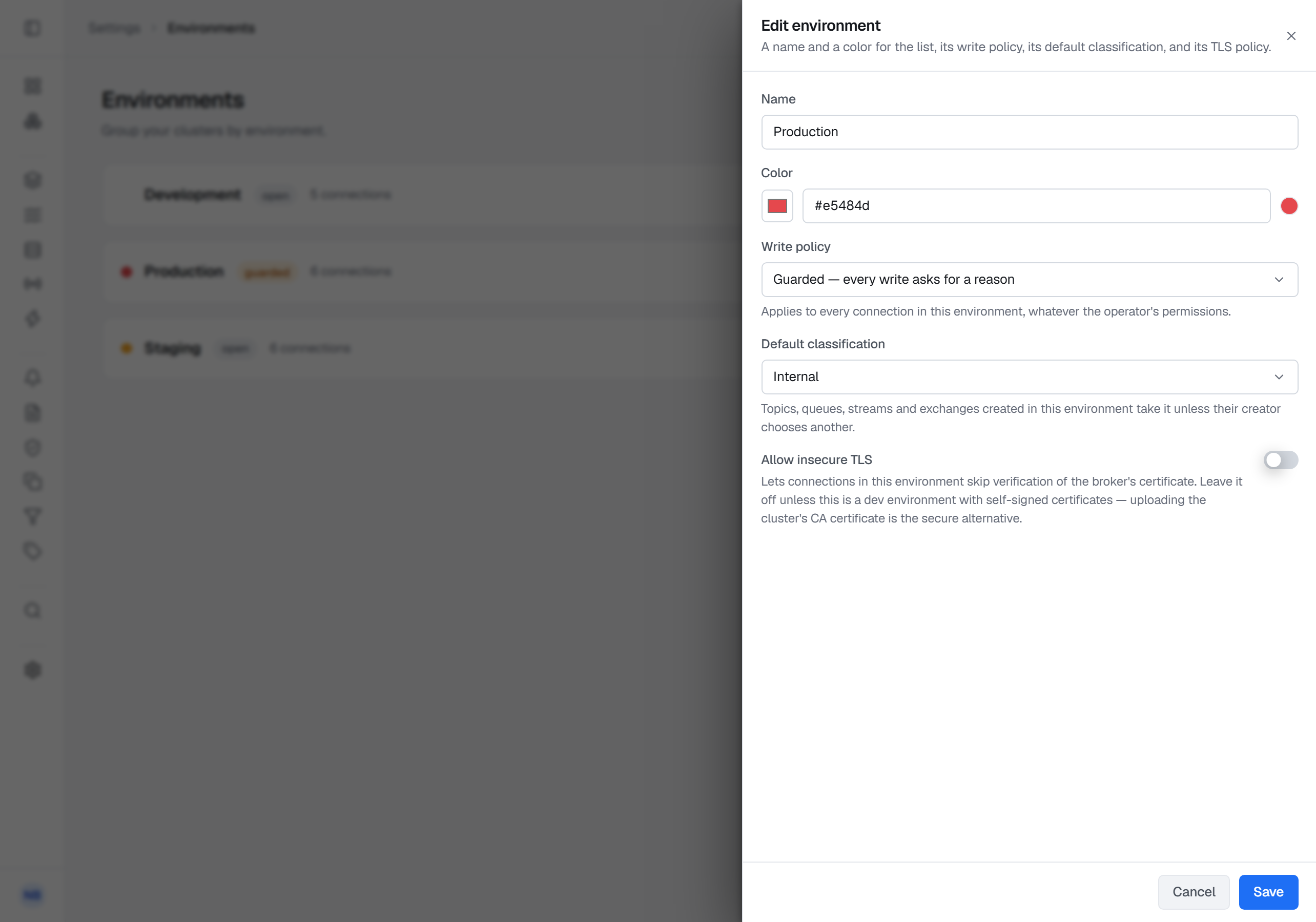
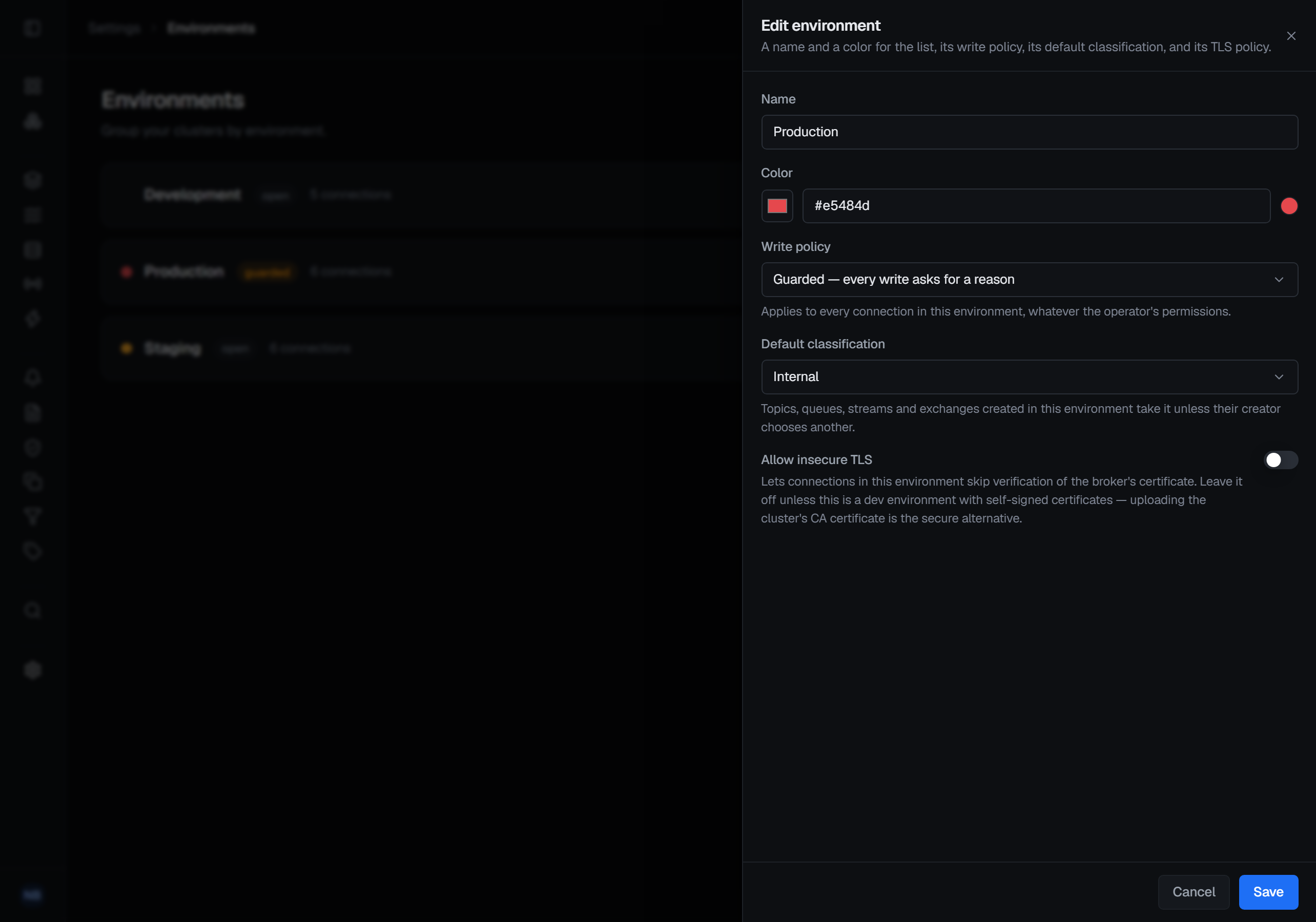
An environment's guard policy is not a permission and no role overrides it. Read-only refuses every write — creating a topic, purging a queue, resetting an offset, deleting keys — for administrators too. Guarded allows writes but refuses any that arrives without a reason: the confirmation grows a Reason field, a write with no confirmation of its own opens a small A reason is required window first, and what you type lands on the audit entry. Open is open — except that a destructive operation, such as a delete, a purge, a trim or an offset reset, asks for a reason in every environment.
The same form sets the environment's default classification: what a topic, queue, stream or exchange created there is classified as unless its creator chooses another, and what every audit entry about that resource then records.
Mark production read-only first. No role or grant makes an exception to it — a write there means changing the environment's policy, and that change is itself audited. A refused write is written to the trail as a blocked action, with the reason, the actor, the target and the environment — a trail that only holds successes cannot answer the question an access review actually asks. Any single connection carries its own read-only switch as well, refused even inside an open environment.
3 — Separate who may look from who may change
Four built-in roles: Admin runs the installation, Operator does the work, Viewer reads, and Auditor reads the audit trail — verifies it, produces an evidence pack, runs an access review (Commercial) — and can change nothing at all. Give the audit permission to the people who review access: the effective-access report — Operations ▸ Access Review (Commercial) — is gated on it rather than on user management, so a reviewer can see access without being able to change it, and reading it is itself recorded.
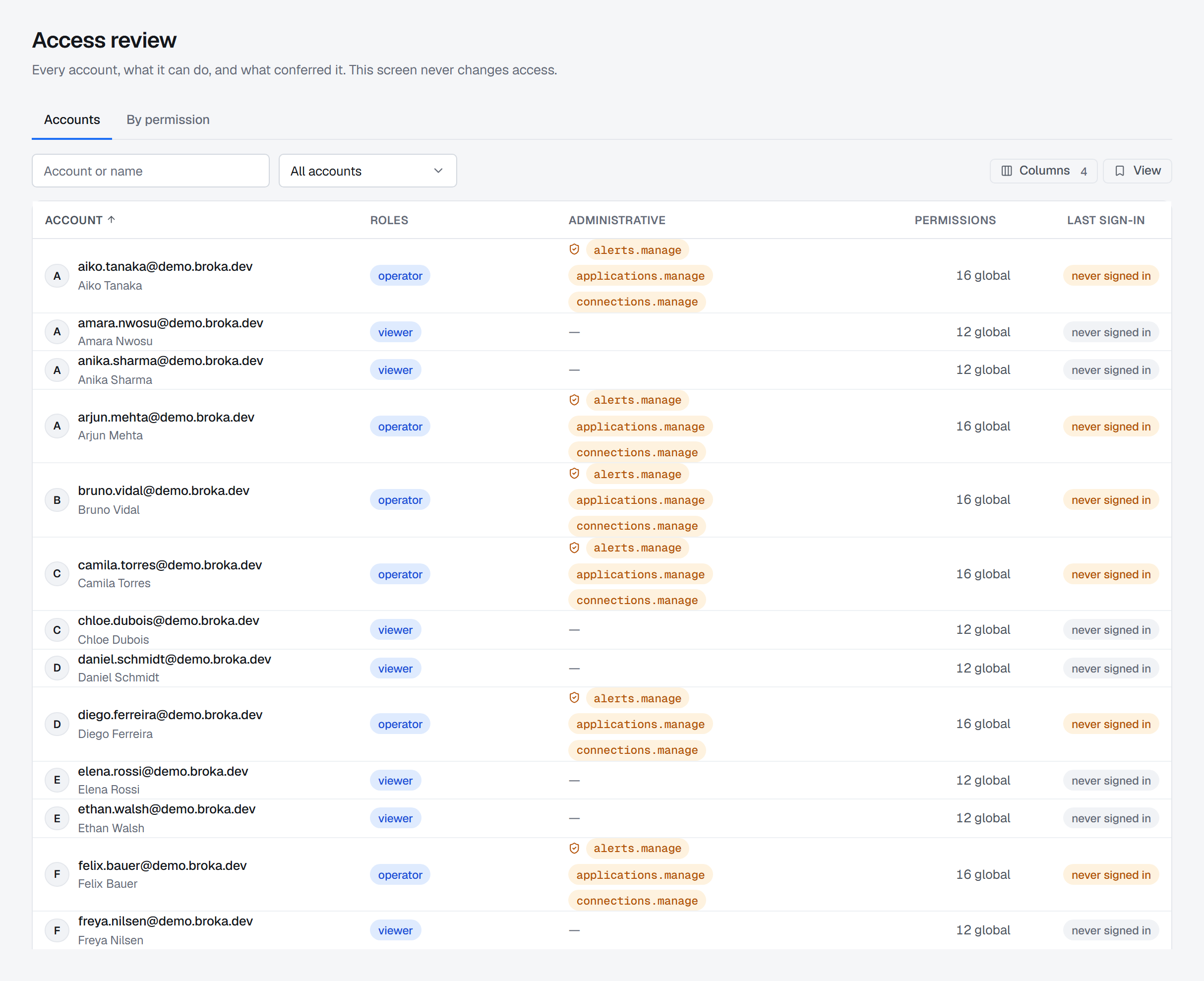
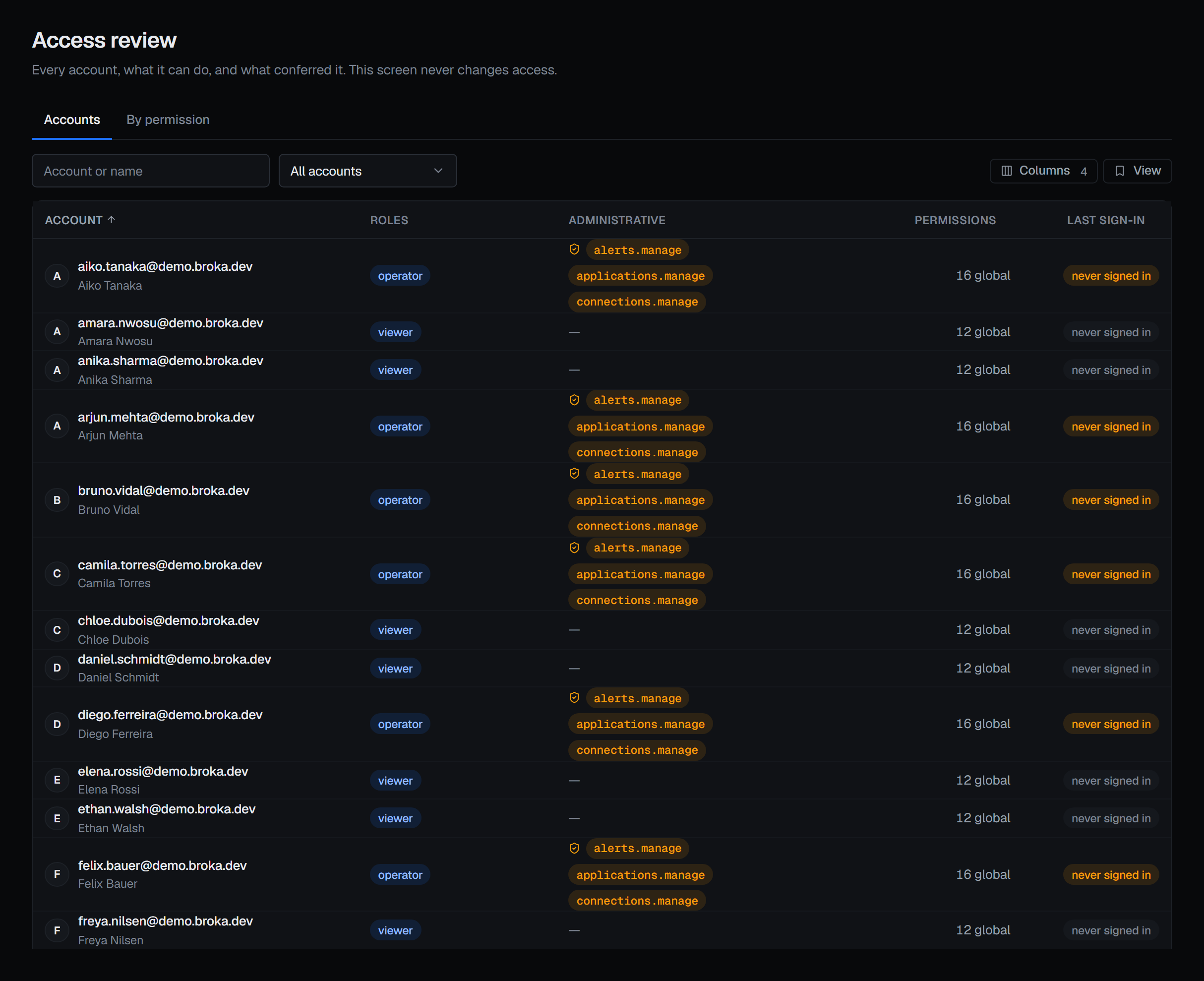
Two rules decide everything underneath. A deny always wins, over a role and over a grant, including for an administrator — though only another administrator can place one on an administrator. Grants are additive, so a narrow grant on one cluster's topics can be given without any broad permission. And a change takes effect at once: changing someone's roles, permissions or team membership, or disabling them, invalidates every sign-in token they hold, and their next request is refused.
Scripts and pipelines sign in with an API token, minted under Profile ▸ API tokens. It acts as the person who minted it, with their permissions as they stand at each request, so it never outlives an access change or a disabled account; its secret is shown once, and no token can mint or revoke another.
In Commercial an AI assistant reaches BROKA the same way, through the MCP server with a token of its own. Leave
Settings ▸ MCP Off — the default — until someone needs it, and prefer Read only when they do; keep mcp.use,
which only the Admin role carries, to the people who use an assistant; and give the assistant a token scoped to the
work, with an expiry. What it does is recorded like anything else, marked as coming through MCP.
4 — Keep the brokers' own authorisation honest
None of that is written to a broker. BROKA's roles decide what someone may do inside the console; each broker keeps enforcing its own authorisation underneath, and BROKA never bypasses it. The console shows each broker's model in the broker's own terms:
| Broker | What you review there |
|---|---|
| Kafka | ACL rules per principal — resource, allow or deny, operations, host. A prefix rule carries a Prefix badge, because a literal name may itself end in *; denies sort to the top. Reading the ACLs is itself audited (Commercial). |
| RabbitMQ | Tags decide console access; permissions decide messaging, as three patterns per virtual host. An empty pattern denies everything, and the console renders it as denies all rather than blank. |
| Redis | ACL users as Redis's own rule text — key patterns, channel patterns, command categories read from your server. Saving is declarative, so a removed line is a removed grant. A nopass user is marked as a finding. |
One asymmetry is worth knowing before you delete anything. Removing a Redis ACL user disconnects every connection authenticated as it, immediately. Deleting a RabbitMQ user leaves already-authenticated connections working until they close — Close connections in the user's row menu is what makes a delete or a password change take effect now, and it asks for a reason, which RabbitMQ passes to every client it disconnects.
5 — Terminate TLS in front, verify certificates behind
BROKA publishes one port, for the console, and terminates no TLS: nginx inside the UI image listens on plain HTTP. Put a reverse proxy in front and terminate there. The orchestrator, the broker service and PostgreSQL are not published at all, and must not be.
Behind it, certificate verification towards your brokers is on by default and is a per-connection setting: turning it off is something a person does deliberately, connection by connection. Review the connections you have for any that skip it, and let an environment forbid it outright where that is the policy — it then refuses to save such a connection. A private CA is uploaded on the connection itself, for Kafka, Redis and RabbitMQ alike; where a platform has no such field, a private-CA broker is reached by installing the CA in the broker service's trust store.
6 — Protect the key nobody can recover
Connection credentials are encrypted with a key of their own, wrapped by the installation's key-encrypting key. That key is never in the database. A copy of your database, taken by any means, does not contain the material to decrypt what is in it — so the key belongs somewhere your database backups are not, and a backup of one without the other is useless.
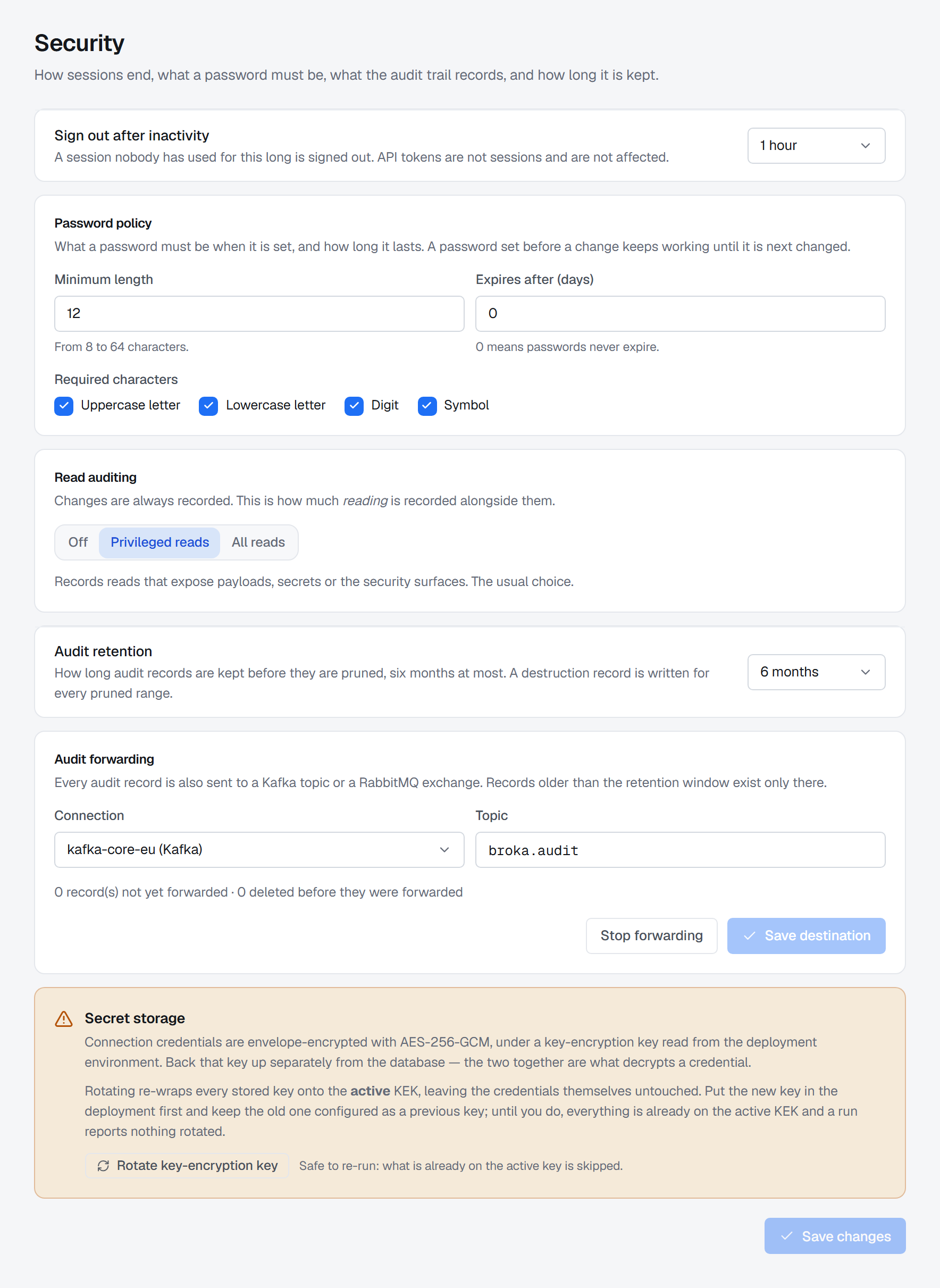
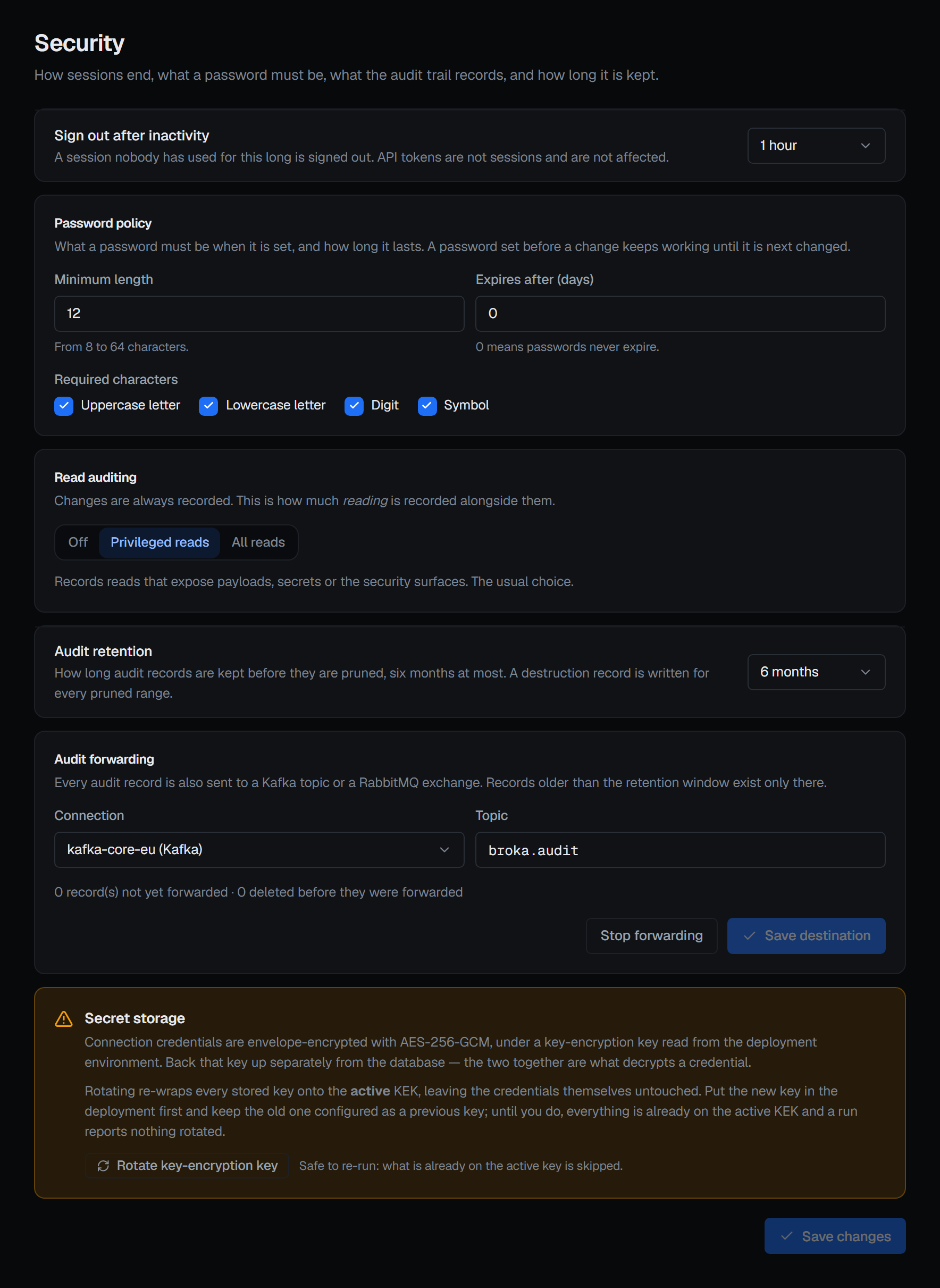
Replacing that key on an installation that already has connections makes every stored secret permanently unrecoverable, with no error at startup. Rotating it is a different operation: the new key goes into the deployment with the old one kept as the previous key, and Rotate key-encryption key on the same screen re-wraps every stored key onto the new one, asks for a reason, and reports each store it covered. Secrets are never returned by the API: reading a connection tells you which kinds are set, never their values.
7 — Decide what the trail records, and for how long
Reads are recorded in Commercial only, and even there most are not. A small number are, by default: reading users and permissions, reading a cluster's ACLs, reading a connector's configuration, exports and evidence packs. Reading messages is recorded at the start of the session and at the end, with how many records were scanned and matched — and the filter you searched with is never recorded, because a search term is often the identifier the record is sensitive for. Settings ▸ Security sets this tier: Privileged reads is the default, All reads adds the routine listings, and Off records changes only — except a read of contents a data masking rule covers, shown unmasked to someone allowed to see them, which is recorded whatever the tier.
Every record is an OpenAuditModel 1.0 event, sealed into one hash chain per installation, and clicking an entry in the audit log opens the event exactly as the chain holds it.
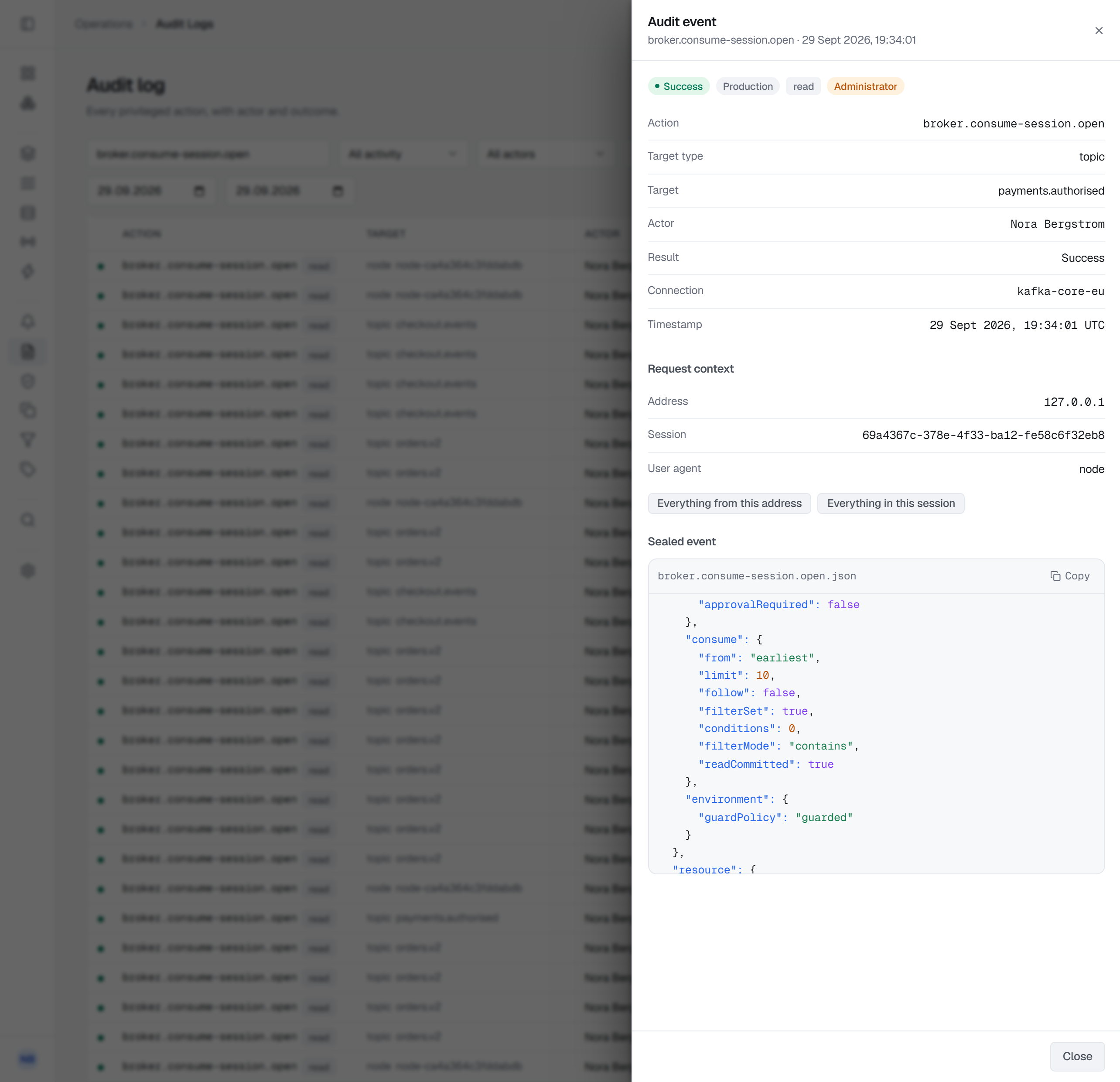
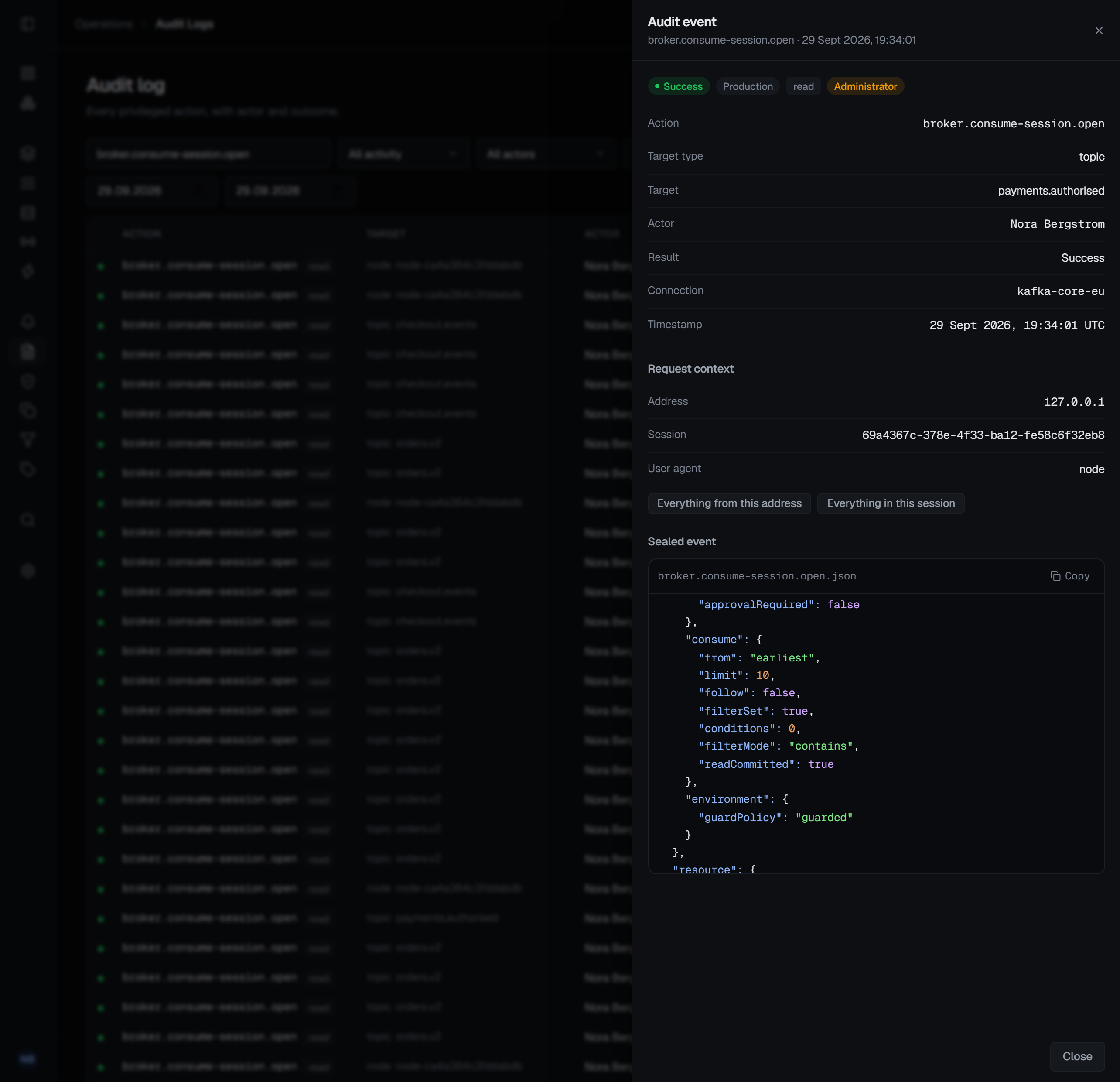
Retention keeps at most six months and cannot be switched off; shortening it requires the security permission and a reason, and is itself recorded. If your reviews look further back than six months, forward the trail, because anything older exists only in that copy and a record never forwarded is still deleted at 180 days. A file or an HTTP endpoint is set in the deployment environment, in either edition; in Commercial, a Kafka or RabbitMQ connection you have already registered is chosen in Settings ▸ Security.
Verification reports the first break it finds, and it holds only against someone who cannot write the database: the chain is unkeyed and lives there too, so keep the evidence pack's checkpoint, or a forwarded copy, out of that person's reach. Nor can it prove that nothing was removed from the newest end, because a truncated chain is internally consistent. A change to BROKA and its record commit together, with no exempt list; a change on a broker cannot be taken back, so its record is written the moment the broker answers.
8 — On Redis, a read can be an outage
KEYS blocks the server for a full keyspace walk, and on a large instance that is seconds during
which nothing else is served. BROKA never issues it — every listing, analysis and delete-by-pattern
sweep uses SCAN. There is no live command stream in the console either; command counters answer
what a server is doing without a feed. Key names are themselves a disclosure, so listing them is an
explicit act that needs write permission on the connection, and every page listed is recorded — how
many keys, never their names or the pattern. A pattern sweep refuses a blank pattern, can be counted
before it removes anything, asks for a reason in every environment, and unlinks rather than deletes so
a large collection does not stall every other client. Redis keeps no history: once keys are unlinked,
the audit entry is the only record that they existed.
Network posture
Whether the installation needs outbound access depends on one thing.
| What goes out, unprompted | |
|---|---|
| Community | Nothing. No licence, no activation, nothing to call. |
| Commercial, activated offline | Nothing. You paste a signed key; the online path is not attempted. |
| Commercial, activated online | One HTTPS call to activate, then roughly one a day to refresh. It carries licence and installation identifiers, never anything about your brokers. |
BROKA sends nothing on its own initiative — no telemetry, no usage reporting, no call home.
Three things you switch on do send outward. A notification channel carries the severity, the rule, the metric and threshold, the connection's name and the names of the targets that breached to whatever Slack, Teams or webhook endpoint you named (those channels are Commercial); message contents never travel. The installation's SMTP relay sends through the mail server you give it. Audit forwarding to an HTTP endpoint posts every sealed audit event to the address you set; forwarding to a file, or to your own Kafka or RabbitMQ, stays inside your estate. None exists until you create it — but where a topic or queue name is itself information, that is the decision to take deliberately rather than by default.
The MCP server (Commercial) works the other way: an assistant connects in, on the console's own port at
/api/mcp, and only while Settings ▸ MCP is on; BROKA calls out to no AI service.
What this article does not cover
- The brokers themselves. TLS on the broker, network policy around it, its own credential rotation — that is the broker's documentation.
- Alerting. Signals such as a bulk read (Commercial) or a self-granted permission are recorded here; turning a threshold into a page is Alerts, which has its own rules, its own channels and its own decisions to take.
- The deployment. Secrets, ports and backups have their own list — the production deployment checklist.
Try it yourself
The hardening lab puts a TLS-terminating reverse proxy in front of the install recipe, closes the console's plain HTTP port and generates the four secrets.
Applies to BROKA 1.0 · Community and Commercial.