

Access and audit hardening
Updated 6 October 2026 · applies to 1.0.1 · Community and Commercial
This checklist orders BROKA's access and audit decisions: who may change what, how access is withdrawn, which reads are recorded and how the trail is kept. Broker credentials, environment policy, key material, network posture and TLS are the other half, on Security hardening.
The screens behind these decisions are Roles and permissions, Users, Settings ▸ Security and the audit trail. The order below is the order worth making them in.
1. Separate who may look from who may change
Two rules make this worth doing carefully:
- A deny always wins, over a role and over a grant, including for an administrator — though only another administrator can place one on an administrator. That makes a deny the right tool for "this one topic, nobody, regardless of what else they hold".
- Grants are additive, so a narrow grant on one cluster's topics can be given without any broad permission. Someone can be allowed to reset offsets on their own consumer groups without being an operator of everything.
Reading what messages and stored values contain is a permission of its own, Read message contents
(messages.read), beside the platform. The built-in roles all carry it; a custom role without it, or a
deny on a production environment, lets someone operate a broker without seeing its payloads.
In Commercial, data masking is the finer option: someone who may read the contents sees them with the fields a
rule covers masked — a card number, an address, a header — and everything else readable. Seeing those fields
unmasked is a permission of its own, Read masked contents unmasked (messages.read.unmasked), in no built-in
role, granted on an environment, a connection or a resource pattern, and every read it allows is recorded. See
Data masking.
Give the audit permission to the people who review access. The effective-access report (Commercial) — the whole roster, one person's access at each scope, or everyone holding a given permission — is deliberately gated on that permission rather than on user management, so a reviewer can see access without being able to change it. It covers roles and service access, not grants on resource patterns. Reading the report is itself audited, unless read recording is switched off. How to run that review is on Audit review.
2. Sessions, and how fast you can take access away
Access tokens are short-lived and the long-lived half lives in a cookie the browser cannot read, restricted to the refresh endpoint alone. Each refresh replaces the previous token; presenting one twice is treated as theft and revokes the entire chain descending from it.
Revocation does not wait for expiry. Changing someone's roles, permissions or team membership, or disabling them, invalidates every token they currently hold — the next request they make is refused. That is the property to rely on when someone leaves: the change takes effect on their next request, not in fifteen minutes.
Two narrower tools sit beside it. Each person sees their own sign-ins under Profile ▸ Sessions, one row per sign-in, and Sign out on a row ends that session at once — the first move when a device is lost, before changing the password. An administrator's Reset password on a user ends every session that account has open and revokes its API tokens, so a reset that answers a suspected compromise does not leave the old sessions or a planted token running.
Decide how long an unused session may stay open. Sign out after inactivity, in Settings ▸ Security, ends a session nobody has used for the chosen window — 1 hour by default; 15 minutes, 30 minutes, 4 hours or 8 hours, or off. The server enforces it by refusing to renew the session, and only a person's own input counts as use: a screen left open that refreshes itself, or a live view that stays connected, does not keep a session alive. The console signs itself out at the same moment, and the sign-in page says why. API tokens are not sessions and are not affected.
Set the password policy on the same screen: a minimum length from 8 to 64 characters (12 by default), which character classes are required (all four by default) and an expiry in days (0, never, by default). A stricter policy takes effect at each password's next change rather than locking anyone out today, and a password past its expiry signs its holder in only to change it. Five failed attempts lock an account for fifteen minutes; the lockout is its own audit event.
Two rules exist so an ordinary administrative afternoon cannot end with nobody able to administer anything: you cannot deactivate your own account, and the last administrator cannot be removed, demoted or denied.
3. Nobody can quietly raise their own access
Every access-changing write runs through the same check: you cannot change your own access, and you cannot grant a permission you do not hold yourself. Lifting a deny counts as granting: removing someone's deny hands back what their roles confer, so it needs the same permission you would need to grant it.
The rule also runs the other way. Nobody but an administrator takes access away from an administrator — not by a deny, not by revoking a role, not through a team that carries a deny, and not by disabling or deleting the account. So the person who installed BROKA, who holds every permission, cannot be lowered by someone they delegated user management to. Administrators may still restrict each other.
Full administrators are exempt from the first rule, for the practical reason that otherwise the only administrator could not open their own access page. That exemption is not a hole left open — it is covered by a detector that raises a critical signal whenever an actor changes their own access. The design is prevented-for-most, detected-for-administrators.
4. Know which reads are recorded — and which should be
Commercial only. A Community installation records every change and every refusal, and no reads.
Most reads are not audited, because auditing them all produces a trail nobody reads. A small number are, by default, on the principle that some reads are events:
- Reading users and permissions.
- Reading a cluster's ACLs — who may do what on a broker is security configuration.
- Reading a connector's configuration, which contains live credentials. That read needs the permission to change things rather than merely to look, precisely because of what it returns.
- Exports and evidence packs.
Reading messages is recorded too, at the start of the session and again at the end, with how many records were scanned and matched. The filter you searched with is never recorded — a search term is often the identifier the record is sensitive for.
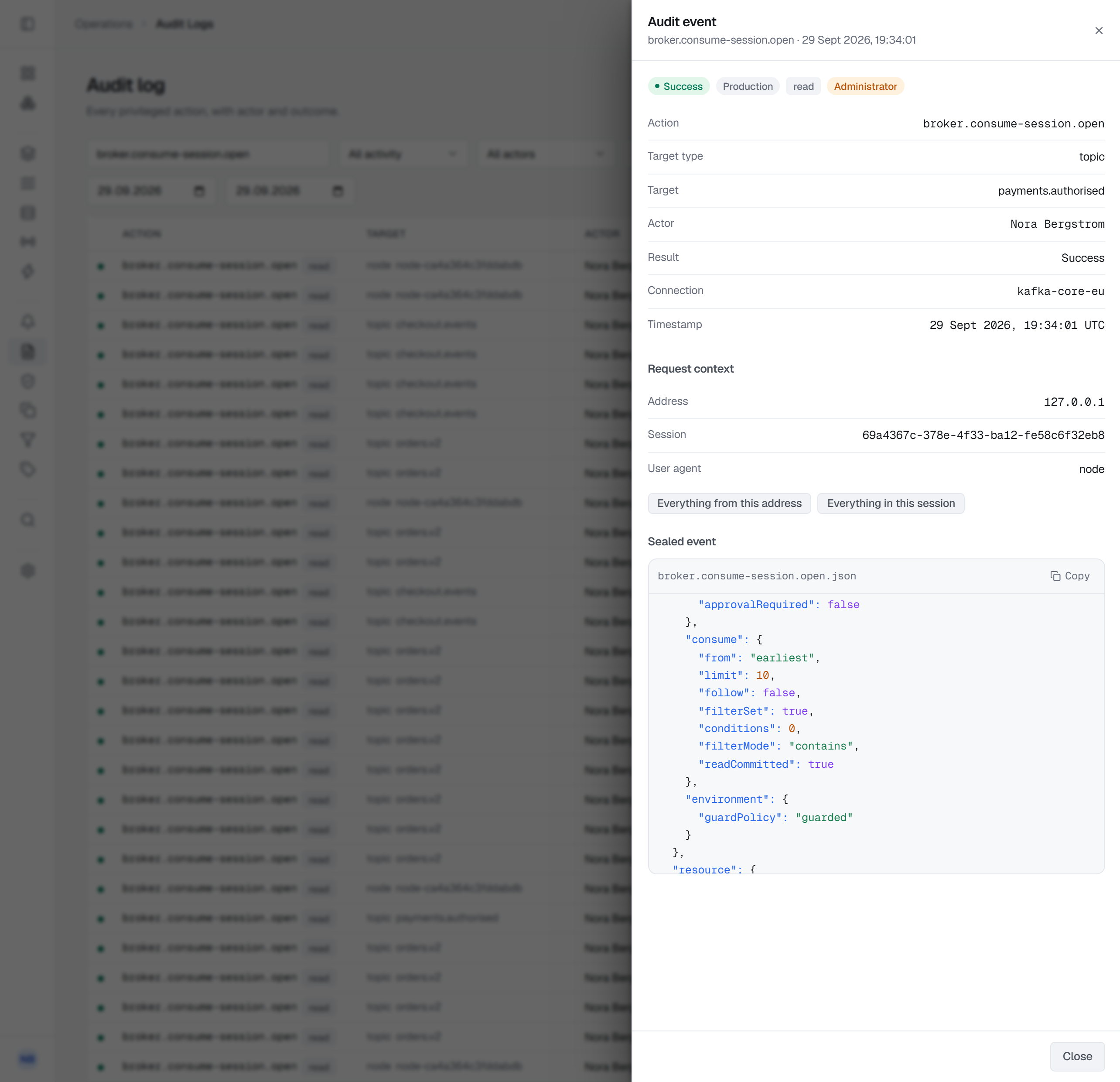
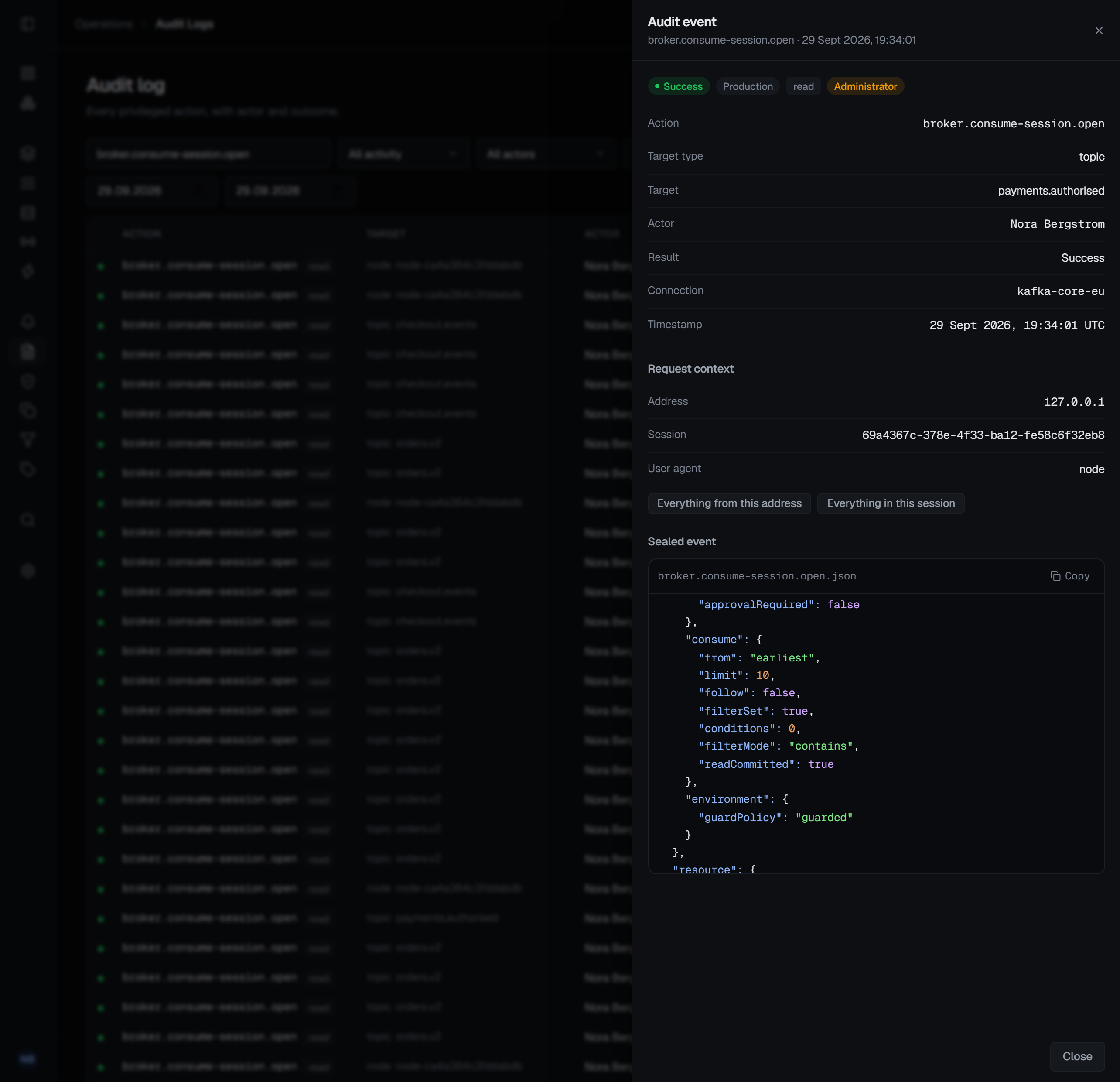
Those counts are what let BROKA notice a read that does not look like troubleshooting: one very large read, or a series of ordinary ones that add up to a bulk export of a topic.
This is the Privileged reads setting in Settings ▸ Security, and it is the default. All reads adds the routine listings, including the automatic refreshes an open screen makes, at a cost of hundreds of rows an hour per watched connection. Off records changes only — and then no message read is recorded at all, so the bulk-read check above has nothing to look at. The one exception is a read of contents a masking rule covers, shown unmasked to someone allowed to see them: that is recorded whatever this is set to, naming the rules it skipped and their tags.
5. Make the trail hard to argue with
The audit trail is append-only, chained so that alteration leaves a mark, and it lives in your database. Verification walks the chain and reports the first break it finds and what kind it is.
Two things to configure deliberately:
- Retention, and where older evidence lives. The trail keeps at most six months — 180 days, the default — and retention cannot be switched off. Shortening it requires the security permission and a reason, and the change is itself recorded. If your review cycle looks further back than six months, forward the trail: anything older exists only in the forwarded copy, and a record that was never forwarded is still deleted at 180 days.
- Where the database lives. The trail's integrity guarantees are only as good as the custody of
the database holding it. BROKA can prove that nothing inside the range it walked was altered by
anyone who cannot write that database — not by someone who can, because the chain is unkeyed and
lives in the same place. Nor can it prove that nothing was removed from the newest end, because a
truncated chain is internally consistent. Keep the evidence pack's
checkpoint.jsonoutside the installation, forward the trail if you can (to a file or an HTTP endpoint through the Orchestrator'sAuditForwarding__*settings, which the Compose recipe does not set, or, in Commercial, to Kafka or RabbitMQ from Settings ▸ Security), and back the database up the way you would back up anything you might one day have to stand behind.
A change to BROKA and its record commit together: if the record cannot be written, the change does not happen, and there is no exempt list, because a list of actions exempt from auditing would be a list of the actions worth attacking. A change on a broker cannot be taken back once the broker has made it, so its record is written the moment the broker answers — and if that write fails, the alarm says the change was made without a record.
6. Open the MCP server only as far as it is used
Commercial only. The MCP server lets an AI assistant work in BROKA through an API token, with that token's permissions and under every guard the console applies. Three things bound what it can reach:
- The mode. Settings ▸ MCP is Off by default, and an installation where nobody uses an assistant should leave it there. Read only lets assistants look and lists no tool that changes anything; Read and write is for when someone needs it.
- Who holds
mcp.use. Only the built-in Admin role carries it, and it opens the server only when it is held installation-wide. Grant it to the people who will use an assistant, one by one. - The token. Give an assistant a token of its own, made For an AI assistant (MCP) with only the permissions the work needs and an expiry, rather than one that can do everything you can. Revoking it ends the assistant's access and leaves yours alone.
What an assistant does is recorded like anything else, marked MCP with the tool, the client and the token's prefix, so a review can read it apart from the console's.