

Cluster and replication
Updated 4 October 2026 · applies to 1.0.0 · Commercial
The Cluster screen under Redis in the sidebar shows a Redis Cluster's slots, what each node believes about them, and who is replicating on any Redis. Its title is Cluster & replication, and it reads the connection chosen in the top bar; how that connection was made is on Instances.
Cluster nodes and slots
The cluster half opens with four figures: State (one node), Slots covered, Shards and Known nodes. The state is labelled as one node's answer because that is what it is — the section further down shows every node's.
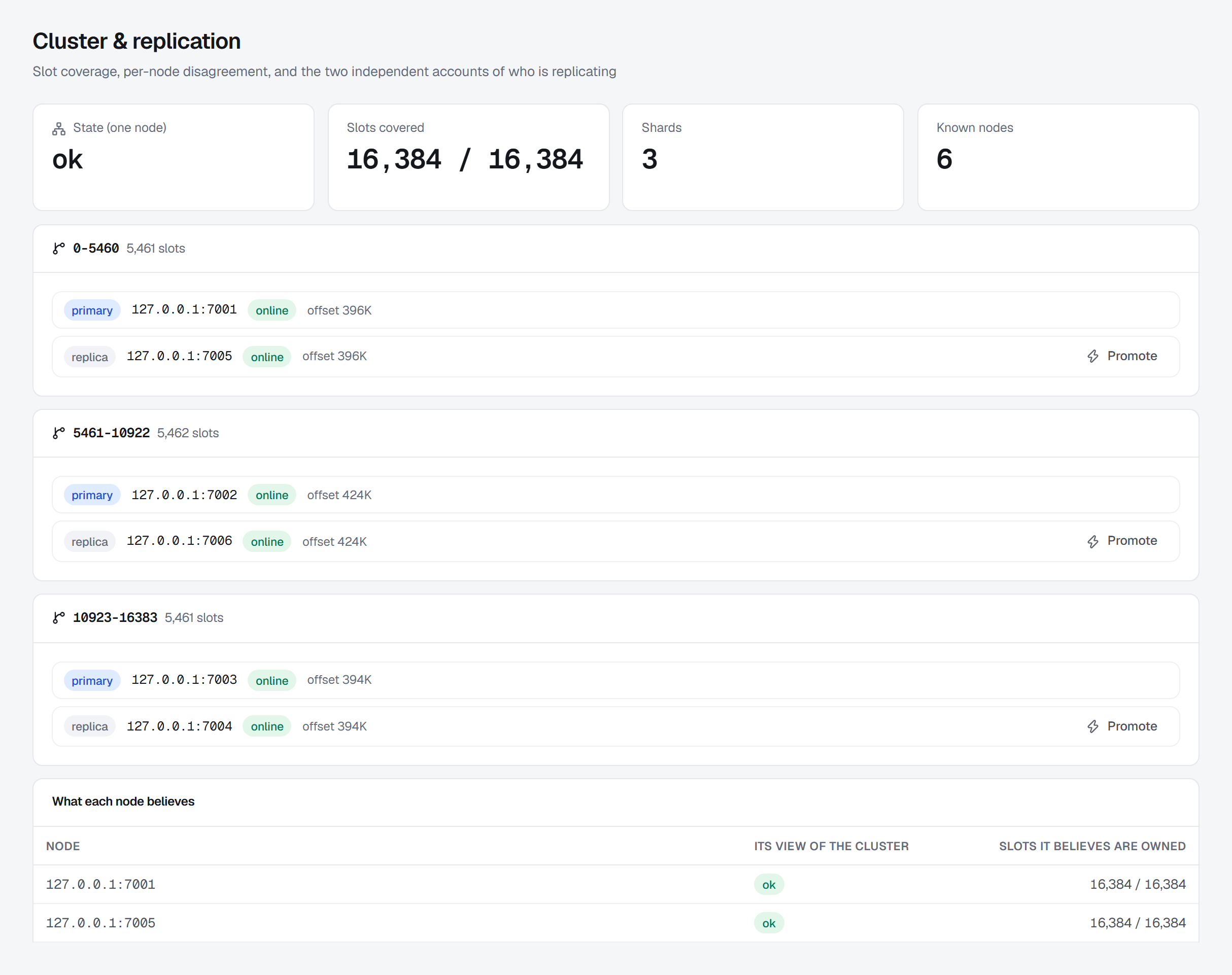
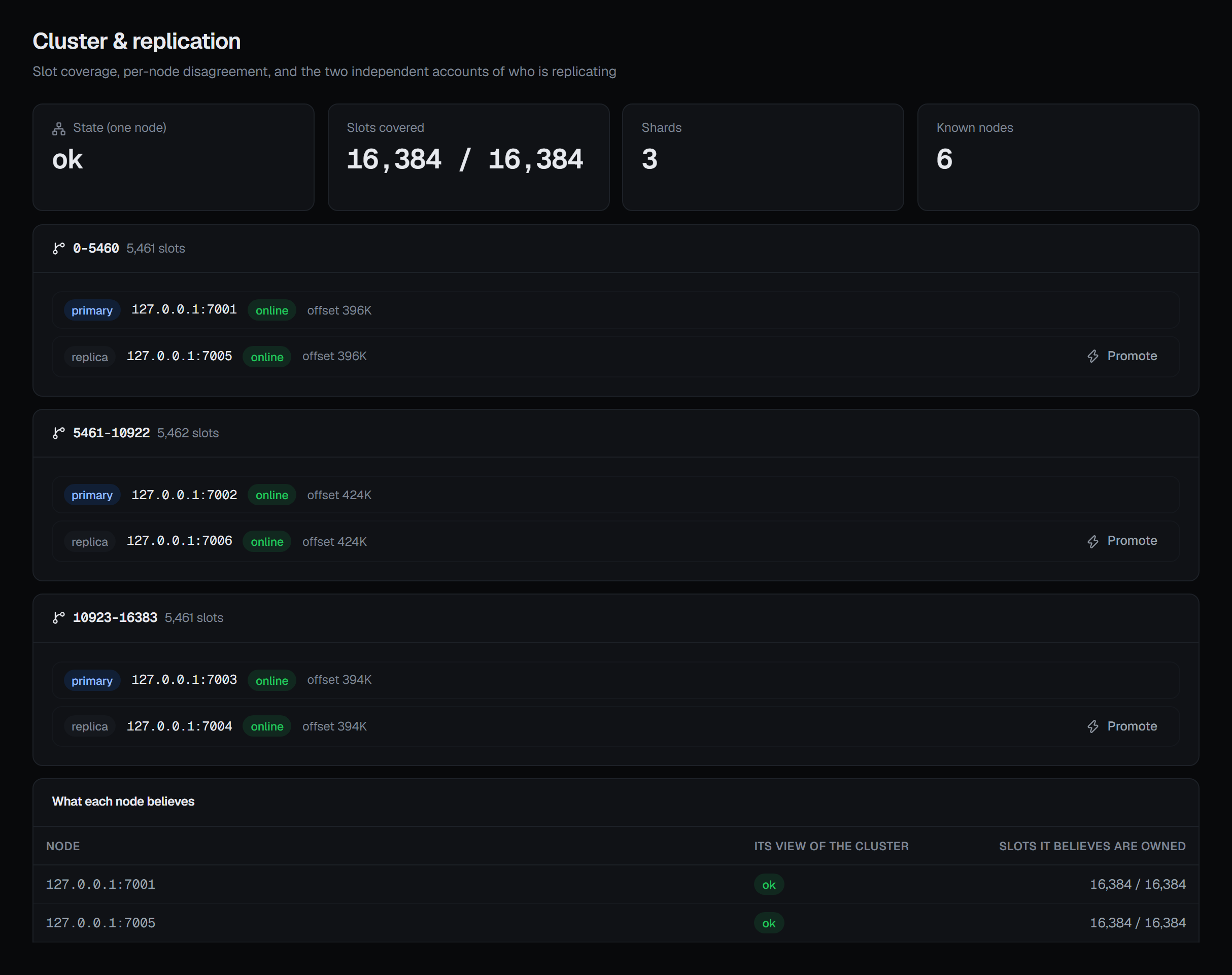
Slot counts are written out in full. 16,374 and 16,384 abbreviate to the same "16K", and the
ten slots between them are the difference between a cluster serving every key and one refusing a
range of them. A number that would round into a different fact is not rounded.
If slots are missing, BROKA names which ranges are unassigned. Redis reports only a count; working out which slots nobody owns is the difference between knowing you have a problem and knowing where it is. The warning reads Part of the keyspace is unreachable, lists the ranges, and says what it means: every key hashing into them is refused outright, while the rest of the cluster serves normally.
Each shard then has a card of its own, headed by its slot ranges and how many slots they add up to. Inside it, every node of the shard is a row: a primary or replica badge, its address, its health as the cluster reports it, and its replication offset.
Beneath the shards, What each node believes shows every node's own view of the cluster, side by side: the node, Its view of the cluster, and Slots it believes are owned out of 16,384, in red when it is fewer. Cluster state is per-node — nodes can disagree, and disagreement is itself the finding — so when any node answers differently from the headline, a warning above the shards names it: The nodes do not agree. A node that cannot be asked is shown as not answering, with the reason on hover, rather than being dropped from the list. The nodes are asked at once, each is given three seconds, and the screen has every answer within fifteen seconds; a node that accepts the connection and stays silent is one of these rows after those three seconds rather than a wait added to everyone else's.
On a server that is not a Redis Cluster, the cluster half is replaced by a notice — This connection does not
address a Redis Cluster — because a standalone Redis refuses CLUSTER INFO outright and has no slot map to show.
The replication half below still applies.
Slot statistics
On Redis 8.2 and later, Slot statistics, below each node's own view, ranks the cluster's busiest hash slots. A node reports only the slots it owns, so every primary is asked and the answers are merged, busiest first. Each row is the slot, the primary that owns it, its key count, and its CPU time and network traffic in and out.
Busiest by chooses the measure: Keys, CPU time, Network in or Network out. The key
count is always reported. CPU time and network are collected only while the nodes'
cluster-slot-stats-enabled setting is on, and it is off by default — until it is, those columns show a
dash with that reason rather than a zero, and ranking by them is offered greyed out with the same reason.
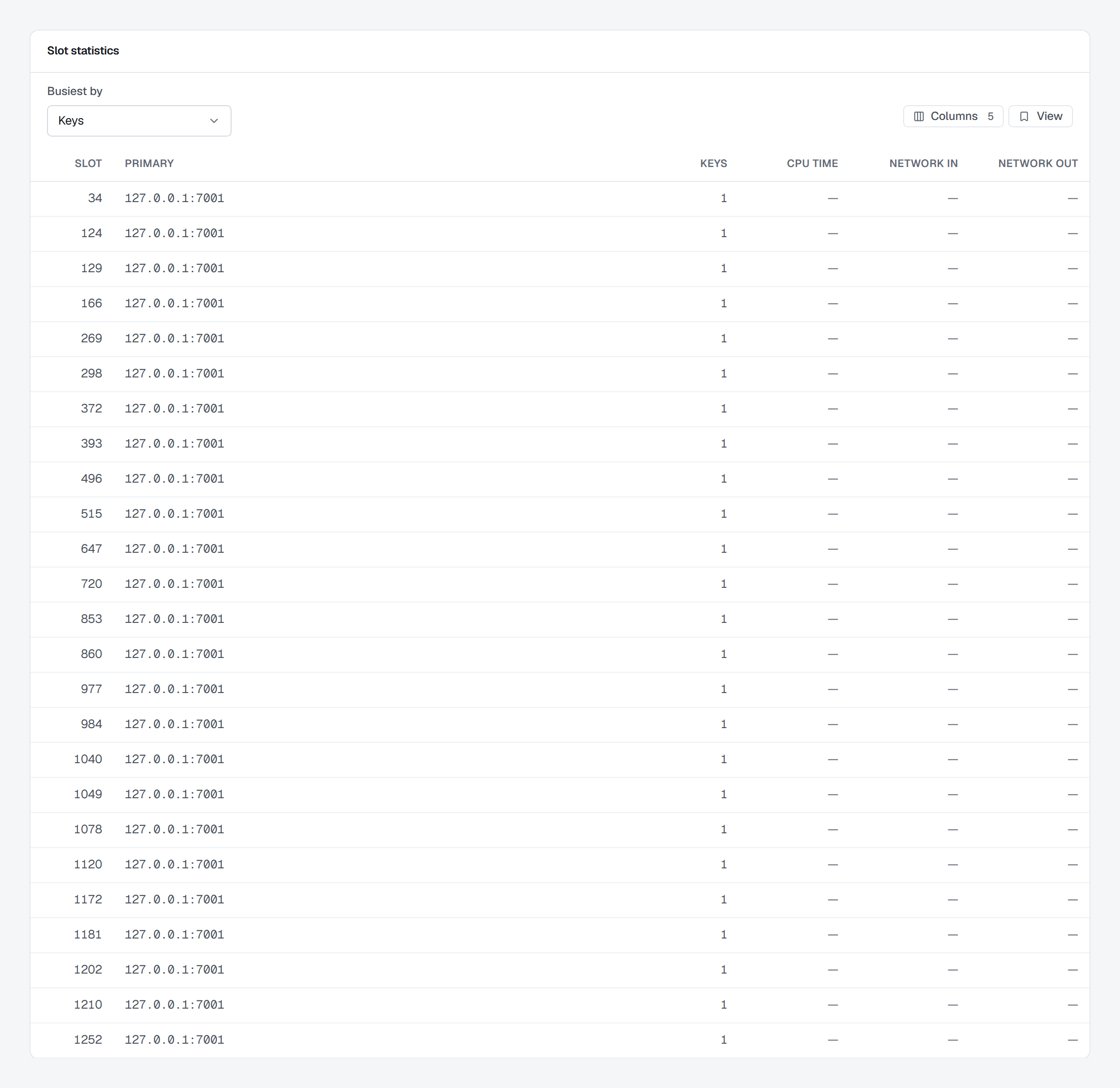
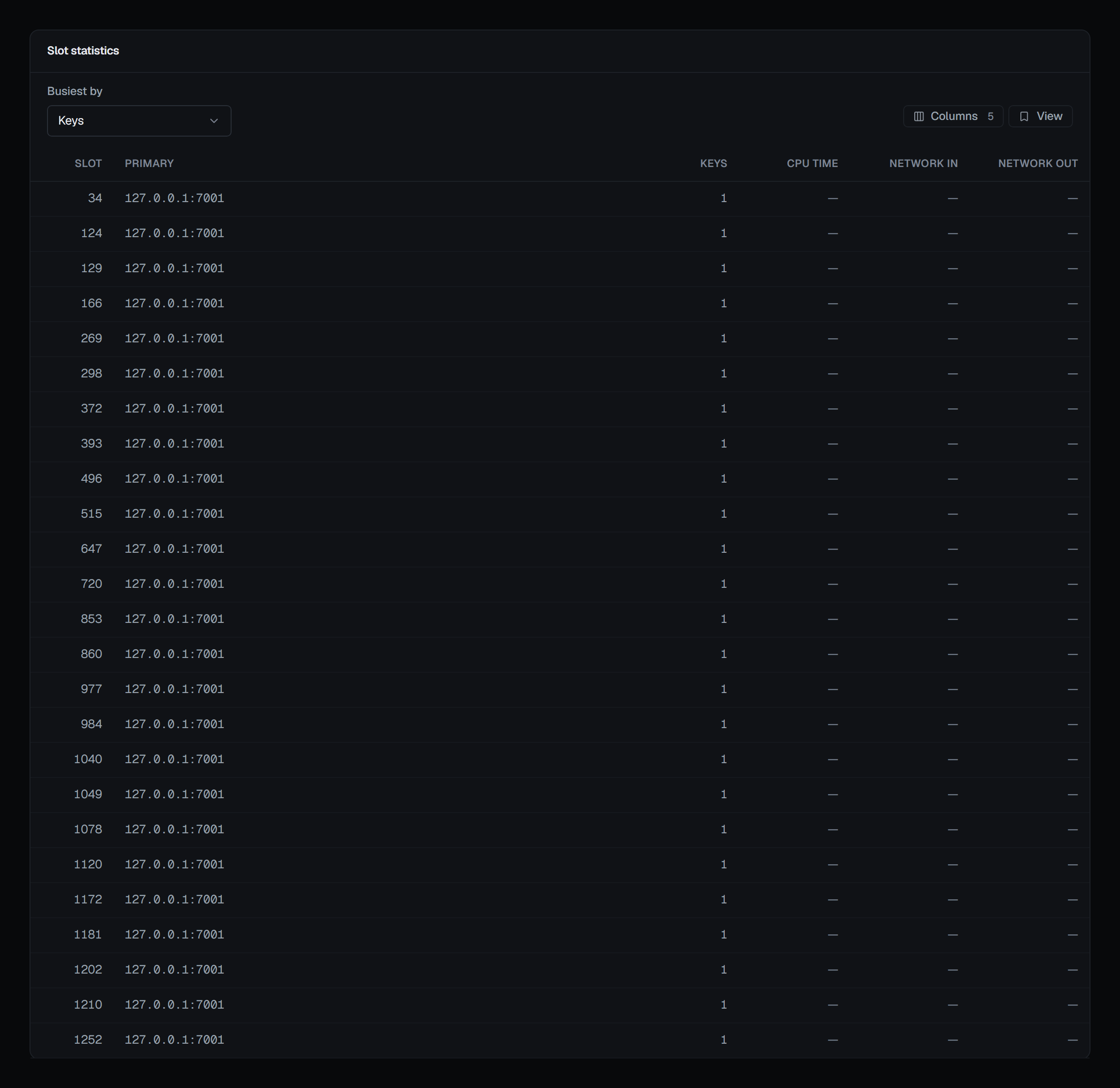
One read returns the busiest hundred slots, which the list pages through 25, 50 or 100 at a time; its columns other than the slot can be hidden or reordered, and the layout kept as a saved view.
On nodes older than 8.2 the card stays and says so, with the reason, in place of the list. A server that is not part of a cluster has no slots, so it has no such card.
Replication
Replication is reported for every Redis, cluster or not. What the server says about itself carries a primary or replica badge. On a primary it lists its replicas — each with The primary says (its state) and Lag — and when nothing is following it, says so plainly: No replicas attached, because the data exists in one place only. On a replica it shows what it is Following, its Link to the primary, and its Last contact.
Lag is bytes of replication stream — not messages and not seconds — and the console says so where it shows it, because a number labelled only "lag" invites the wrong unit.
The replication view comes from INFO. An identity that may not run it sees This connection may not read the
replication state in place of the view, with the server's reason.
On a Sentinel deployment you get two independent accounts: what the server says about itself, and
What Sentinel says — the primary Sentinel names, its flags, its quorum, how many other Sentinels it can see,
and each replica with Sentinel's flags, its link to the primary and when it last answered Sentinel. BROKA
deliberately does not reconcile them into one answer, because when they disagree, that disagreement is the most
important thing on the screen: the primary reports a replica online because its socket is open, while Sentinel
reports it s_down because it stopped answering Sentinel's own pings. If Sentinel cannot be reached, the
server's own account still renders, with a warning rather than a failure — Sentinel could not be reached —
and the reason.
The Sentinel panel also draws a conclusion the raw numbers do not: when there are not enough Sentinels to reach the configured quorum, it says no failover can ever happen. That is a deployment that looks healthy in every other reading and cannot do the one thing it exists to do.
Everything else Sentinel knows — every group it watches, and a failover it runs — is on Sentinel.
Promoting a replica
On a Redis Cluster, a replica can be promoted from its row in its shard's card, with Promote. The confirmation explains what is about to happen: the shard's primary is demoted to follow it, and Redis acknowledges the request and completes the promotion afterwards, so the roles on the screen settle a moment later rather than immediately.
Force — skip the handshake with the current primary is for a primary that cannot be reached. A coordinated failover asks the primary to pause writes and hand over its offset first; forcing skips that, so writes it had accepted and not replicated are lost. The dialog says so beside the checkbox.
The operation is refused before anything is sent if you aim it at something that is not a replica. The confirmation asks for a reason, and the promotion is audited by the node's address, with an entry that records which kind of promotion it was and what that means for data in flight.
Like every write, it is refused in a read-only environment or on a connection frozen with its own read-only switch — and the button is not offered there rather than failing when pressed.