

Key operations
Updated 6 October 2026 · applies to 1.0.1 · Commercial
Everything BROKA writes to Redis follows the same three rules: the trail records the command that was issued rather than a guess at intent, an operation refuses rather than destroying something you did not name, and an expiry is never changed as a side effect of something else.
One command, one record
Each kind of write has its own route and its own audit action — creating a key, setting a string, setting a hash field, removing one, setting or removing a field's own expiry, setting a list element, pushing onto or popping from a list, adding to a set, setting a member's score, removing a member, writing a JSON document or removing a path from one, setting a TTL, removing a TTL, renaming, copying, restoring an exported key, deleting, sweeping a pattern. Every entry names the logical database the write was made in.
A single "save this key" endpoint would have been less code and a worse trail. Reading it back, you would see a payload and have to infer what was done to what; instead the entry says which command ran against which key.
The entries record the outcome, not the attempt. A rename that was refused writes a row saying it was refused and why. Deleting a key that had already expired says it was already gone. A sweep that reached its per-call limit says it did not finish.
Expiry is never a side effect
Saving a value keeps the key's expiry. A session key with four minutes left has four minutes left after you edit it — BROKA uses Redis's keep-expiry form rather than the plain write that silently makes a key immortal.
That failure is worth naming because of how it presents: nothing goes wrong at the time. The key simply stops expiring, and it surfaces weeks later as memory that never frees.
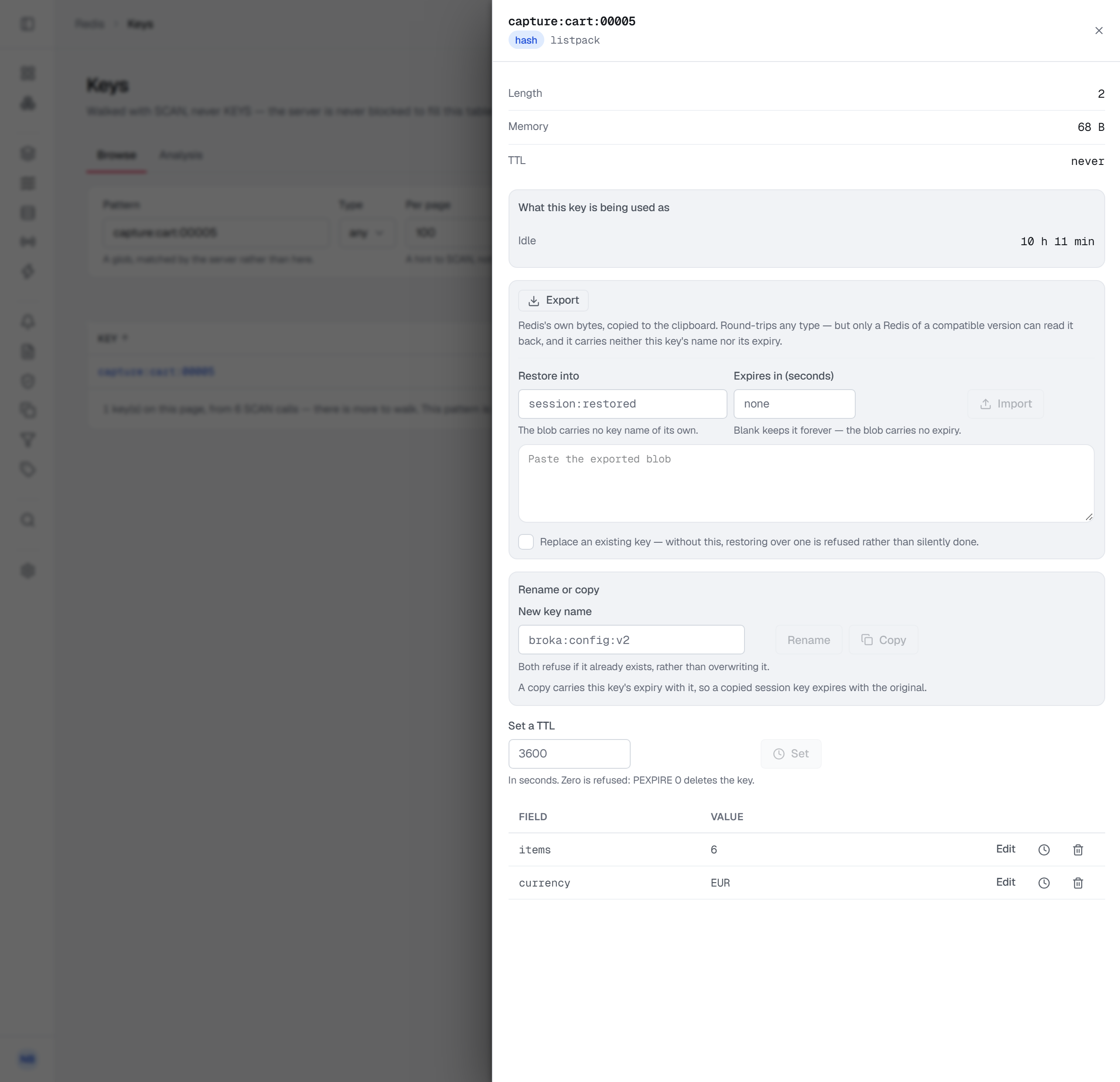
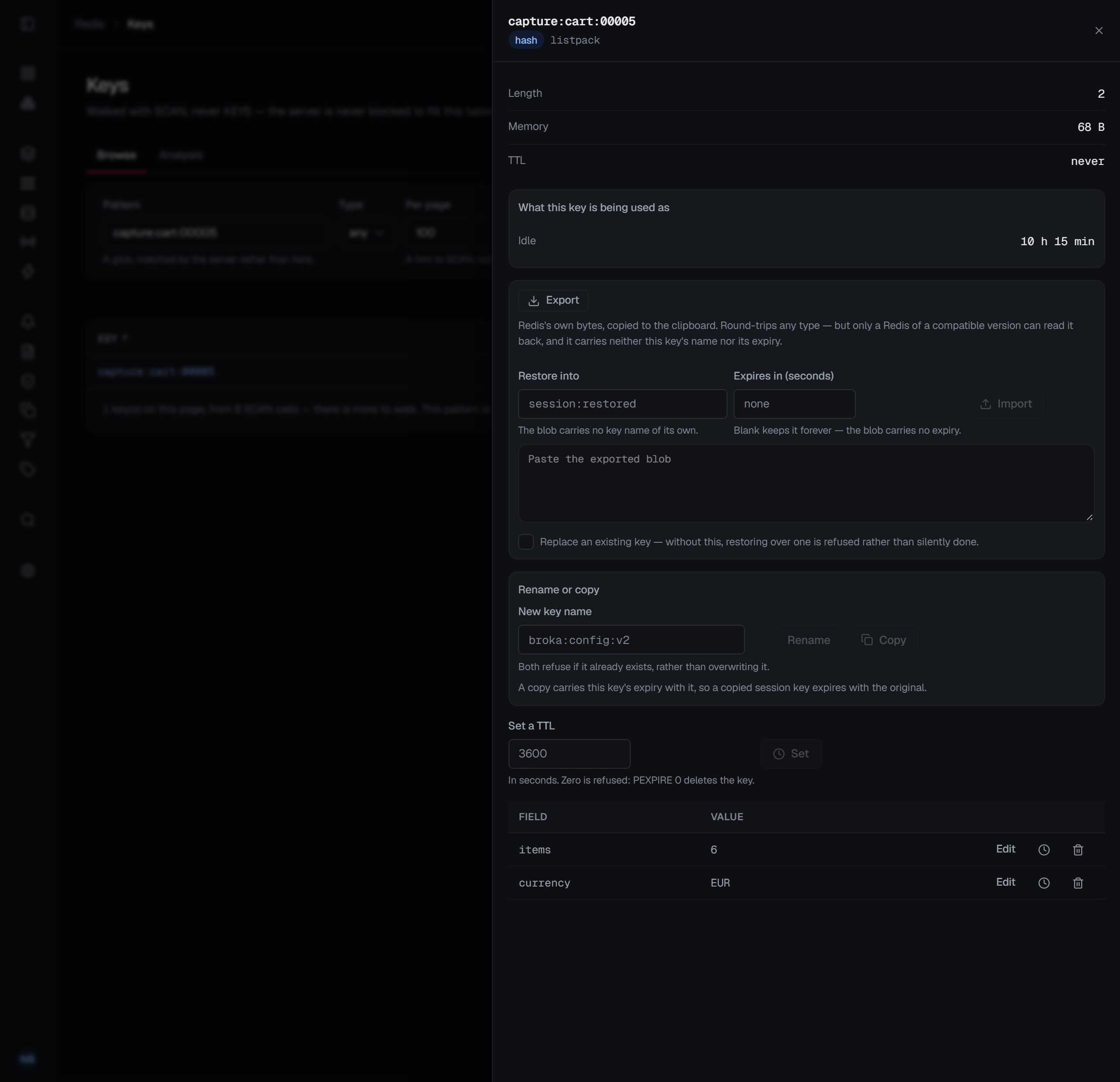
A TTL of zero is refused. In Redis, expiring a key in zero seconds deletes it immediately — so a cleared form field must never be able to become a deletion. Setting an expiry and removing one are two separate, named actions, and the field says so where you type it.
Nothing is overwritten that you did not name
Renaming refuses a name that is taken. Redis's own rename deletes whatever was at the destination and reports success; BROKA declines instead and tells you the name exists. The key you did not mention is not the key that gets destroyed.
Copying preserves the source key's expiry — which surprises people, so the console says it beside the button rather than leaving you to find your copy gone an hour later.
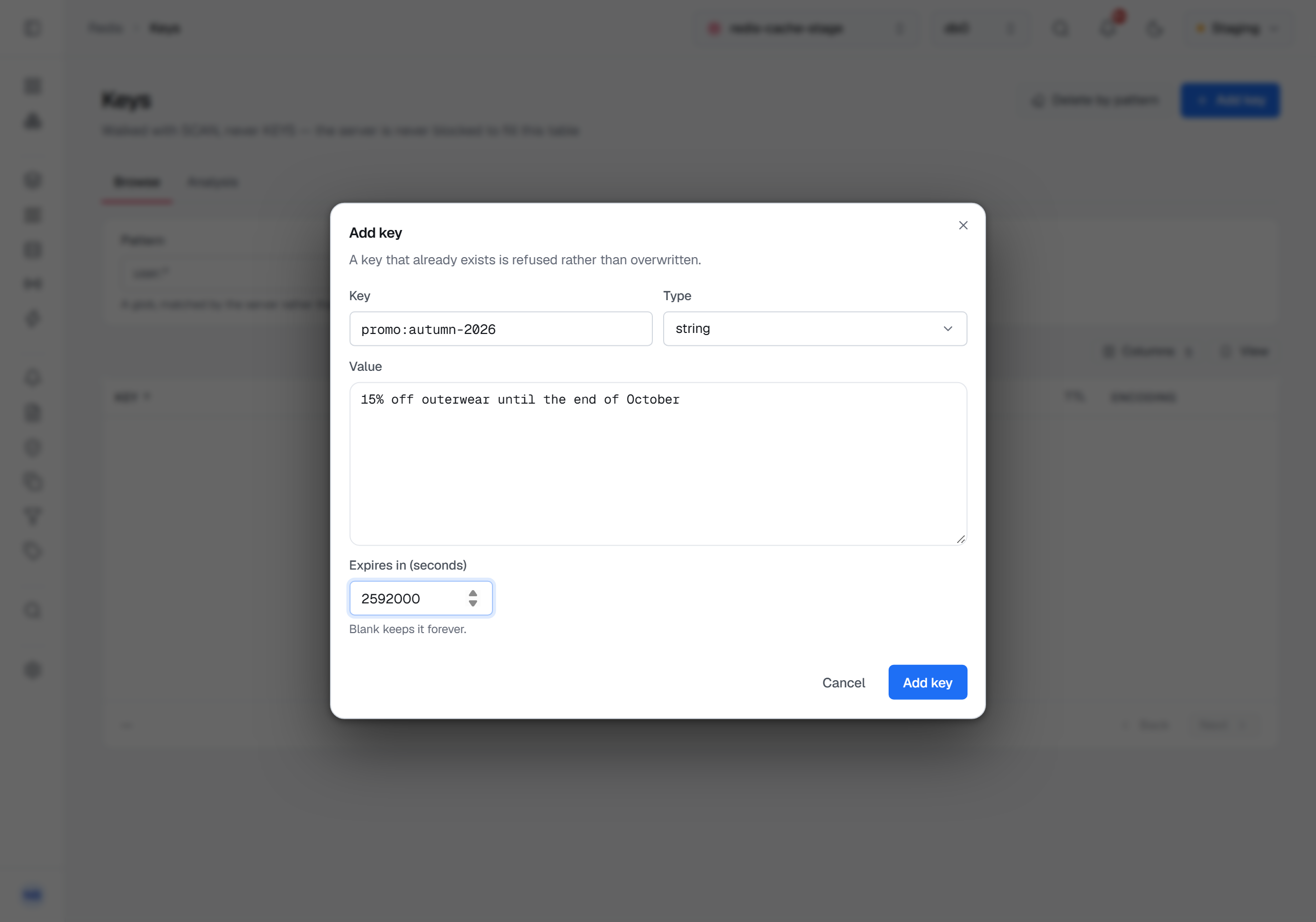
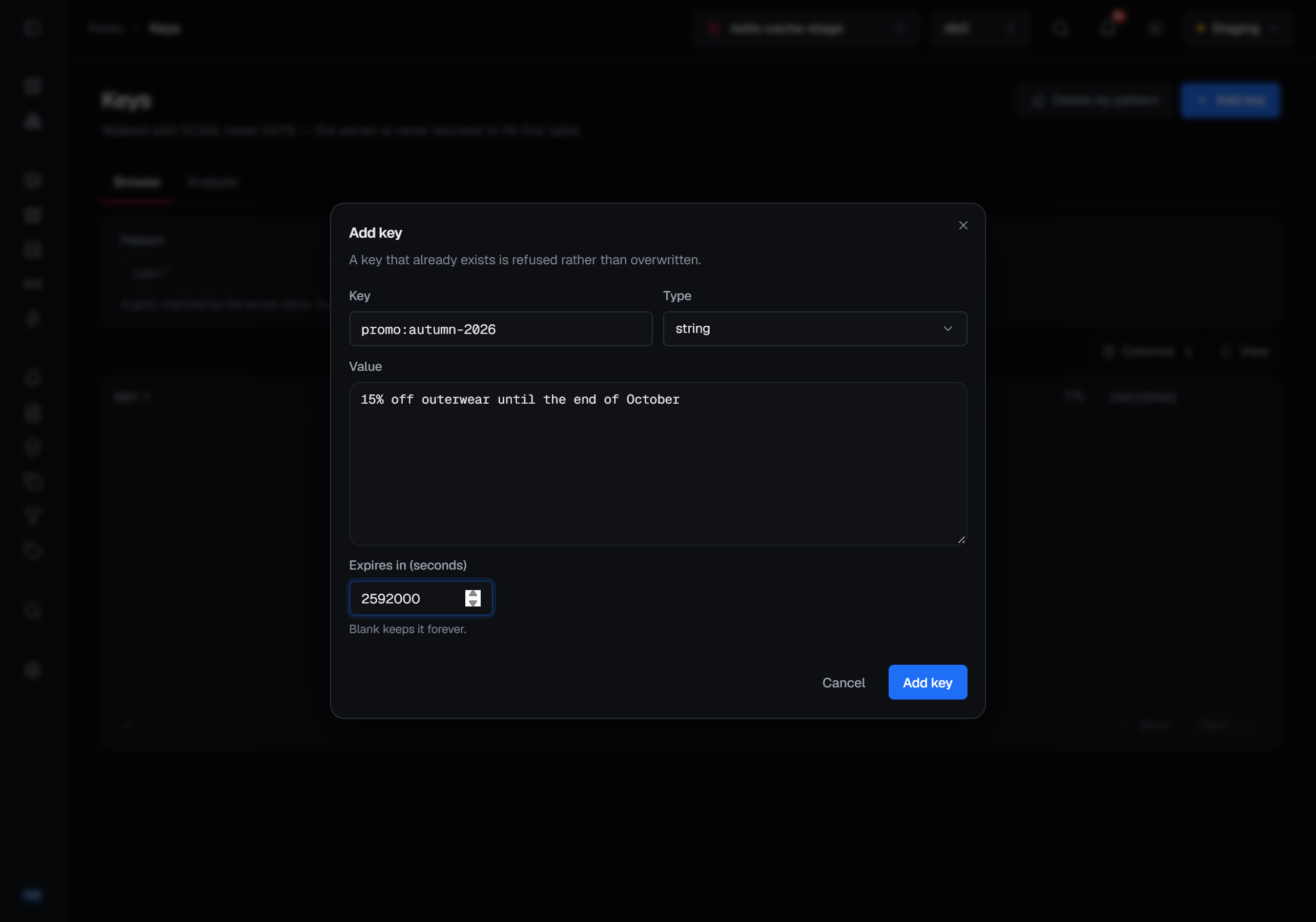
Adding a key never overwrites one. Redis has no "create" command — a key comes into existence with the first write of its type, and most of those writes happily add to a key that is already there. So Add key, on the Keys screen beside Delete by pattern, takes a name, the type to create — string, hash, list, set, sorted set or stream, and a JSON document where the JSON module is loaded — its first content, and an optional expiry in seconds, left blank to keep it forever. A name that already exists is refused, and the refusal names the key; nothing is added to it. The new key opens in its sheet, in the database you are in.
Where the JSON module is not loaded, the JSON type is still in the list, greyed out with the reason. The audit entry records the key, its type and its expiry — never the content, which is often the very thing the key is sensitive for.
Copying or moving to another database
The key's sheet has a Copy or move to another database panel: the pair to the database switcher. Choose the Database — each listed with how many keys it holds, the one you are in left out — then Copy or Move. The key keeps its name there, and both ask before they act.
Neither overwrites unless you ask. If the target database already has a key of that name, a copy copies nothing and a move moves nothing, and the console says the target already has the key and nothing was changed. A copy replaces it only if you tick Replace a key of this name in that database in the confirmation; that copy then asks for a reason, and says the audit entry will be the only record that the target held something else. A move has no such option.
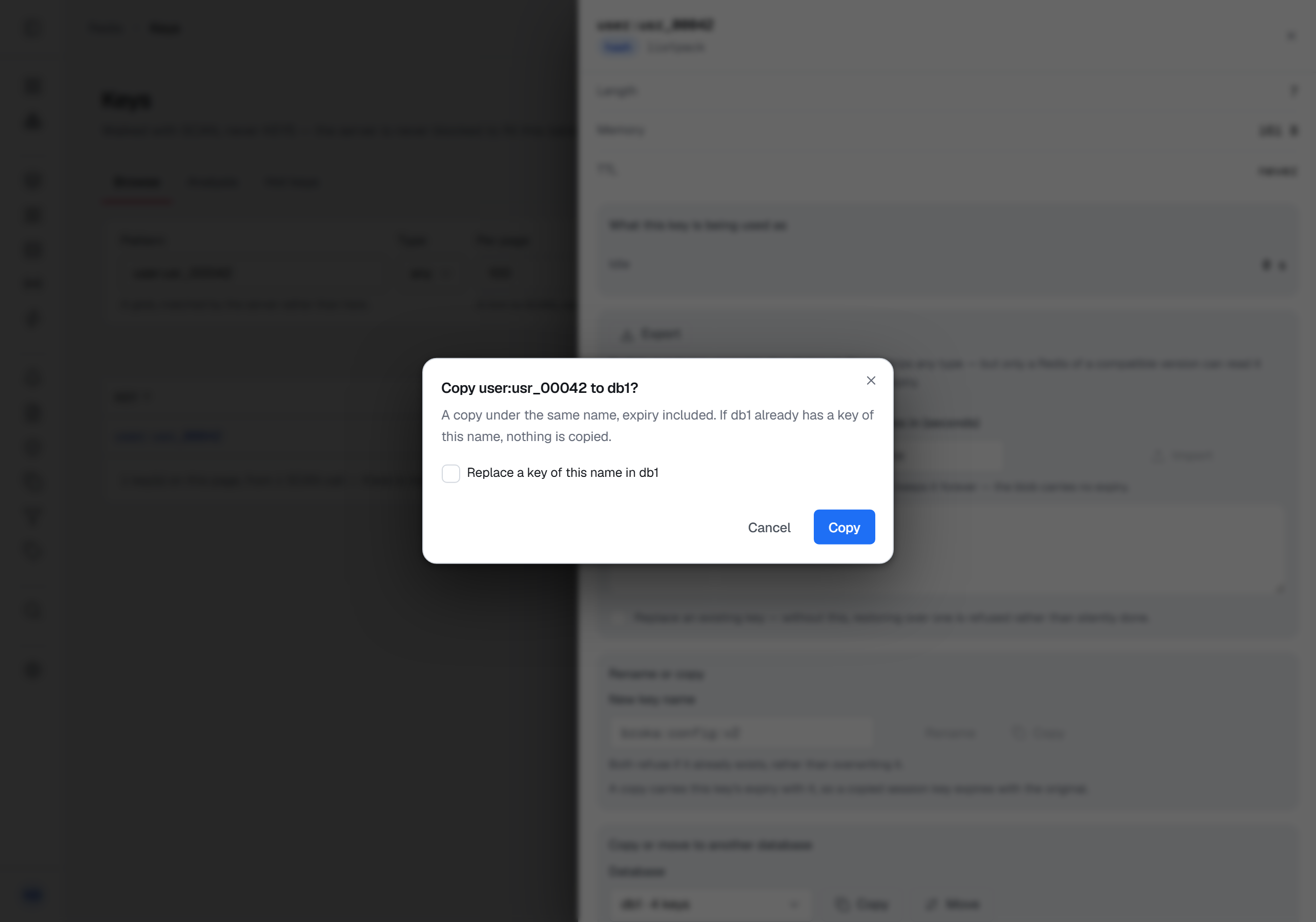
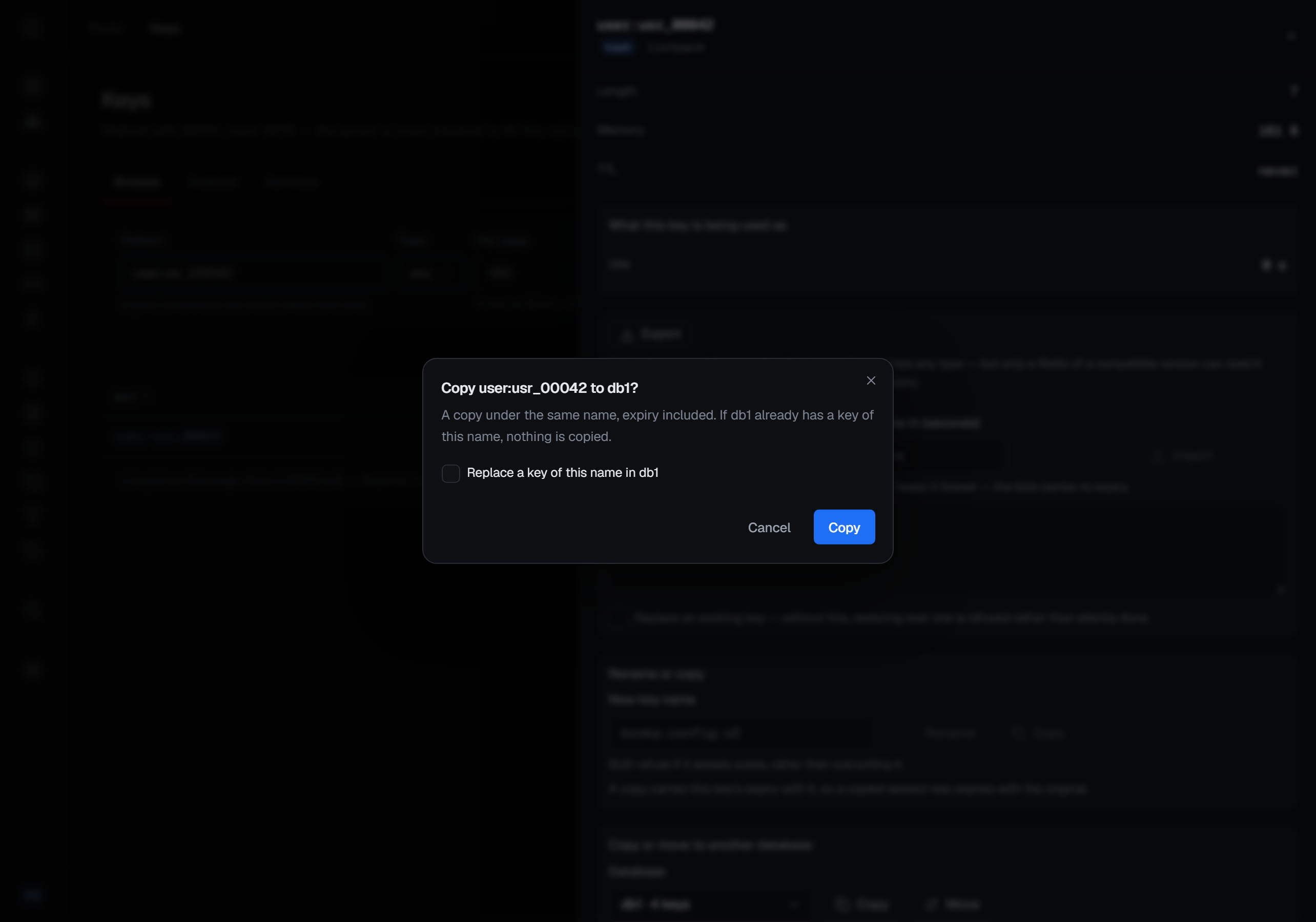
A copy carries the key's expiry with it. A move takes the key out of the database you are in, so it asks for a reason, and the sheet closes once the key has gone. The trail records a copy as a copy and a move as a rename, each naming the target database, and one the target refused says so.
A Redis Cluster has only database 0, so on a cluster the panel is not there.
What asks before it acts
Anything that destroys data asks first, and the question names the target: deleting a key, sweeping every key matching a pattern, removing a field from a hash, a member from a set or sorted set or a path from a JSON document, popping from a list, replacing a key with an imported one, moving a key to another database, or copying one over a key of the same name there.
The confirmation for a sweep is worth reading rather than clicking through, because it states the fact that makes this different from deleting a row in a database:
Redis keeps no history. Once these keys are unlinked, the audit entry is the only surviving record that they existed.
Changing a value in place is confirmed by the act of saving it — you typed the new value and pressed Save, and a second dialog asking whether you meant it would train you to dismiss dialogs.
Every one of those confirmations also asks for a reason, in every environment, and the audit entry keeps it. Three writes that have no confirmation need one everywhere too — renaming a key, setting its TTL or a hash field's expiry, and importing a key — so a reason window asks for it before they are sent. In a guarded environment every other write here asks as well.
Deleting does not stall the server
Removals use Redis's unlinking form rather than the blocking one. The key becomes unreachable immediately and its memory is reclaimed on a background thread, so removing a large collection does not pause every other client connected to the instance.
For sweeps, the same applies in batches — and a pattern sweep is not a transaction and cannot be one, because Redis has no way to make it one. Keys stop existing as the sweep reaches them.
Masked fields
A data masking rule adds refusals of its own, for someone who may not read the key unmasked. Setting a masked string, hash field, list item or JSON document is refused, because what you would save is the masks; the sheet's editors are read-only for it and say why. Renaming, copying and exporting a key a rule covers are refused too — the new key or the blob would carry the value where the rule may not reach — and the refusal names the rule. Copying or moving a key to another database is not refused: the key keeps its name there, and the same rule covers it.
Creating a key, pushing, popping, adding a member, setting a score, changing a TTL and deleting are not affected, and a popped item is shown masked. A count such a write returns — how many members were added, how many were removed — still says whether a member was there. How a masked key reads is under Keys.
Being refused
A write attempted in a read-only environment, or on a connection frozen with its own read-only switch, is refused before it reaches Redis — and the refusal is itself recorded, so an attempt that was blocked is visible in the trail rather than being indistinguishable from an attempt nobody made.
The same applies to a write the permission model refuses.
Writing over a masked value, and renaming, copying or exporting a key a data masking rule covers, takes Read
masked contents unmasked (messages.read.unmasked) on the key as well — on its environment or connection, or by a
key grant whose pattern matches it.
Counting before sweeping
A pattern sweep can be counted first: the same walk, matching the same keys, removing nothing. That count is recorded too, at the read tier — knowing which patterns someone was measuring before a sweep is part of the story of the sweep.