

Redis Streams
Updated 10 October 2026 · applies to 1.2.0 · Commercial
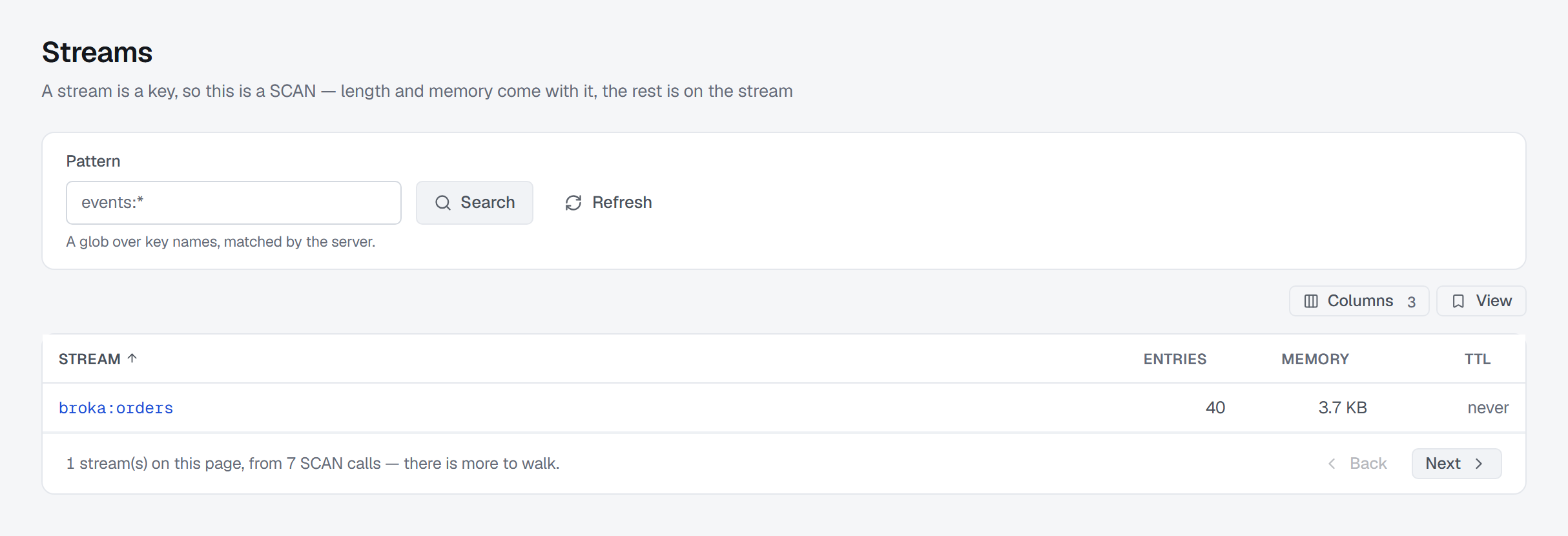
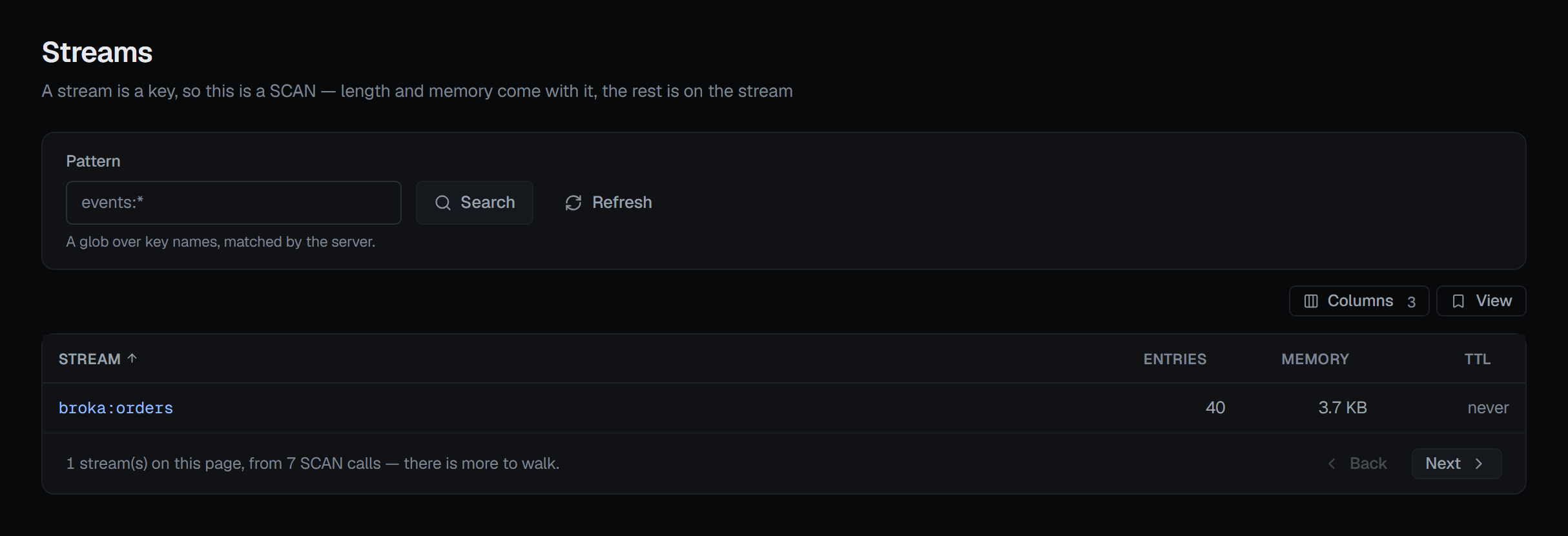
A Redis stream is a key, and Redis has no command that lists them. So BROKA finds them the only way there is — by walking the keyspace and asking for that type — and the page says so rather than presenting a partial walk as a complete inventory.
The list names streams and nothing else — BROKA asks the server for that type and keeps only what it reads back as a stream — so it is not a key listing. Anyone who may view the connection sees it as soon as the page opens, the way a topic list is seen on Kafka.
Streams are usually a few keys among many, so each page keeps walking until it holds a full page of streams, or until it has done a bounded amount of work — and then says there is more to walk. The Consumer groups and Pending entries screens choose their stream from the same list.
Paging by id, because there are no offsets
A stream is paged by entry id, not by a position, and the button says which id it will continue from.
The mechanism matters because it is what makes the paging exact: BROKA asks the server for one entry more than fits on the page, shows the page, and keeps the id of the entry it deliberately withheld. Nothing is skipped and nothing repeats.
No arithmetic is ever done on an id, which is the important part — trimming and deletion leave gaps, so the next id cannot be computed. It has to be one the server actually handed over.
What the entries view tells you
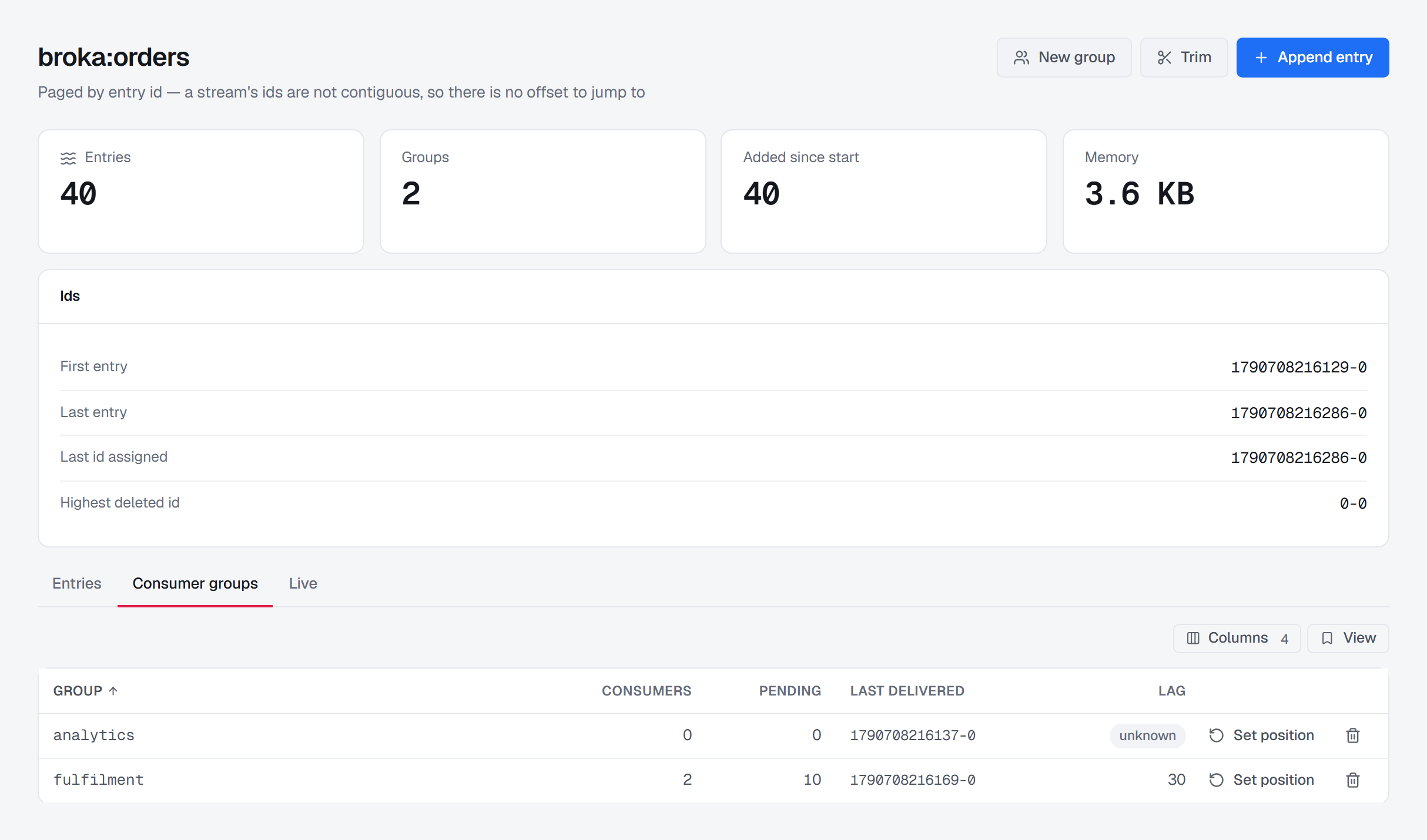
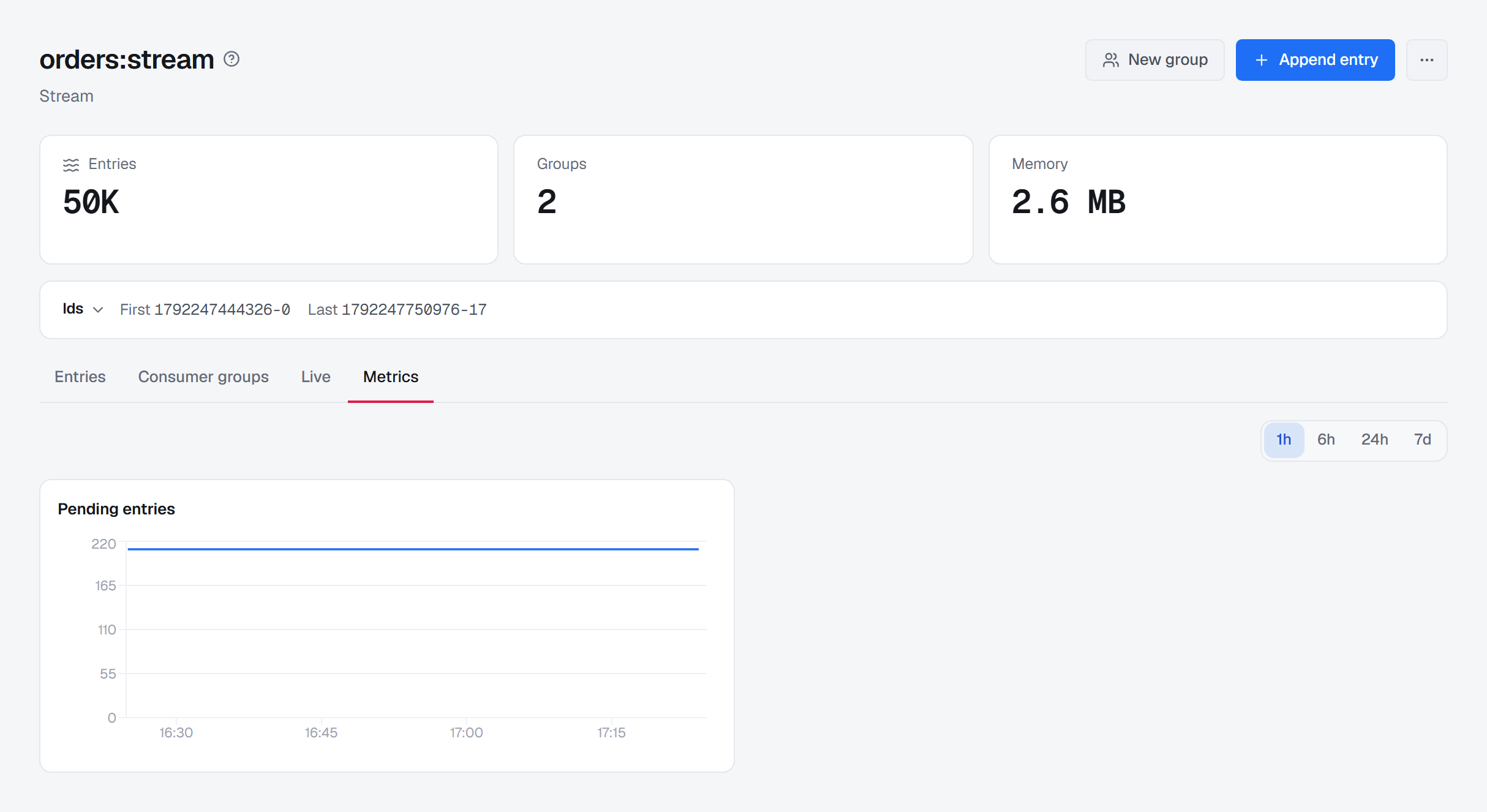
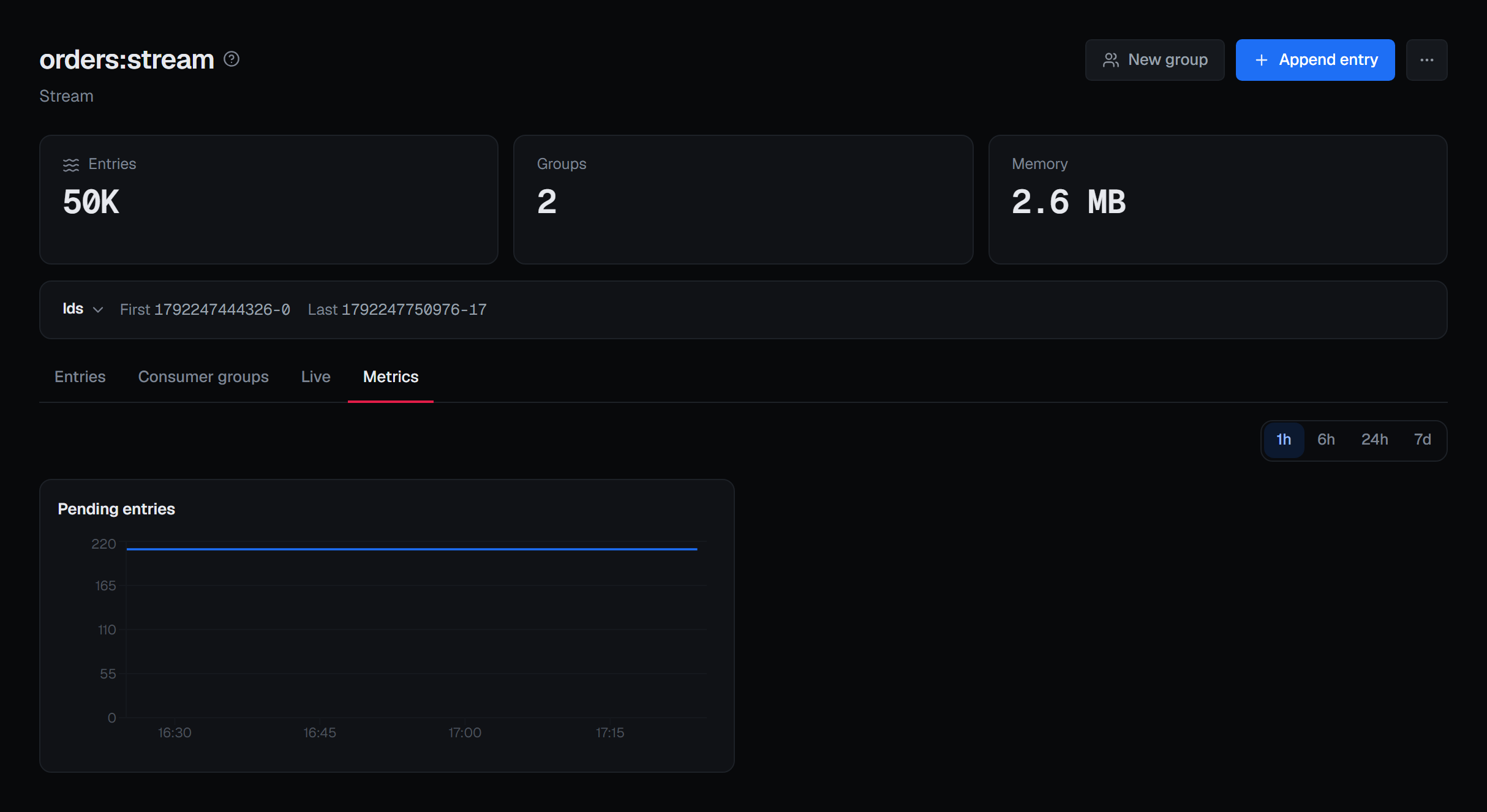
Above the entries are the stream's own numbers: how many entries it holds, how many consumer groups read it, and its memory. Under them, the Ids card shows the first and last entry still present on one line; opened, it adds the ids that describe the stream's history — the last id the server assigned and the highest id that has been deleted — and how many entries were ever added to it.
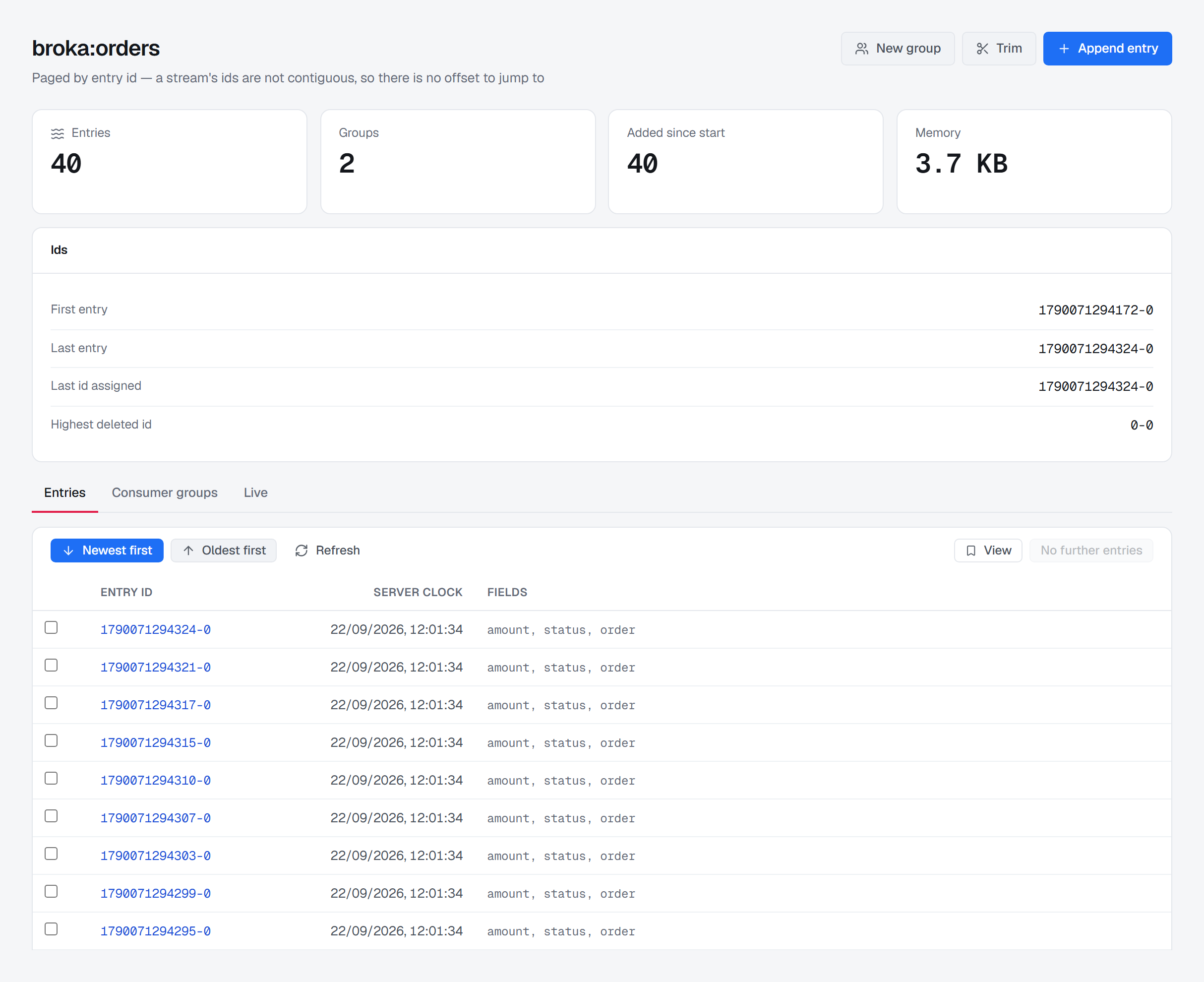
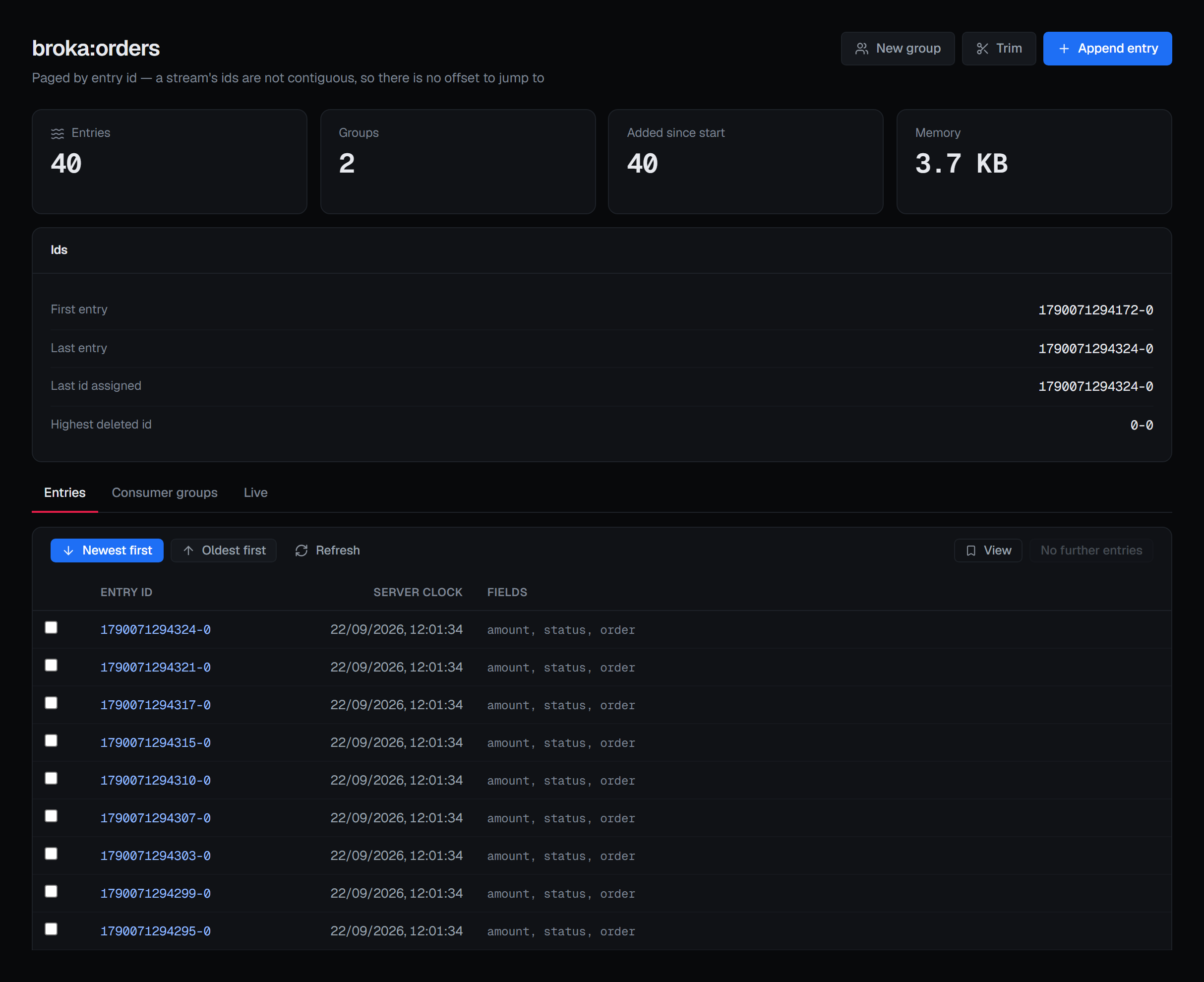
That last one is the field that explains an apparent gap. A stream whose first entry is not its oldest id has been trimmed, and this is where you see it.
Entries can be read newest-first or oldest-first, and switching direction starts again from that end.
Following a live stream
The Live tab follows a stream as entries arrive.
It reads without consuming. BROKA issues Redis's plain read, not the consumer-group read — so following a stream creates no pending entry, joins no group, and changes no application's backlog. You can watch a production stream during an incident without becoming part of it.
The tail stops by itself: after a fixed number of entries, or after a couple of quiet minutes measured from the last entry rather than from the last heartbeat. When it stops it says why, and it offers to resume from the last id it saw — so a tail that timed out while you were reading is one click from continuing rather than starting over.
The status line distinguishes states that are easy to conflate: waiting for the first entry, connected with nothing yet, following with a count, and stopped with a reason.
Appending, trimming and deleting
Appending echoes back the id the server assigned, which is the only thing that identifies the entry afterwards. The fields are a JSON object of names and values, and an optional cap trims the stream as the entry goes in.
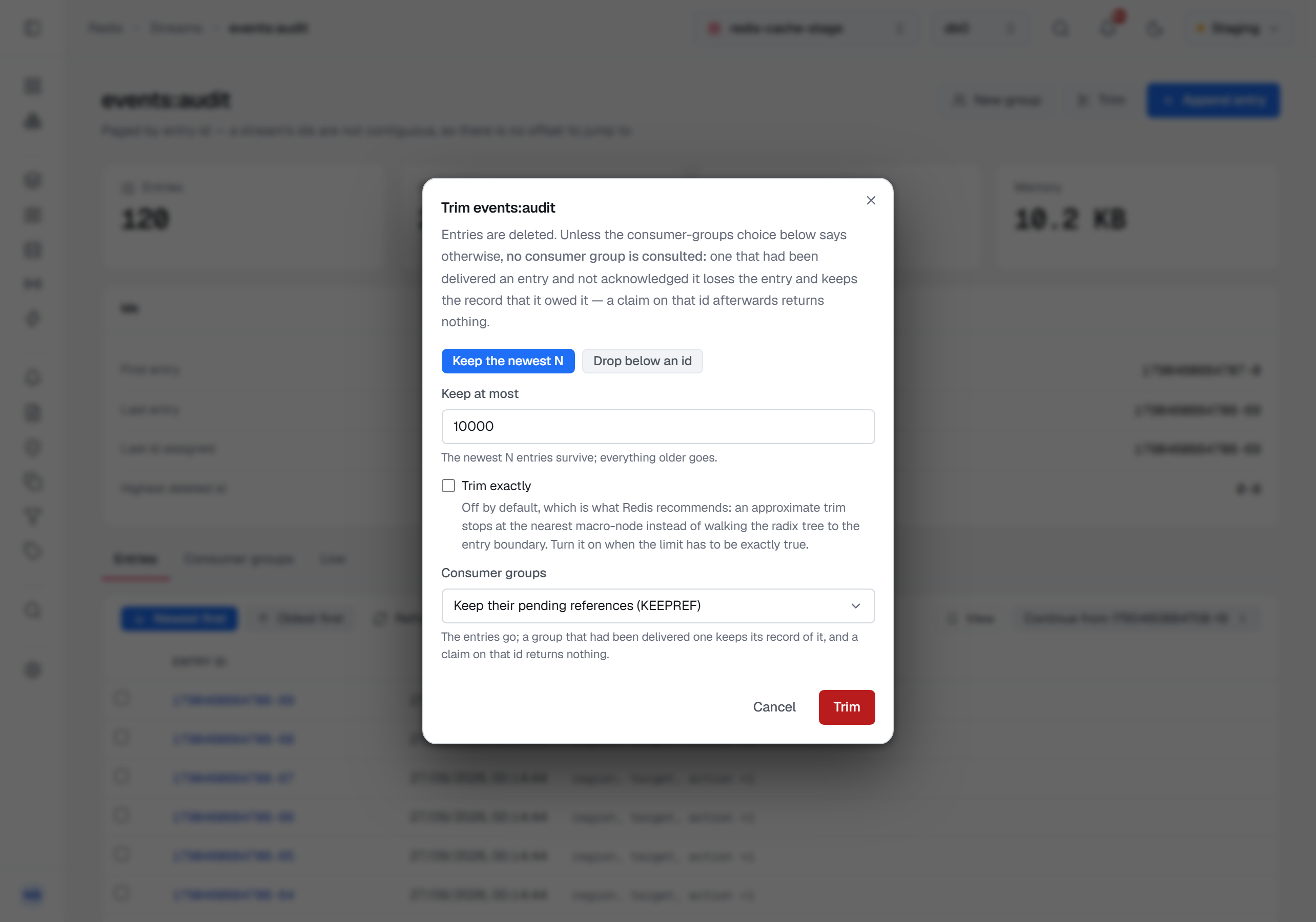
Trimming, from Trim in the page header's ⋯ menu, keeps the newest N entries — the field starts empty, with the number the stream holds now beside it, the dialog's Trim stays off until it is a whole number above zero, and the service refuses zero too, so an empty field never empties the stream — or drops everything below an id you give, and reports what it actually removed. On an approximate trim that is not the same as the number you asked to keep, and the ? beside Trim exactly explains the difference: an approximate trim stops at the nearest internal boundary rather than walking to the exact entry, which is what makes it cheap. Approximate is the default because it is what Redis recommends; exact is a checkbox for when "at most N" has to be literally true.
Deleting entries works on the entries you tick in the table, and reports how many of them were still there. Asking to delete an id that a trim already removed succeeds with a smaller number, and that is a normal outcome rather than an error.
What happens to consumer groups depends on the server. Before Redis 8.2, trimming and deleting consult no consumer group: an entry a group had been delivered and not acknowledged is removed anyway, the group's pending list keeps the id, and a later claim on it returns nothing.
From Redis 8.2 both dialogs have a Consumer groups choice, and it says what the groups keep:
- Keep their pending references — the entries go; a group that had been delivered one keeps its record of it, and a claim on that id returns nothing. This is Redis's default.
- Remove their pending references — the entries go, and so does every group's pending record of them.
- Only what every group acknowledged — an entry goes only once every group has acknowledged it; the rest stay in the stream.
The result says how many entries stayed because a group still needed them. On an older server the choice is still shown, greyed out, with the reason — so you know the option exists and what it needs.
Consumer groups on a stream
The stream's own groups tab lists the groups reading it, their pending counts and their lag, and opens each group's consumers beneath it.
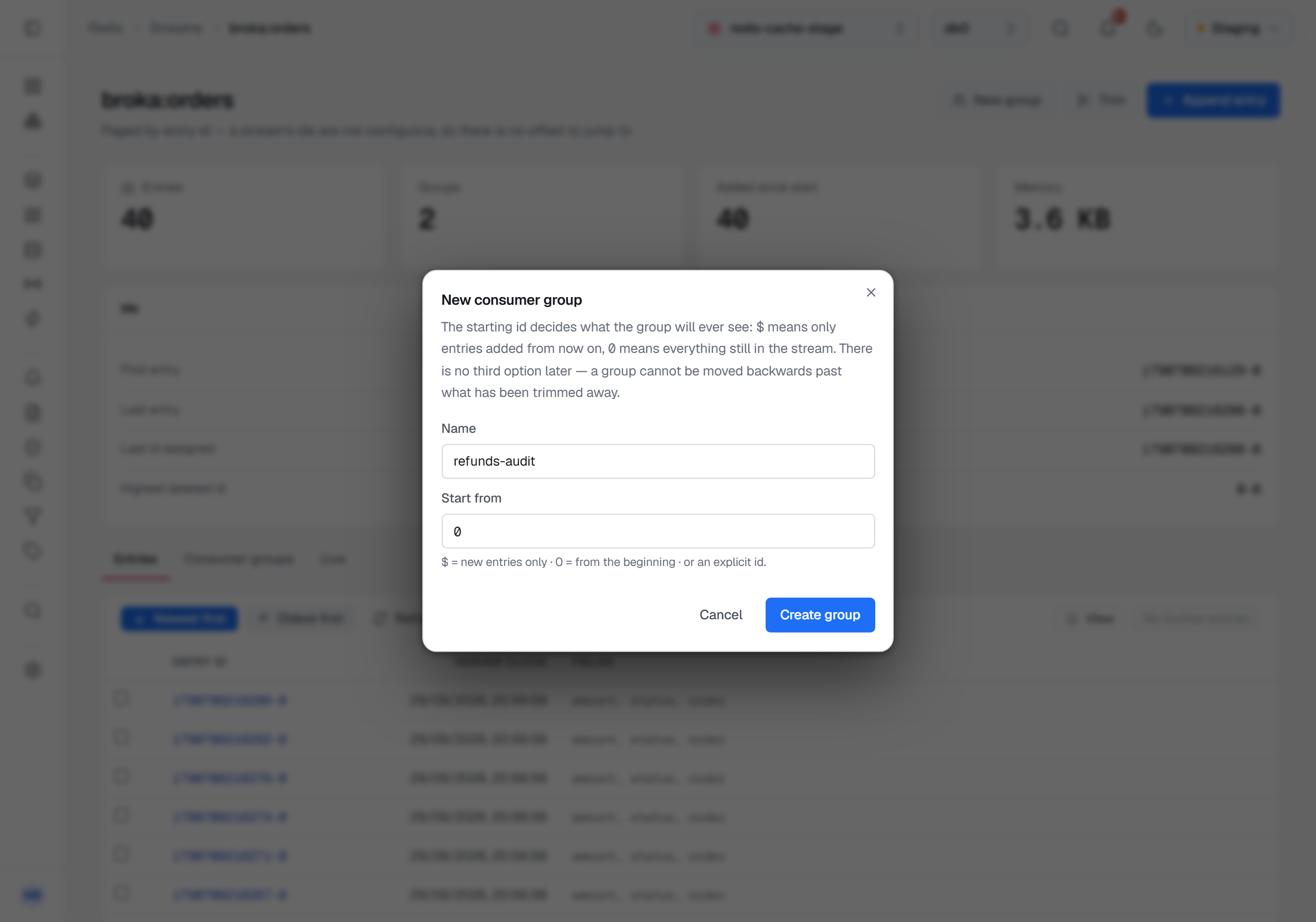
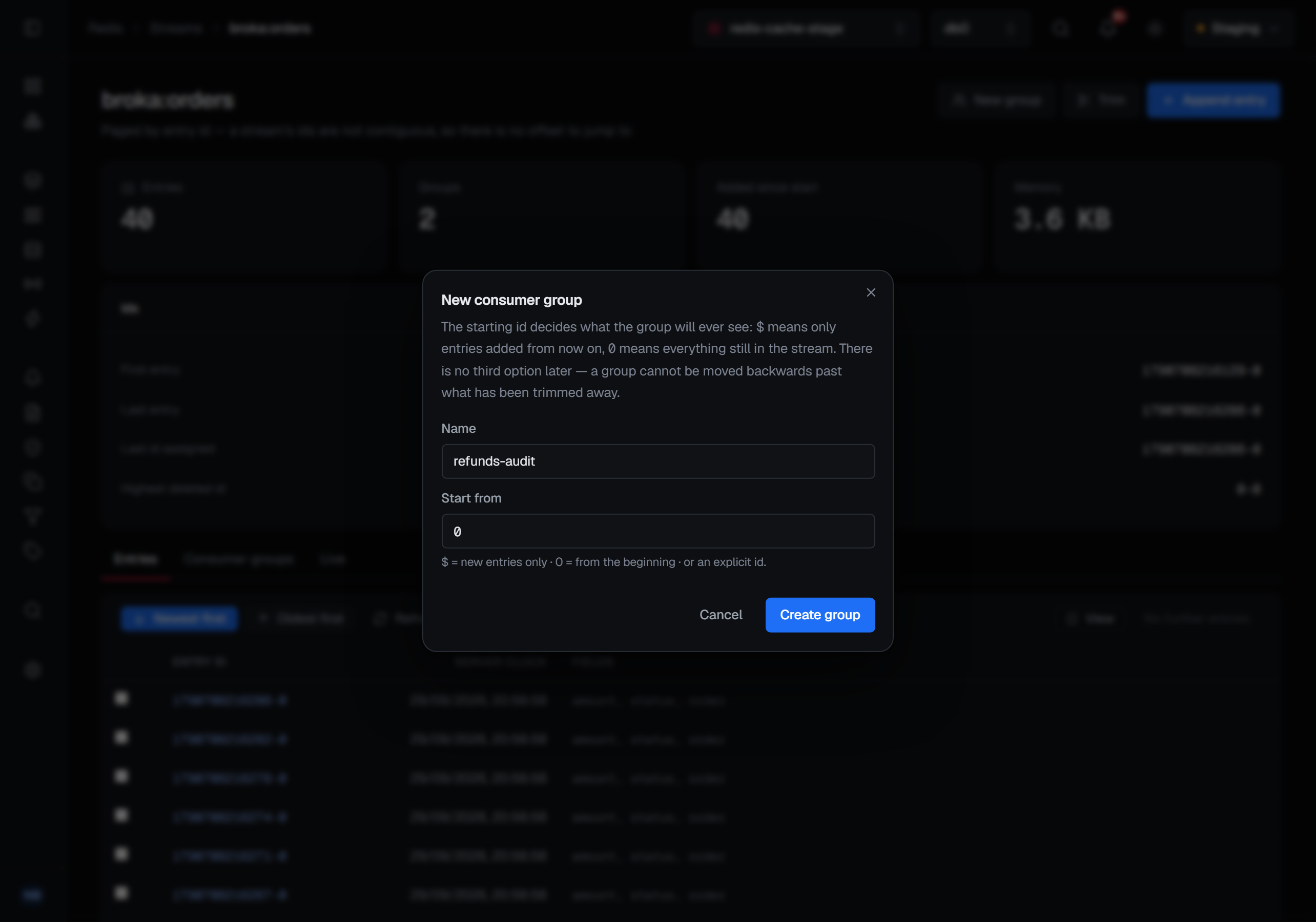
New group creates one. Its Start from decides what the group will ever see: New entries only ($), the
default, means only entries added from now on; The beginning (0) means everything still in the stream; or
choose An entry id and give one.
A group can be moved later, but never back past what has been trimmed away, so the choice still matters.
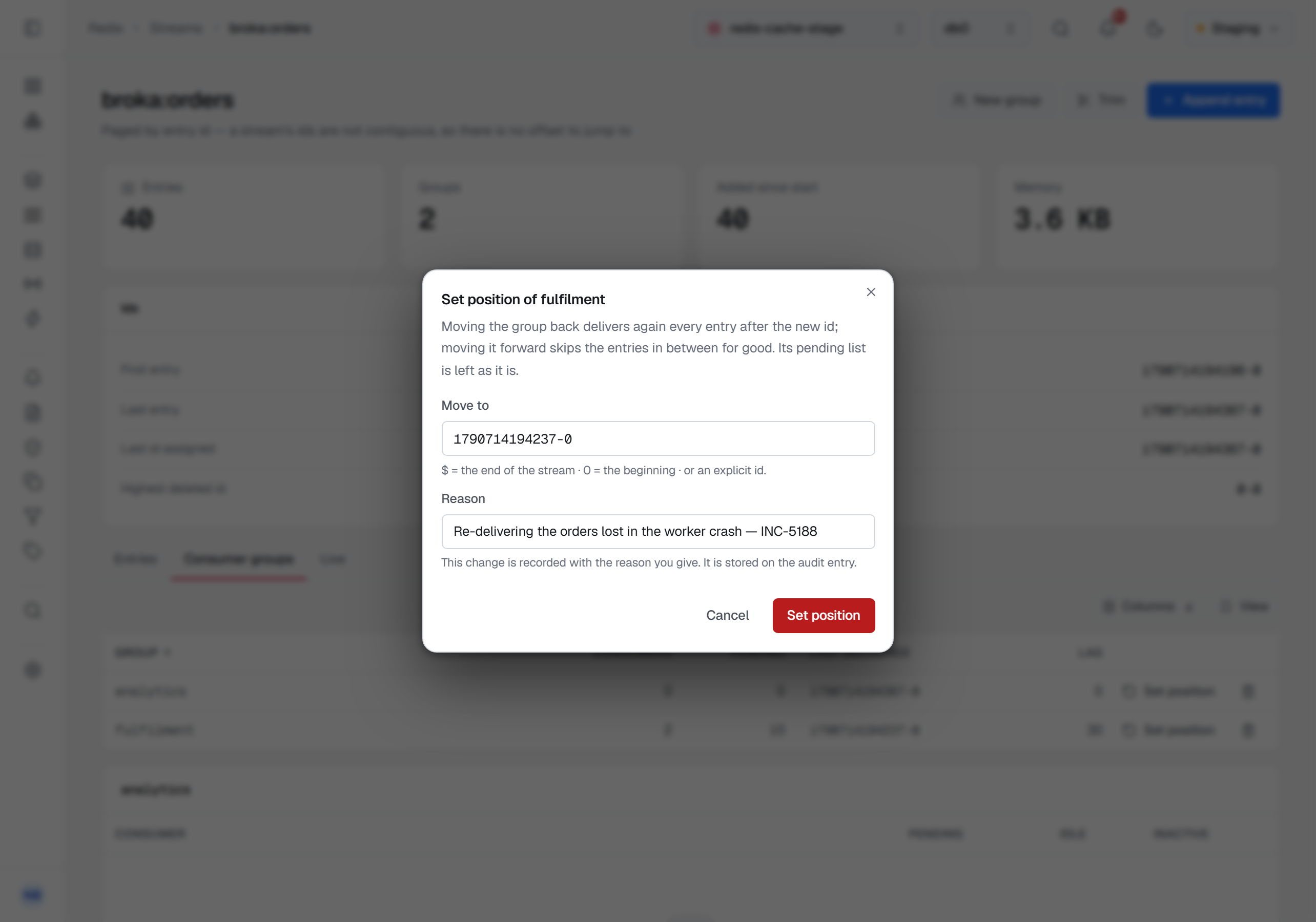
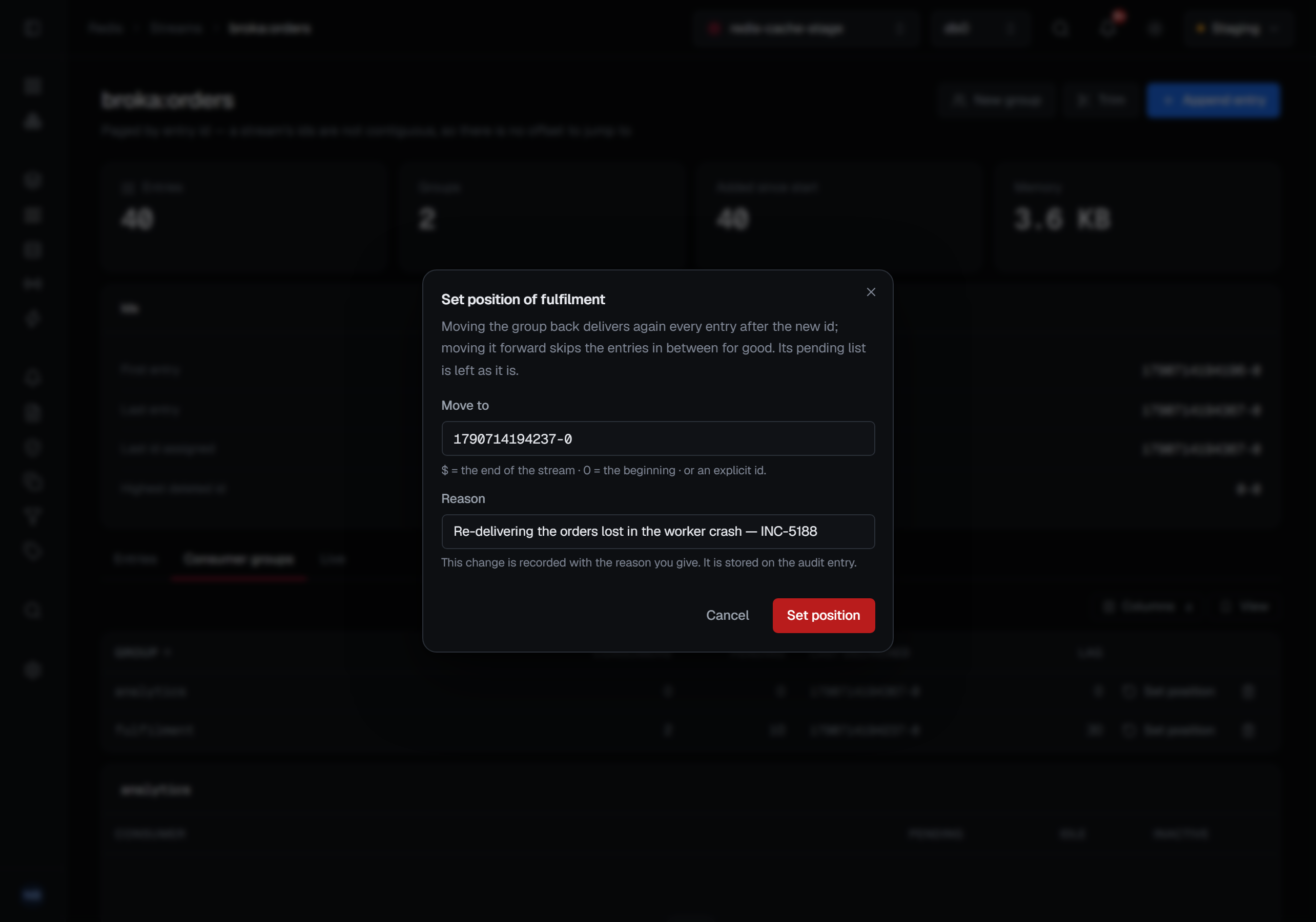
Set position, in a group's row menu (⋯) here and on the Consumer groups page, moves where the
group reads from — Redis's XGROUP SETID — to The end ($), The beginning (0), or An entry id, which
starts as the id the group last delivered. Moving it back delivers again every entry
after the new id; moving it forward skips the entries in between for good. The group's pending list is left
as it is.
Destroying a group discards its pending list. The entries survive — they belong to the stream, not to the group — and the confirmation says which is which, because "delete group" reads like "delete the data" and it is not.
Each consumer under a group can be deleted too. The entries it was delivered and had not acknowledged stay in the stream, but they can no longer be claimed: the record that this consumer owed them goes with it.
The stream's figures over time
The Metrics tab charts the stream's figures from the metric history when an alert rule watches the stream — its length, or a group's lag or pending entries. A stream is a key, and BROKA does not walk a keyspace once a minute to find them, so a stream no rule watches has no history and the tab says so. The history is read in the connection's own database, as the rule is: when the page is on another database, the tab says the chart may describe a different stream of the same name.
Masked fields
A data masking rule on the stream's key can hide fields of its entries from people
who may read the entries but not those fields. The entries table and the Live tail come back masked from the
broker service. A field the rule names keeps its name and reads ••••; a rule on the whole value, or on a path
inside it, applies to each field's value — by type inside JSON, as ••••, 0 or false, and whole where the value
is not JSON. Field names and entry ids are never masked. A masked badge on each entry names on hover each masked field, its method and the rule.
The tail keeps up with the rules: a rule added while it follows the stream applies from then on. Someone allowed to read the stream unmasked sees the entries as they are, with a shown unmasked badge, and each such read is recorded in the audit trail; on the tail that lapses after ten minutes and every rule applies again — resume it to be shown the entries unmasked. Appending, trimming and deleting entries are not affected.
Who may, and what asks why
New group, Append entry and the header's Trim appear only where you may write to the connection, and so do the boxes that select entries, each group's row menu with Set position and Delete, and each consumer's row menu with Delete. A read-only environment or a connection frozen with its own read-only switch refuses every one of these writes.
Trimming, deleting entries, deleting a group, setting a group's position and deleting a consumer ask for a reason in every environment — Set position and the trim in their own dialogs, the deletes in their confirmation. Appending and creating a group ask for one only in a guarded environment, where every write does.
What is recorded
Appending, trimming, deleting entries, creating and destroying groups, moving a group's position, and every pending-list operation are audited — and the entries record what the write did to work in flight, not just that it happened. A trim names how many entries went, which consumer-group choice it was made with, and what the groups kept. Removing a consumer names how many pending entries became untracked.
Opening the live tail is recorded too, as a read, before the stream opens — including the note that the tail reads without consuming, so nobody reviewing the trail later has to wonder whether watching a stream disturbed it.
So is reading the entries, and the stream's own details, which carry its first and last entry.
Each read names the stream — and, for a page of entries, how many came back — never what an entry
holds. Reading them — the entries, the stream's details and the live tail — takes Read message contents
(messages.read) as well as viewing the connection. Without it the page says you are not permitted
where they would be; where reading the connection's messages has been denied to you, it shows the
server's refusal there. Seeing the fields a data masking rule covers as they are takes Read masked contents
unmasked (messages.read.unmasked) too — on the stream's environment or connection, or by a key grant whose
pattern matches the stream's name.