

What changed in BROKA from 1.2 to 1.3
1.3.0 is about who signs in and how far one look reaches: single sign-on through your identity provider, one search across many Kafka topics, and consumer groups cleaned up in bulk. This is what it adds, in one place — the release notes have every line.
The short version: people can sign in through your organisation's identity provider, and its groups decide their BROKA teams. Kafka gains a search that reads many topics at once, and consumer groups can be deleted several at a time. Single sign-on and Message Search are in Commercial; deleting groups in bulk and the fixes are in both editions.
Single sign-on (Commercial)
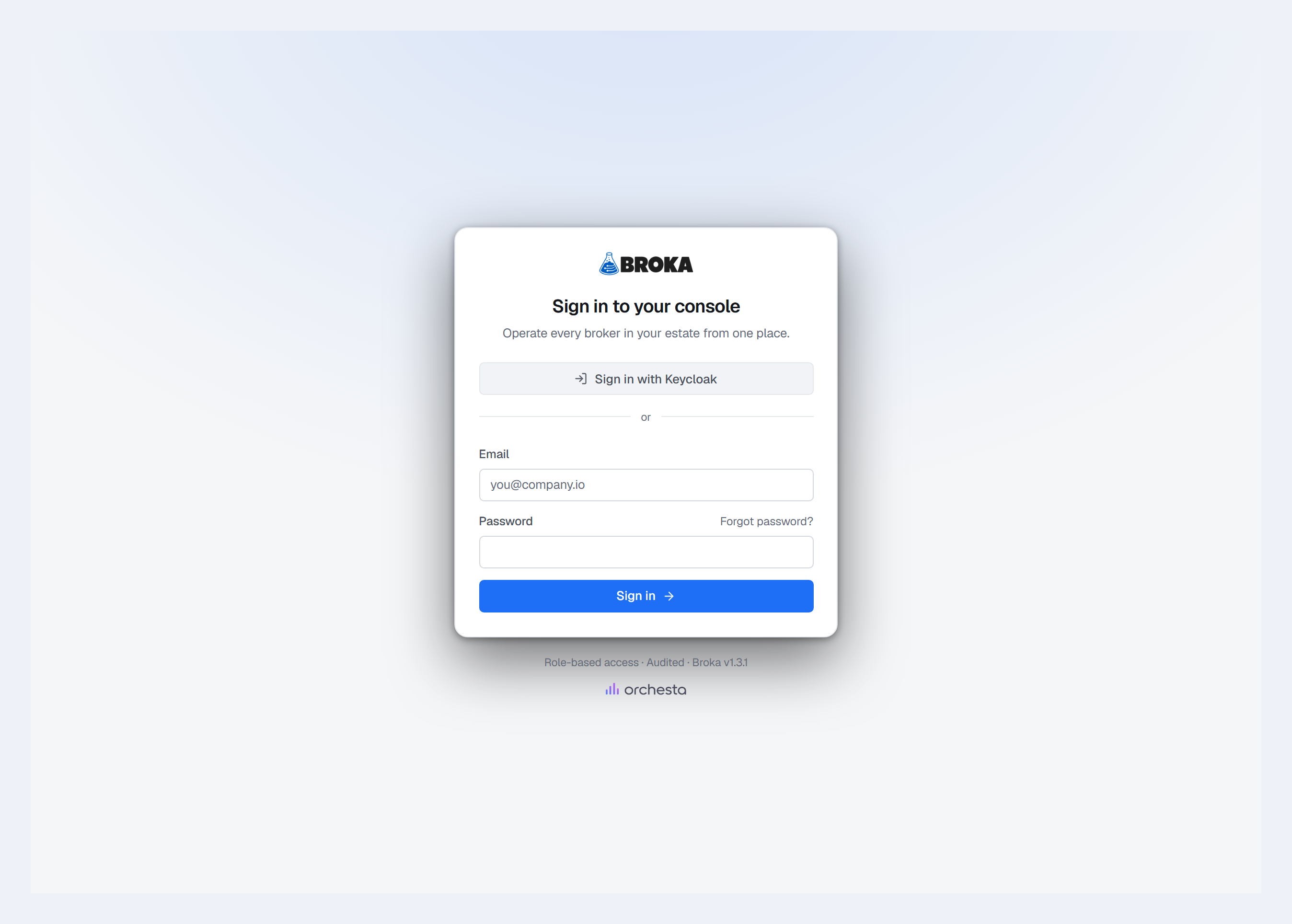
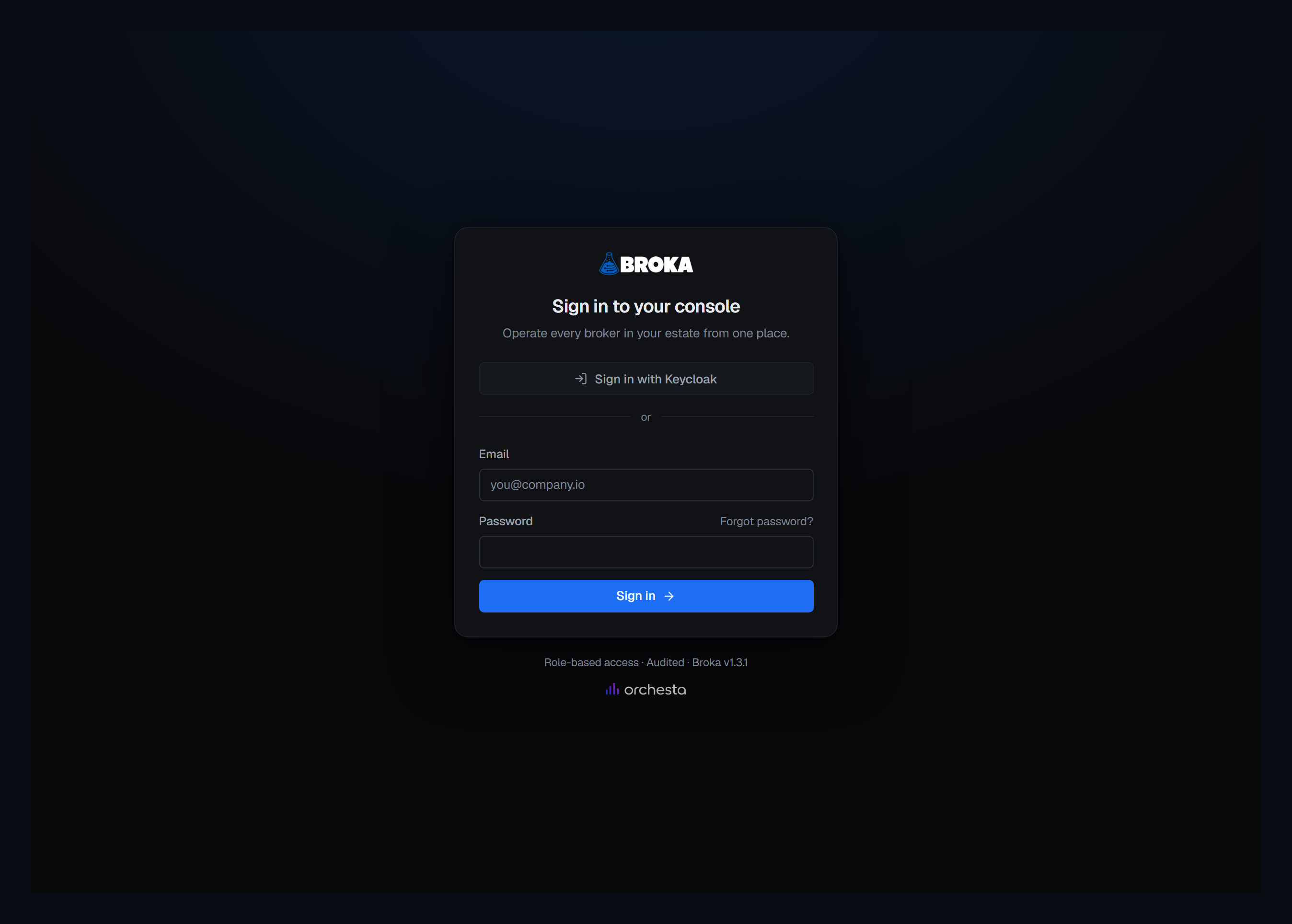
People sign in through your organisation's identity provider — Okta, Microsoft Entra ID, Google, Keycloak or any other OpenID Connect provider — or with their directory password over LDAP, from Active Directory or OpenLDAP. Providers are added in Settings ▸ Security ▸ Single sign-on, several at once, and each is enabled only after a test has passed with its saved settings. Signing in with a password stays available, always.
Test sign-in signs nobody in, links nothing and creates nothing: it shows what the provider sent and what BROKA would do with that person.
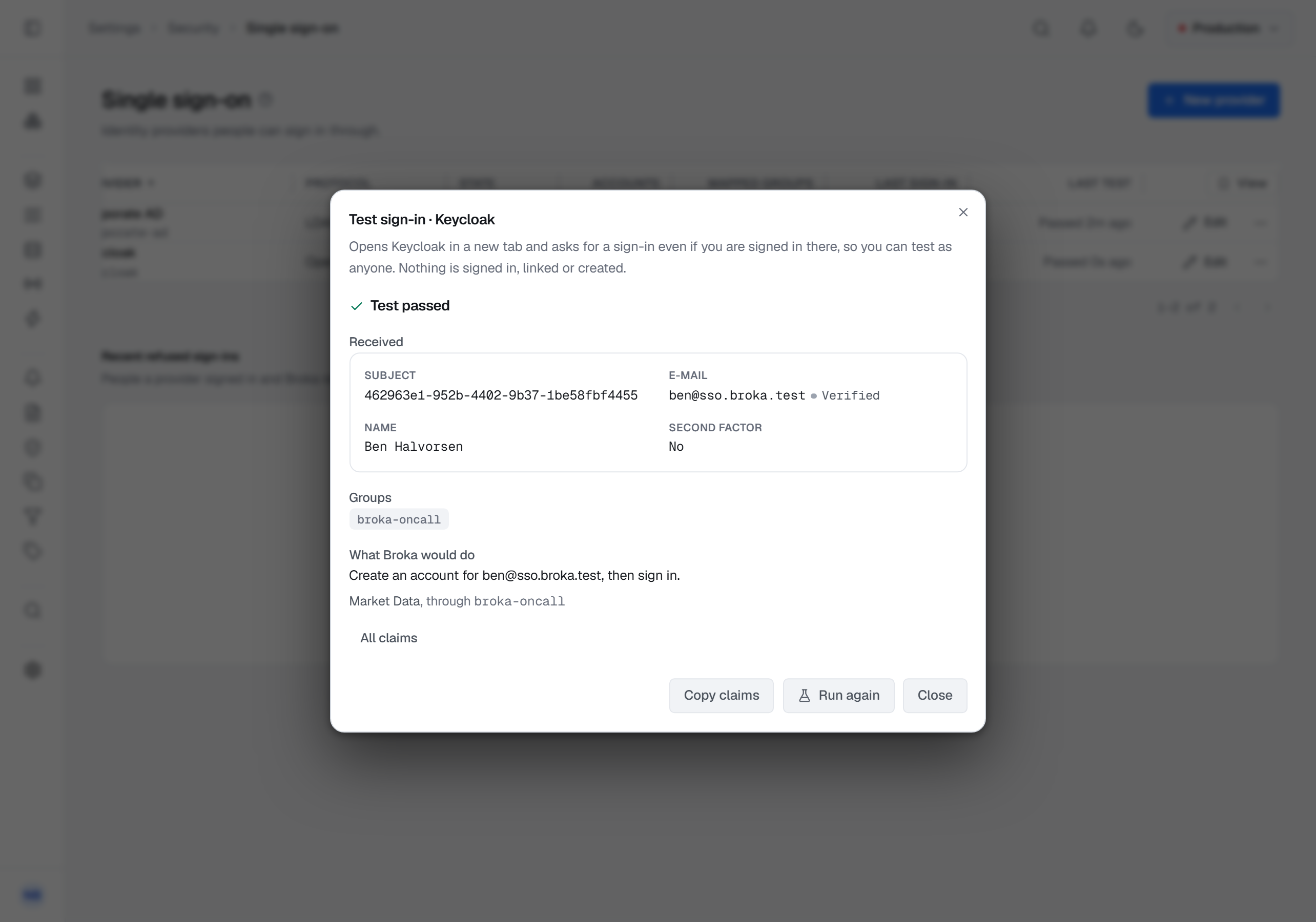
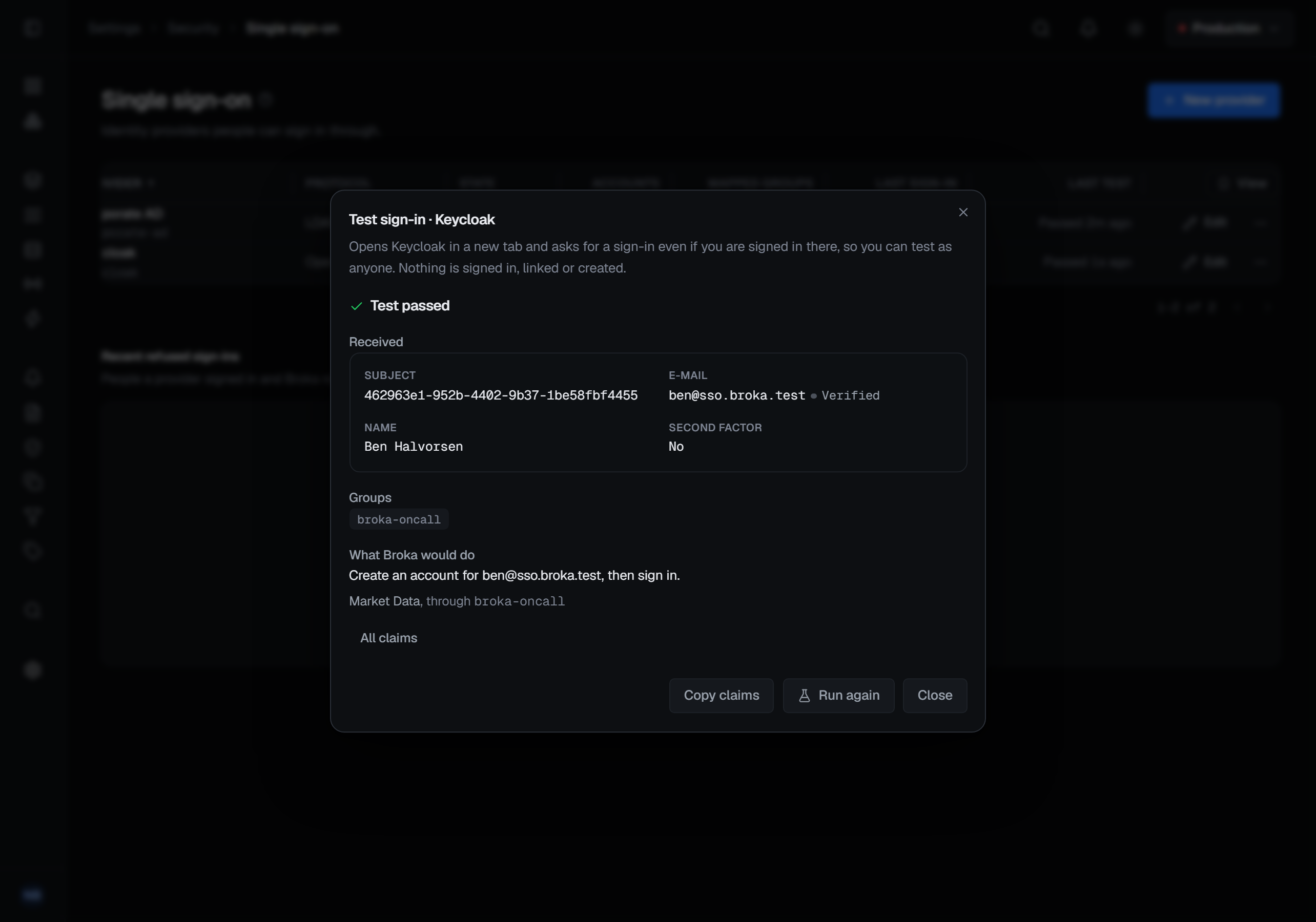
An identity is linked to an account by the provider's own identifier for the person. An existing account can be linked by a verified e-mail address in your domains; an account can be created at a first sign-in, only for a verified address in your domains with a mapped group. A mapped group puts people in its team at each sign-in and takes them out when a sign-in no longer carries the group; memberships added by hand are never changed.
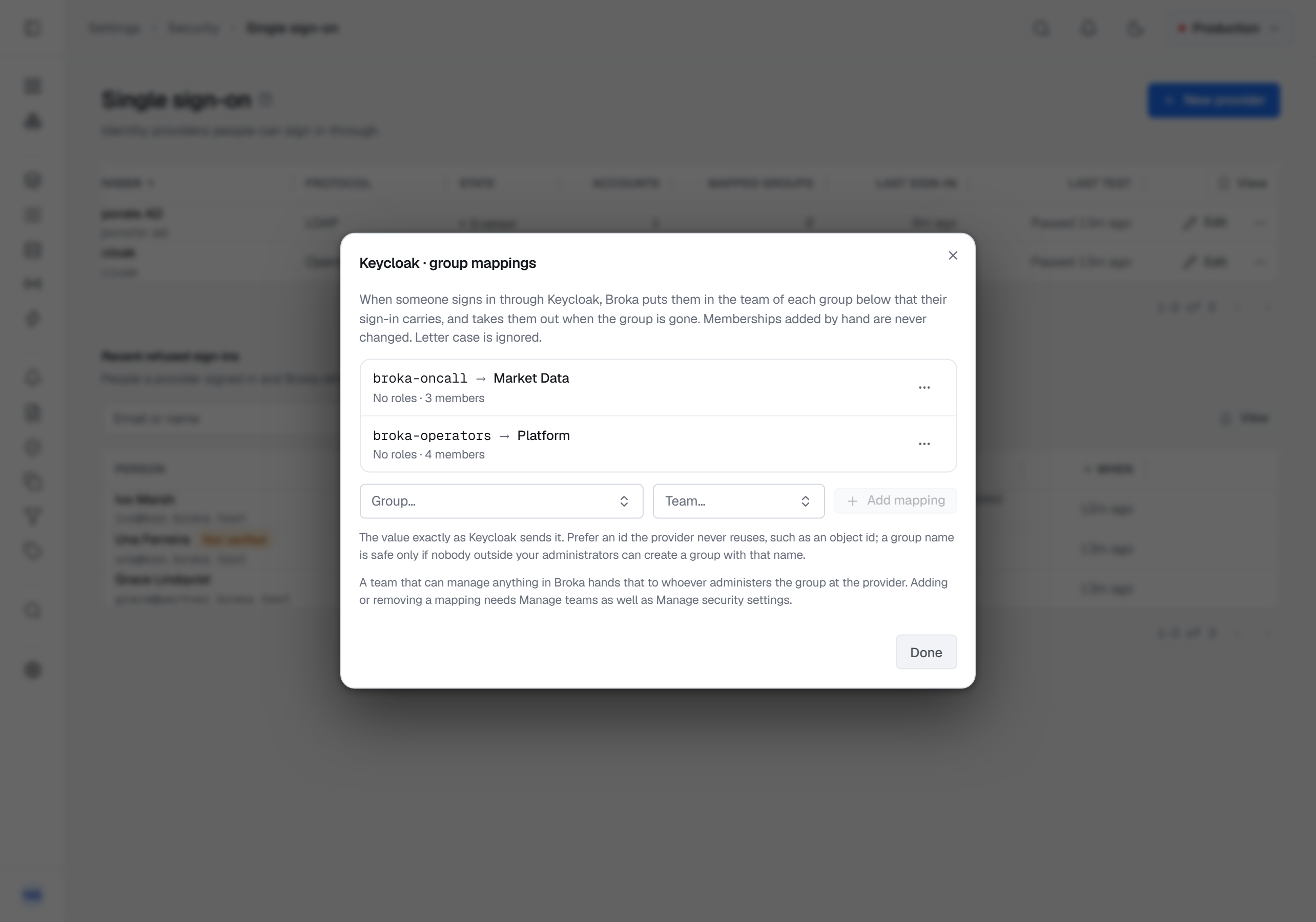
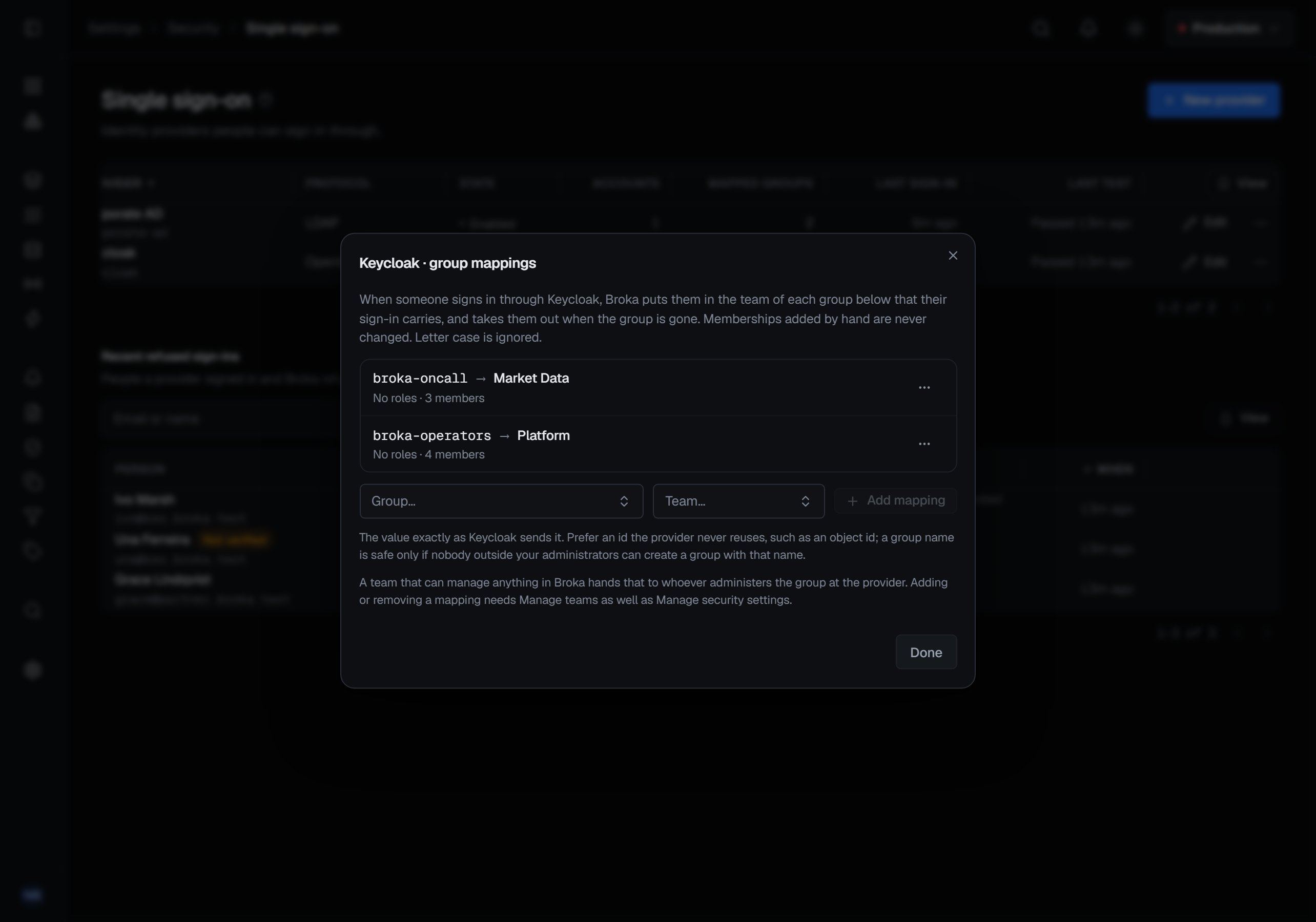
A session started through a provider lasts at most the provider's maximum length, 12 hours by default, and disabling a provider ends every session it started. The audit trail records how each session was signed in, through which provider, and whether the provider said a second factor was used.
Message Search (Commercial)
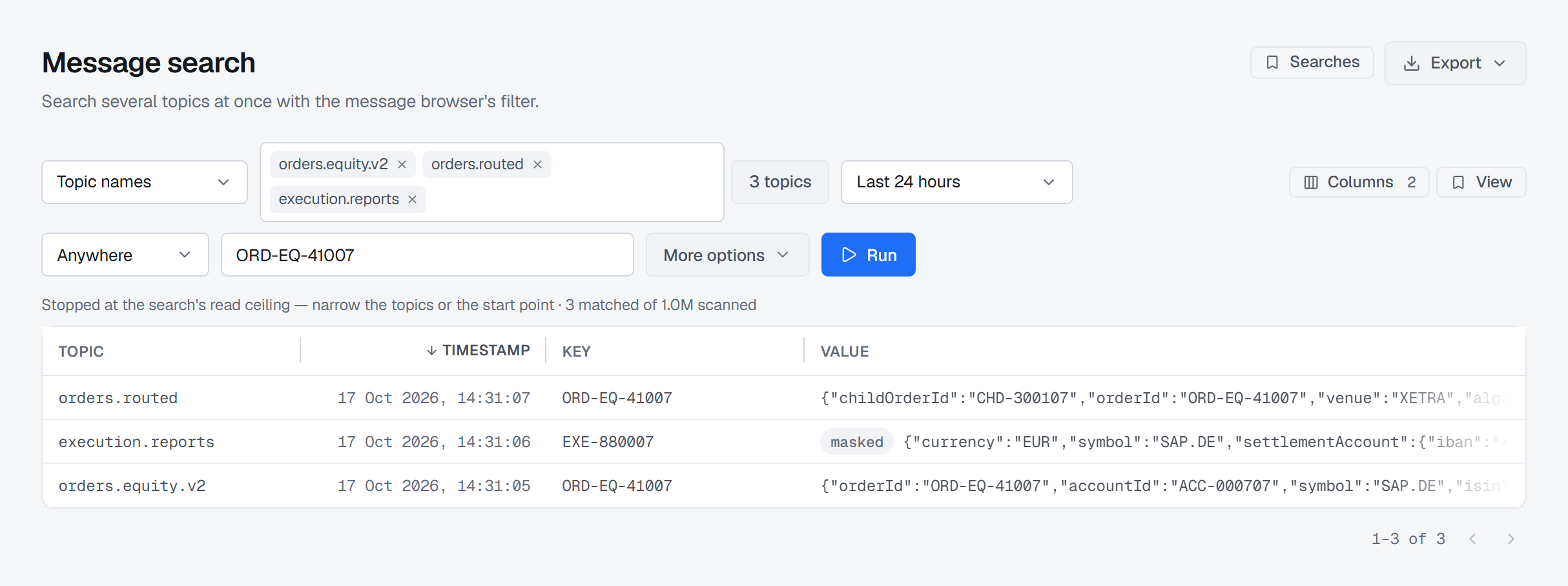
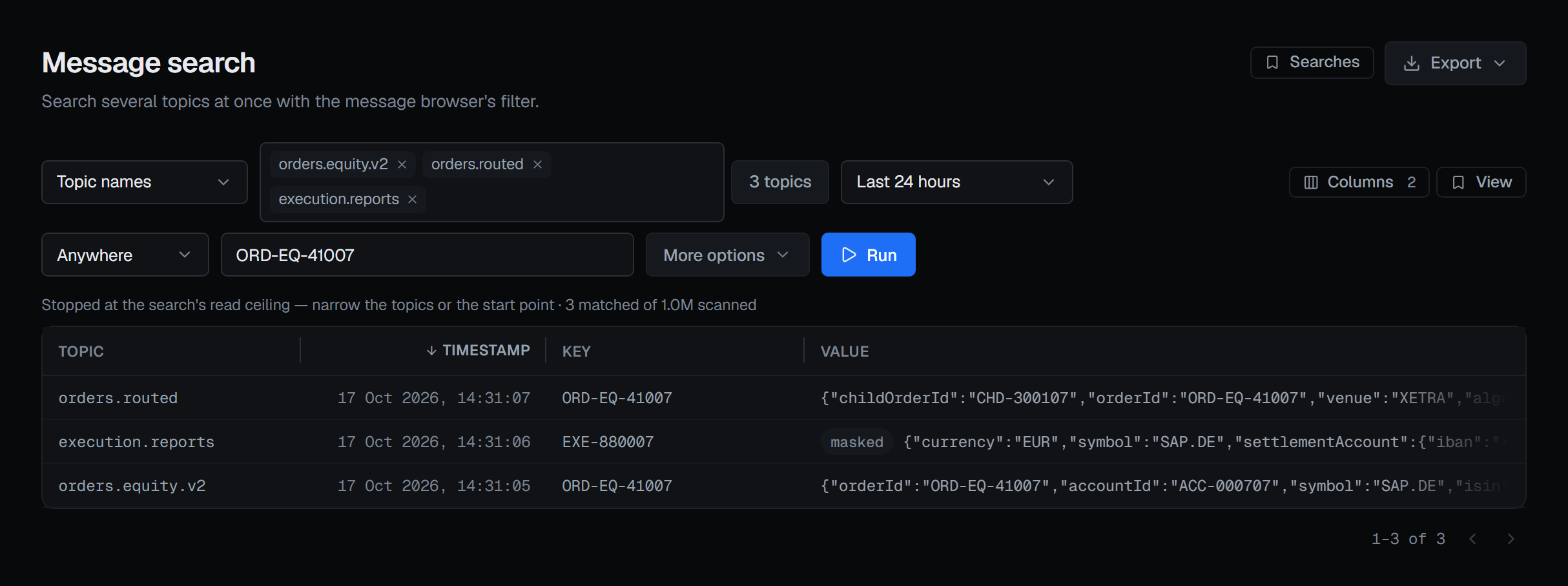
Kafka ▸ Message Search reads up to 50 topics at once: the names you type, every topic whose whole name matches a pattern, a consumer group's topics, or all of them. It starts at the newest records, the beginning or a time, and filters with the message browser's own filter, conditions and formats; each result shows its topic. Topics you may not read are left out and counted, and each topic keeps a share of the limit while it is being read, so a busy topic cannot crowd out a quiet one.
Results can be exported as NDJSON or CSV, or produced again to their own topic or another with an x-broka-origin
header, and a search can be saved for yourself, a team or everyone. Each topic read is recorded in the audit trail as
its own read.
Deleting consumer groups in bulk
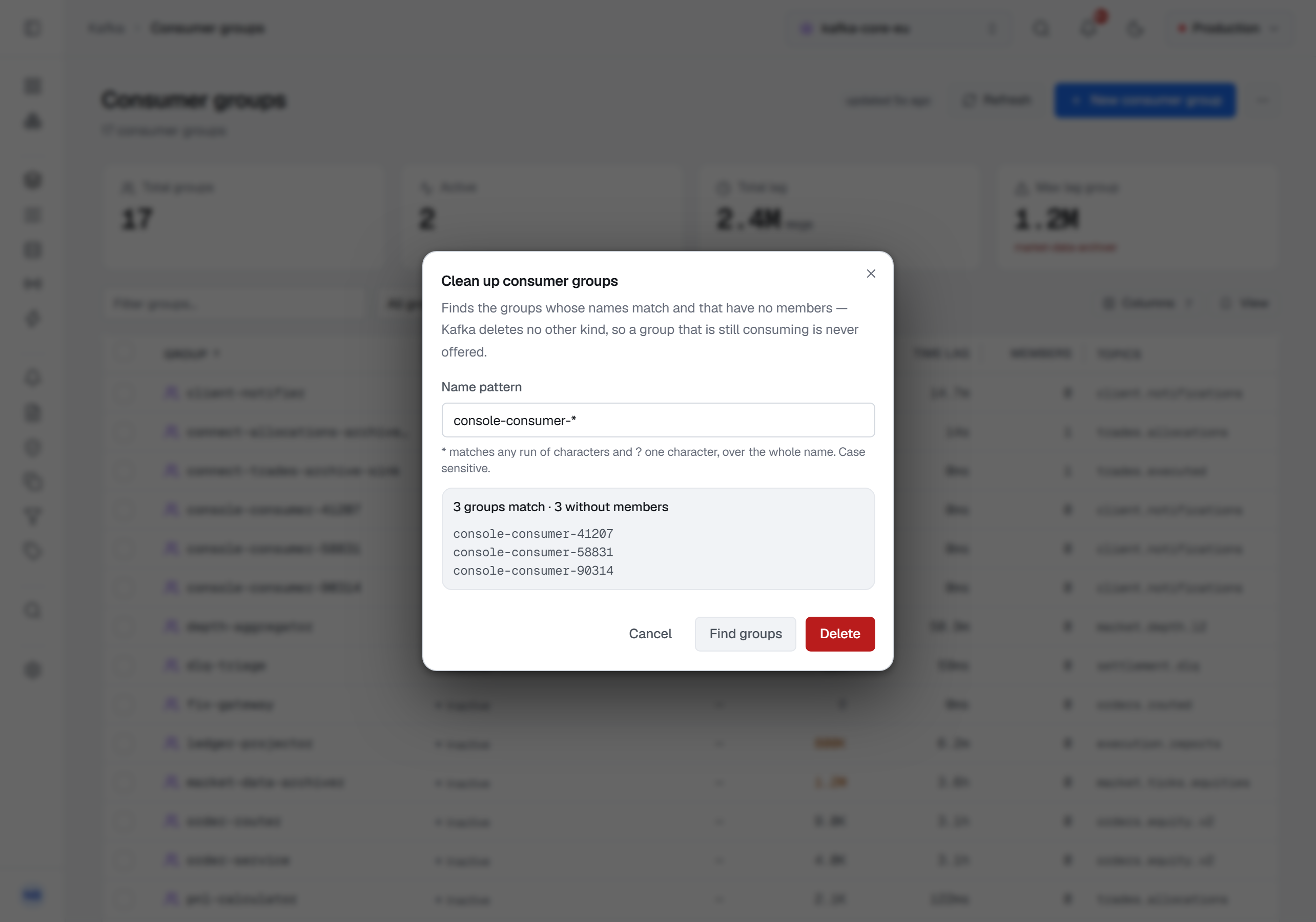
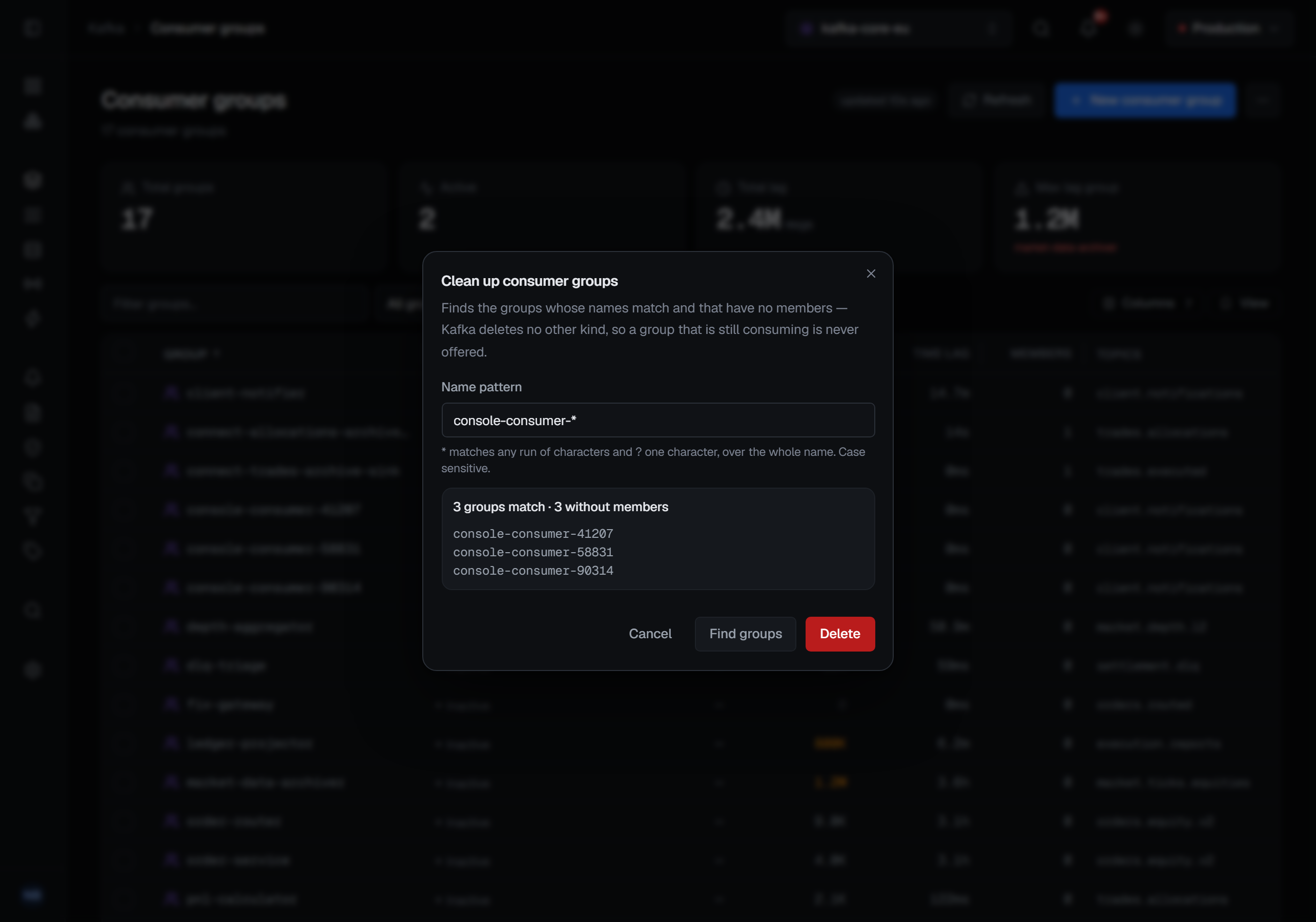
Tick groups in the consumer groups list and choose Actions ▸ Delete selected, or Clean up the empty groups
whose names match a pattern, such as console-consumer-*. Clean up lists the groups it will delete first; both ask for
a reason and confirm, up to 500 groups at once. Kafka deletes only a group without members, so a group that is
consuming is never offered and is refused in a selection; a card names every group that was not deleted, and why.
Smaller changes
- Dates in one format — every date and time is written the same way whatever the browser's language, day first, 24-hour, in the installation's time zone.
- The installation's time zone is set at setup — the zone chosen on the first-run screen becomes the installation's display zone.
- A dialog stays open while you type — a password manager's or a writing assistant's button over a field no longer closes the dialog around it.
- A RabbitMQ queue's figures follow a change — after a publish, a purge or another write, its statistics keep refreshing for a full 15 seconds.
- The API's .NET runtime is updated to 10.0.13; none of the five CVEs it closes was reachable in the way BROKA ships — see BROKA-SA-2026-002.
A calmer console, and figures that say how far they go (1.3.1)
Every list now keeps one action on a row and the rest in its ⋯ menu, and an action you cannot take is shown greyed out, with the reason. Page headers show their main action and one other; Delete, Purge, Reset and the like are in the header's ⋯ menu, still confirmed as before, and the explanations sit behind a ? beside the title. On a topic's Messages tab and in Message Search, one box searches the key, the value and the headers at once, with the less common options under More options. An Apache Artemis count the broker stopped early now says at least and why, message counter times are written like every other date, and offsets are written in full. Memcached Live events, Kafka consume and Redis Pub/Sub renew an expired sign-in when they start, or go to the sign-in page when the session has ended. 1.3.1 changes no table.
API tokens behind a permission, and more at a glance (1.3.2)
Making an API token now takes the Create API tokens permission, which every built-in role carries; an account that held a working token when you upgrade keeps the ability, and if the permission is taken away that person's tokens are revoked. The list of people the console offers when you add a team's members or an application's owners is read only with a permission that needs it. A metric chart writes its latest reading beside its title, Kafka service accounts say when BROKA last changed their rules, the Redis configuration marks what differs from Redis's own default (Commercial), and a saved view opens on the screen it was saved on. The release check-in is signed with the installation's own key, and the console image runs nginx 1.30.6 — see BROKA-SA-2026-005. If someone other than an administrator manages users through a role of your own, add Create API tokens to that role.
Upgrading
Set BROKA_VERSION in your .env to the new version, take the new compose.yml, pull and start; back up the database
and .env first. The migrations only add tables and columns, and every session open at the upgrade carries on as a
password session. In Commercial nothing is switched on: no identity provider exists until one is added. The release
notes list what each version needs.
Where to read more
- Release notes — every change, known limitations and upgrade notes, per version. The Atom feed carries each release and each new guide as it is published.
- Single sign-on — providers, accounts, mappings and sessions in full, with a guide for each tested identity provider.
- Message Search — choosing topics, limits, export and saved searches.
- Download Community — the Compose recipe for the current release.