

Transactions
Updated 29 September 2026 · applies to 1.0.0 · Community and Commercial
A Kafka transaction that never ends is one of the quieter ways a pipeline stops: every consumer reading
with read_committed waits behind it, and nothing on the consumer side says why. This page shows what the
transaction coordinators hold, and gives you the three ways Kafka offers to end a transaction that will not
end on its own.
What the list shows
Transactions, under Kafka in the sidebar, lists every transactional id the cluster's coordinators hold —
the ones between transactions as well as the ones in the middle of one — with its state, its producer id and
the broker that coordinates it. The states are Kafka's own: Empty, Ongoing, PrepareCommit,
PrepareAbort, CompleteCommit, CompleteAbort and PrepareEpochFence.
Three filters narrow the list, and each is applied by the coordinators themselves rather than by the page:
- State — one of the states above, or all of them.
- Transactional ID pattern — a regular expression the whole id must match.
- Running longer than — from over a minute to over a day, which is how the transaction that has been open since last night is found among the thousands that finished in milliseconds.
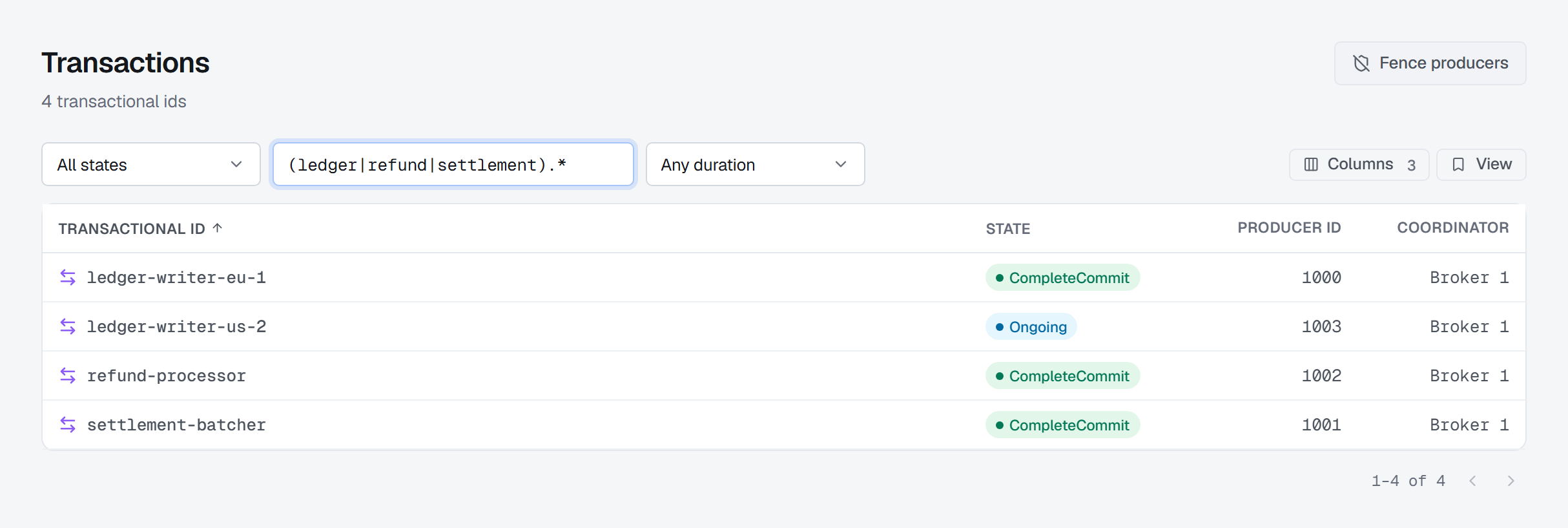
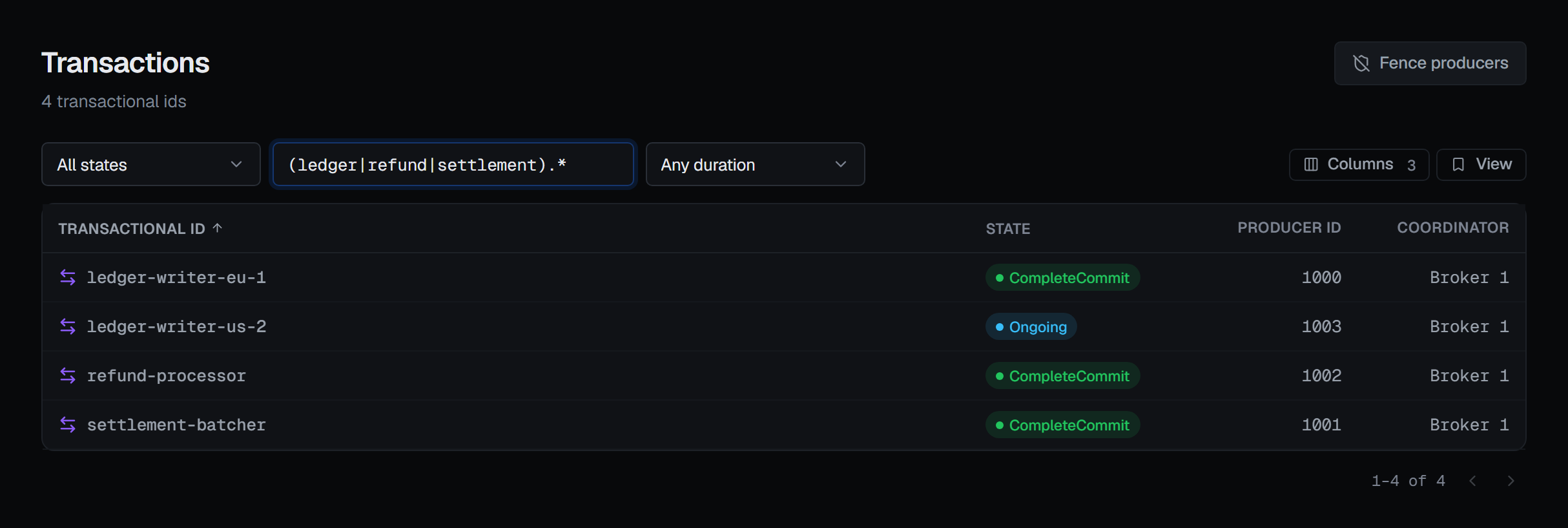
The two newer filters depend on the brokers. Filtering by duration needs Kafka 3.8, and filtering by pattern needs Kafka 4.1; on a cluster whose brokers do not carry one, that filter is shown disabled with the reason on hover — on Kafka 3.8, the pattern box gives Requires Kafka 4.1 — and is never sent. The page itself needs Kafka 3.0; before that, the Transactions entry in the sidebar is shown disabled with the reason.
One transaction
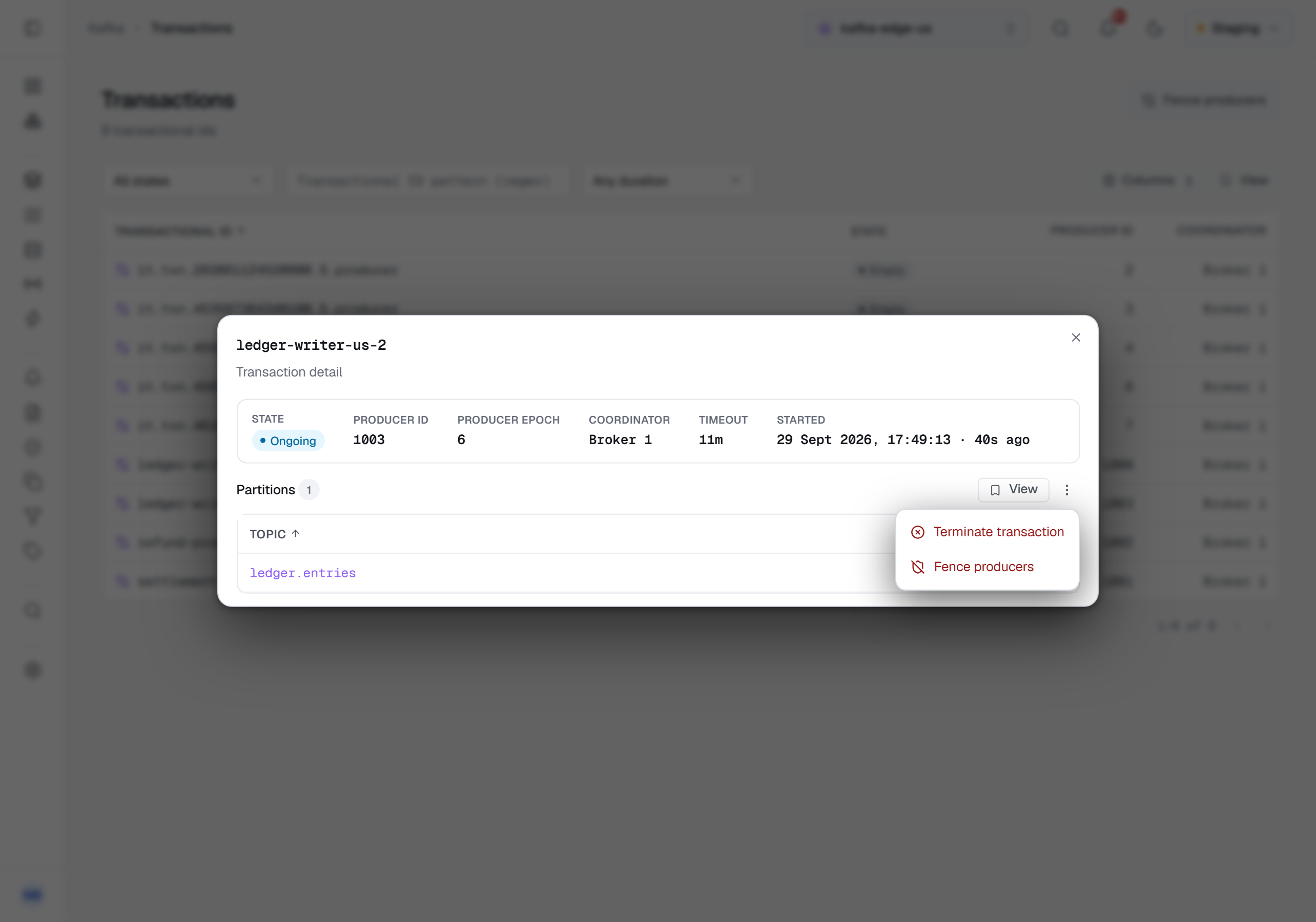
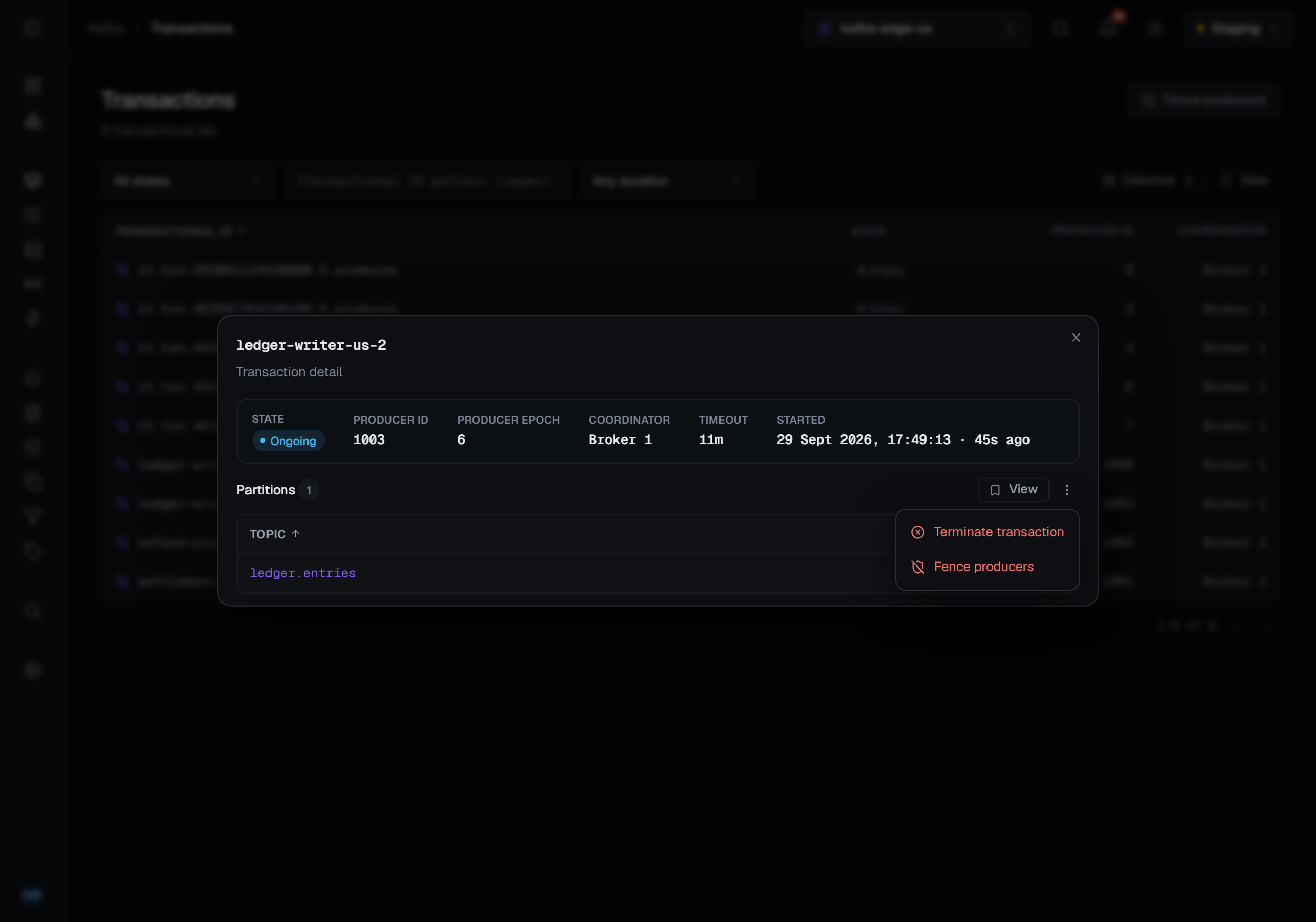
Clicking a row opens the transaction: its state, its producer id and producer epoch, the coordinator,
its timeout and — while a transaction is in progress — when it started and how long ago that was. Below them
are the partitions the transaction has written to, which is the list of topics whose read_committed
consumers it is holding back.
Ending a transaction
The detail's ⋯ menu offers two ways to end one, and a topic offers a third.
Terminate transaction aborts the transaction in progress for this transactional id and fences the
producer that opened it: its records are discarded for every read_committed consumer, and the producer is
refused from then on. It is offered only while a transaction is in progress — otherwise the menu item is
disabled and says none in progress. If the transaction ends between your opening the menu and confirming,
the coordinator's refusal says so and points you to fencing instead.
Fence producers raises the epoch of the transactional ids you name, so every producer still using them is refused from then on, and any transaction one of them left open is aborted. It is in the page header, where you type the ids yourself, and in a transaction's menu, where the dialog opens with that transaction's id already filled in. Each id is answered on its own: the notification counts the ids fenced and names the first one refused with the coordinator's reason. An id no coordinator knows is reported, not fenced — fencing it would create it, so a typo would otherwise leave a new transactional id behind on your cluster.
Abort transaction is on a topic's Producers tab, which lists every producer the leaders of the
topic's partitions keep state for. A producer with a transaction open on a partition shows the offset it
began at under Open transaction — the offset a hanging transaction is holding every read_committed
consumer behind — and its row menu aborts exactly that transaction. BROKA reads the partition's producers
again first, so a transaction that finished after you opened the tab is refused rather than aborted under a
producer that no longer holds it. The tab has a page of its own,
Producers and open transactions.
What each of them asks for
All three are destructive: records are discarded and producers are refused, and none of it can be undone. Each confirmation says what will happen and asks for a reason, in every environment.
Each needs the permission to manage the cluster. In a read-only environment the dialogs say so and their button stays disabled.
Aborting a partition's transaction also needs the connection's own Kafka identity to hold ALTER or
CLUSTER_ACTION on the cluster; where it does not, the row menu's Abort transaction is disabled with that
reason written under it. Fencing and terminating are decided per transactional id by the coordinator, so the
refusal, where there is one, comes back as the coordinator's own sentence.
What gets recorded
Aborting, terminating and fencing are each written to the audit trail. Fencing writes one record for every transactional id, fenced or refused. Each record carries the producer as BROKA read it just before the write — its id and epochs, and for an abort the offset the transaction began at — because once a transaction is aborted, nothing left on the cluster says whose it was.
Looking at the list, a transaction or a topic's producers is not recorded.
Troubleshooting
A transactional id you know exists is not listed. The connection's Kafka identity may not be allowed to describe it: a coordinator leaves out the transactional ids the identity may not describe, rather than refusing the whole list.
Terminate transaction is refused. Nothing is in progress for that id any more — the transaction committed or aborted on its own. If a producer is still misbehaving, fence the id instead.
Abort transaction is refused. The transaction that began at that offset ended after the tab was read. Read the tab again: if the partition still shows an open transaction, it is a different one.
An old transactional id will not go away. Kafka has no request that deletes a transactional id. The
coordinator forgets an idle id by itself once transactional.id.expiration.ms has passed.