

Instances
Updated 4 October 2026 · applies to 1.0.0 · Commercial
A Redis connection opens on the Overview, first under Redis in the sidebar, and BROKA decides what it offers by asking the server rather than trusting a label. It connects to the Redis you already run — standalone, a Redis Cluster, or a primary found through Sentinel.
Connecting
A connection needs the addresses to dial and, if the server requires them, credentials. The Nodes field takes
them as comma-separated host:port, and 6379 is assumed when no port is given.
Which addresses depends on the topology. On a Sentinel connection, the addresses are the Sentinels', not the primary's, and the Sentinels usually have a credential of their own; both are covered on Sentinel.
Logical databases
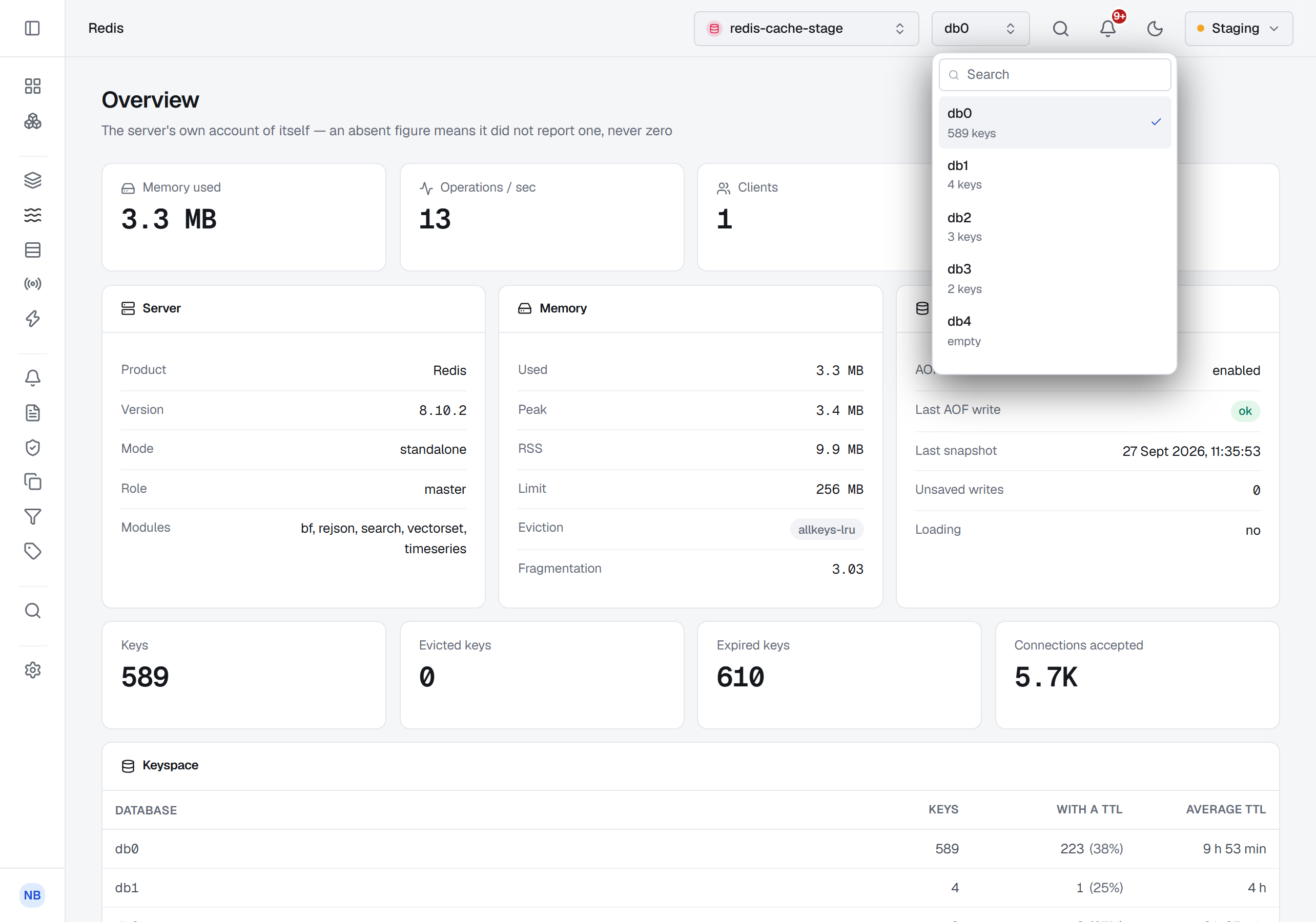
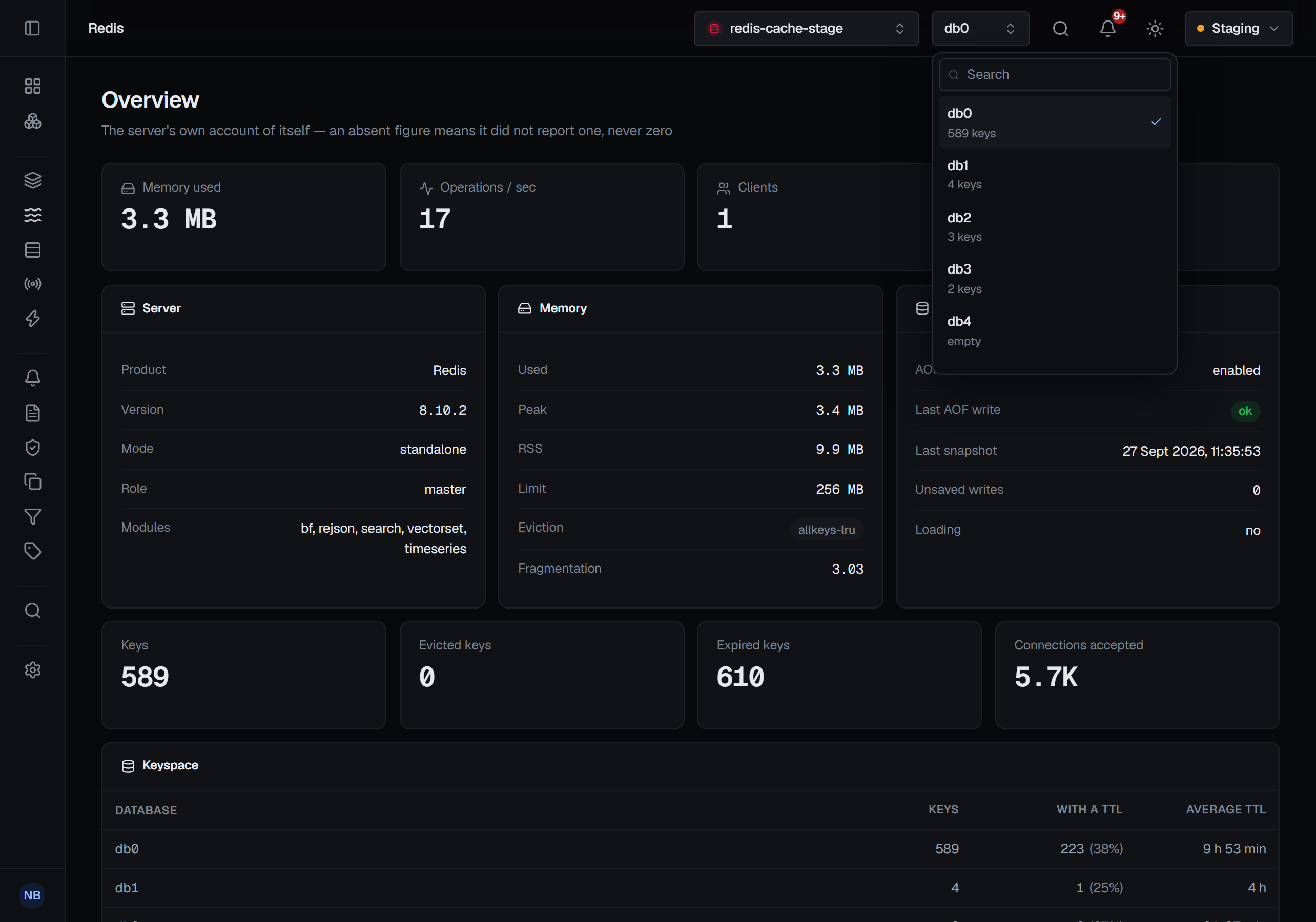
A connection opens on the database you give it, and the database switcher in the top bar, beside the cluster switcher, moves between the others — each listed with how many keys it holds. Keys, streams, consumer groups and pending entries follow the database you are in, as do key writes, the keyspace analysis and delete-by-pattern. The address carries the database, so a shared link opens the same one, and BROKA remembers the last one you used on each connection. Every write's audit record names the database it was made in.
The connection's Database field is therefore the default it opens on, not a limit on what you can reach. A database the server does not have is refused by name. A Redis Cluster has only database 0, so on a cluster there is no switcher and the field is ignored.
TLS
Certificate verification is two settings rather than one, because there are three states worth having:
- Verify off — no certificate checking at all.
- Verify on, hostname check off — the certificate chain is validated against the CA, but the certificate is not required to name the address you dialed. This is the setting for a server whose certificate names something other than the address you reach it by.
- Both on — full verification. This is the default.
Supplying a CA certificate does not relax verification, and turning verification off does not require a CA. The two never imply one another, which is why they are separate controls.
For mutual TLS, BROKA takes a client certificate and its key, with a passphrase if the key has one. All of it is stored encrypted and handed to the client from memory — nothing is written to disk.
Half an identity is refused before anything is dialed. A certificate without its key, or a key without its certificate, is rejected with a message naming the missing half, rather than turning into a handshake failure that says nothing useful.
If you supply no certificate material at all, BROKA uses the system trust store — which is the right answer for a managed endpoint with a publicly-signed certificate, and not a downgrade.
What a connection test proves
The test is a real connection: it opens the socket, completes the TLS handshake at whatever verification level you configured, authenticates, and selects the database. Then it asks the server eight questions about itself.
Only the first — can I reach you at all — can fail the test. The other seven are capability probes, and their answers are what the console uses afterwards to decide what to show you.
So a green test proves the host is reachable, TLS negotiated, and the credentials are accepted. It does not promise that the identity may read metrics, browse keys, or read the ACL list. Those are separate permissions on the Redis side, and BROKA finds out about each of them separately.
Capabilities are discovered, never assumed
This is the part worth understanding, because it explains everything the console does afterwards.
BROKA does not decide what to offer from the connection's configured type. It asks: can this identity
run INFO? Can it scan the keyspace? Is this actually a cluster? Which modules are loaded? Every
answer comes from the server as it is right now, and from the identity you connected as.
That distinction does real work on managed Redis, where a provider blocks commands a self-hosted server allows and no label would tell you which. It also means the answers are honest about their own uncertainty: when BROKA is refused the command that lists modules, the console says the loaded modules are unknown, not none — a different statement from "no modules are loaded", and the one that is actually true.
When a screen needs something the identity cannot do, it says so in place. It is not an error and it is not an empty page: it names the command that was refused and what that means for the screen you are looking at.
The answers are kept for thirty seconds per connection rather than asked again before every request, so a grant you have just changed on the Redis side reaches the screens within that time — or at once, by running the connection test, which always asks. A server that cannot be reached, is still loading its data, or is blocked by a long-running script is not one that lacks a feature: each screen then says why the server could not answer, instead of calling the feature unavailable.
The same answers decide what the navigation, the tabs and the buttons offer. Something the server cannot do — too old a version, a module that is not loaded, a command this identity may not run — is shown greyed out, with the reason on hover, rather than hidden: a stream-trim option that needs Redis 8.2 names Redis 8.2 and the version it found. Only what can never apply to this kind of connection is left out, such as the database switcher on a cluster. The connection's own page lists every answer in one place, under Supported features — see Connections.
An identity that may not run CLUSTER INFO is told so. BROKA does not take the refusal to mean the
server is standalone: the Cluster screen is shown disabled, naming the refused command.
The instance overview
The overview is a single INFO read, presented in sections: the server and its version and mode;
memory used, peak, RSS, its configured limit, the eviction policy and fragmentation; persistence,
including whether the last snapshot and the last append-only write succeeded and how many writes are
unsaved; and the keyspace, with how many keys carry a TTL and the average time left on them.
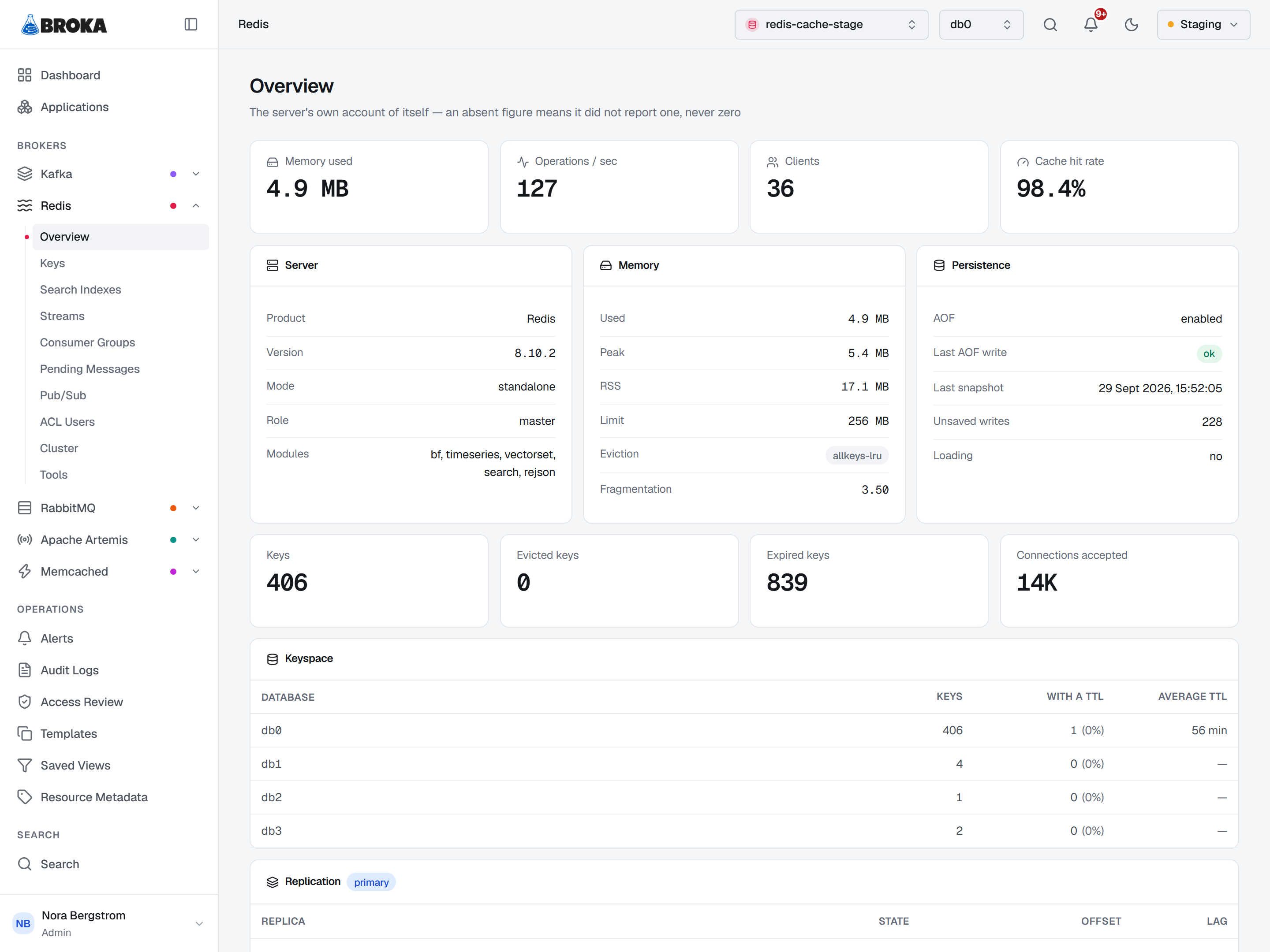
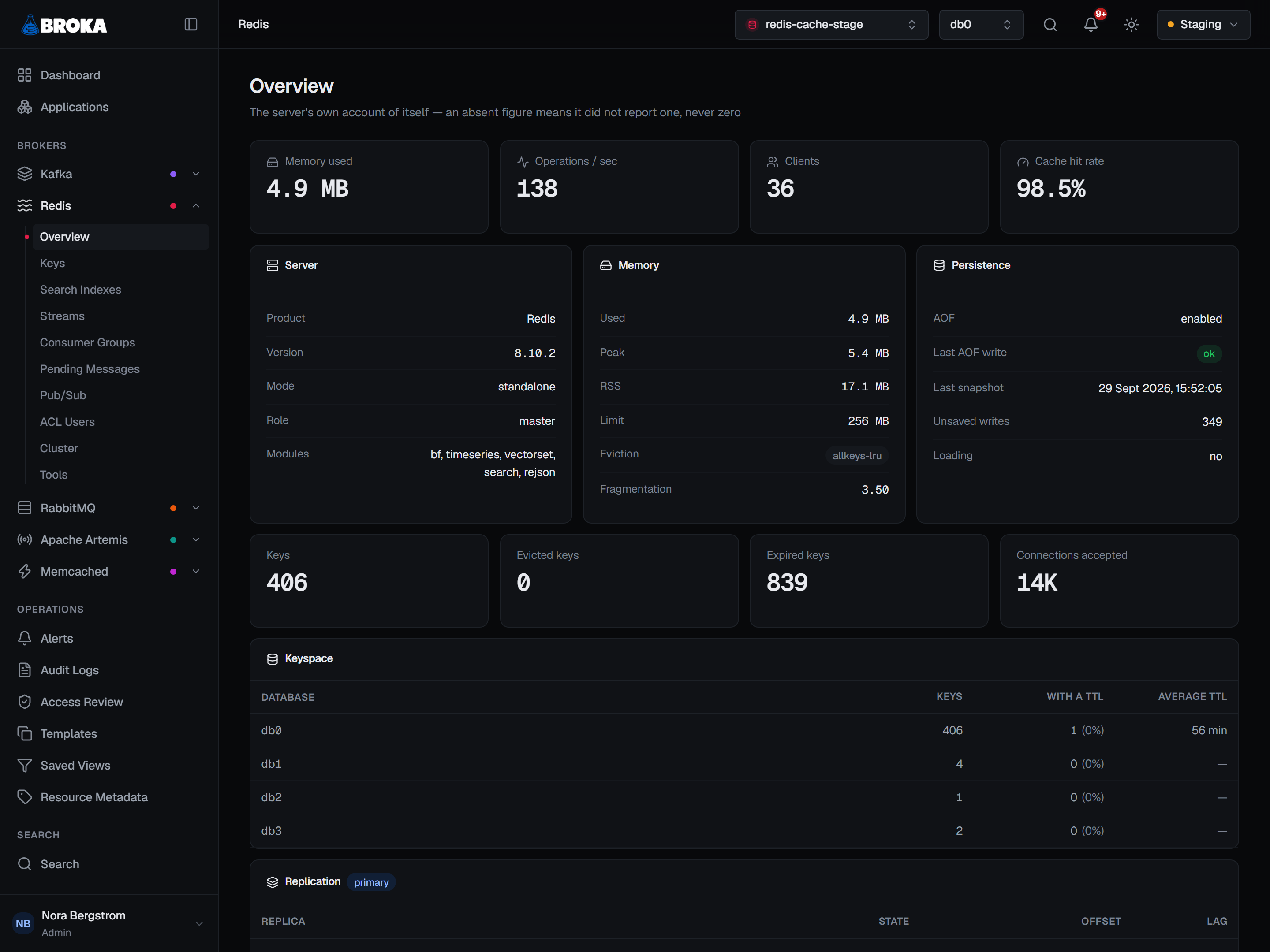
Beside them are the four figures you check first: memory used, operations per second, connected clients, and cache hit rate.
Absent is never zero here. A hit rate on a server with no traffic is not 0% — it is not yet measurable, and the console leaves it blank rather than reporting a number that would read as a problem. The same rule governs the average TTL: a database where nothing expires reports zero, and rendering that as "0m" would say keys expire instantly, which is the opposite of the truth.
On a cluster the page says out loud that its figures describe one node. The memory, client and throughput figures at the top belong to the node the command reached. The Per shard table further down reads every node at once — its keys, memory, clients and operations per second — and a node that did not answer says not answered rather than showing a zero. Each node is given three seconds to answer, and the table has its answer within fifteen seconds whatever happens: a shard that accepts the connection and stays silent, or one that cannot be connected to, is a row saying so, and the page no longer waits on it. Reading keys and values is not held to those three seconds.
Cluster, replication and Sentinel
The Cluster screen — a Redis Cluster's slots and each node's view of them, slot statistics, replication and promoting a replica — has its own page: Cluster and replication. What Sentinel itself knows on a Sentinel connection, and the failover it runs, is on Sentinel.