

Consumer groups
Updated 30 September 2026 · applies to 1.0.0 · Commercial
Redis has no command that lists every consumer group on a server. Groups belong to streams, and you ask a stream about its groups — so this page finds the streams first and then asks each one, and it says so in its own subtitle rather than presenting the result as a complete inventory.
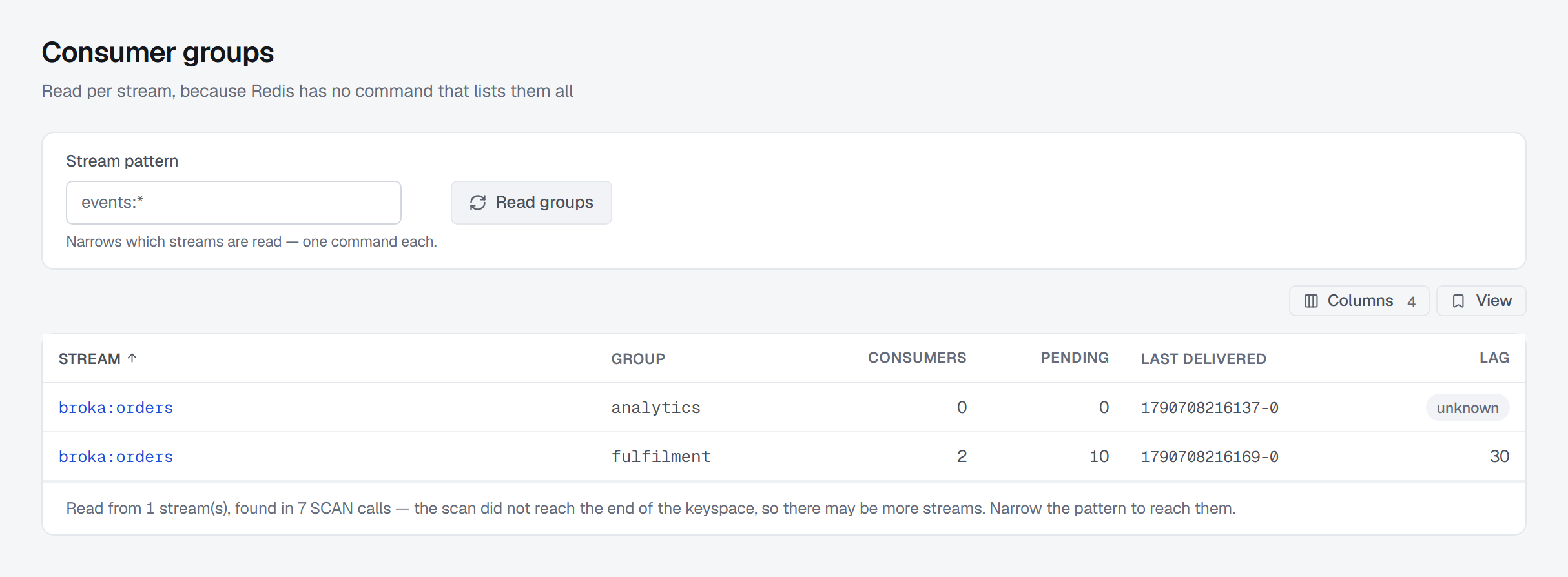
Stream pattern narrows which streams it asks about — one command each — and Read groups asks
again. The footer tells you how many streams it read and how many SCAN calls finding them took, and whether
the scan reached the end of the keyspace; when it did not, there may be more streams, reached by narrowing the
pattern. An identity that may not walk the keyspace gets a notice saying so in place of the
table, because finding the streams needs SCAN.
The streams come from the same list the Streams page shows, which names streams and nothing else, so anyone who may view the connection sees its groups — finding them is not a key listing.
What a group row tells you
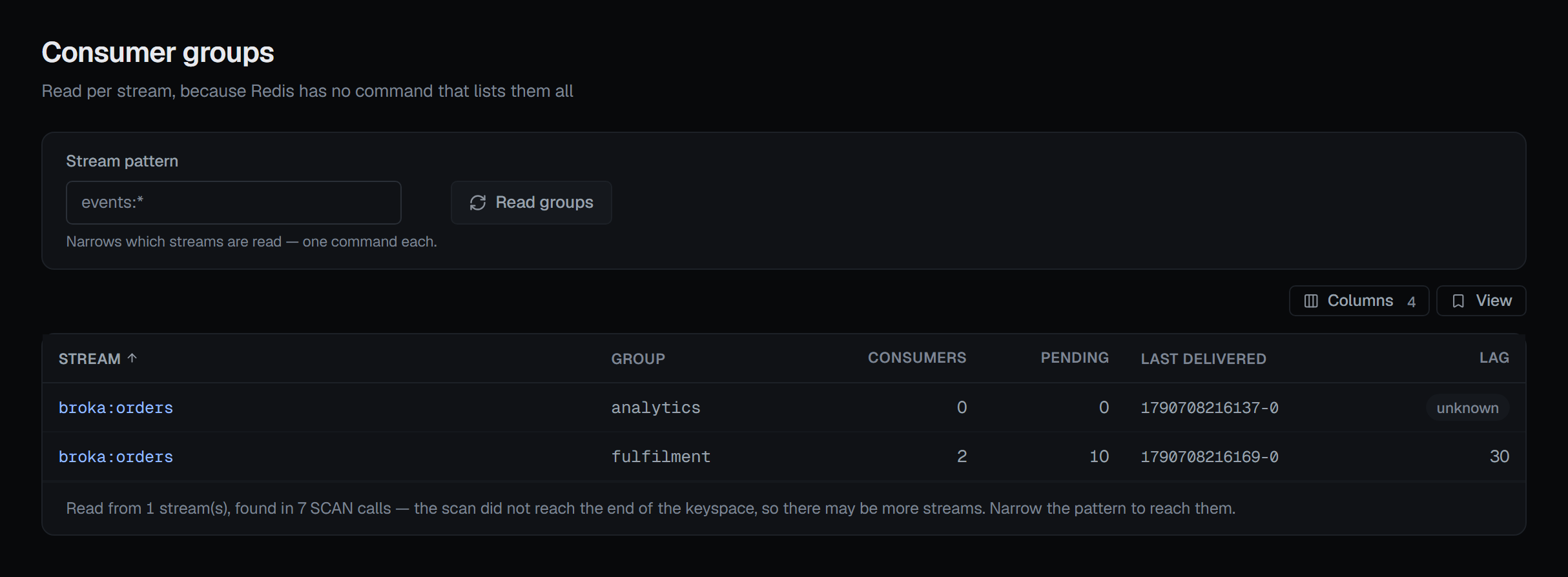
The stream it reads, its name, how many consumers it has, how many entries are pending, the id it last delivered, and its lag. The stream's name opens that stream's own page.
Lag, and the answer that is not a number
Lag can be unknown, and that is a real state rather than a missing value.
Redis computes a group's lag from where the group has read to and where the stream ends. When entries the group had not yet read have been trimmed away, that arithmetic no longer has an answer — and Redis returns nothing rather than a number.
BROKA shows that as unknown. It does not show 0, because zero means caught up — the single most
consequential claim this screen can make, and one that would be false in exactly the situation where an
operator most needs the truth: a group that has permanently missed entries.
The badge explains itself on hover: Redis cannot compute it — entries this group had not read were trimmed away. Unknown, not caught up.
This is not a display rule bolted on at the end. The null survives every layer on purpose — the reader that talks to Redis refuses to default it, the type that crosses the wire declares it nullable, both tables branch on it, and tests hold it there.
The consumers behind a group
On the stream's own page, the Consumer groups tab lists the groups and then shows one card per group with its consumers — there is nothing to open. Each consumer carries two different measures of quiet that are easy to confuse:
- Idle — since this consumer last asked for anything: a read or a claim, even one that returned nothing.
- Inactive — since it last actually received an entry, which is a different question.
The pair is what separates a healthy poller from a stuck worker. A consumer that is idle for zero seconds but inactive for hours is asking constantly and getting nothing — a healthy poller on a quiet stream. One that is idle for hours has stopped asking at all: it has crashed, or it is stuck on what it already holds, and its pending entries say which.
On servers older than Redis 7.2 the second figure is not reported, and it shows as absent with the version as the reason — not as zero.
The same tab moves a group's read position with Set position and deletes a consumer from its group, each asking for a reason; both are described on Streams.
Removing a group
A group can be destroyed from its stream. The entries survive — they belong to the stream, not to the group. What is discarded is the group's pending list, and the confirmation says which is which, because "delete group" reads like "delete the data" and it is not.
Destroying a group that is not there is reported as exactly that rather than as an error. The delete button appears only where you may write to the connection, and the confirmation asks for a reason in every environment.