

Pub/Sub
Updated 3 October 2026 · applies to 1.0.0 · Commercial
Redis Pub/Sub keeps nothing. A message goes to whoever is connected at that instant and then it is gone — there is no queue it could have landed in instead. That single fact shapes everything on this screen.
Who is listening right now
The channel list shows the channels that currently have at least one listener, with a count beside each. It is read a page at a time, in order of name: the server counts listeners only for the channels on the page, so the list cannot be sorted by that count, and the number of active channels above it is the whole server's.
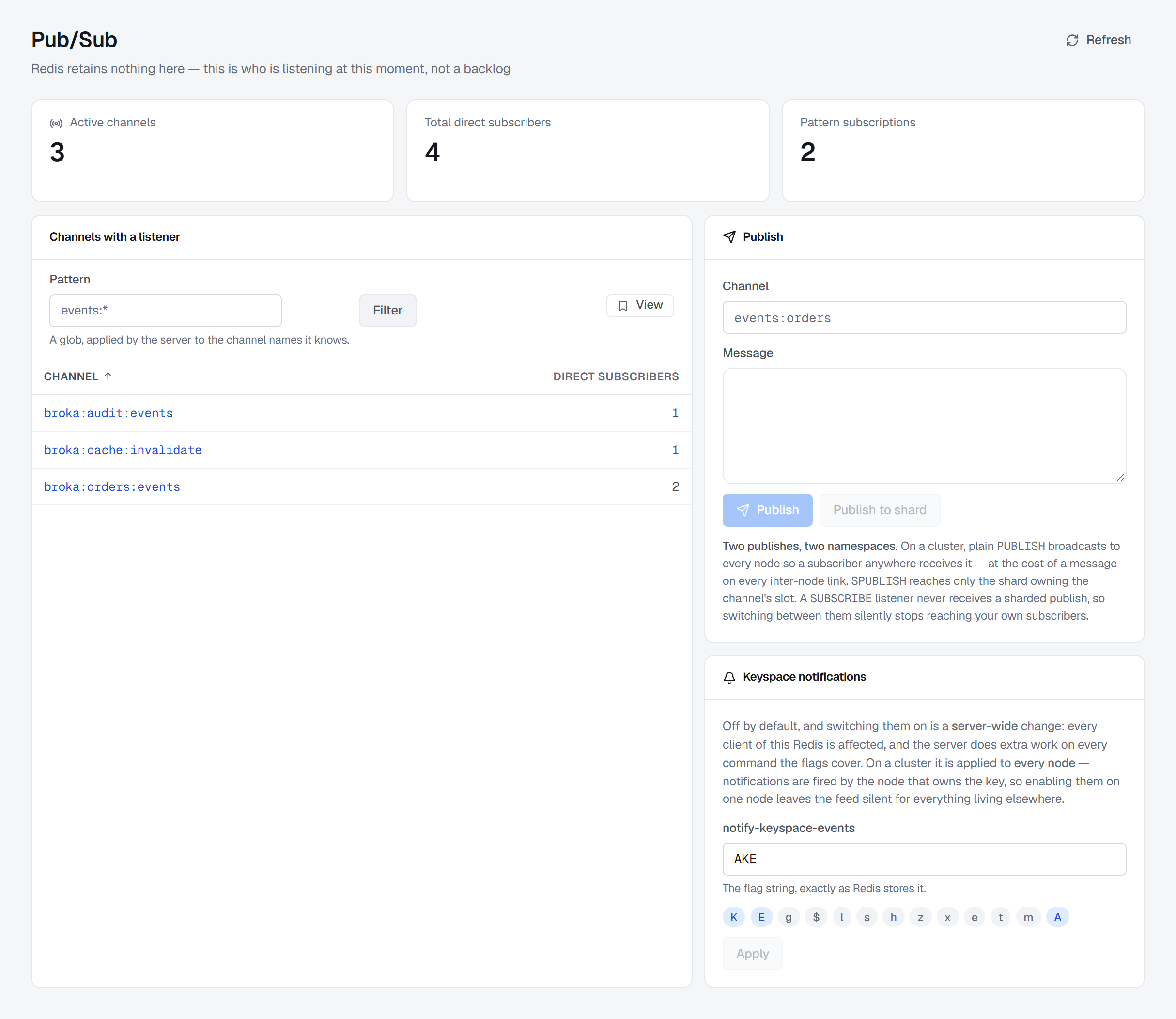
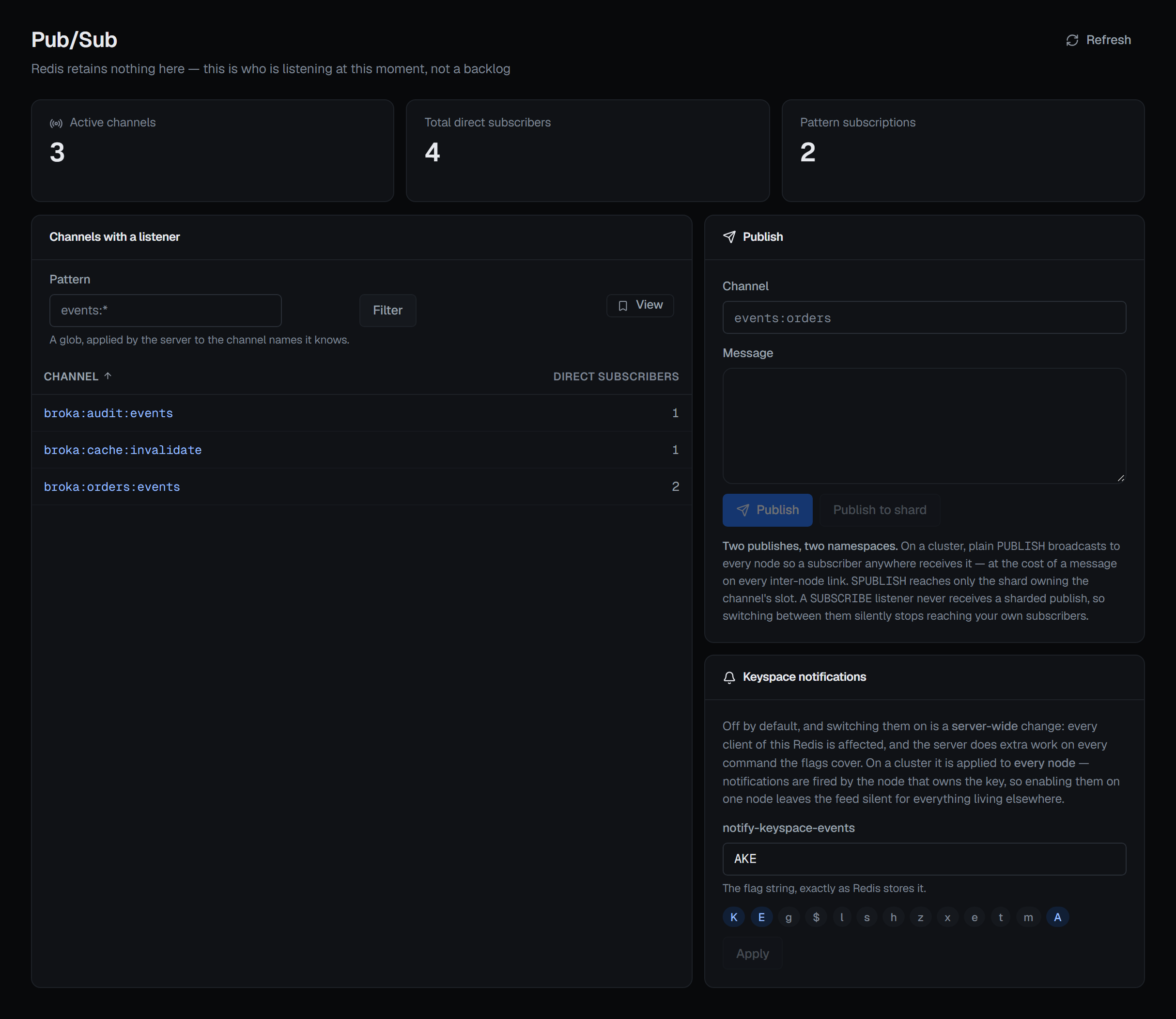
These are direct subscribers only. A listener that subscribed to a pattern is not counted against any individual channel, because Redis does not attribute pattern subscriptions to channels — it only reports how many exist server-wide. So that figure is shown separately, as its own number.
The consequence is worth stating: a channel showing no direct subscribers may still be reaching someone. BROKA keeps the two numbers apart rather than adding them into one figure that would be wrong in both directions.
Publishing
A publish reports how many subscribers received it at that instant. A count of zero is reported as what it is — nobody was listening, so the message is gone — rather than as a failure, because Redis did exactly what it was asked.
Do not read that number as a delivery confirmation. It counts connections reached, not work done.
There are two publish actions, and they are separate namespaces: the ordinary one and the sharded one. A listener subscribed the ordinary way never receives a sharded publish, and the console says so on the result rather than leaving a silent zero to be interpreted as "nobody is listening".
Shard channels
Sharded Pub/Sub has listeners of its own, and the Shard channels with a listener card lists them:
every shard channel that has at least one subscriber, with how many. It is a separate list because it
is a separate namespace — a listener subscribed with SSUBSCRIBE is not counted among the channels
above, and one subscribed the ordinary way is not counted here. A shard channel exists only while
something is listening to it, so an empty list means nobody is.
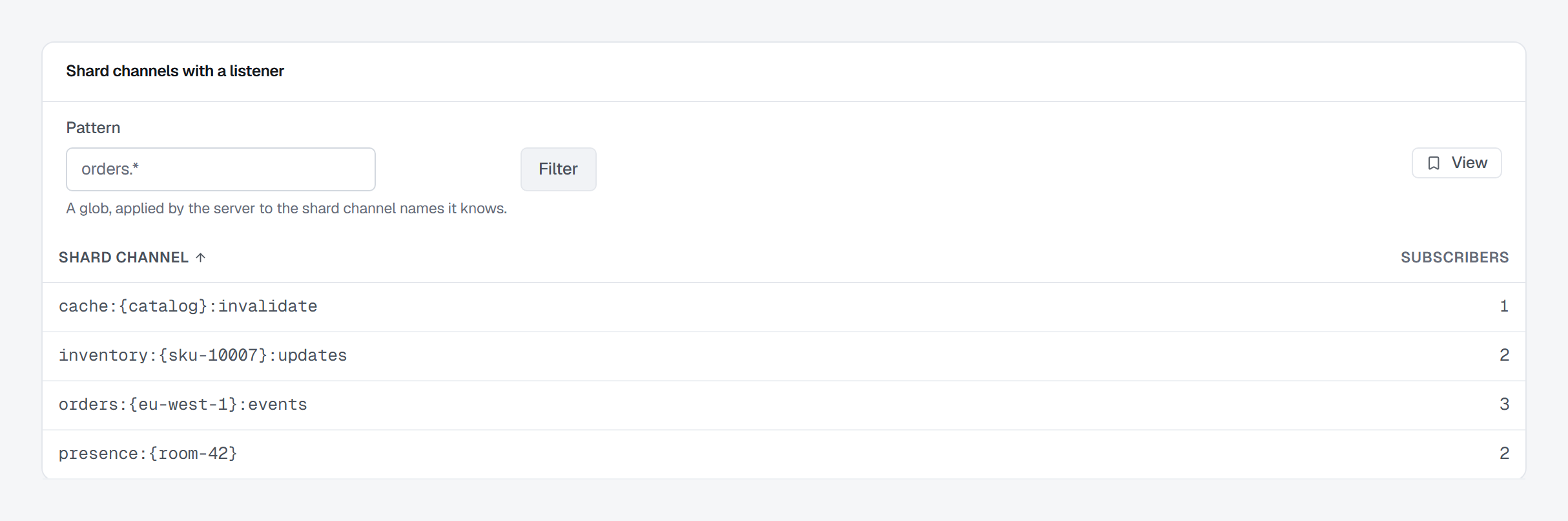
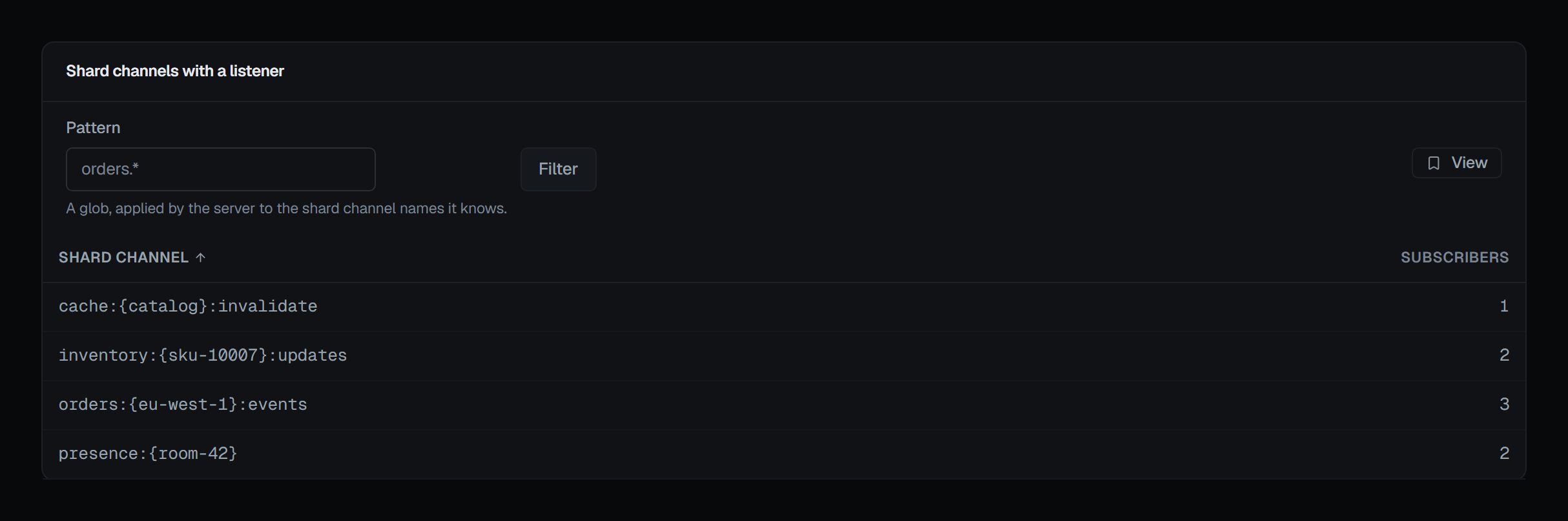
Pattern, a glob the server applies to the shard channel names it knows, narrows the list. On a cluster every node is asked, because each answers only for its own subscribers, and the counts are summed; a node that could not be asked is named above the list, so its channels are known to be missing rather than silently left out. The card is read-only.
Sharded Pub/Sub arrived with Redis 7.0. On an older server the card stays and says so, with the reason.
Watching a channel
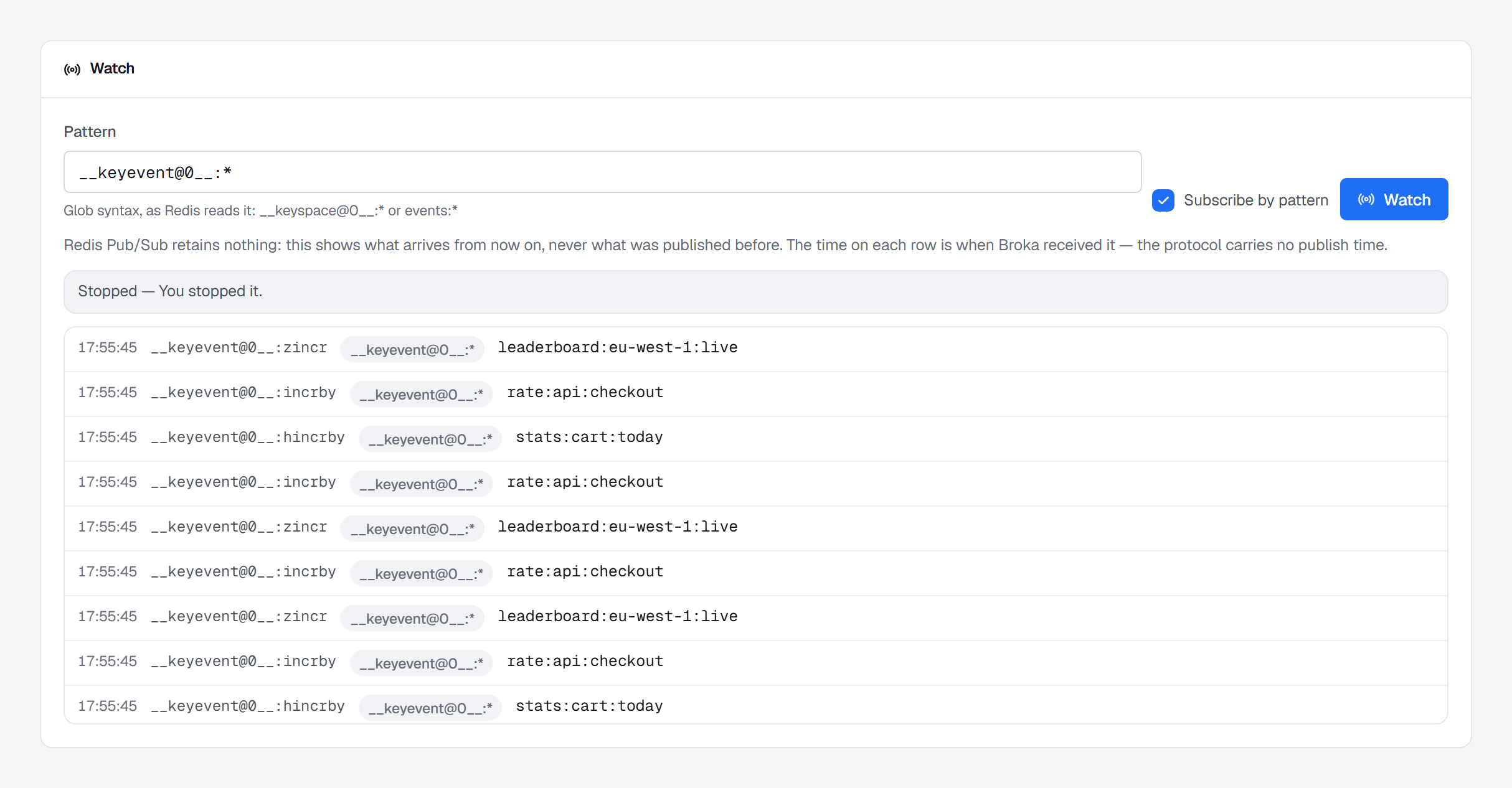
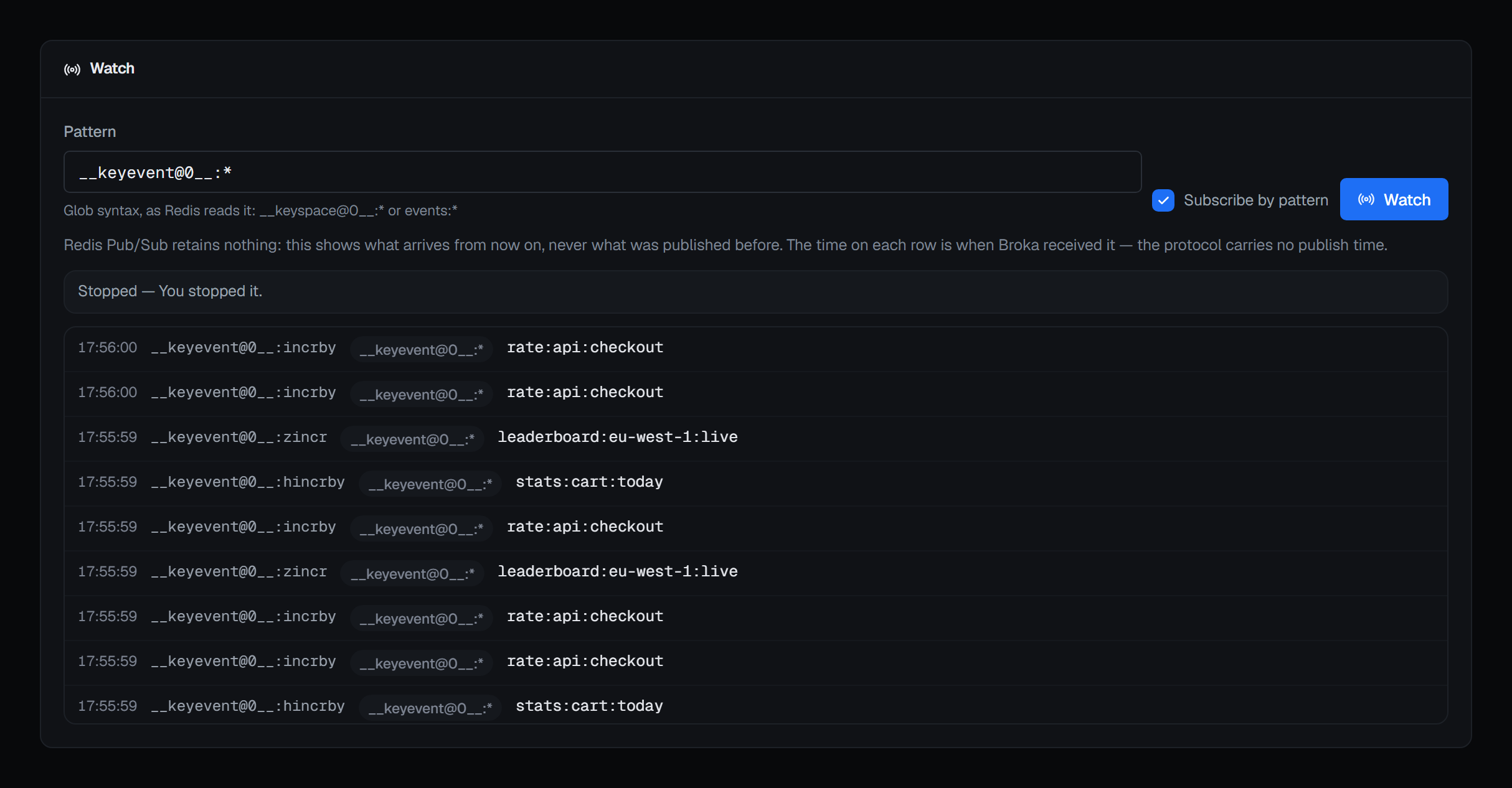
The Watch card subscribes for you and shows what arrives, live. Name one exact Channel, or tick
Subscribe by pattern and give a glob as Redis reads it — events:*, or __keyevent@0__:* for the
keyspace notifications described below — and press Watch. A live badge shows once the server has
confirmed the subscription, and nothing arriving when the channel is quiet; the newest 200 messages
stay on screen, newest first, each with its channel and, for a pattern, the pattern that matched.
Redis Pub/Sub retains nothing, so this shows what arrives from now on, never what was published before, and the time on each row is when BROKA received it — the protocol carries no publish time. Stop ends the subscription, and so does leaving the page; when the server or the connection ends it instead, the card says why. A connection to Redis that drops ends the watch with that said — anything published while it was down never arrives, so watch again to go on listening — rather than leaving it to read as a quiet channel.
Watching writes nothing to Redis, so it needs no write access, but what arrives is the messages
themselves: it takes Read message contents (messages.read) as well as viewing the connection, and
without it the Watch card says you are not permitted. It is recorded as a read before the subscription
opens, because it is an open-ended look at live traffic.
Keyspace notifications
Redis can publish an event whenever a key is written, expired or evicted. It is off by default, and BROKA can turn it on.
Two things the screen says before you do:
It is a server-wide change. It affects every client of that Redis, not your session, and it costs the server work on every command that matches the flags you enable.
On a cluster it is written to every node. A single configuration write lands on whichever node the client happened to be routed to — which, measured against a real cluster, meant one replica was configured while three primaries were not. So BROKA fans the write out and reports how many nodes took it and which refused.
The flags are edited as the notify-keyspace-events string, exactly as Redis stores it, with a chip for
each flag; Apply writes it, and an empty string switches notifications off.
Who may publish or change the flags
Publishing and changing keyspace notifications need write permission on the connection. Where you may not write — a read-only environment, a connection frozen with its own read-only switch, or a role without the permission — their buttons are disabled and the Publish card says why. Neither asks for a reason, except in a guarded environment, where every write does.