

Connections and sessions
Updated 1 October 2026 · applies to 1.0.0 · Commercial
Who is attached to the broker right now, and what each of them is doing. A session belongs to a connection, so the two screens read together and Connections comes first.
A connection has no user — its sessions do
This is the fact the Connections screen is built around.
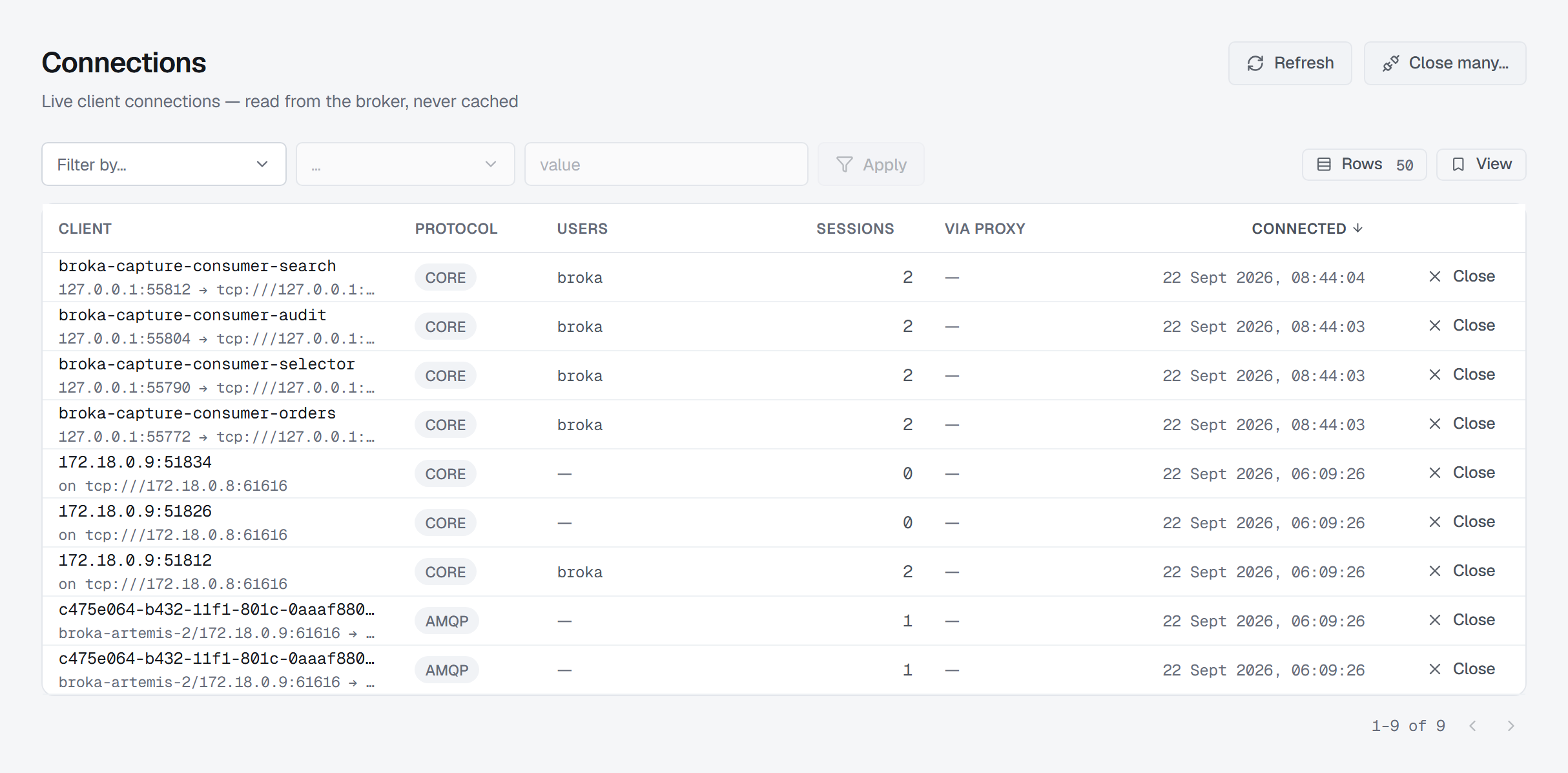
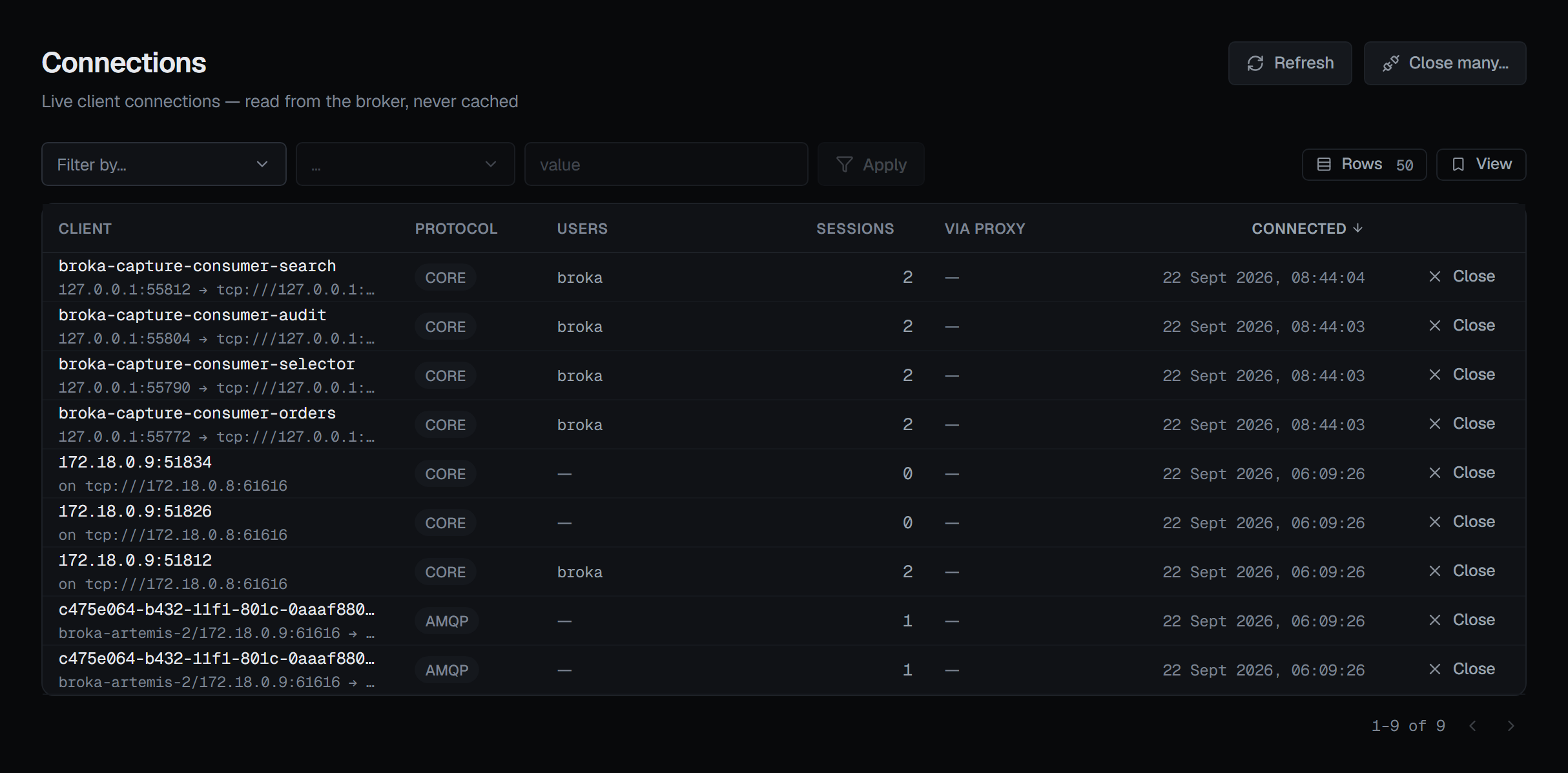
Artemis reports the distinct usernames across a connection's sessions, comma-joined, and BROKA shows that list rather than picking one. Where the broker's own list contains an empty entry, the row carries an anonymous badge: at least one session on that connection authenticated as nobody.
Splitting the list quietly would have hidden exactly that. It is the entry worth seeing.
Via proxy: the address on the left may not be the client
When a PROXY-protocol front end sits in front of the broker, the remote address on the row is the proxy's. The Via proxy column carries the client's real address, with the protocol version where the broker reports one.
Other columns: the client end of the connection, its protocol, how many sessions it holds, and when it connected — newest first. Clicking a row opens that connection's sessions.
Closing one connection takes everything under it
Closing a connection takes its sessions, consumers and producers with it. The confirmation names the session count it is about to take down — that number is on the row, and would be nowhere in the dialog otherwise — and asks for a reason. If the broker finds the connection already gone, the console says so rather than reporting a close it did not make.
The row's Close and the header's Close many… appear only for someone allowed to change this broker, and not in a read-only environment or on a read-only connection. Every close is recorded in the audit trail.
Closing many: three forms, and two of them are both called "address"
The bulk close sits deliberately away from the row action, because its forms match on something other than an id:
| Form | What it matches |
|---|---|
| Coming from an IP address | A complete IP address, matched whole against the client end of each connection — not the acceptor |
| Holding a consumer on a messaging address | Every connection consuming from that messaging address, including ones doing other work as well |
| Authenticated as a user | The username its sessions authenticated as |
The first two are both an "address" on the broker while doing entirely different things, and they are one mis-click apart. So the form is chosen from a list, each with its own sentence, and the dialog spells out the matching clause — "coming from 10.4.2.7", "holding a consumer on address orders" — rather than leaving anyone to infer which one is about to run. It asks for a reason before it closes anything.
An IP address is matched whole. Apache Artemis's own operation closes every connection whose address
contains the text, so 10.4.2.7 would also close 10.4.2.70. BROKA lists the connections instead, compares
each one's client address with the whole address you typed, and closes the matches one by one. An incomplete
address, such as 10.4, is refused.
There is no count, before or after. The answer is only whether anything was closed, never how many. BROKA would have to invent that number, and a bulk disconnect is the worst place for an invented figure.
Sessions: the layer between a connection and the work
Arriving from a connection row pre-fills the session filter rather than opening a different kind of page. The broker filters this list server-side, so "one connection's sessions" and "all sessions" are the same screen with one clause different.
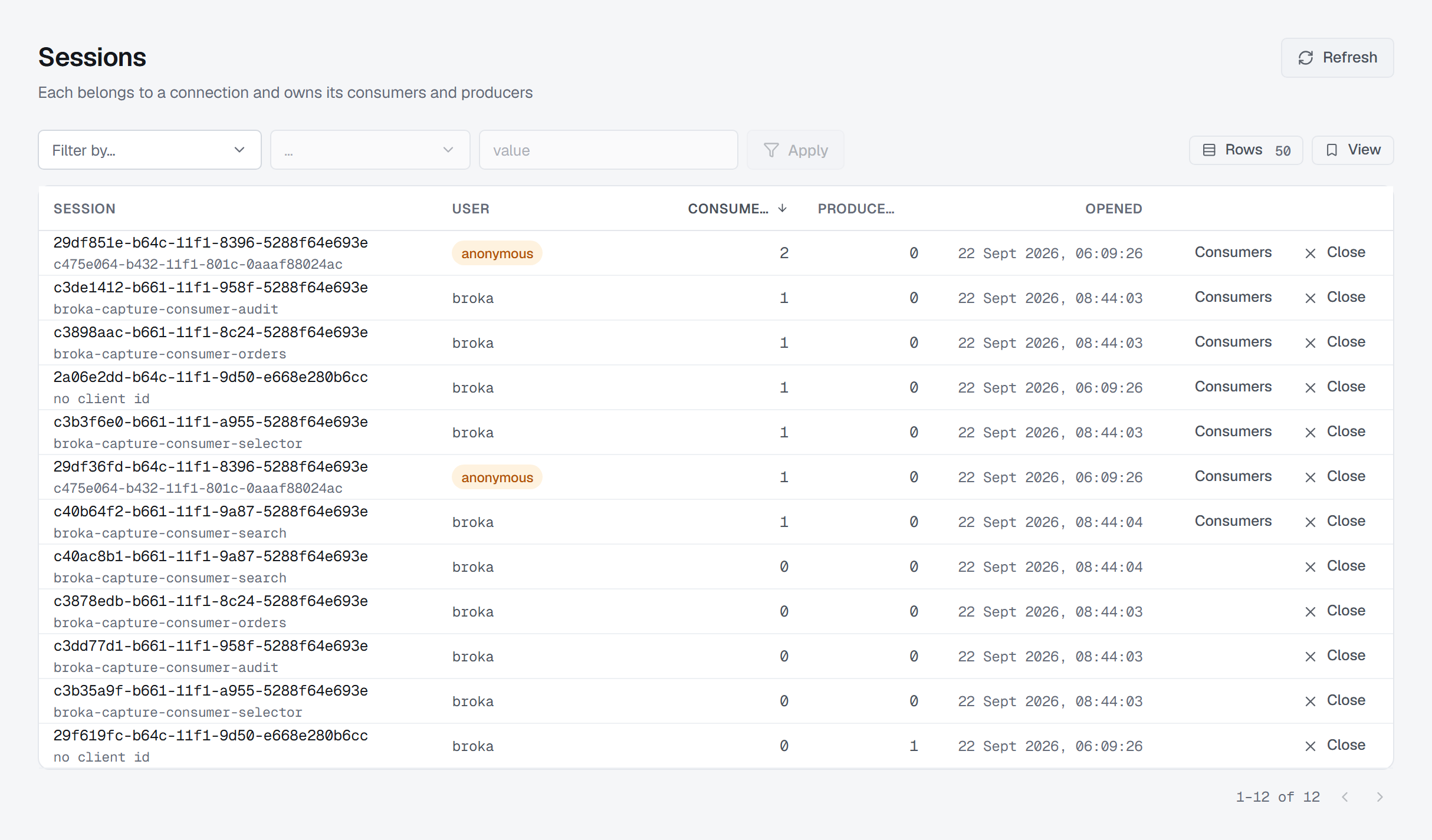
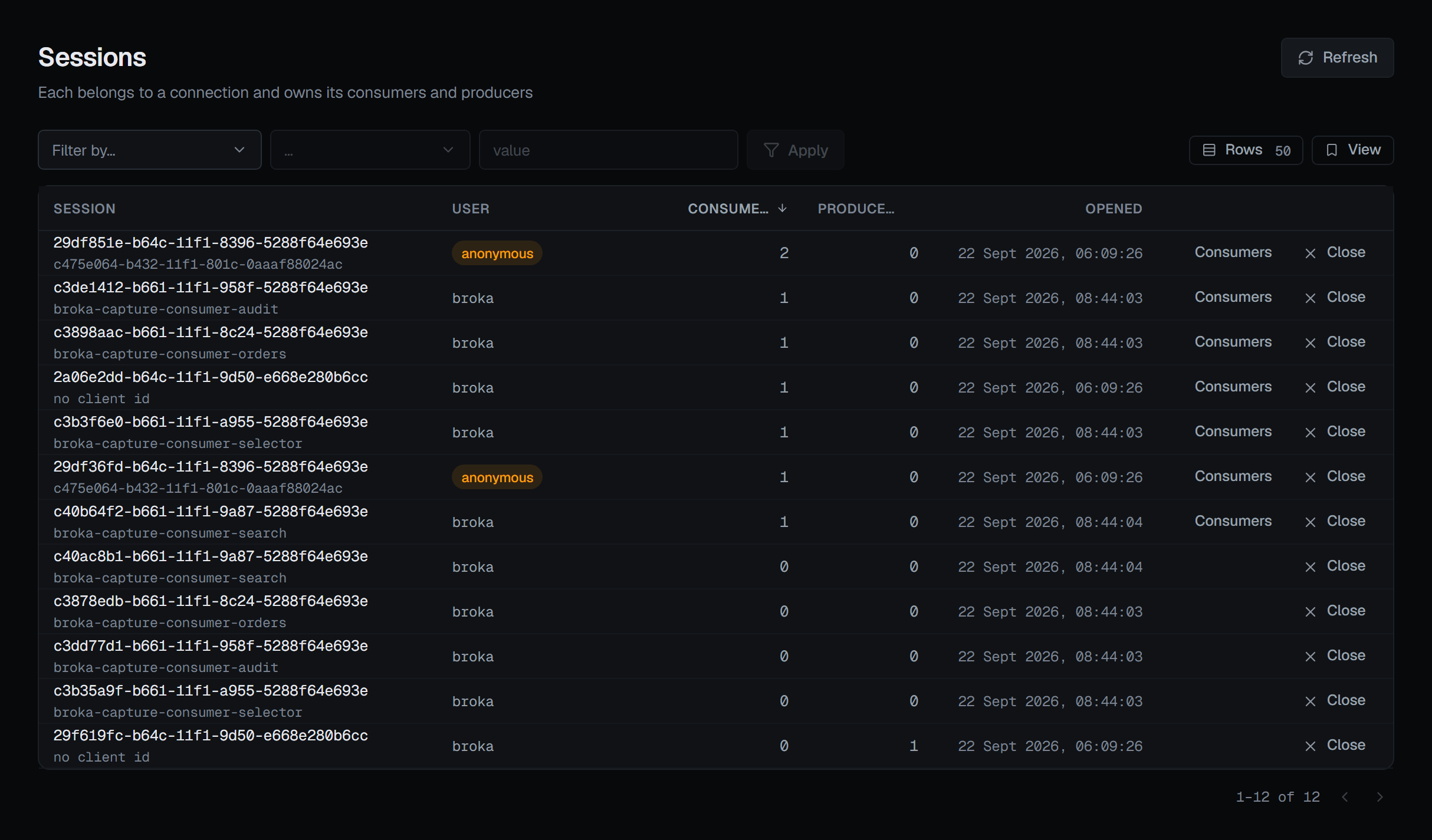
Each row: the session, its user, how many consumers and producers it holds, and when it opened.
The User column shows two names when they differ. If a security manager rewrote the name the
client offered, the row reads resolved ← offered, because permissions are applied to the resolved
one while log lines often show the other. A session that authenticated as nobody gets an
anonymous badge, with what it may do spelled out: whatever the broker grants the guest role.
Closing a session
The row action closes the session. Its consumers and producers go with it, and anything held undelivered returns to its queue. The client's connection stays open — so a client that opens sessions on demand will simply open another, which is worth knowing before using this to stop something.
The confirmation asks for a reason. Force is offered on it as a checkbox, with what it costs stated: it cancels the work pending on the session instead of waiting for it. Without it, a session in the middle of something can take a while to go; with it, that work is abandoned. It is the option for a session that is stuck.
Afterwards the console reports which of two things happened. If the broker matched the session, it says so. If it did not, it says that session had already gone and the broker found nothing to close — rather than reporting a success the broker never confirmed.
Where a session holds consumers, a second row action opens the consumer list scoped to it.
The scope lives in the URL, not in the page
Arriving from a connection row, or from a producer row, filters this list — and the filter is held in the URL. So the scope survives a reload and the back button, and the chip that shows it drops it by editing the URL. One source of truth rather than two.
Both are server-side filters on this same list, which is why neither gets a screen of its own.
Two honest gaps on the session list
User and Opened cannot be filtered. Artemis's session view emits user, validatedUser
and creationTime, and its filter predicate implements none of the three: a filter on any of them
would return every session while looking applied, so none of them is offered in the filter.
They can still order it: the list sorts by session, user, consumers, producers or when it opened, at the broker — most consumers first until you choose. User sorts by the resolved name, the one permissions are applied to.
Protocol and addresses are absent, not empty. The session view does not carry them, even though the broker can filter by all three. They are left off the table rather than shown as a column of dashes, because a dash here would read as "the broker did not report it" when the truth is "this view never carries it".