

Cluster and replication
Updated 6 October 2026 · applies to 1.0.1 · Commercial
Three ways one broker is joined to another, on one screen — because an operator asking "how does data get from here to there" does not yet know which of the three answers it. A fourth tab answers the question that follows mirroring: which of the two brokers is the active one.
| Tab | What it is |
|---|---|
| Cluster | Peers of the same cluster. Messages are load-balanced between them |
| Bridges | A one-way drain from a local queue to a remote address. Point to point, no load-balancing, and it retries forever while the far end is down |
| Mirroring | Artemis's AMQP link to another broker — a broker connection, which is what mirroring runs over |
| Lock coordinators | The distributed locks that decide which of two mirrored brokers is the active one |
connected is what all three screens are really for
A configuration cannot tell you the link is up. A link that is down changes nothing visible except a queue that quietly grows — so the state each row reports is the column to read first.
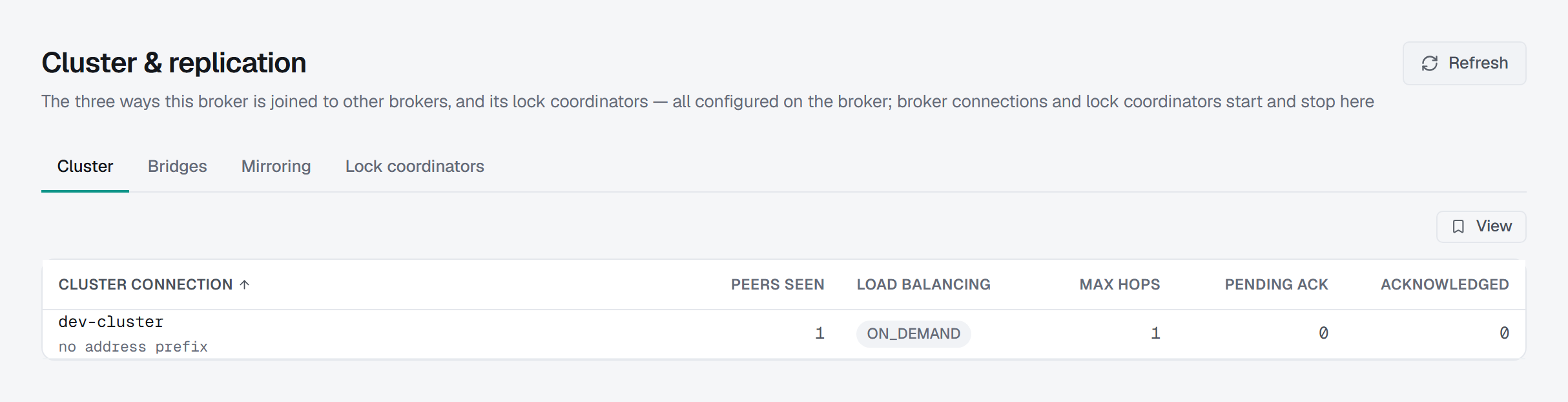
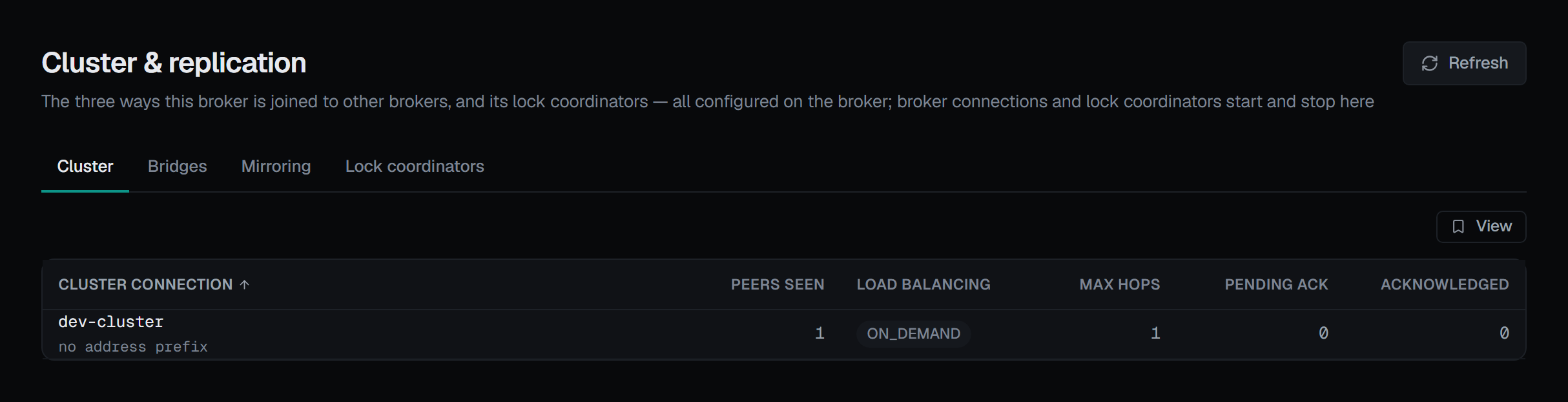
Cluster: peers seen, and load balancing
Peers seen is a map, not just a count. "2 peers" while the third is missing is exactly what an operator is looking for, and only the names can show which one it is — so hovering the figure lists the connectors. A broker that sees none reads alone: configured for a cluster, and not in one.
Load balancing is the setting behind "why is this queue full while another node is idle", and each value is explained where it is shown:
| Value | What it does |
|---|---|
OFF |
Messages are not moved between nodes at all. A queue with no consumer here stays full while another node drains |
ON_DEMAND |
A message is moved only to a node that has a consumer for it |
STRICT |
Messages are shared round-robin whether or not the far node has a consumer |
| (redistribution only) | Messages are not balanced, but an existing queue is redistributed when its last consumer goes |
OFF is marked, because it is the one that produces the symptom above.
Under the connection's name sits the address prefix it applies to, or no address prefix where it balances everything. Alongside: max hops, pending acknowledgements and messages acknowledged.
Bridges
Each bridge shows its state, its target, its retry configuration, pending acknowledgements, how much it has forwarded, and whether duplicate detection is on.
Mirroring is asynchronous, and connected does not mean in step
Where broker connections exist, the screen says the thing the word "connected" hides: a connection that reads connected means the link is up, not that the two brokers are in step. Messages already accepted here may not have reached the other side yet.
Above the list, Mirror acks pending counts the acknowledgements the mirror has not confirmed yet — how far mirroring is behind, as the broker reports it. Where the broker does not report it, the card reads a dash and says so.
Each connection shows its state, protocol, user and retry settings. An outgoing connection can be stopped and started from its row; an incoming one belongs to the broker that dialled it, and Artemis has no operation to end it from this side. Stop is confirmed and asks for a reason, and the confirmation is explicit that nothing fails: both brokers keep accepting, and it is replication that stops rather than traffic — so from then on the two sides diverge, and what was already in flight is not resent when it starts again. Start is not confirmed.
Stop, Start and the lock coordinators' buttons appear only for someone allowed to change this broker, and not in a read-only environment or on a read-only connection; there the page says why. Each is recorded in the audit trail.
Lock coordinators: which broker is the active one
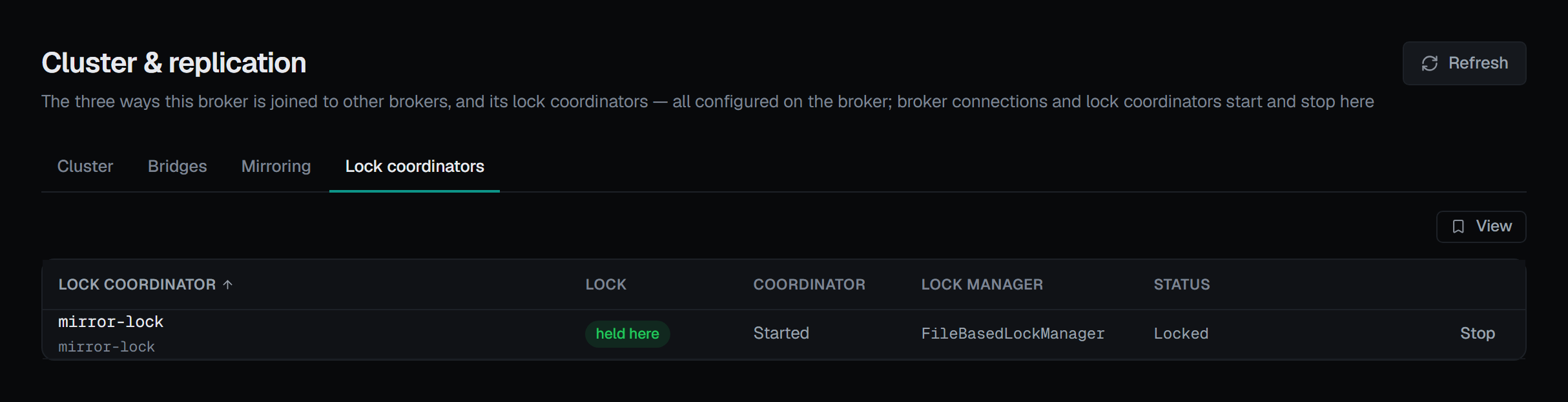
Where two mirrored brokers share a distributed lock, the broker holding it is the active side. The Lock coordinators tab lists each coordinator with its lock id, whether the Lock is held here or not held, whether the Coordinator is started or stopped, its Lock manager and its Status.
Stop on a started coordinator is confirmed, and the confirmation says what it costs: if this broker holds the lock, it releases it, and every acceptor and broker connection bound to it pauses as though the lock had been lost — this broker stops being the active side. It asks for a reason. Start makes it contend for the lock again.
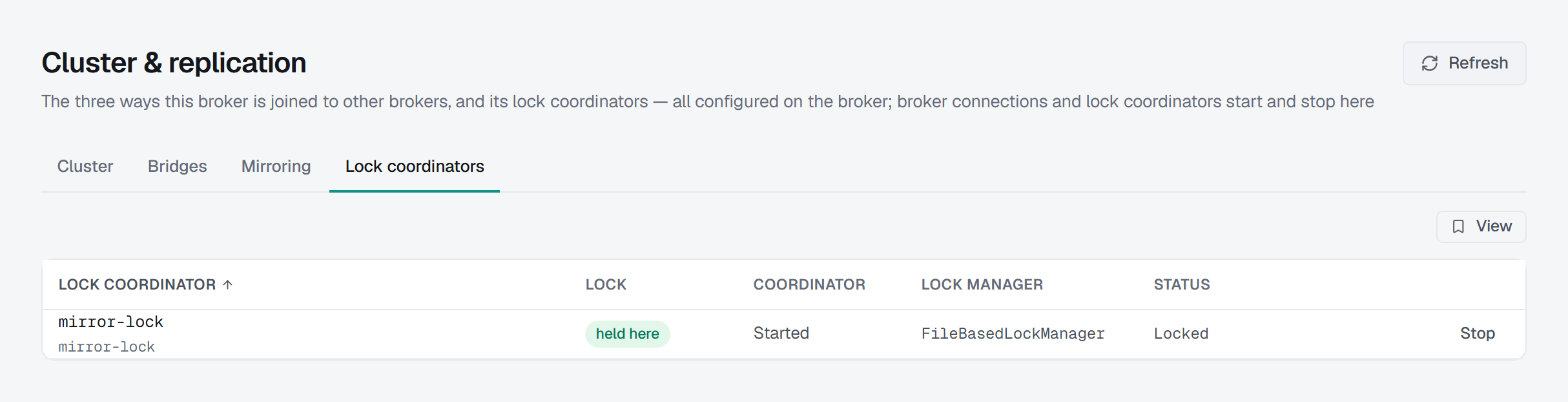
Both halves depend on the broker, and each is read from the broker's own list of operations rather than from its version:
- The list needs a broker whose management lists lock coordinators. Where it does not, the tab says so, with the reason, instead of showing an empty list.
- Start and stop need Artemis 2.56 or later. On an older broker that lists them, the buttons are shown greyed out, with the reason.
Coordinators are declared in the broker's configuration, and the empty state says so: this console starts and stops them, it does not create them.
Cluster connections, bridges and broker connections are not created here
This is not a missing feature, and it is the broker's shape.
A bridge and a cluster connection each need a connector, and adding a connector is permanently outside what this console is allowed to send to a broker. A create form would only work on a broker that already had the connector, and fail everywhere else.
A broker connection has no create operation at all — Artemis exposes start and stop, and those are here. The empty state says so rather than implying the console could have made one: broker connections are declared in the broker's configuration; this console can start and stop them, not create them.
Alerting on bridges and connections
An alert rule can watch a bridge — whether it is connected and the acknowledgements it has pending — and a broker connection — whether it is connected — picked by name from a list, and the number of members the broker's cluster connections see. All of it is read in one request to the broker. The starter rules offer bridge disconnected and broker connection disconnected where the broker has them, and an incident links back to the Bridges or Mirroring tab. As above, connected is about the link, not about the two sides being in step — the Mirror acks pending figure is the one that says how far behind mirroring is. Every metric is listed in Alert metrics.