

Scheduled, in-flight and grouped messages
Updated 1 October 2026 · applies to 1.0.0 · Commercial
Three tabs on a queue's detail page — Scheduled, In flight and Groups — show messages a browse never lists and the message groups pinned to a consumer. Apache Artemis (formerly ActiveMQ Artemis) holds these apart from the queue's ordinary backlog, so the Messages tab cannot show them. The rest of the page — pausing, purging, the Overview and the Counters — is on Queue detail.
What the two message tabs have in common
Scheduled and In flight are lists of messages, and they share a shape:
- No body. The broker lists these messages with their properties and fixed fields only, so there is no message to open — each row gives its id, priority, timestamp and properties.
- Paged by BROKA, in the broker's order. The broker answers with every such message at once; the page of 25 — or 50 or 100, if you choose — is cut from that answer, and no column sorts.
- The message's own properties first. The Properties column lists what the producer set before the
properties Artemis writes itself, the ones whose names begin
_AMQor__AMQ. In plain alphabetical order the broker's come first, and a row would lead with__AMQ_CID=…and cut the application's own properties off behind it. The message dialog on the Messages tab orders them the same way. - What is missing says so. A message with no properties reads (none); one with no timestamp reads a dash, and hovering it says the producer stamped none.
Their properties are message content, so reading either list needs the same permission as a browse —
Read message contents (messages.read); without it the tab says you are not permitted — and is
recorded in the audit trail like one — which list was read and how many rows came back, never a property's
value.
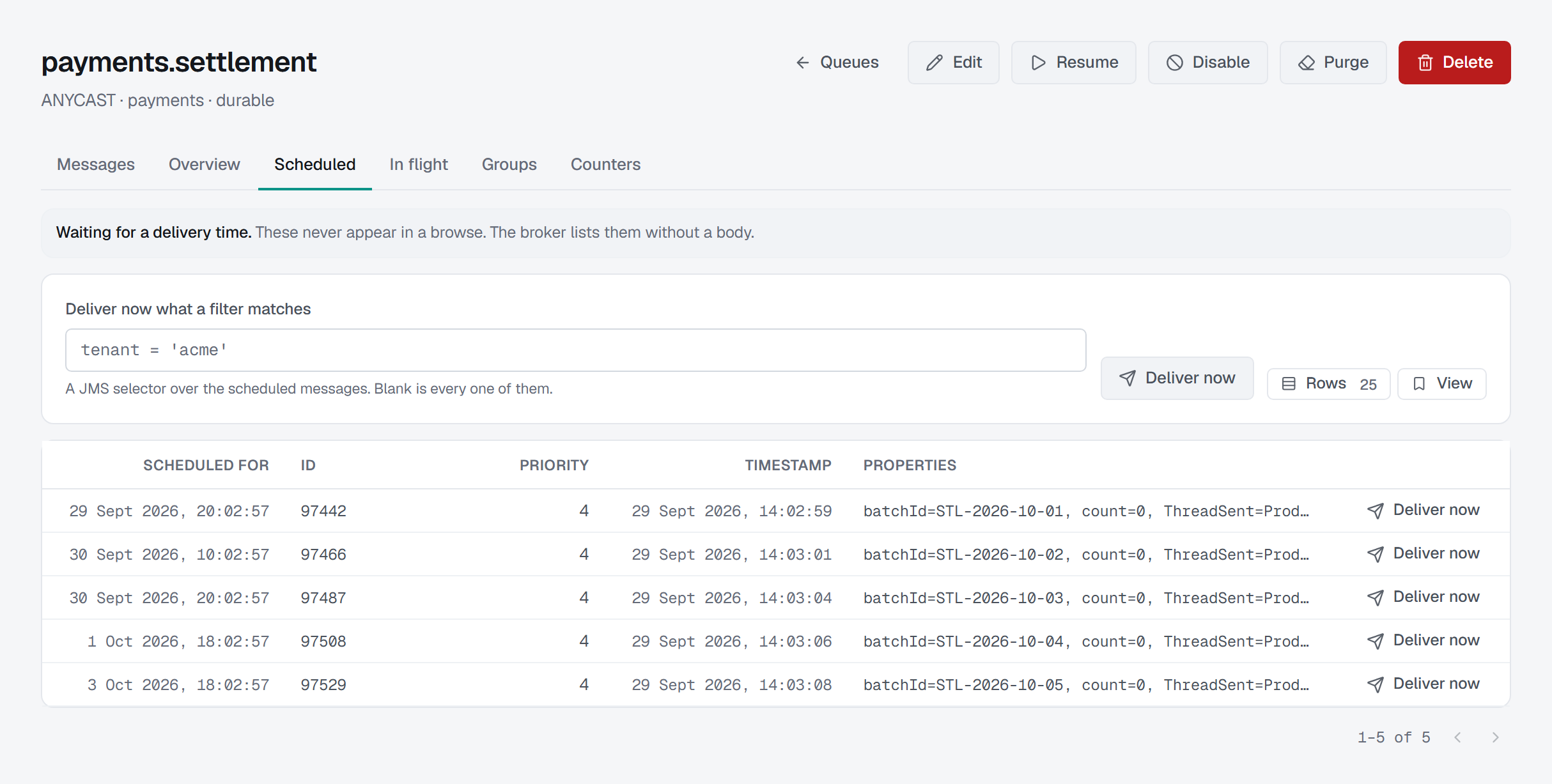
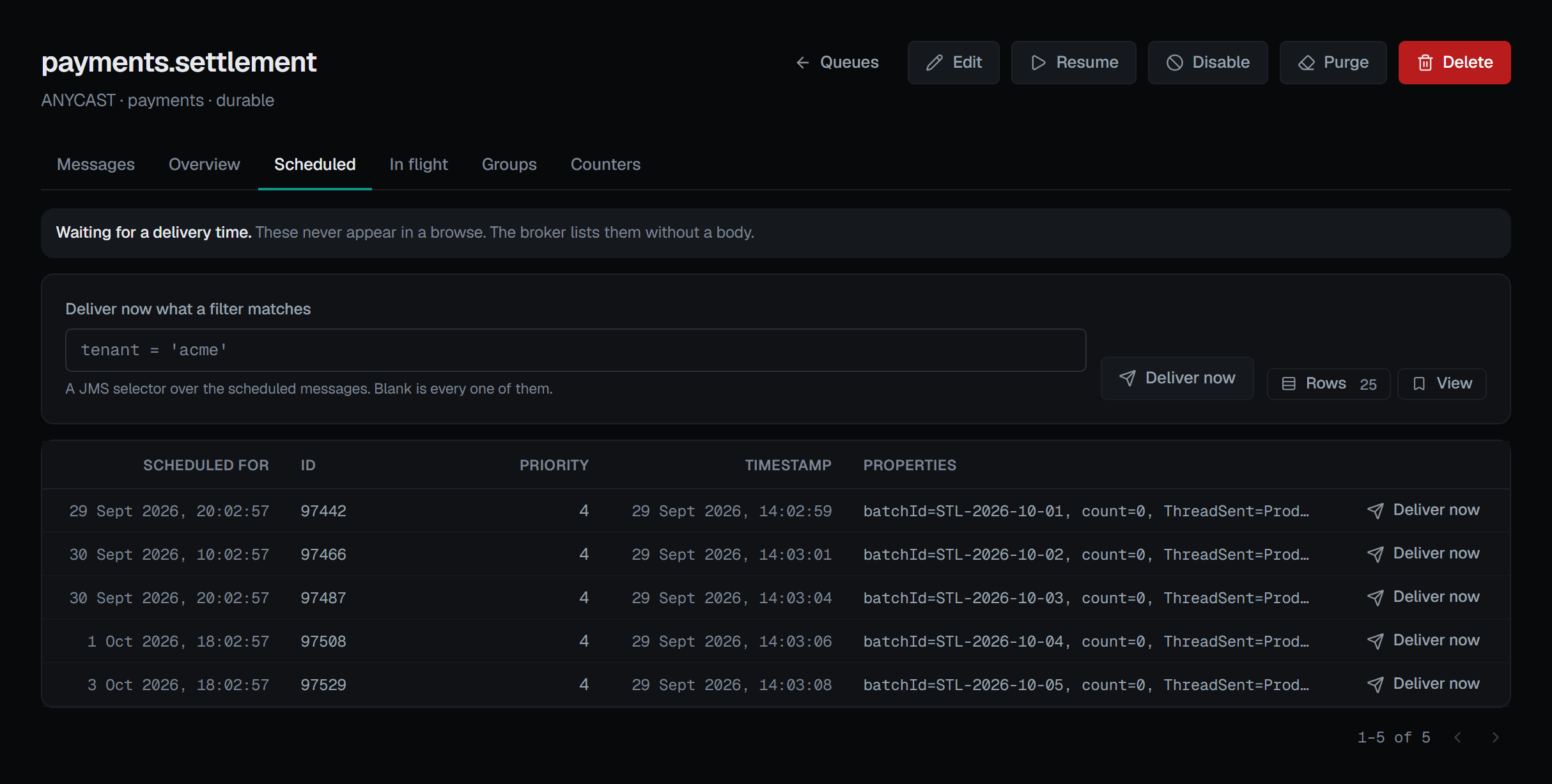
Scheduled: the messages waiting for a time
A scheduled message is held until its delivery time, and it never appears in a browse — so this tab is where it can be seen, and the note above it says so. The Scheduled column on Queues and the scheduled count on the Overview tab are where such a backlog first shows. Each row gives when it is Scheduled for, then its id, priority, timestamp and properties.
Deliver now sends a scheduled message to the queue's consumers immediately instead of at its time, and it cannot be scheduled again. It works two ways:
- From a row — that one message. The confirmation, Deliver message … now?, says that if it has already been delivered, the broker ignores the request: the broker answers nothing either way, so the list is read again rather than a delivery claimed.
- From the controls — every scheduled message a JMS selector matches, typed into Deliver now what a filter matches. Blank is every one of them, and the confirmation then asks Deliver every scheduled message now? and counts them; with a selector, the broker does not say how many it delivered, so the confirmation does not claim a count.
Both ask for a reason, in every environment: a message delivered early cannot be put back on its schedule. The audit entry records the message, or the queue for a filtered delivery, and whether a filter was set — never the selector itself. Because the broker reports nothing back, the entry says what was asked for.
A queue with nothing waiting reads No scheduled messages.
In flight: dispatched, not yet acknowledged
In flight lists the messages the queue has dispatched to a consumer and not had acknowledged yet. Each row opens with the Consumer holding it, by the same ids the Consumers screen uses, then its id, priority, timestamp and properties. A message held inside a transaction a session has not finished is listed under that session instead.
Each is held by that consumer until it acknowledges it, or leaves. The tab is read-only: finishing the message is the consumer's job, and closing the consumer on the Consumers screen is what returns its messages to the queue. A queue no consumer owes an acknowledgement reads Nothing in flight.
Groups: which consumer each group is pinned to
A message group is every message carrying the same group id, and the queue sends all of them to the consumer it first chose, until that consumer leaves or the group is unpinned. Groups lists each group — Group, Consumer, Connection, Session and Consumer since, when that consumer attached — sorted by group id.
Unpin on a row, or Unpin every group above the list, makes the group's next message pick a consumer afresh, and the rest of the group follows it there. Nothing is lost, so no reason is asked — but it is confirmed, Unpin group …? or Unpin every message group?, because it moves a stream of work to another consumer. Unpin every group is greyed out while there are none. The audit entry records the queue and whether one group or all were unpinned; the group id is a producer's value and is not recorded.
The group id is also why reading this list takes Read message contents (messages.read) and is
recorded like a browse, and why it is read when you open the tab
or press Refresh rather than polled. Whether groups are rebalanced when a consumer attaches is a setting of
the queue — see Editing a queue. A queue with no pinned group reads No message groups.
Who can act, and on which brokers
Deliver now and Unpin appear only for someone allowed to change this broker, and not in a read-only
environment or on a read-only connection; there the Scheduled tab says why in place of its controls. In a
guarded environment, where every write needs a reason, the console asks for one before an unpin is sent.
Every one of these actions is recorded in the audit trail.
The broker operations behind all three tabs exist on Artemis 2.44 and 2.57 alike, so none of them depends on the broker's version.