

Users and permissions
Updated 3 October 2026 · applies to 1.0.0 · Commercial
Two tabs, Users and Permissions, because they are two halves of one question and neither answers it alone.
A user holds roles. Every permission Artemis checks is written against a role on an address match. So a user with no matching security setting can authenticate and then do nothing, and a security setting naming a role nobody holds protects nothing.
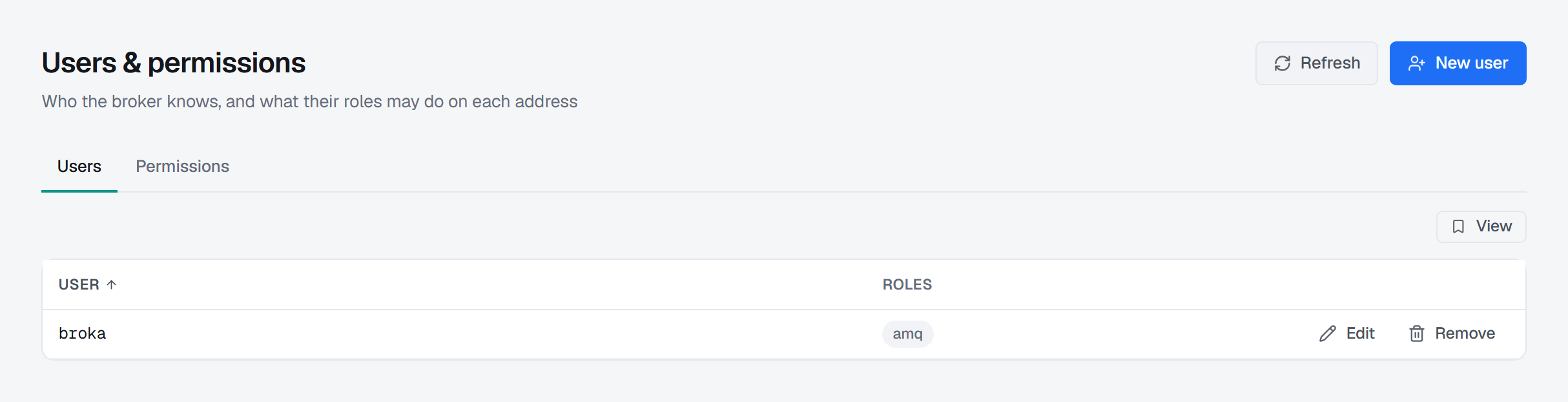
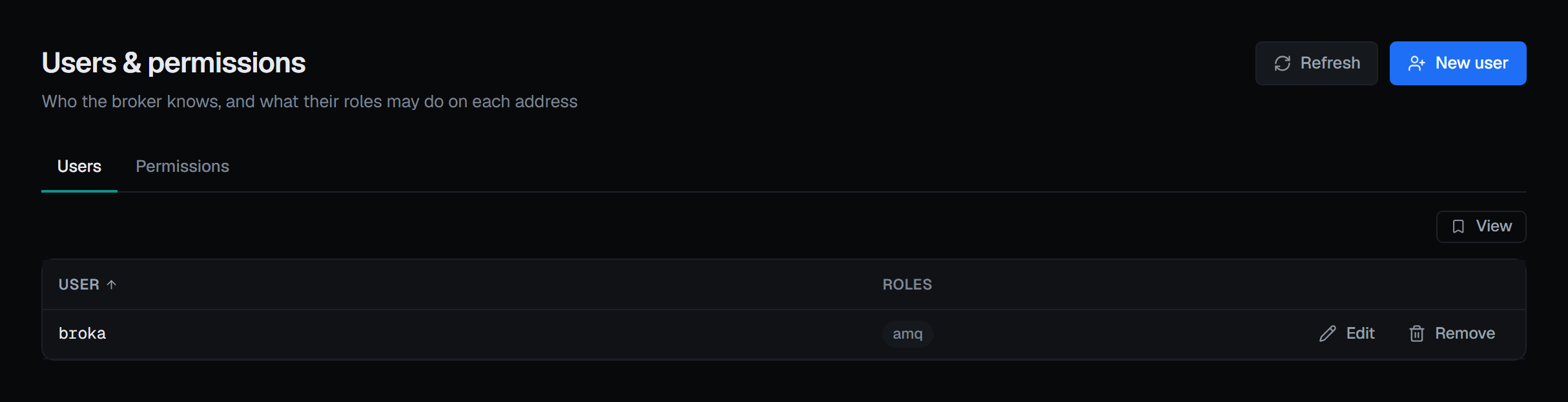
Users: this list is the properties login module, and only that
listUser reads the broker's properties login module. A broker authenticating against a
directory service has users that are entirely real and invisible here.
That is treated as its own state rather than as an empty list: "This broker's users are not managed here" — Artemis only exposes the users held in its properties login module, and this broker authenticates against something else (LDAP, Kerberos, or its own JAAS module), so its users are real and cannot be listed or changed from this console. Where the broker gave a reason, that reason is printed underneath as it came.
The distinction matters: an empty table would invite someone to create a user nothing will ever authenticate against. A broker whose properties module genuinely holds nobody says that instead.
Each row is a user and the roles it holds, with Edit and Remove beside it. A user holding no role is marked no roles: it can authenticate and do nothing, because permissions attach to roles.
Creating a user
New user takes a username, a password and a comma-separated list of roles. The dialog opens with the sentence the whole screen turns on — a user with roles nothing grants can authenticate and do nothing.
The password cannot be read back. The broker stores a hash, so it cannot be shown here or anywhere else; editing a user leaves the field blank to keep the current one. The username itself is fixed once created.
Removing a user does not disconnect anyone
Remove is confirmed and asks for a reason. The credential stops working for anything that authenticates from now on. It does not disconnect anything already connected as that user — an open connection keeps working until it reconnects, so removing a user alone does not cut off a session in progress. Doing that is a separate act, on Connections.
The Permissions tab: twelve permissions on an address match
Type a match and press Read — the tab opens on #. You get the roles that apply to it, whether set there or inherited from a
wildcard above — and the screen says so above the table, together with what saving will do: a role
removed from it stops applying to this match entirely, including an inherited one.
Where nothing applies, the empty state says what that means rather than showing a blank: nothing may send to this match, consume from it, or manage it.
Each row is one role and its permissions, with editing behind a dialog — the same shape as the Kafka access rules, and for the same reason: a grid of a dozen checkbox columns cannot be scanned at this width.
Nothing is written as you edit. Add role, a row's pencil and a row's bin change a draft of the table; the header counts the unsaved changes, and Save roles stays off until there is one.
The twelve permissions a role can hold on a match:
| Group | Permissions |
|---|---|
| Messaging | Send (publish to the address) · Consume (receive from queues on it) · Browse (read without consuming) |
| Queues | Create durable queue · Delete durable queue (and everything it holds goes with it) · Create temp queue · Delete temp queue |
| Addresses | Create address (the address itself, not a queue on it) · Delete address |
| Management | Manage — invoke management operations against it |
| Console | Console: view · Console: edit |
The two console permissions are not messaging permissions. They govern the broker's own management console, and a role holding every messaging permission can still be unable to open a page in it. They are grouped and labelled apart for that reason.
Three presets — Consumer, Producer, Admin — are starting points. Each replaces the selection rather than adding to it: a preset that merged would make "Consumer" mean something different depending on what happened to be ticked before it.
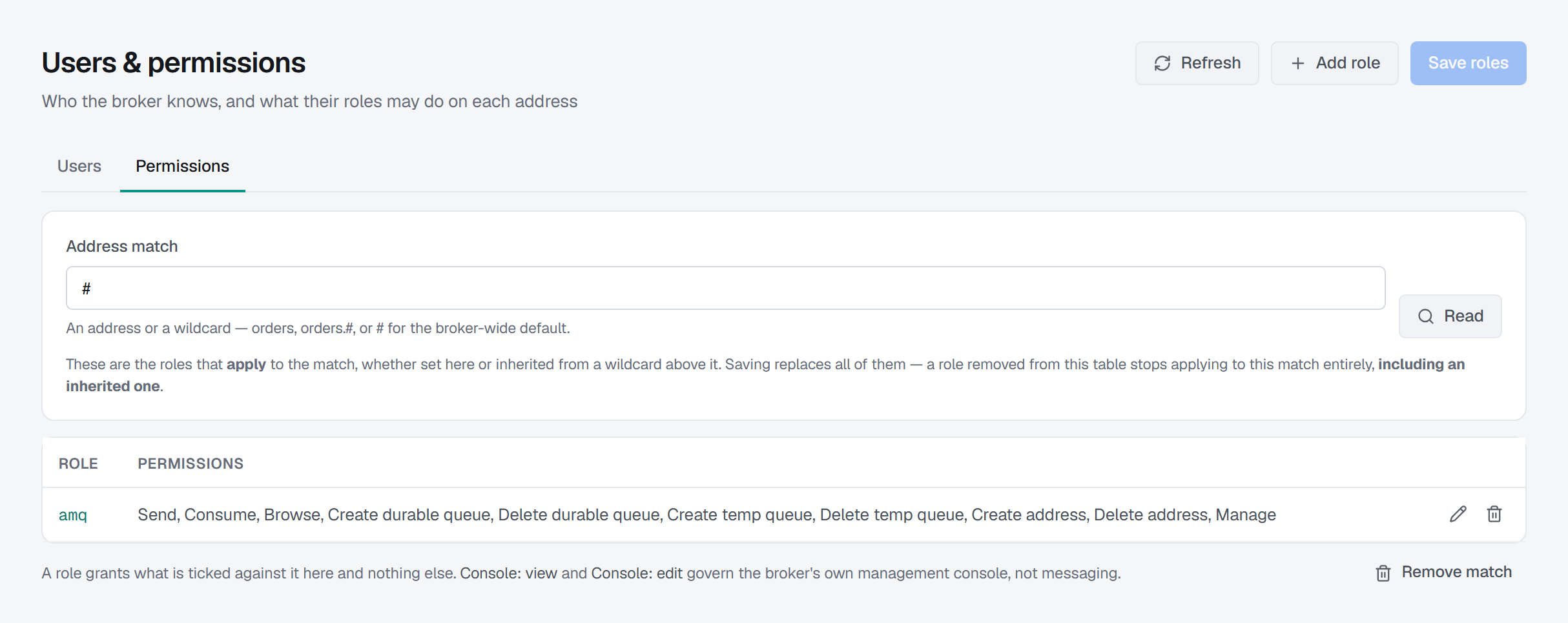
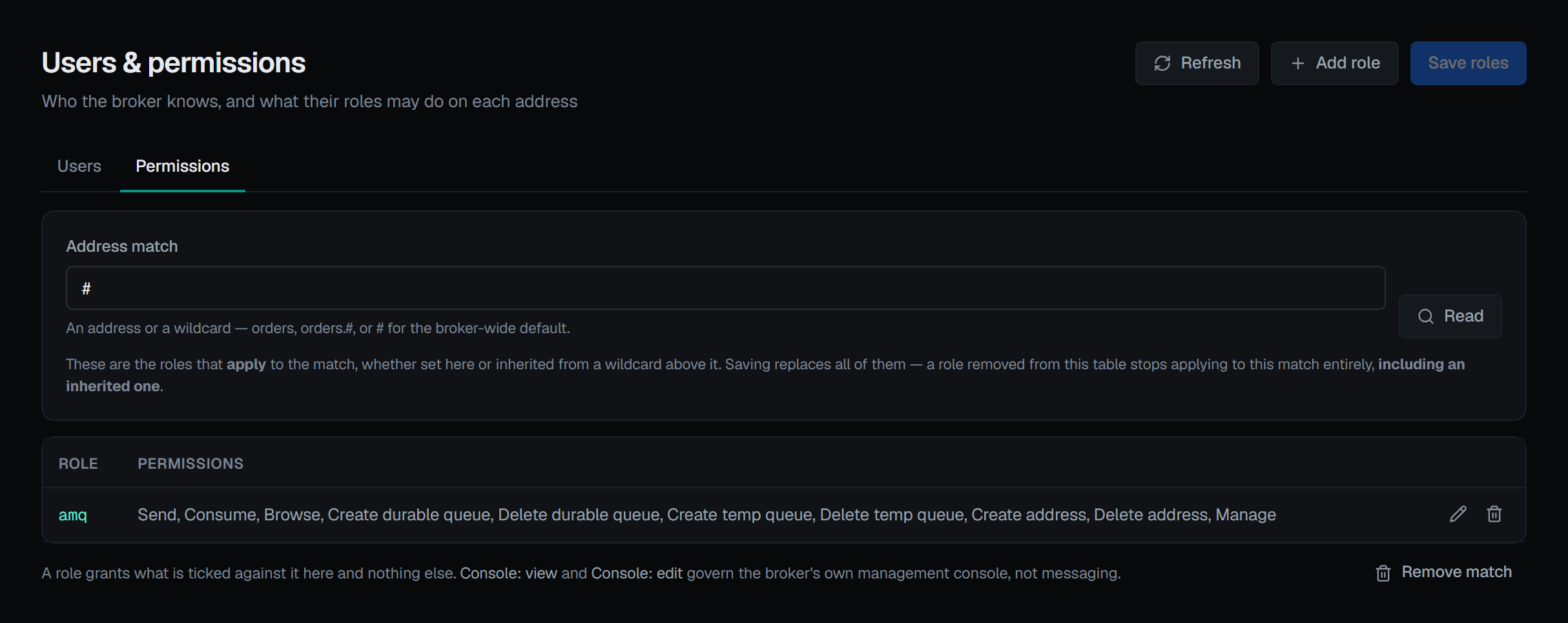
This editor opens pre-filled, and Address settings does not
The two screens look similar and behave in opposite ways, for opposite reasons. It is worth knowing which one you are on.
A security setting replaces the inherited roles outright — not field by field. Write any role to a match and the inherited ones stop applying to it entirely.
Which is exactly why this editor loads the effective roles into the form: sending them back is what preserves them. On address settings, doing the same thing would pin every inherited value to the address and silently detach it from the wildcard above.
Same-looking form, opposite correct behaviour, because the two broker operations differ.
Saving names the roles you are about to lose
This is the part worth knowing before the first save.
When the roles being written drop one that applies today, the confirmation names it and states the consequence directly: these apply to the match now and will not afterwards — if that is the role you authenticate as, you lose access to this address. It then explains why a role can vanish without being touched: Artemis switches inherited roles off for a match as soon as any role is written to it, so one that came from a wildcard above disappears the same way.
Where nothing is dropped it says the plainer version of the same fact — this replaces every role held against the match, and inherited ones stop applying as soon as anything is written here. Either way it asks for a reason.
Removing a match usually grants more, not less
The opposite of what the word suggests, and the confirmation leads with it. Addresses matching it inherit their roles from the wildcard above them again — and the wildcard is usually the permissive one, so removing a narrow match often widens access rather than closing it. Remove match asks for a reason.
Writes
Creating a user, changing one, removing a user, saving a match's roles and removing a match are all writes, recorded in the audit trail. A save reads the roles before and after it for that record; when the read afterwards is refused — as it is after a save that took away your own view of the match — the save is still reported done and still recorded, with what was read before it. New user, Edit, Remove, Add role, Save roles and Remove match appear only for someone allowed to change this broker, and not in a read-only environment or on a read-only connection; there a role row's pencil and bin are shown disabled, and the page says why.