

Exchanges
Updated 29 September 2026 · applies to 1.0.0 · Commercial
The routing graph — and where messages go when nothing matches.
The list
Each exchange shows its name and virtual host, its type, its flags, its alternate exchange, and the rate of messages arriving at it and leaving it. The Vhost selector in the header scopes the list, and the search, the sort and the paging are done by the broker. Each row's menu holds Bindings, Publish and Delete.
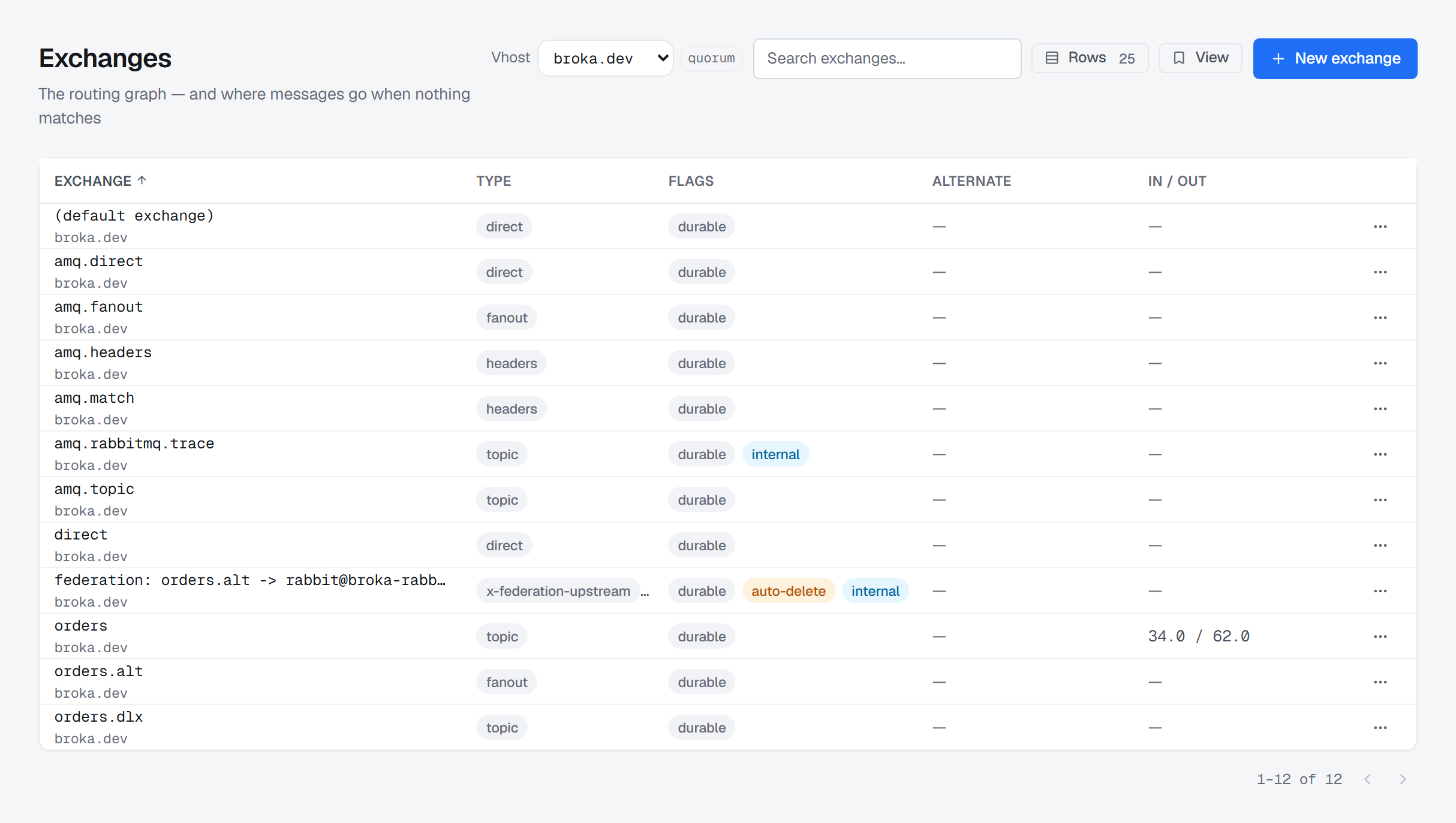
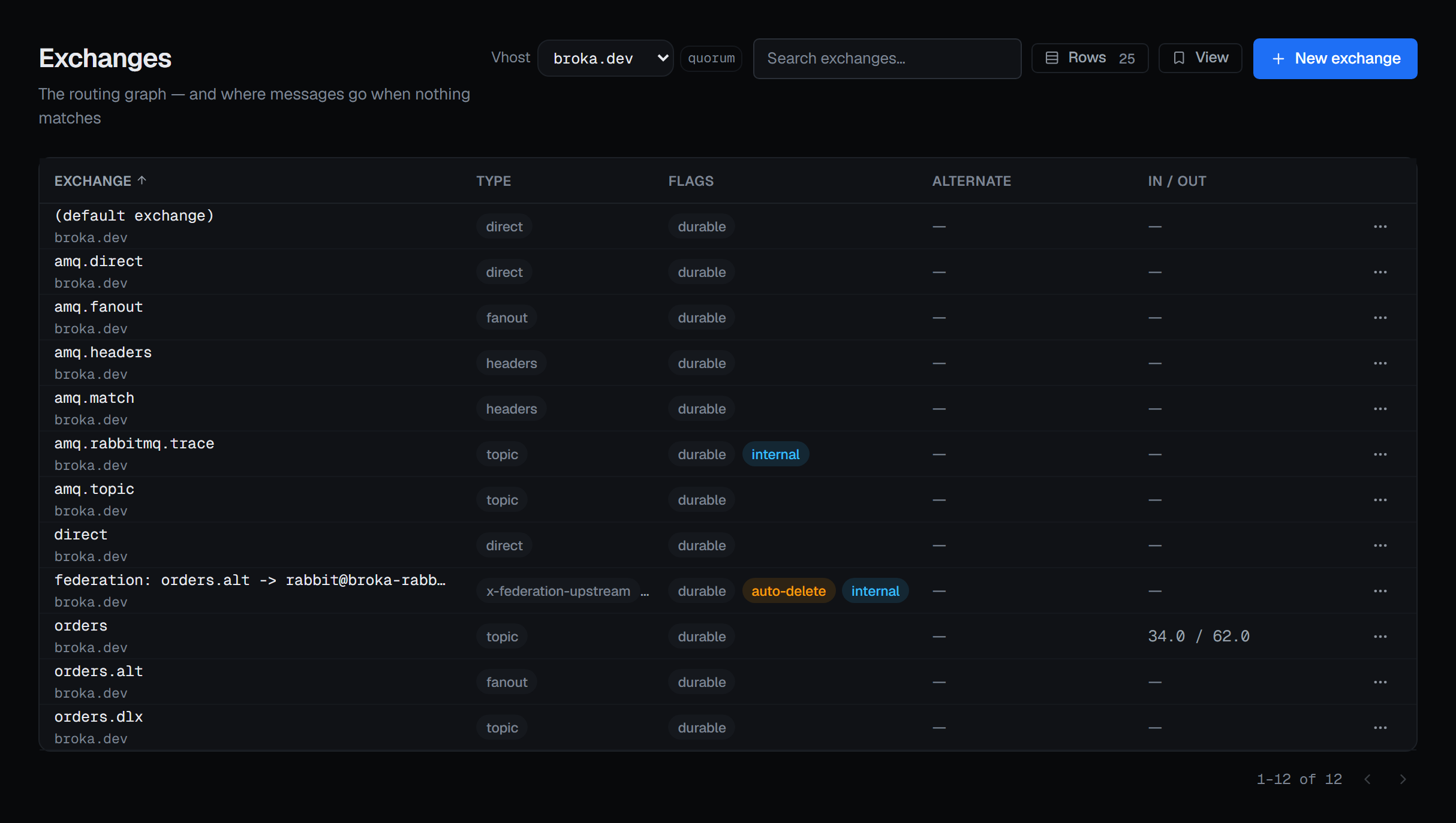
The unnamed exchange is shown as (default exchange), because its real name is the empty string and a blank cell would read as missing data.
Type is shown as the broker reported it, not mapped through a fixed list of four. RabbitMQ's exchange types are extensible — plugins add them — and a console that only understood the built-ins would render a working exchange as unknown.
Three flags matter enough to be marked: durable, auto-delete, and internal — the last with what it means, since clients may not publish to an internal exchange at all; only other exchanges may route into it.
The alternate exchange is shown whether it was declared on the exchange or set by a policy, and its tooltip says which. When both set it, the exchange's own argument wins, and the tooltip says the policy is outranked.
When messages arrive and nothing leaves
If messages are arriving at an exchange and none are being routed onward, the pair is marked: they match no binding. That is the shape of a misconfigured routing key or a binding somebody removed, and it is visible here before anyone notices the queue that stopped filling.
Declaring one
The type list comes from your broker's own registry rather than from a list compiled into BROKA. A plugin type your cluster has installed appears; a type it does not have does not. Each type's own description — written by the broker — is shown under the control.
Types the broker marks as internal-purpose are not offered, because they are not yours to declare.
If the broker does not report its registry at all, the four AMQP built-ins are offered and the form says that is what happened, rather than presenting a short list as the whole truth.
Names beginning amq. are refused before the request is sent, and the message says why: they are
reserved for the broker's own exchanges. This one is worth doing client-side — RabbitMQ answers a
reserved name with an authorisation error, which without this check would reach the operator as
"check your credentials" for a password that is perfectly correct.
A name that starts or ends with a space is flagged too, because it would create an exchange almost indistinguishable from the one you meant.
Durability defaults to on, and unlike a queue it is a real choice here. Auto-delete and internal are the other two flags, and Classification is recorded on the audit trail with the exchange, pre-selected from the environment's default.
New exchange is in the list's header, for someone allowed to change this cluster. It declares into the virtual host picked in the header; with All vhosts selected, the dialog asks you to pick one first.
Alternate exchange
An exchange can name an alternate exchange — where messages go when they match none of its bindings.
The console says the thing that catches people out the moment you type a name: the broker accepts it without checking the exchange exists. If it does not, unroutable messages are still discarded, which is exactly the outcome the alternate exchange was added to prevent.
Bindings
Each exchange's bindings can be listed — where its messages go — with the destination, whether it is a queue or another exchange, and the routing key. A binding on a headers exchange is named as matched on headers rather than shown with an empty key, because on that exchange an empty key is not an empty rule.
A binding can be removed from here with Unbind — a reason, asked for once below the list, is required before any Unbind runs — and a new one added with New binding, described on Bindings and routing. The empty state is written as a consequence rather than a blank: an exchange with nothing bound to it discards what is published to it, unless its alternate exchange catches them.
Deleting
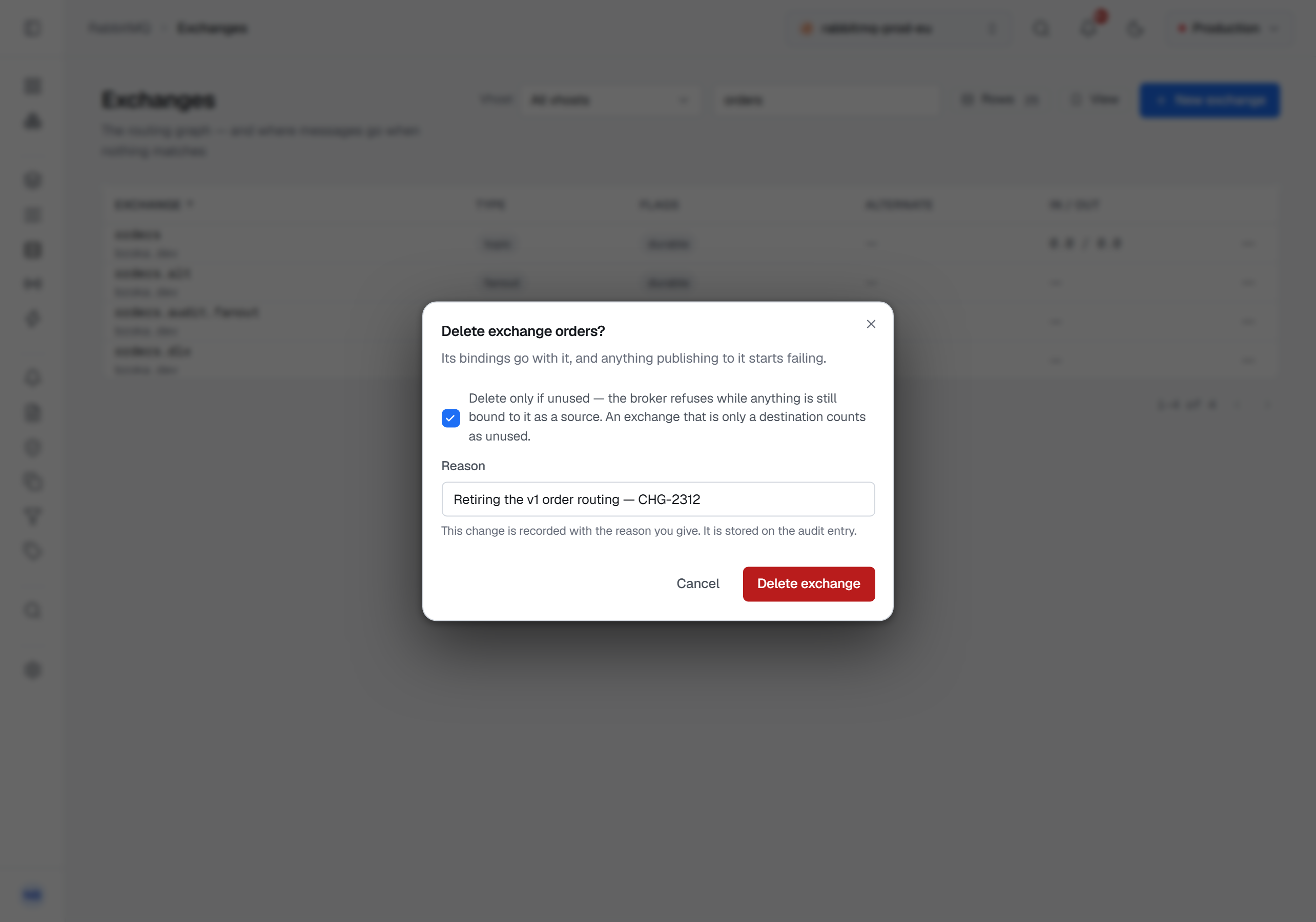
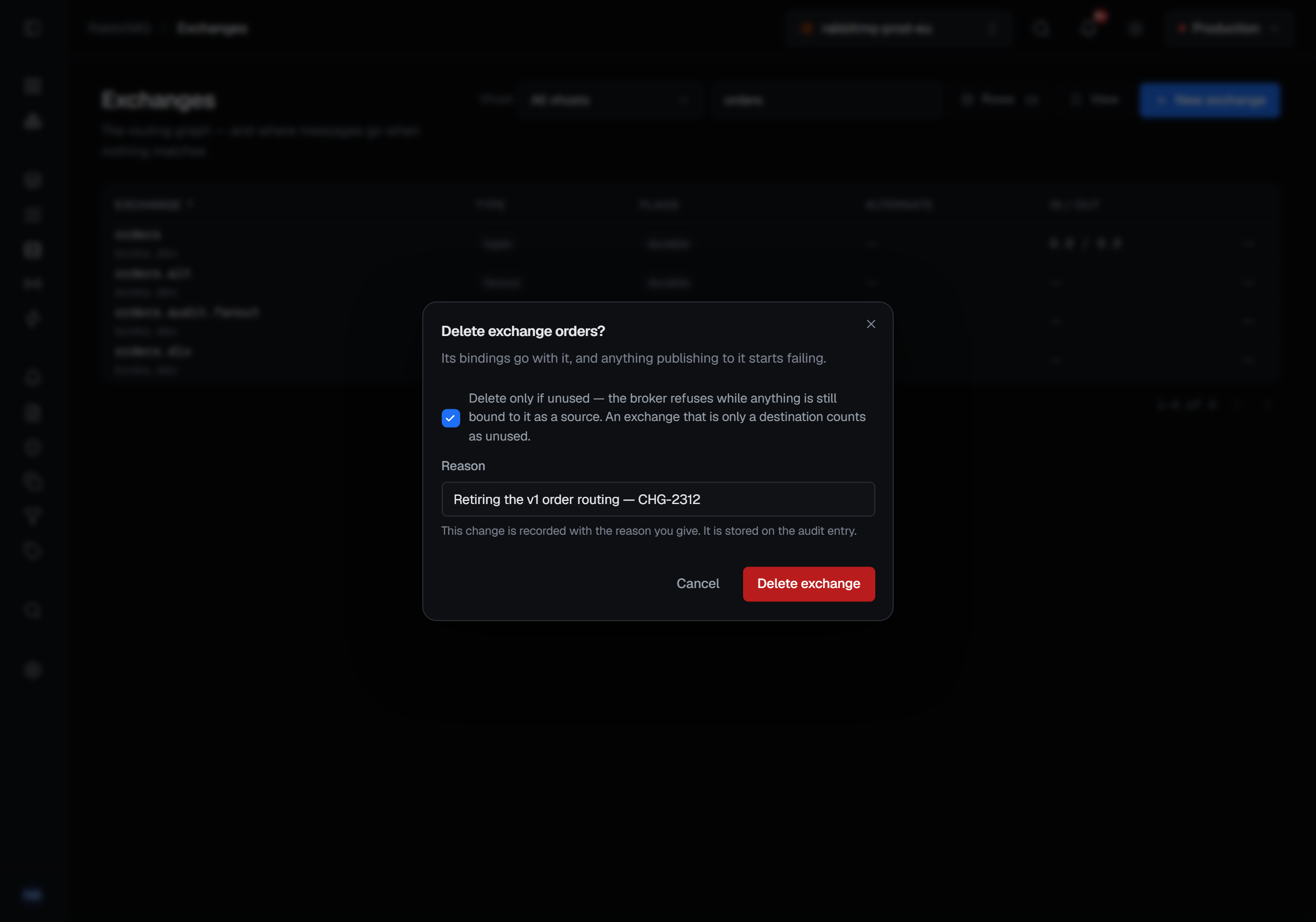
The confirmation says what goes: the exchange's bindings go with it, and anything publishing to it starts failing. It carries a Delete only if unused box, ticked when it opens, which asks the broker to refuse while anything is still bound to the exchange as a source — an exchange that is only a destination counts as unused. That is a real guard rather than a warning: the broker performs the check. Clearing the box is a deliberate act, and the delete asks for a reason either way.
The default exchange and the amq.* exchanges cannot be deleted. Their Delete item is locked, with
the reason written beneath it: the broker keeps them, and refuses a delete of an amq. exchange as an
access error.
What is recorded
Creating an exchange records its type and its flags. Deleting one records whether the "only if unused" guard was in force or whether it went with its bindings. Removing a binding ends with the consequence: messages matching it are no longer routed there.