

Quorum replicas
Updated 3 October 2026 · applies to 1.0.0 · Commercial
The RabbitMQ Overview's node menu and header grow quorum queues onto a node, remove a node's replicas and rebalance queue leaders across the cluster. They are the cluster-wide counterpart of a single queue's Quorum tab, described on Queues, and they act on every quorum queue that matches at once.
Each row of the Overview's node table has a menu with two of them, and the page header has the third:
- Grow quorum replicas here and Remove its quorum replicas, on the node's row;
- Rebalance queue leaders, in the header, across the whole cluster.
The node table itself is described on Clusters.
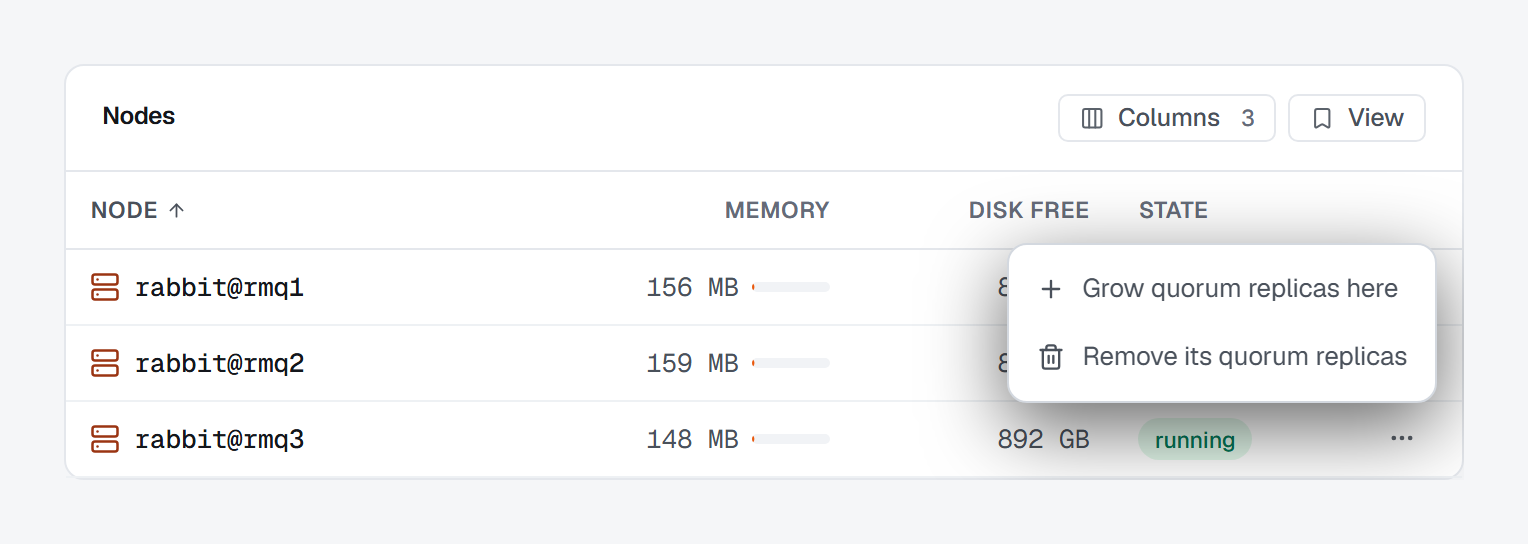
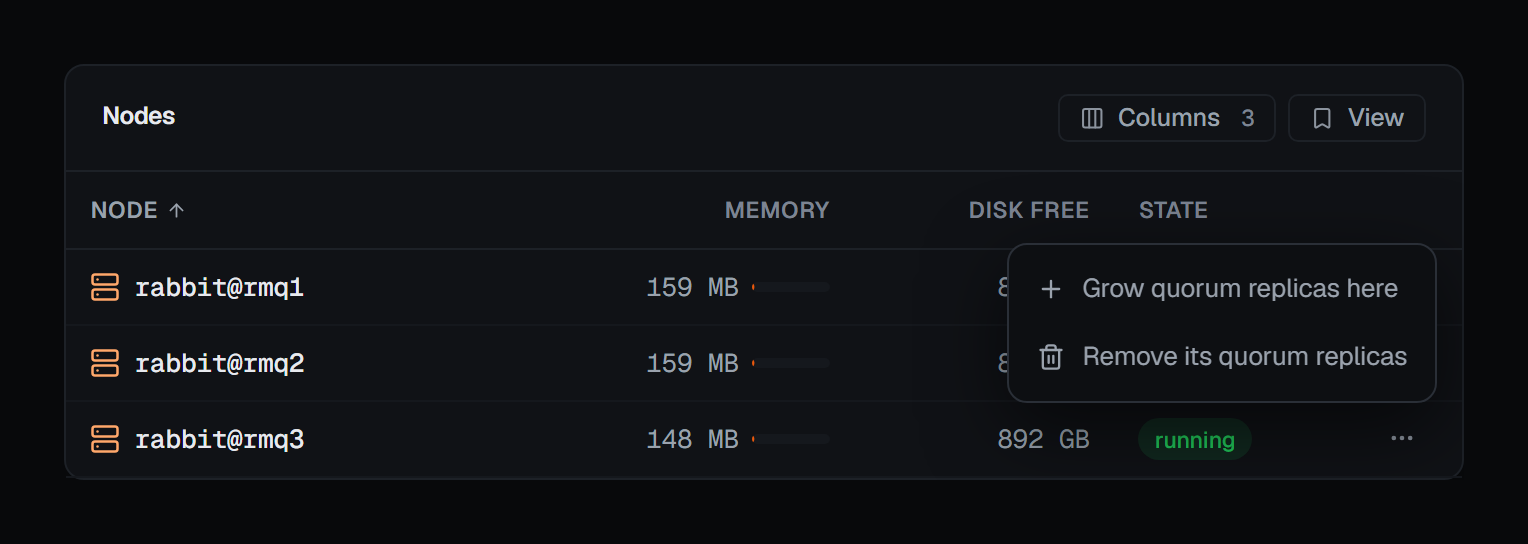
Grow quorum replicas onto a node
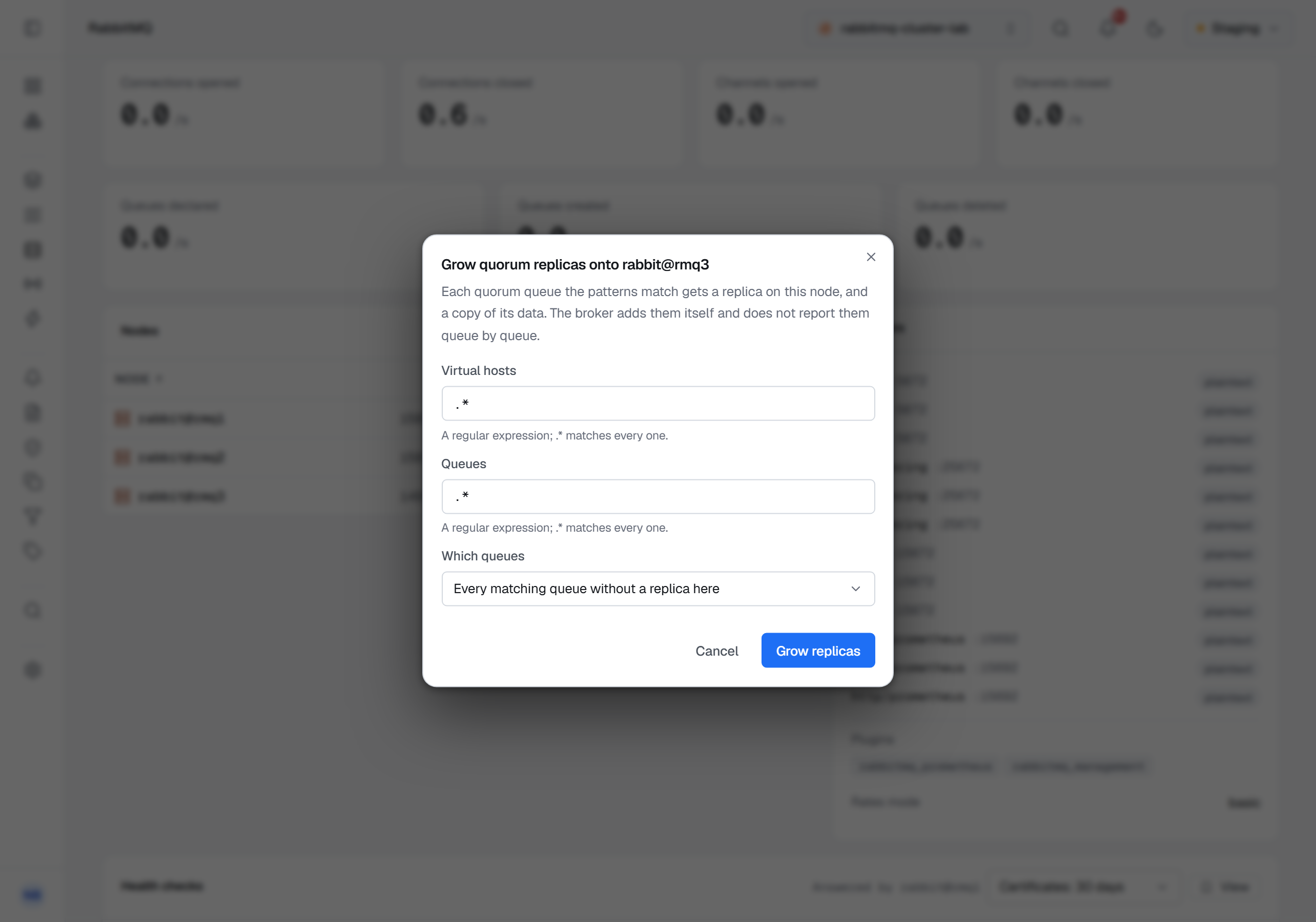
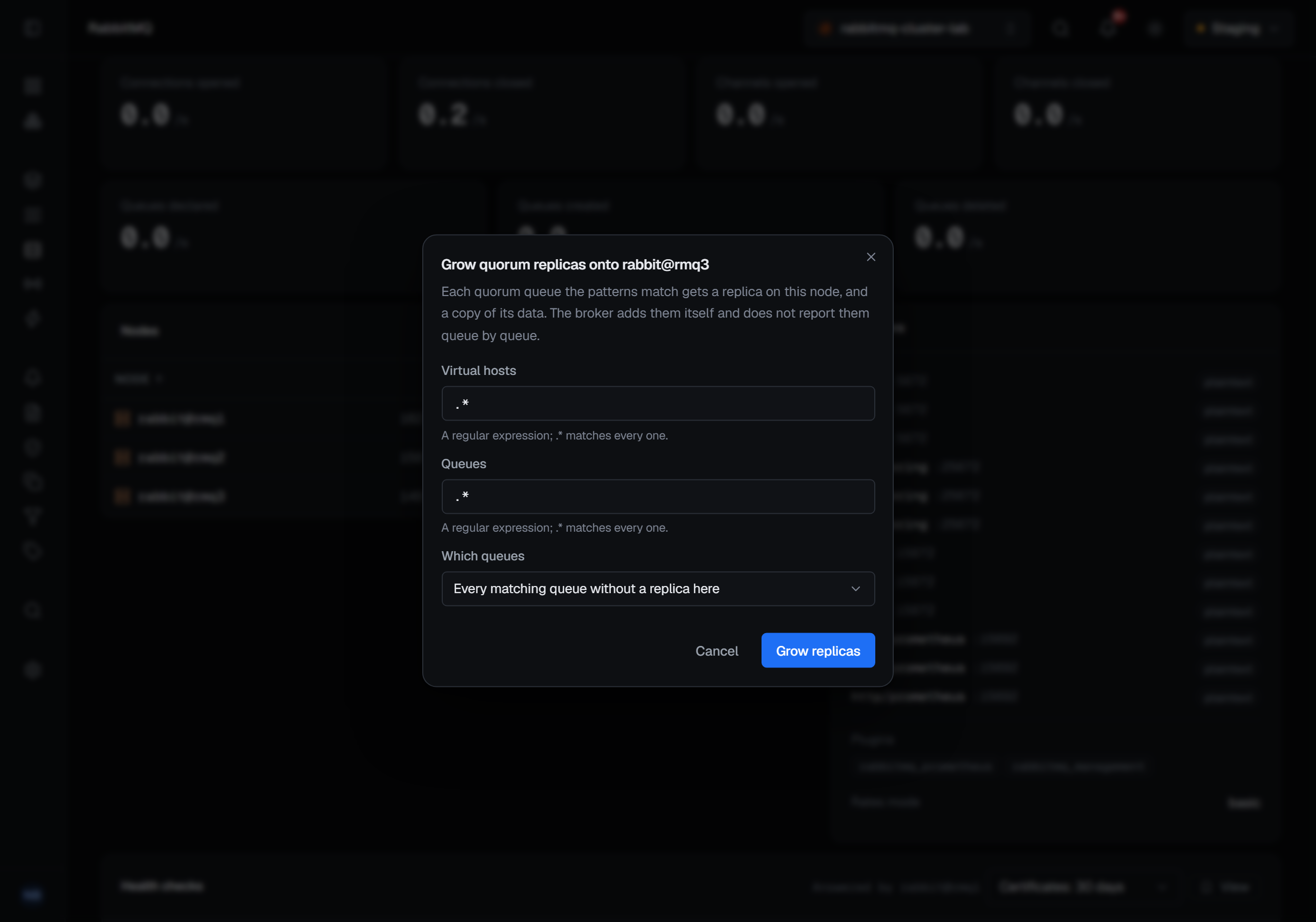
Grow quorum replicas here opens a dialog titled Grow quorum replicas onto and the node's name: "Each quorum queue the patterns match gets a replica on this node, and a copy of its data. The broker adds them itself and does not report them queue by queue."
- Virtual hosts — a regular expression;
.*matches every one. - Queues — a regular expression;
.*matches every one. - Which queues — Every matching queue without a replica here, or Only matching queues with an even number of replicas. The second is for making a replica count odd.
Both patterns start as .*, and Grow replicas stays disabled while either is empty. A grow adds
copies and removes nothing, so it asks for no reason of its own; in a guarded environment it asks for
one as every write there does. The audit entry records which of the two choices was made and whether a
pattern narrowed the selection — not the patterns themselves.
Remove a node's quorum replicas
Remove its quorum replicas asks for confirmation — Remove the node's quorum replicas? — in the broker's terms: "Every quorum queue with a replica on this node loses it, and with it a copy of its data and part of its tolerance to losing a node. A queue whose only replica is here keeps it: the broker never removes a queue's last."
It is a destructive operation, so the confirmation asks for a reason, and the reason is recorded with the audit entry. The broker does not name the queues it kept a last replica for; the Queues screen is where you see which queues still have a replica on the node.
Rebalance queue leaders
Rebalance queue leaders asks Rebalance queue leaders? and says what it does: "The broker moves queue leaders so that each node leads a fair share of them. No messages move; clients follow the new leaders. It starts the rebalance and answers at once, without saying what moved." Leadership moves between replicas that already exist and no data moves, so it asks for no reason of its own.
What the broker answers
All three are accepted by the broker and finished by it. It starts the work, answers at once and does not report what changed queue by queue, so the console says the work has started — Replicas are being added on …, Replicas are being removed from …, Rebalance started — the broker moves the leaders itself — and the Queues screen is where the result is read.
A request the broker would accept and then do nothing with is refused by BROKA before it is sent, so the audit trail never records a change that did not happen. A grow or a removal aimed at a node the cluster does not have is answered "This cluster has no node named …", and a grow choice other than the two above is refused with the two it can be.
The broker's own refusals arrive as a bare word, and BROKA turns each into a sentence. The ones these operations meet:
- a node that is not running, or not in the cluster: "Node … is not running, or is not in this cluster, so it cannot hold a replica.";
- a change while the replicas are already changing: "The replicas of the queues are already changing. Try again once the change has settled."
On a single-node cluster
On a cluster of one node, Grow quorum replicas here and Remove its quorum replicas are shown greyed out, and the menu says why: "This cluster has one node, and it already holds every quorum queue's only replica." A grow would find nothing to add and a removal nothing it may remove. Rebalance queue leaders stays available.
Who can use them
The three controls appear only for someone allowed to change this cluster, and not at all in a
read-only environment or on a read-only connection. The server takes connections.manage, or a
Clusters grant of Manage exchanges, queues and bindings on this cluster. Each operation is recorded in
the audit trail against the node, or, for a rebalance, against the connection.