

Virtual hosts
Updated 29 September 2026 · applies to 1.0.0 · Commercial
A virtual host is RabbitMQ's isolation boundary: queues, exchanges, bindings, policies and permissions
all live inside one, and two vhosts can each hold an orders exchange with nothing in common.
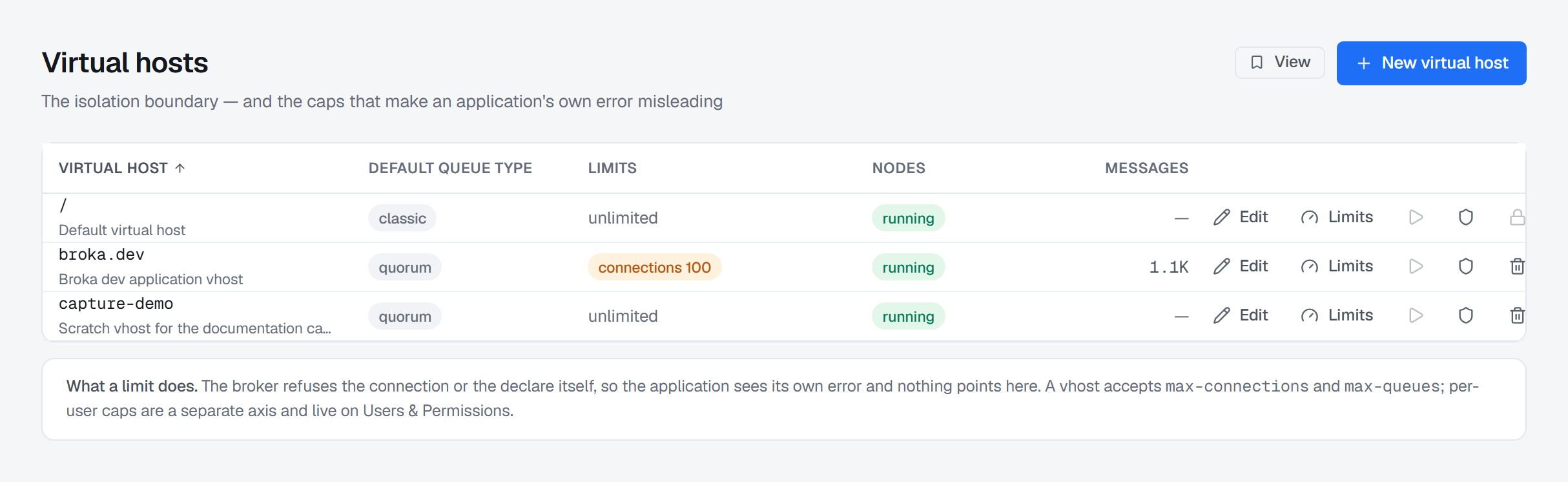
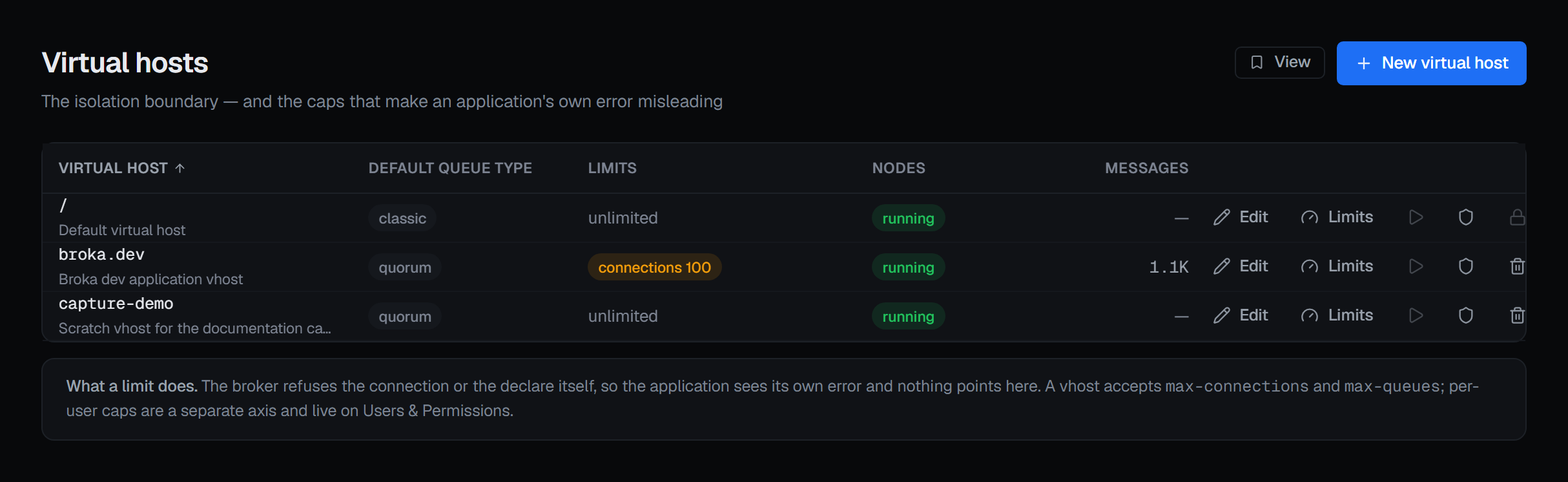
The default queue type is the field that decides things quietly
Each vhost can name a default queue type, and it is worth setting deliberately. When a vhost names one, an application that declares a queue without saying what kind it wants gets that. When it names nothing, the same application gets the broker's own default.
That is how an estate acquires queue types nobody chose. The column says which vhost has decided and which has not, and the same value is shown beside the vhost selector on every other RabbitMQ screen, so the answer travels with you.
Where the nodes stand
A vhost exists on nodes, and it can be down on some of them while the cluster is up. That column carries the sentence that makes it matter: from an application's side, a vhost that is down on its node looks exactly like its queues having vanished.
The row's play button is the repair: Start … on a node offers the nodes the broker reports the vhost not running on, and the broker starts it again there; its queues on that node come back once it is running. Where the vhost runs on every node the button is greyed out, and says there is nothing to start.
Limits, and why the application's error will not point here
A vhost accepts two caps: how many connections it will hold, and how many queues may be declared in it.
When one is reached, the broker refuses the connection or the declare itself — so the application sees its own error, from its own client library, and nothing in it points at a cap set here. That is the reason this column exists.
Two details the console is careful about:
- No caps reads as "unlimited", not "none". Absent caps mean nothing is capped, which is the consequence; "none" reads as "none configured", which is true and not the thing you need to know.
- A cap of zero is a real cap. It allows none at all, and it is marked in a warning colour rather than sitting quietly among the numbers. Removing a cap is a separate action from setting it to zero, and the dialog keeps them apart.
Per-user caps are a different axis and live on Users and permissions — a vhost takes connections and queues; a user takes connections and channels.
Creating and editing one
A vhost takes a name, an optional description and a default queue type — including the option to leave it to the broker, which is offered explicitly rather than as an empty field.
Edit on a row opens the same form with the name locked. Saving replaces the whole virtual host record on the broker, so the description and the default queue type are both written every time — including the one you did not change — and the form says so.
Deleting one
This is the most consequential action on any RabbitMQ screen in the console. A vhost delete has no "only if empty" or "only if unused" condition of the kind queues and exchanges have: it takes everything, and the confirmation says so:
This takes everything inside it — every queue, exchange, binding, policy and permission, and the messages they hold. The broker offers no guard for this, so this confirmation is the only one.
The one guard the broker does offer is set ahead of time: deletion protection.
Protecting one from deletion
A vhost can be marked protected from deletion, and the broker then refuses to delete it — whichever client asks, BROKA or any other — until the protection is lifted. The row's shield button does both:
- Protect — the broker refuses every delete of this vhost from then on.
- Lift protection — the broker then deletes the vhost when asked, with every queue, exchange, binding, policy and permission in it and the messages they hold. Because it removes the one guard against that, lifting it asks for a reason.
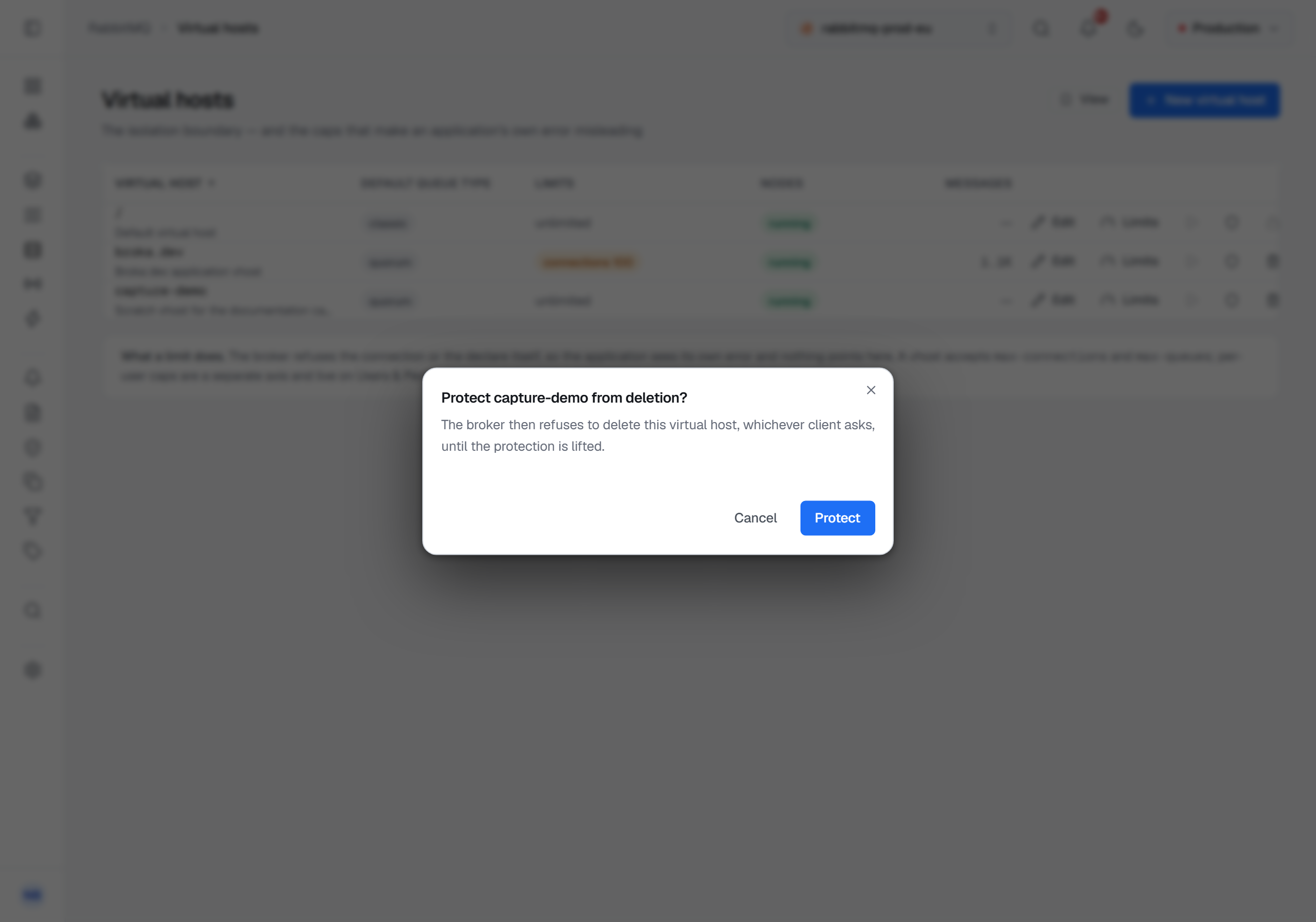
Whether a broker can protect a vhost is read from the broker itself — from whether its vhosts carry the protection flag at all — not from its version. On a broker that cannot, the button is shown greyed out, with the reason.
The default virtual host cannot be deleted from here. Every client that connects without naming a vhost uses it, and a cluster whose default vhost has gone is a cluster no such client can use. A protected vhost is likewise left alone: its delete control is locked, and says the broker refuses it.
Edit, Limits, start, protection and delete appear only for someone allowed to change this cluster, and not in a read-only environment or on a read-only connection; for anyone else New virtual host is locked, with the reason on hover, and the reason is stated once above the table. Each change is recorded in the audit trail.