

Client metrics
Updated 29 September 2026 · applies to 1.0.0 · Community and Commercial
Since Kafka 3.7, a cluster can ask the clients connected to it to push their own metrics to the brokers. What is asked, of which clients and how often is a subscription. Client Metrics, under Kafka in the sidebar beside Client Quotas, is where the cluster's subscriptions are listed, created, changed and deleted.
BROKA manages the subscriptions only. The metrics the clients push go to the brokers, which hand them to the telemetry receiver your cluster has configured. BROKA does not collect them, store them or draw them, and the subscription dialog says so. Only clients that support this protocol push anything; a subscription asks, it does not install an agent.
What the list shows
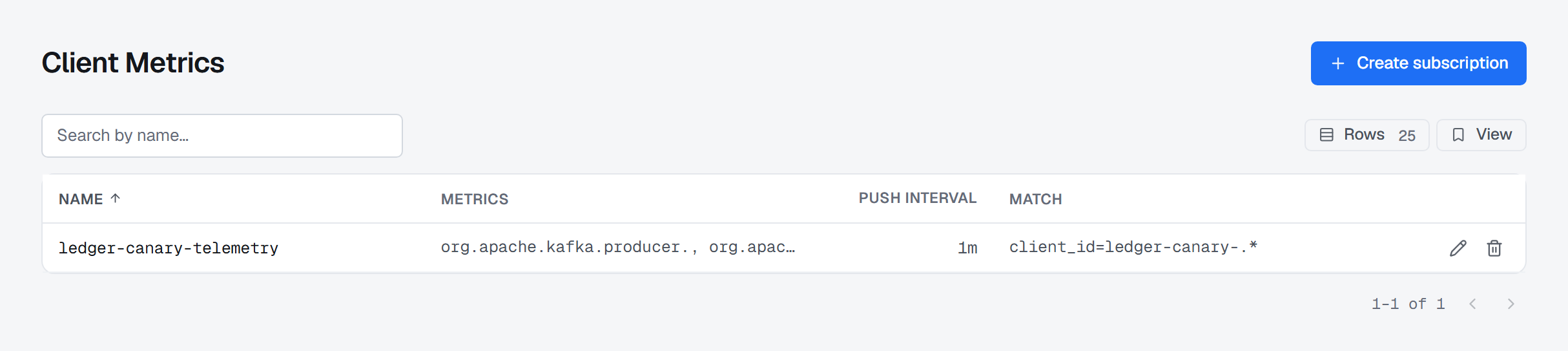
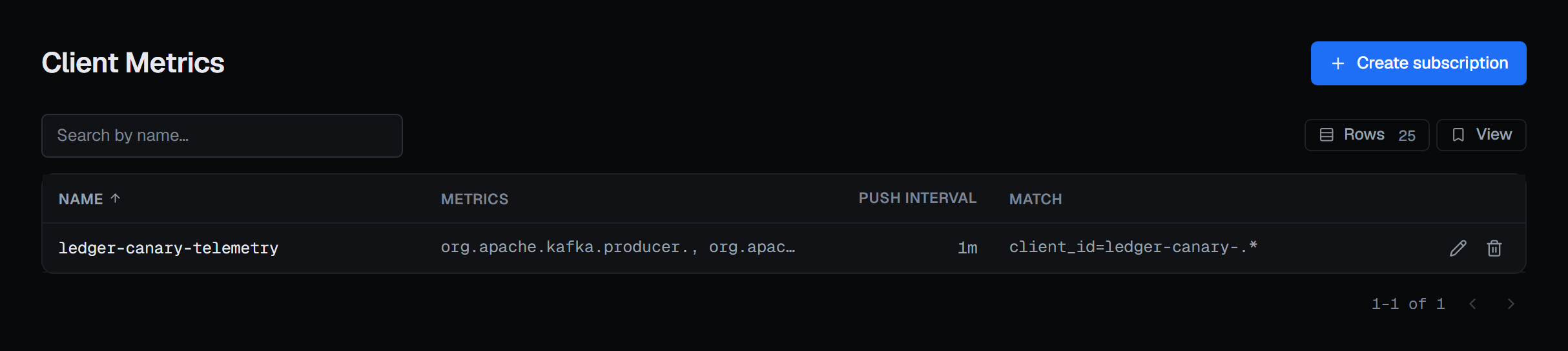
Each row is one subscription:
- Name — the subscription's own name on the cluster.
- Metrics — the metric-name prefixes it asks for.
*asks for every metric; an empty list asks for none, and the subscription still exists. - Push interval — how often a matching client pushes. Where a subscription sets none, the brokers apply their default of five minutes, and the list shows what they apply.
- Match — which clients it applies to. An empty list matches every client.
Search narrows the list by name.
Creating or changing a subscription
Create subscription, or the pencil on a row, opens the subscription's dialog:
- Name — the subscription's name.
- Metrics — metric-name prefixes, comma-separated;
*for every metric, empty for none. - Push interval (ms) — the brokers take 100 to 3,600,000.
- Match —
selector=regexpatterns, comma-separated, overclient_id,client_instance_id,client_software_name,client_software_version,client_source_addressandclient_source_port. Empty matches every client.
Preview asks the brokers to check the subscription and write nothing: they check the interval, the selectors and the regular expressions, and either refuse it in their own words or answer with What would change — each setting's current value beside the new one. Create subscription (or Save subscription, on one that exists) stays disabled until a preview has succeeded, and it saves exactly what was previewed; change a field afterwards and you preview again.
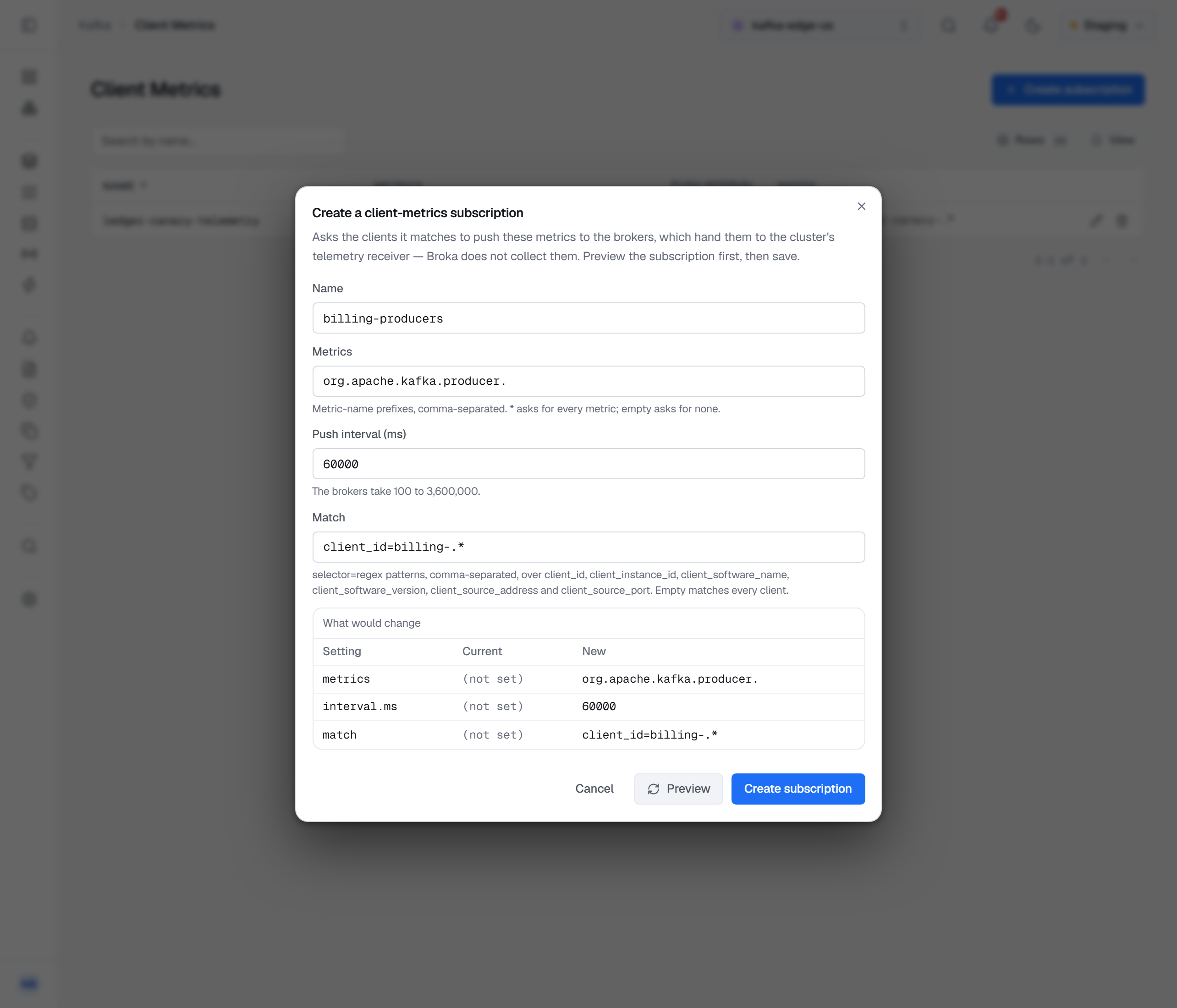
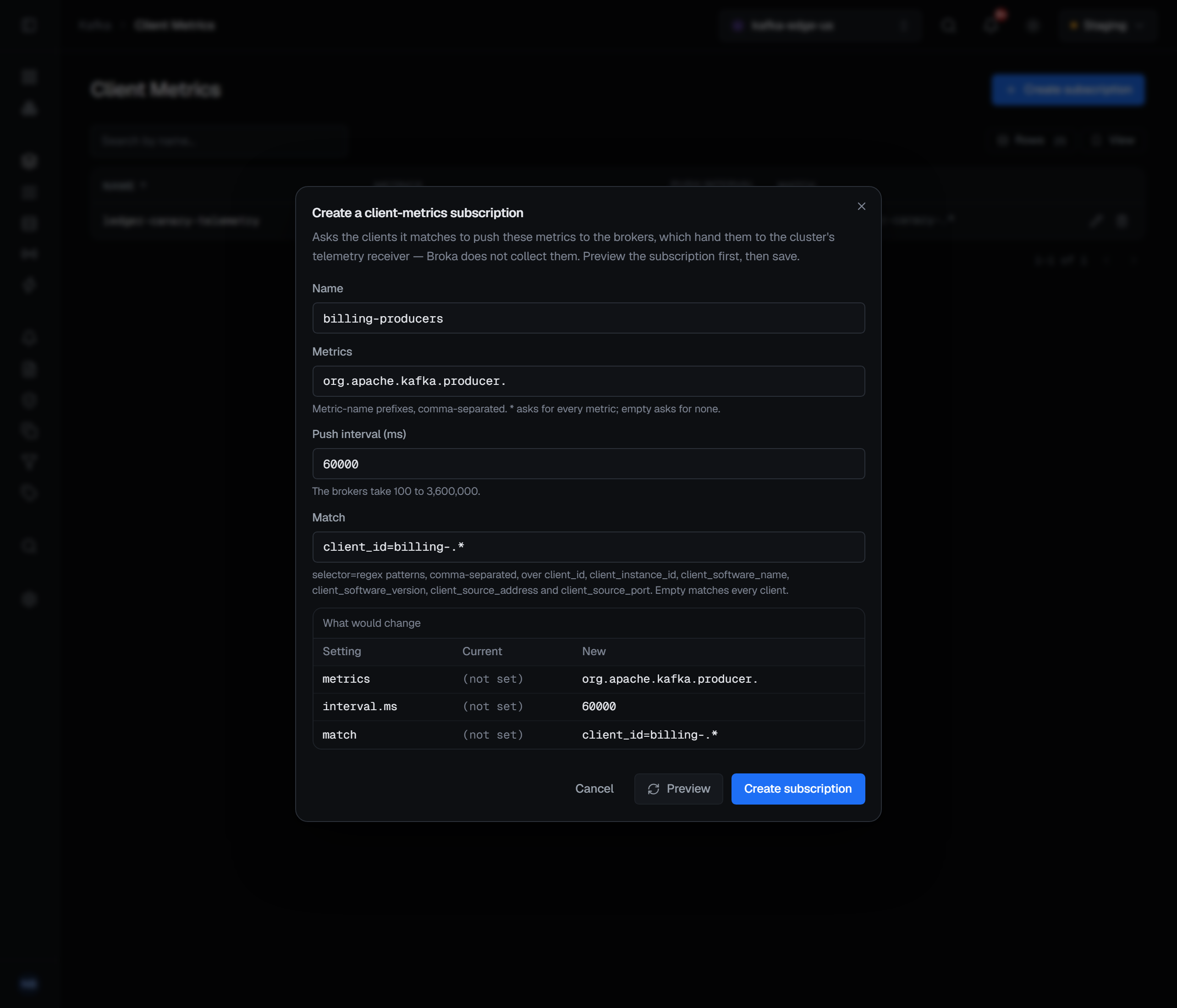
The whole subscription is written at once — all three settings — so what is saved is what the dialog showed.
Deleting a subscription
The bin on a row asks Delete subscription …?: the clients it matches stop pushing the metrics it asks for, unless another subscription asks for them. Deleting asks for a reason.
What it needs
The page needs Kafka 3.7 or later, and a connection whose Kafka identity may describe the cluster's configuration. Where either is missing, the Client Metrics entry in the sidebar is shown disabled with the reason — on a cluster older than 3.7, the Kafka version it requires.
Creating, changing and deleting a subscription need the permission to manage the cluster. They also need the
connection's own Kafka identity to hold ALTER_CONFIGS on the cluster; without it, Create subscription is
disabled with that reason and the row controls are disabled with it. In a read-only environment the same
controls are disabled, and Create subscription gives the environment's reason.
What gets recorded
Creating, changing and deleting a subscription are written to the audit trail with the metrics, the push interval and the match patterns before and after — on a change, only the ones that differ. A preview writes nothing and records nothing.