

Producing messages
Updated 6 October 2026 · applies to 1.0.1 · Community and Commercial
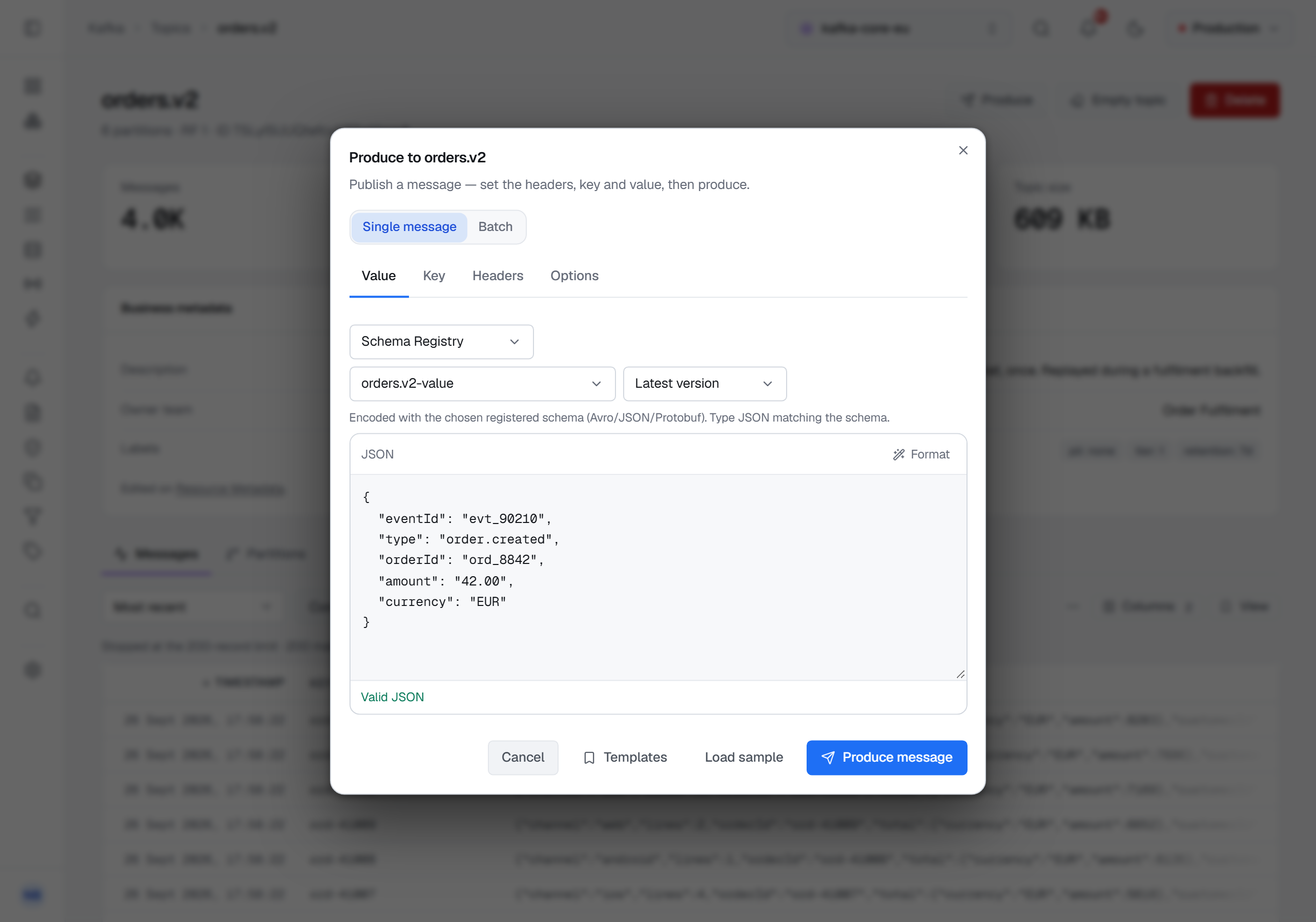
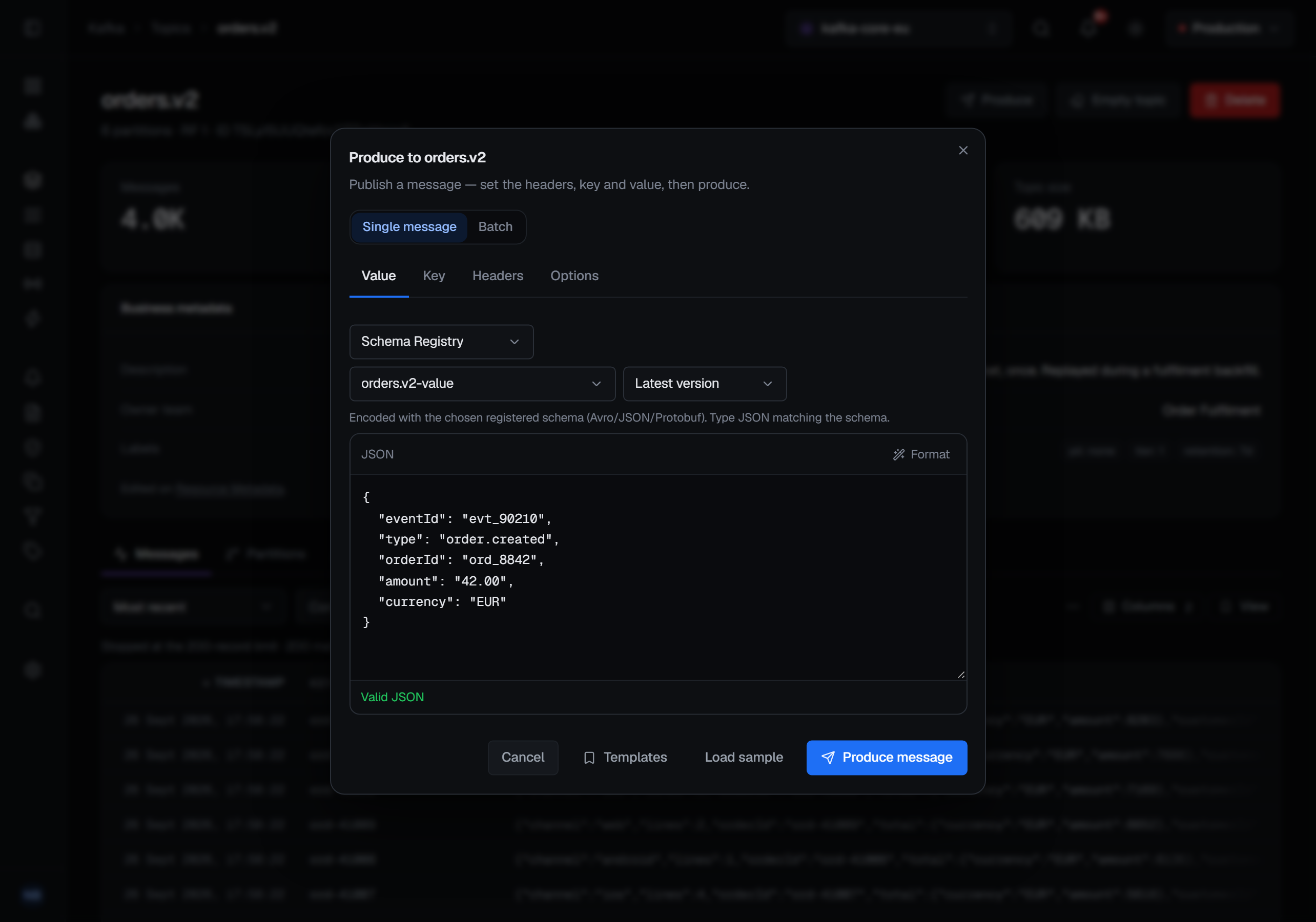
Producing lives on the topic you are producing to: Produce, in the header of a topic's page under Kafka ▸ Topics, opens Produce to that topic. There is no separate producer screen to open and no topic to re-select once you are there — which also means you cannot be looking at one topic and publishing to another.
The dialog has two modes, Single message and Batch.
The message
Value and Key each get their own tab and their own editor, because they are separately typed and separately encoded. Headers are key and value pairs, added a row at a time.
Produce message stays disabled until the value has something in it, so a single message always carries a
value. A record with no value is a tombstone, the record that tells a compacted topic to forget a key, and it
is sent from Batch: a record whose value is null or left out is produced as a tombstone.
Load sample fills the form with an example record. Templates lists the produce payloads saved for Kafka and applies one to the form — its key and value with their formats, its headers and its options, leaving out any value this topic cannot take, such as a partition it does not have — and Save as template keeps what is on the form, with a name and who it is shared with. Saved payloads are managed with the other templates, under Operations ▸ Templates.
Several records at once
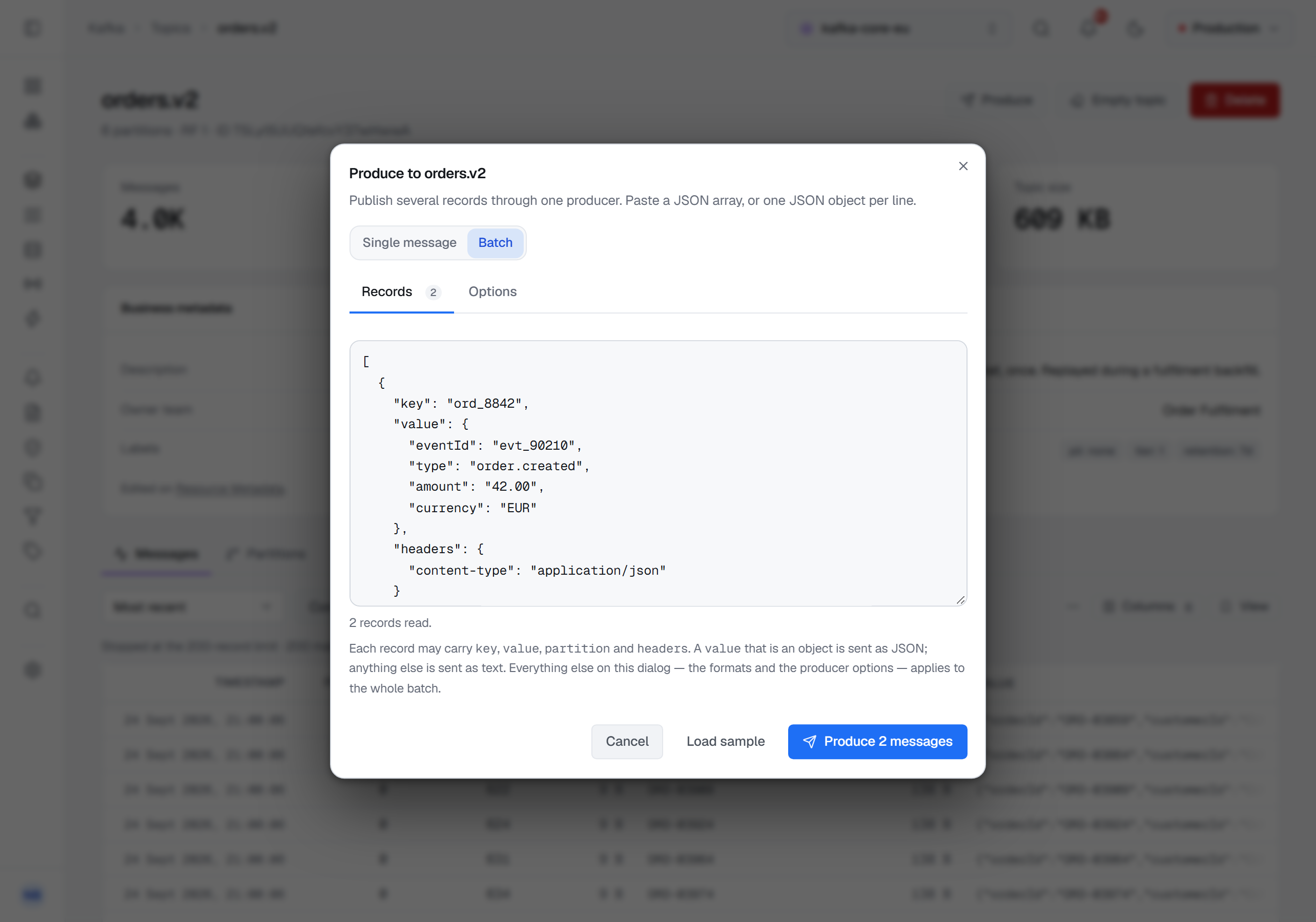
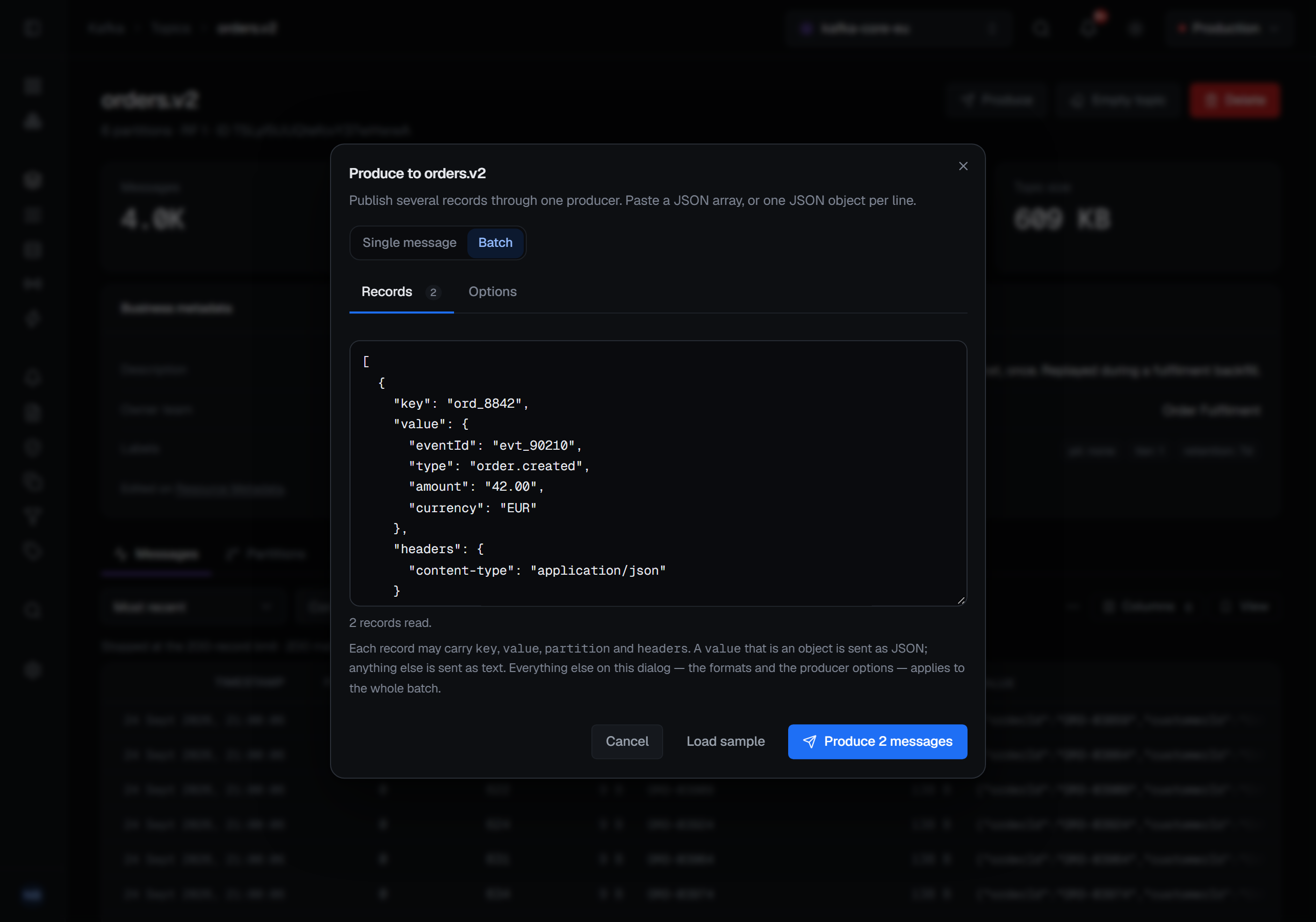
Batch produces several records through one producer. Paste a JSON array, or one JSON object per line; each
record can carry a key, a value, headers and a partition, and a bare value is a record with only a value.
A record that names a partition the topic does not have is partitioned by key instead, and the dialog says how many
did. A batch holds at most 500 records, and Produce N messages sends them. Options apply to the whole batch;
templates are for a single message, so the menu is not offered here.
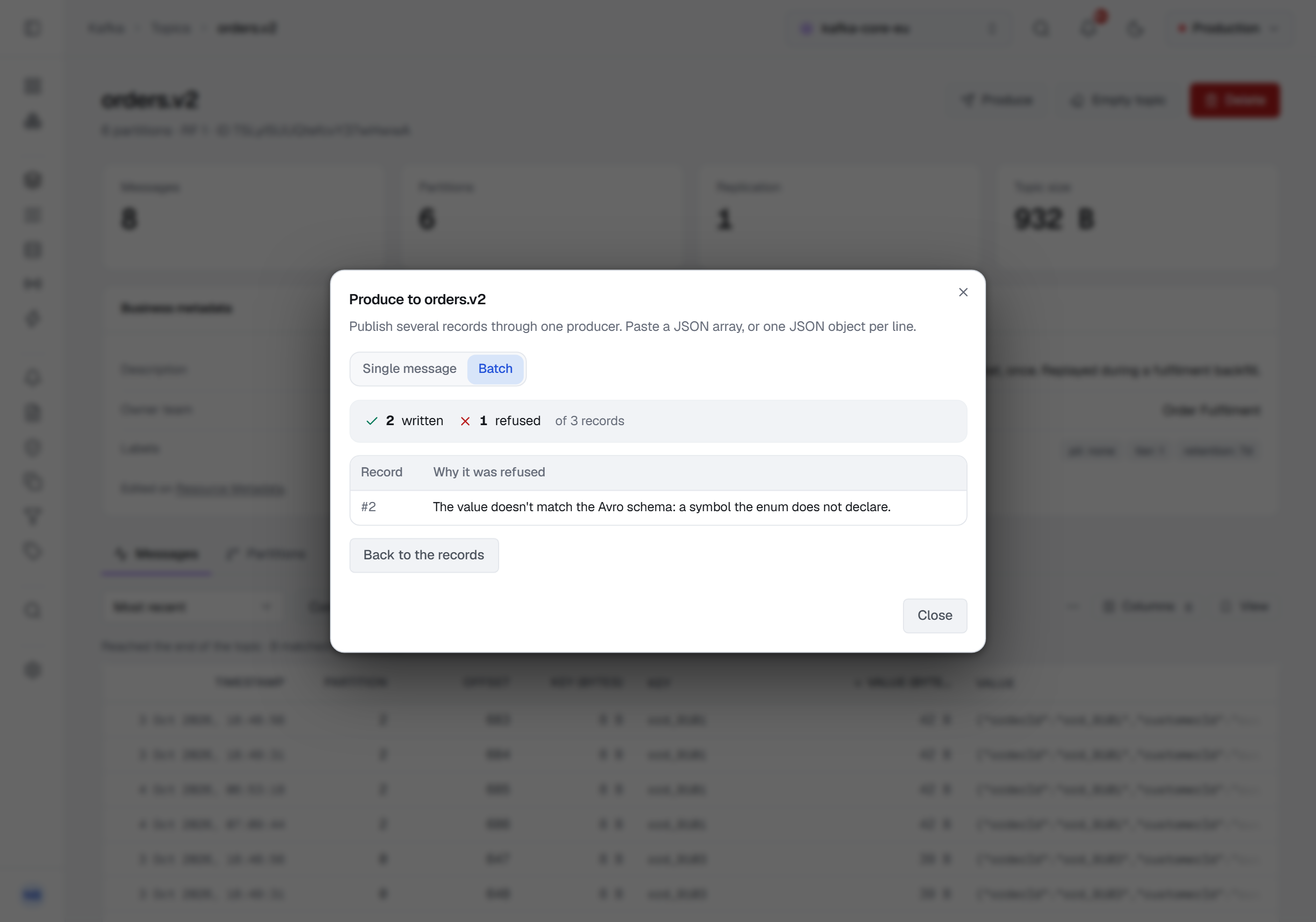
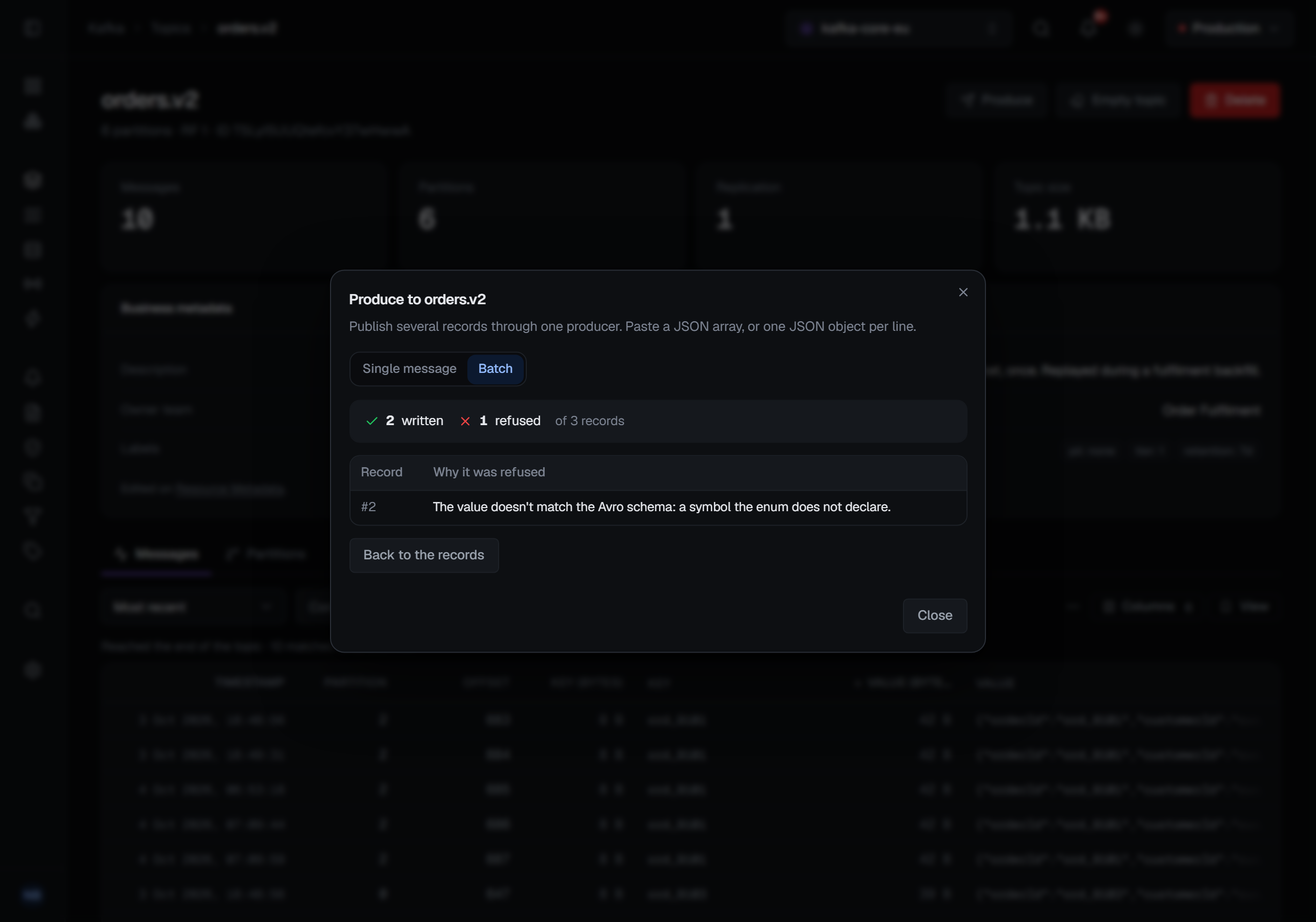
When the batch has run, its result replaces the form: how many records were written, how many were refused, and a row for each refused record — its number in what you pasted, and why it was refused. The written ones are counted rather than listed, and the form is gone so the same records are not sent twice.
Options
Partition is chosen by the key unless you override it, and the override lists the topic's actual partitions rather than asking you to know how many there are.
Acks decides what "sent" means: every in-sync replica, the leader alone, or nothing at all. Compression offers Kafka's four codecs. And idempotence, when you turn it on, sets acks to all and says so by disabling the control — because idempotent production requires it, and a form that let you configure a combination the producer cannot honour would be a form that lies.
Schemas
If the topic's subject is registered in Schema Registry, BROKA notices when the dialog opens and sets that field's format to Schema Registry for you. Your own choice, once you make one, is respected for the rest of the session.
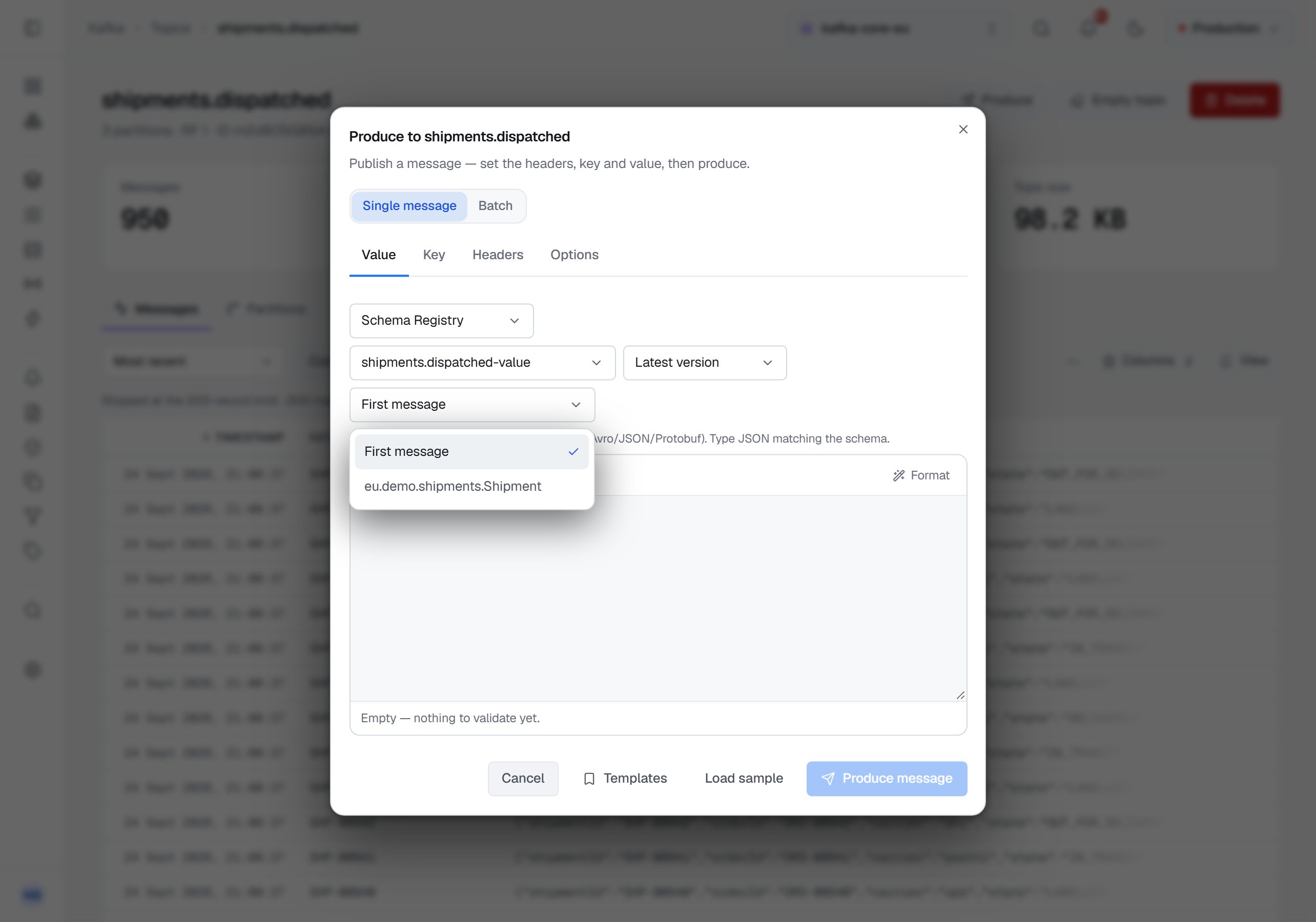
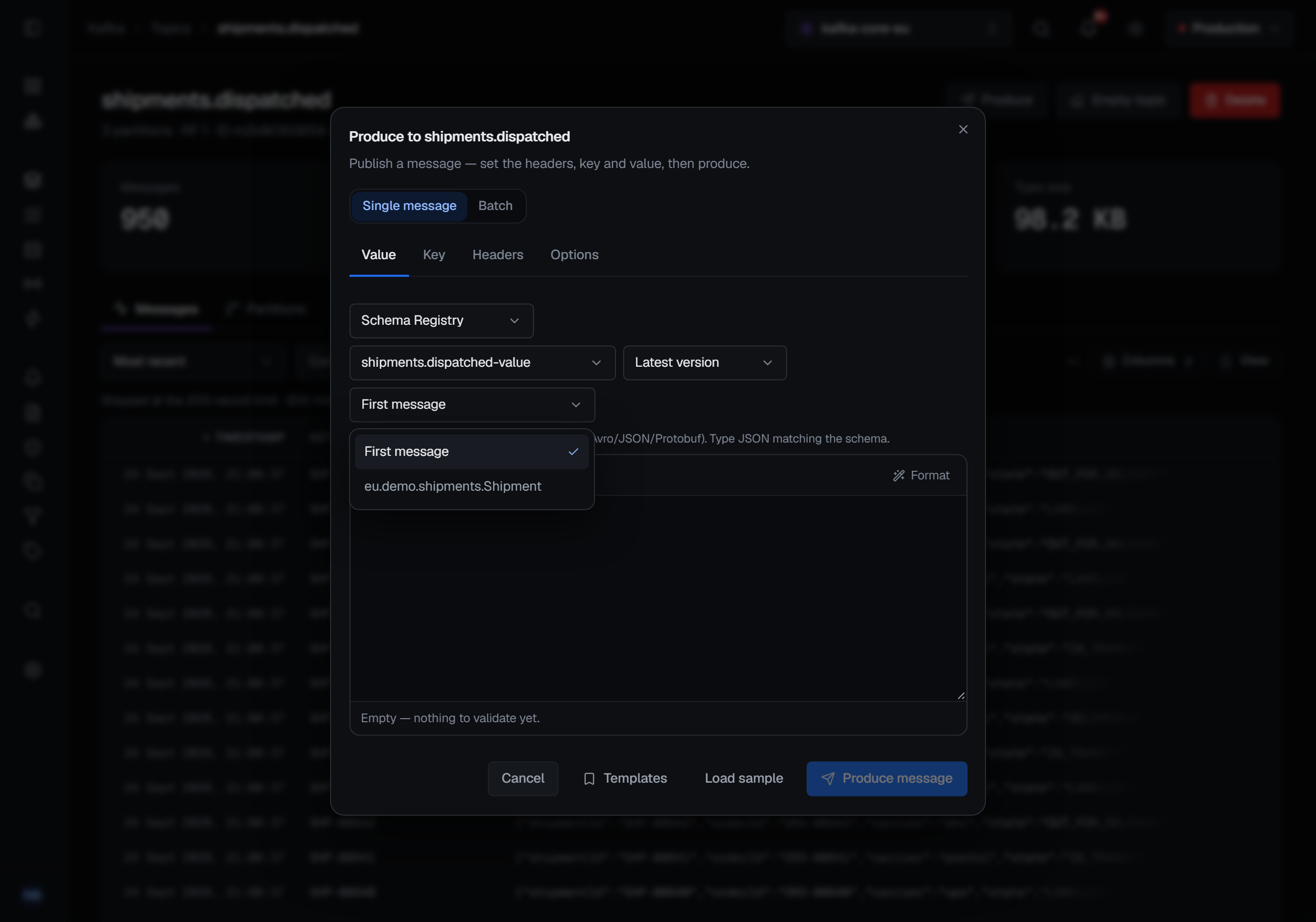
With Schema Registry chosen, the field also says which schema it is encoded against, in up to three pickers beside the format:
- the subject — the topic's own,
<topic>-valueor<topic>-key, listed first and chosen by default, even before it is registered; then every other subject in the registry - its version — Latest version, or any version the subject has
- for a Protobuf schema, the message — First message, the first one the
.protofile declares, or any message the file declares, nested ones included, by full name
Left as they open, they encode against the latest version of the topic's own subject and, for Protobuf, its first message. A version the subject does not have, or a message the schema does not declare, is refused in words — and for a message, the refusal lists the ones the schema does declare.
Producing with a schema means BROKA encodes the record the way the ecosystem expects — the schema id written into the record's first bytes, so every consumer downstream can decode it without being told which schema to use.
A schema-bound field cannot be published raw. If a subject is registered for the field you are producing, BROKA refuses a plain string or a plain JSON write and tells you why — publishing raw bytes onto a topic that has a schema is how a topic quietly stops being readable by the consumers built against it. The refusal names the subject and offers both ways out. Choosing another subject in the pickers does not change which subject this check looks at: it is always the topic's own, because that is the one the topic's consumers decode with.
Avro values are written the way the message browser shows them: an optional field as its bare value,
bytes as base64, dates and timestamps as ISO-8601 text, decimals as numbers. Avro's own wrapped form
({"string": "…"}) and raw epoch numbers are still accepted, so a value copied from elsewhere works
too. A decimal with more digits than its scale or precision allows is refused rather than rounded.
Protobuf takes field names in either style — as written in the .proto file or in camelCase. A
schema that references other schemas is resolved with its references, so it can be produced like any
other.
When a value does not match its schema, the message says what is wrong rather than that something is: which field, and what was expected — or, for a JSON value that does not parse, the line and column. It never repeats the value itself, because a refusal passes through the services' logs and a value can hold anything. A field you invented and the schema does not declare is refused rather than dropped — Avro would silently discard it, and a producer who does not know that has just published a record missing the field they cared most about.
What happens after you press Produce
BROKA waits for the broker to acknowledge and reports back the partition and offset the record landed at. That is the receipt: not "sent", but where it went, so you can go and look at it.
The publish is written to the audit trail with the topic, partition and offset — and, when you chose a subject, version or message other than the defaults, that choice — in a way that a closing browser tab cannot cancel. A batch is one record in the trail, with how many records it held and how many were refused, and it is marked partial when some were refused; the broker's reasons are not recorded, because they can quote the value that could not be encoded.
Masked fields
Commercial only. Producing a new message is not affected by data masking: what you type is what is sent. Re-publish is. On a record whose fields a masking rule hides from you, the record's dialog shows it disabled, with the reason — writing it back would overwrite the hidden values with the masks — because the form would be filled with the masks rather than the values. Someone allowed to read the topic unmasked re-publishes the record as before.
Being stopped
Producing is a write, so the environment's guardrails apply to it. In a read-only environment, or on a connection with its own read-only switch, publishing is refused — and the message names which of the two stopped you, because the fix is different for each.
The permission is the ordinary one for changing things on a broker; a role that can produce can produce anywhere its resource grants reach.
Commercial only: re-publishing a record with masked fields asks for one more. It takes Read masked contents
unmasked (messages.read.unmasked) for the topic it was read from — on its environment or connection, or by a
topic grant whose pattern matches it.