

Service accounts and ACLs
Updated 30 September 2026 · applies to 1.0.0 · Community and Commercial
Service Accounts, under Kafka in the sidebar, is where you manage the ACLs your applications hold on the cluster — Kafka's own permissions, not BROKA's roles. The two are separate systems and BROKA never confuses them: nothing you set here affects who may use BROKA, and nothing you set in BROKA's roles is ever written to your cluster.
A service account is a principal that already has rules
Kafka has no service-account object. What it has is ACL bindings, each naming a principal. So BROKA lists the distinct principals that appear in your cluster's ACLs and calls them service accounts — which means the list is always a true reflection of the cluster and never a separate registry that can drift out of step with it.
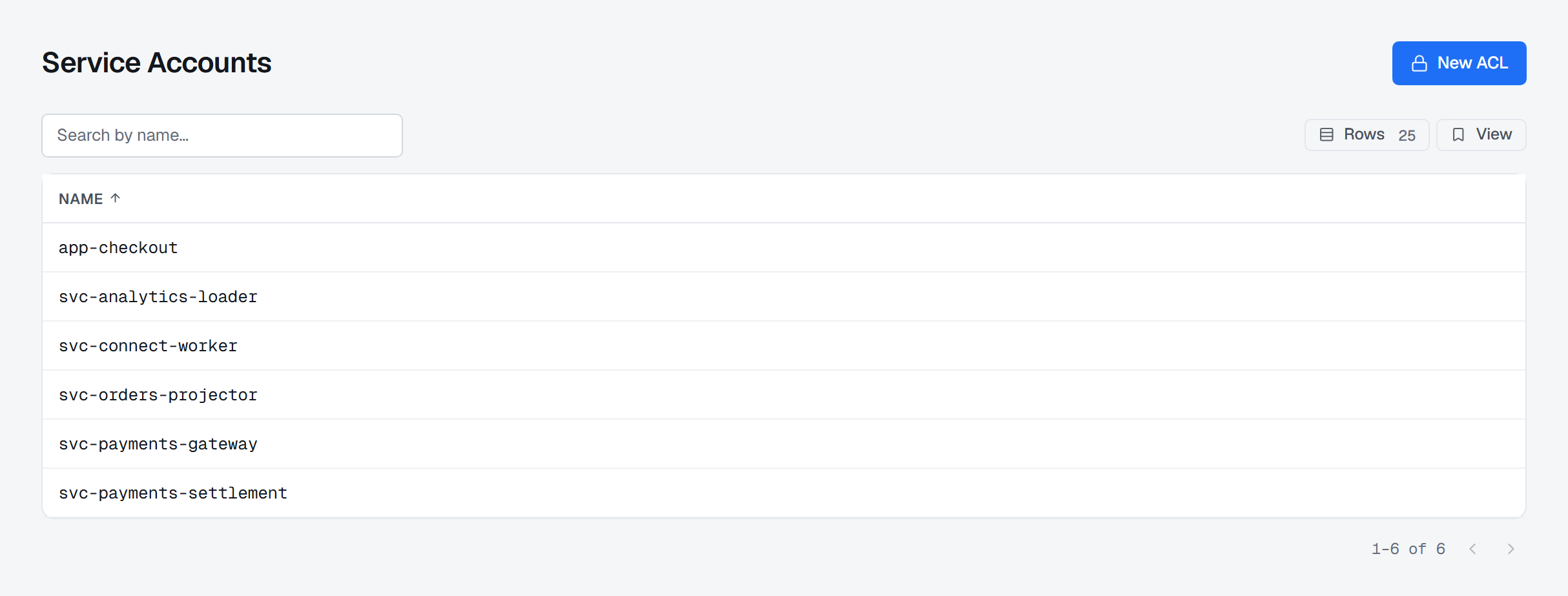
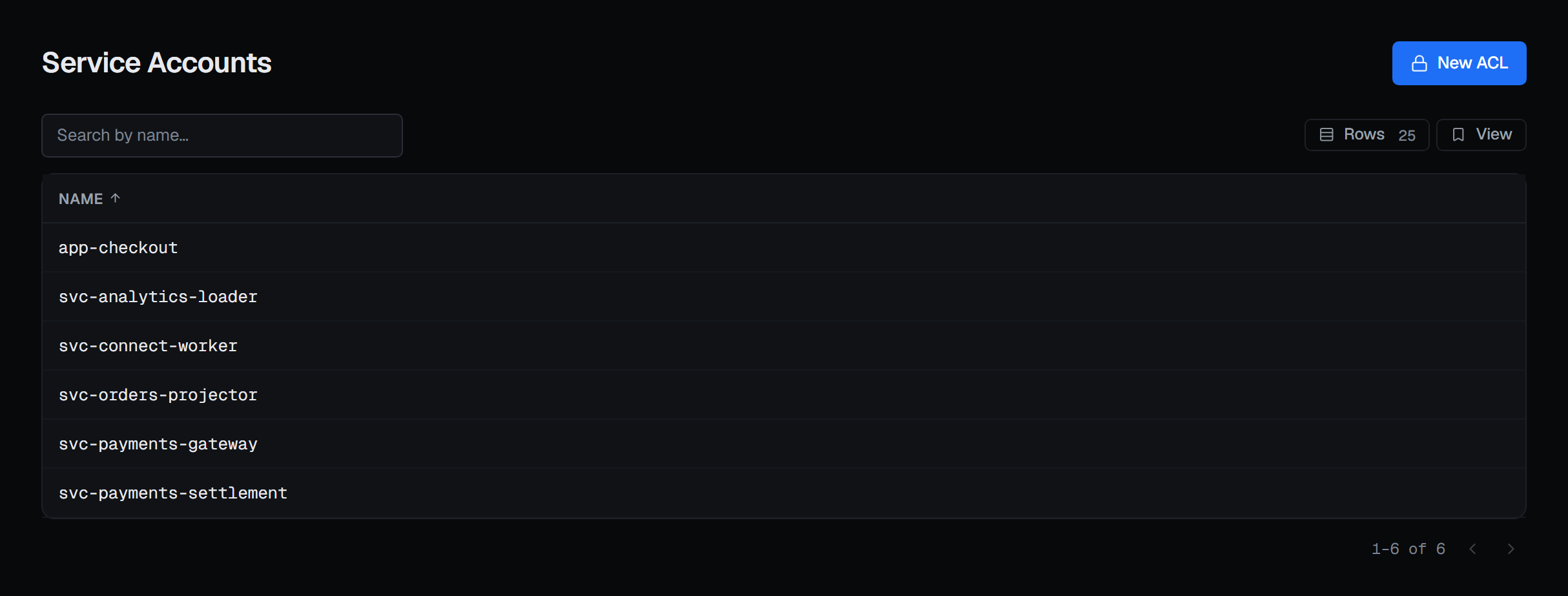
How a principal signs in is a separate matter from its rules. For a SASL/SCRAM user, BROKA can store the credential itself, from the user's SCRAM credentials tab — see SCRAM credentials; a certificate subject, or any other identity your cluster authenticates, is set up where your cluster's authentication lives.
A service account's page has four tabs: Access — its ACL rules, described below — Quotas, SCRAM credentials and Delegation tokens.
Granting a principal its first rules
New ACL asks which principal you are writing rules for, and says plainly that it is not creating one. Then it opens that principal's page, where the rules are.
The rules
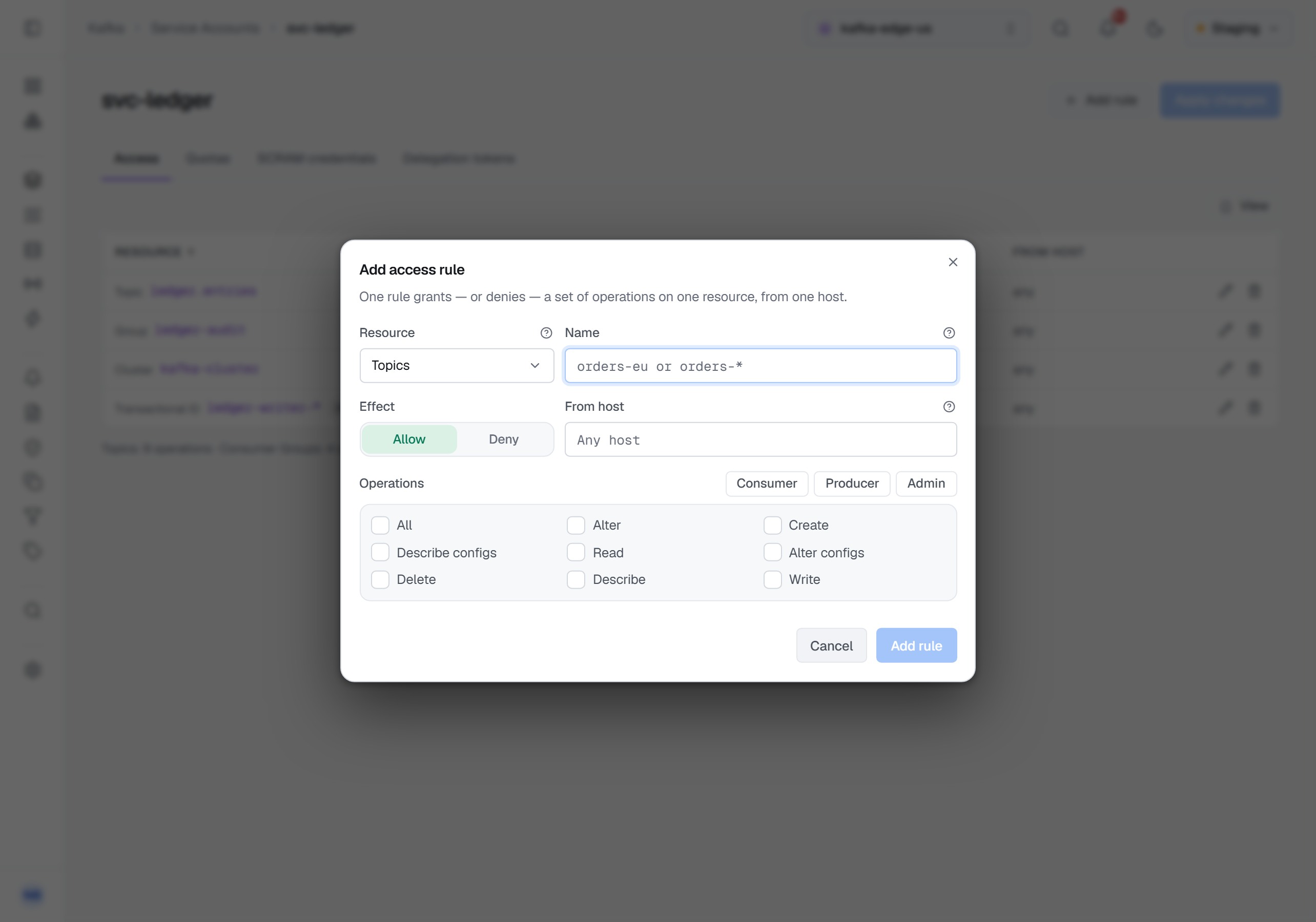
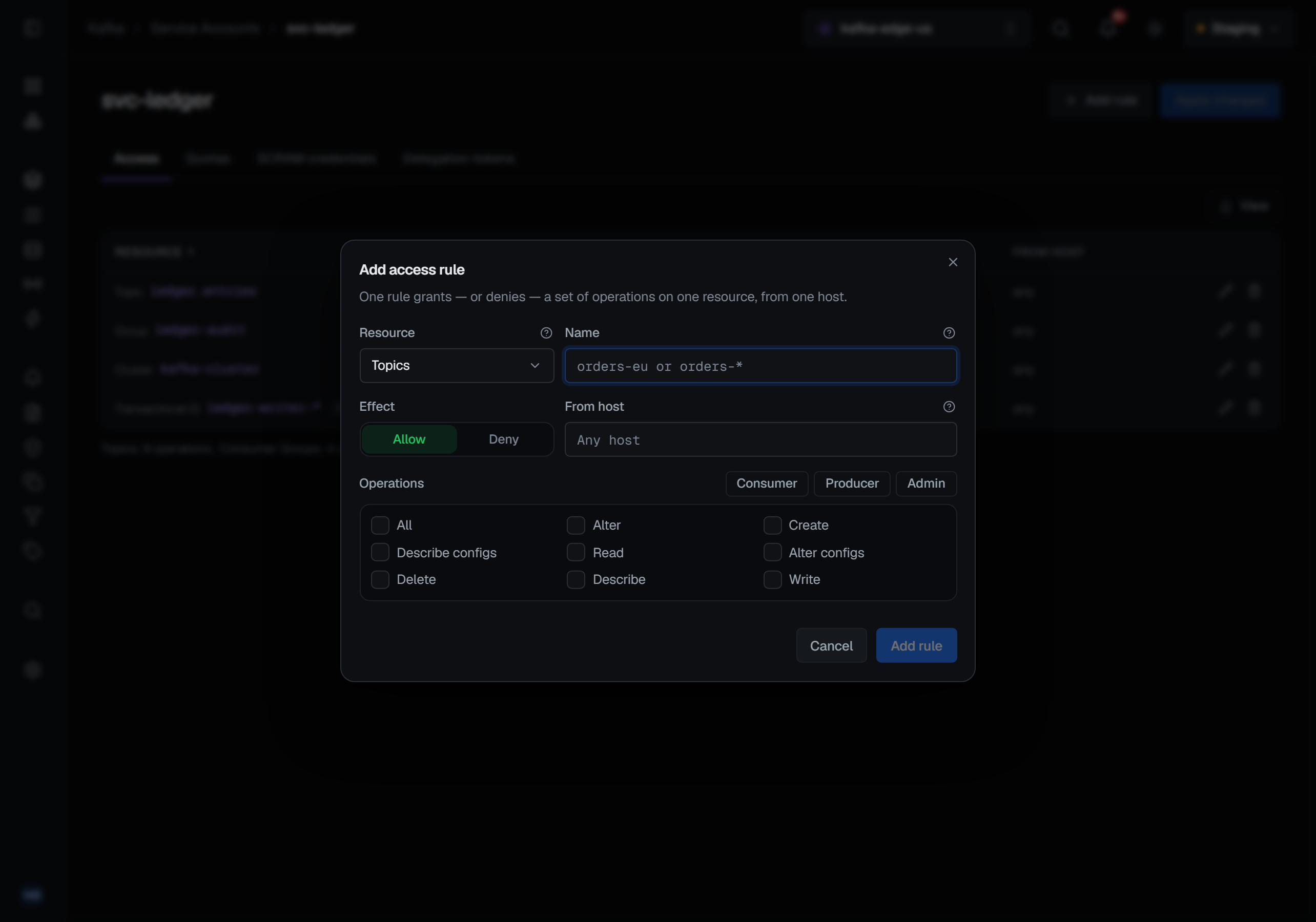
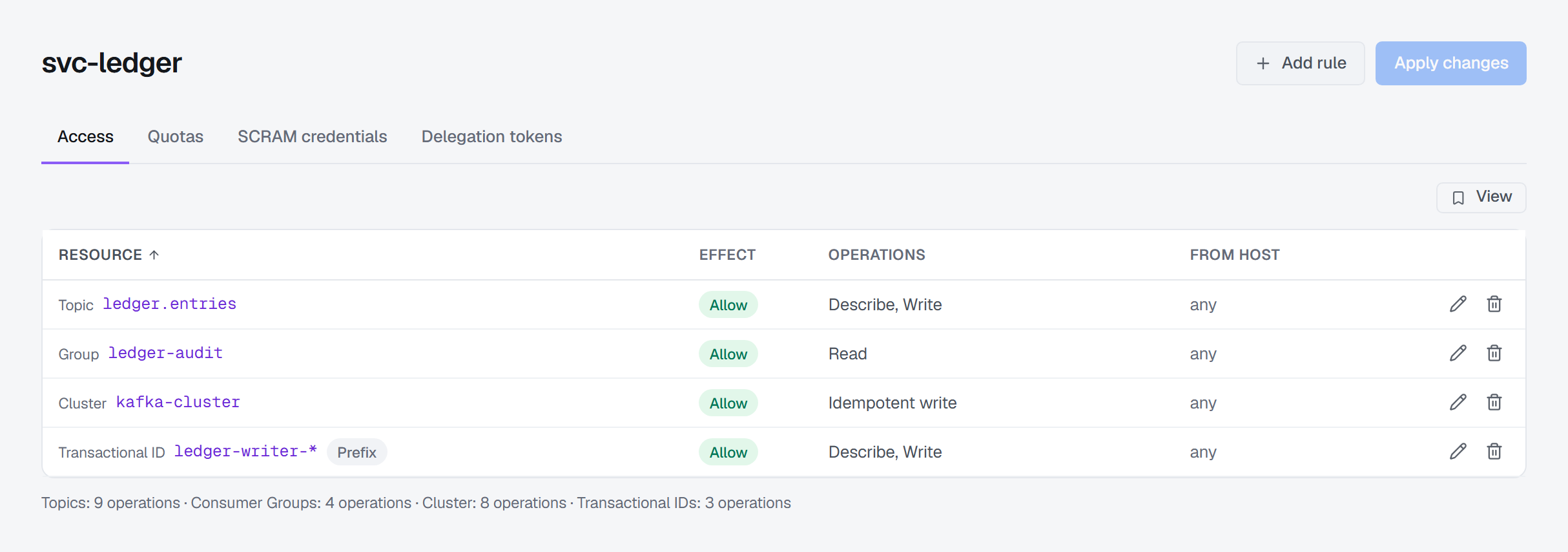
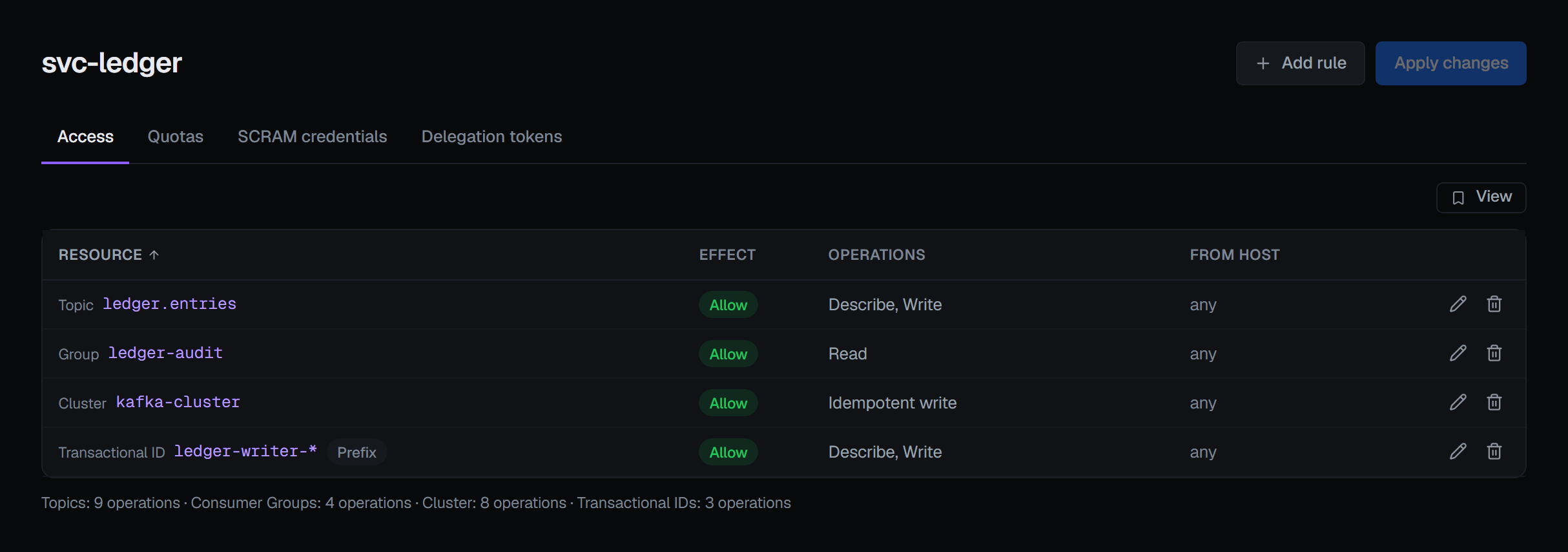
Each rule reads as one sentence: this resource, allowed or denied, for these operations, from this host.
Denies sort to the top and are marked in their own colour, because a deny is the rule that explains why something is not working, and it should not be four rows down in a list of allows.
Resources are chosen by kind — topics, consumer groups, transactional IDs, or the cluster itself — and each kind offers the operations Kafka actually defines for it, with presets for the shapes you write most often: a consumer, a producer, an administrator. A transactional producer needs Write and Describe on its transactional ID as well as on its topics, and the transactional-ID Producer preset ticks both.
A name you type ending in * is a prefix rule. orders-* covers every topic whose name starts with
orders-, and the row says so with a Prefix badge rather than making you infer it. Everything else is
an exact name. A rule the cluster already holds keeps its own kind: an exact rule whose name happens to end
in * stays exact, carries no badge, and is not turned into a prefix rule when you apply other changes.
Leaving the host blank means any host.
Applying changes
You build up your changes and apply them together. What BROKA sends is the difference between what you have on screen and what the cluster actually has — not a wholesale rewrite — and it sends the additions before the removals.
That ordering is deliberate. Kafka has no "update an ACL", so changing a rule means removing one and adding another; doing it in the other order would leave the principal briefly holding nothing, and "briefly" is long enough to break a running application. Adding first means a rule is never subtracted before its replacement exists.
If a change is rejected part-way, BROKA tells you which binding failed and how many changes had already been applied — not just that something went wrong — and then re-reads the cluster so what you are looking at is what is really there.
Rules BROKA does not show, it does not touch. Kafka has ACL kinds outside this editor's scope, and a principal holding those keeps them: the difference is computed only over the kinds the editor can represent, so applying a change here can never silently revoke a rule you were never shown.
Quotas
The Quotas tab lists the client quotas that name this user — on the user alone, or on the user with one of its client ids — with the produce and consume rates, request percentage and mutation rate set on each. Set quota and each row's pencil open the same dialog as the cluster's Client Quotas page, with the user already fixed. Removing a quota asks for a reason.
SCRAM credentials and delegation tokens
The other two tabs have pages of their own: SCRAM credentials stores the passwords a user signs in with, and Delegation tokens issues the short-lived tokens a worker signs in with as that user.
What the tabs need
Setting and removing a quota need the permission to manage the cluster. In a read-only environment their buttons
are disabled with the environment's reason. Quotas also need the connection's Kafka identity to hold
ALTER_CONFIGS on the cluster; where it does not, the buttons are disabled with that reason. What the SCRAM
credentials and Delegation tokens tabs need is on their own pages.
When the cluster has no authorizer
Not every cluster runs an authorizer, and BROKA finds out rather than assuming. When there is none, the page says so on the disabled action — this cluster has no ACL authorizer configured — instead of offering a button that fails.
Reading still works and simply returns nothing, and a write attempted anyway is refused with the same explanation rather than a broker error.
Seeing it from the other direction
A principal's page answers "what can this application do". The other question — "who can reach this topic" — is answered on the topic itself, whose ACL tab lists every rule that applies to it, including the prefix rules that cover it without naming it. That tab is governed by the same cluster-level ACL-view permission as this page, so the two never disagree about who may read your access control.
Recorded, and in Commercial the reads too
Creating and deleting a rule are audited with the principal and the full rule — permission, operation, resource, pattern and host — so the trail says what changed, not merely that something did.
Setting and removing a quota are recorded with the value before and after. How storing a credential and issuing a token are recorded is on the SCRAM credentials and Delegation tokens pages; neither record ever holds a password or an HMAC.
In Commercial, reading the ACLs is audited too. It is one of the few reads BROKA records by default, on the reasoning that who may do what on a cluster is security configuration, and reading security configuration is an event worth having in the trail. Reading a user's quotas, SCRAM credentials and delegation tokens is recorded the same way.
BROKA keeps no copy of your ACLs or quotas. They are read from the cluster each time and written straight back to it; the audit entry is the only lasting record on BROKA's side.