

Producers and open transactions
Updated 29 September 2026 · applies to 1.0.0 · Community and Commercial
A topic's Producers tab, on its page under Kafka ▸ Topics, lists the producers each partition keeps state for. It is where a transaction that began and never ended is found, and aborted. The rest of a topic's page is described in Topics.
What the tab lists
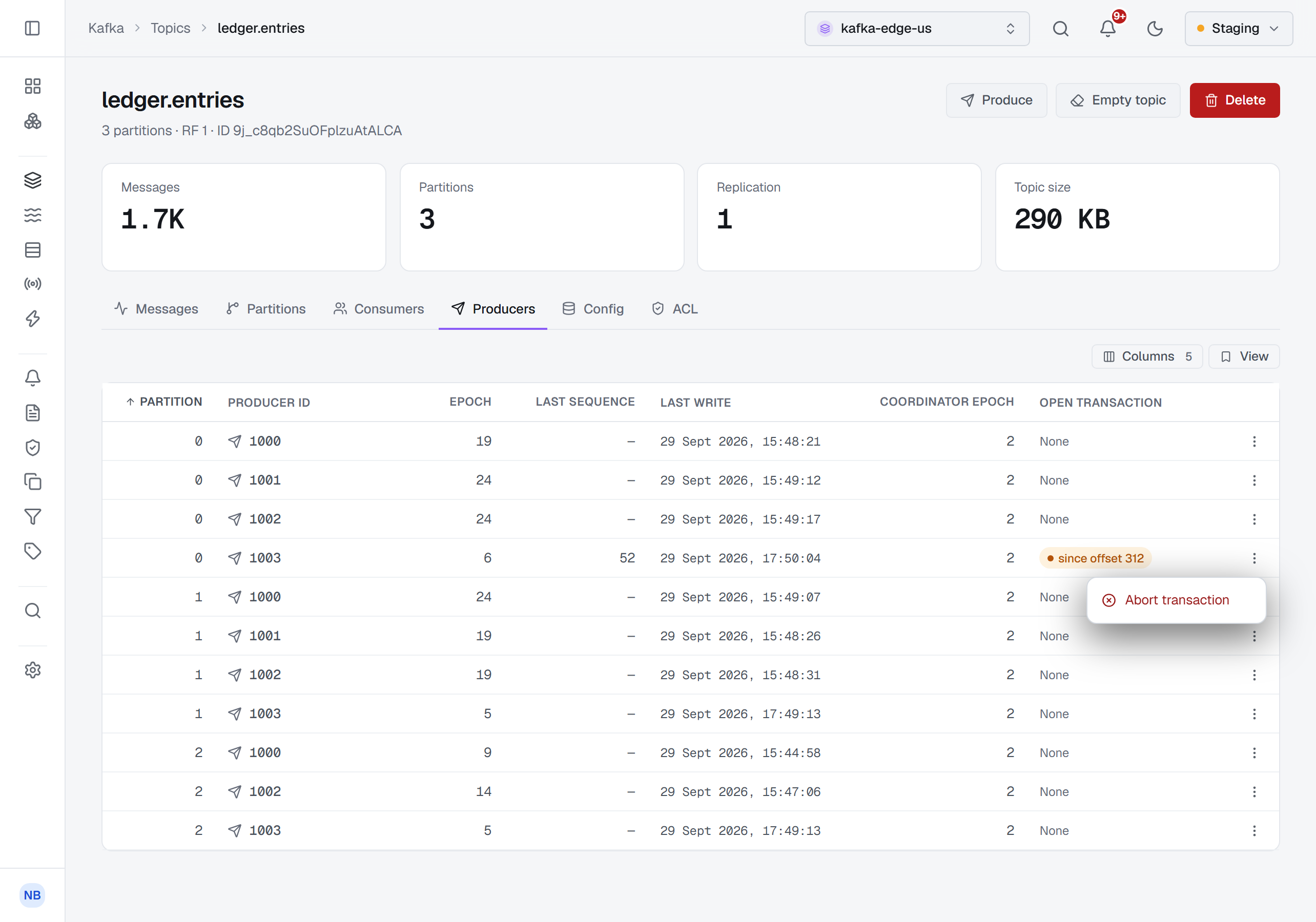
The tab lists every producer the leaders of the topic's partitions keep state for, partition by partition — a producer that has written to three partitions has three rows. The columns are:
- Partition and Producer ID — the partition, and the producer's id.
- Epoch — the producer's epoch. Fencing a producer raises it, as Transactions describes.
- Last sequence — the sequence number of the last write the partition kept from the producer, or a dash where there is none.
- Last write — when the partition last kept a write from the producer.
- Coordinator epoch — the coordinator epoch the partition kept for the producer, or a dash where it was not reported.
- Open transaction — None, or since offset N for a producer with a transaction open on that partition: the offset the transaction began at.
Every column but Partition and Producer ID can be turned off or moved, and the layout you choose is kept. The tab reads the brokers when you open it, not while it is hidden.
A transaction that will not end
A transaction that began and never ended — a hanging transaction — holds back every consumer reading the partition
with read_committed. The Open transaction column is how it is found: the offset it shows is where those
consumers are waiting.
Where consumers reading with read_committed have stopped advancing on one partition, look at that partition's rows
here. A row with an offset under Open transaction is the transaction holding them back.
Not every open transaction is hanging: a producer in the middle of an ordinary transaction shows one too, for as long as the transaction lasts. Transactions shows when each transaction on the cluster started, and can list only those running longer than a time you choose.
Aborting it
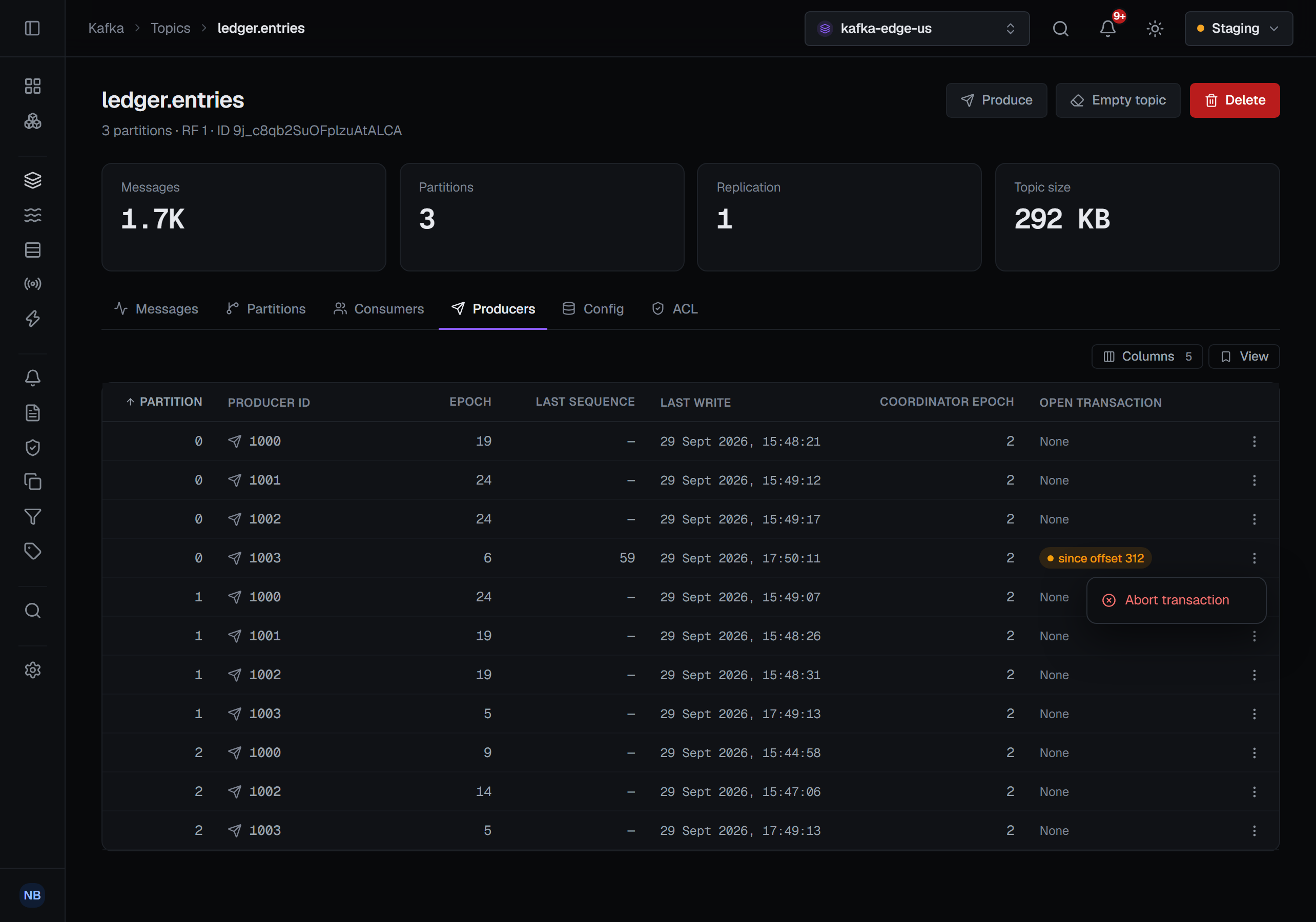
The row's menu offers Abort transaction. On a producer with no transaction open on that partition the item is disabled and reads (none open).
The confirmation names the producer, the offset the transaction began at and the partition. It says the
transaction's records are discarded for every read_committed consumer, which then moves past them, and it asks for
a reason, in every environment. It cannot be undone.
BROKA reads the partition's producers again before aborting, and aborts the transaction that begins at that offset under the producer it has just read. A transaction that ended after you opened the tab is therefore refused rather than aborted under a producer that no longer holds it. The dialog closes once the attempt is over, and the notification says which partition and offset were aborted, or carries the refusal.
Who can abort, and on which clusters
The tab needs brokers that list transactions and describe a partition's producers to clients, which Kafka does from 3.0. On an older cluster the Producers tab is shown disabled, with the reason on hover: This cluster's brokers do not list transactions or describe a partition's producers to clients, followed by the release it requires and the one it found.
Aborting needs two things. Your role needs the permission to manage the cluster; without it, or in a read-only
environment or on a connection marked read-only, the console says why instead of opening the confirmation. And the
connection's own Kafka identity must hold ALTER or CLUSTER_ACTION on the cluster. Without it Abort
transaction is disabled, with the reason written under it in the menu: This connection's identity may not alter
the cluster (ALTER on the cluster), which aborting a partition's open transaction needs.
The other ways to end a transaction
Aborting works on one partition, from the offset its transaction began at. Transactions, under Kafka in the sidebar, lists every transaction on the cluster and has the two other ways to end one: Fence producers, which raises the epoch of the transactional ids you name so that every producer still using them is refused and any transaction they left open is aborted, and Terminate transaction, which ends one id's transaction in progress.
What gets recorded
Aborting a transaction is written to the audit trail against the topic, with the partition, the producer id, its epoch, the coordinator epoch and the offset the transaction began at, as BROKA read them just before the abort — after it, nothing on the broker says whose transaction it was. The record is written in a way a disconnecting client cannot cancel: an irreversible action on your broker does not lose its only trace because a browser tab closed.