

Client quotas
Updated 30 September 2026 · applies to 1.0.0 · Community and Commercial
A client quota is a limit every broker enforces by throttling the client that reaches it: how many bytes per second it may produce or consume, how much of a request thread it may take, how fast it may create or delete partitions, and how fast new connections may arrive from one address. Client Quotas, under Kafka in the sidebar, is every quota set on the cluster in one list.
What the list shows
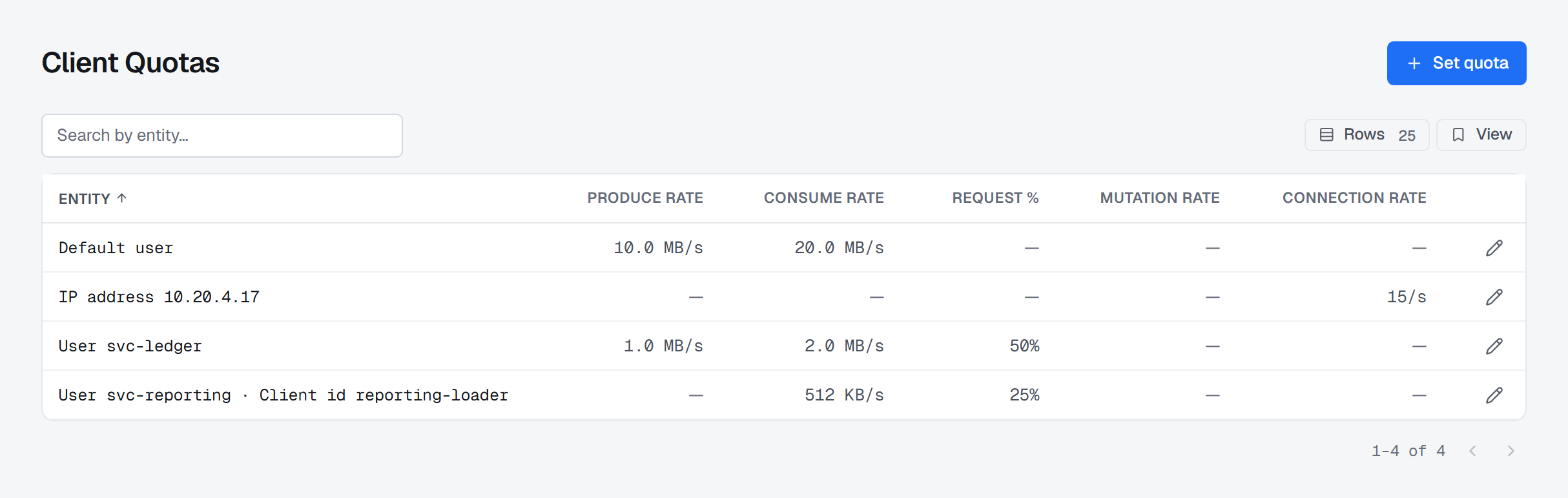
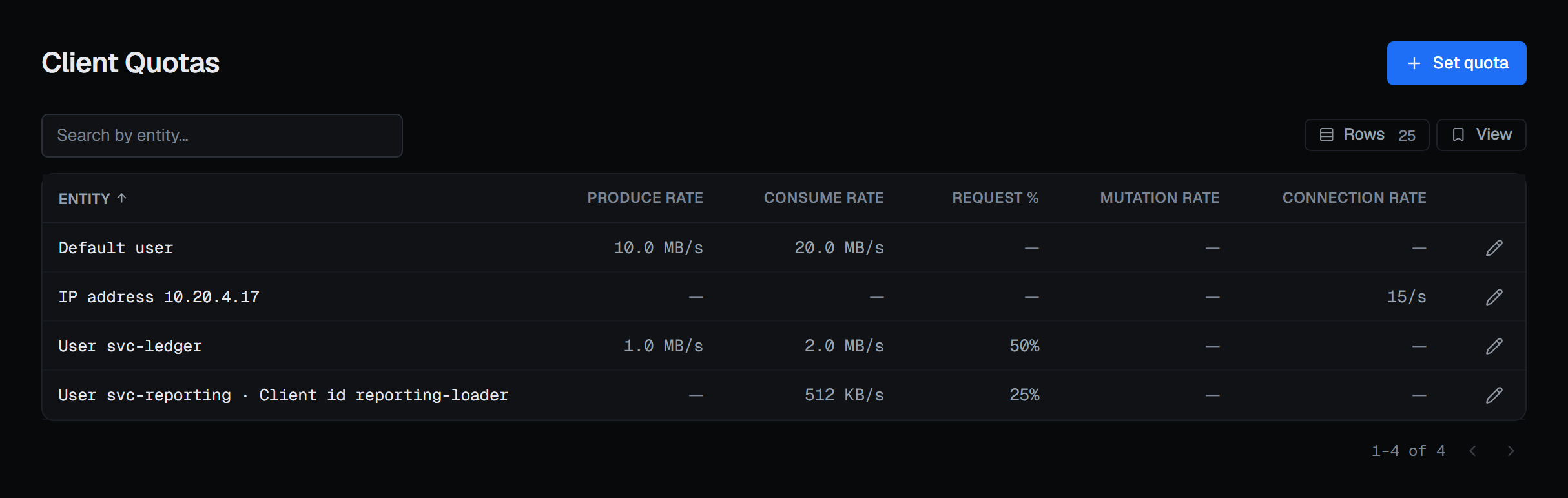
Each row is one entity — the thing a quota is set on — and the value of every quota key set on it:
- a user, a client id, or a user with one client id;
- an IP address;
- and each type's default, which applies to every user, client id or address that has no quota of its own. A default reads as Default user, Default client id or Default IP address.
The columns are the five quota keys, each in its own unit:
| Column | Kafka's key | What it limits |
|---|---|---|
| Produce rate | producer_byte_rate |
Bytes per second, per broker |
| Consume rate | consumer_byte_rate |
Bytes per second, per broker |
| Request % | request_percentage |
Percent of one request thread, per broker |
| Mutation rate | controller_mutation_rate |
Partitions created or deleted per second |
| Connection rate | connection_creation_rate |
New connections per second, per broker — an IP address's only key |
A key that is not set on an entity reads —. That is not a limit of zero: it means this entity leaves that key to the next quota that applies. Search narrows the list by entity.
Which quota a client is held to
A client is held to the most specific quota that names it: its user with its client id first, then its user, then the defaults. A row on this page is one rung of that ladder, not anyone's effective limit — which is why a client can be throttled although the row for its user shows nothing, and why the dialog says so when you set one.
Setting a quota
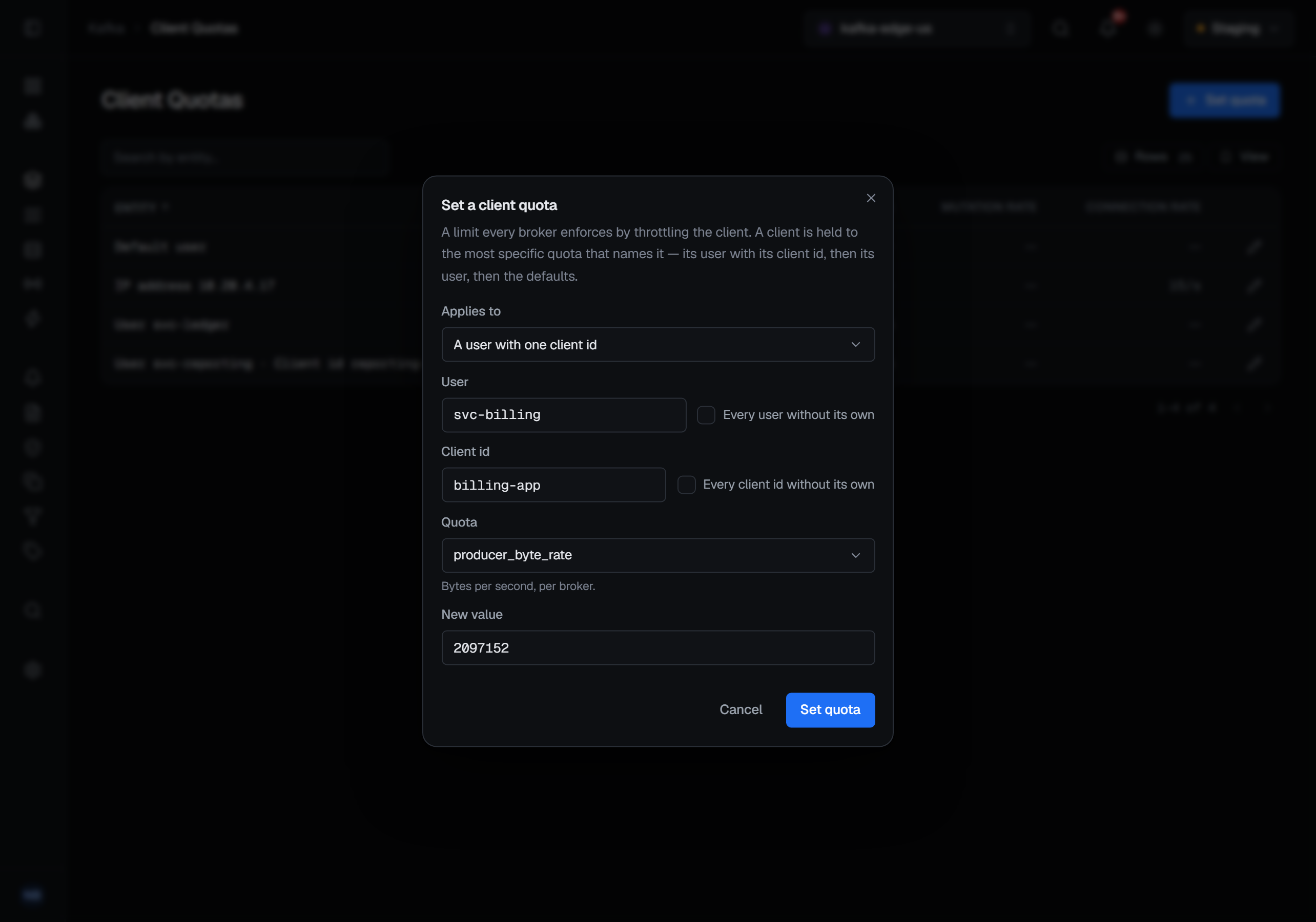
Set quota opens Set a client quota. Applies to chooses the kind of entity — a user, a user with one client id, a client id, or an IP address — and each name it needs has a box beside it for the default instead (Every user without its own, Every client id without its own, Every address without its own). Quota then offers the keys that entity takes, under Kafka's own names, with the unit under each, and New value takes a number greater than zero.
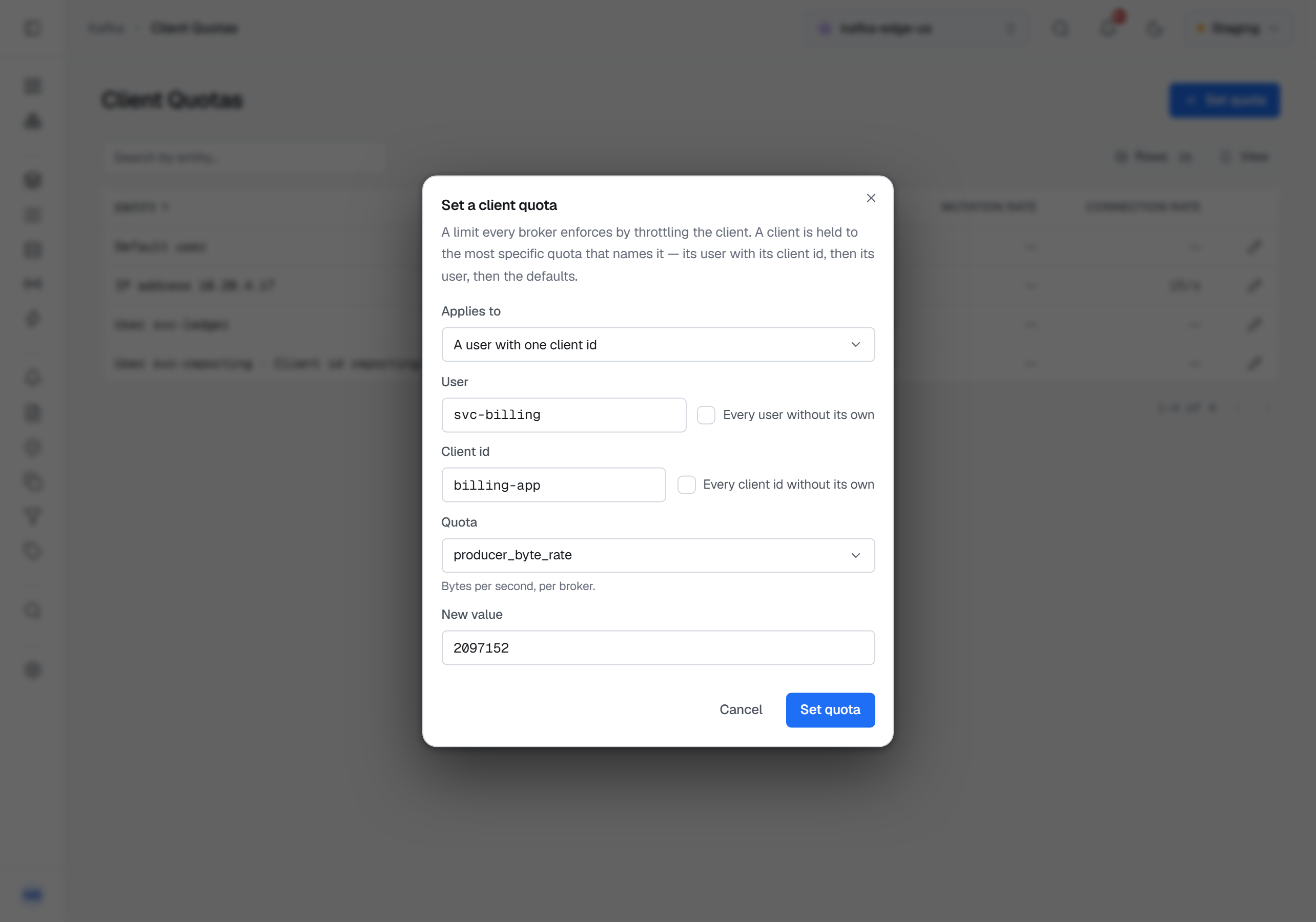
To change or remove a quota that exists, use the pencil on its row. The dialog opens on that entity, and for each key it says what is set now — or Not set — the next quota that applies governs. Remove takes the key off the entity, so the next rung of the ladder governs again. Removing asks for a reason.
The cluster checks every write: which keys an entity takes, that the value is above zero, and that an address is not combined with a user. When it refuses, the notification carries its sentence.
One user's quotas
A service account's page has a Quotas tab with the same rows for one user — the quotas on that user, with or without a client id — and the same dialog, with the user already fixed. See Service accounts and ACLs.
What it needs
The page needs Kafka 2.6 or later, and a connection whose Kafka identity may describe the quotas. Where either is missing, the Client Quotas entry in the sidebar is shown disabled with the reason, and a service account's Quotas tab says why above an empty list.
Setting and removing a quota need the permission to manage the cluster. They also need the connection's own
Kafka identity to hold ALTER_CONFIGS on the cluster; without it, Set quota is disabled with that reason
and the row pencils are disabled with it. In a read-only environment the same controls are disabled, and
Set quota gives the environment's reason.
What gets recorded
Setting a quota is recorded with the key's value before and after, and removing one with the value it had. An address is never written to the trail: a quota on an IP address is recorded under a digest of the address. In Commercial, reading the quotas is recorded too, as reading the ACLs is.
BROKA keeps no copy of your quotas. They are read from the cluster each time and written straight back to it.